Week 10 - Challenge 2- Attachment Feature Creation (Dog House)
The DOOR TRIM - DOG HOUSE, Method has been used which they provided by CATPART and I have attached with the CAT part.
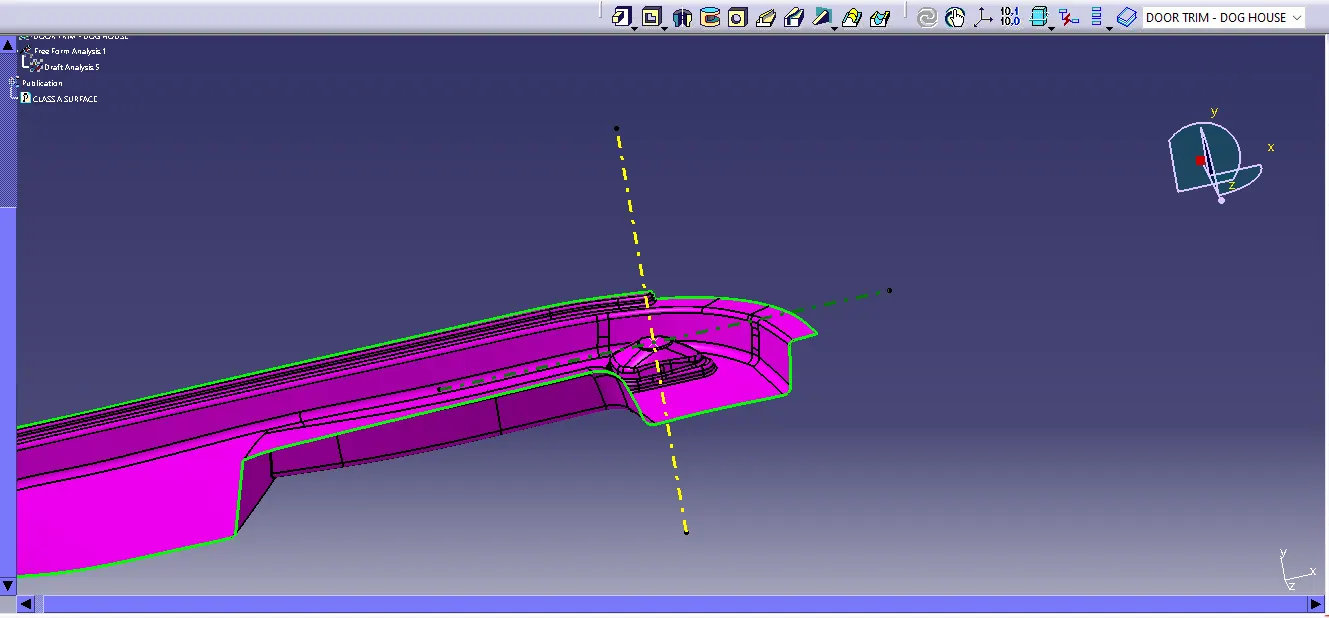
STEP 1: To make a progress i made TOOLING AXIS and SIDE CORE AXIS,
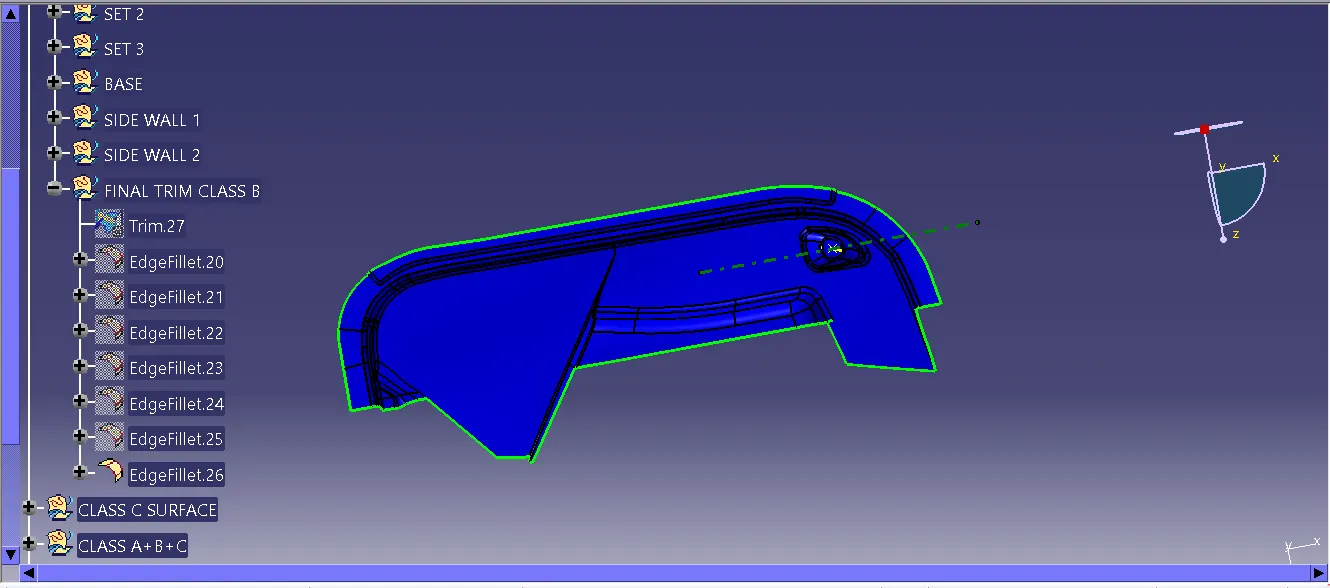
STEP 2: AND then to make a CLASS B SURFACE by using a TOOLING AXIS ,
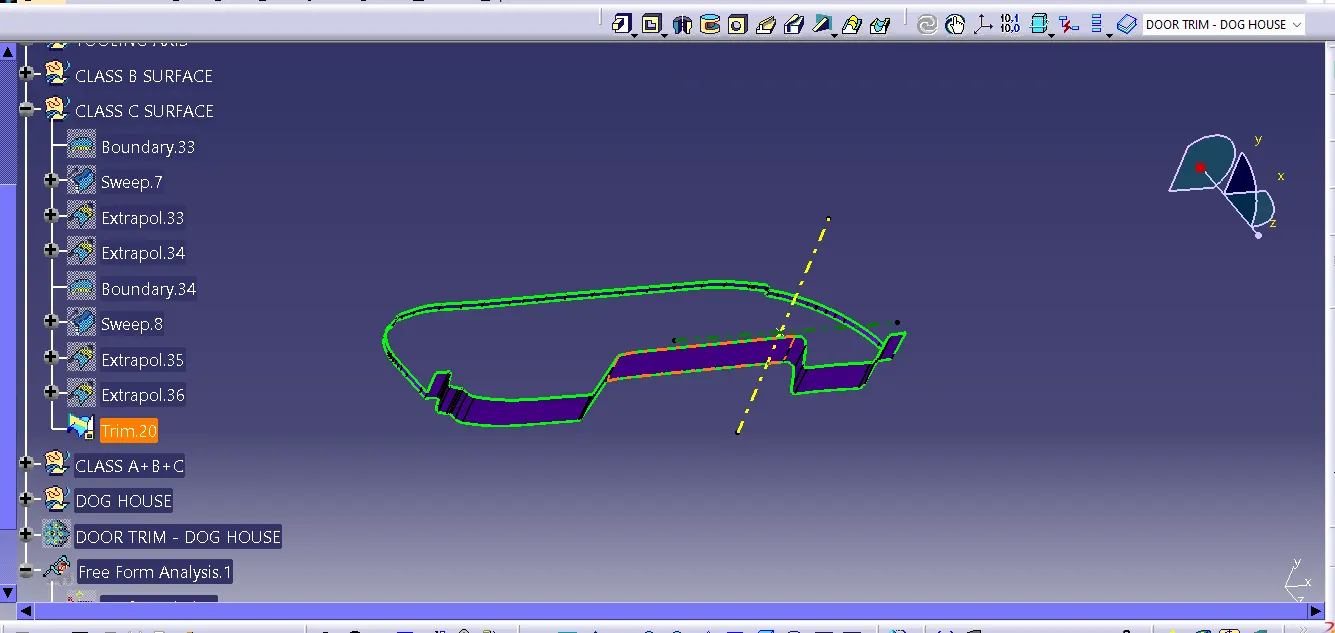
STEP 3: Then use the CLASS A SURFACE to create a CLASS C SURFACE,
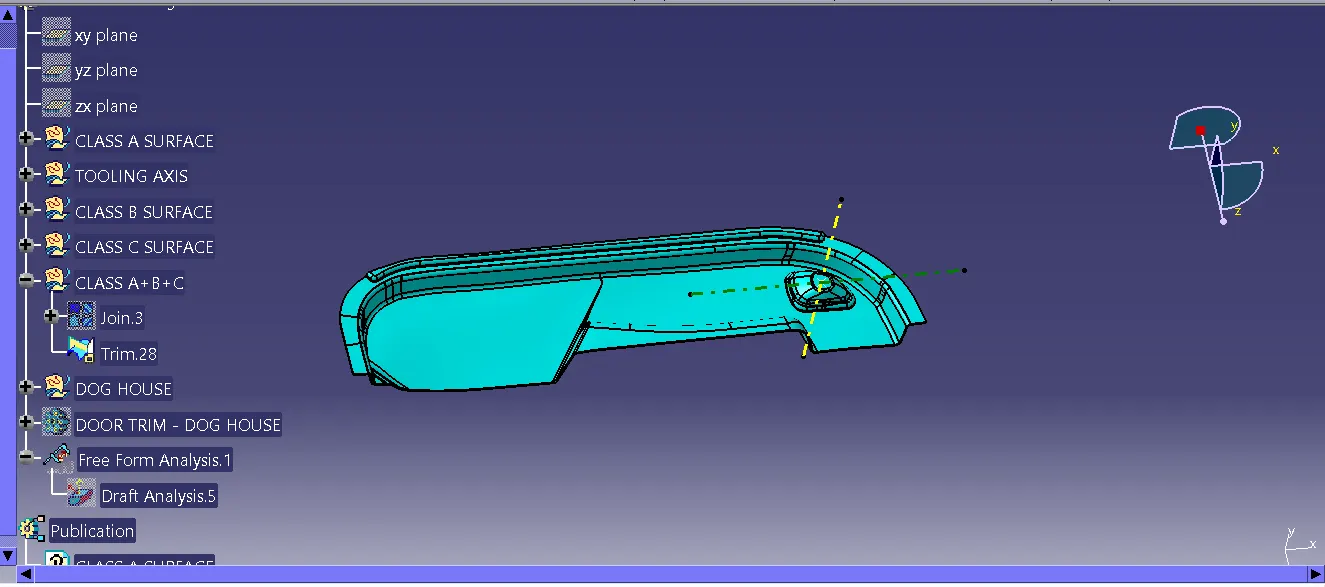
STEP 4:After the i used to trim command in CLASS A, CLASS B, CLASS C SURFACE together, and create a CLOSE SURFACE,
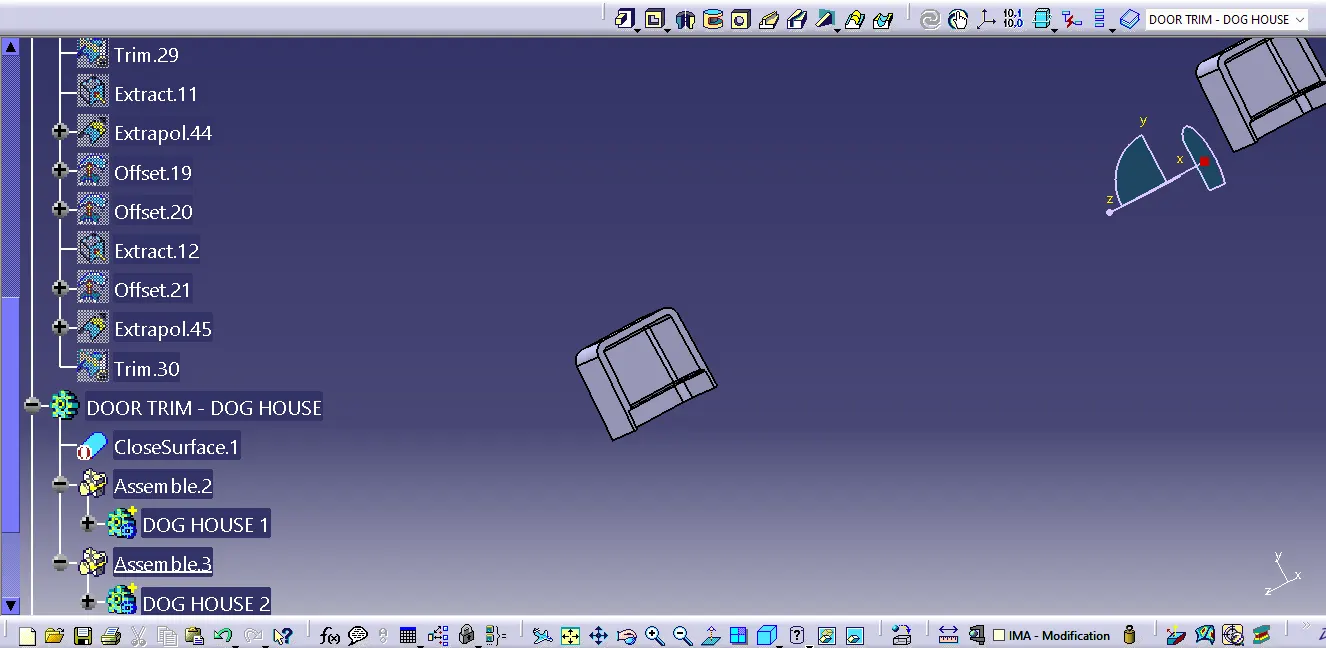
STEP 5: By using the CORE AIXS to create the DOG HOUSE and using paste special to create a another DOG HOUSE,
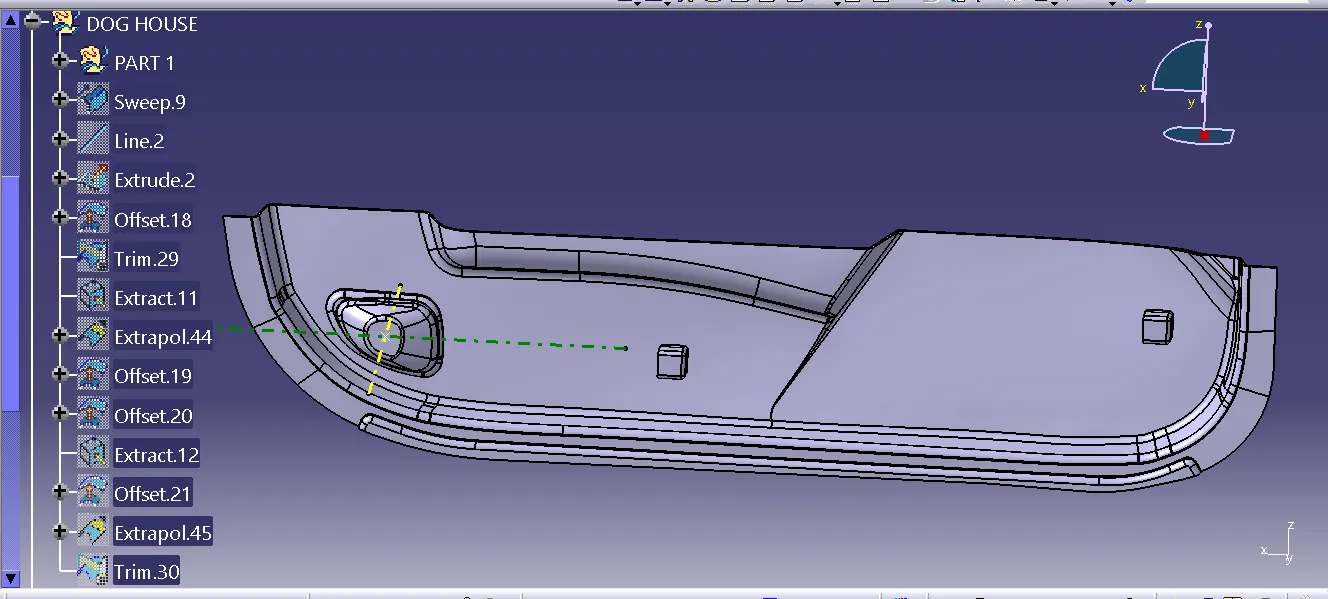
STEP 6:By using the both DOG HOUSE and DOOR TRIM to used the TRIM command by mearging it,
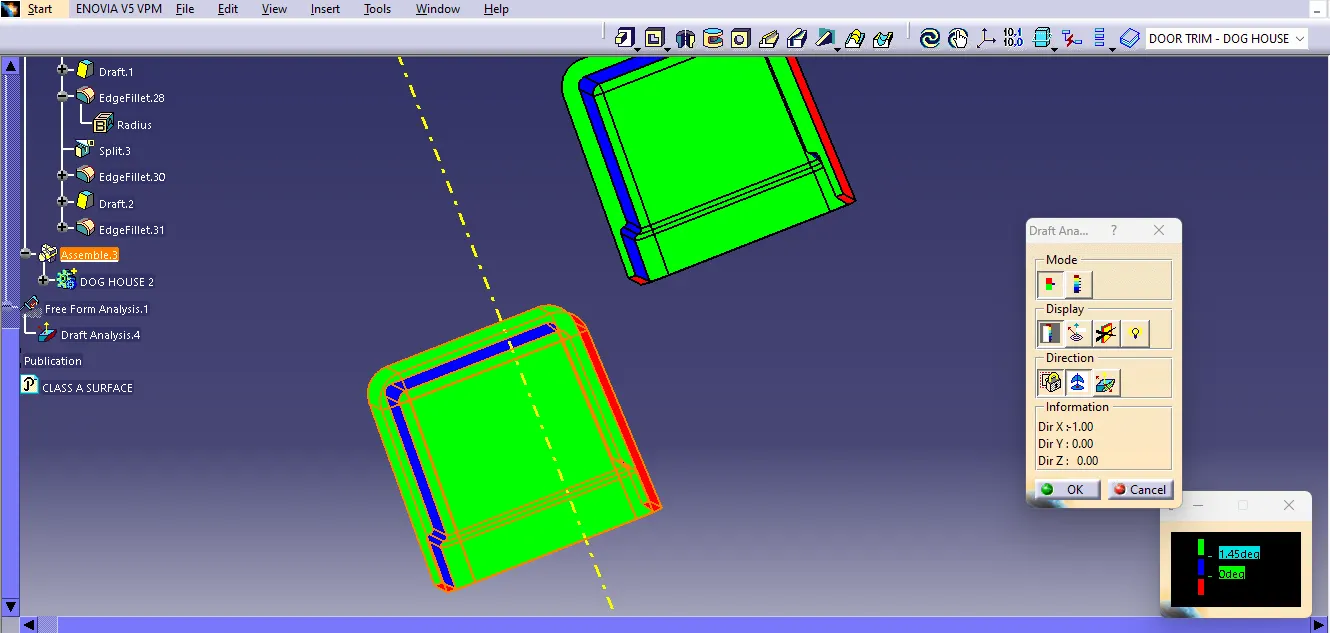
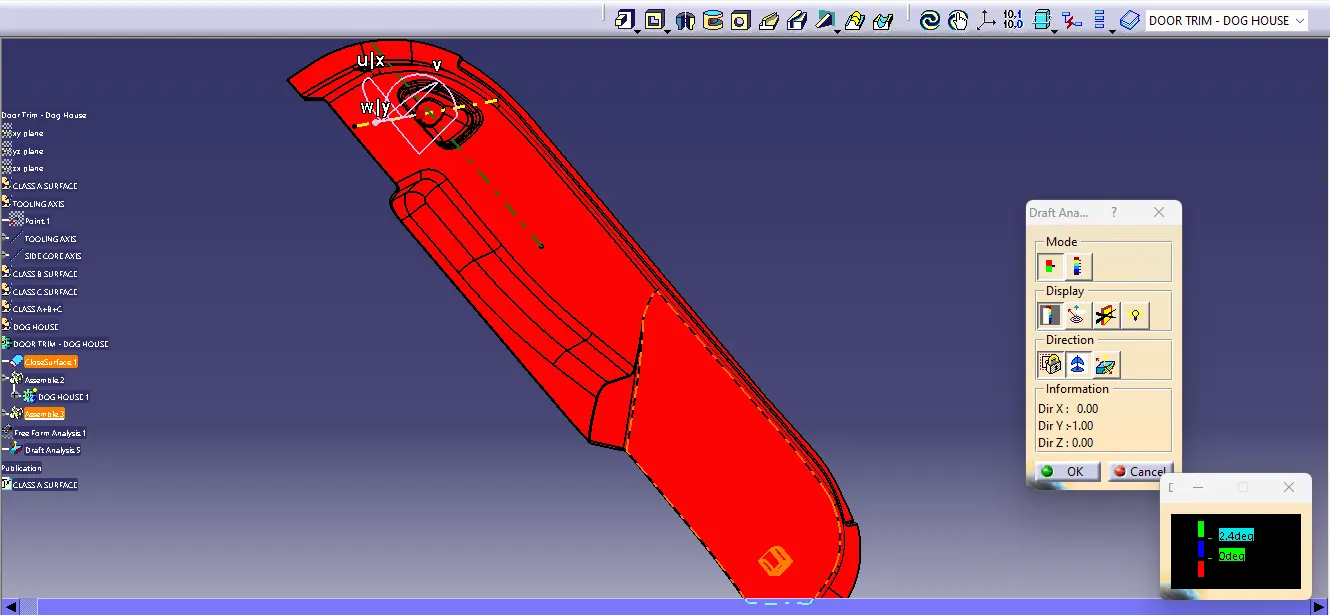
STEP 7: By using the ANALYSIS DRAFT to check in the DOG HOUSE to make a sure correct condition are applyed in the TOOLING AIXS,
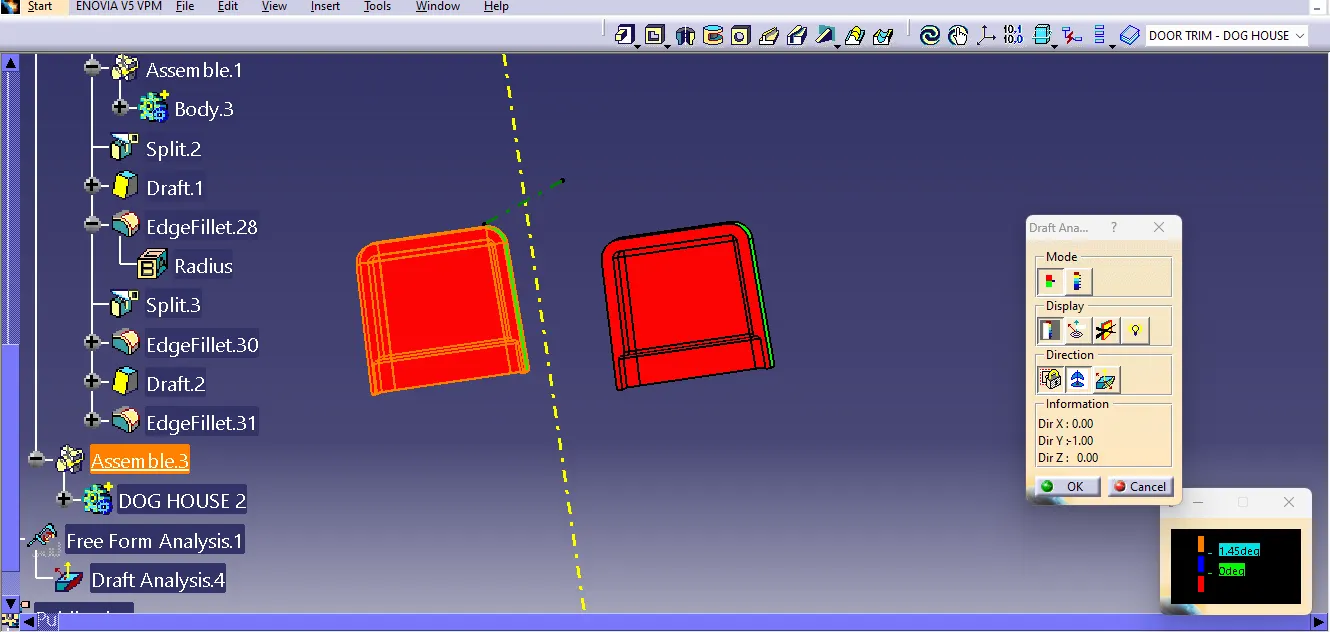
STEP 8: And then By using the ANALYSIS DRAFT to check in the DOG HOUSE to make sure a correct condition another are applyed in the CORE AIXS,
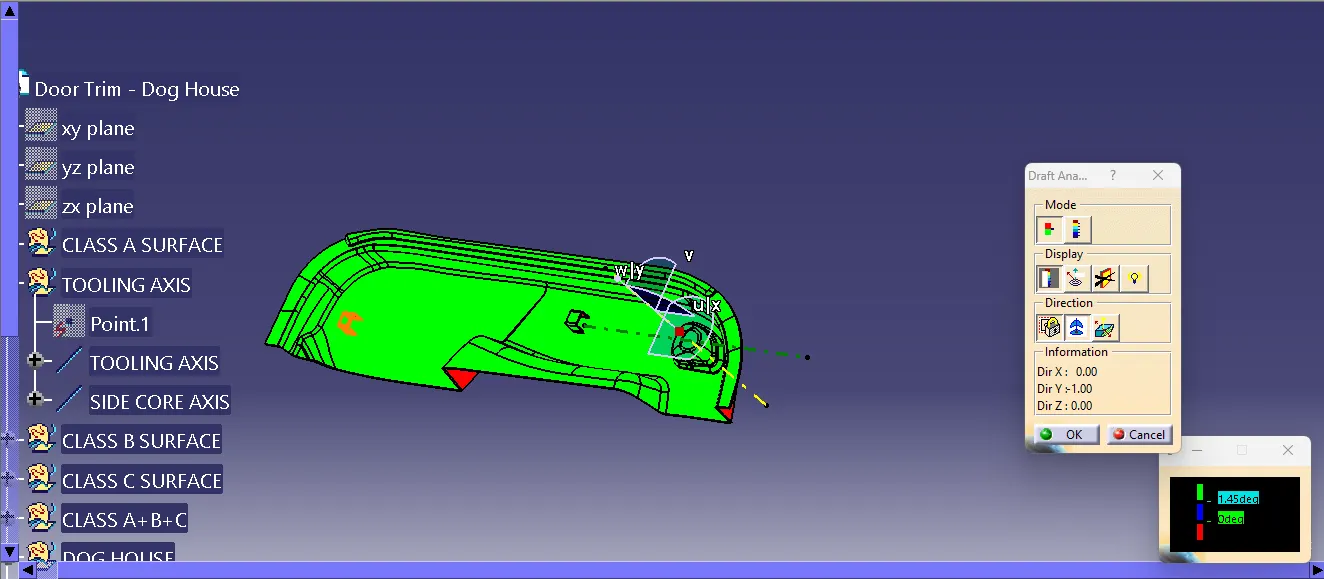
STEP 9 : And then By using the ANALYSIS DRAFT to make a sure correct condition are applyed in the in the TOOLING AXIS
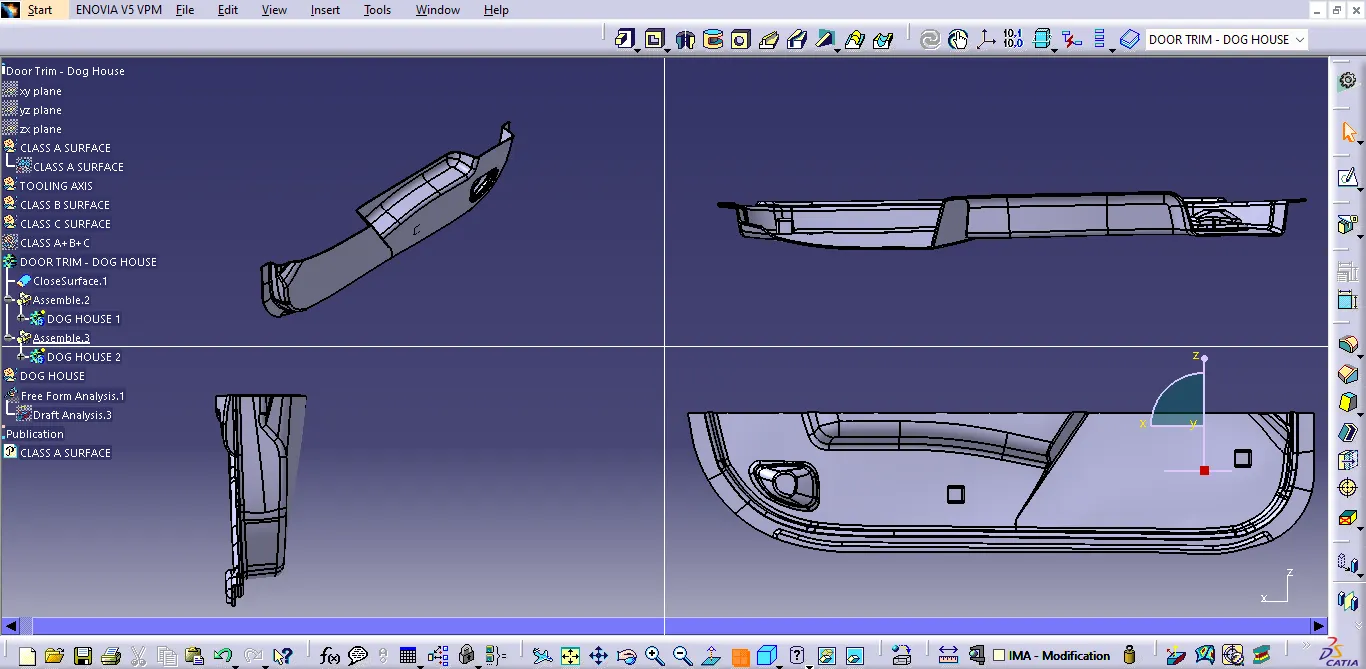 STEP 10: This are the ISOMATRIC VIEW, FRONT VIEW, SIDE VIEW AND TOP VIEW.