Week 10 - Challenge 2- Attachment Feature Creation (Dog House)
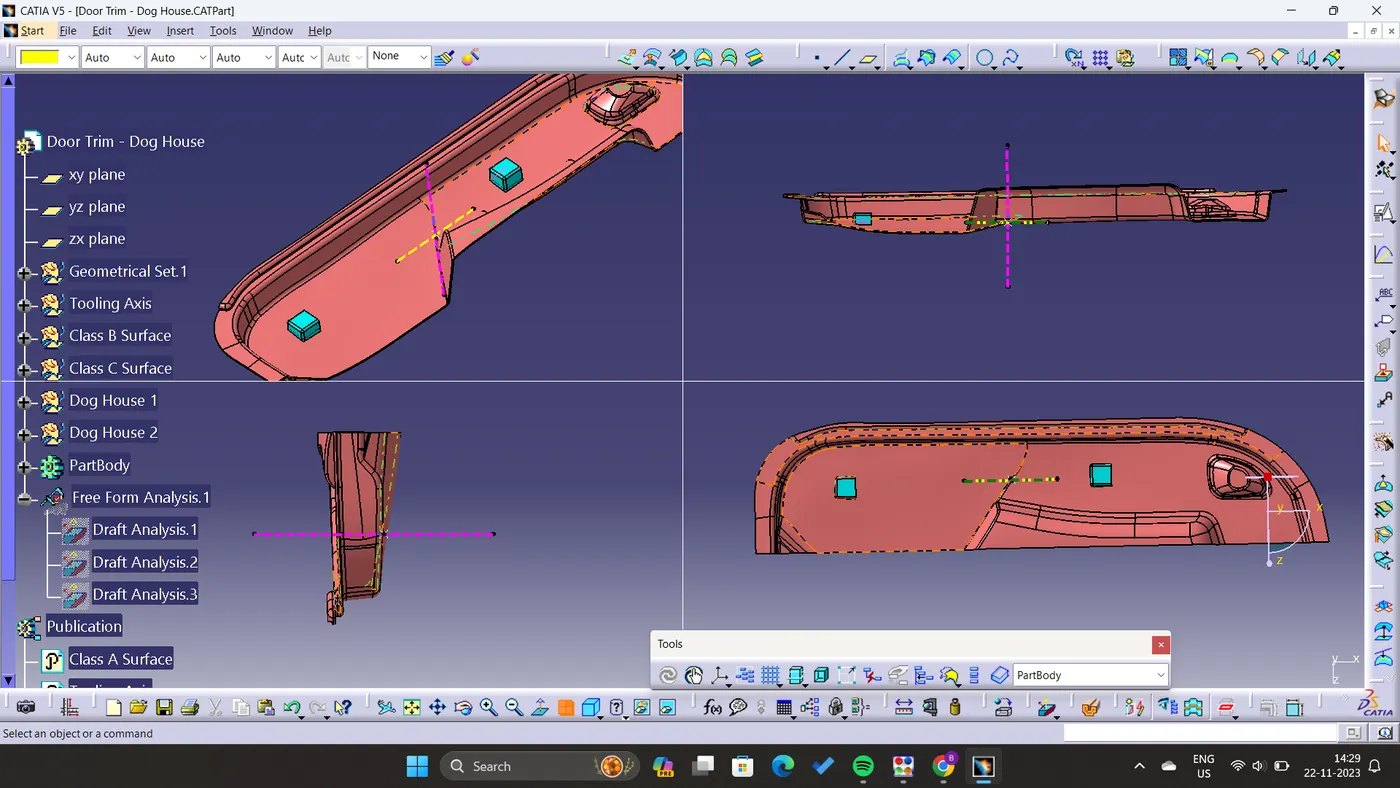
Creation of tooling axis followed by Draft analysis.
- Visualised the Class A Surface, checked the axis that will clear all edges and slots.
- Created the Main Tooling axis in Y-direction by taking point on the curve as highlighte in Pink color.
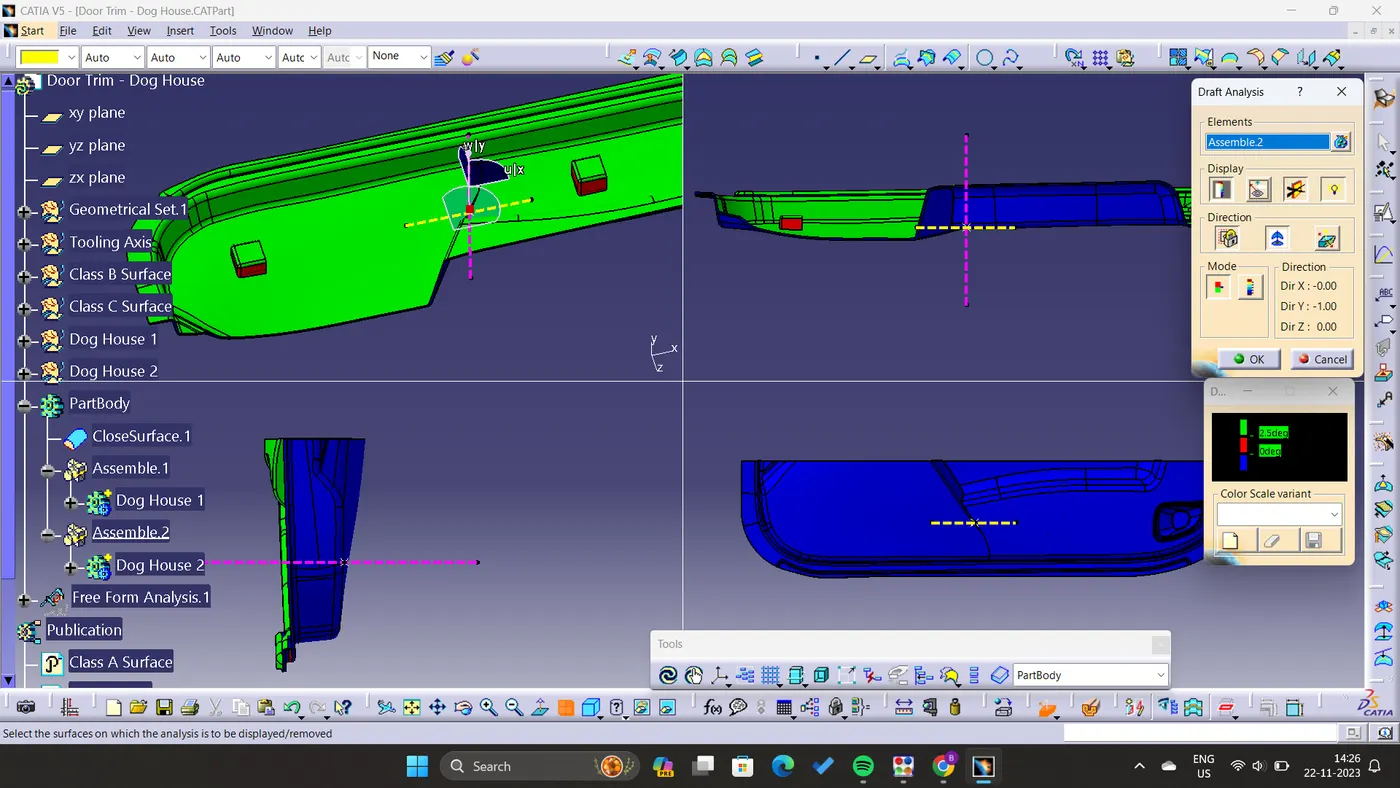
- After the tooling axis is created, to perform Draft Analysis go to Insert- Analysis- Feature Draft Analysis.
- First aligne the Compass with the Tooling Axis and lock it their.
- After that set the range of Draft as 0 to 2.5 degree with respective, it will show the results.
- Result shows the draft of more than 2.5 degrees, highlighted in green color.
- As we know Dog House will required side core, for that we also need another tooling axis, Side core tooling axis is created and highlighted in Yellow color.
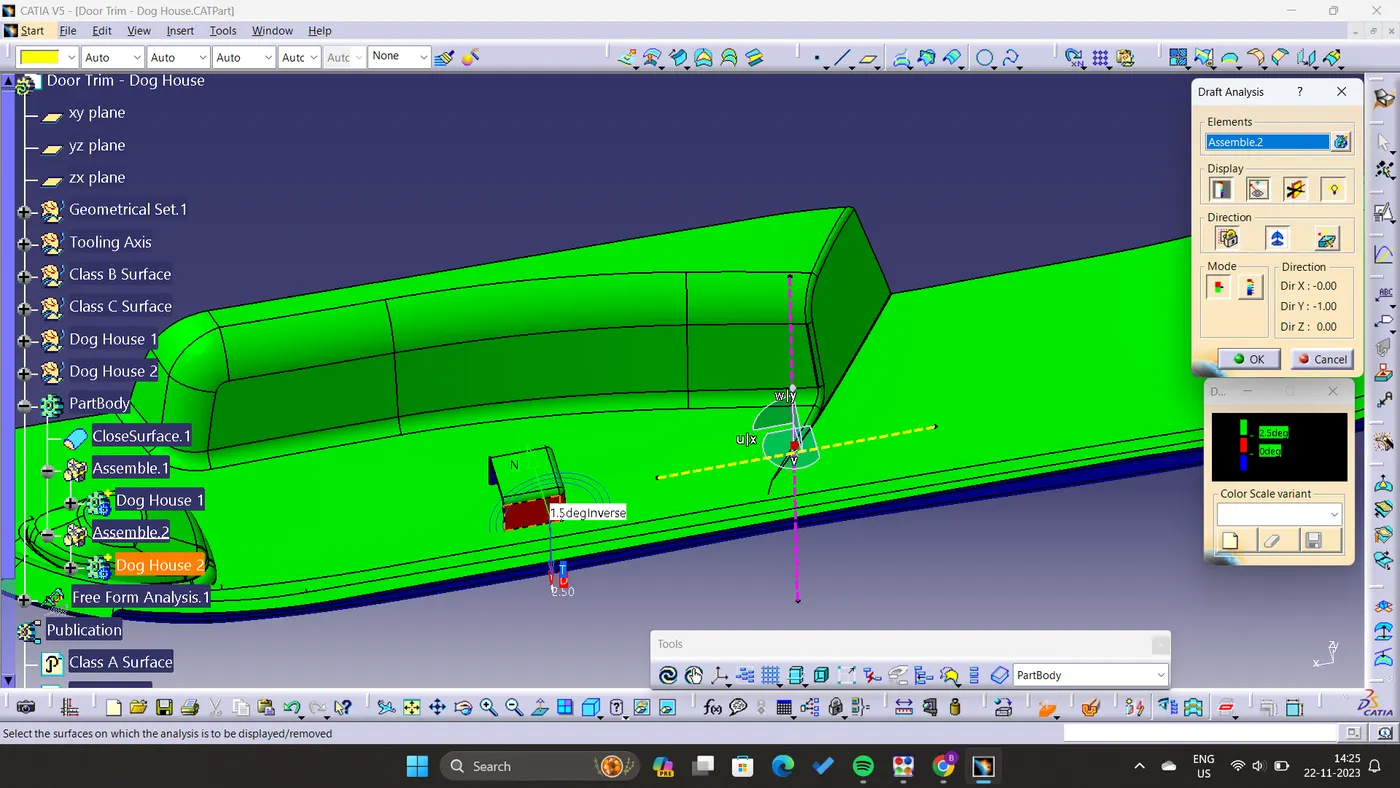
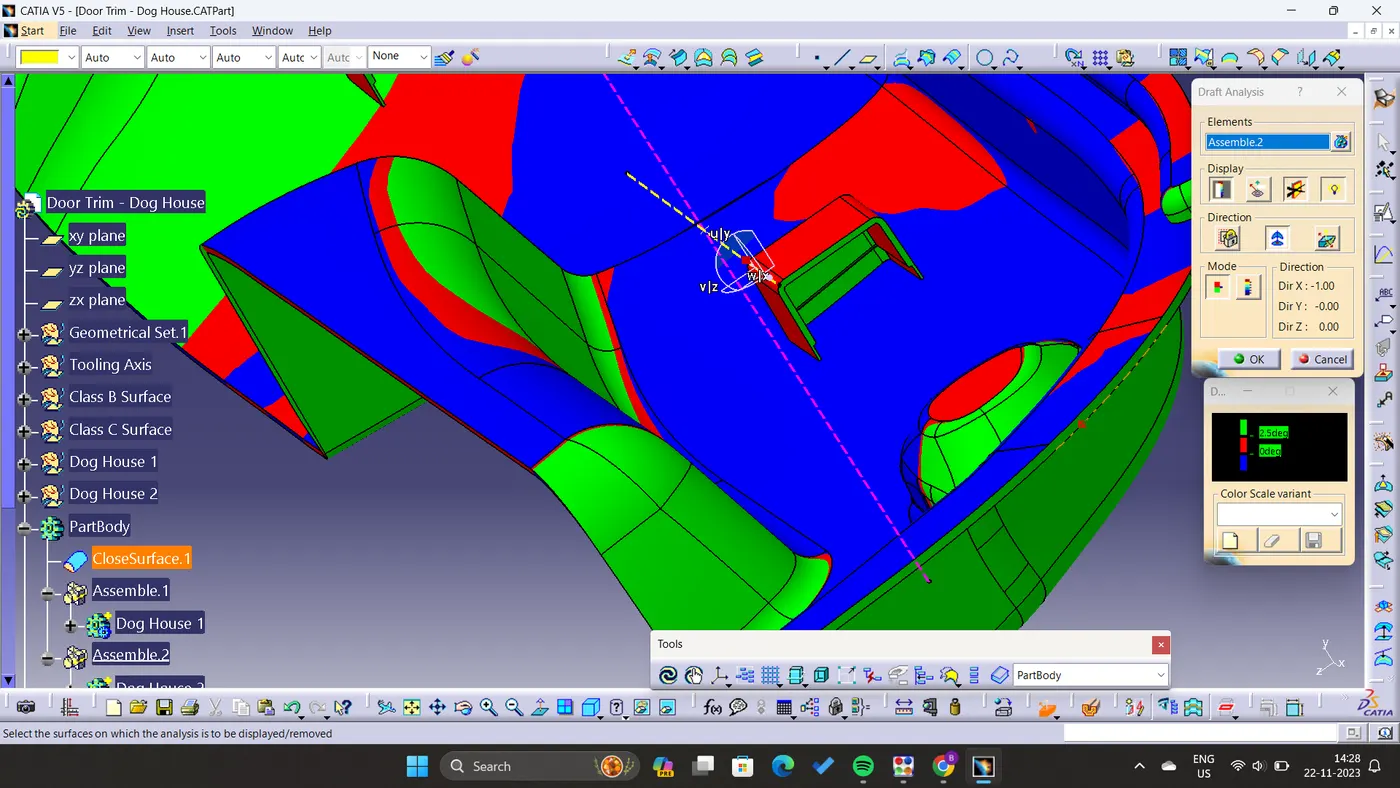
- Different views of Final Component: