Week 10 - Challenge 2- Attachment Feature Creation (Dog House)
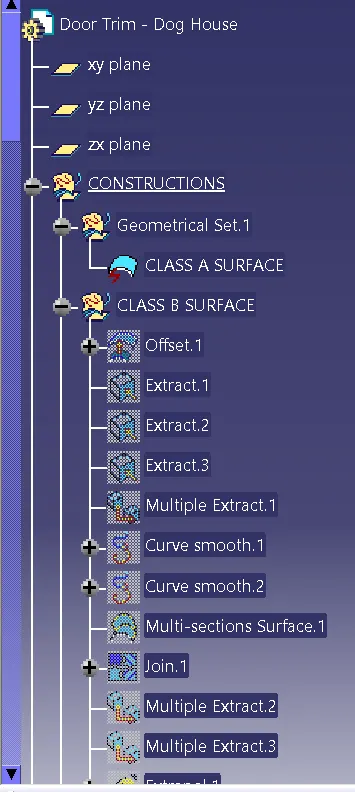
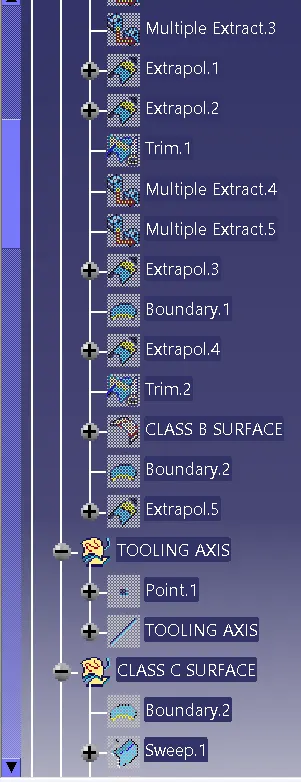
For this Challenge I started with Class A Design. Then I started with offset class A surface by 2.5 mm. I got some gaps that I started to fill those gaps. This is my class B Surface.
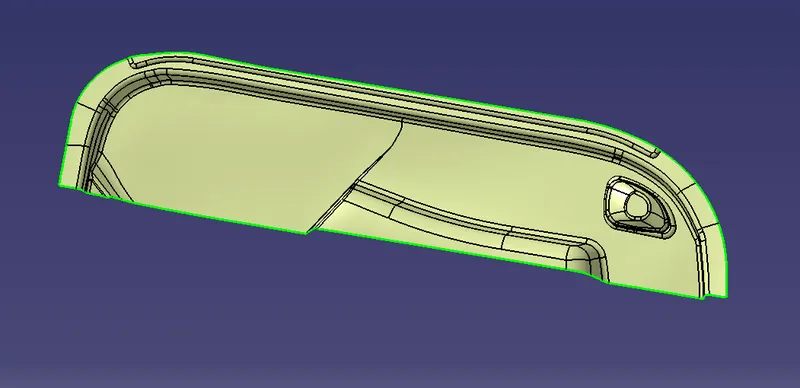
I did the Tooling Axis perpendicular to the surface. I started using Sweep Command from the Class A surface to get Class C Surface.
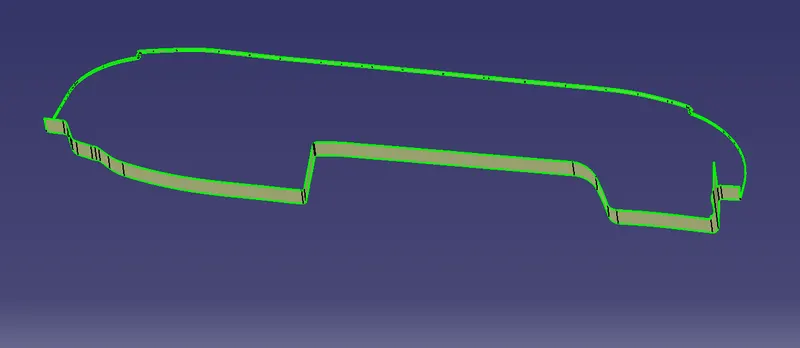
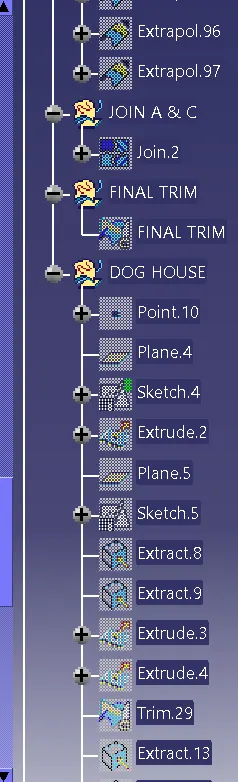
I Joined Class A with Class C Surface. After that, I Trim Join A & C with Class B.
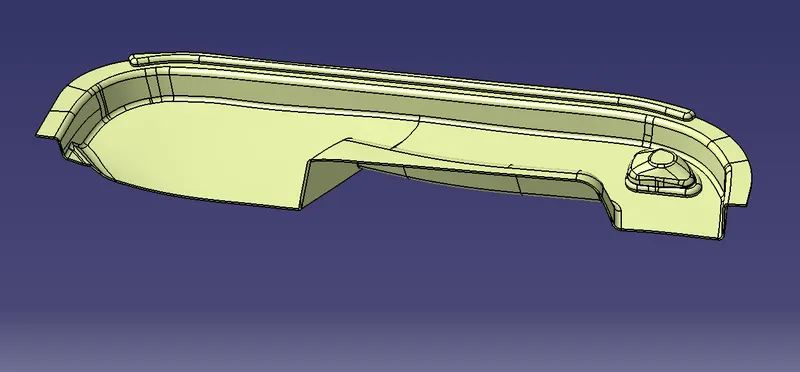
I used Solid for it that's my Final Product.
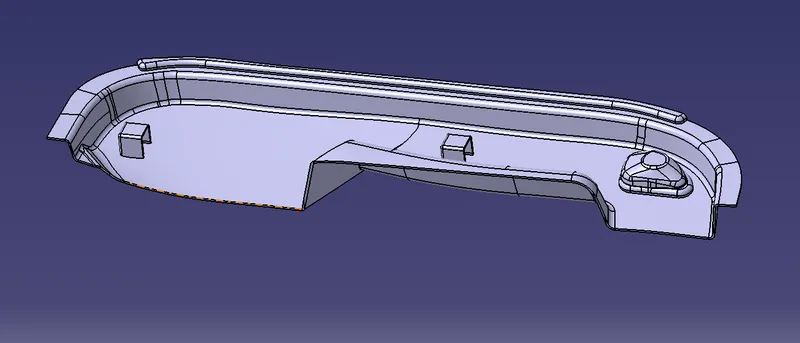
Dog House:-
For Dog House, I took one point & plane of that, I draw a sketch.
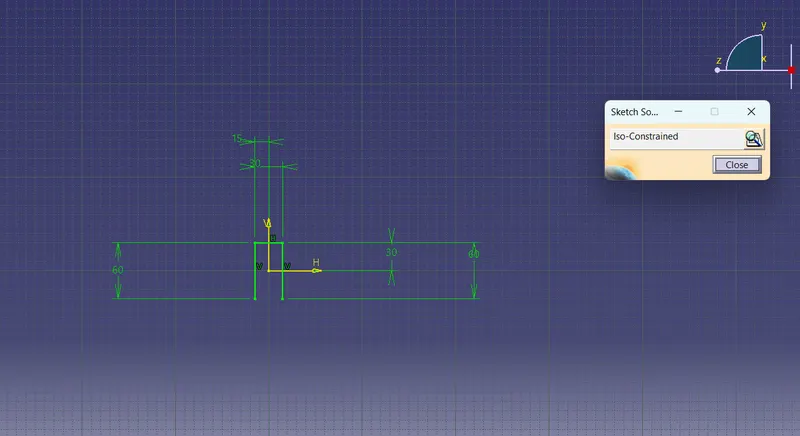
I Extrude that sketch I trim unwanted surfaces to get a Dog house shape.
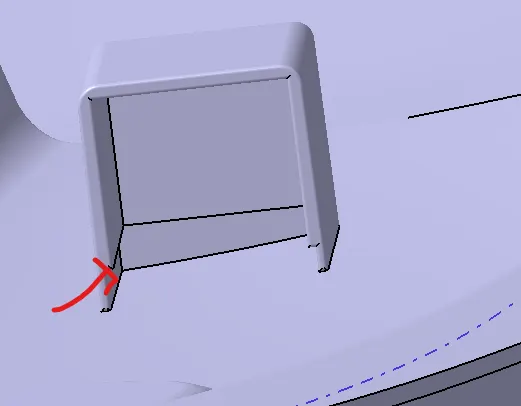
At Marked Portion I followed Design rules which means height is 3 to 6mm. thickness is 40% of it.
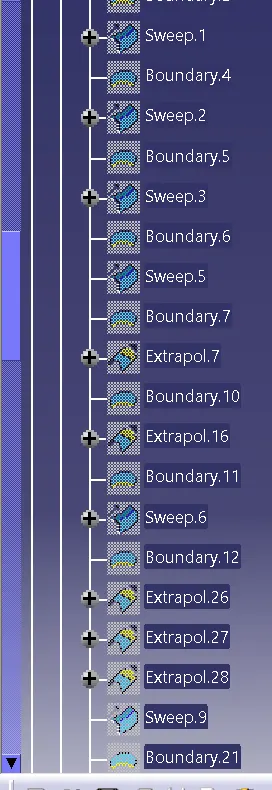
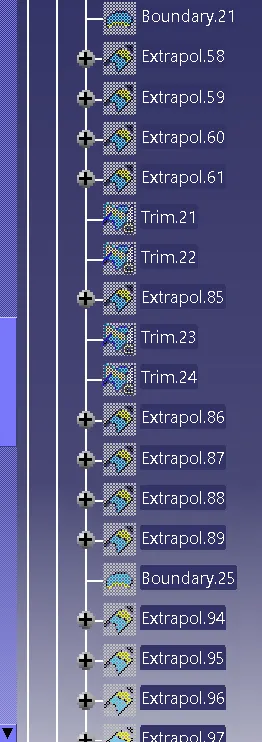
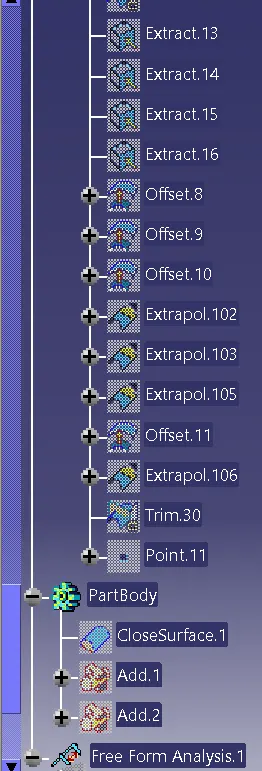
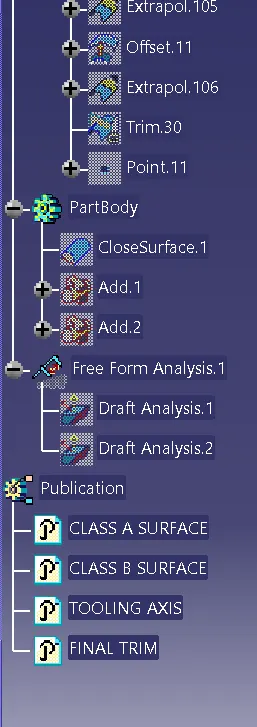
Tree Structure:-
Draft Analysis:-
Class A Surface:-
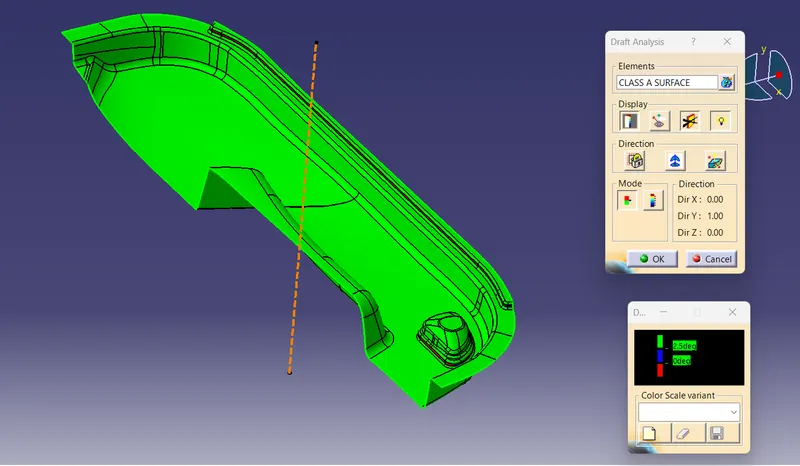
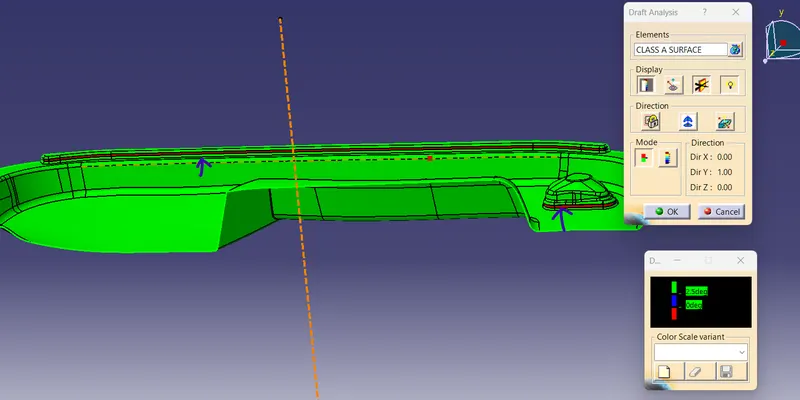
The below Image shows that defect in the class A surface.
Final Plastic Design Draft Analysis:-
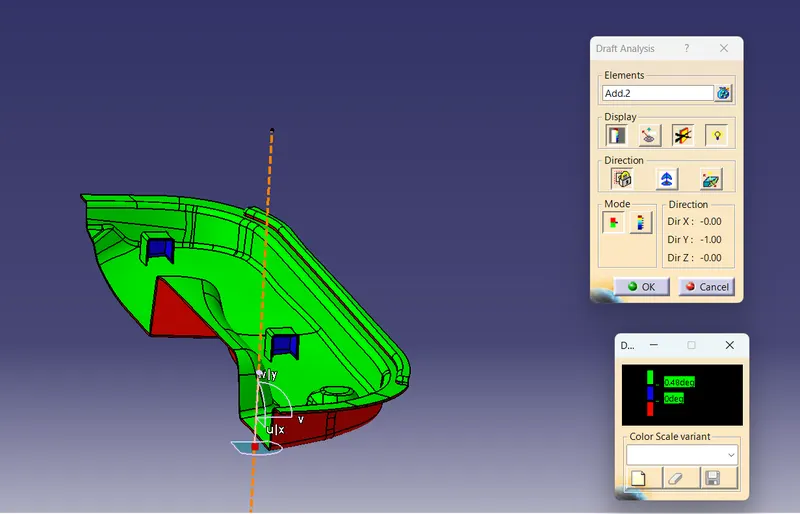
Report:-
As for the Challenge, I Got Expected output.