Week 10 - Challenge 2- Attachment Feature Creation (Dog House)
Aim: To create the dog house on the given feature
Procedure:
Tooling Axis--> Draft analysis of Class A surface--> Creation of Class B surface--> Creation of Class C surface--> Creation of Solid body--> Creation of Dog House--> Draft Analysis of Solid Body.
1) Creation of tooling axis:
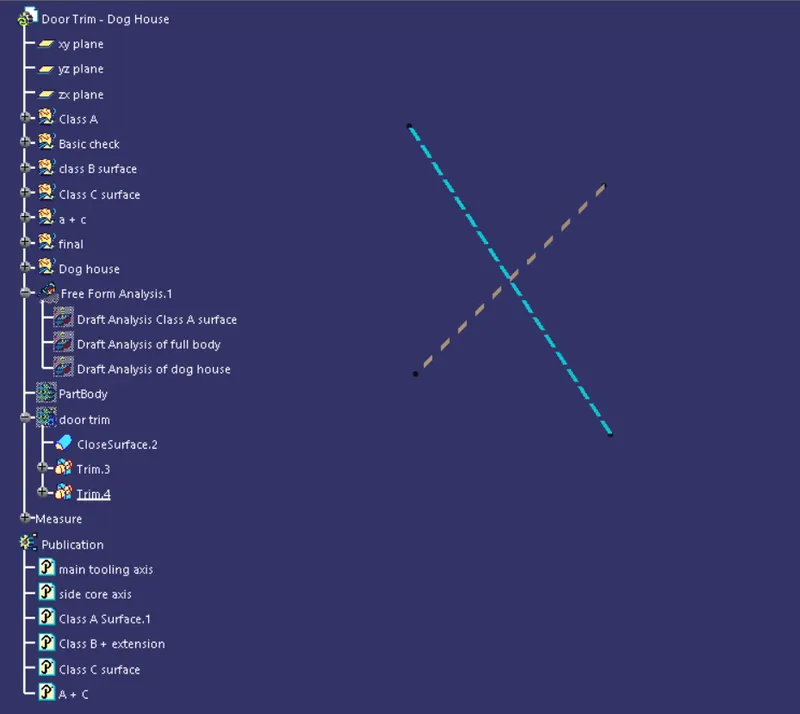
Center of gravity : We should create the center of gravity then create the line passing through if. We are creating the tooling axis through center of gravity because we don't have flat surface on which we can create the point.
We should create the side core axis using the same center of gravity.
Class A surface:
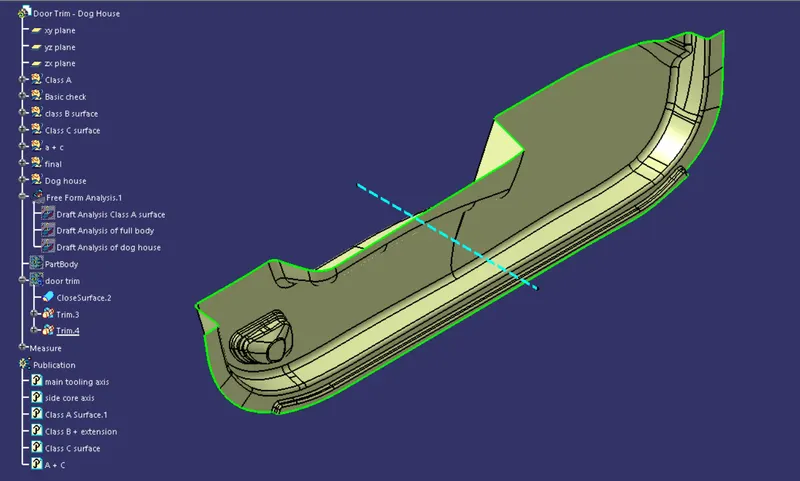
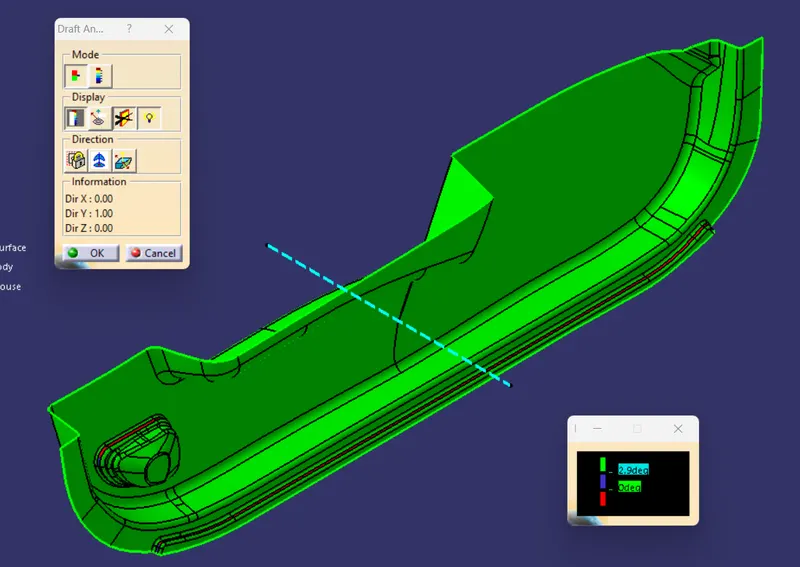
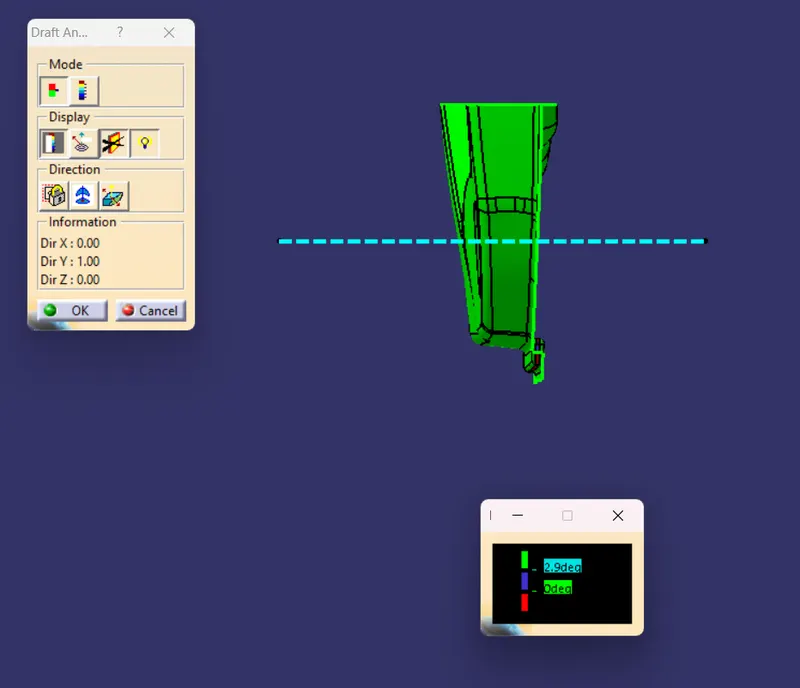
Performing draft analysis of Class A surface:
Isometric View:
Front View:
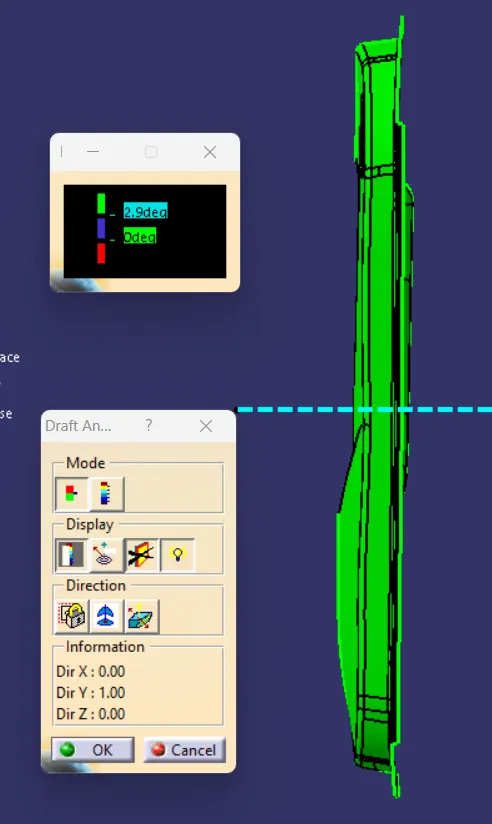
Side View:
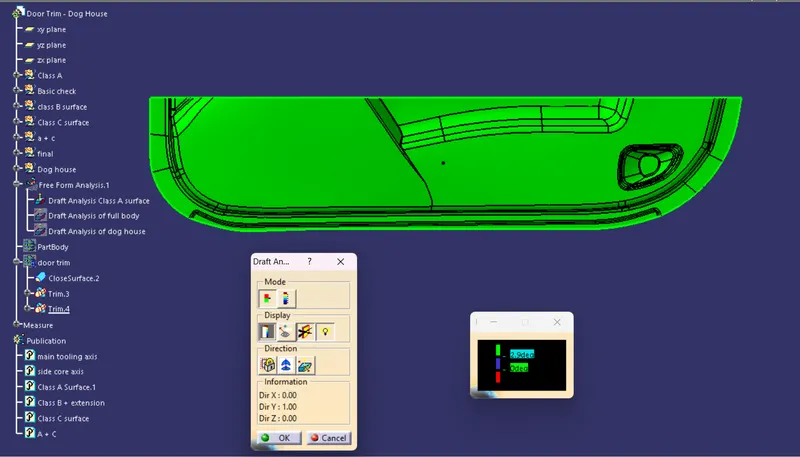
Top view:
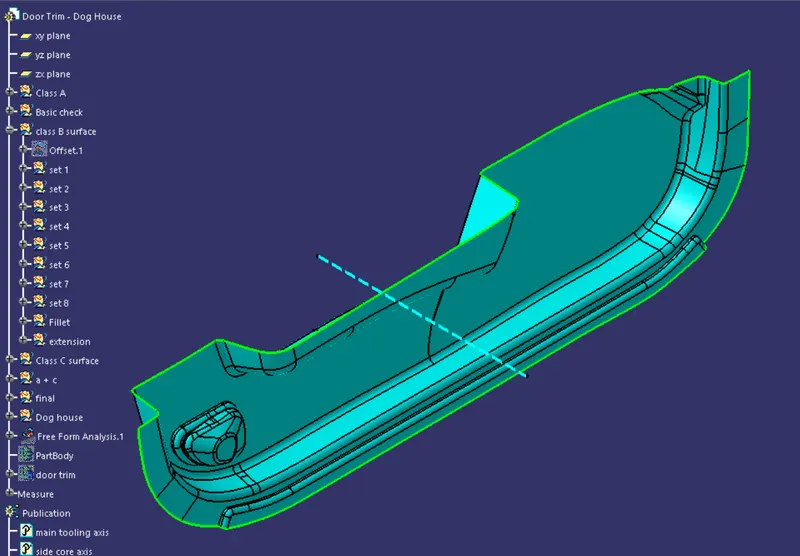
Class B surface:
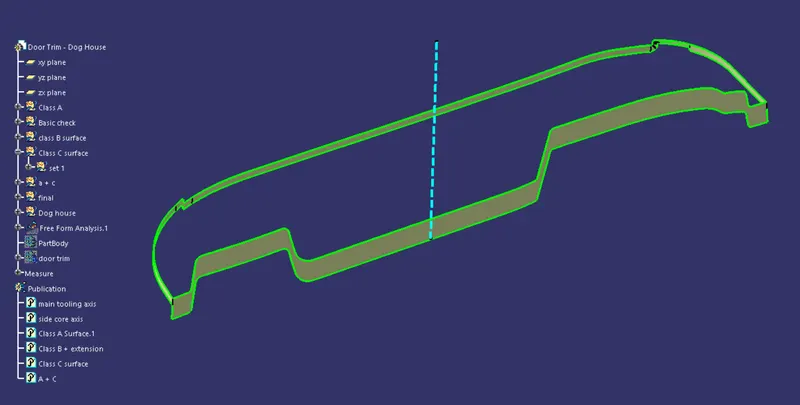
Creation Of Class C surface:
Joining class A and Class C surface:
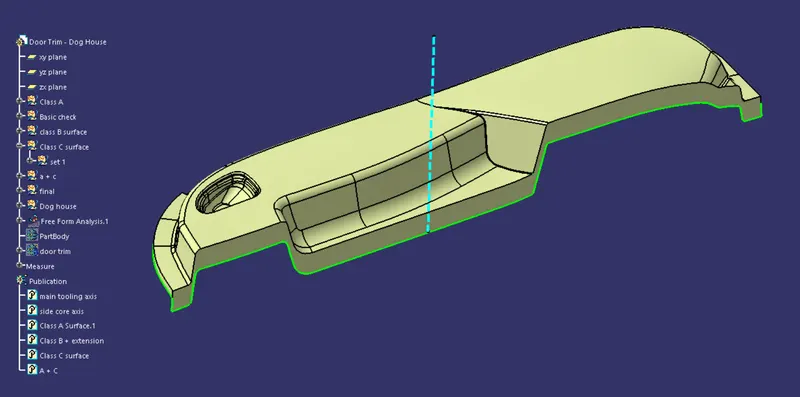
Solid part Creation:
Isometric View:
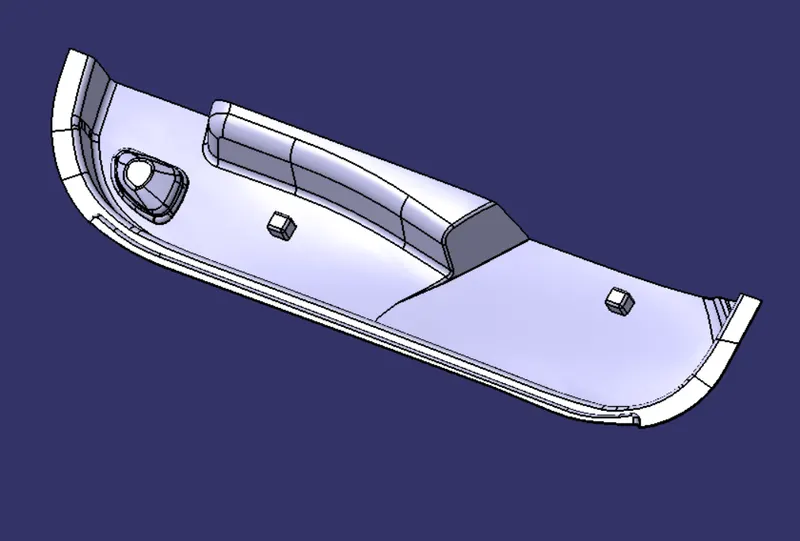
Left Side View:
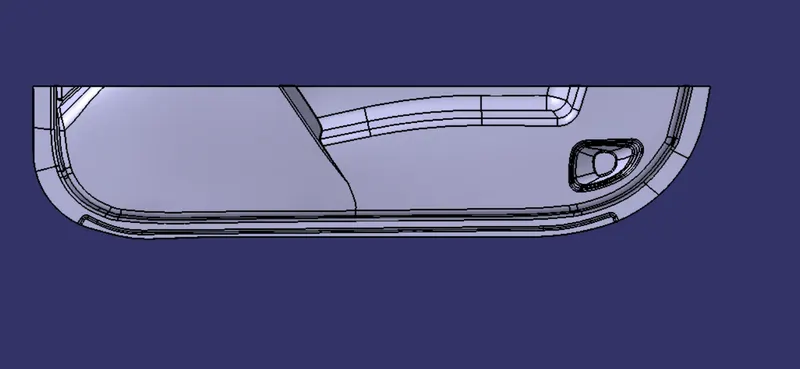
Right side view:
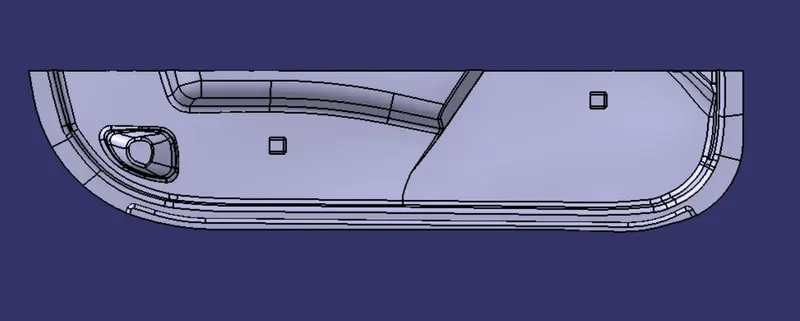
Front View:
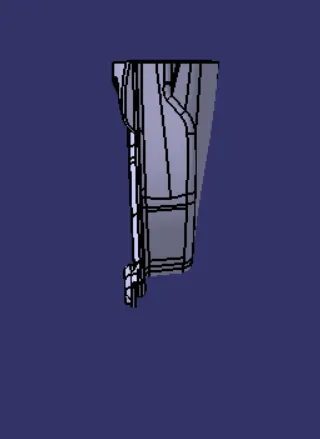
Rear View:
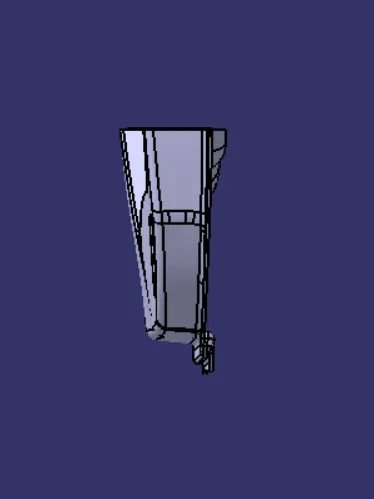
Top View:
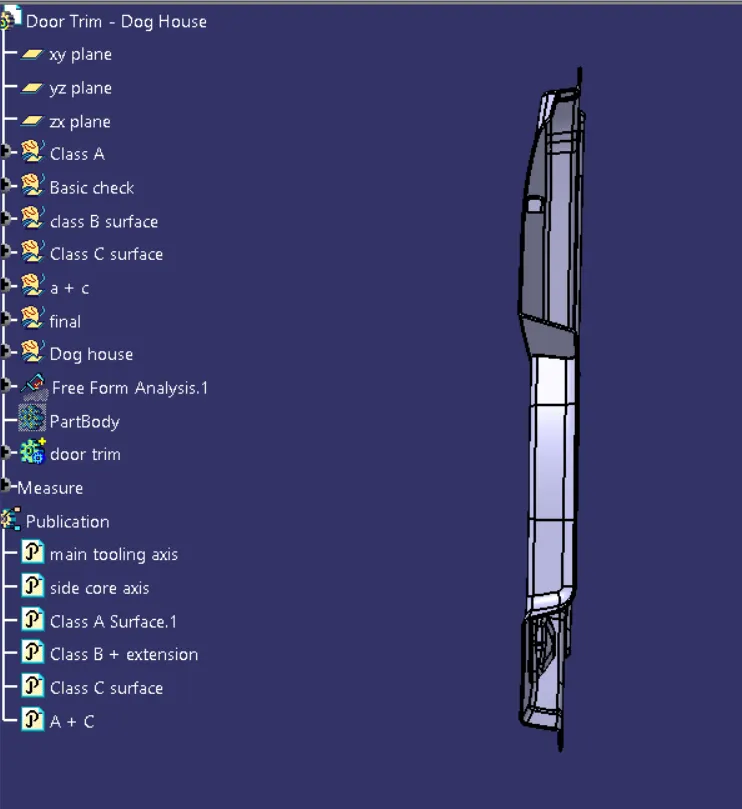
Bottom View:
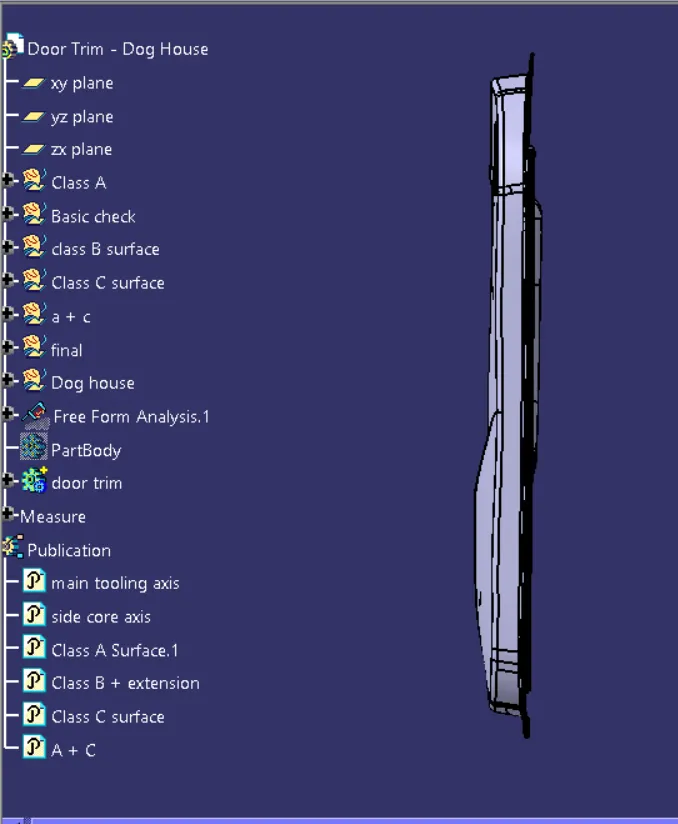
Draft Analysis of Solid Surface:
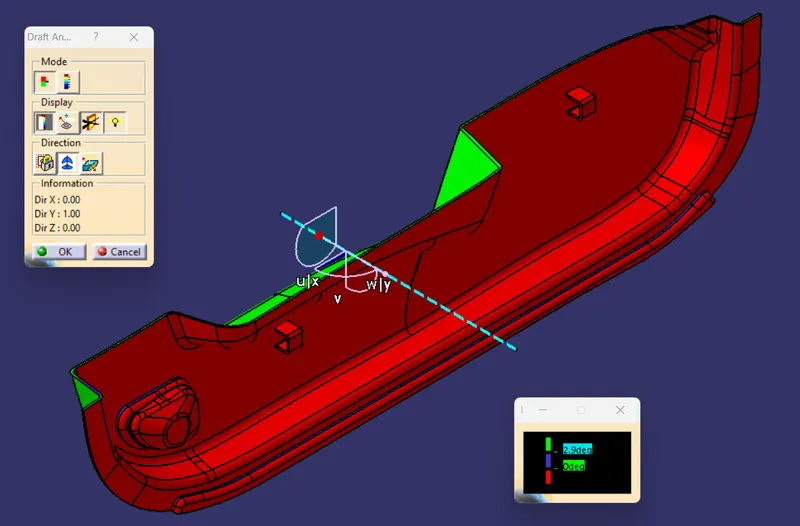
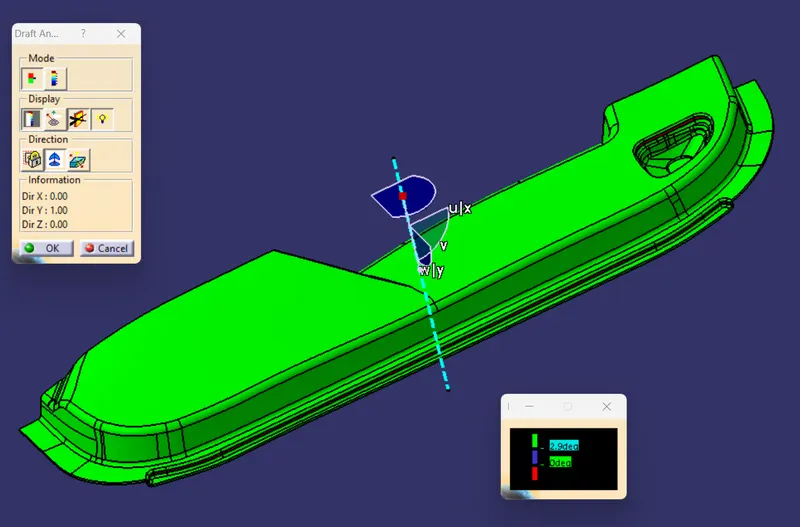
Isometric view
Conclusion:
1) When we performe the draft analysis on the solid body we use the tooling axis.
2) We will select the angle to be 2.9 degree and more as we have provided te draft of 3 degree
Green colour indicate that the angle is more than the 2.9 degree.
blue colour indicates that the angle is between 0 to 2.9 degree.
Red colour indicates that the angle is less than 0 degree.
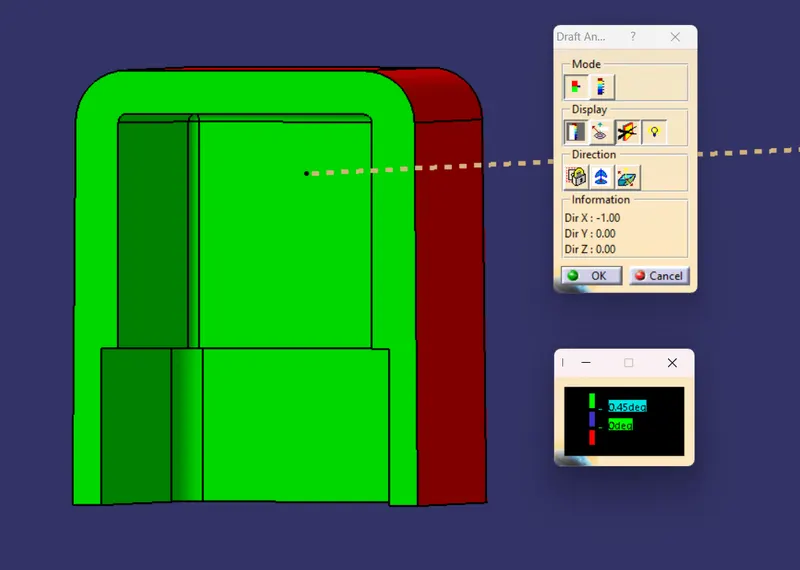
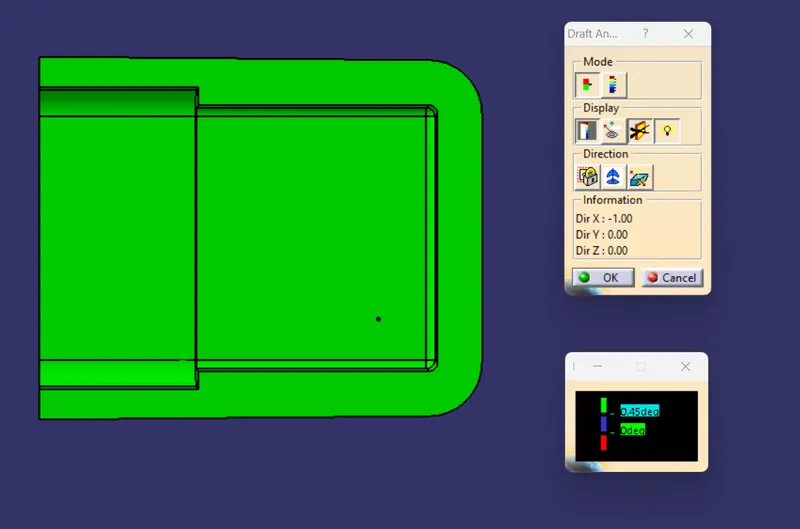
Draft Analysis of Dog house:
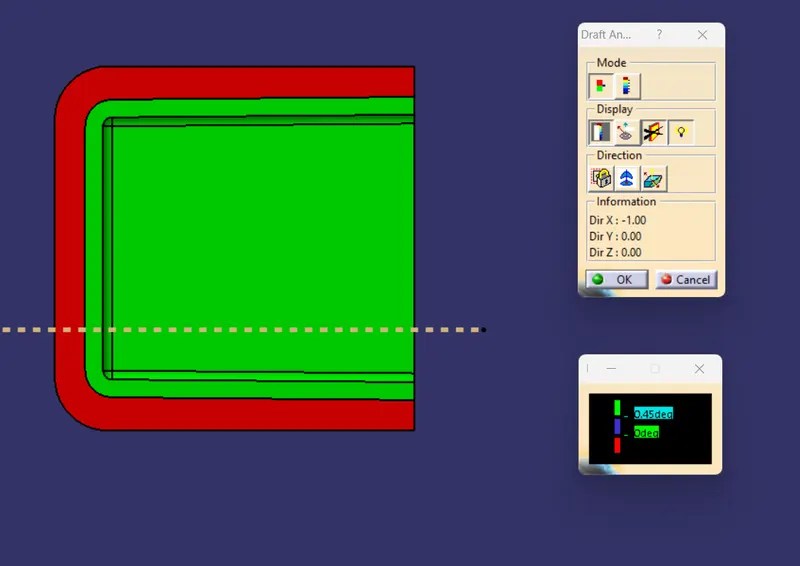
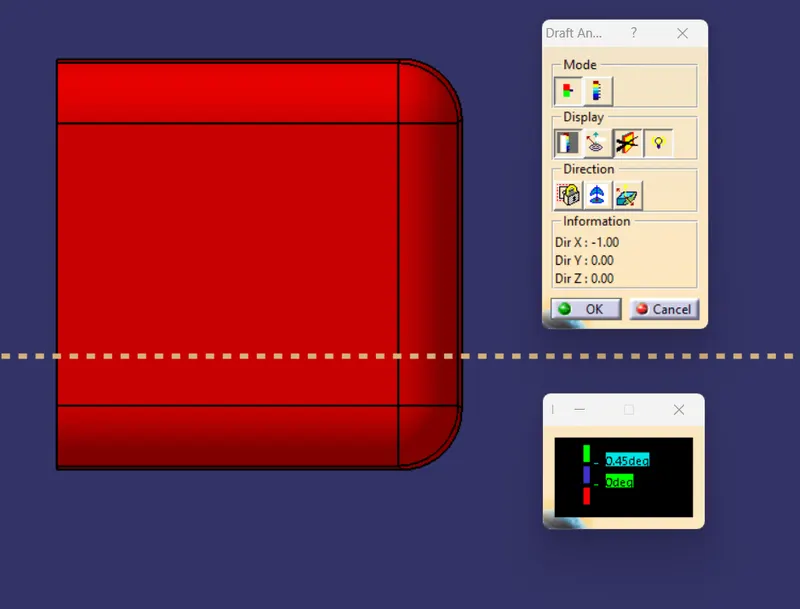
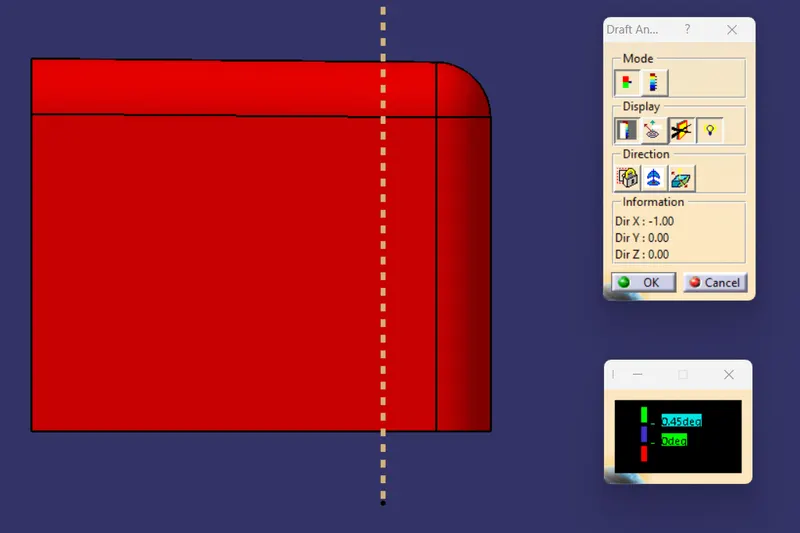
Conclusion:
1) When we performe the draft analysis on the dog house we use the side core axis as the tooling axis.
2) We will select the angle to be 0.45 degree and more as we have provided te draft of 0.5 degree
Green colour indicate that the angle is more than the 0.45 degree.
blue colour indicates that the angle is between 0 to 0.45 degree.
Red colour indicates that the angle is less than 0 degree.