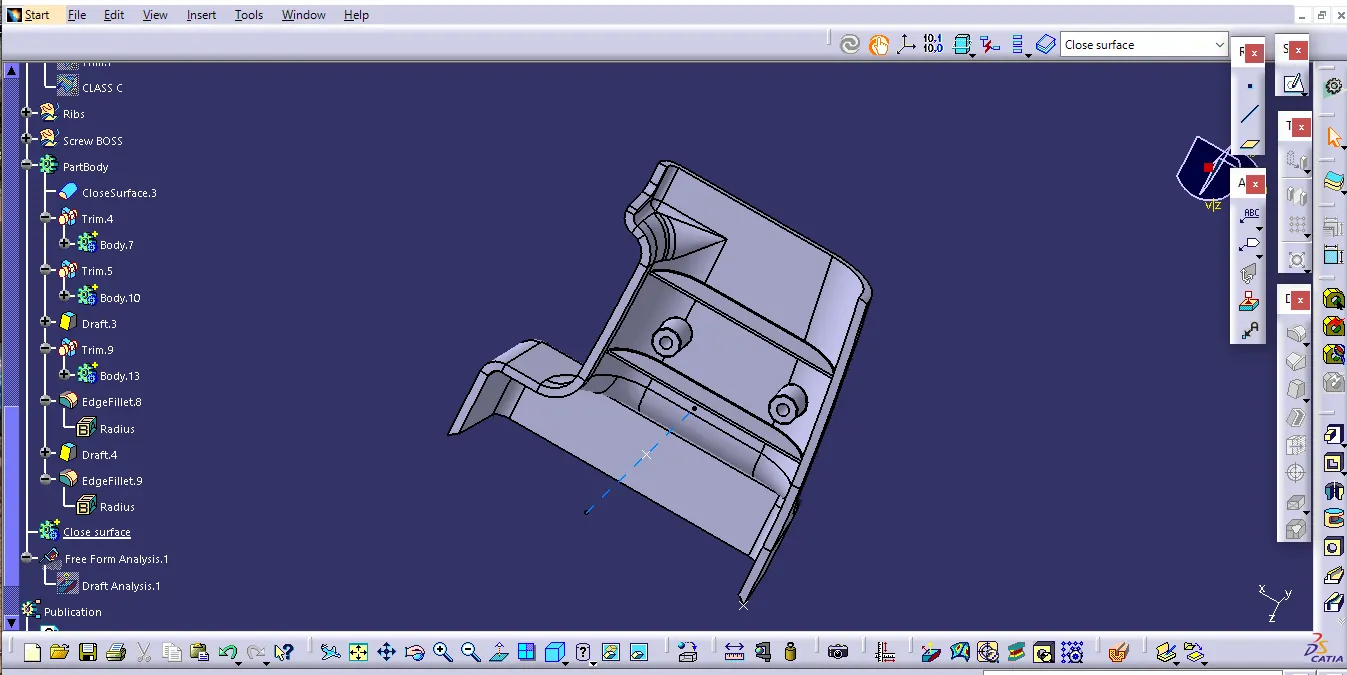
Week 10 - Challenge 1- Attachment Feature Creation (Ribs & Screw Boss)
Aim
create B,C surfaces and Rib and Screw Boss for the drill handle
Tooling axis
to create a B&C surface and screww bosses of the handle first we have to create a tooling axis which used to create the surfaces
Class B
to create class b first we can use the offset command to off set the Class A surface by 2.5mm
after that we can multiple extract command to extract the boundary to extract and join the both to make a single part and after that we use extrapolate command to create the B surface
Class C
for class c by using the boundary command able to create the boundary between the limits wanted and after using sweep command we can sweep the boundaries with respect to draft direction and reference surface after that we can trim it to a single part and join with the class A surface
Ribs and screw boss
after creating C surface we can create the rib and screw boss by taking the point in zx plane and by using it as a base point for creating the sketch for the rib and screw boss after that we can use extrude command and after that we can offset to the limit
after that we can use the thickness command with the design rule to apply the thicknes for the rib and for the screw boss we can use the formula to apply the height of the bosses
Drafting
After that we use the draft command in part workbemch to apply the draft angles for the rib and bosess with the dimenssion given in challenge
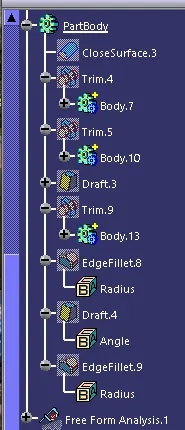
Part body
After creating the part body we can select the rib and screw boss and by using the union trim command to trim the excess parts of the rib and screwboss by using design rules
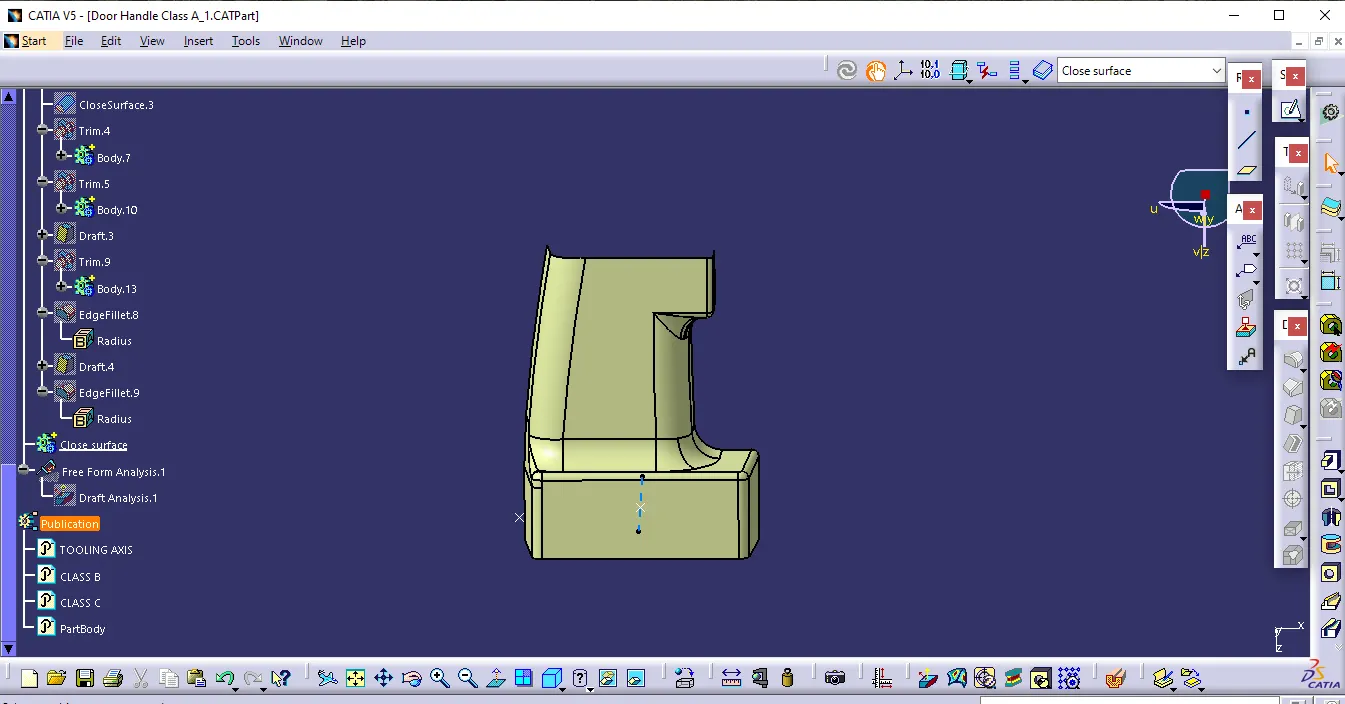
Final draft analysis
after creating closed body with using draft analysis by placing the compass respect to tooling axis we can able to find the draft analyse the final part and we can use the publicate the surfaces to acess it in easy way
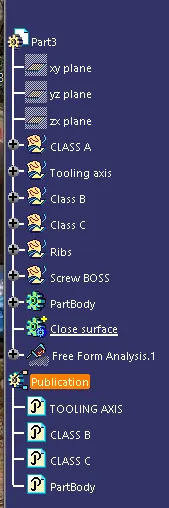
Tree Structure
Class B
Class C
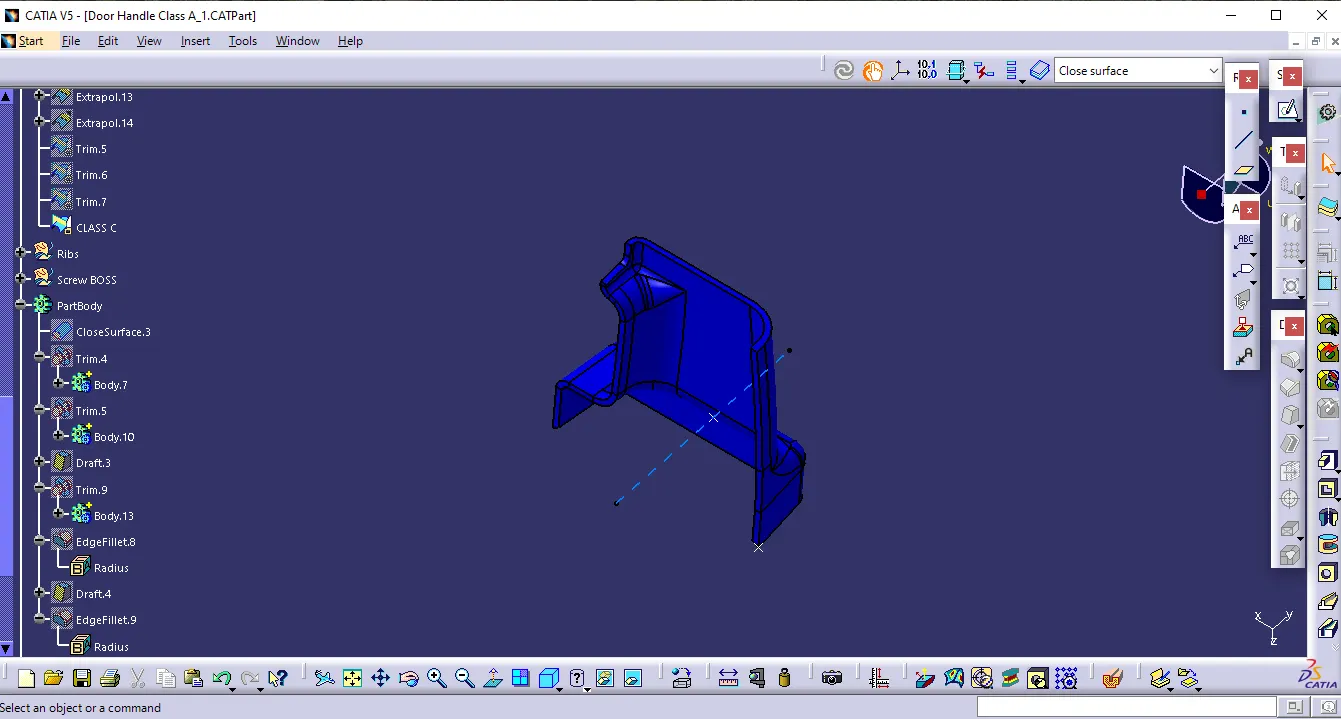
Final Trim (closed body)