Week 10 - Challenge 1- Attachment Feature Creation (Ribs & Screw Boss)
:
The main objective of this challenge is to create the B-side features RIBs and Screw Bosses for a given drill handle.
Overview:
Creating the class B and class C surfaces to the door handle, and creating the B side features (RIBs and Screw Bosses) by considering all the design parameters.
Tooling Axis:
To create the tooling axis, I extracted the surface of class A with no propagation and I created the point at the centre of the extracted surface and created a line at that point in the Y direction. After creating the Tooling axis, I performed a draft analysis for class A to check the draft angle for it.
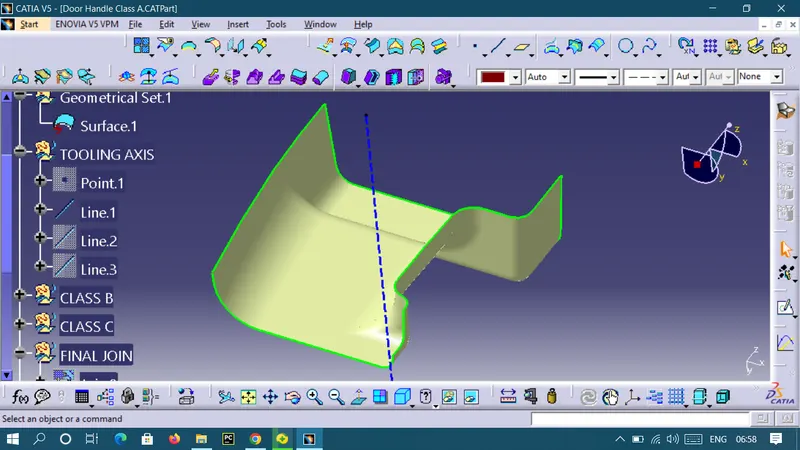
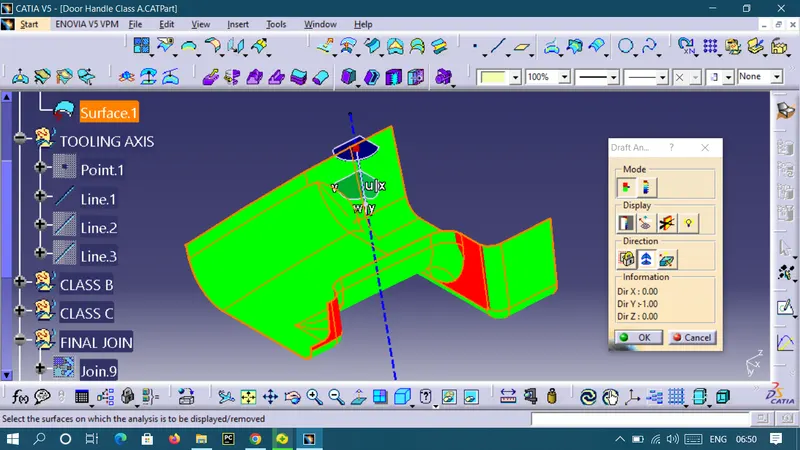
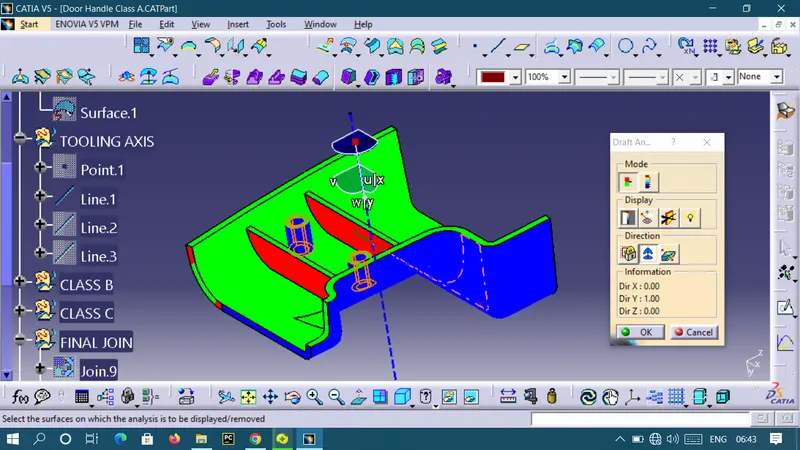
Draft analysis for class A surface:
The draft angle is 3deg.
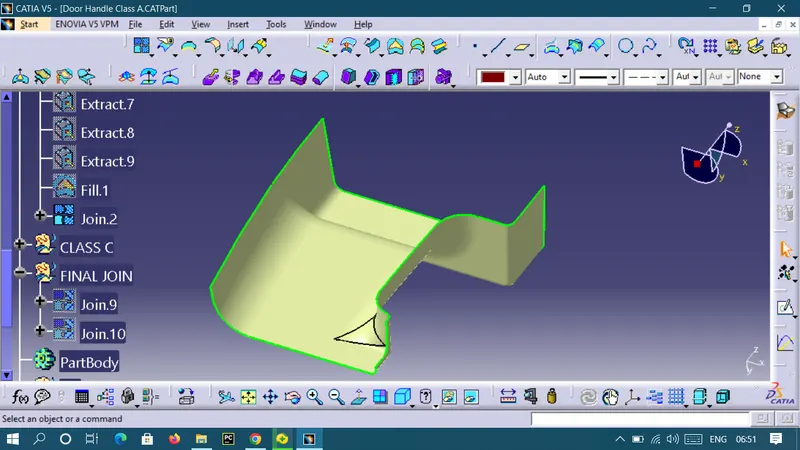
Class B surface Creation:
To create the class B surface for the door handle, I offset the class A surface to 2.8mm inside. Once the class A surface is offset created, according to the thickness, we can observe some patches on the offset surface due to the fillets on the class A surface. Now, we need to close those patches. I used multi-section solid command to close the patches.
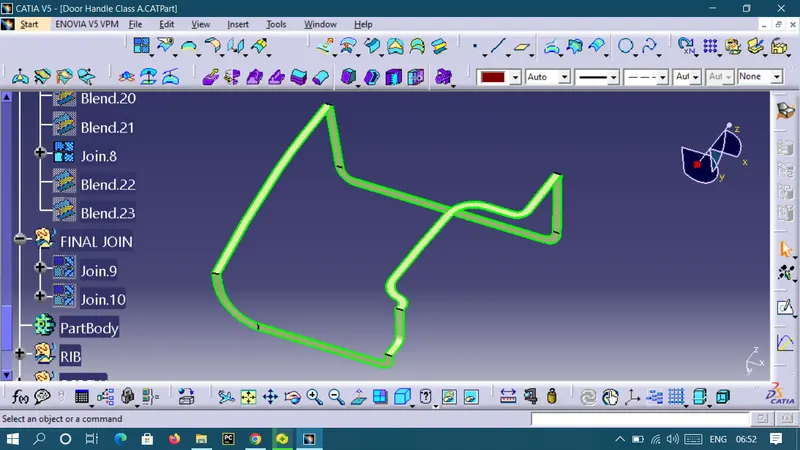
Class C Surface creation:
I used the sweep and blend command in the geometric shape design workbench to create the class C surface.
FINAL JOIN :
CLASS A + CLASS B + CLASS C
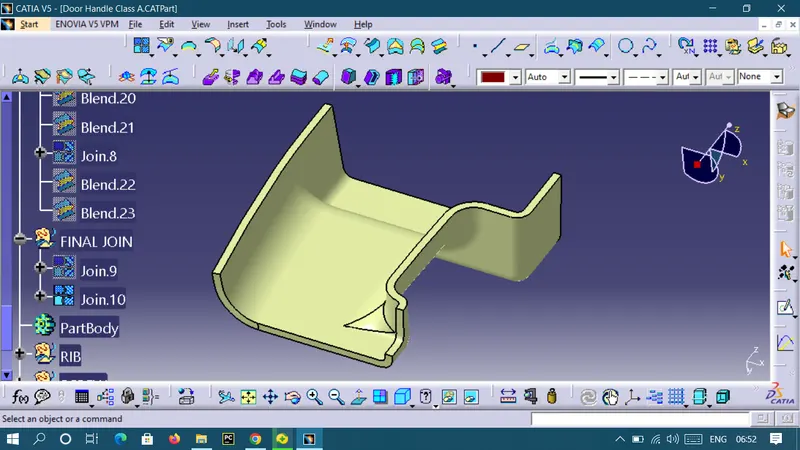
Creating Solid body:
To create the solid body I used the closed surface command in the part workbench. Click on the closed surface command in the part workbench and give the closed surface as an input to create the solid part body.
RIB Design:
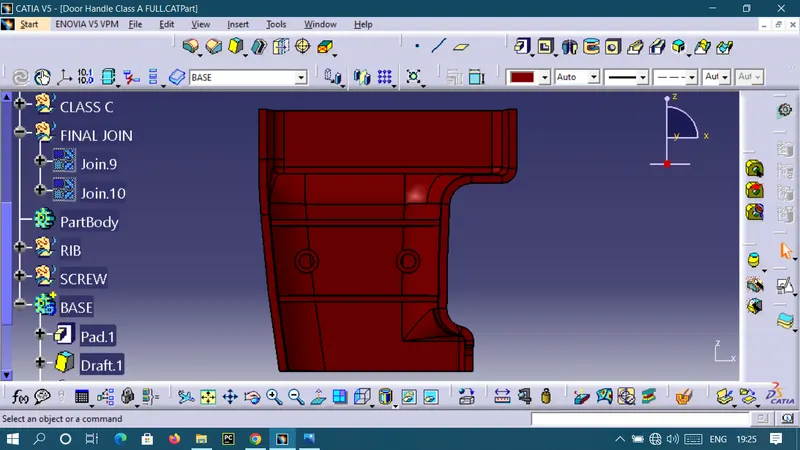
Screw Boss Creation
Draft Analysis of Door Handle:
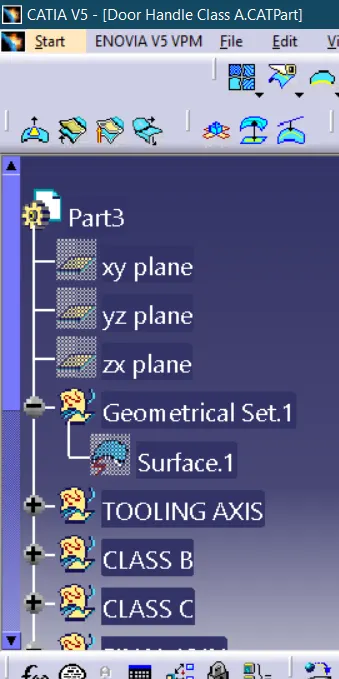
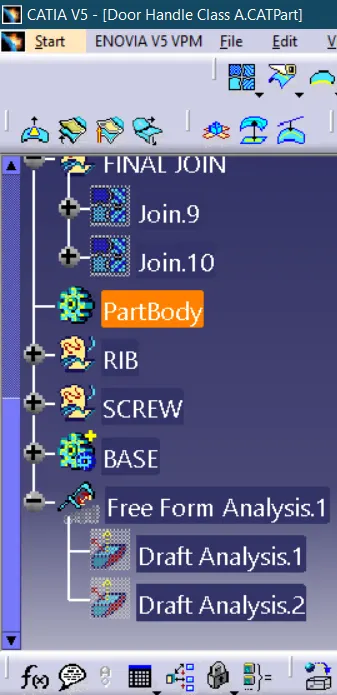
GEOMETRICAL TREE STRUCTURE:
VIEWS:
FRONT VIEW
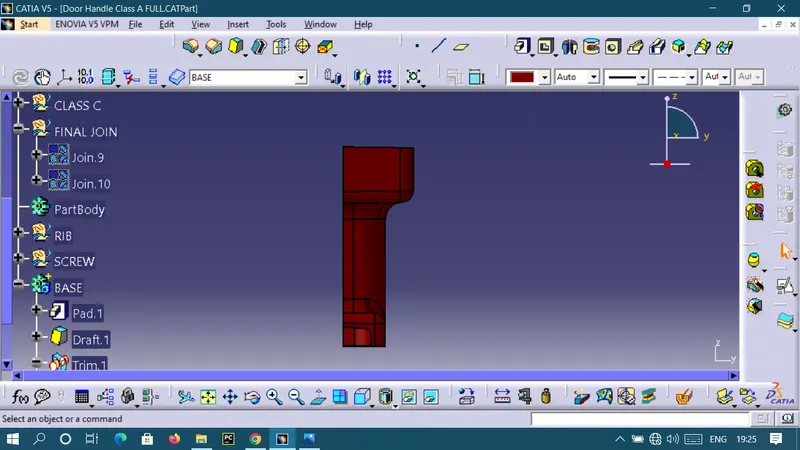
SIDE VIEW
TOP VIEW
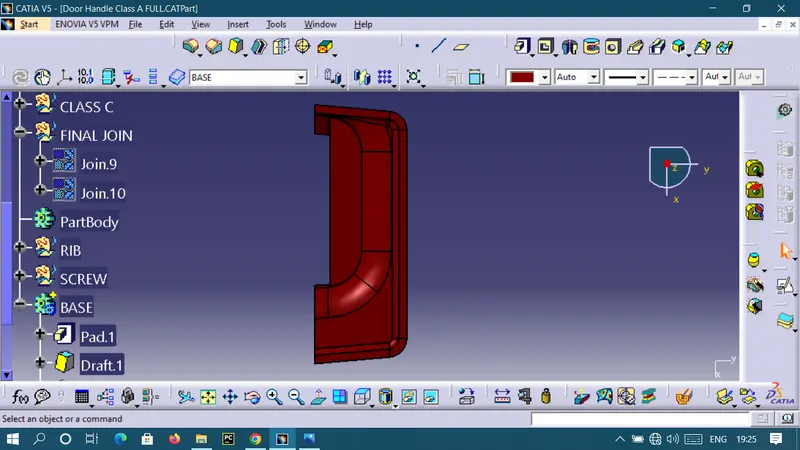
ISOMETRIC VIEW
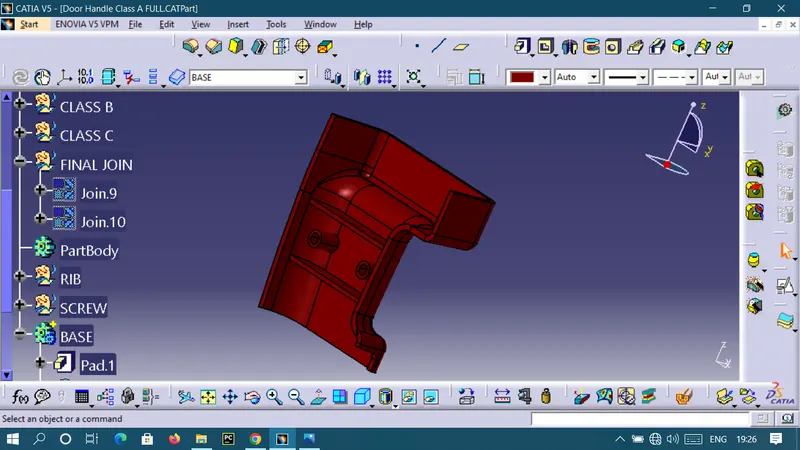
RESULT:
The plastic components of Door Handle is created.