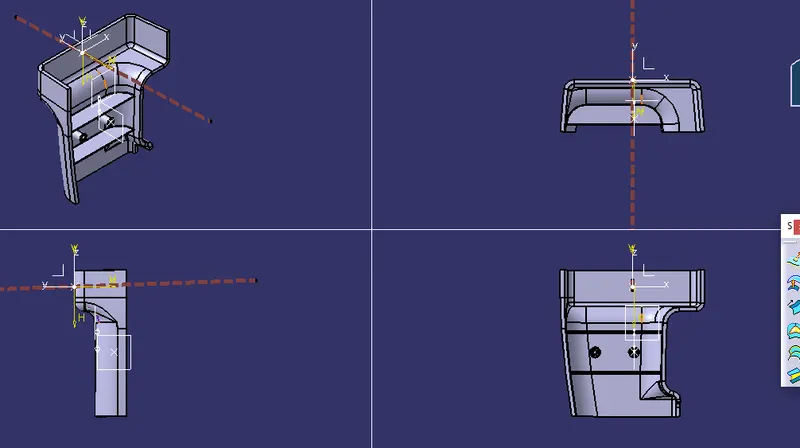
Week 10 - Challenge 1- Attachment Feature Creation (Ribs & Screw Boss)
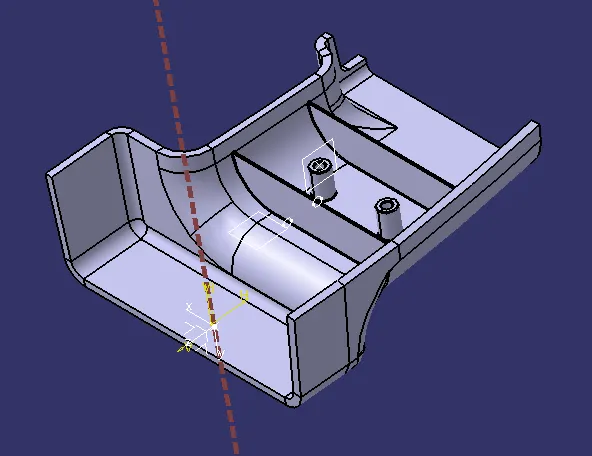
AIM: To create ribs and screw boss for the gievn part (Drill handle).
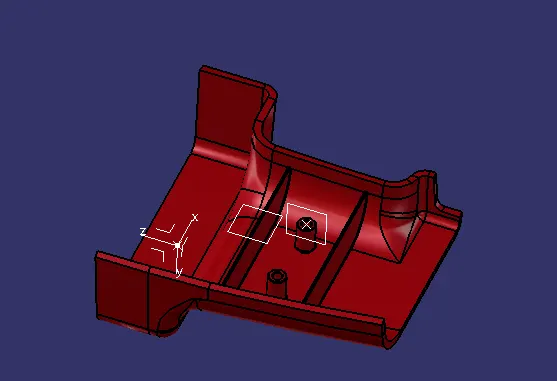
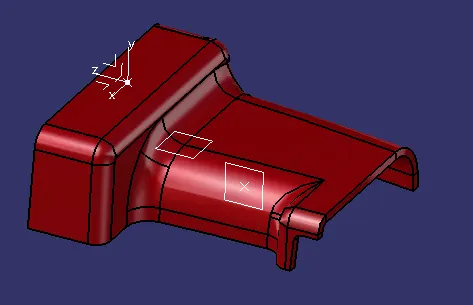
STEPS:
1. First we need to create a tooling axis with reference to class A surface using Point and Axis system.
2. Now offset the Class A to inside directioon with distance 2.5mm and this will become B surafce.
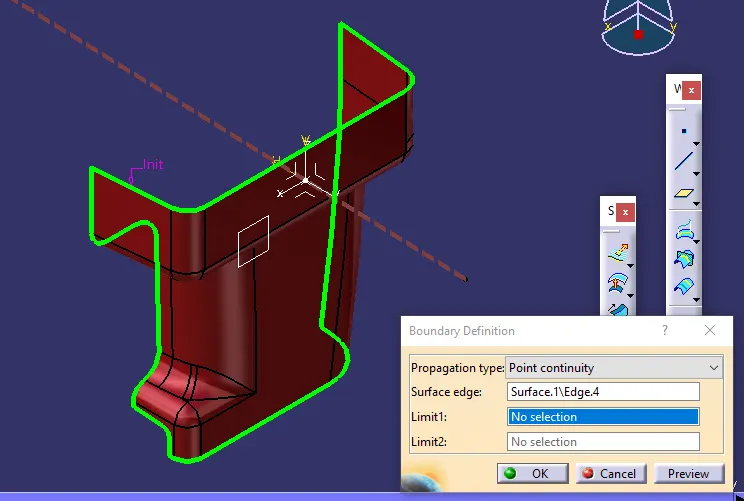
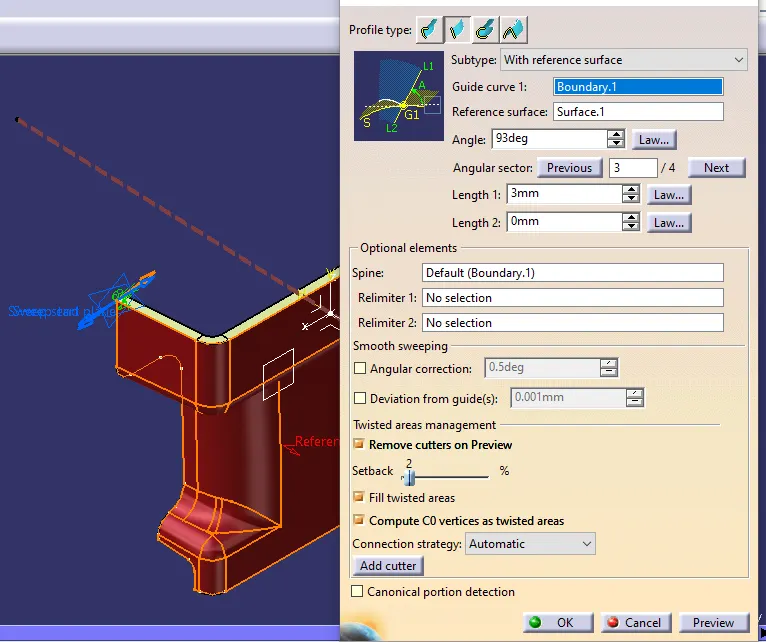
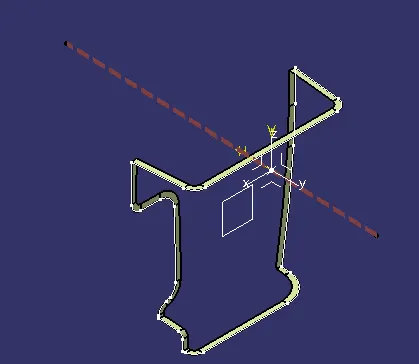
3. Now we need extract the boundary of class A surface using boundary operation and by using sweep with referenc to surface or using draft we need to sweep the surface and it will become Class C surface.
4. Now using trim and join commands we neeed to make a close surface using Class A,B,C surface.
5. Now shift to part design and using close surface command convert surface to solid body.
6. Now create a plane on B surface and using line and surface extrude and thick or ecxtrude command create ribs and using calculations define the rib such that no sinks are formed.
7. In the same way using Screw boss calculations create a screw boss.
IMPLIMENTATION:
CLASS A:
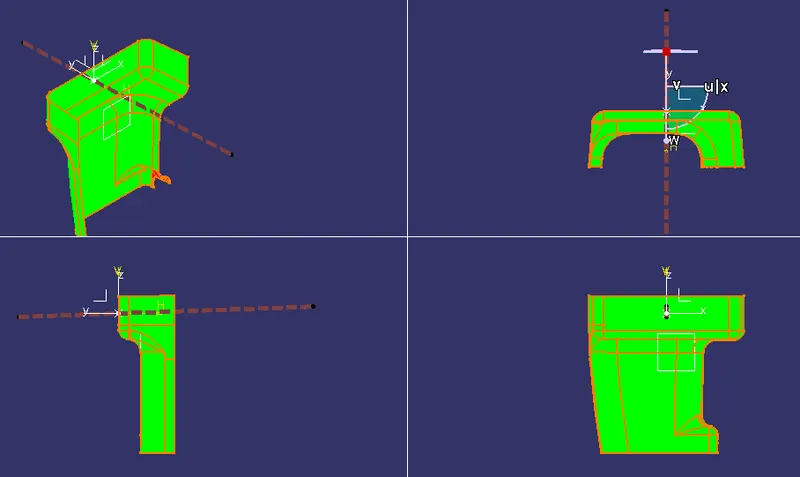
Create a Geometrical bundle naming CLass A surface like below.
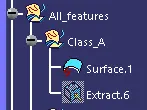
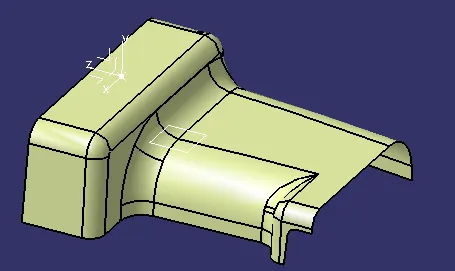
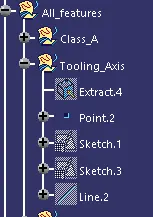
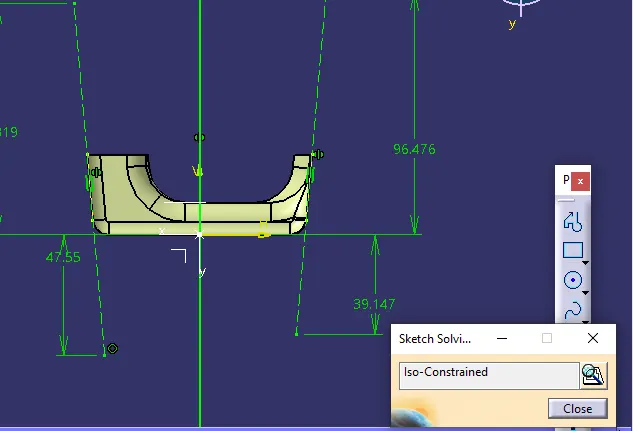
Tooling Axis:
Now create another geometrical bundle with name Tooling Axis and create a tooling axis using sketch and project opertations using line command.
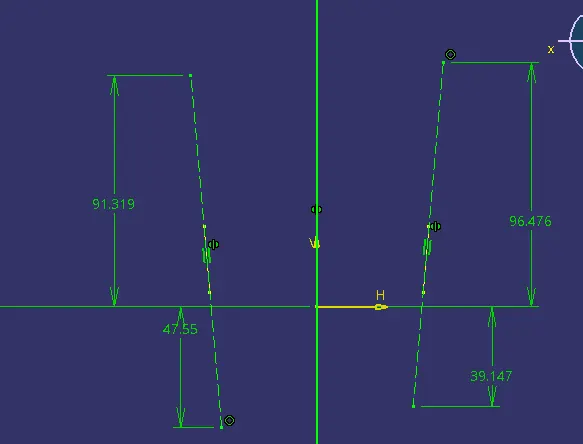
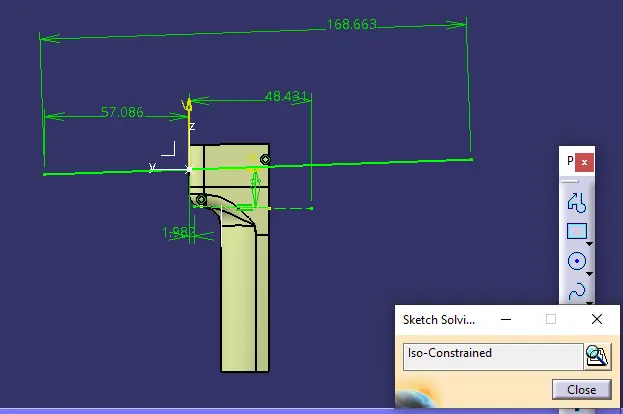
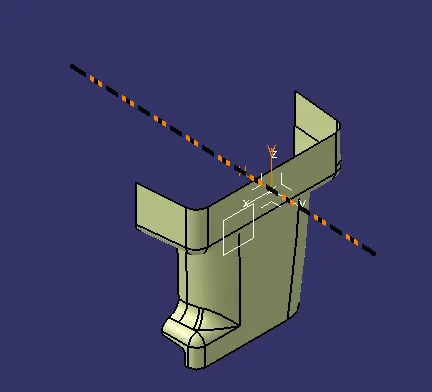
Draft analysis.
Now create draft analysis using Analysis(feature drafy analysis)
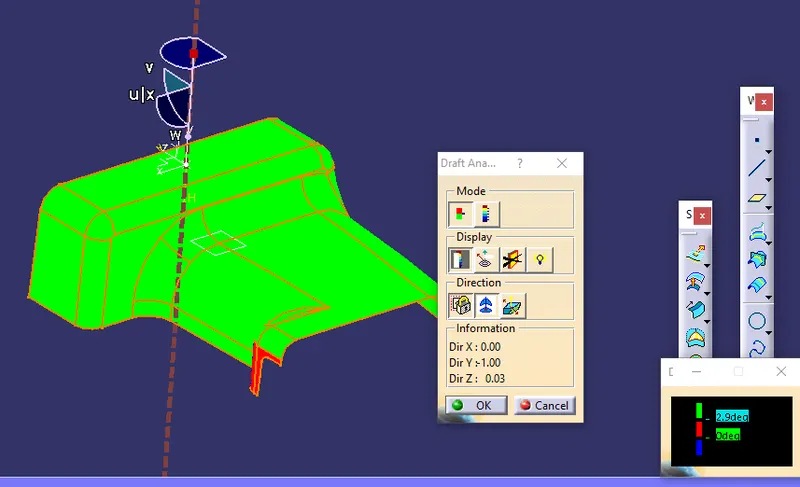
Surface B:
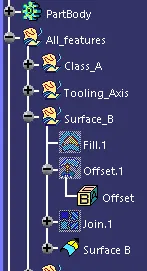
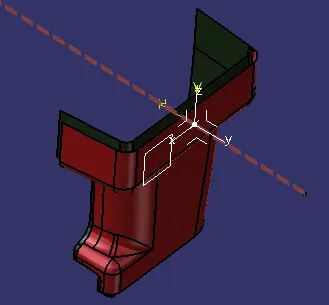
Now create a geometrical bundle Surface B, and offset the class A surface using offset command with 2.5mm distance.
Class C:
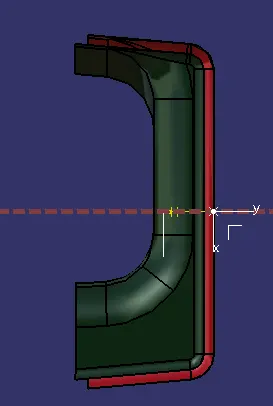
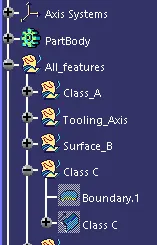
Create a Geometrical bundle using class A outer boundry, dNow we need extract the boundary of class A surface using boundary operation and by using sweep with referenc to surface or using draft we need to sweep the surface and it will become Class C surface.
Final trims:
Now create final trims geometrical bundle and Now class A and Class C surface.
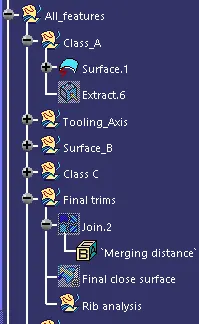
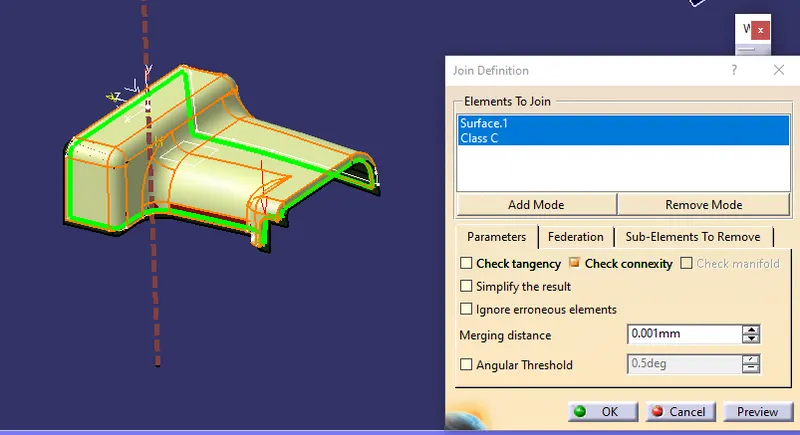
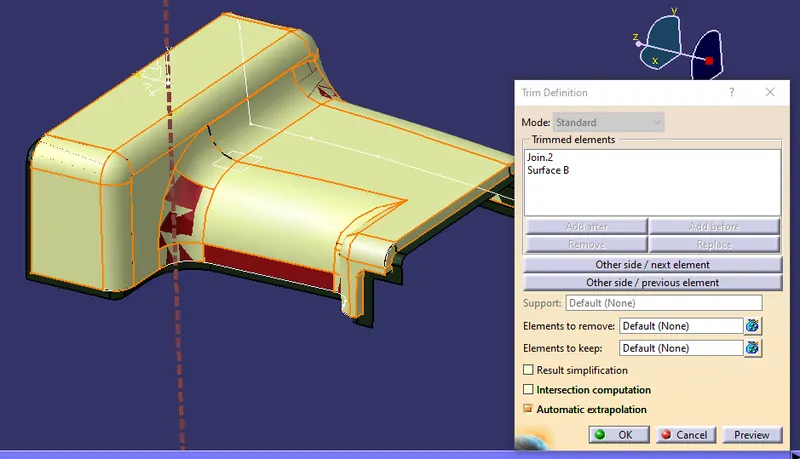
Now using trim command trim the join Bosy and Class B surface.
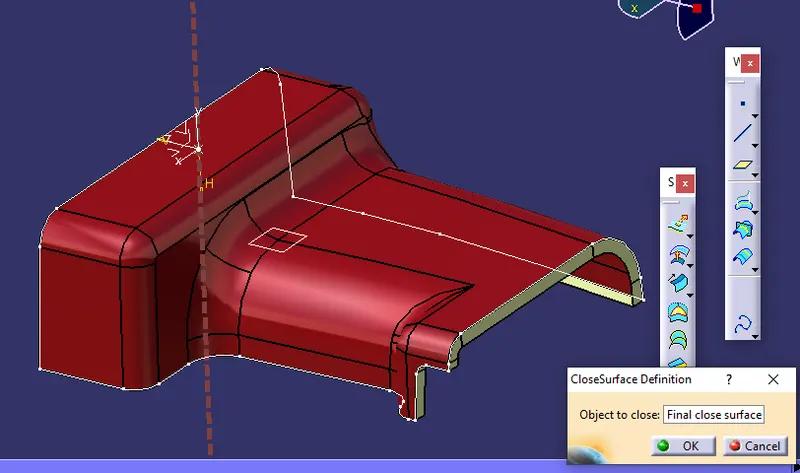
Close Body:
Now convert surface close body to solid body using Close surface defination.
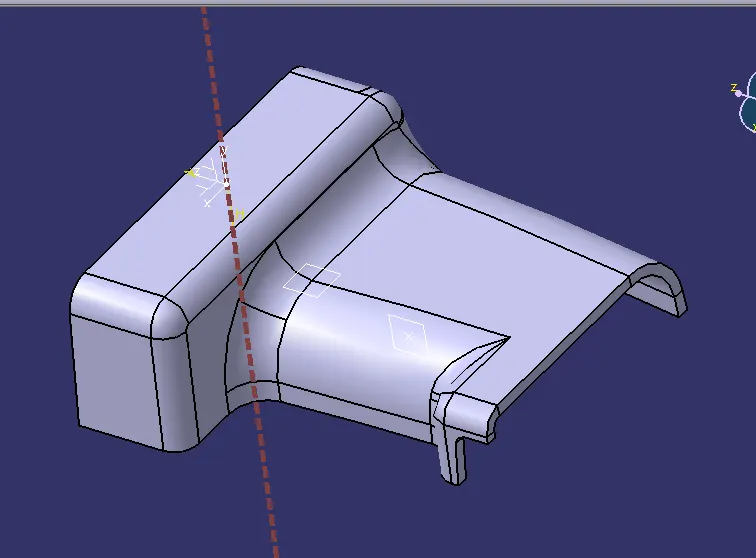
RIBS:
Now create a geometrical bundle With name Rib and exctract the base of class A and create a poit and plane and draw for ribs.
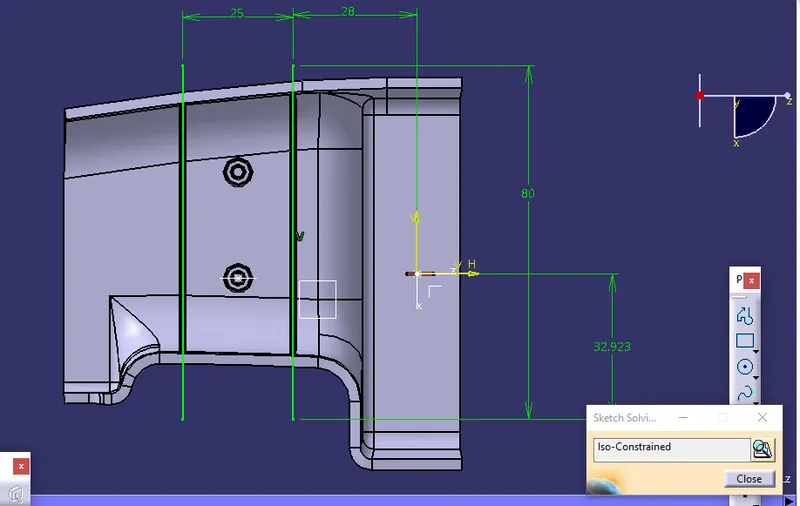
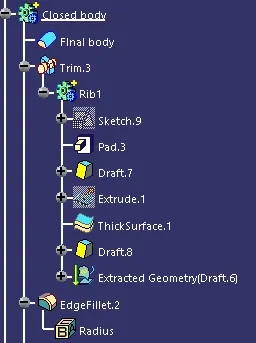
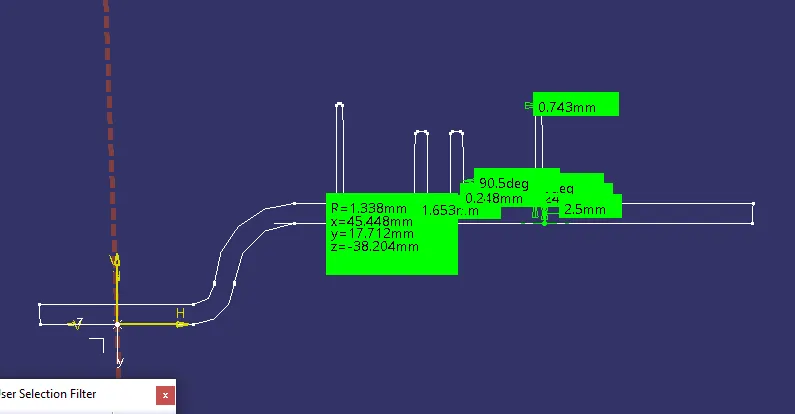
Now create the rib using below Rib claculations
Thickness of body = 2.5mm
Width = 2.5*0.4= 1mm
Height = 2.5*5 = 12.5mm
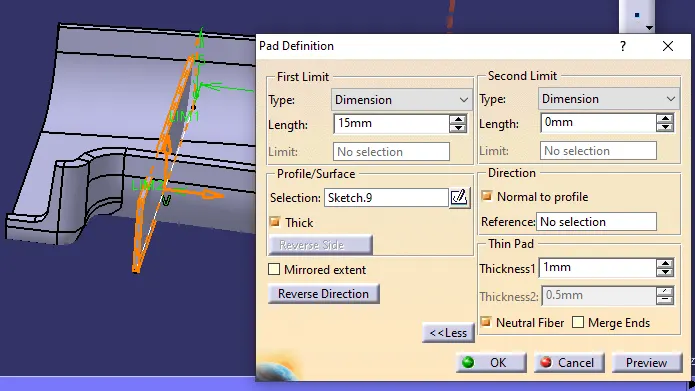
Now provide draft on either sides with 0.5mm
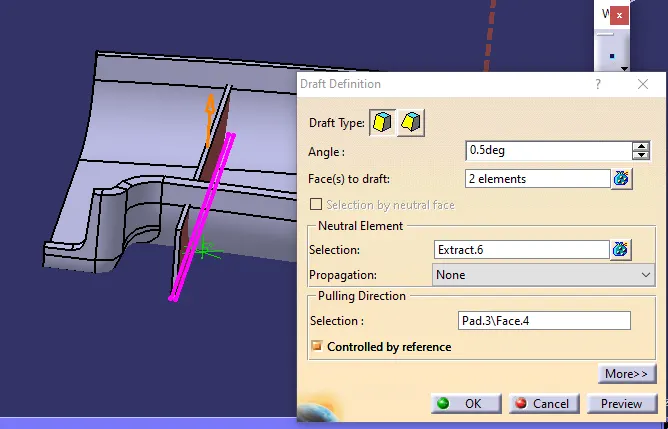
Now using translate move the rib with 25mm.
Now using Union trim and remove the outer faces.
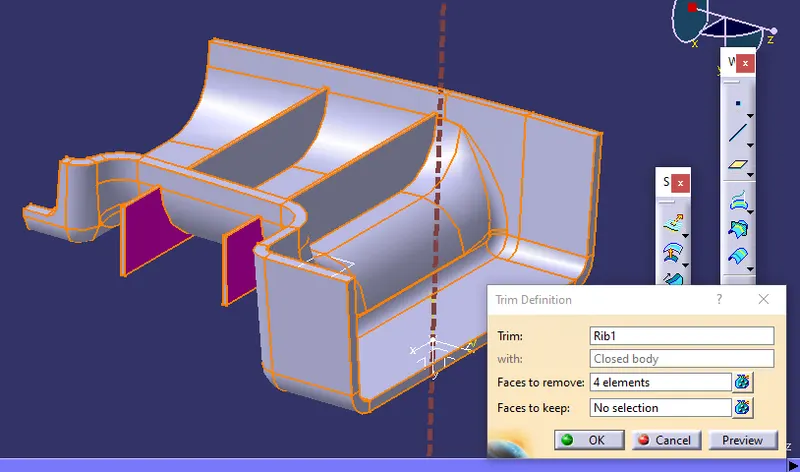
Now using edge fillet with value 0.25mm create edjes.
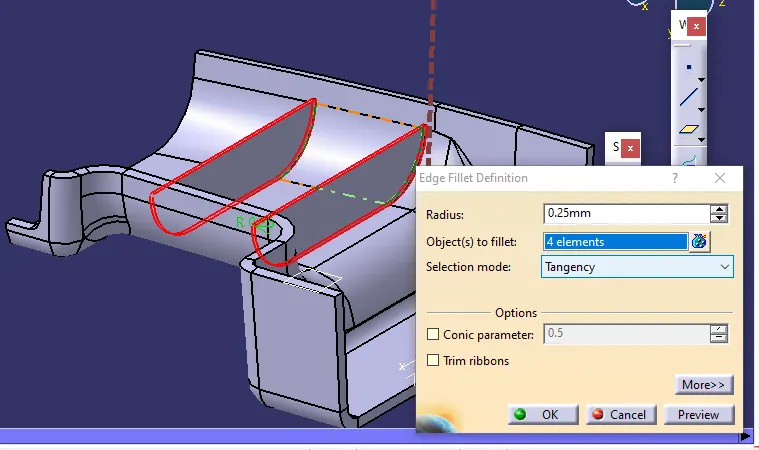
SCREW BOSS:
Create a Circle with d=3mm diameter and create outer diameter with D = 2*d
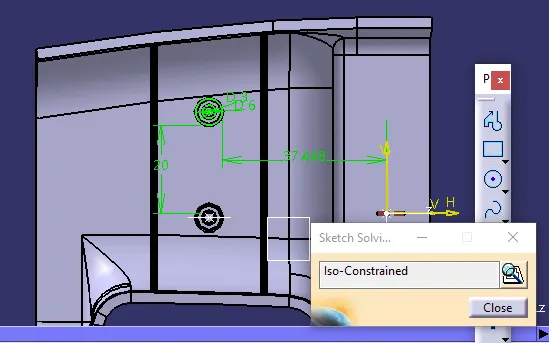
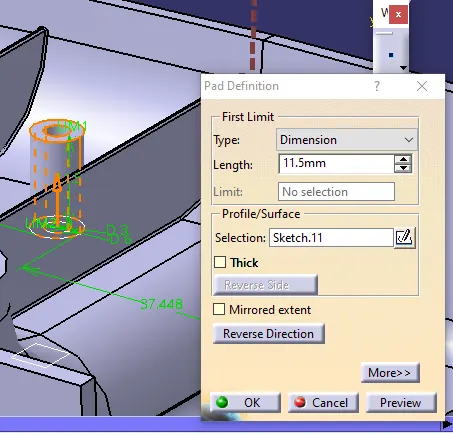
Now extrude the boss with 3:1 ratio i.e height to diameter. and tranlate the screw boss to make 2.
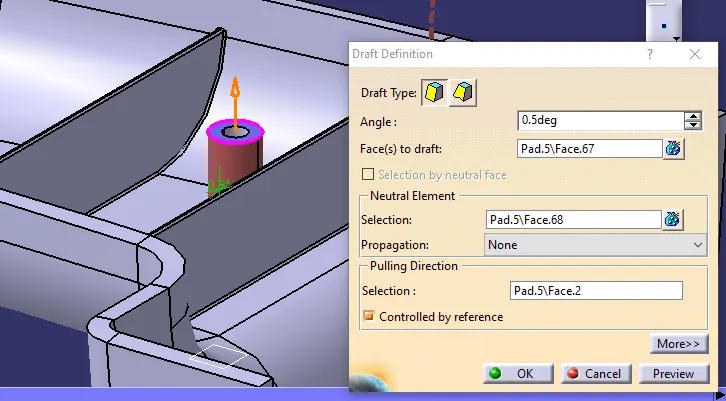
Now create a draft with 0.5mm like below.
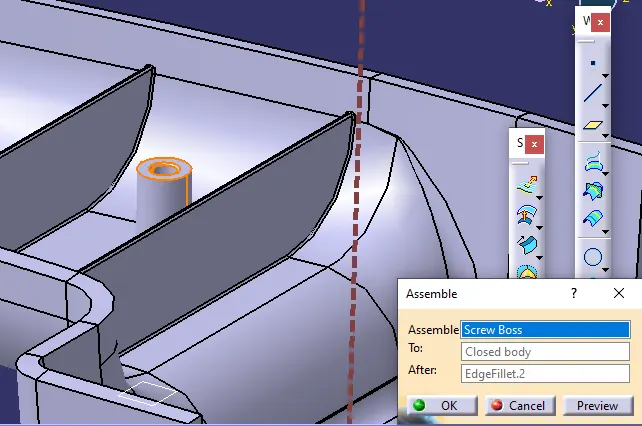
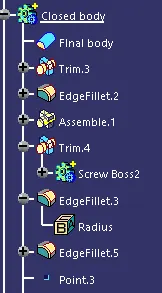
Now create assemble between Screw boss with main assembly.
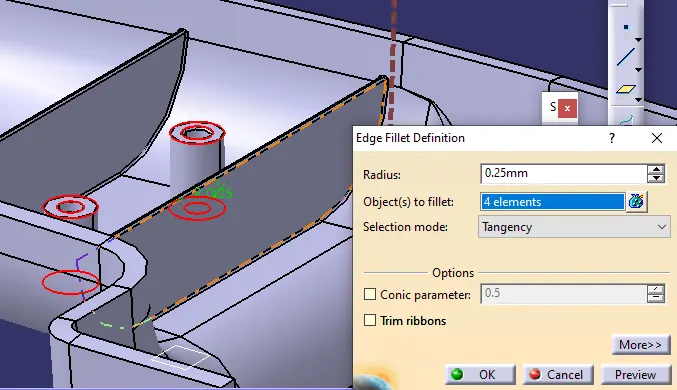
Add fillet with o.25mm
 .
.
Intersection analysis.
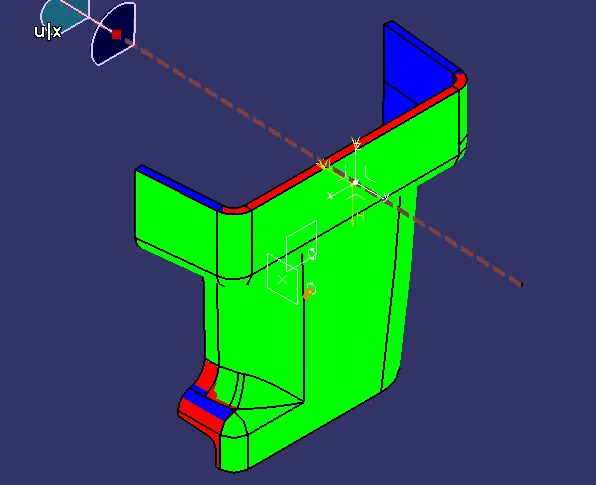
Final body: