Week 10 Bullet penetrating a Bucket Challenge
AIM:
- simulate a bullet penetrating into a bucket.
- use 3 different non linear materials for the bucket and analyse their behaviour for the same velocity of bullet.
- Apply the conditions for bullet as mentioned in the video itself.
PROCEDURE:
firsly open Explicit dynamic in ansys workbench.
- Open the ANSYS Workbench software. Under the Analysis system select the Explicit Dynamics and wait for few seconds to pop up the window, which contains Engineering data, Geometry, Model, setup, Solution and Results.
- Under geometry import the car Bullet penetration a bucket model.
- Update the model by right click and edit the Model for Preprocessing.
-
edit engineering data to assign the material.
-
assign -
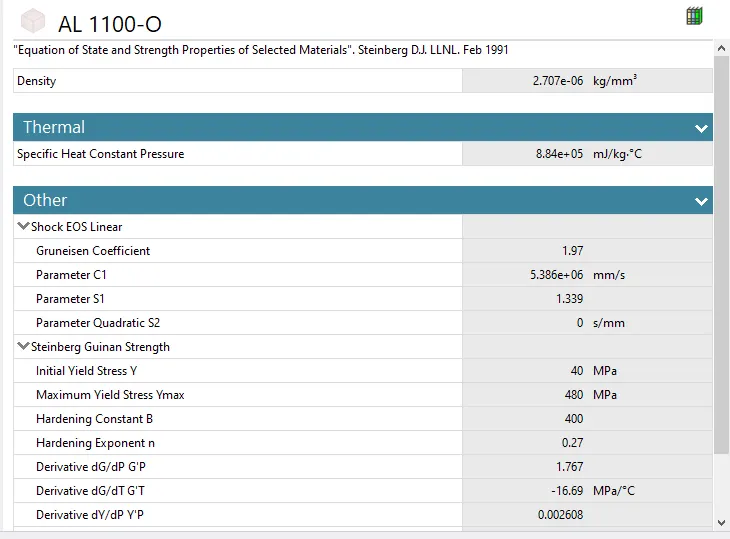
case 1: alluminium 1100-0 for bucket and Tantalum for bullet.
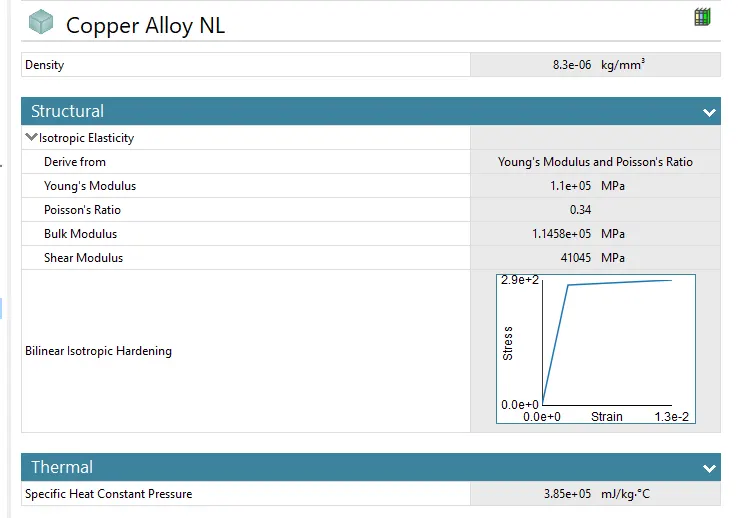
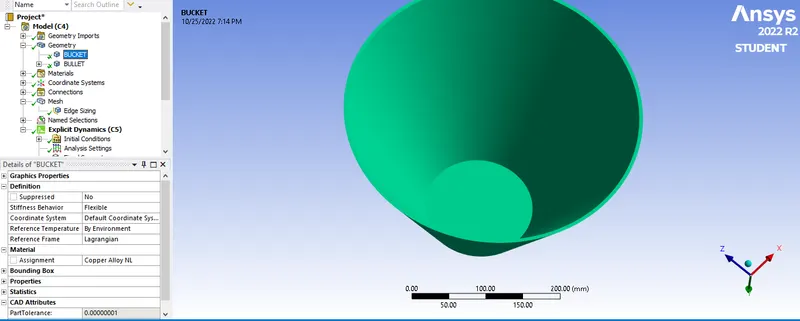
case 2: Copper Alloy NL for bucket and Tantalum for bullet.
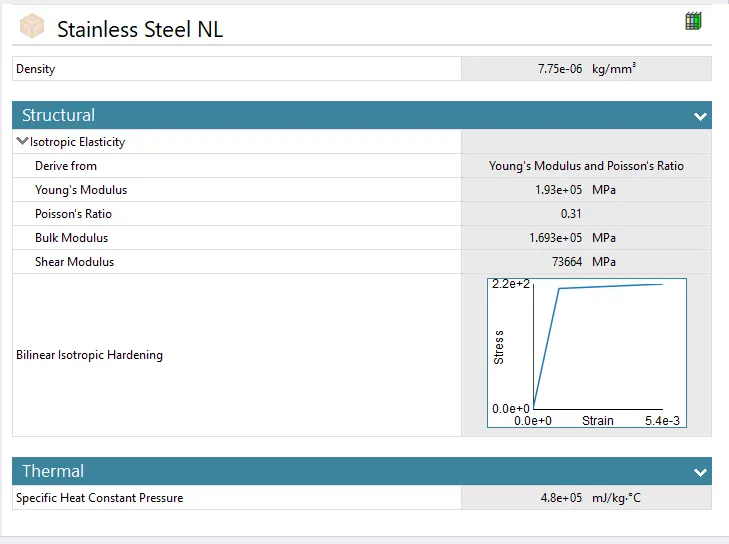
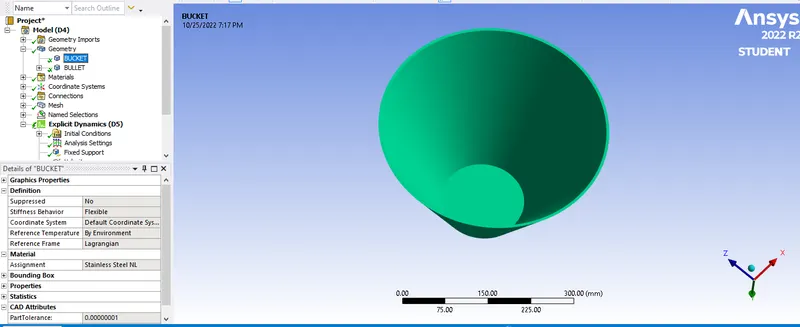
case 3: Stainless Steel NL for bucket and Tantalum for bullet.
-
make sure bulet as RIGID of stiffness behaviar.
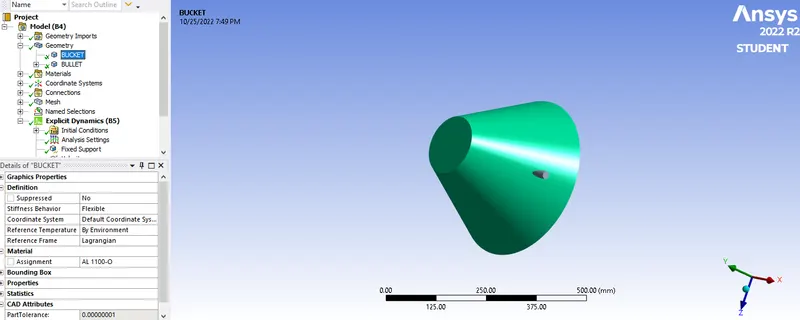
- Wait for few seconds and ANSYS Mechanical will open as shown below.
CONNECTION:
Now open connection and delete all contact as generated by ansys workbench itself. we dont have use contact frictionless.
MESH
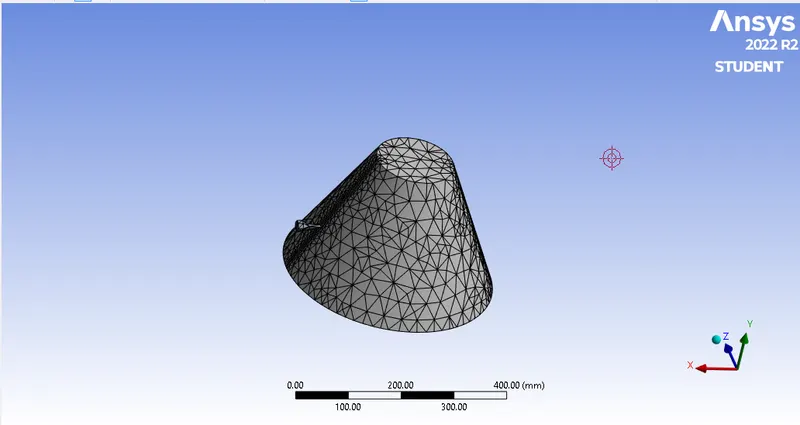
Now insert sizing for mesh and select both side edge of bucket as a geometry, for more accurate result element size of 6 mm.
Now again insert the sizing and select bullet by using solid geometry tool and and element size 35 MM.
and generate the mesh.
NODES : 1696
ELEMENT: 4768
ANALYSIS SETTING
for explicit dynamic set number of step should be 1 and change end time :0.01s
maximum energy error: 5 s
all programing setting left as it is.
FIX SUPPORT
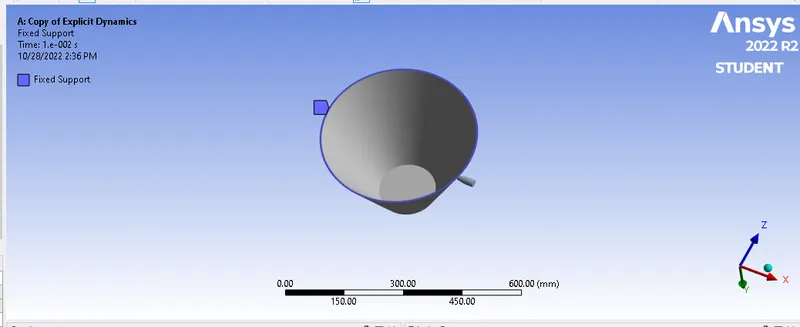
For fix support click on explicit dynamic and insert fix support
select bottom egde of bucket as a geomentry.
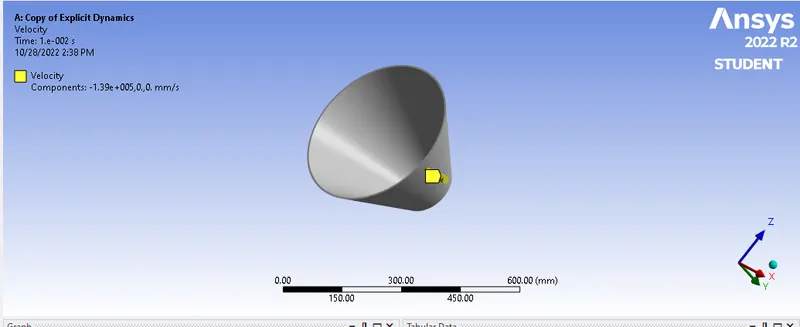
VELOCITY:
Now select velocity for bullet to penetrate the bucket.
click on explicit dynamic and insert velocity.
select bulet body by using solid geomentry tool as a geomentry.
Defind by component. and coardinate system as a globel coordinate system
along X direction for tabuler data along with negative X direction insert -139000.
select Y and Z direction are constant for both direction.
RESULT
Now click on solution and solve the simulation to getting result.
case 1: alluminium 1100-0 for bucket and Tantalum for bullet.
case 2: Copper Alloy NL for bucket and Tantalum for bullet.
case 3: Stainless Steel NL for bucket and Tantalum for bullet.
TOTAL DEFORMATION
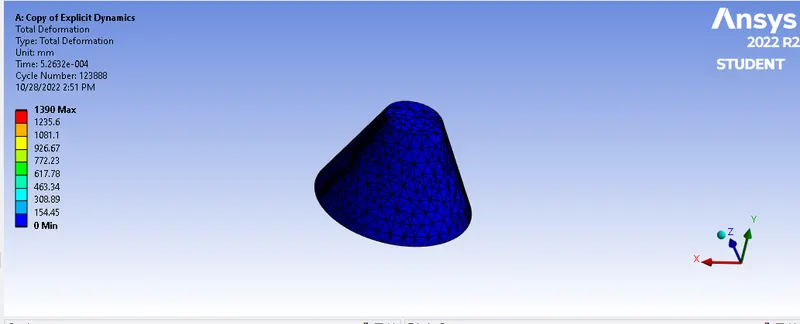 CASE 1
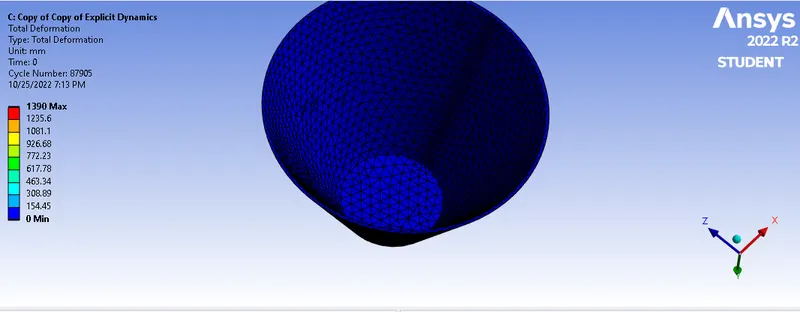 CASE 2
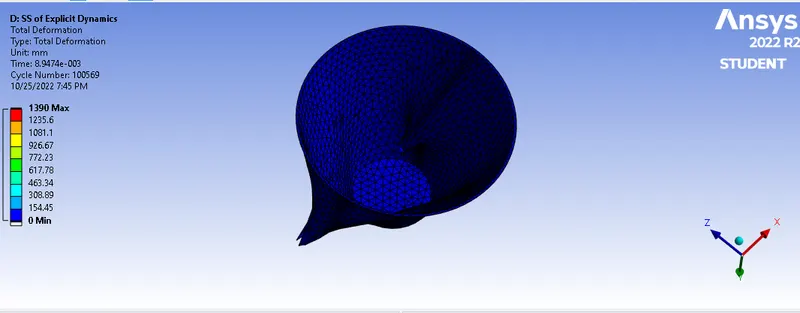 CASE 3
EQUIVALENT PLASTIC STRAIN
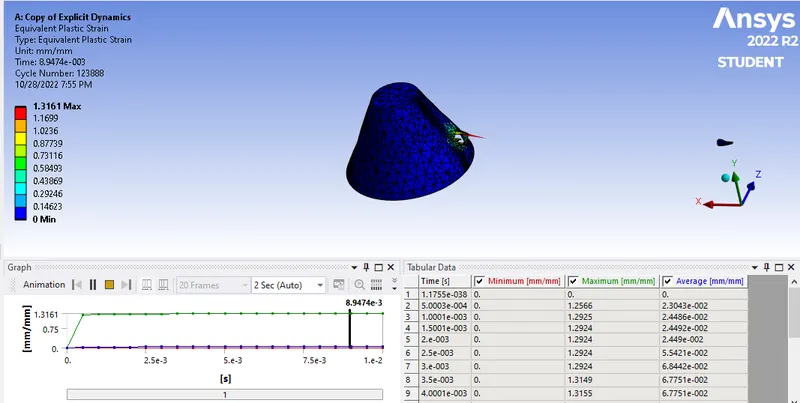 CASE 1
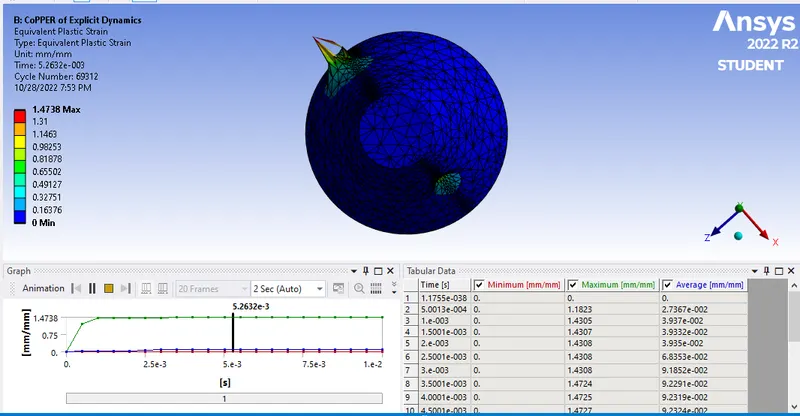 CASE 2
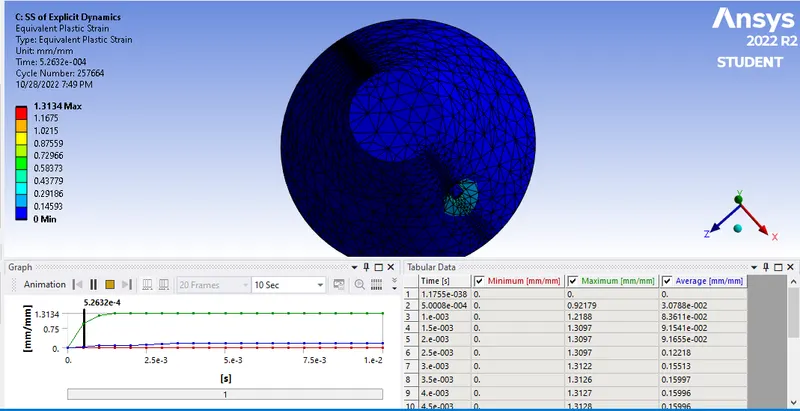 CASE 2
EQUIVALENT STRAIN
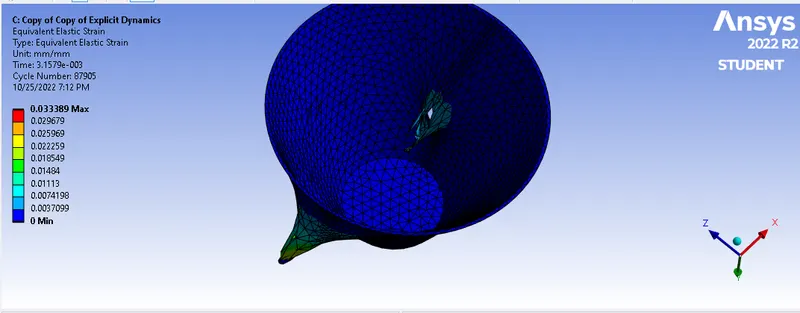 CASE 1
CASE 2
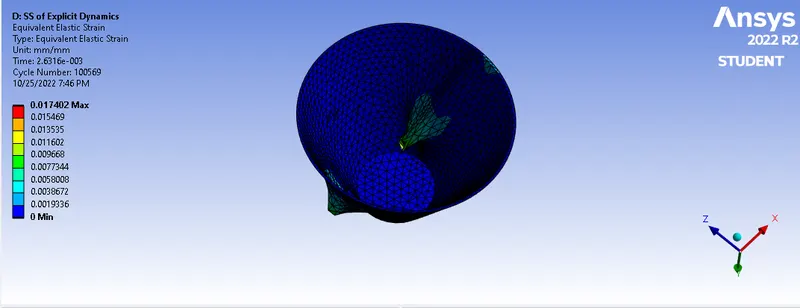 CASE 3
TEMPERATURE
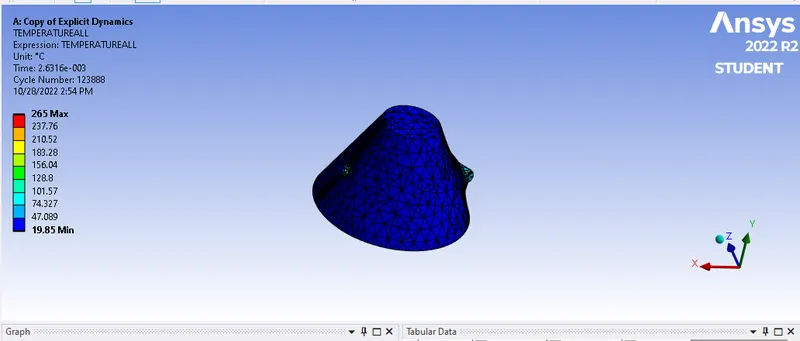 CASE 1
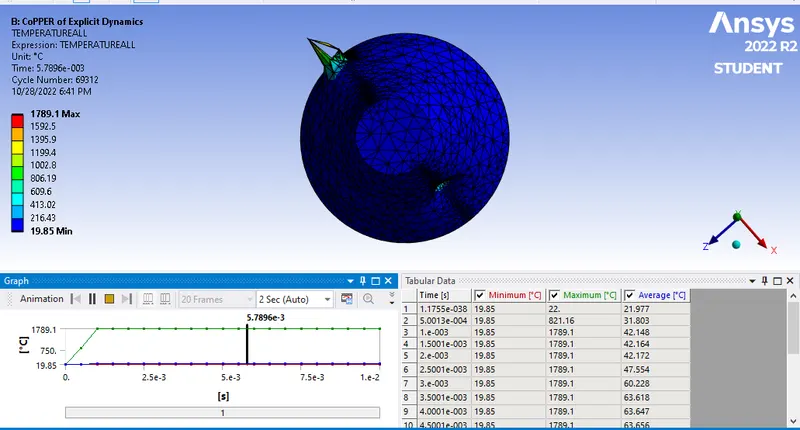 CASE 2
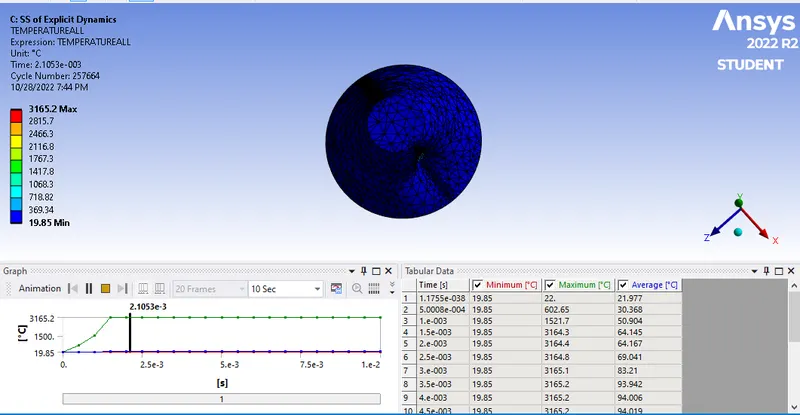 CASE 3
COMPARISION:
Use different non linear material for bucket penetration done result as per given below.
|
MATERIAL |
CASE 1 |
CASZE 2 |
CASE 3 |
|
TEMPERATURE MAX min |
265 ◦C 19.85 ◦C |
1789.1 ◦C 19.85 ◦C |
3165.2◦C 19.85◦C |
|
EQUIVALENT STRESS max min |
0.0037266 mm 0 |
0.033389 mm 0 |
0.017402 mm 0 |
|
TOTAL max DIFORMATION min |
1390 mm 0 |
1390 MM 0 |
1390 MM 0 |
CONCLUSION :
- From above its clearly seen that temperature are increase in case 2 and 3.
- equivalent stress are higher for case 3 and followed by case 2 and case 1 due to stiffness of material.
- Total deformation are does not change to all case.