Week 10- Assembly Workbench
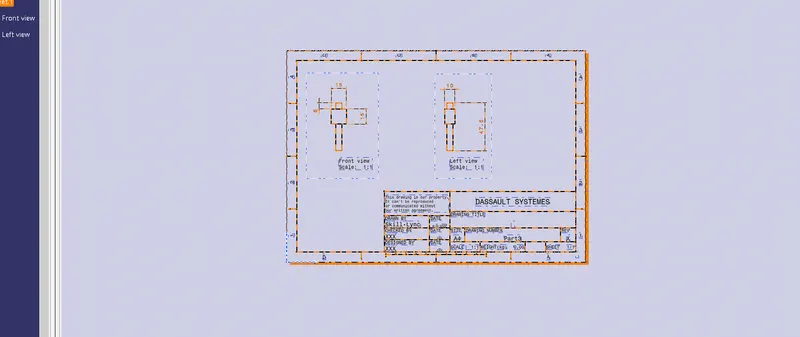
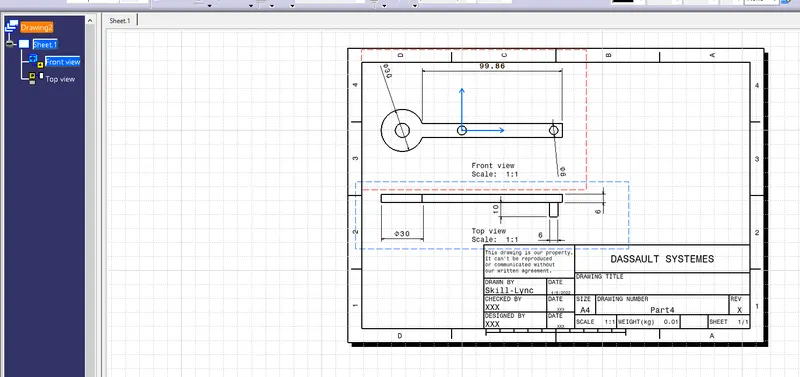
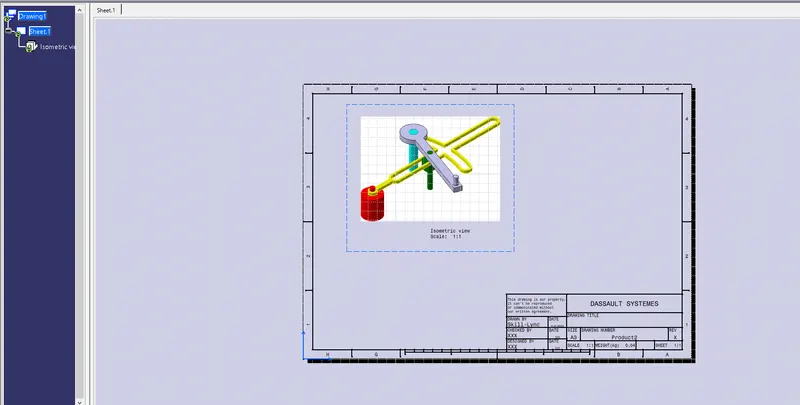
all the parts assembly drafts are uploaded in zip file
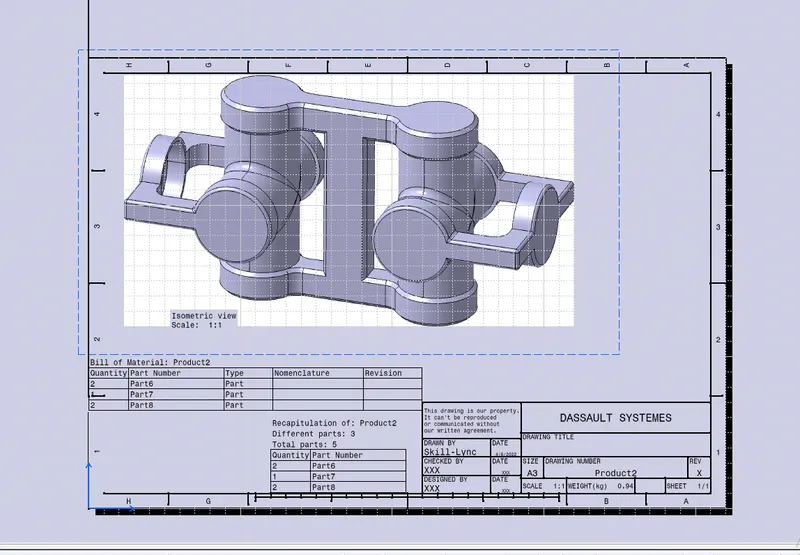
Aim: to create an assembly for the given reference.
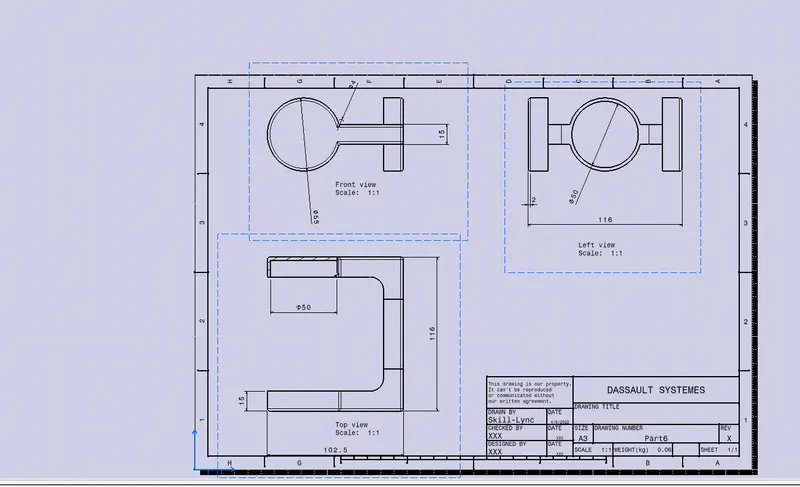
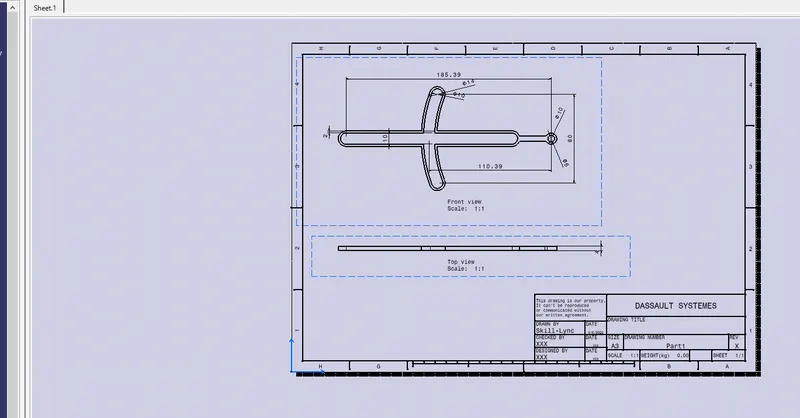
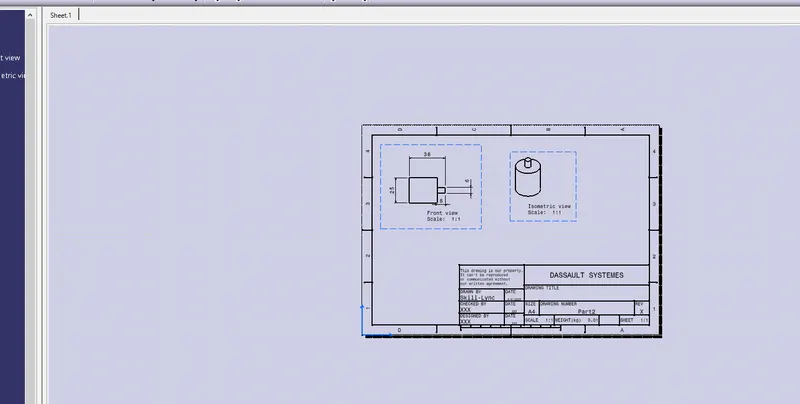
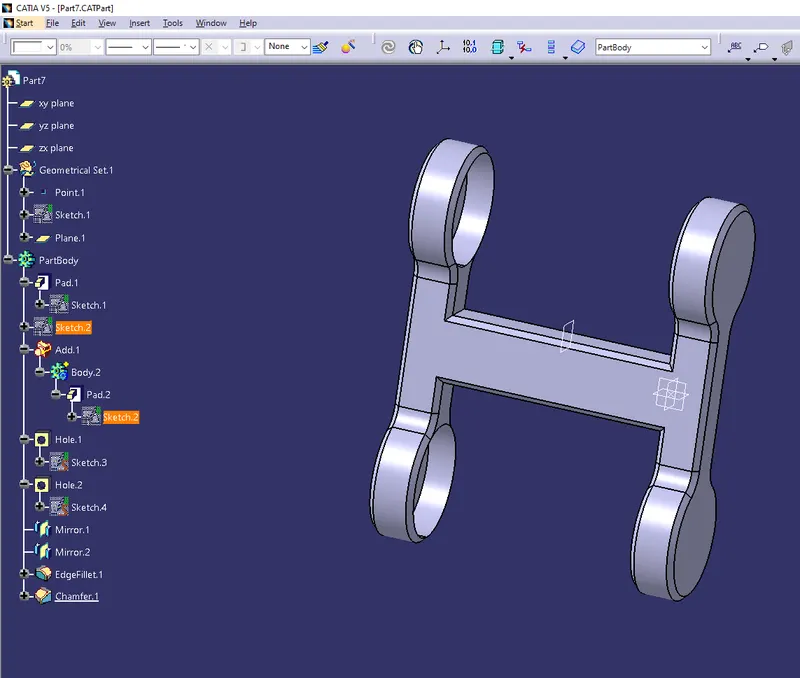
first, draw all the components based on the given dimensions and make neseccasry boolean operation to the parts
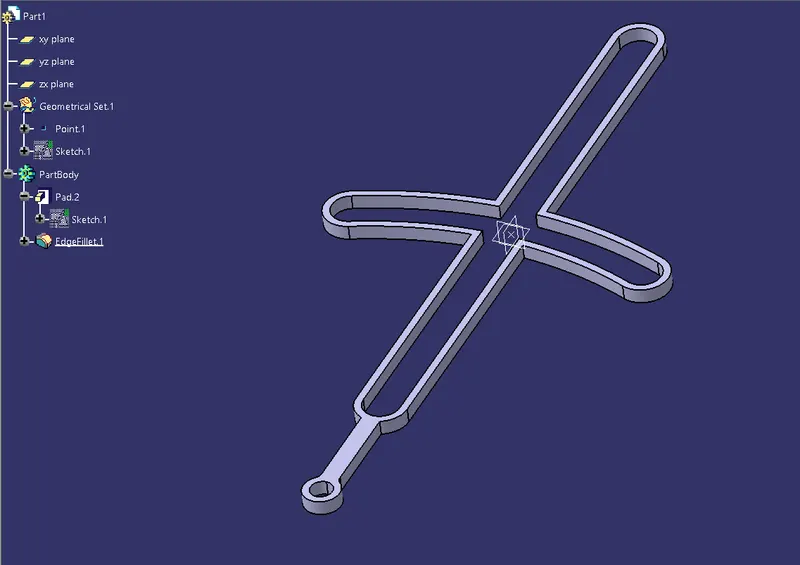
component 1
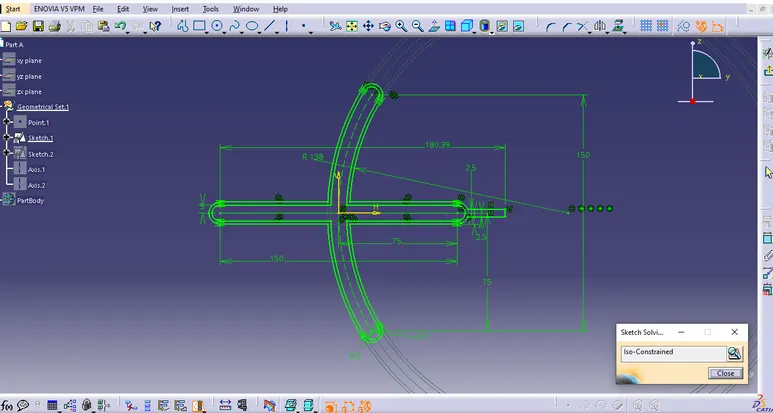
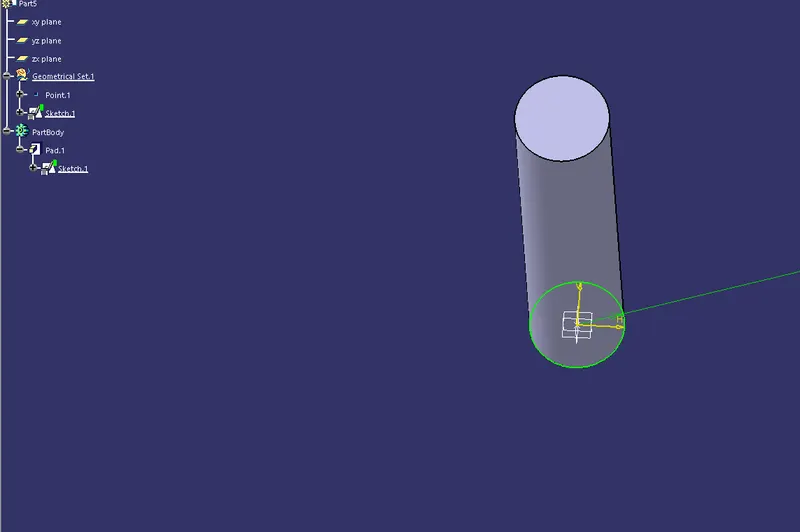
component 2
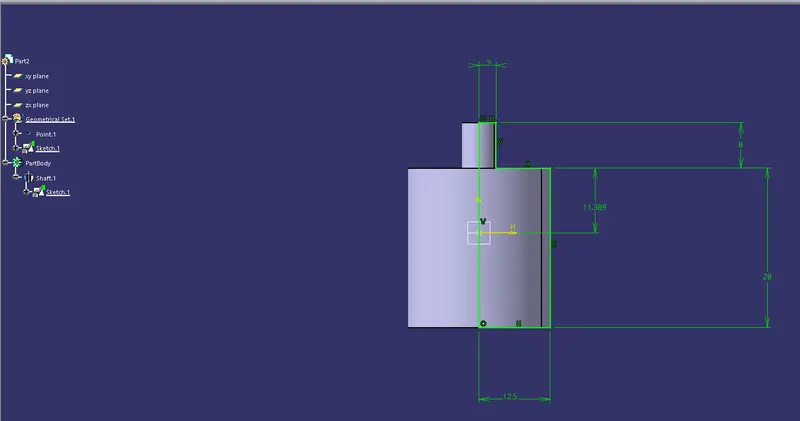
component 3
component 4
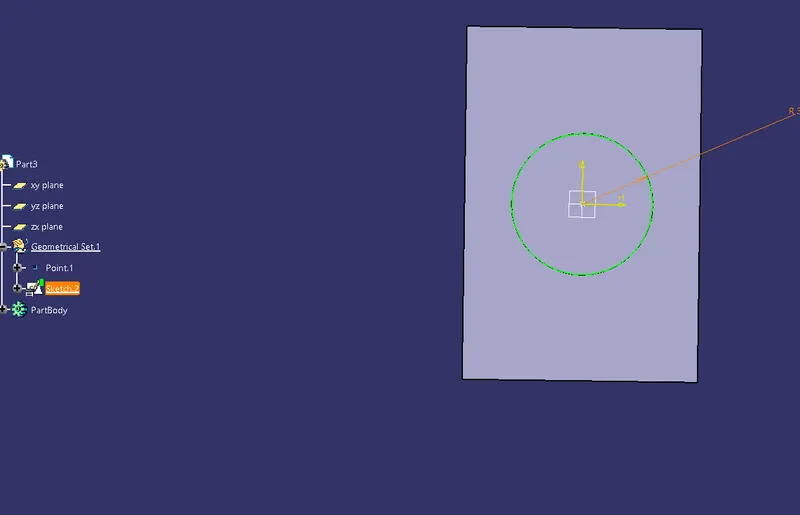
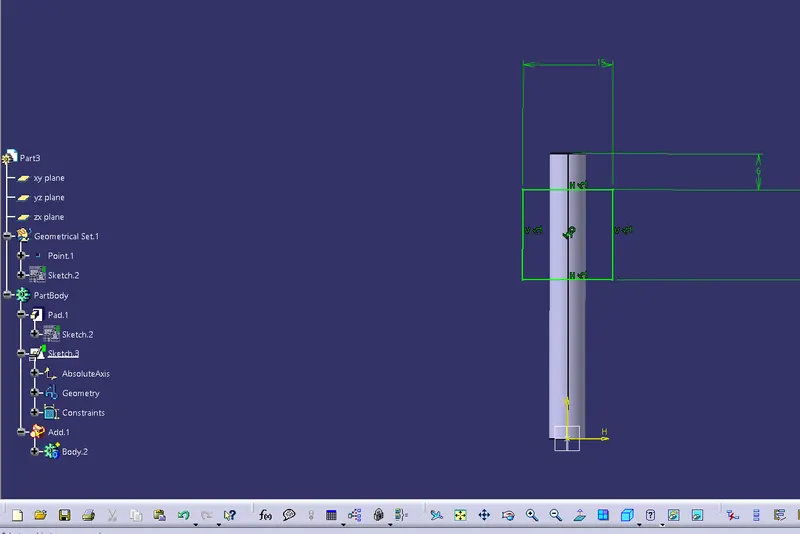
component 4
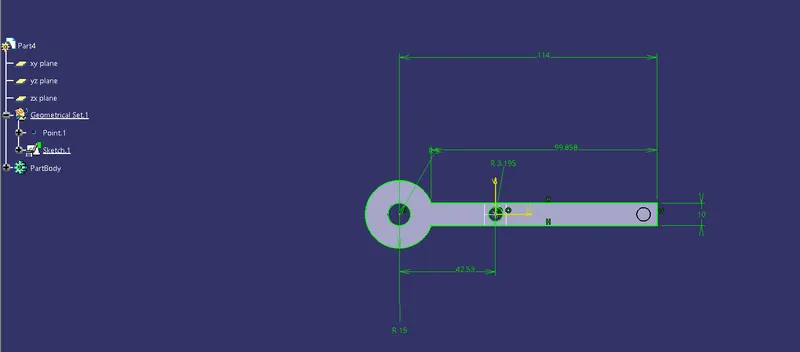
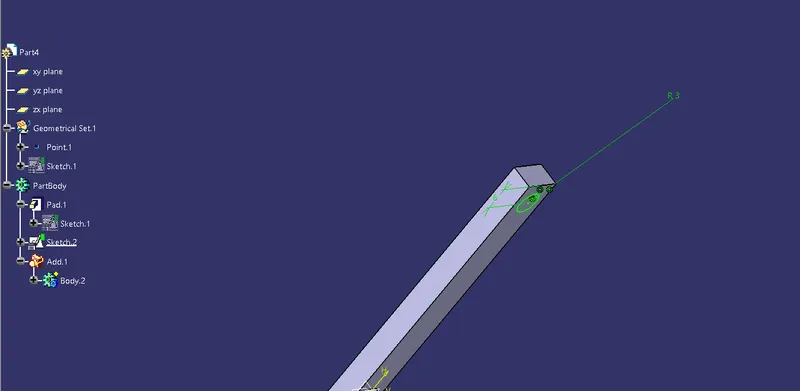
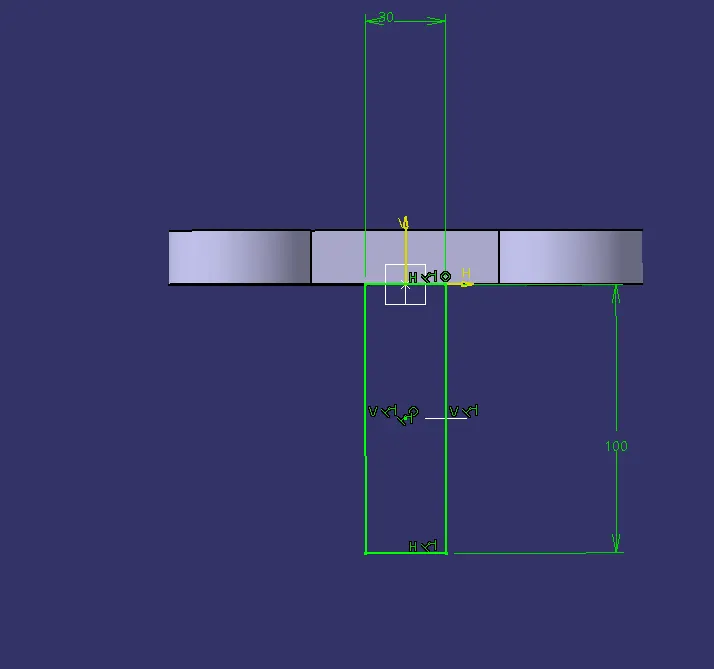
based on the given parameters draw the sketches and the pad them .
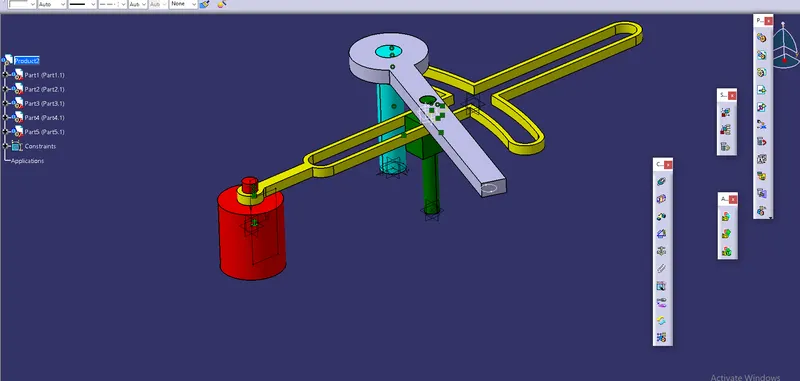
all the seembly is done only with the help of surface contact and coincide tool
inorder make assembly first make sure all the parts are in same file and then import them into the product file.
first i have coincided the component 1 and component 3 then with the 4 for them I have given the surface contacts
assembly 2
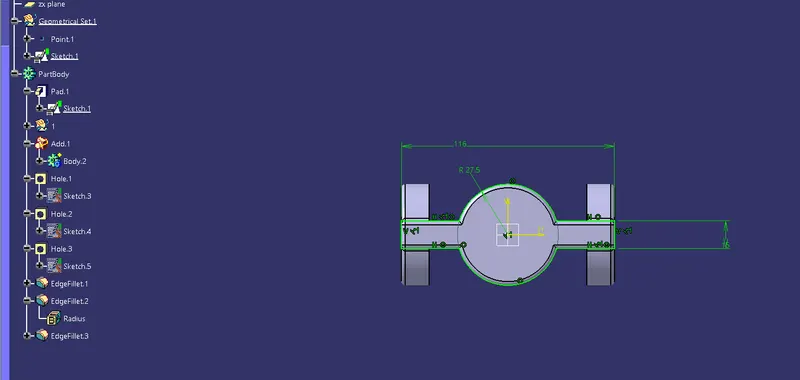
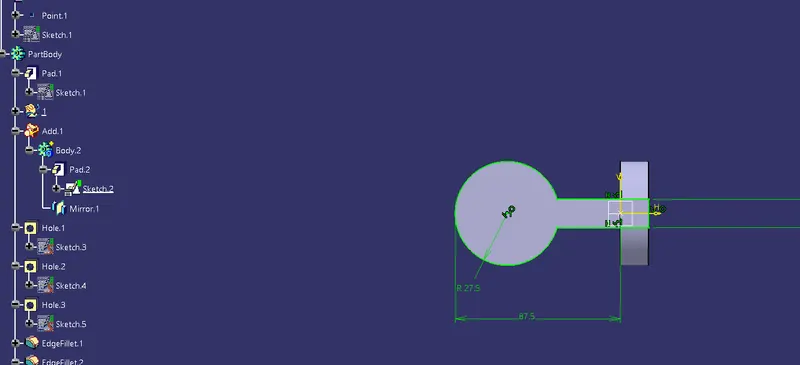
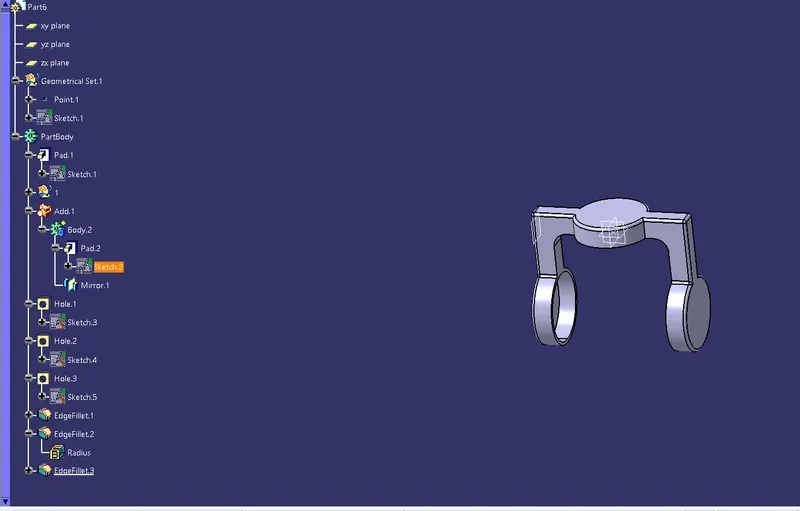
part 2
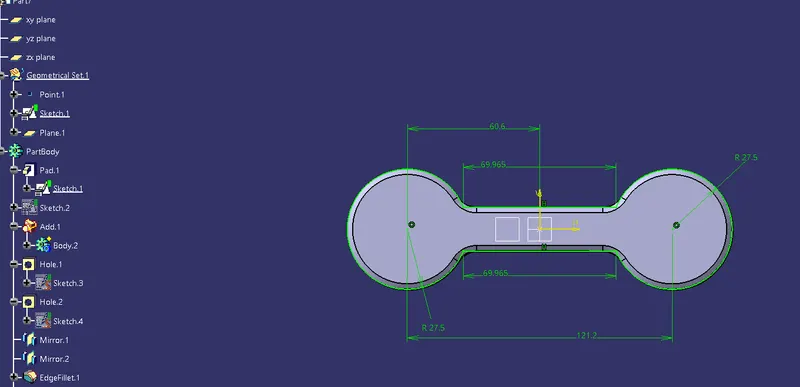
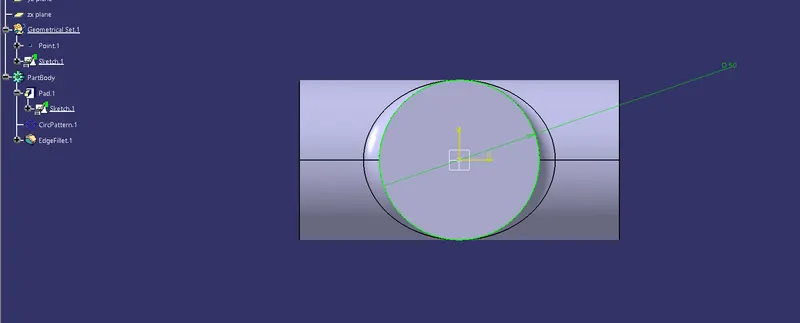
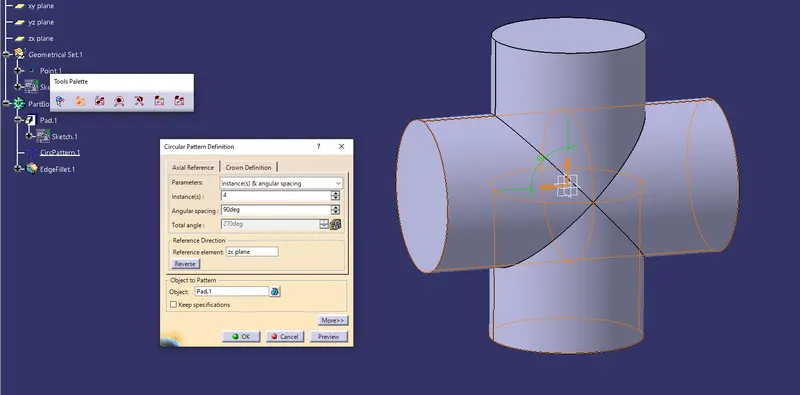
in this i have used circle pattern method to obtain the given part.
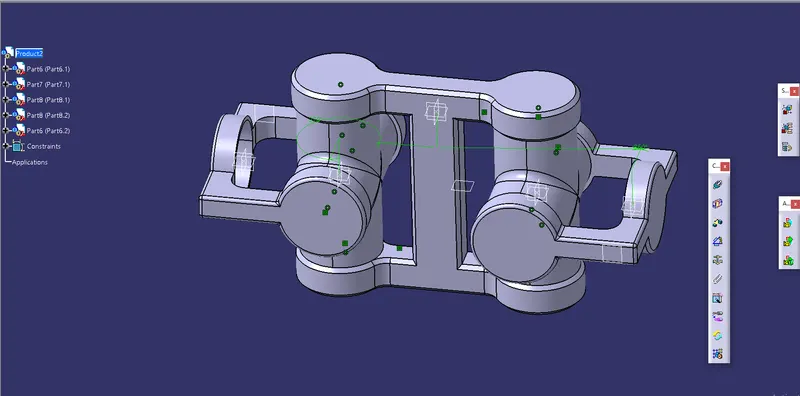
in this assembly copy the parts 1 and 2 to have the assembly on the other side.
same as the previouys one i have used surface contact and coincide tool to make the assembly. later i have given the angle constrain to both sides .
drafts for the components and asssembl,