Week 10- Assembly Workbench
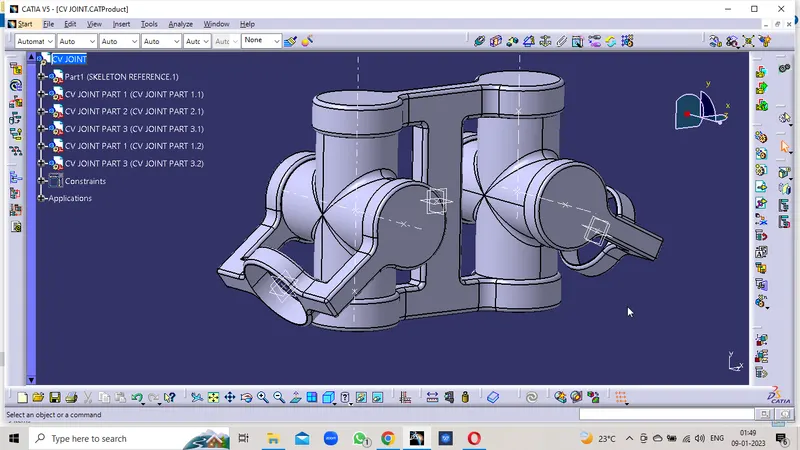
C V JOINT
Procedure:
- Make the Sketches of the given parts in the Positioned Sketch with the reference plane and Projection Point as the Orgin.
- Create the Sketch and Iso-Constrain it with the given dimensions to it
- Create a closed body by using the Part Body features
- Publish the Planes , orgin points, axis , and reference points
- Create the separate part file as the reference and skeleton
- Fix the Planes and orgin on the constrains
- Constrain the individual parts with the base skeleton and respective parts.
- constrain the parts with reference to the Planes , points and axis as reference.
- Check the Manipulation option to the indiviual parts in the all possible 12 Degress of freedom.
- Confirms the parts dosent move in all directions
- Now check the Explode of all parts and update them.
- Confirm that the all parts are in the correct position.
PART 1
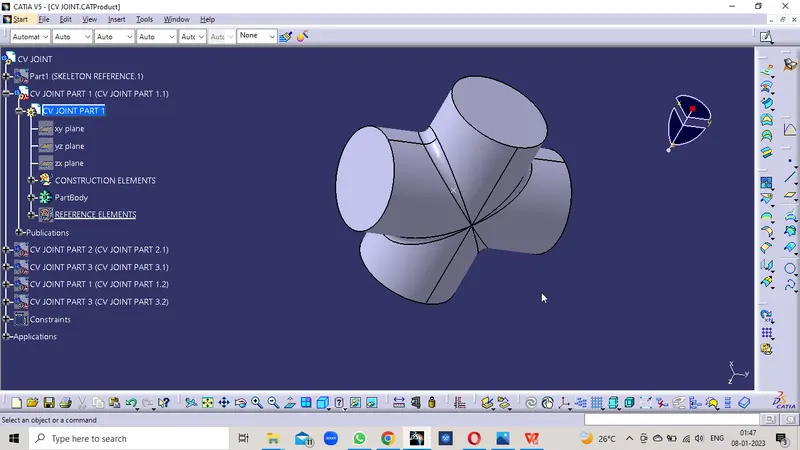
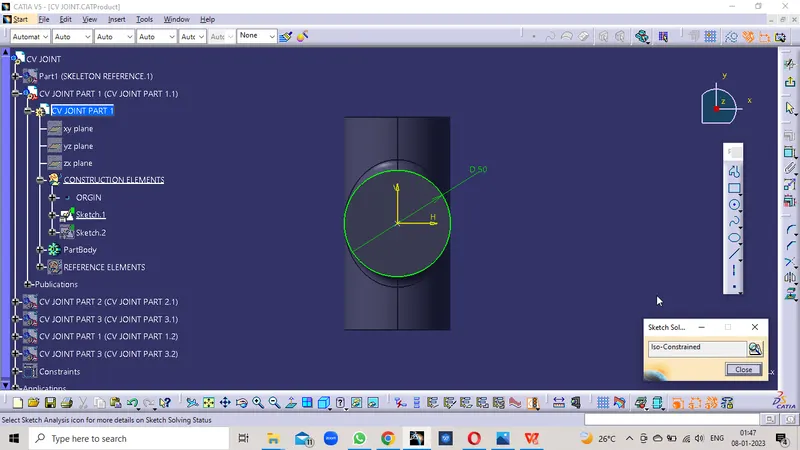
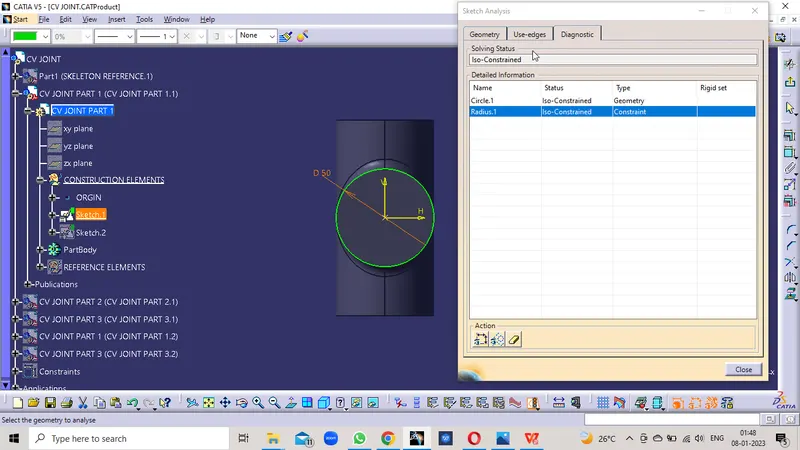
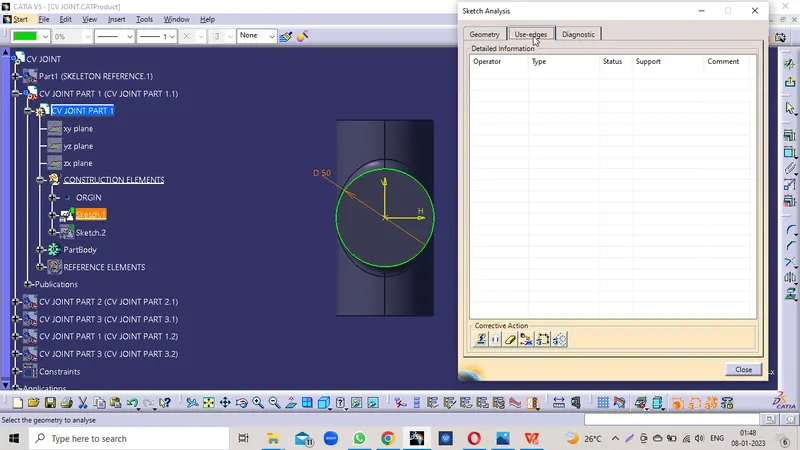
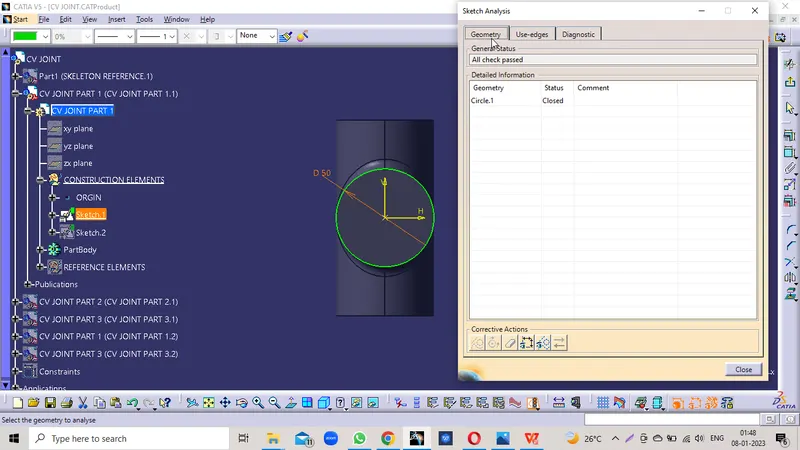
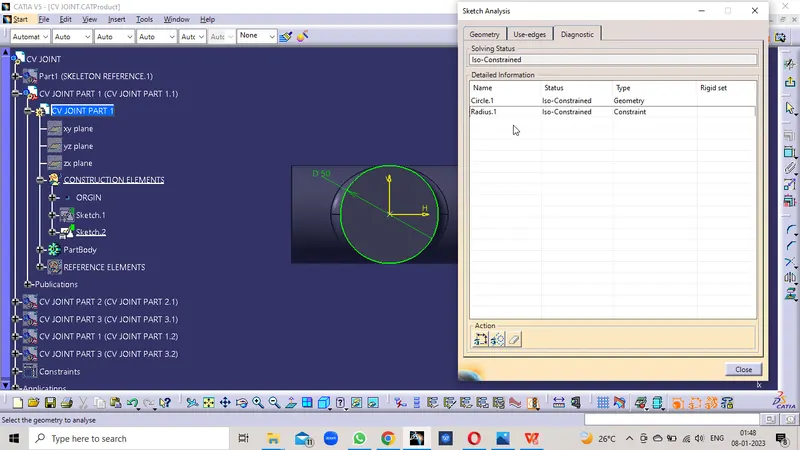
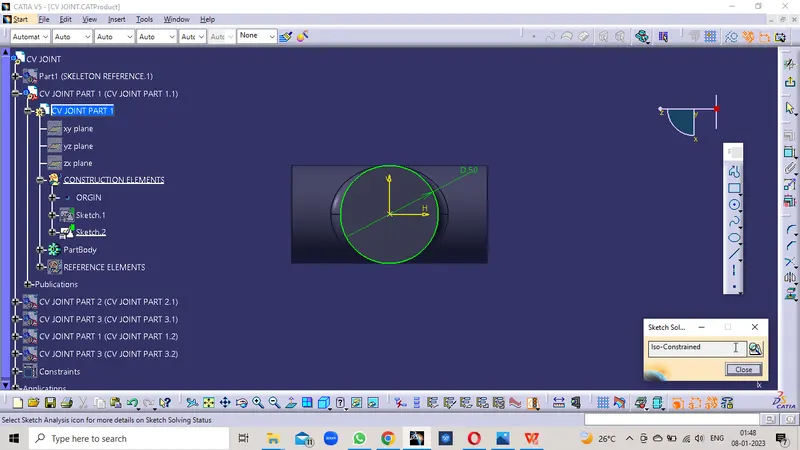
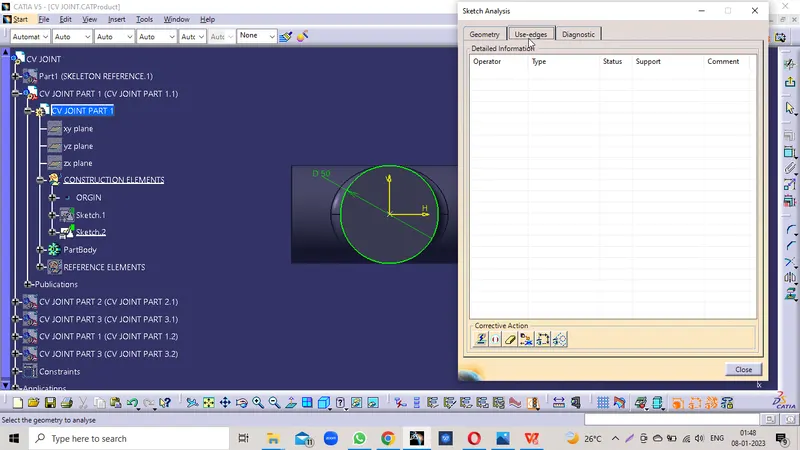
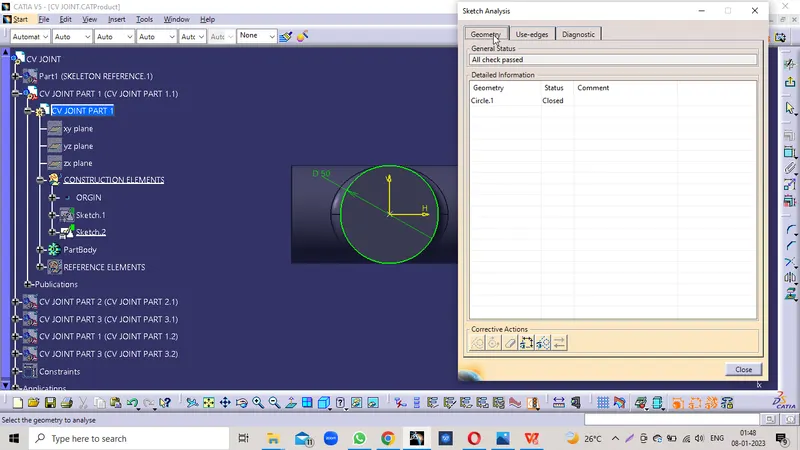
TREE STRUCTURE
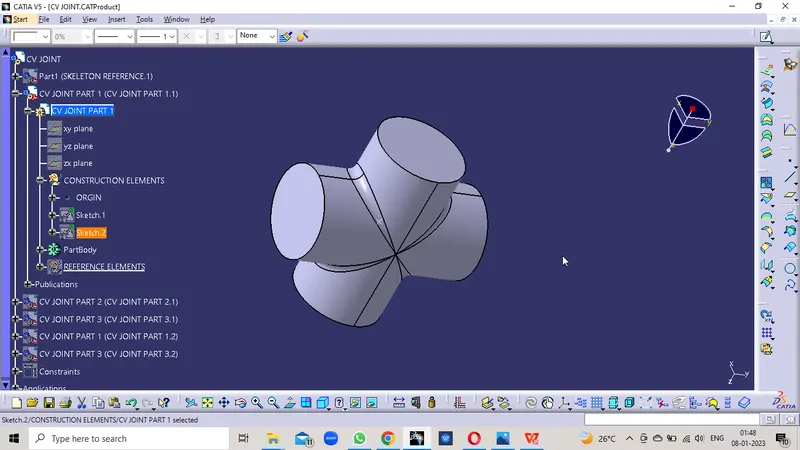
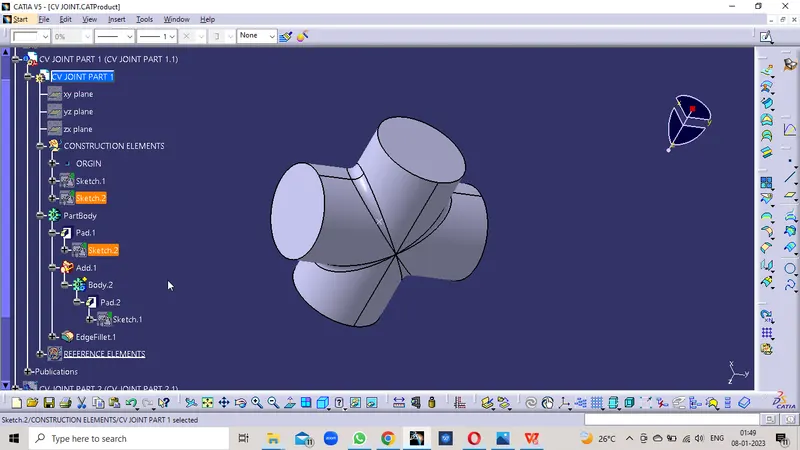
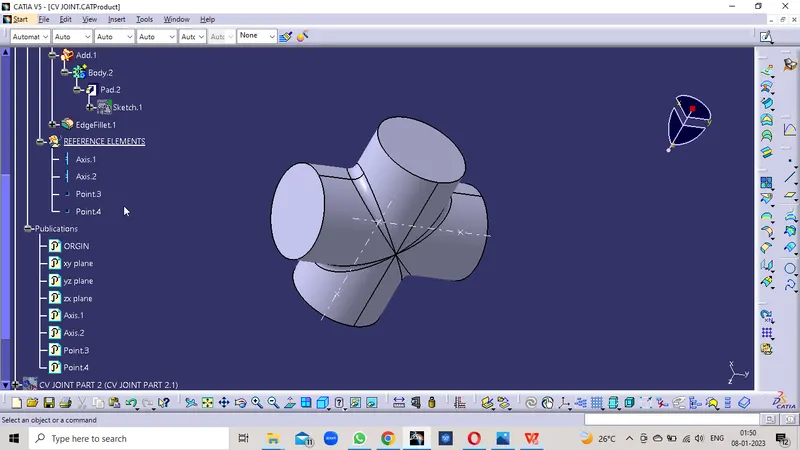
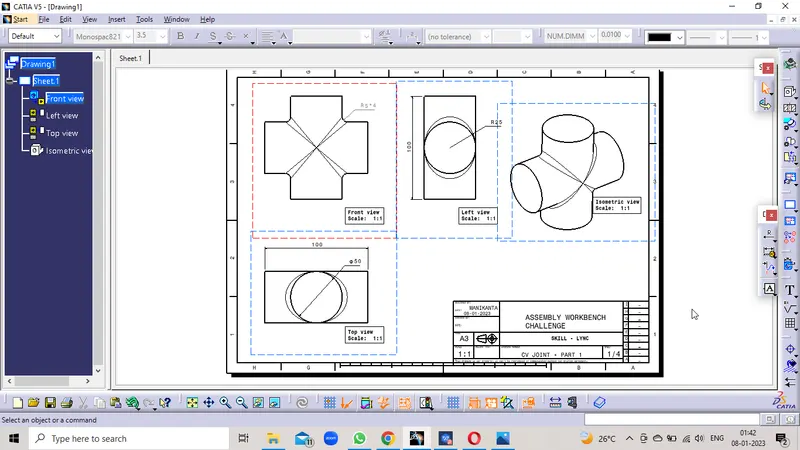
CV JOINT PART 1 DRAWING
PART 2
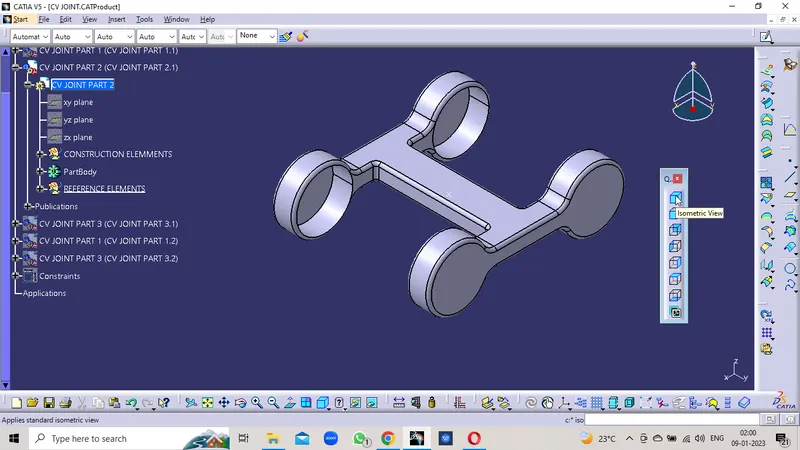
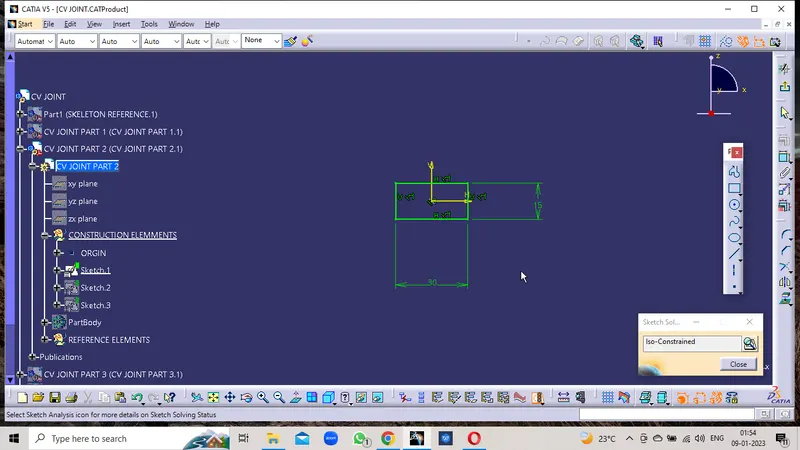
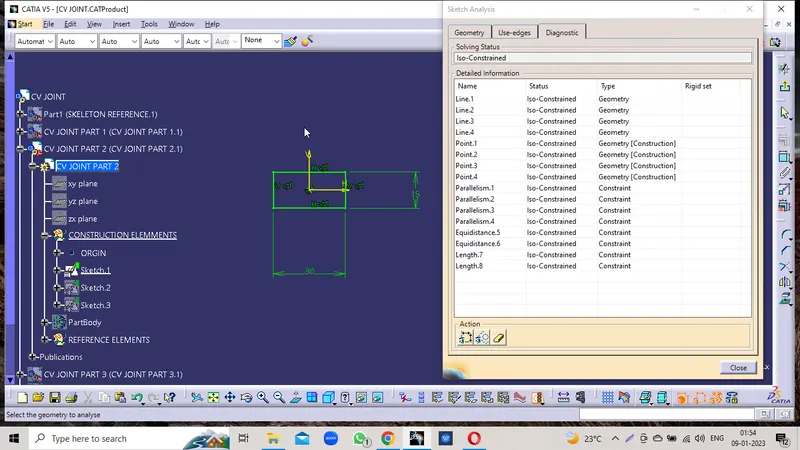
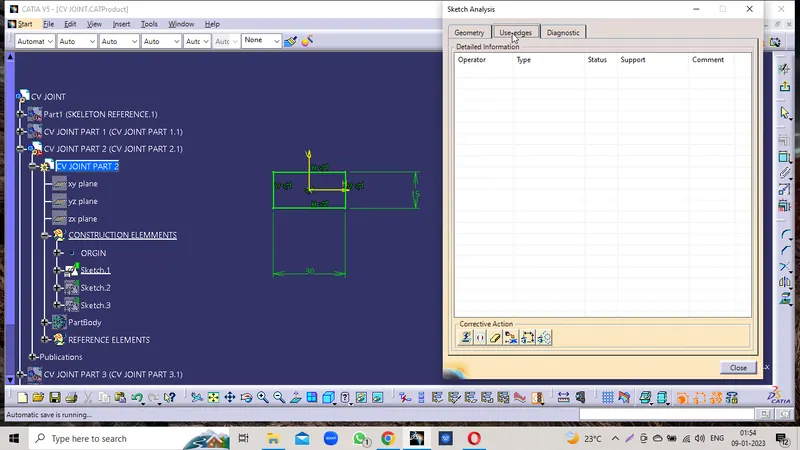
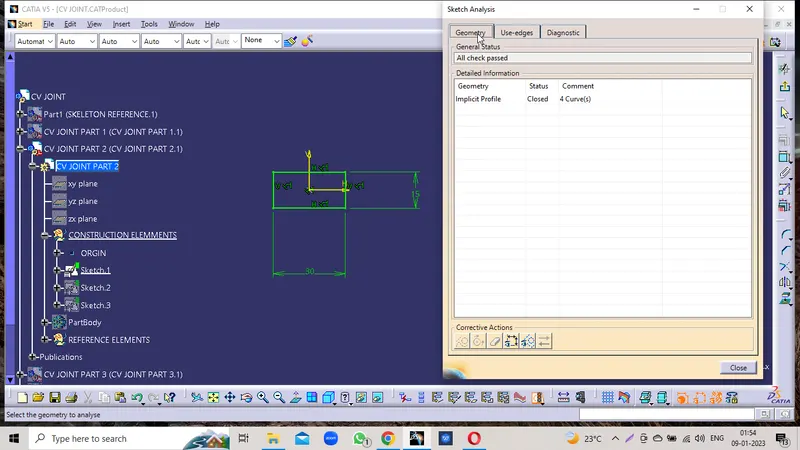
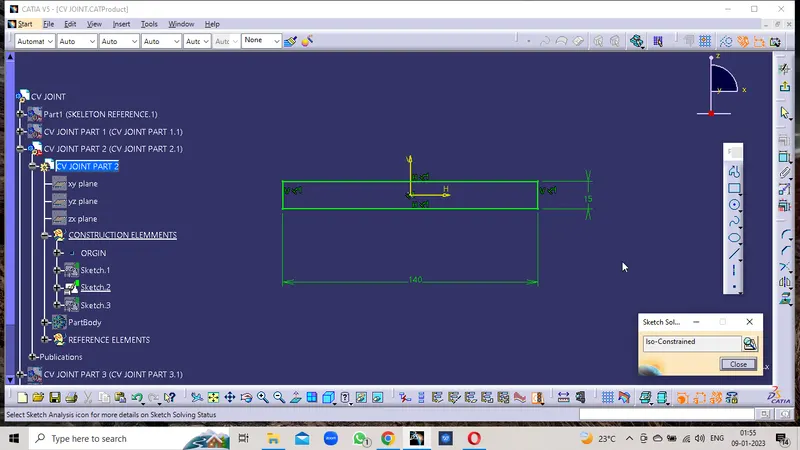
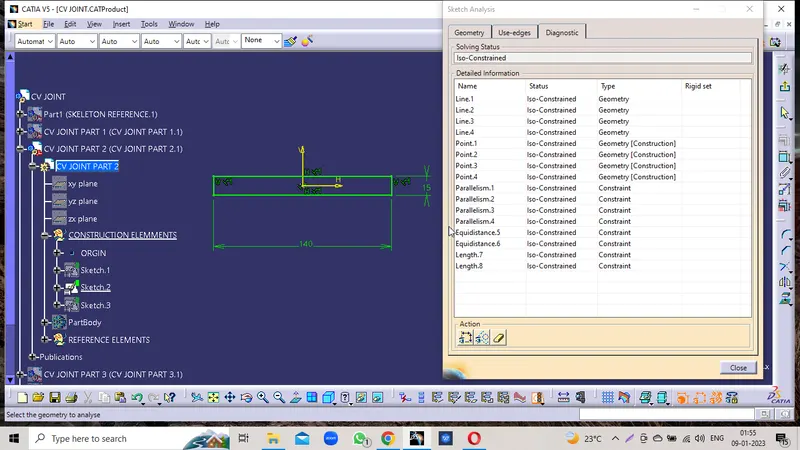
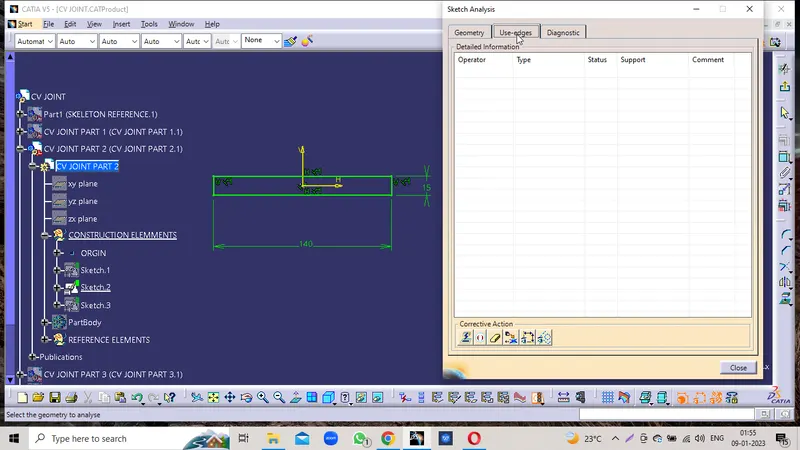
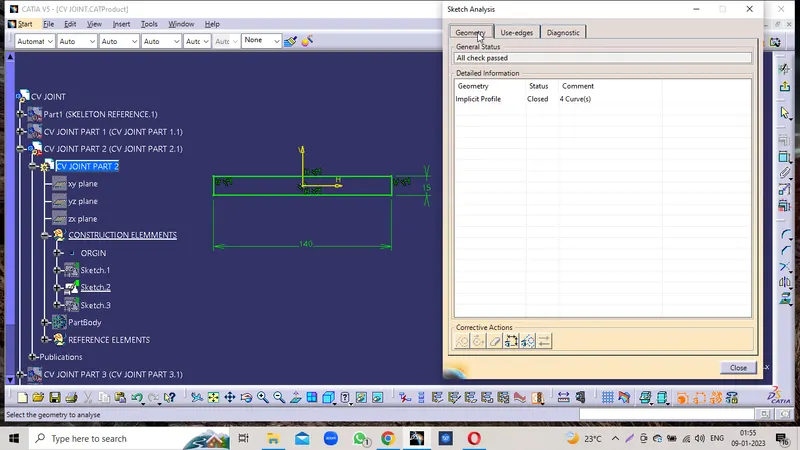
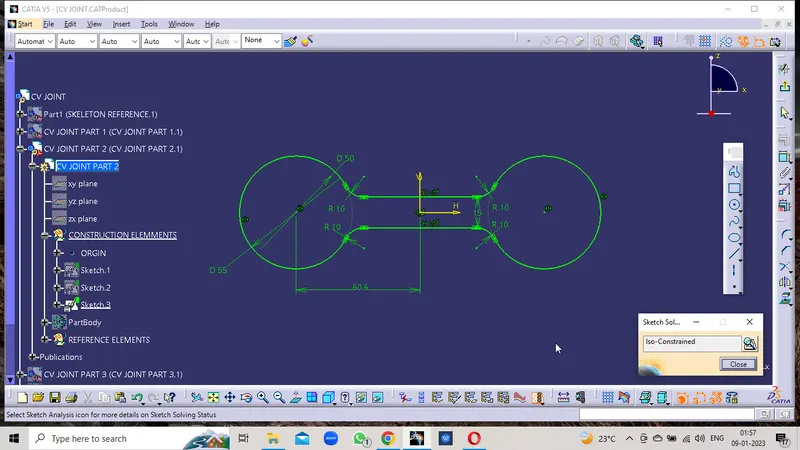
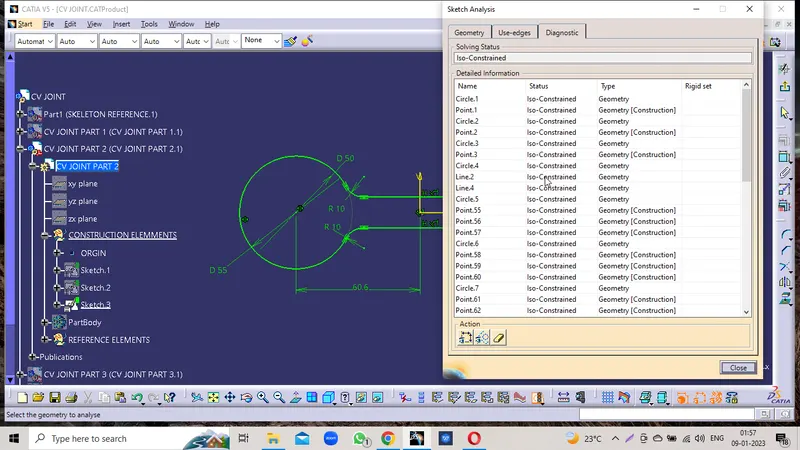
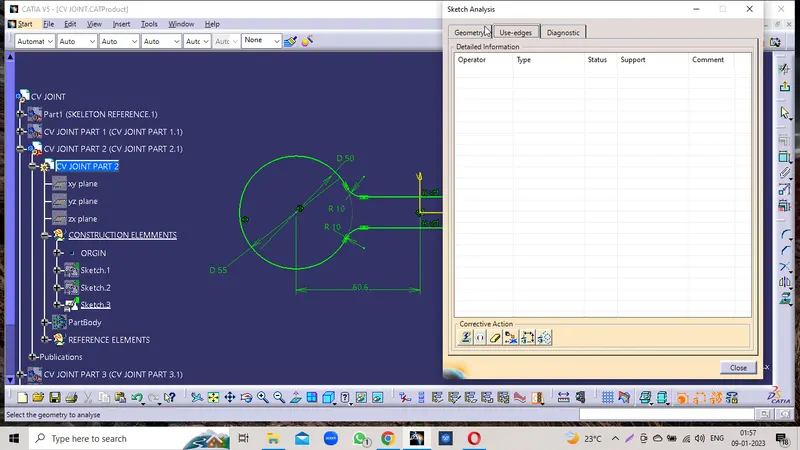
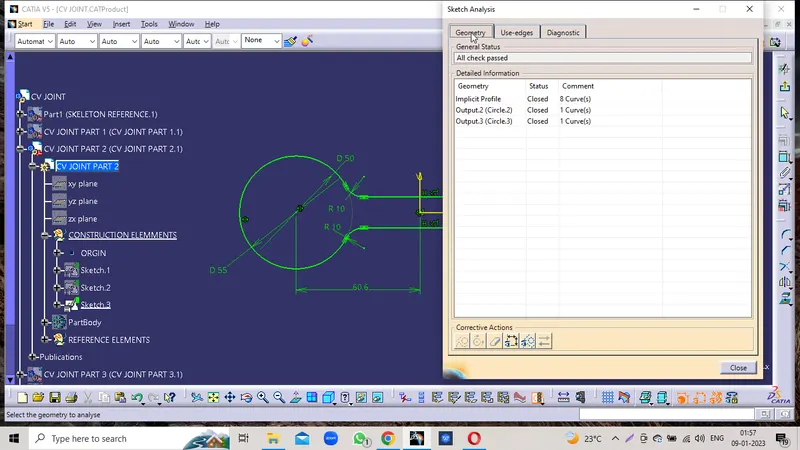
TREE STRUCTURE
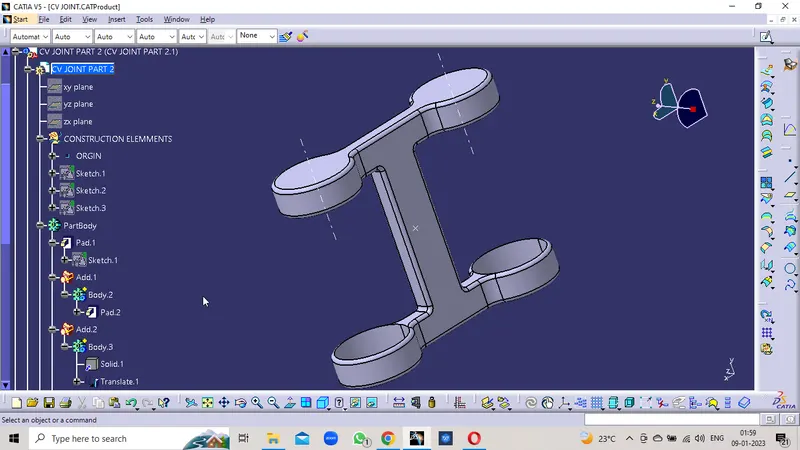
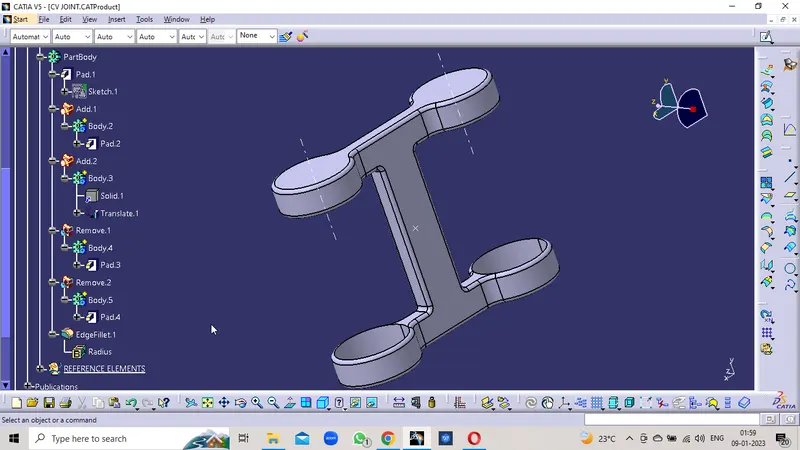
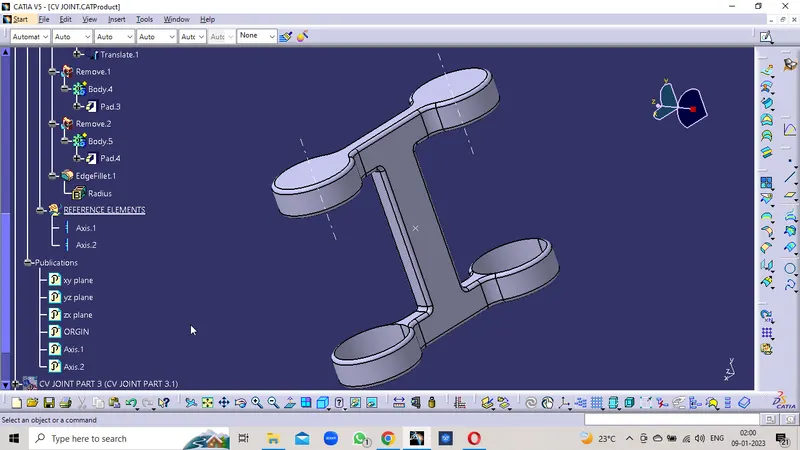
ISOMETRIC VIEW
FRONT VIEW
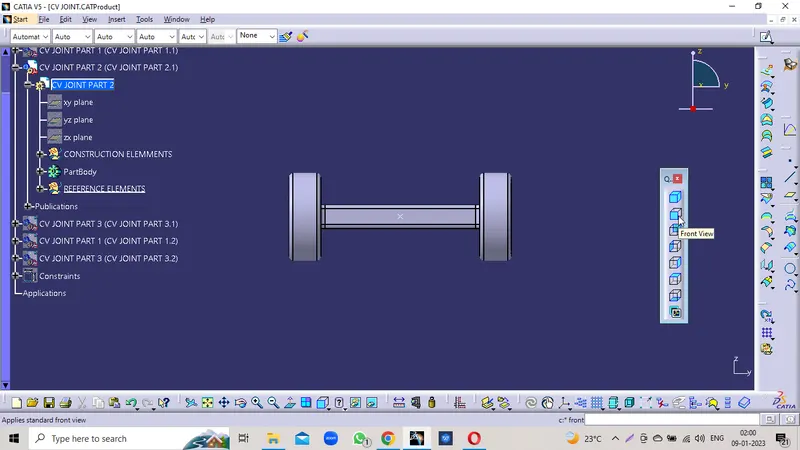
SIDE VIEW
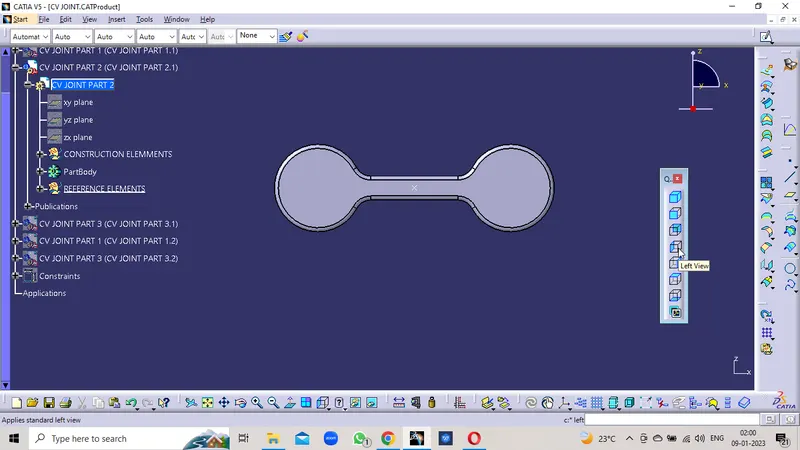
TOP VIEW
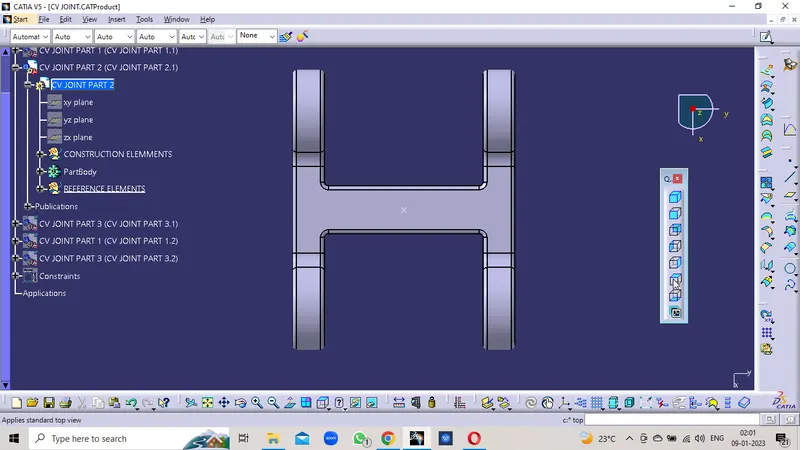
CV JOINT PART 2 DRAWING
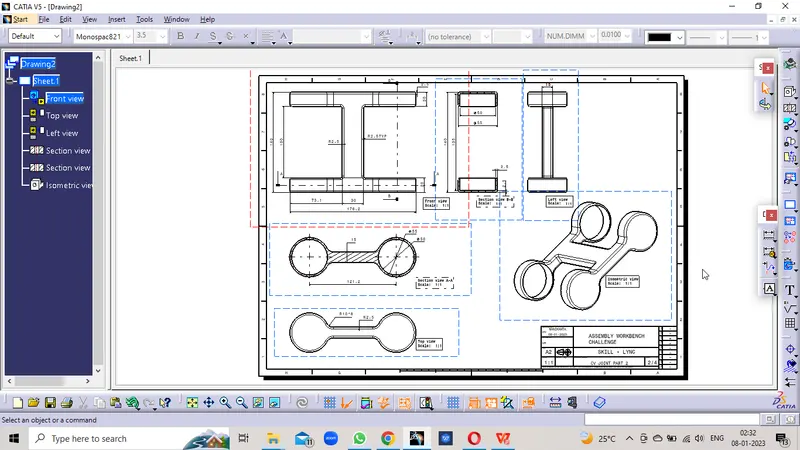
PART 3
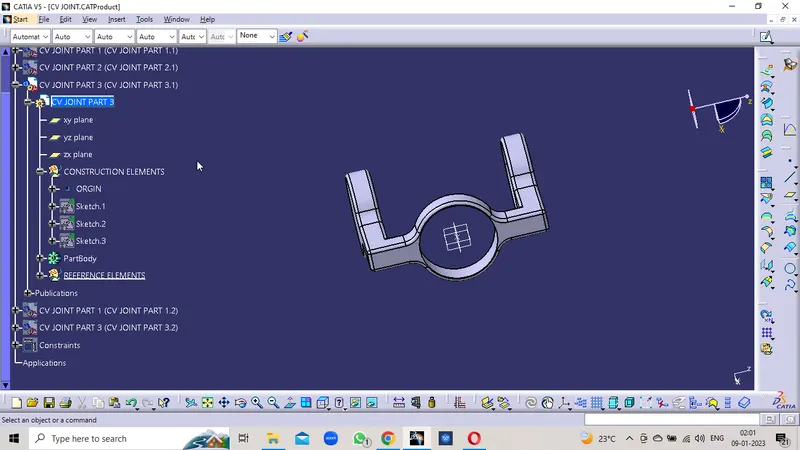
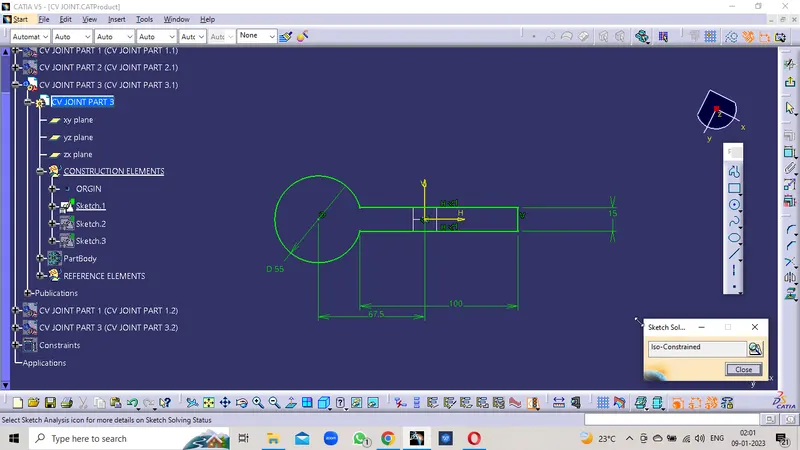
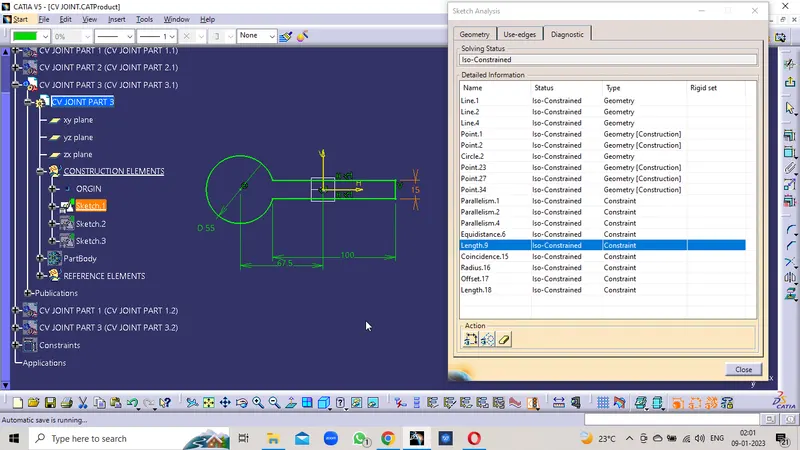
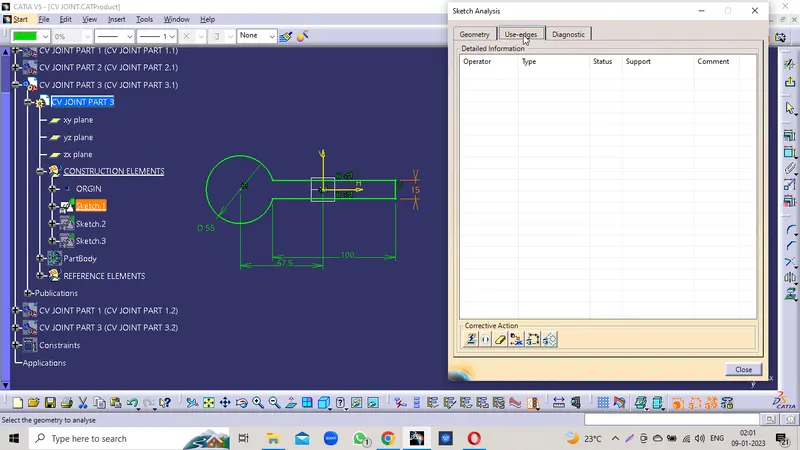
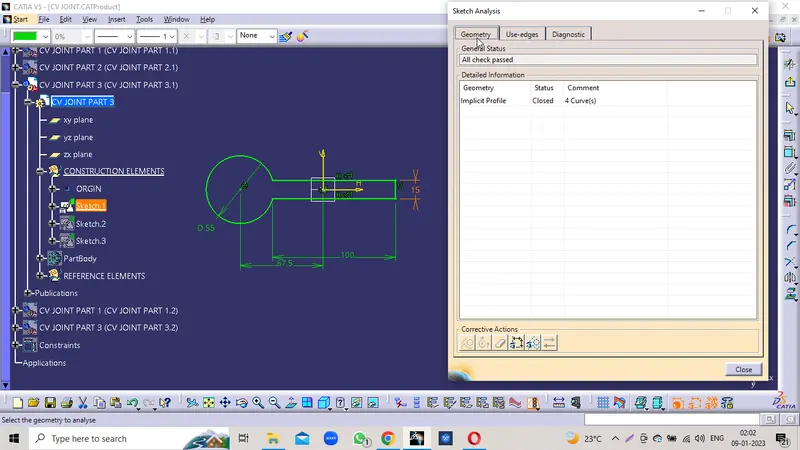
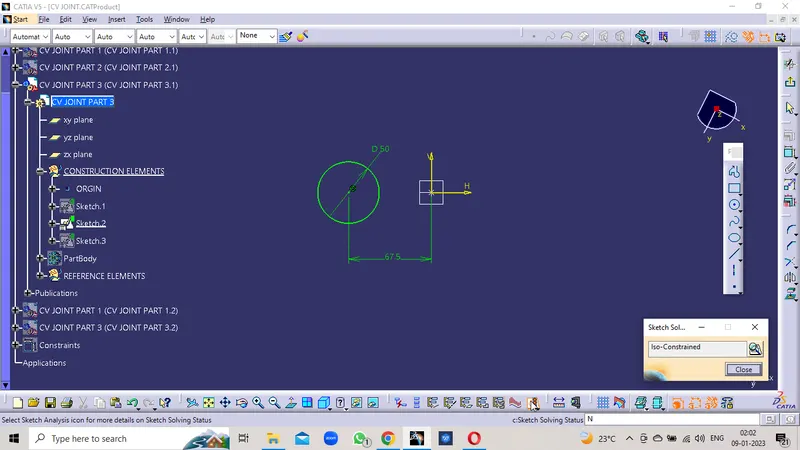
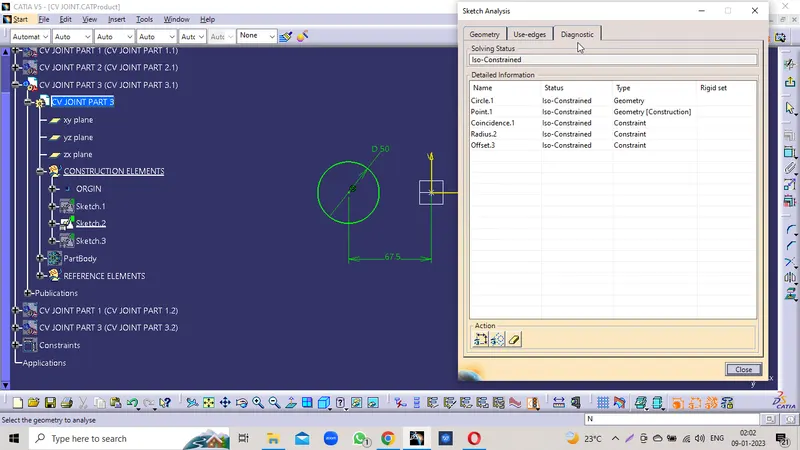
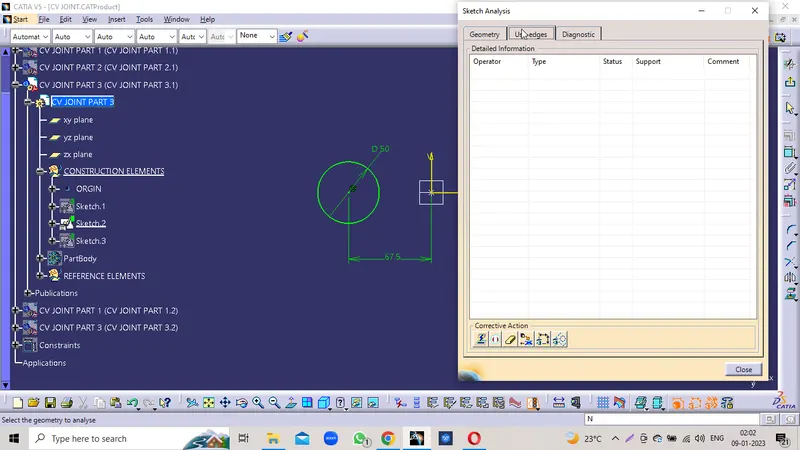
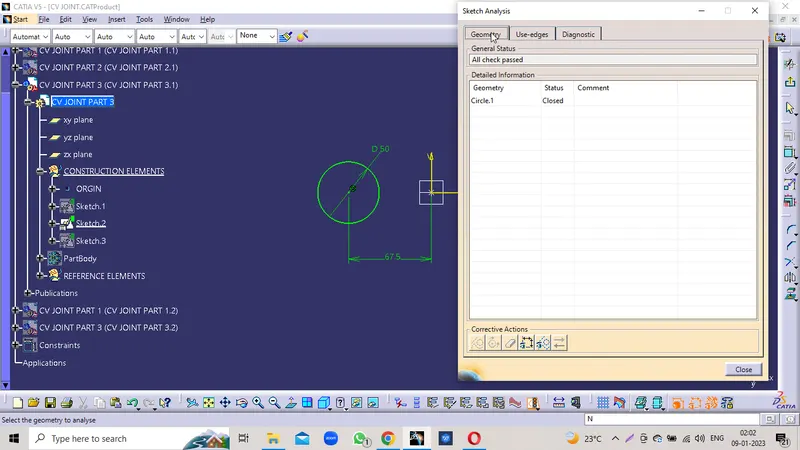
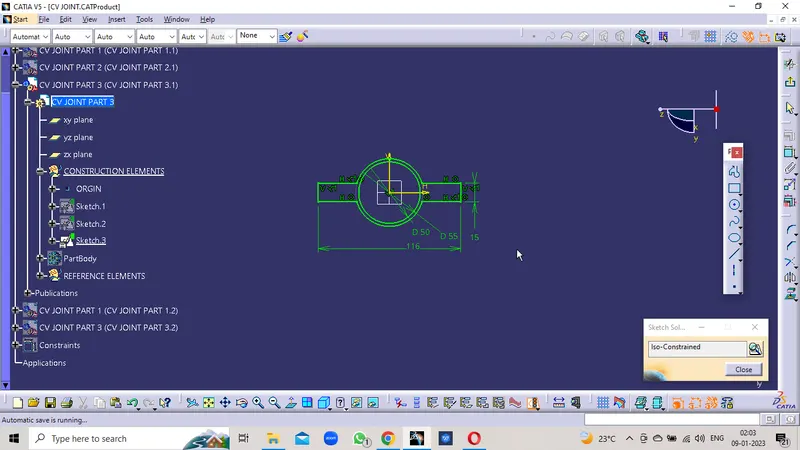
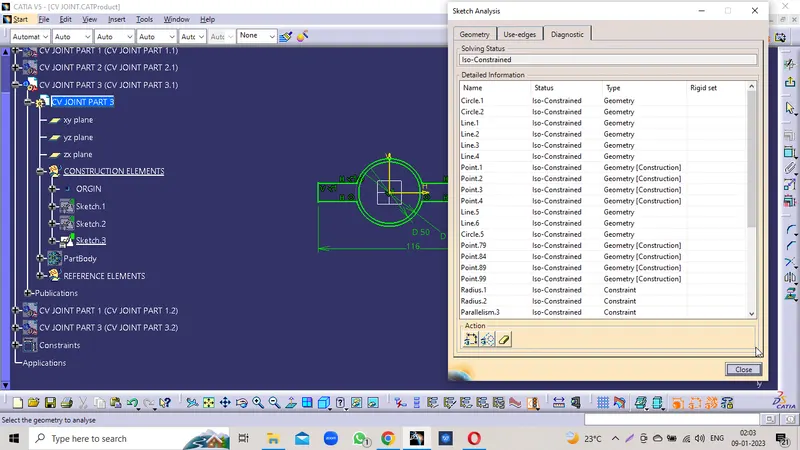
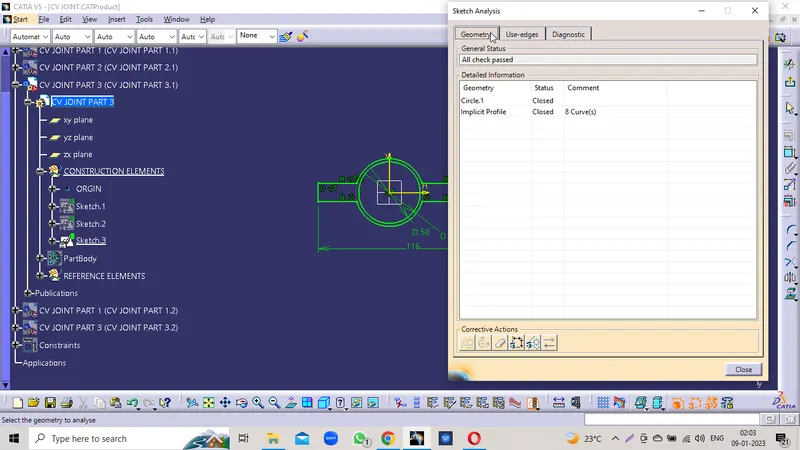
TREE STRUCTURE
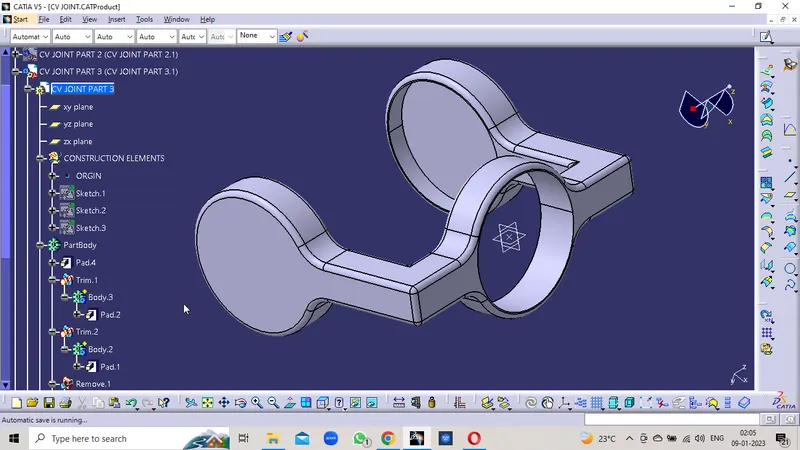
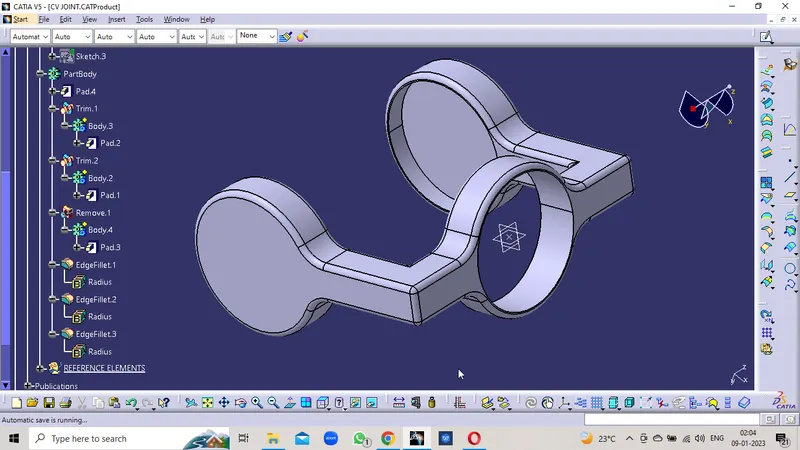
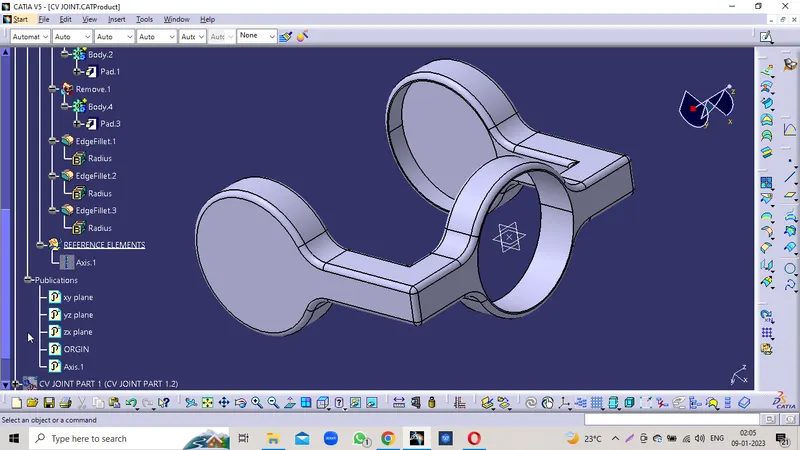
ISOMETRIC VIEW
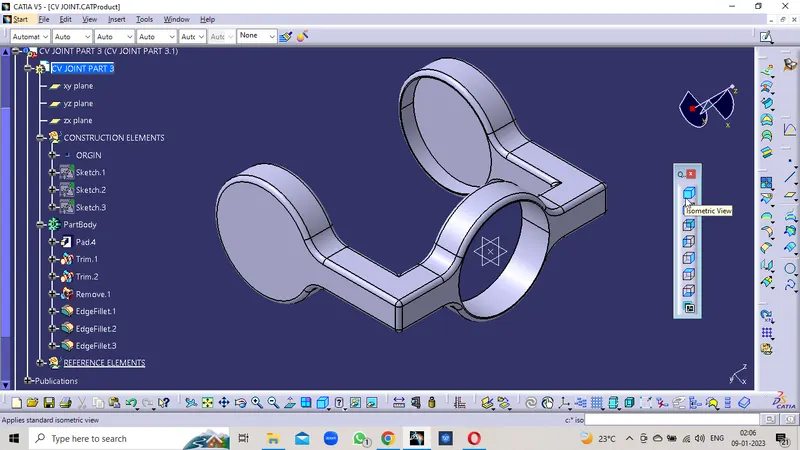
FRONT VIEW
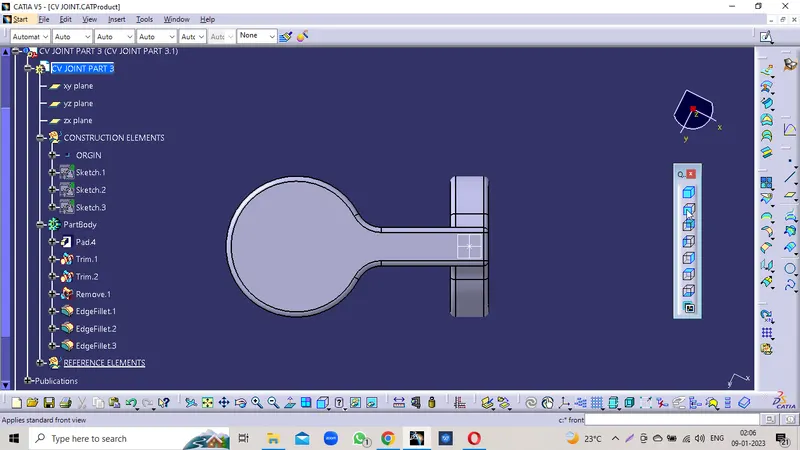
SIDE VIEW
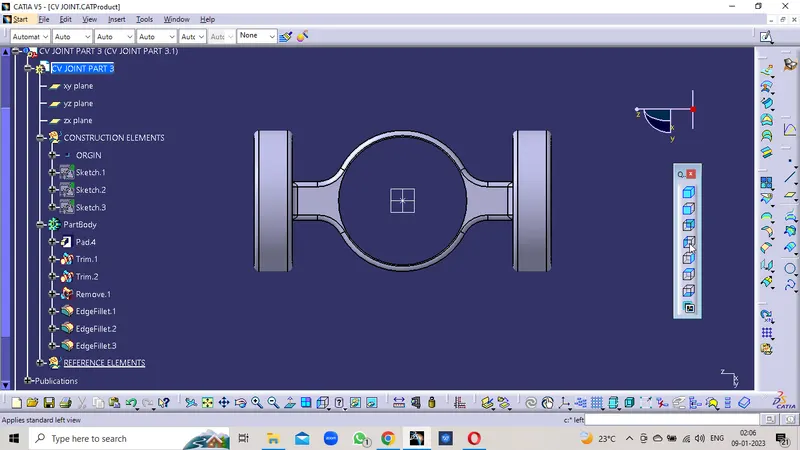
TOP VIEW
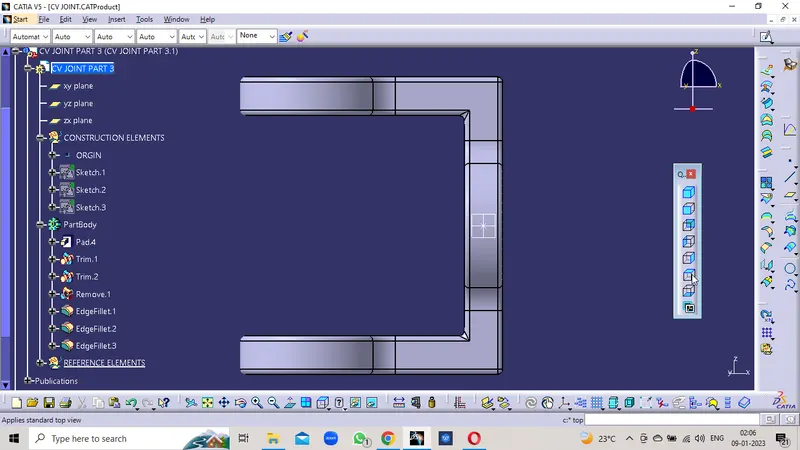
PCV JOINT PART 3 DRAWING
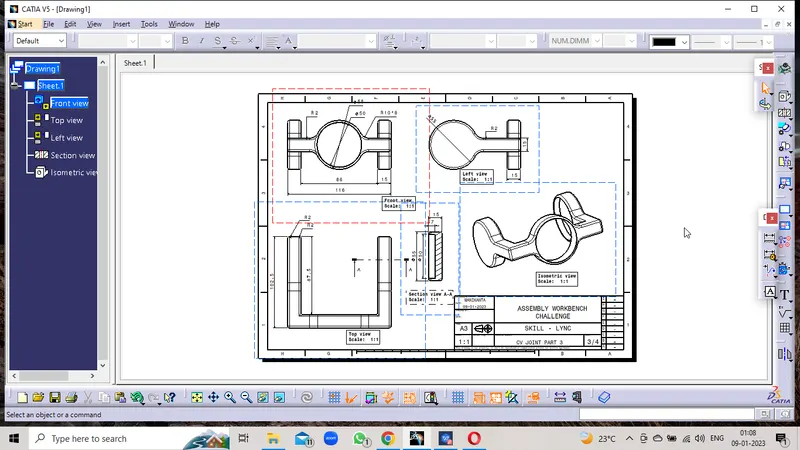
C V JOINT ASSEMBLY
INDIVIDUAL PARTS
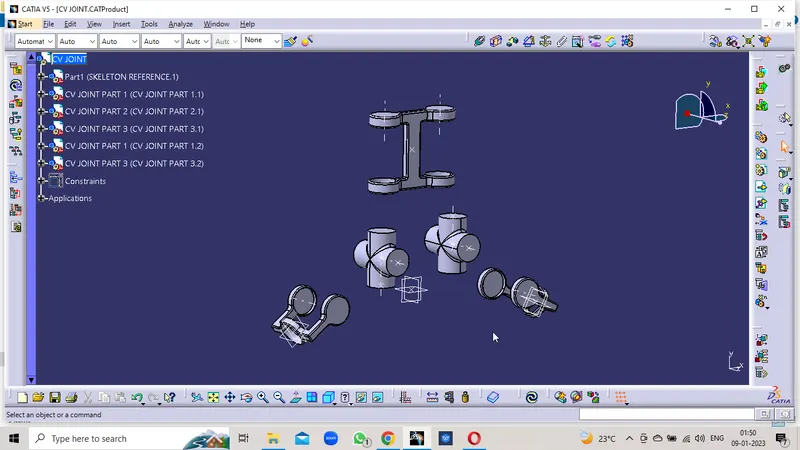
ASSEMBLED PARTS
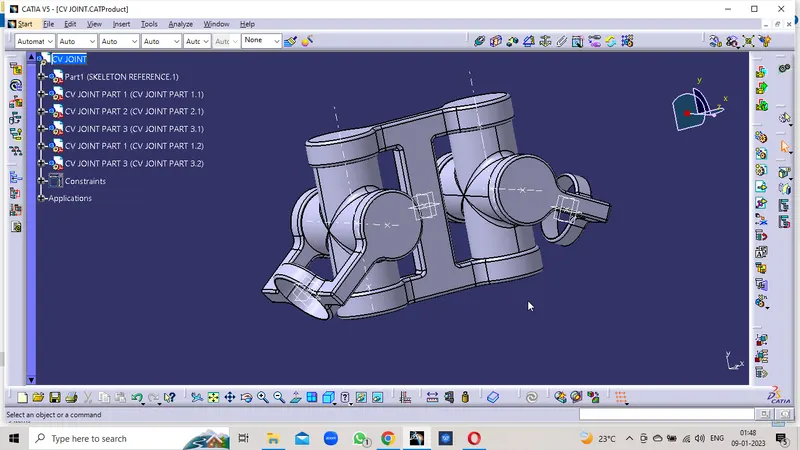
TREE STRUCTURE
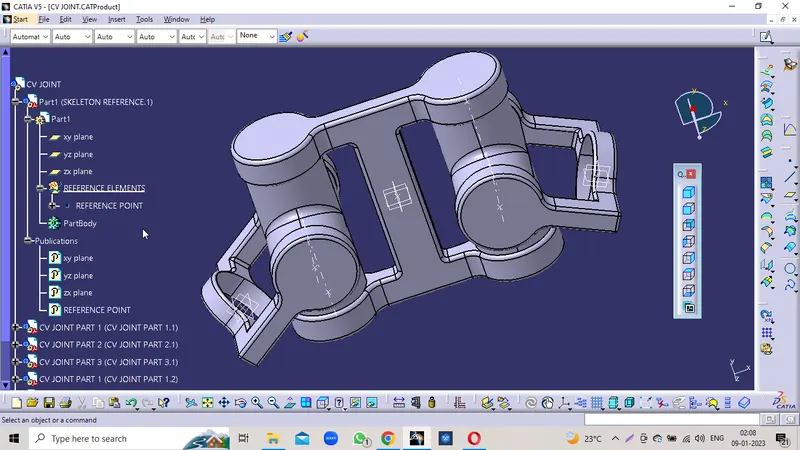
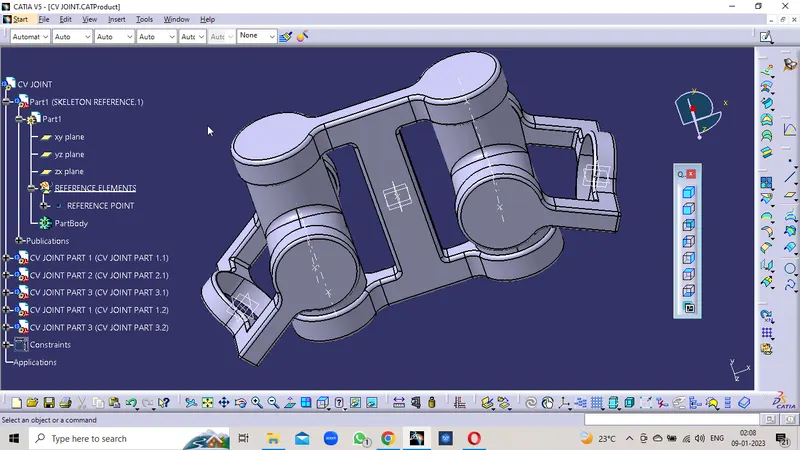
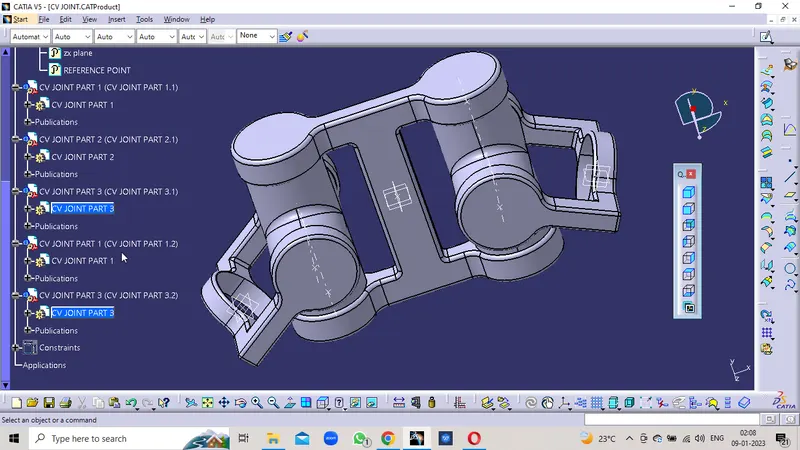
ASSEMBLY CONSTRAINS
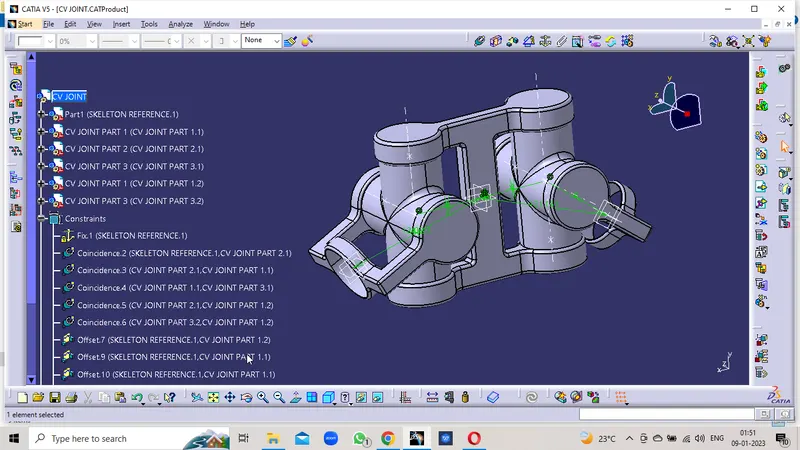
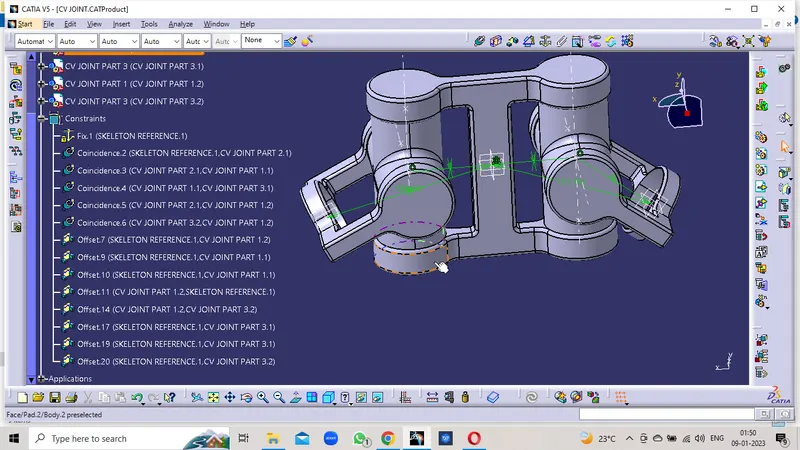
CV JOINT ASSEMBLY SKETCH
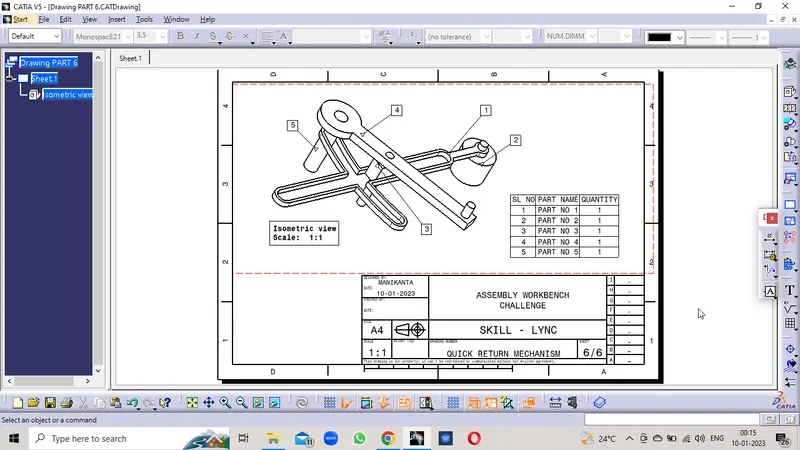
QUICK RETURN MECHANISM
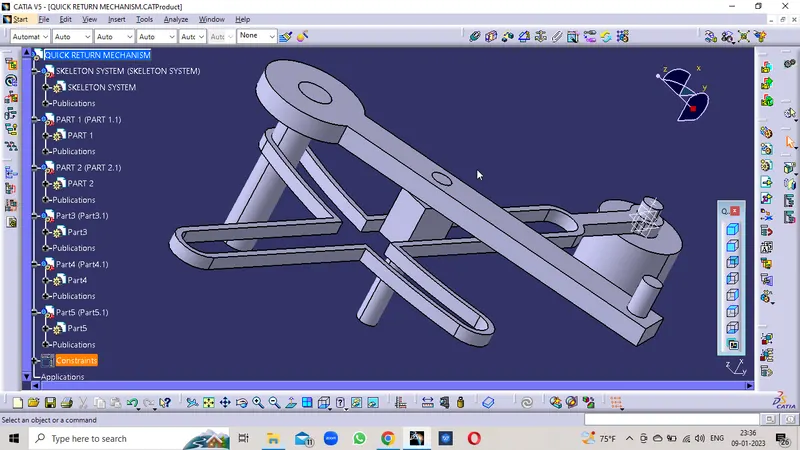
Procedure:
- Make the Sketches of the given parts in the Positioned Sketch with the reference plane and Projection Point as the Orgin.
- Create the Sketch and Iso-Constrain it with the given dimensions to it
- Create a closed body by using the Part Body features
- Publish the Planes , orgin points, axis , and reference points
- Create the separate part file as the reference and skeleton
- Fix the Planes and orgin on the constrains
- Constrain the individual parts with the base skeleton and respective parts.
- constrain the parts with reference to the Planes , points and axis as reference.
- Check the Manipulation option to the indiviual parts in the all possible 12 Degress of freedom.
- Confirms the parts dosent move in all directions
- Now check the Explode of all parts and update them.
- Confirm that the all parts are in the correct position.
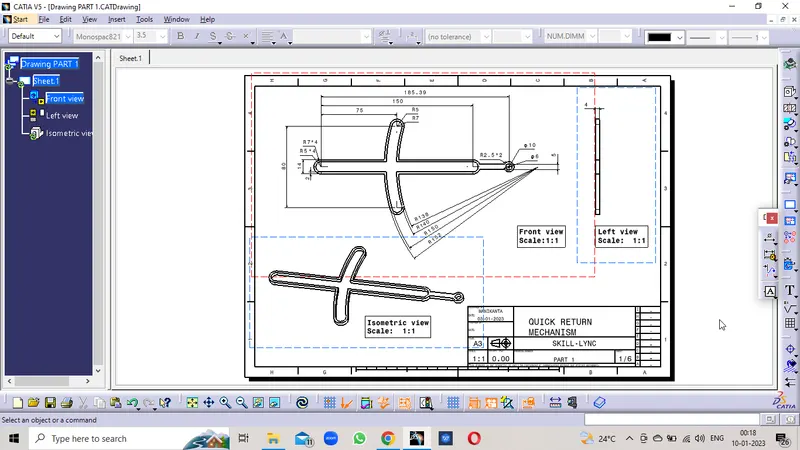
PART 1
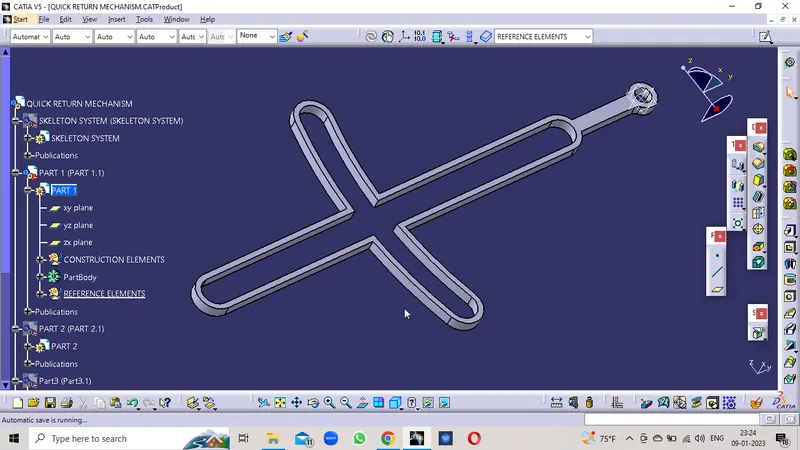
SKETCH
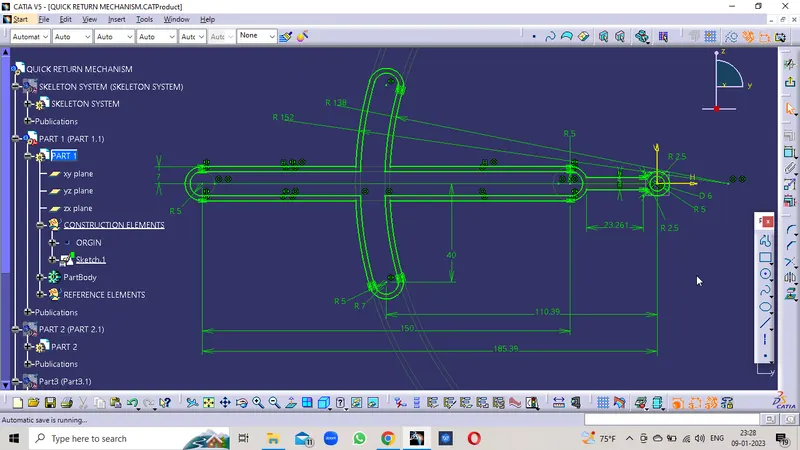
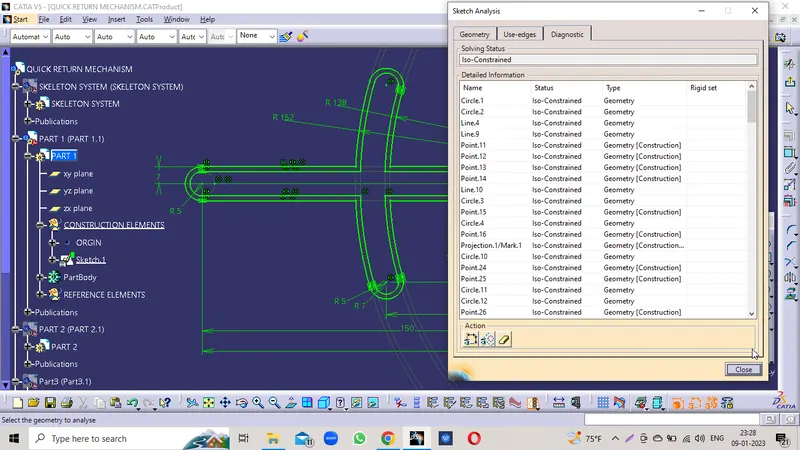
TREE STRUCTURE
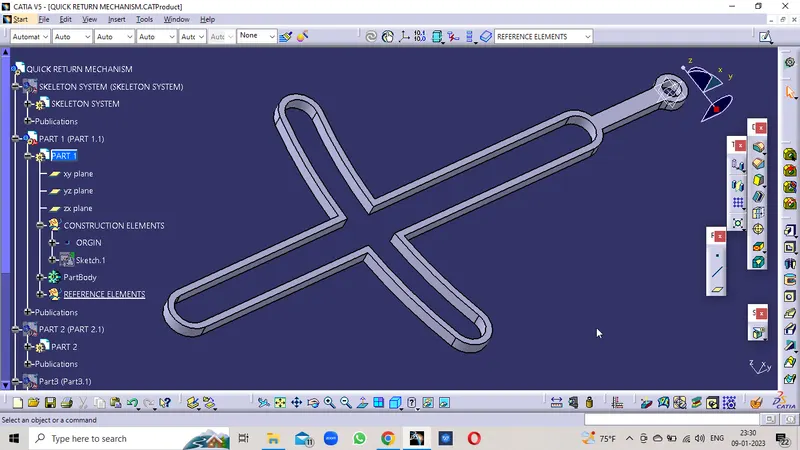
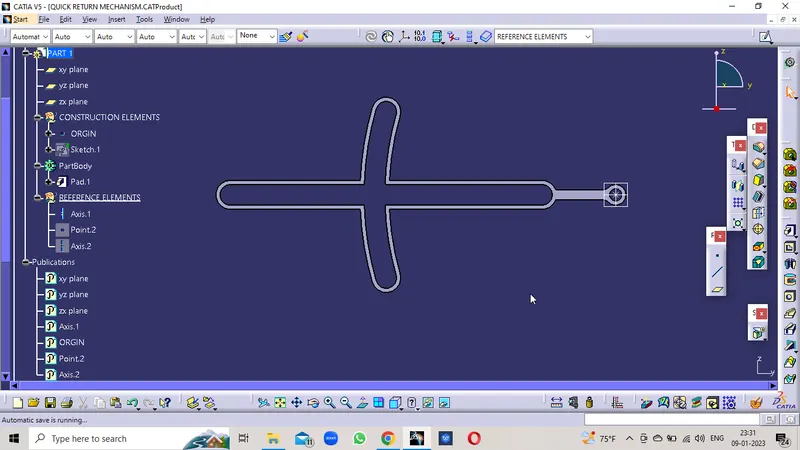
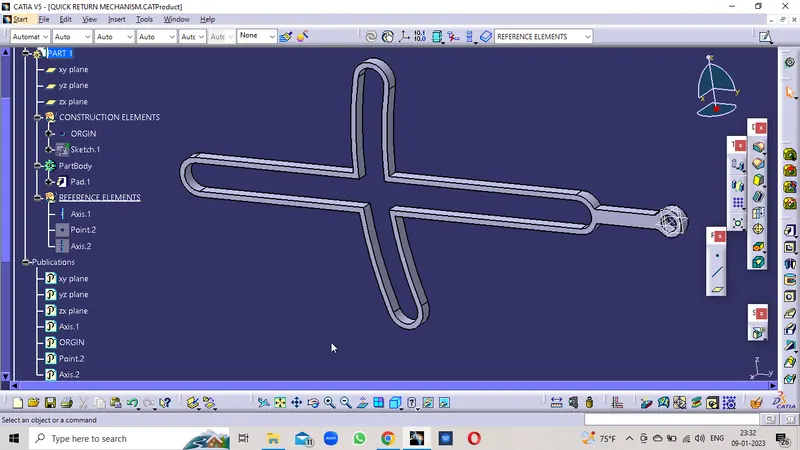
PART DRAWING
PART 2
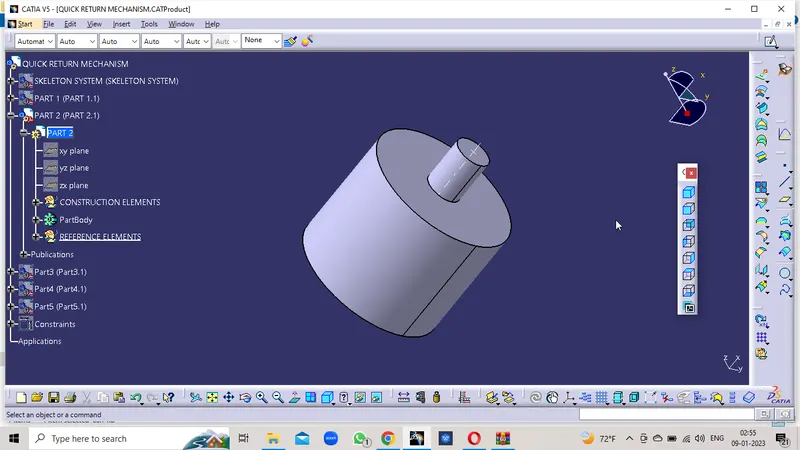
SKETCH
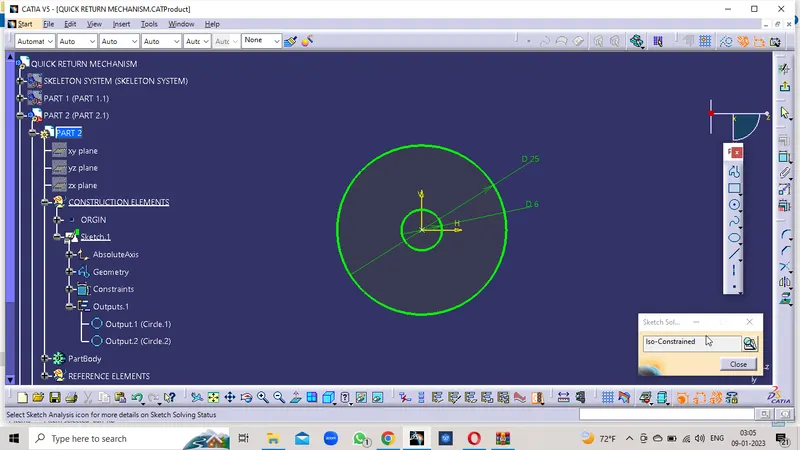
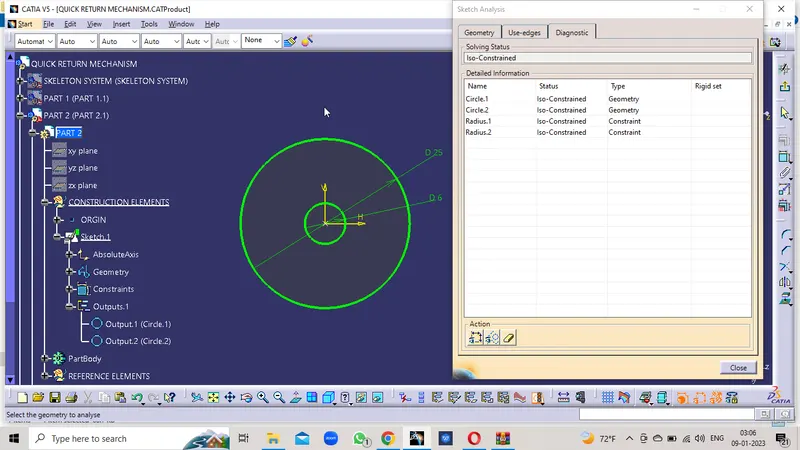
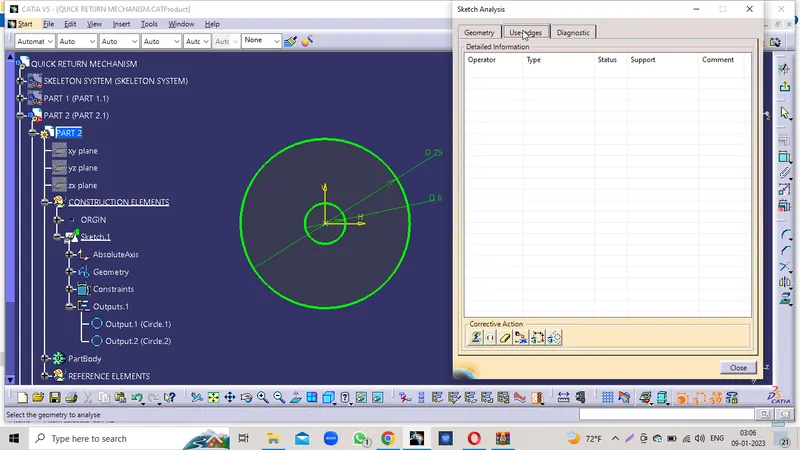
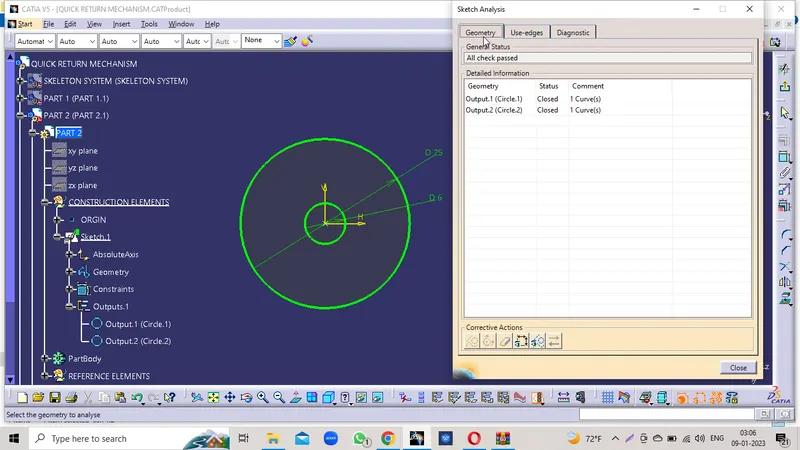
TREE STRUCTURE
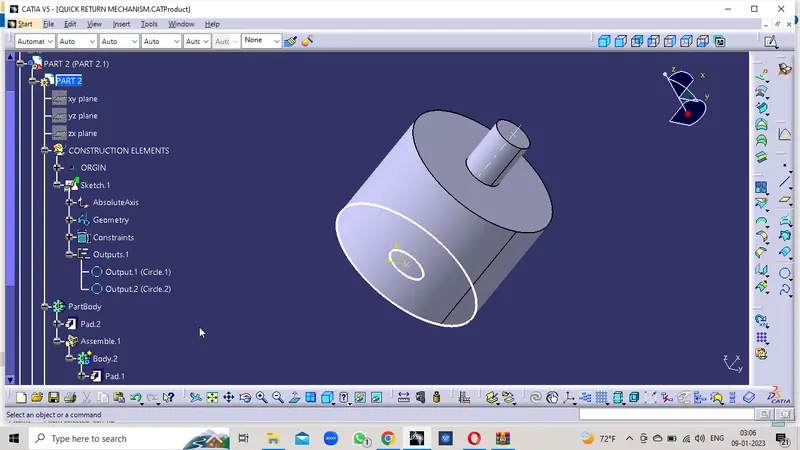
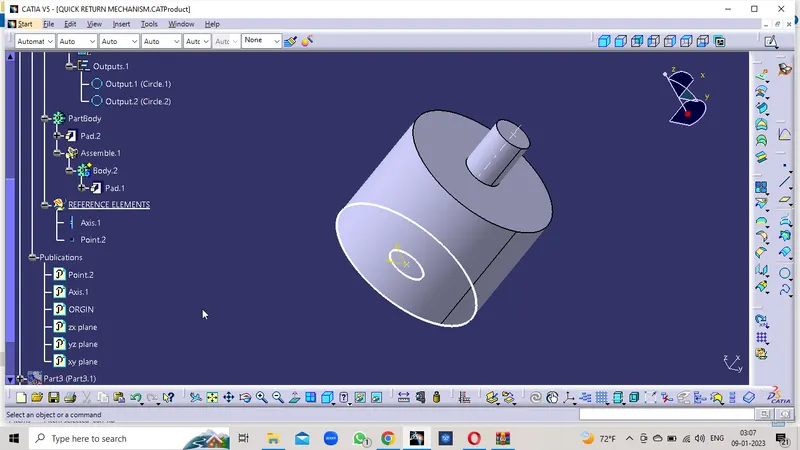
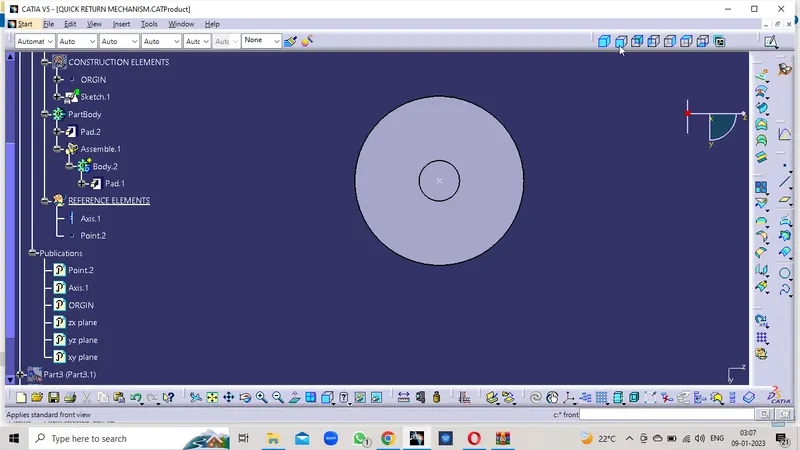
PART 2 DRAWING
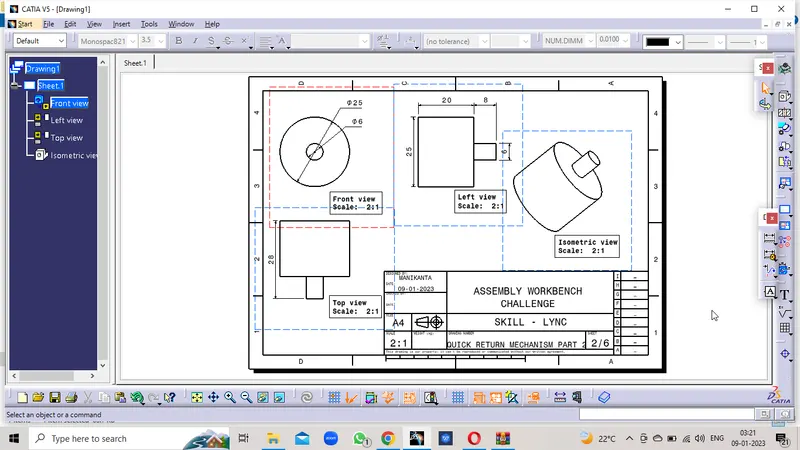
PART 3
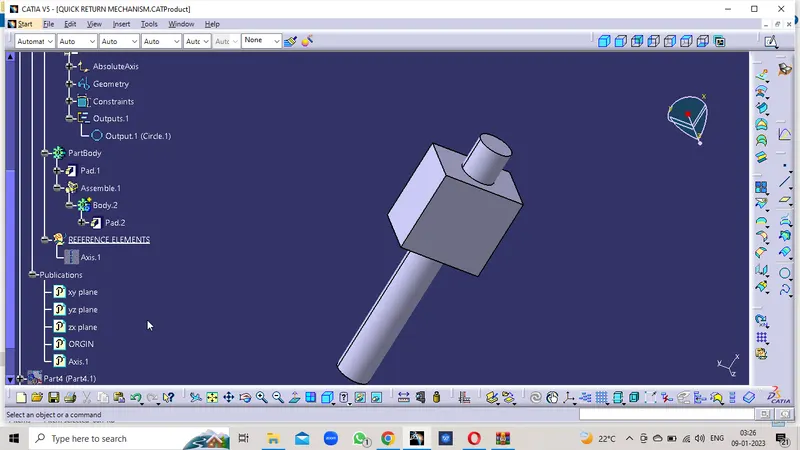
SKETCH
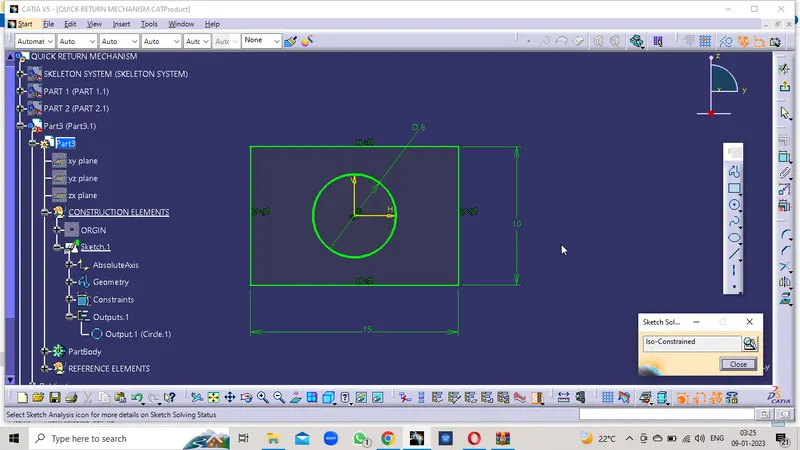
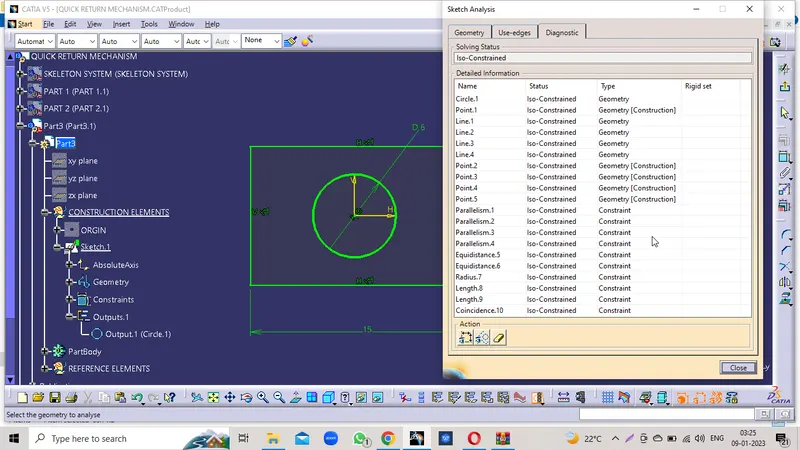
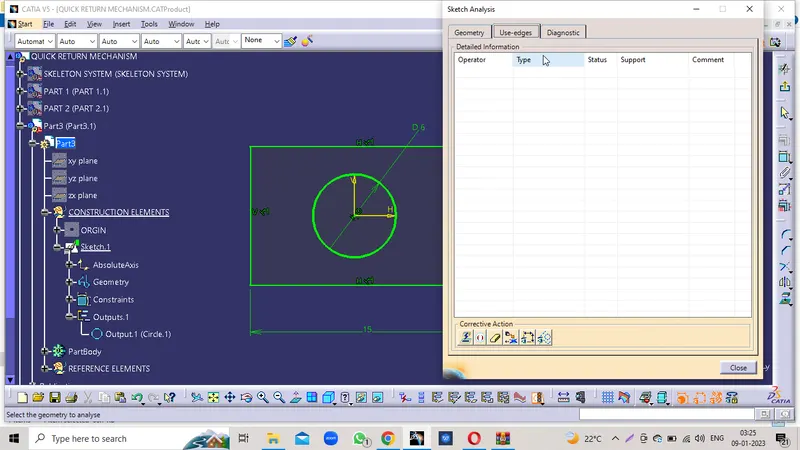
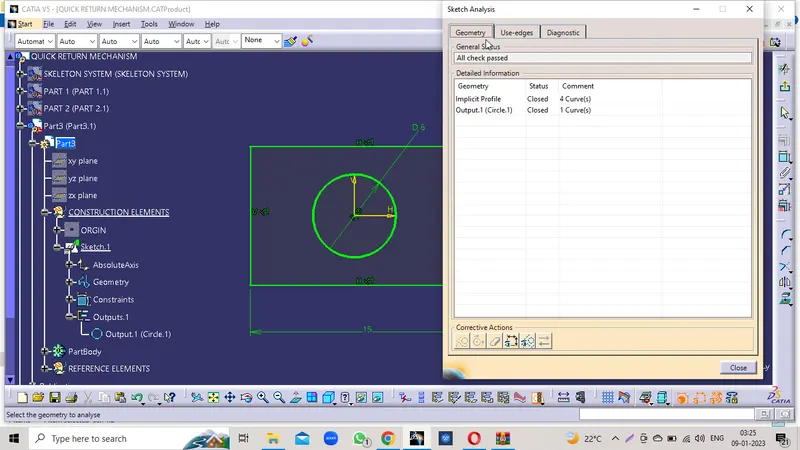
TREE STRUCTURE
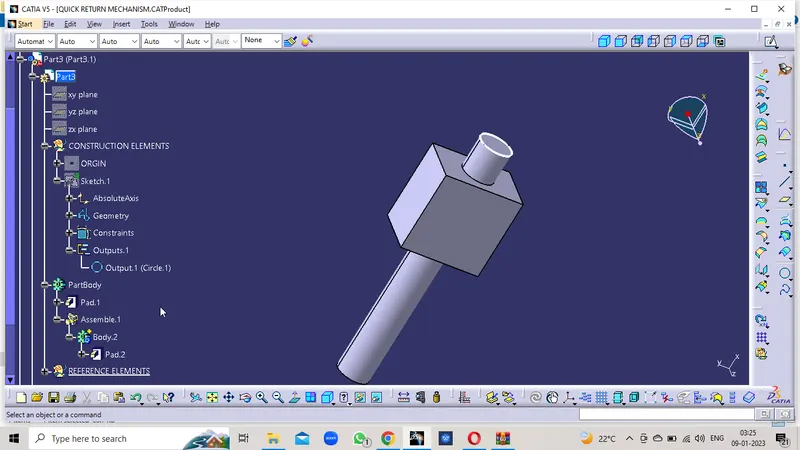
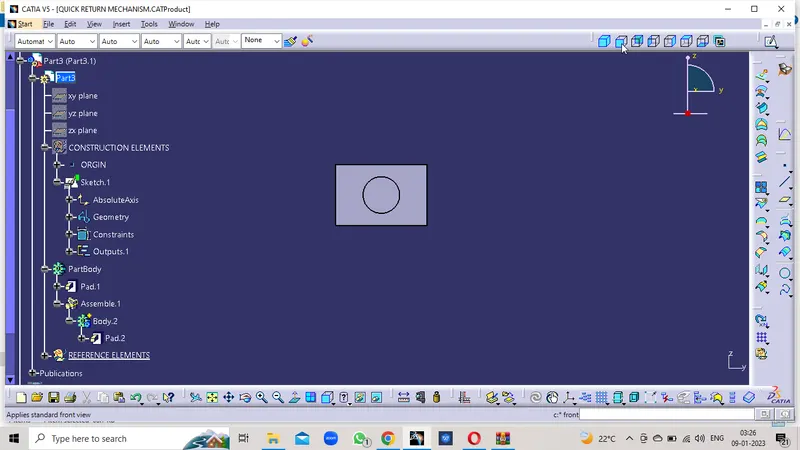
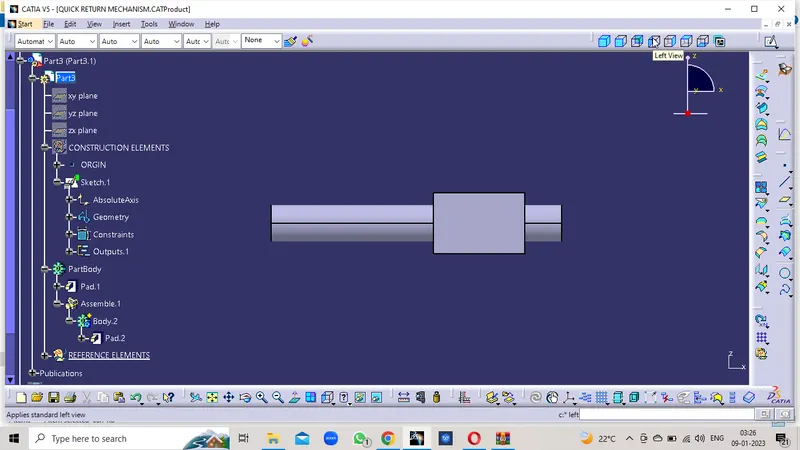
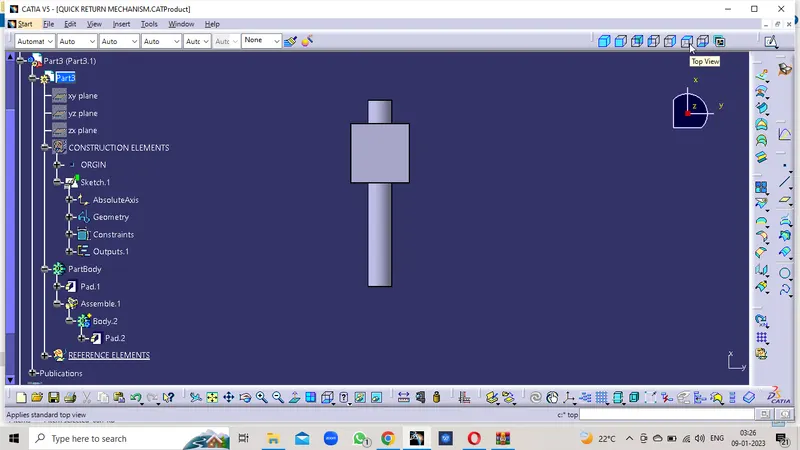
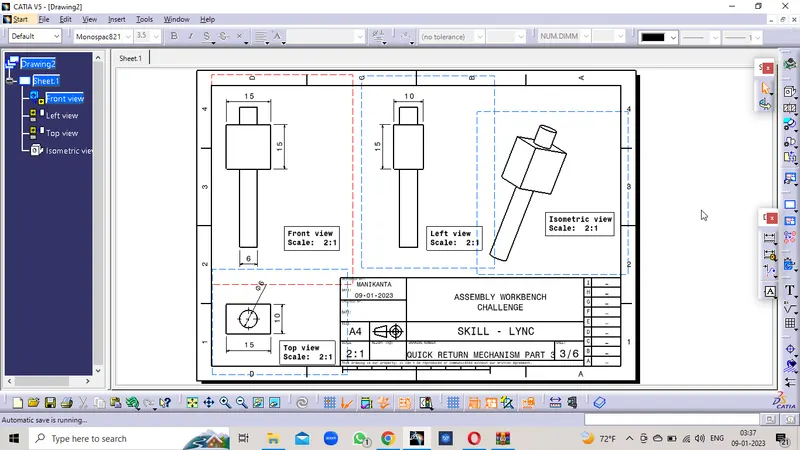
PART 3 DRAWING
PART 4
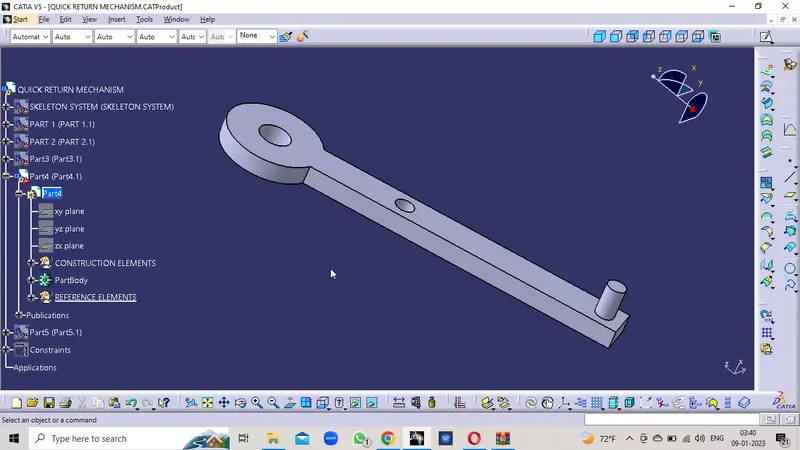
SKETCH
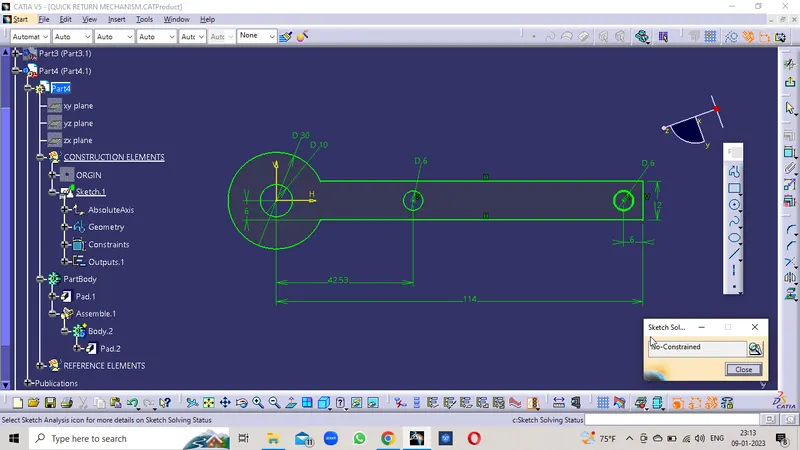
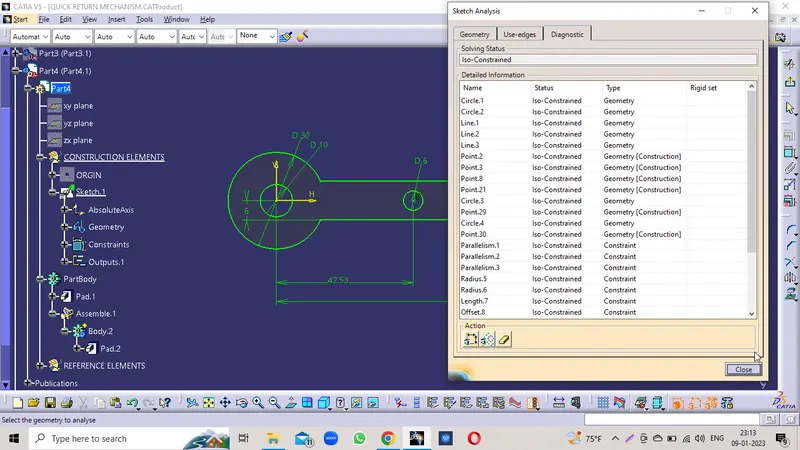
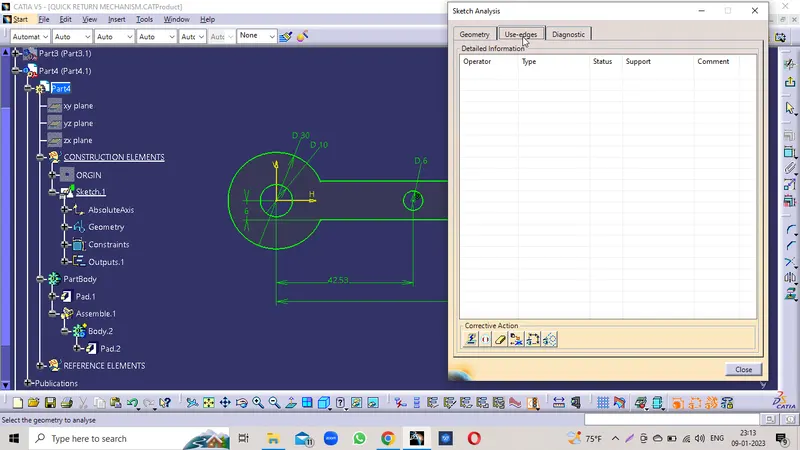
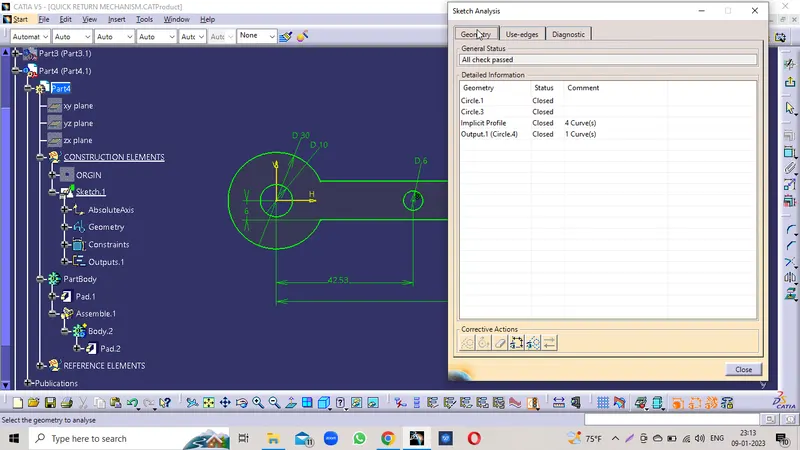
TREE STRUCTURE
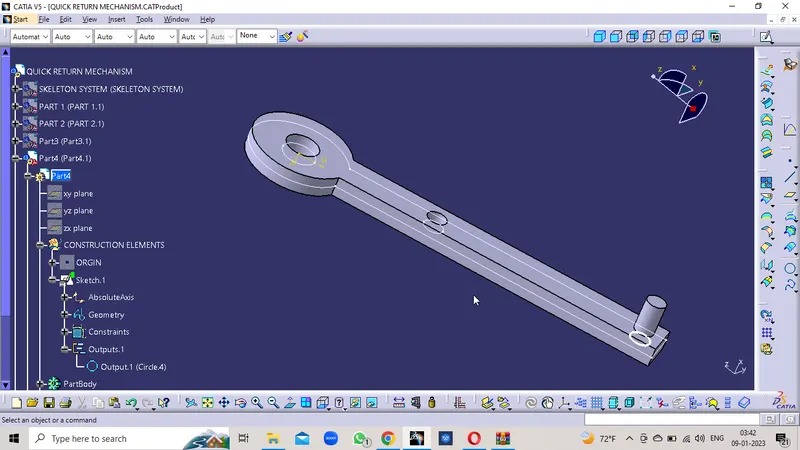
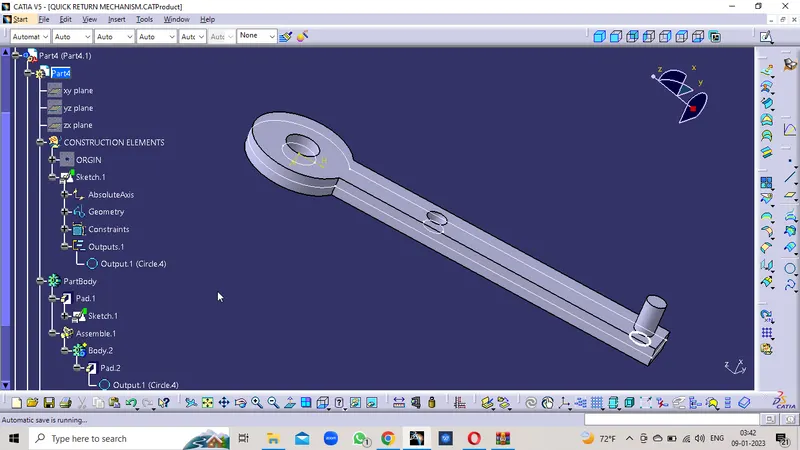
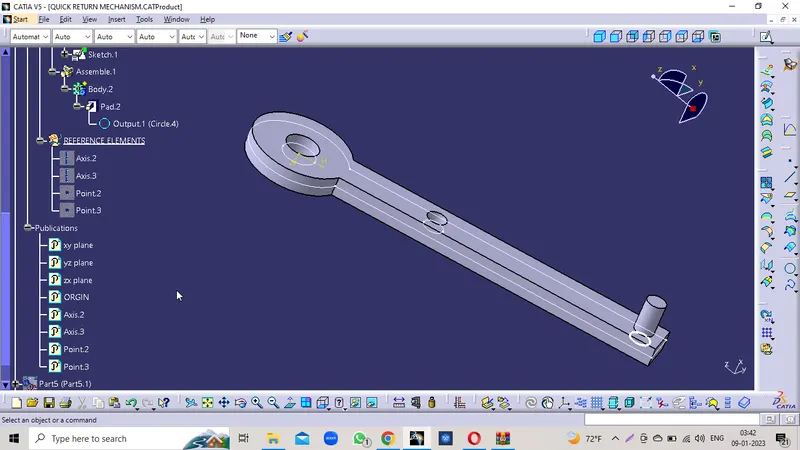
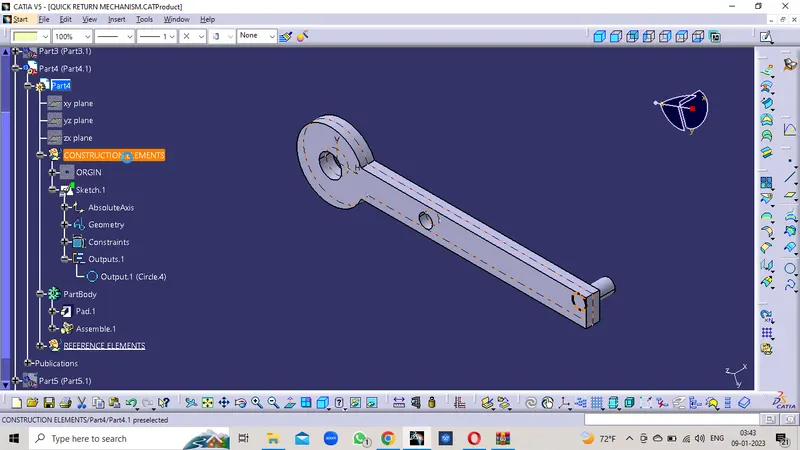
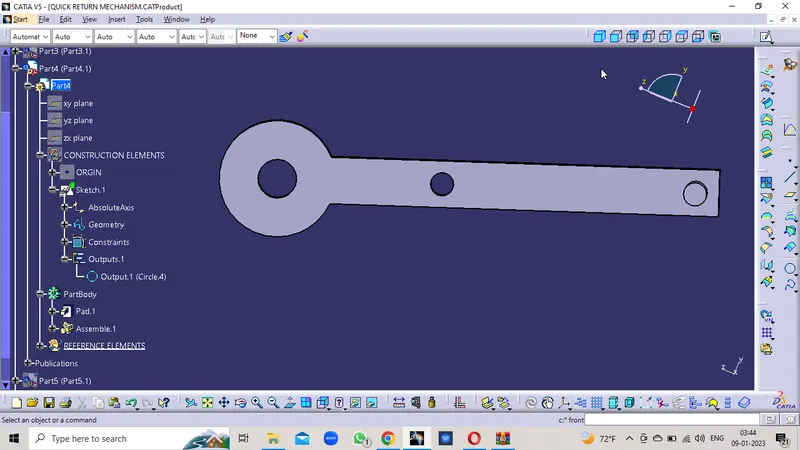
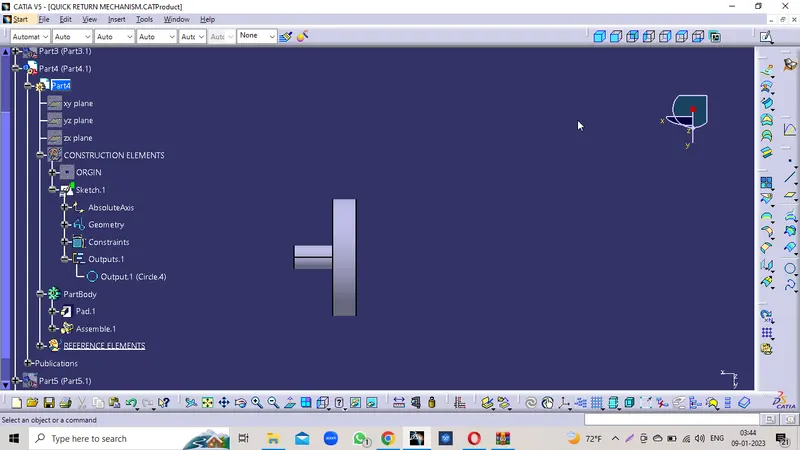
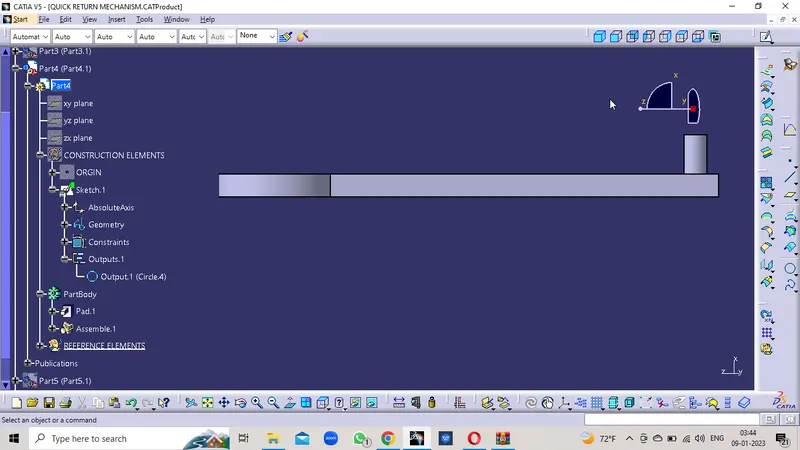
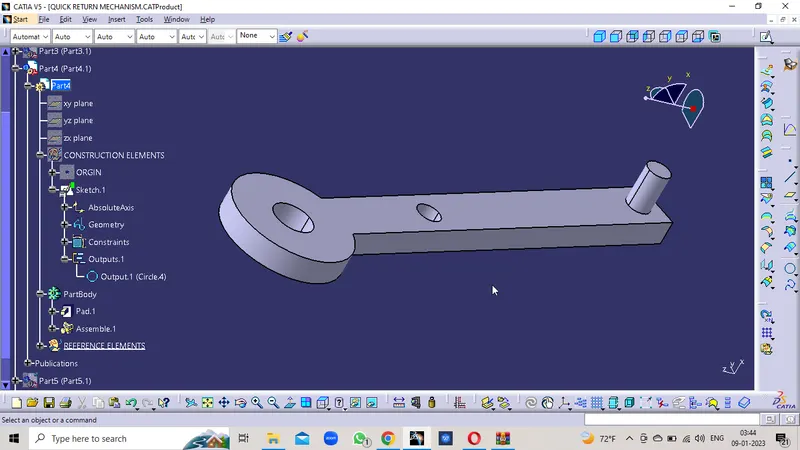
PART 4 DRAWING
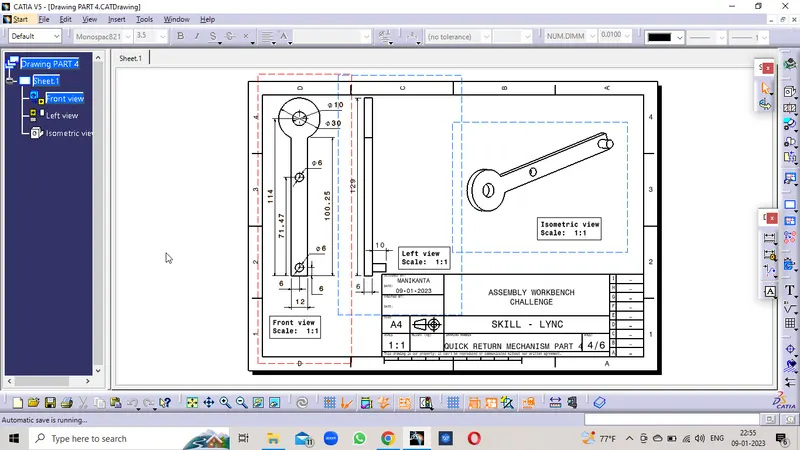
PART 5
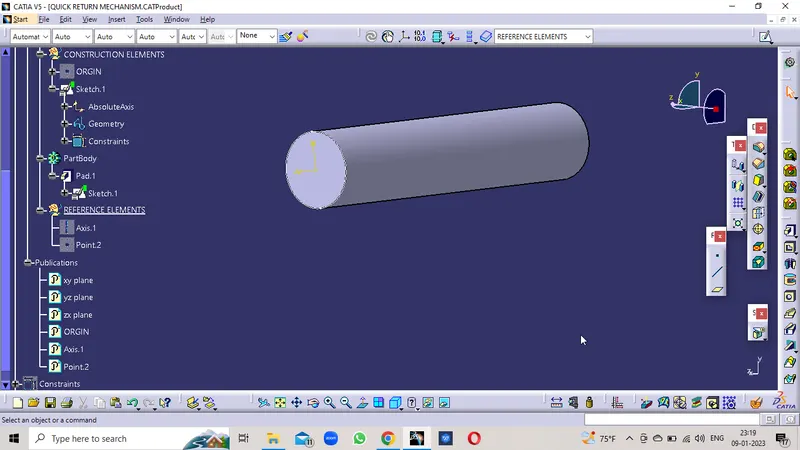
SKETCH
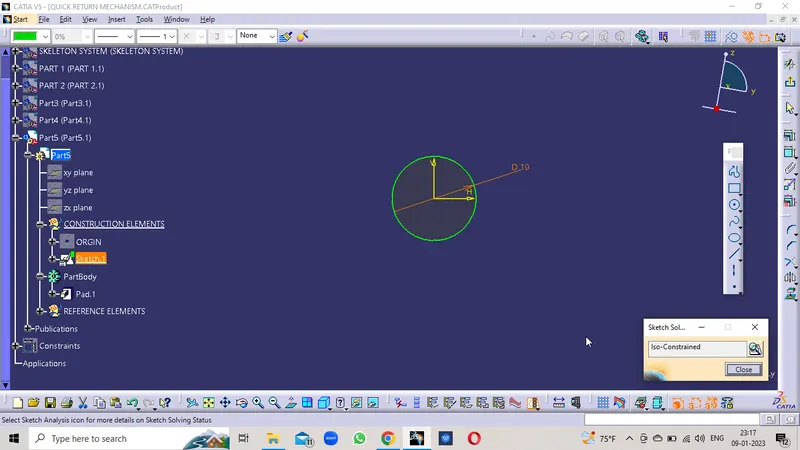
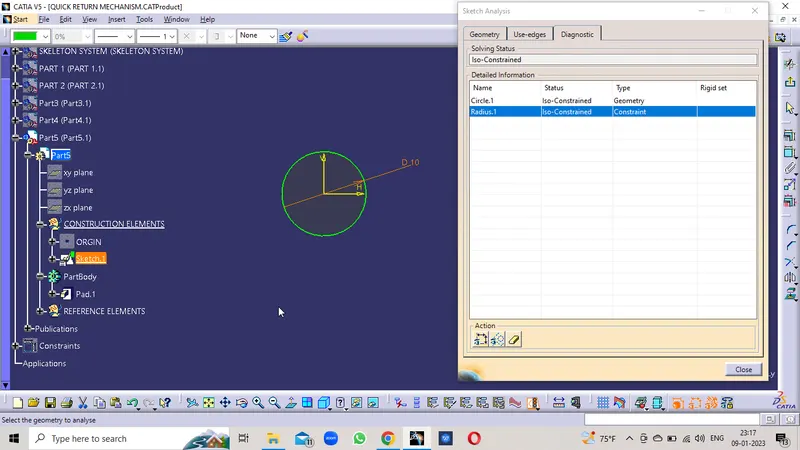
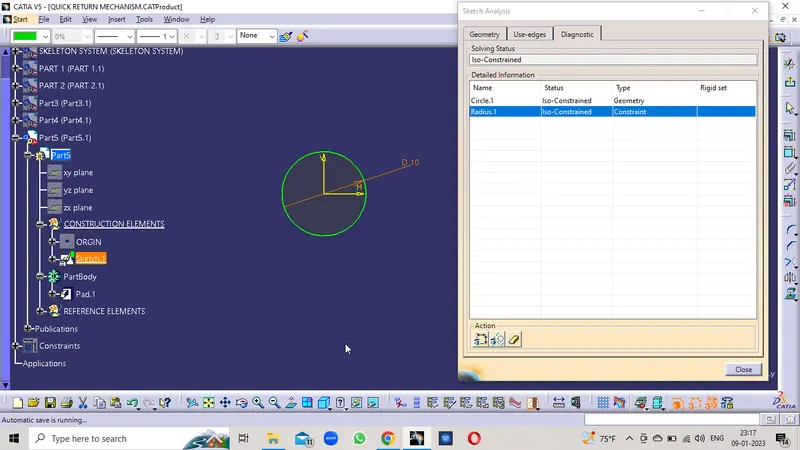
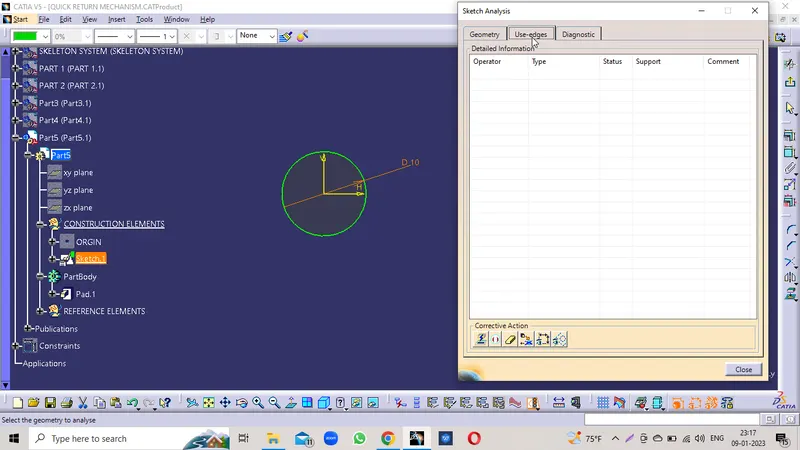
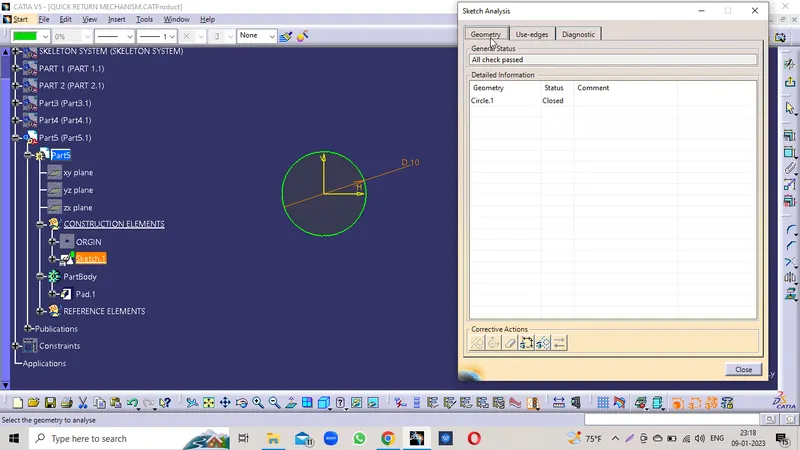
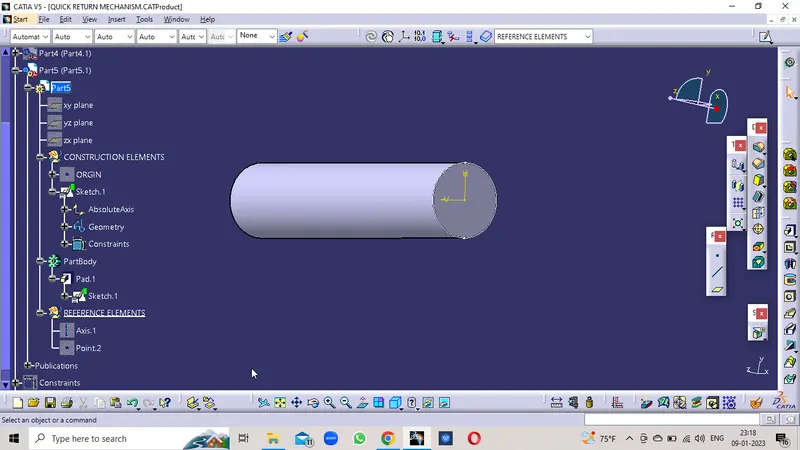
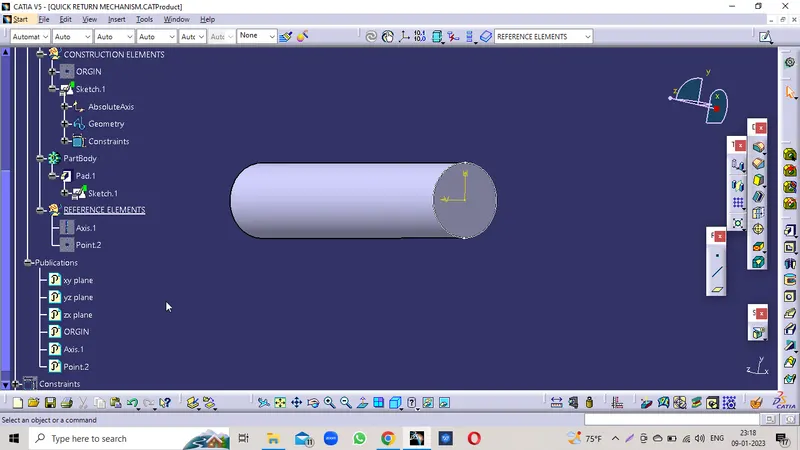
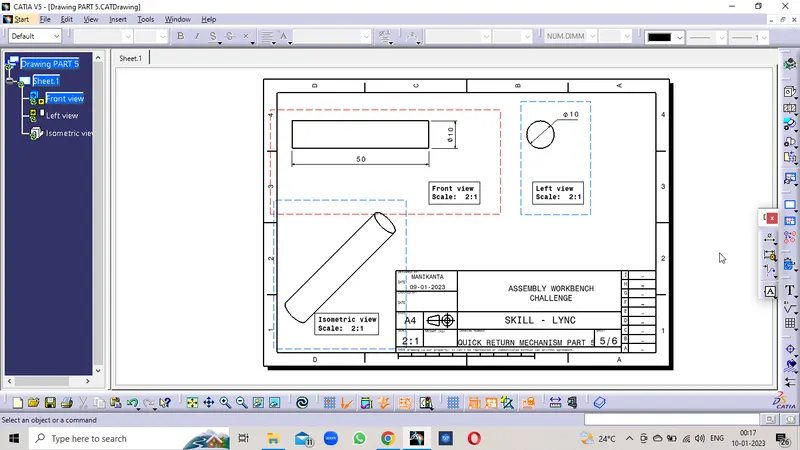
PART 5 DRAWING
QUICK RETURN MECHANISM PART ASSEMBLY
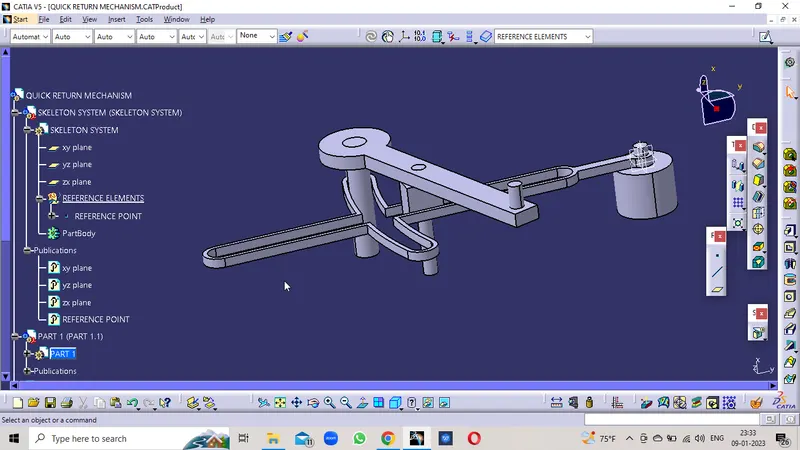
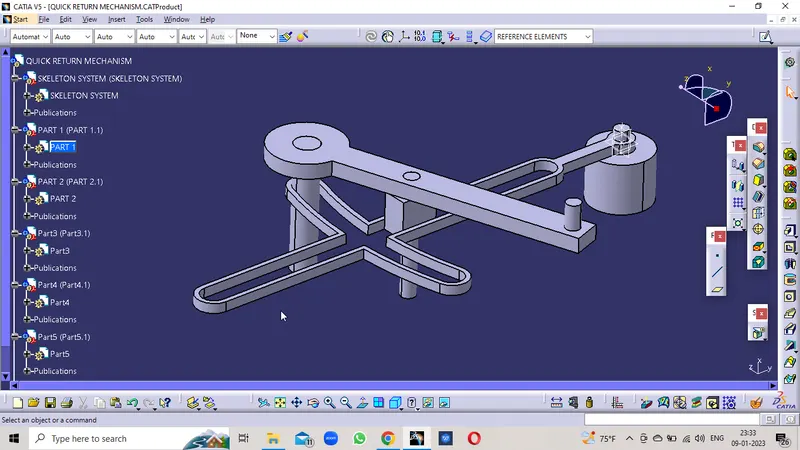
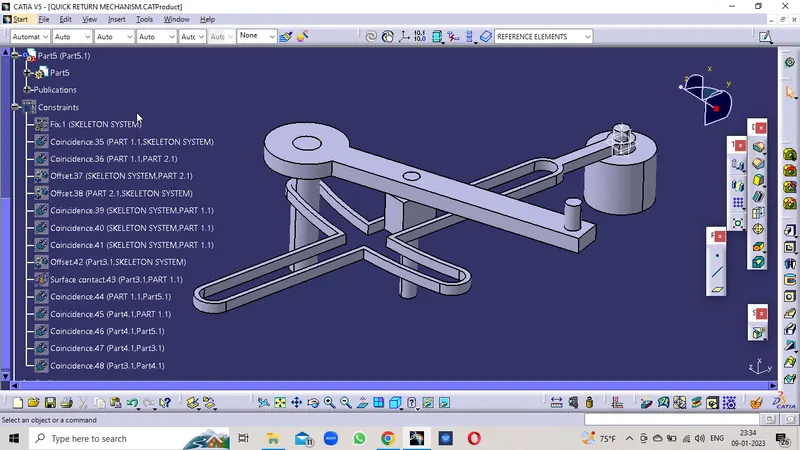
INDIVIDUAL PARTS
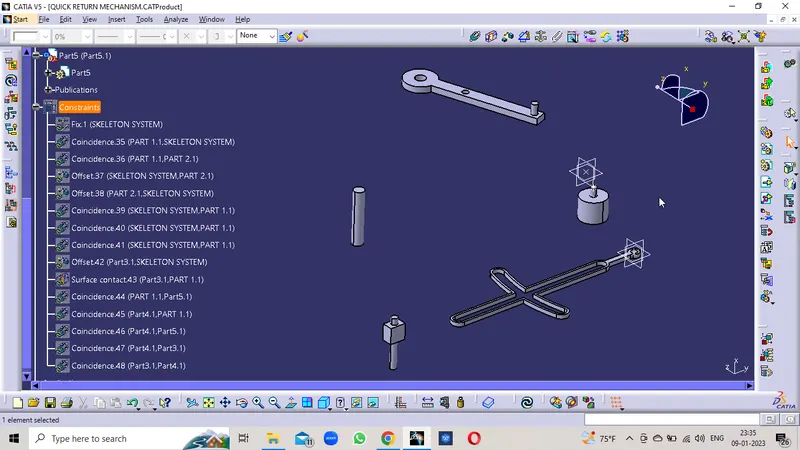
ASSEMBLED PARTS
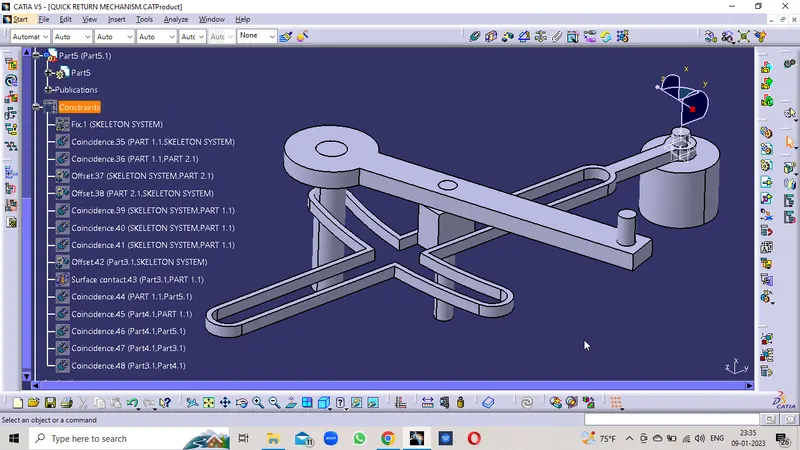
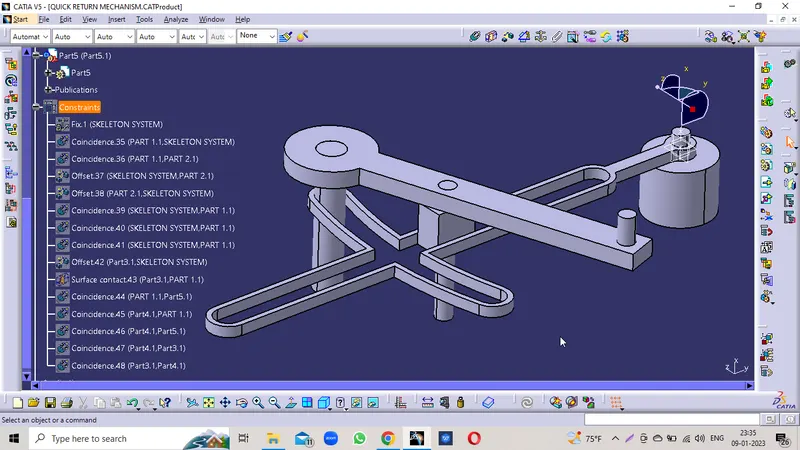
TREE STRUCTURE
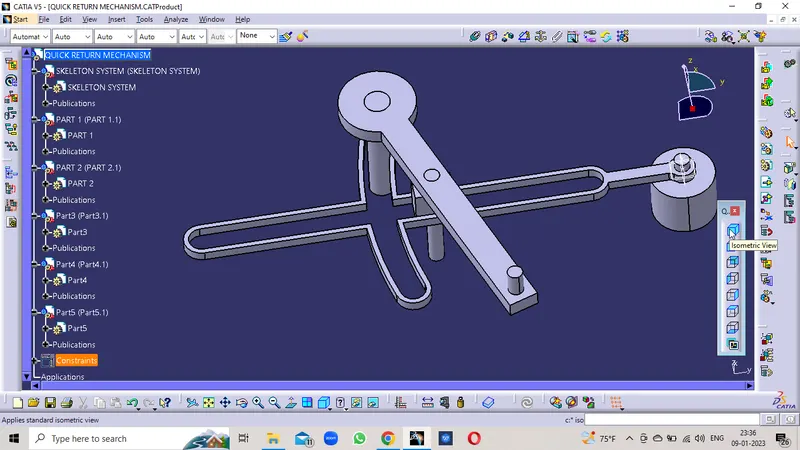
FRONT VIEW
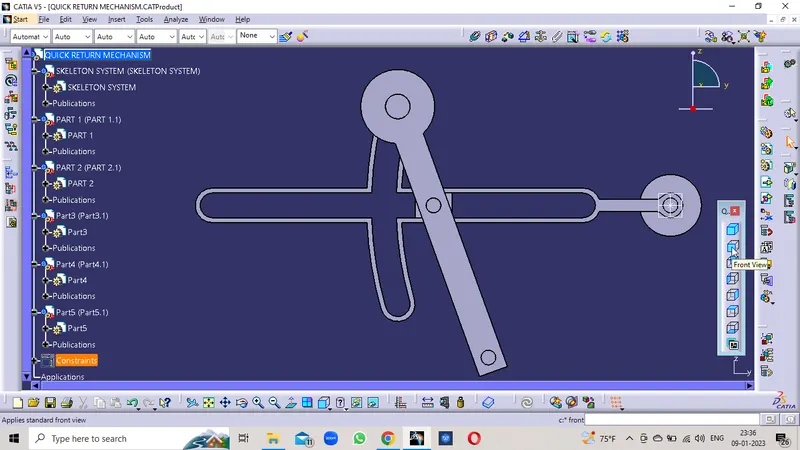
SIDE VIEW
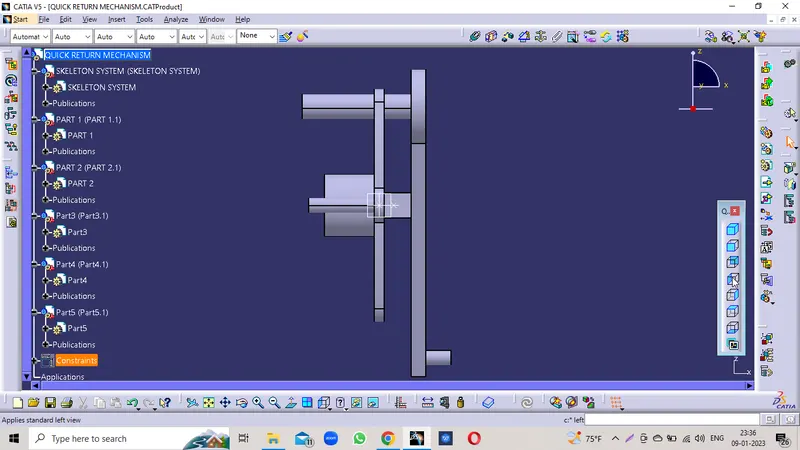
BOTTOM VIEW
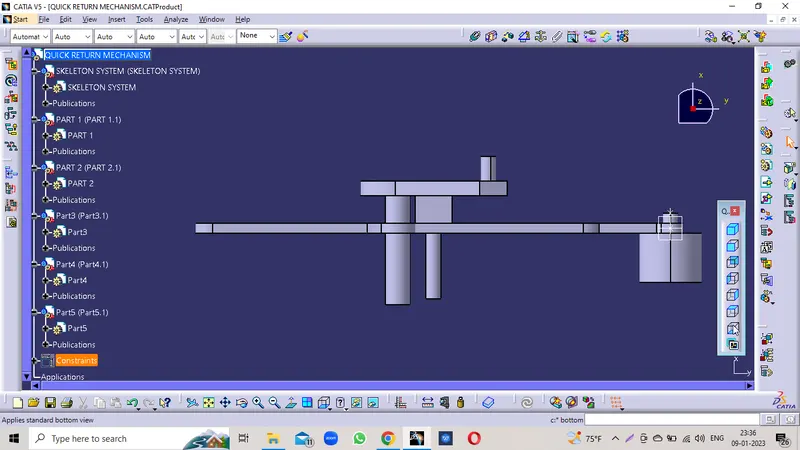
ISOMETRIC VIEW
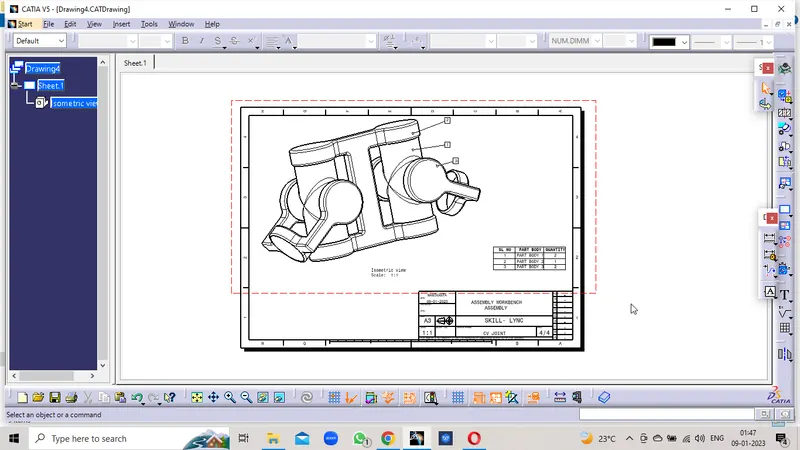
ASSEMBLY DRAWING