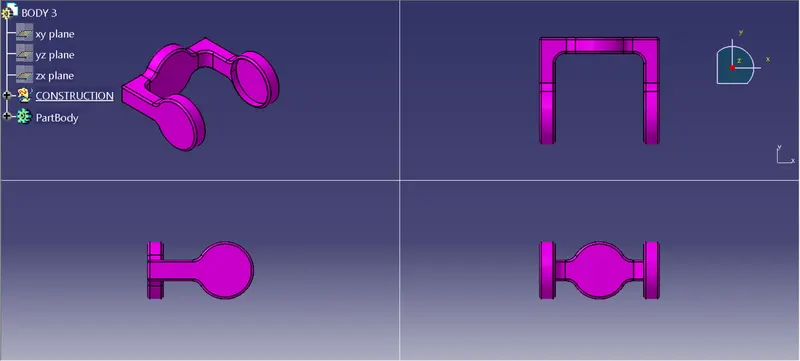
Week 10- Assembly Workbench
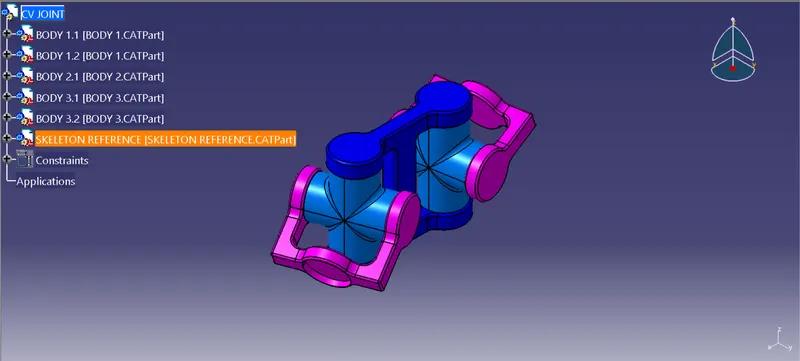
AIM: To create the individual parts from the 2D drawing provided and then create a complete assembly of those part files in the assembly workbench.
REPORT:
- Download the 2D drawings for the components from the links provided
- Create seperate part files for each component
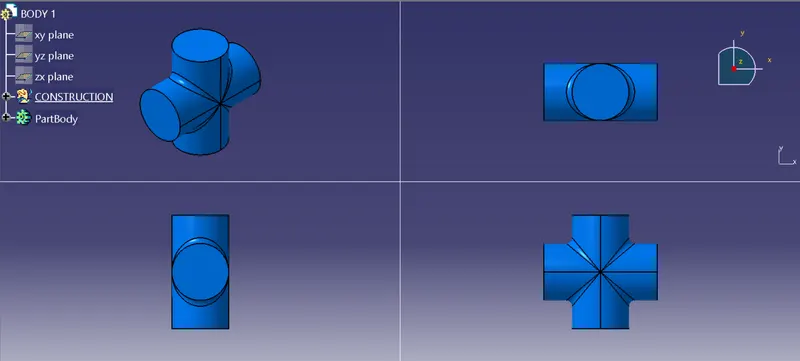
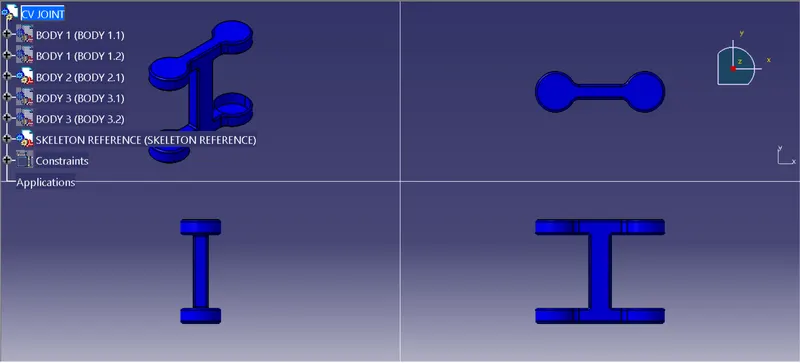
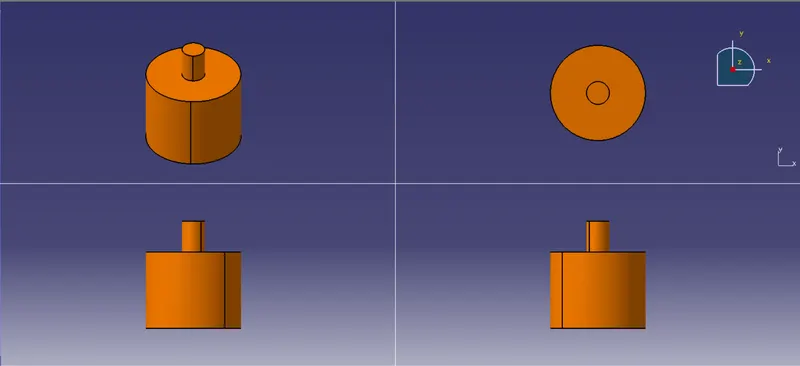
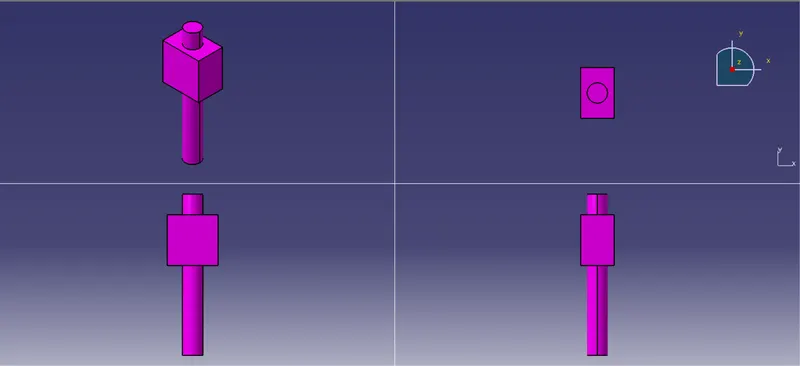
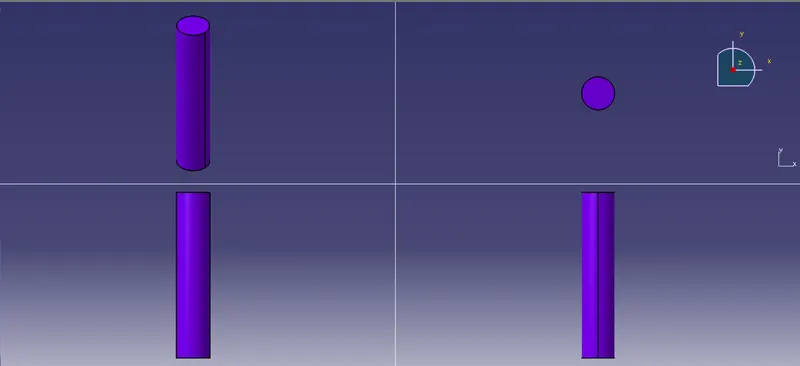
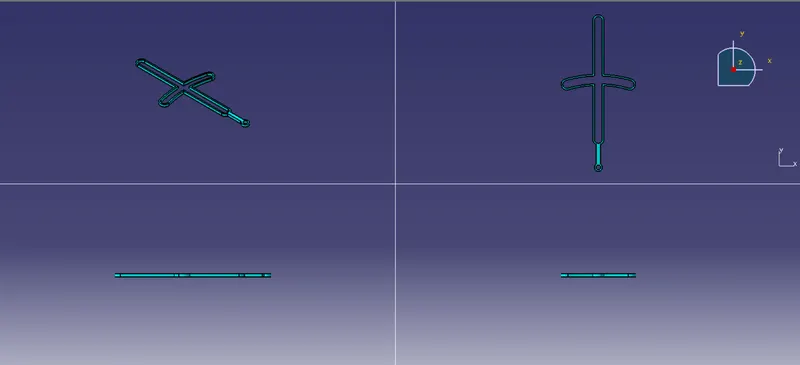
- Sketch the profile for the models and pad it following the dimensions provided in the 2D drawings
- Follow the same procedure for all the components
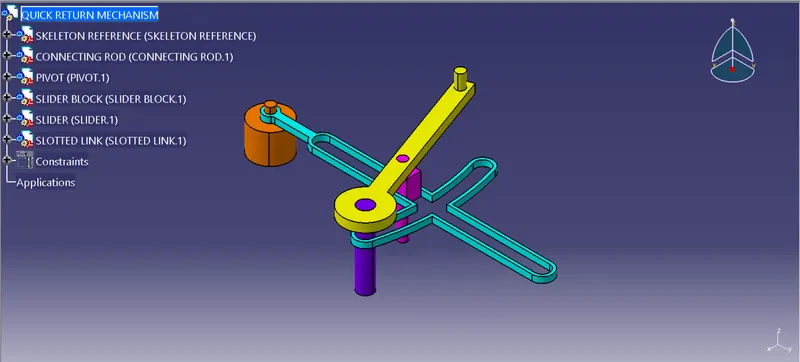
- Then create a product file and add all the part files in it and go to assembly workbench
- Create a reference axis for all the mateing components
- Using the constraints toolbar available in the asssembly workbench constraint the axis and points of two components to be assembled together
- Also provide offset between two planes to get the desired assembly
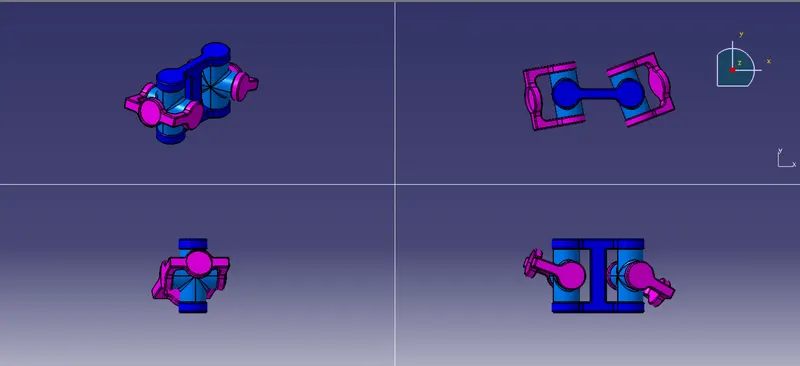
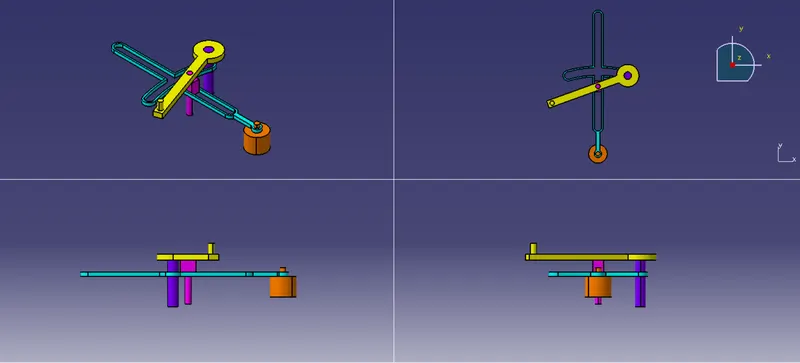
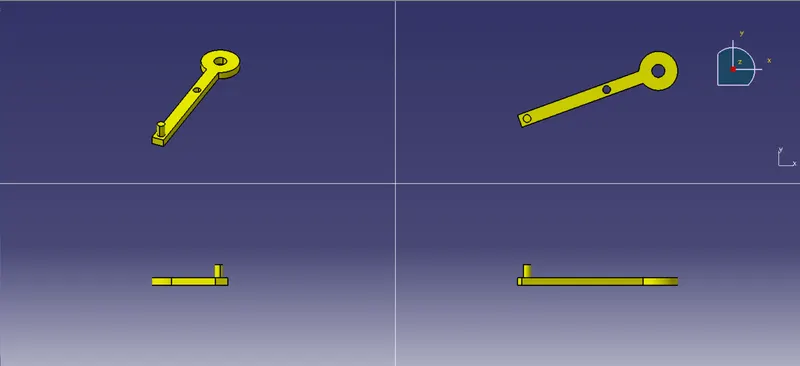
- Then create a drawing file and create 2D drawings of the assembly and its individual components
- Give proper dimensions and add the title block & frame
ASSEMBLY 1:
ASSEMBLY 2: