Week 10- Assembly Workbench
REPORT
PLASTIC PRODUCT DESIGN
ASSEMBLY
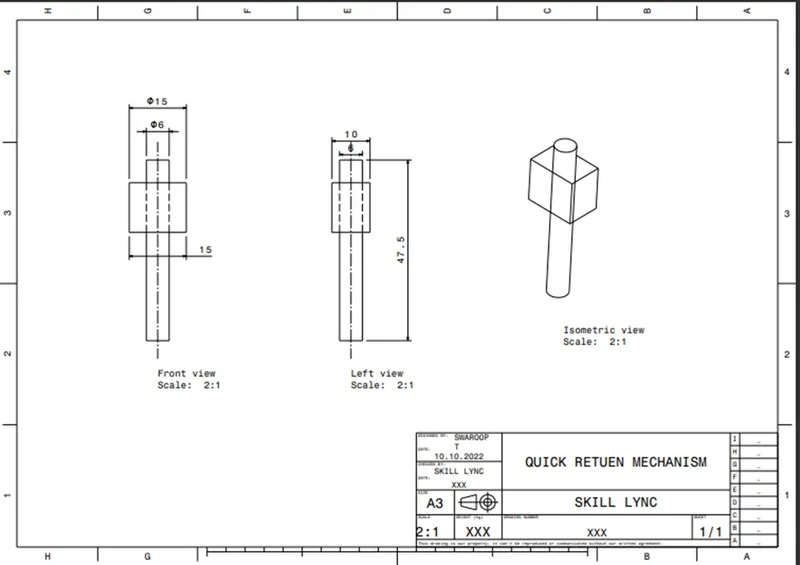
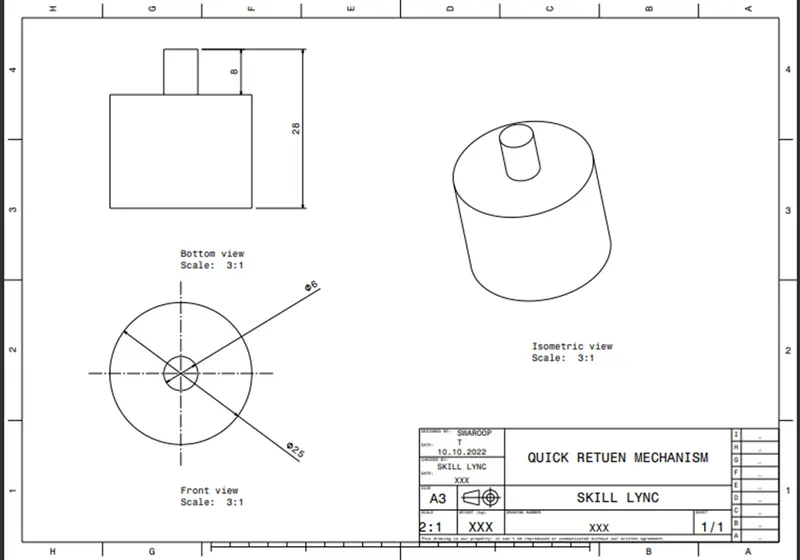
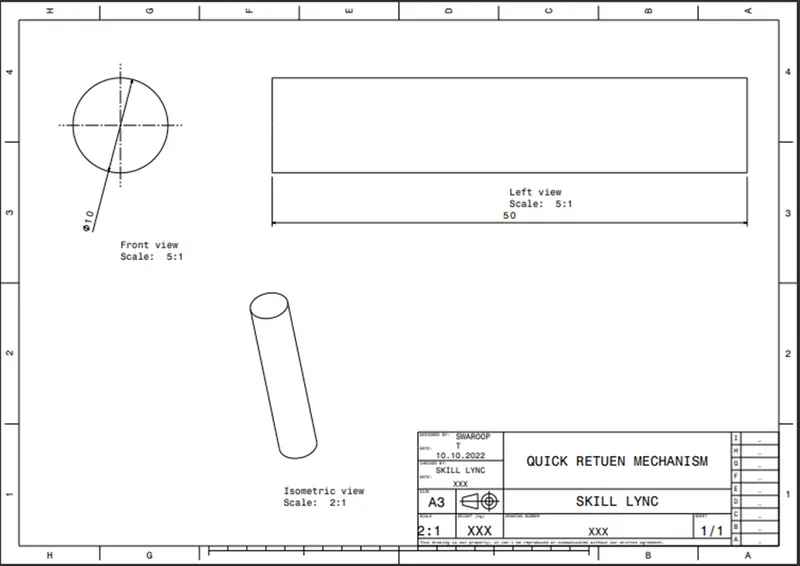
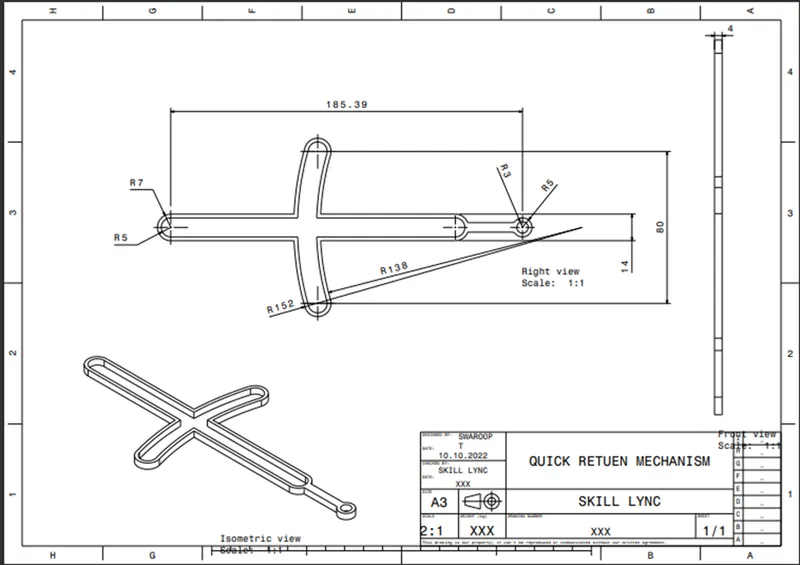
AIM: Create the part models and assembly for the given drawings below with a report.
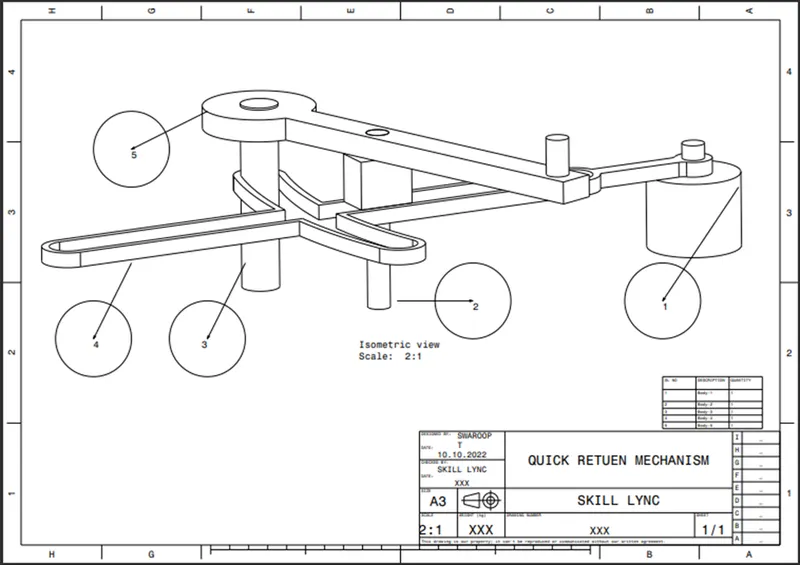
DRAWING 1 (QUICK RETURN MECHANISM):
REPORT ANALYSIS:
Intially created the part of the drawing in the part workbench.
Sketches and CAD Part:
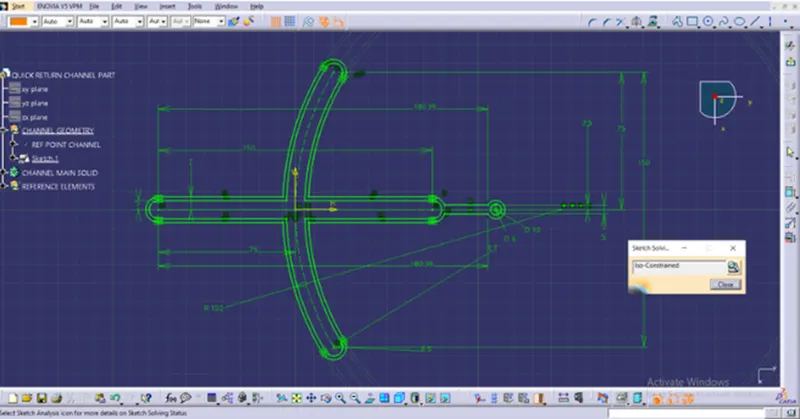
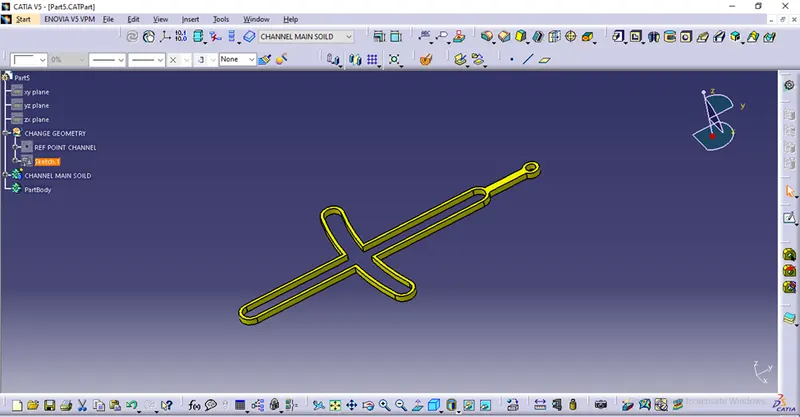
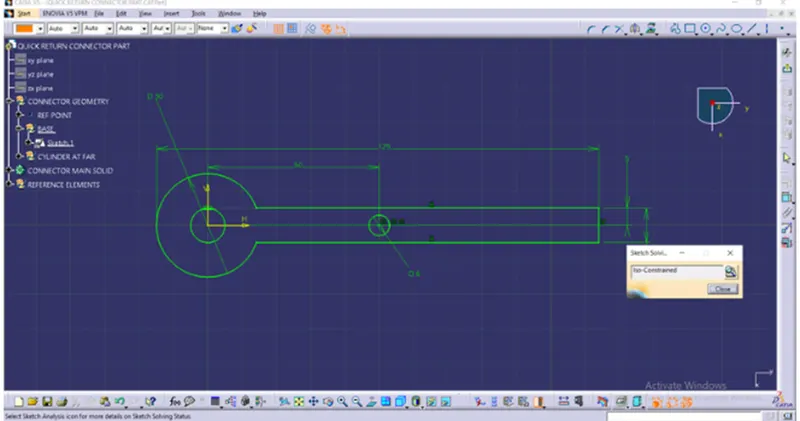
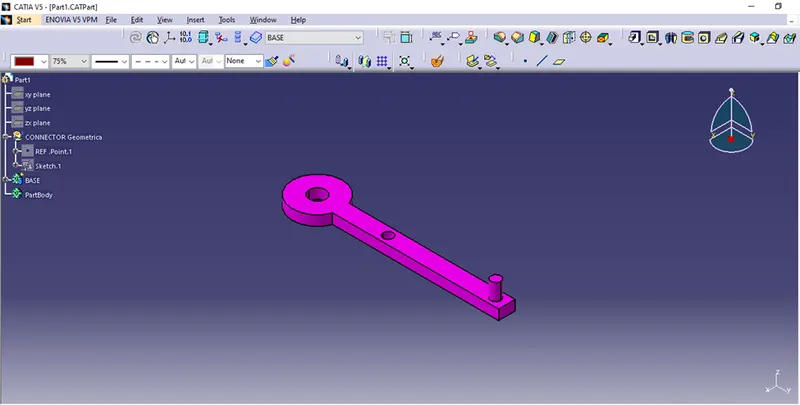
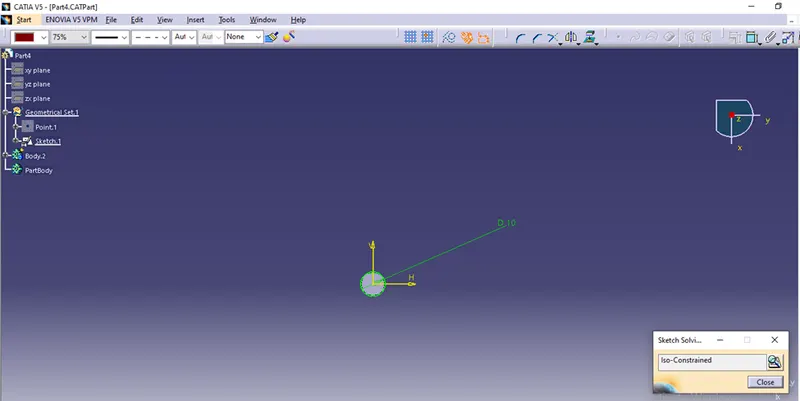
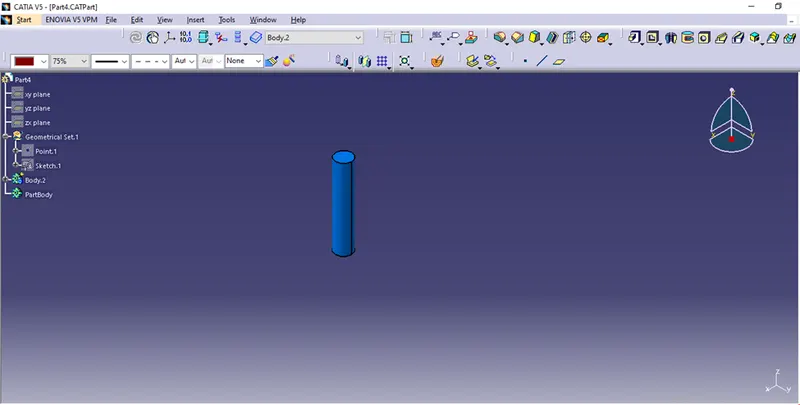
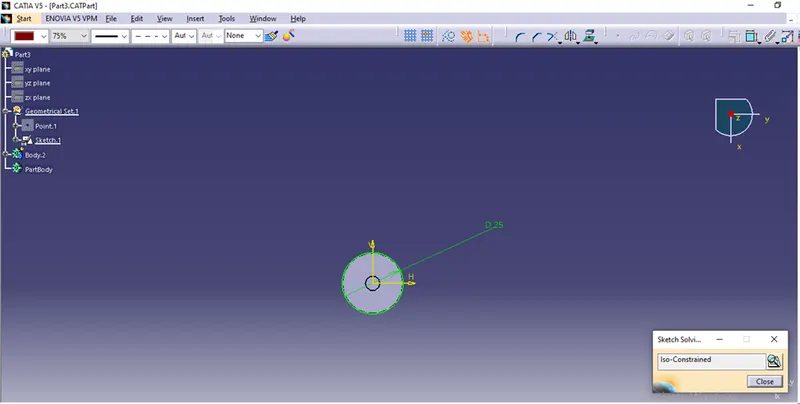
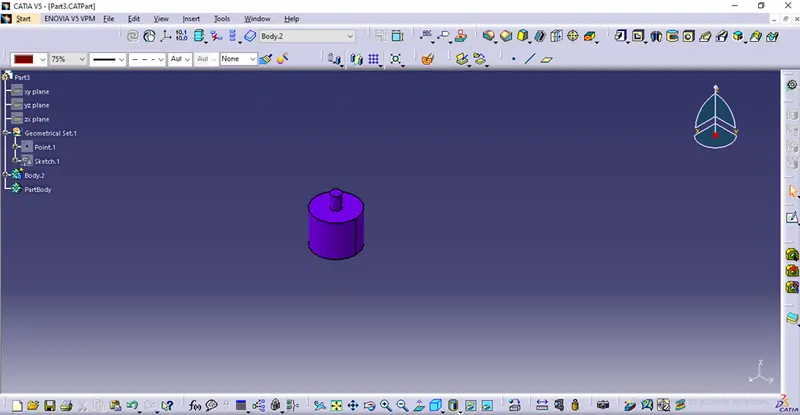
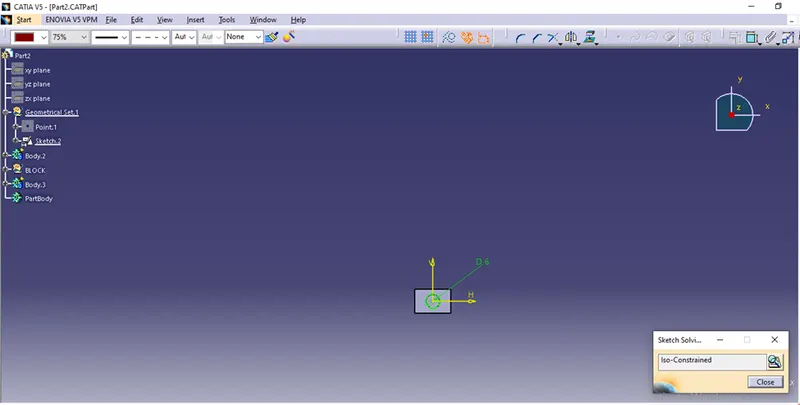
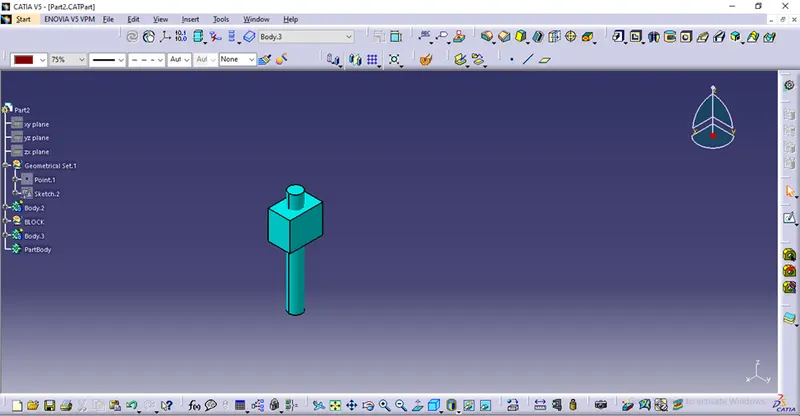
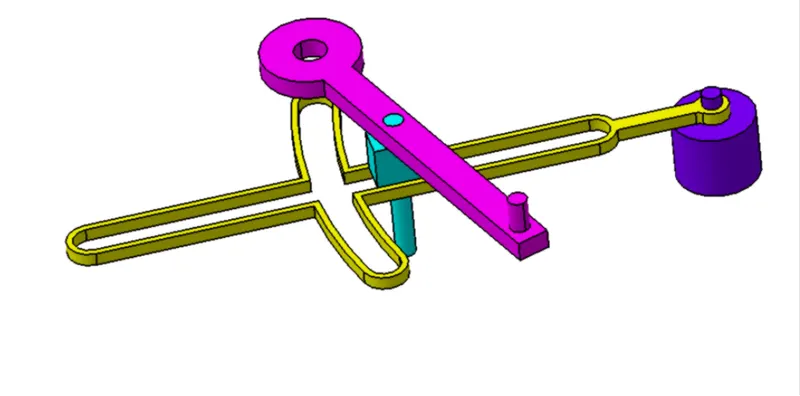
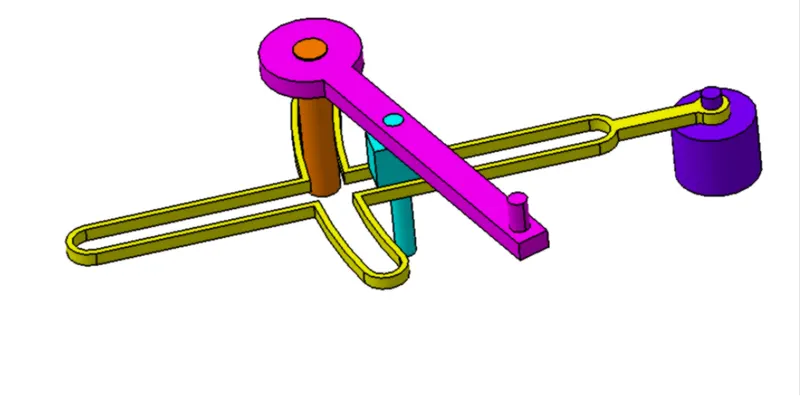
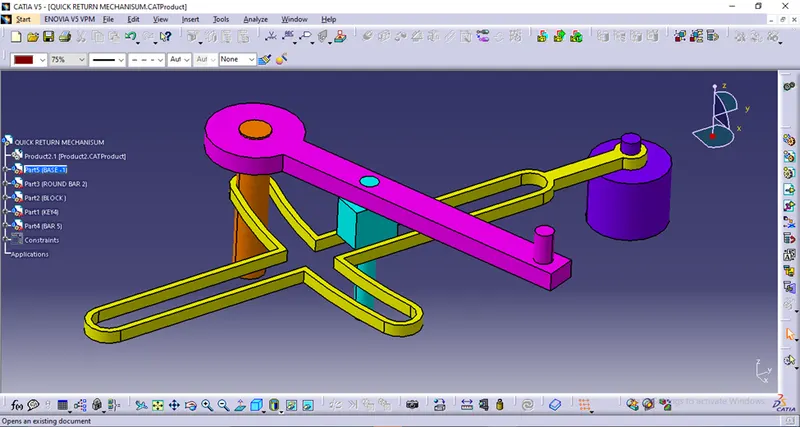
After creating all the parts go to the Assembly Workbench and insert every part to the assembly workbench:
Now try constraint the part in way wanted.
intially Fix the Skeleton so that it does not move.
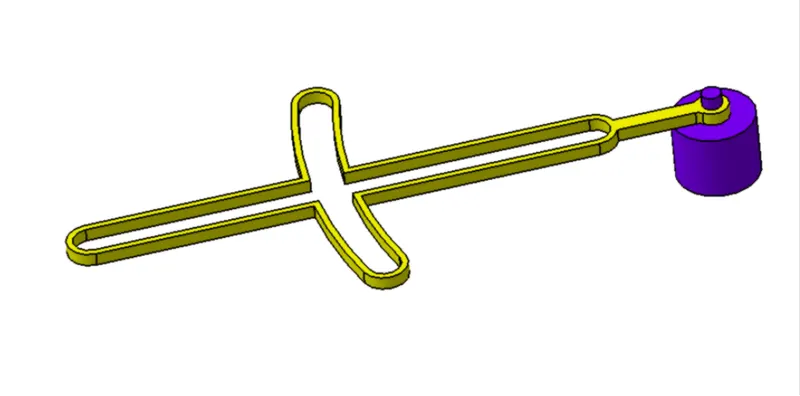
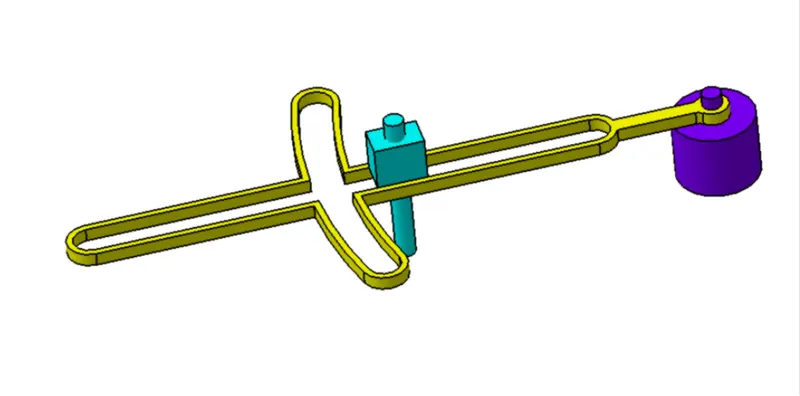
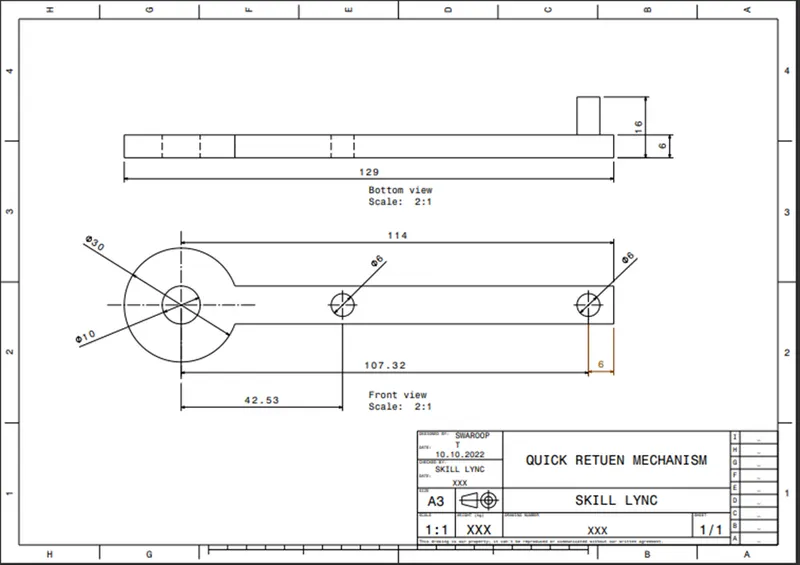
2D DRAWING USING DRAFTING TOOL:
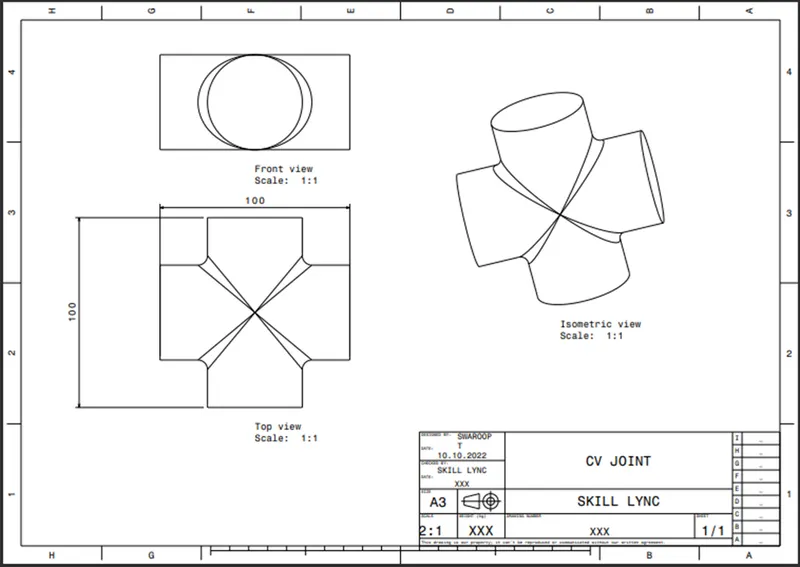
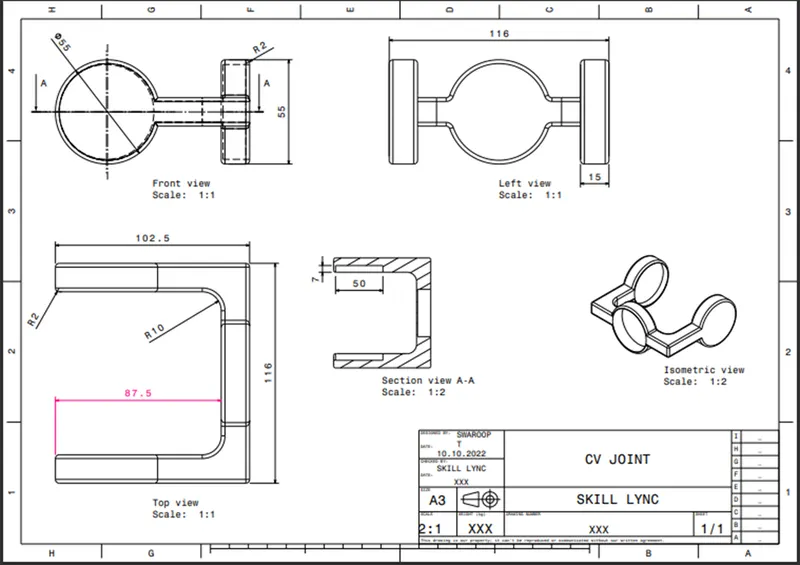
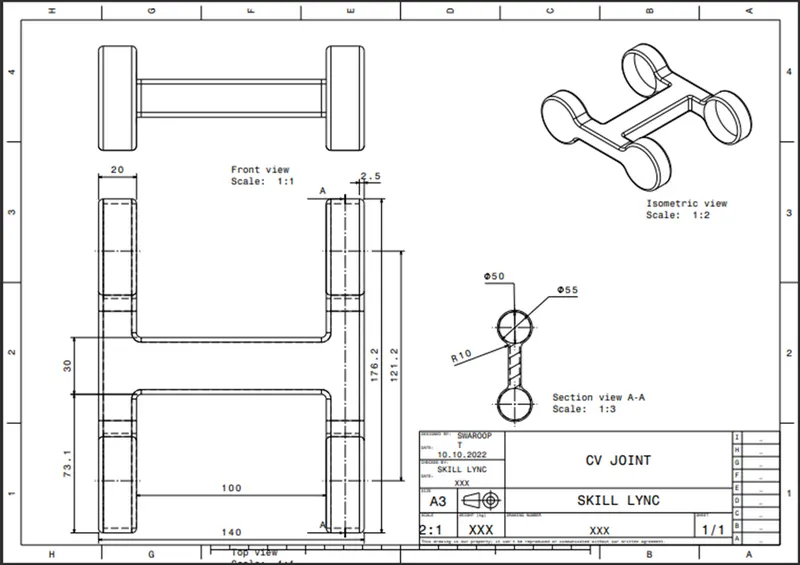
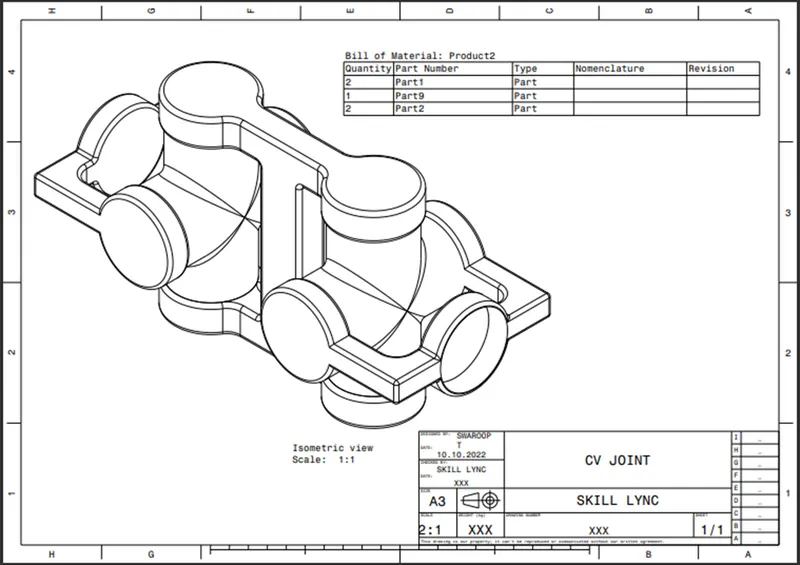
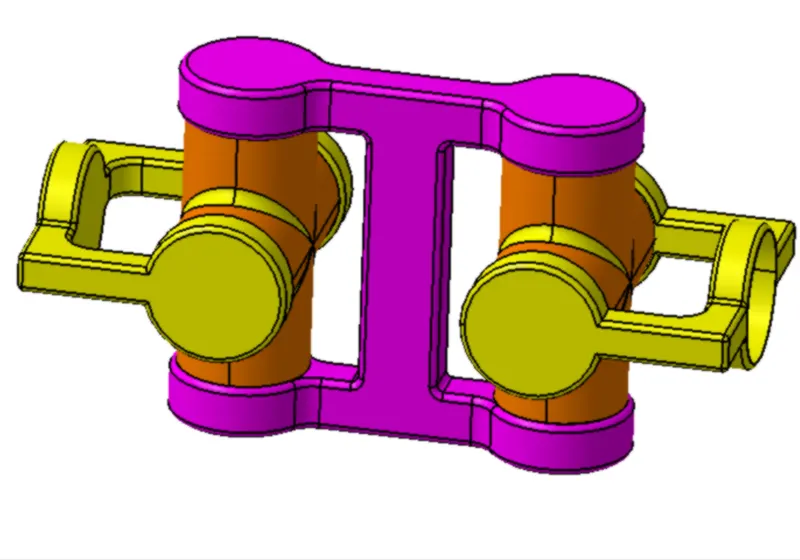
DRAWING 2 (CV JOINT):
REPORT ANALYSIS:
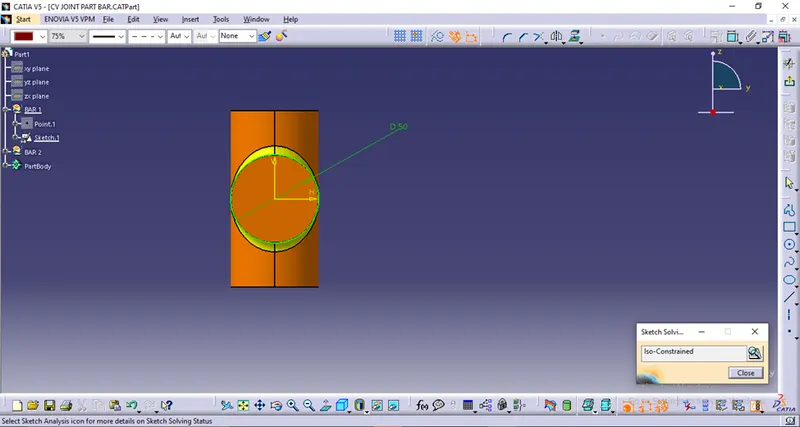
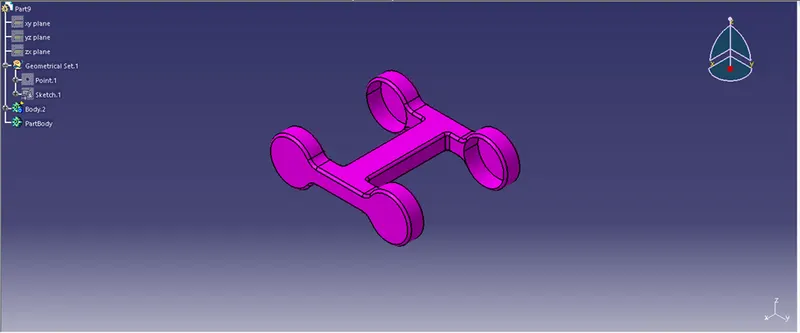
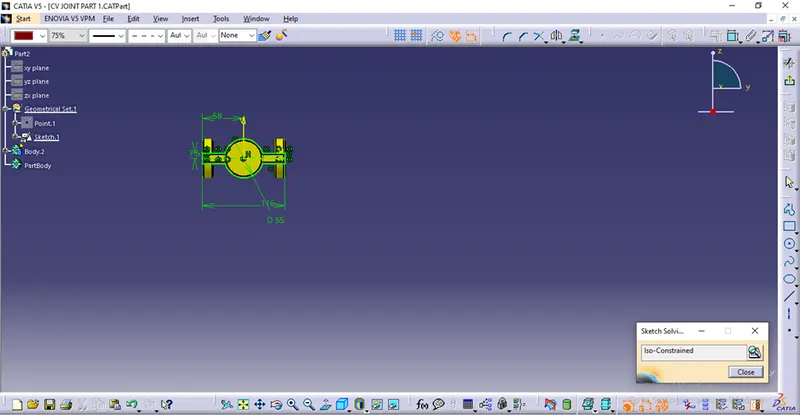
Intially created the part of the drawing in the part workbench.
Sketches and CAD Part:
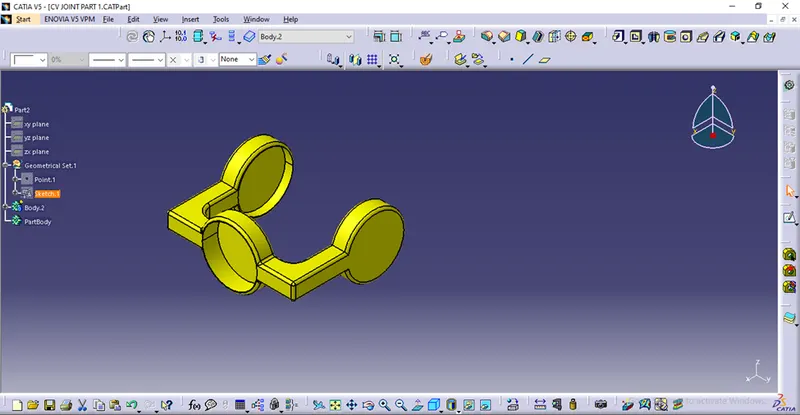
Now try constraint the part in way wanted.
intially Fix the Skeleton so that it does not move.
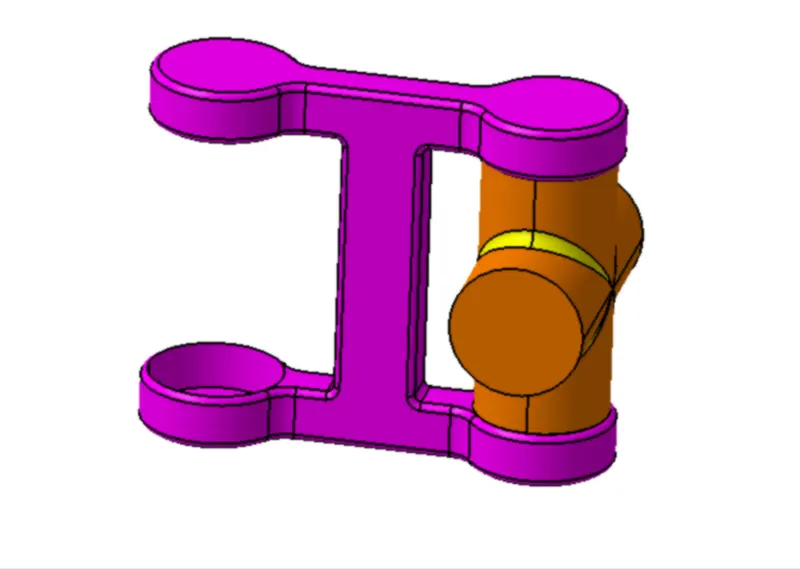
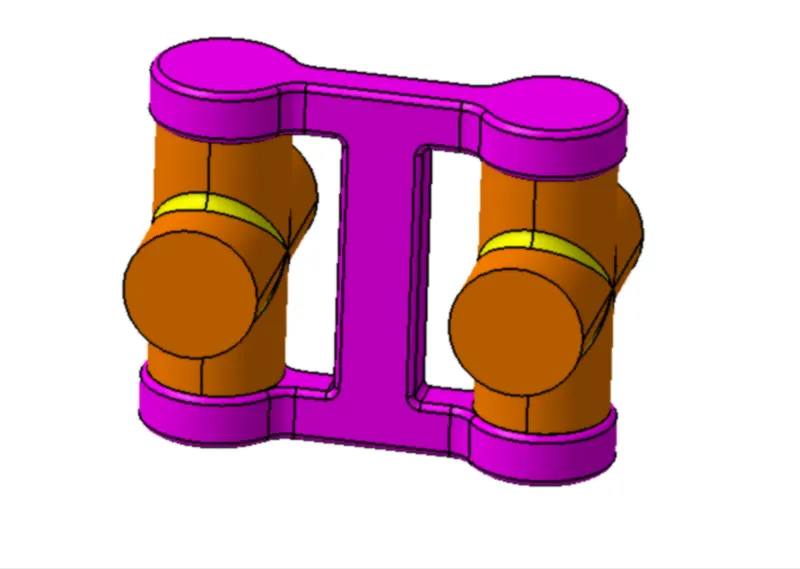
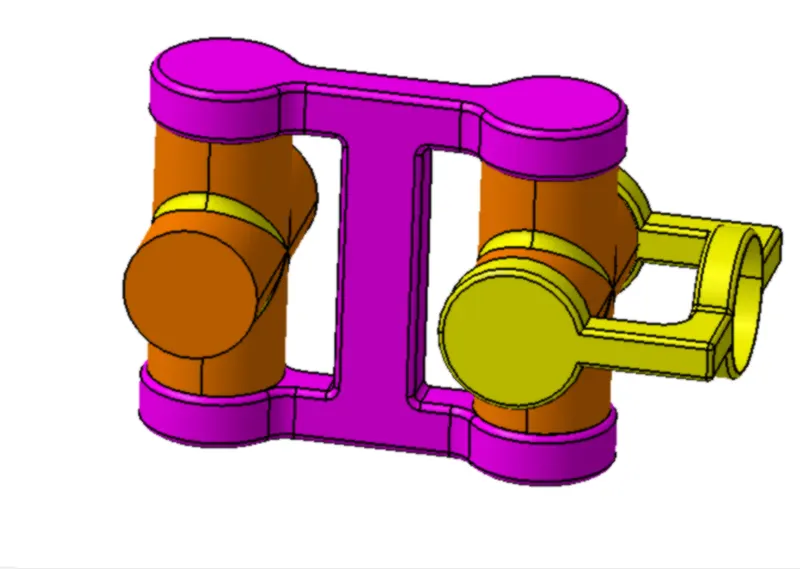
2D DRAWING USING DRAFTING TOOL: