Week 1-Model Creation in DesignModeler Challenge
AIM: To create a butterfly valve model using the Geometry option in ANSYS Workbench.
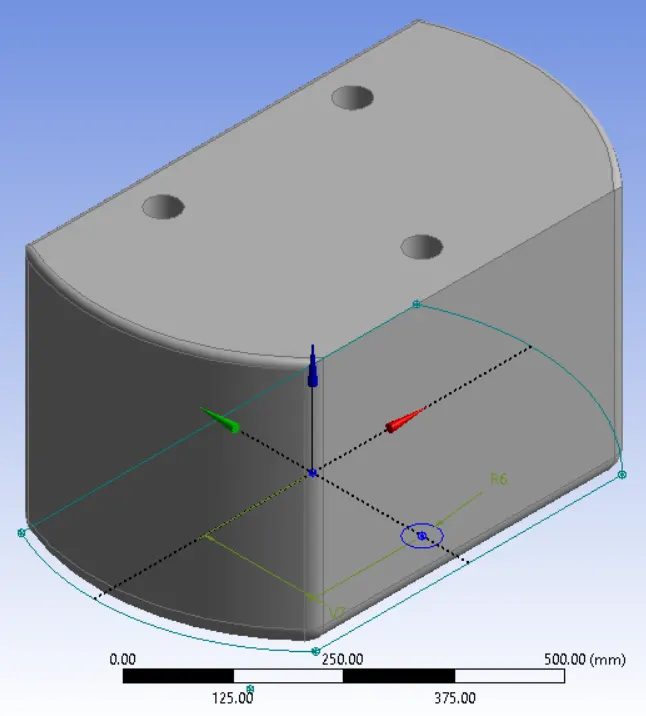
Lower Plate Modelling:
- Using the Sketch option and the given dimensions, the sketch was generated and using the extrusion command, the solid section was obtained.
- The patter option was used with the circular command to model the three holes.
- Finally, the Fixed Radius Blend option was used to model the edge fillets with the given radius.
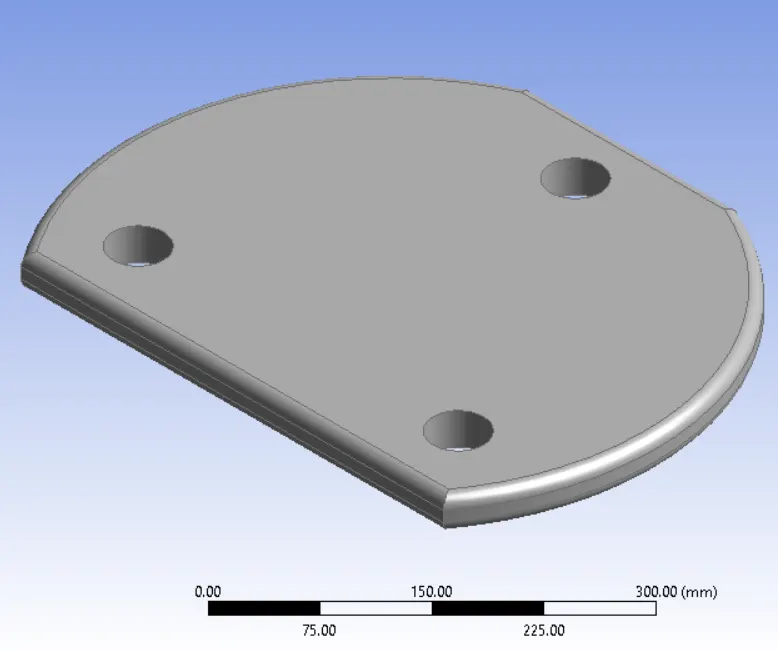
Upper Plate Modelling:
- Using the Sketch option and the given dimensions, the sketch was generated and using the extrusion command, the solid section was obtained.
- The patter option was used with the circular command to model the three holes.
- Finally, the Fixed Radius Blend option was used to model the edge fillets with the given radius.
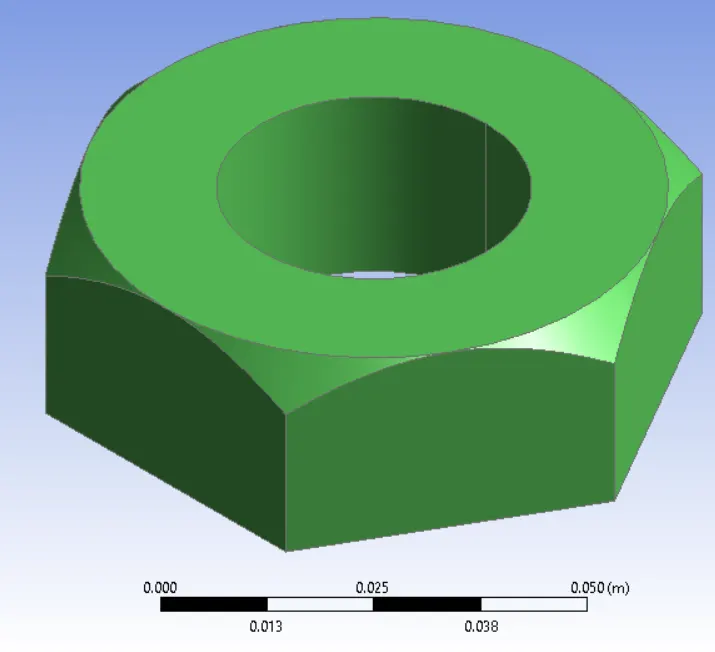
Bolt and Nut Modelling:
- Using the Sketch option and the given dimensions, the sketch was generated and using the extrusion command, the solid section was obtained.
- Then the cut section was created using the given dimension and final edge editing was utilised with`45^o` chamfer option.
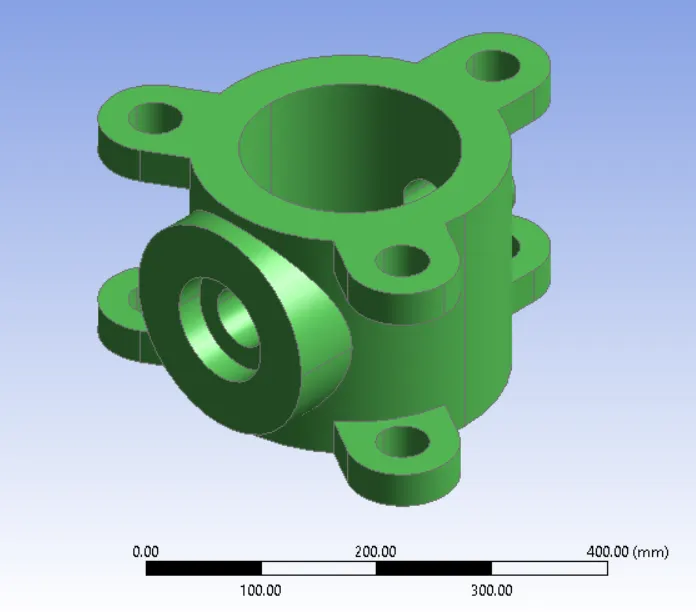
Main Bod Modelling:
- Using the Sketch option and the given dimensions, the sketch was generated and using the extrusion command, the solid section was obtained.
- The patter option was used with the circular command to model the three extensions at the base of the model.
- Finally, a mirror option was utilised to replicate the same extension to the top of the plate.
- Reference plane was created at the given direction to model the join for the arm section in the main model.
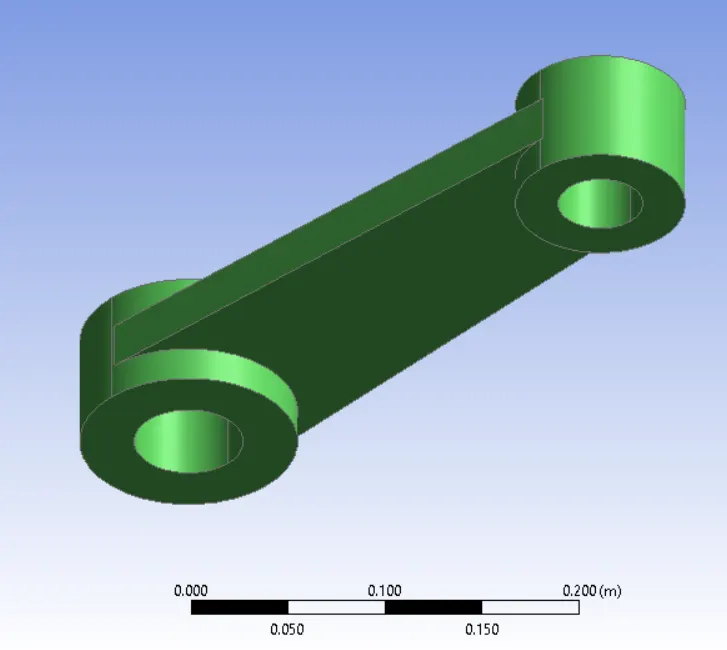
Main Body Arm Section Modelling:
- Using the Sketch option and the given dimensions, the sketch was generated and using the extrusion command, the solid section was obtained.
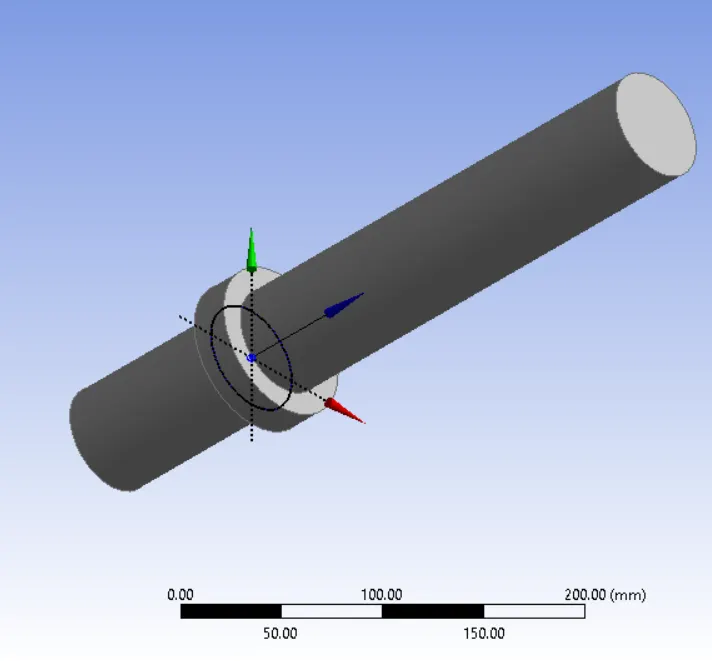
Shaft Modelling:
- Using the Sketch option and the given dimensions, the sketch was generated and using the extrusion command, the solid section was obtained.
Conclusion
- The given parts were modelled individually in Design Modeller.
- Since the course is not focused on the modelling parts, some parts were modelled using user-friendly modelling tool and imported into the workbench.
- Most of the part were created and represented.