Week 1- Mixing Tee
Aim: Steady-state simulations to compare the mixing effectiveness when the hot inlet temperature is 360C & the Cold inlet is at 190C
Objectives: k-epsilon and k-omega SST model to be performed for the cases below.
- Case 1
1a. k-epsilon model
- Short mixing tee with a hot inlet velocity of 3m/s.
- Momentum ratio of 2
1b. k-epsilon model
- Short mixing tee with a hot inlet velocity of 3m/s.
- Momentum ratio of 4
1c. k-omega SST model
- Short mixing tee with a hot inlet velocity of 3m/s.
- Momentum ratio of 2
1d. k-omega SST model
- Short mixing tee with a hot inlet velocity of 3m/s.
- Momentum ratio of 4.
- Case 2
2a. k-epsilon model
- Long mixing tee with a hot inlet velocity of 3m/s.
- Momentum ratio of 2
2b. k-epsilon model
- Long mixing tee with a hot inlet velocity of 3m/s.
- Momentum ratio of 4
2c. k-omega SST model
- Long mixing tee with a hot inlet velocity of 3m/s.
- Momentum ratio of 2
2d. k-omega SST model
- Long mixing tee with a hot inlet velocity of 3m/s.
- Momentum ratio of 4.
Introduction: CFD (Computational Fluid Dynamics) is a branch of fluid mechanics that uses numerical methods and algorithms to solve and analyze problems that involve fluid flows. Computers are used to perform the calculations required to simulate the interaction of liquids and gases with surfaces defined by boundary conditions. Ansys Fluent of one of the popular software available in the market to solve CFD problems.
Procedure: Open the Ansys workbench & drag Fluid Flow (Fluent) to the workbench.
step-1: Import the geometry in Spaceclaim and generate the fluid domain. Since we only need fluid flow domain, the Mixing Tee body can be suppressed from at Spaceclaim by right-clicking shell1 and selecting suppressed from physics.
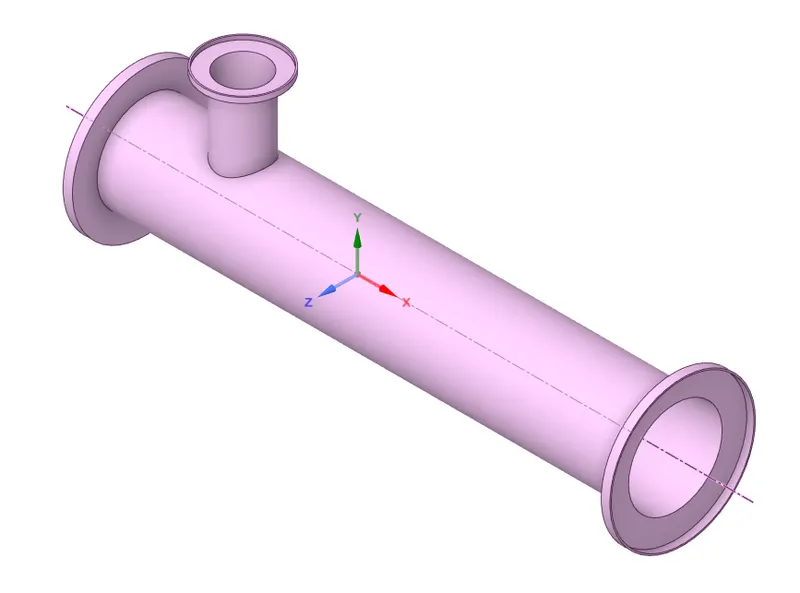
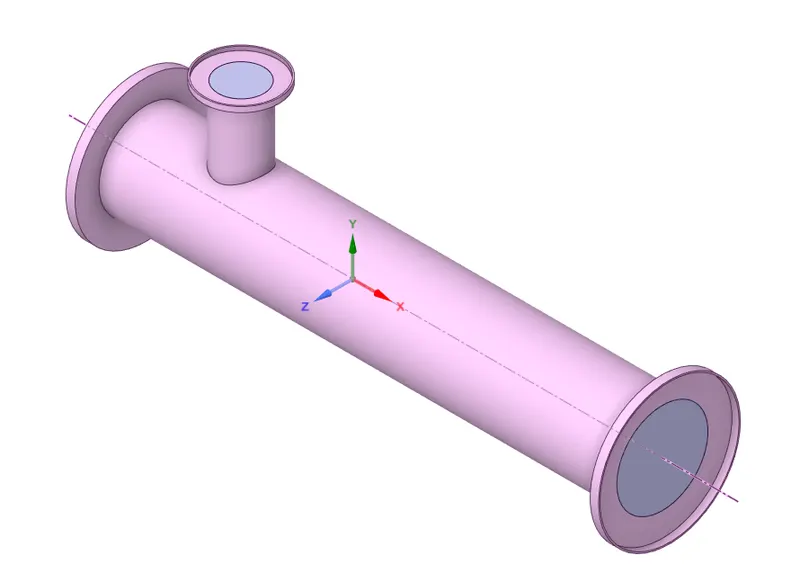
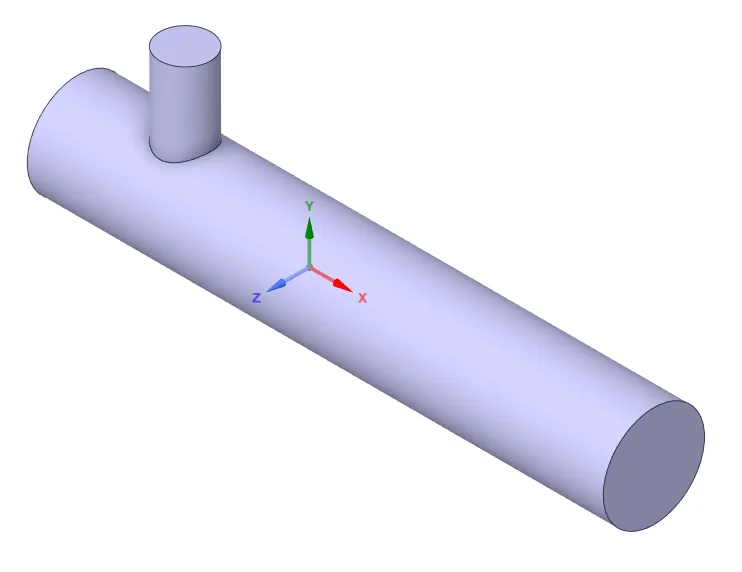
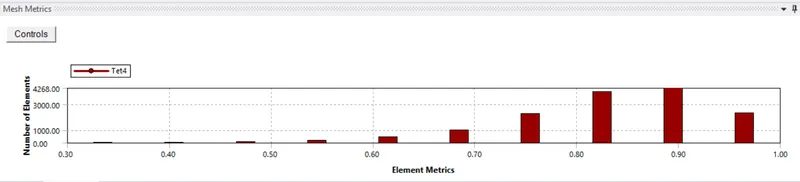
step-2: Open Mesh from the Fluent step(3) by double click. Generate the default mesh and see the quality of the mesh. select element quality under the quality mesh metric and see the quality of the mesh. As instructed the element quality should not be less than 0.5%, in our case it is 30%. close the mesh.
Select geometry faces for Inlet, Outlet & Walls and create name selections. Update the mesh.
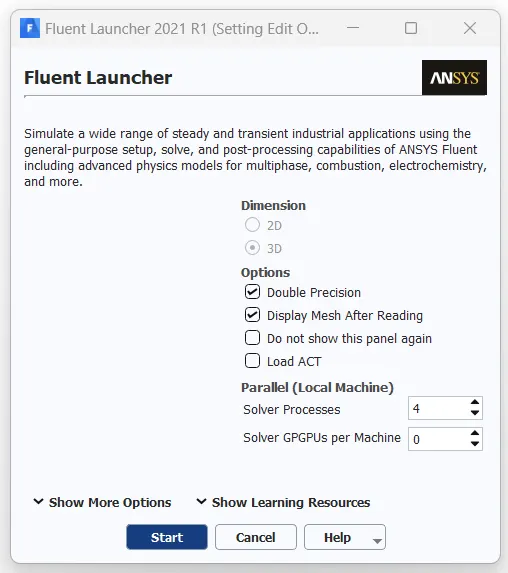
step-3: Open Setup from the Fluent step(4) by double clicking to open Ansys Fluent. Set Solver processes as 4 (No. of cores available) and Double Precision in Fluent Launcher.
Steps in Fluent:
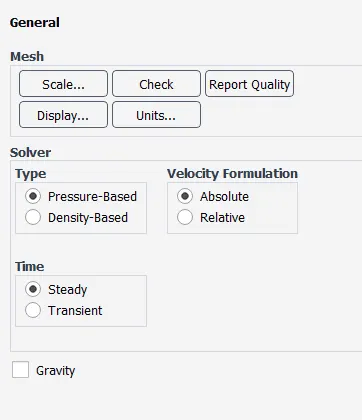
General: default settings.
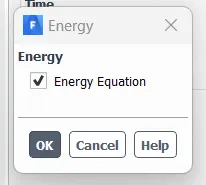
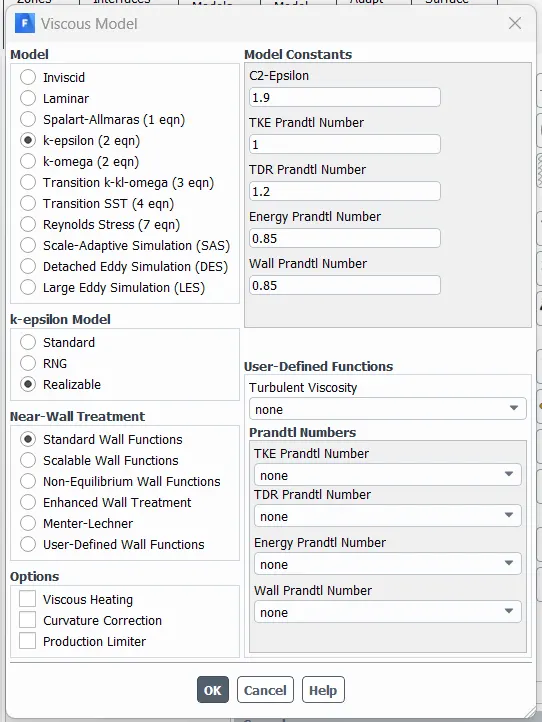
Models: Energy On & Viscous as K-epsilon Realizable & standard wall function.
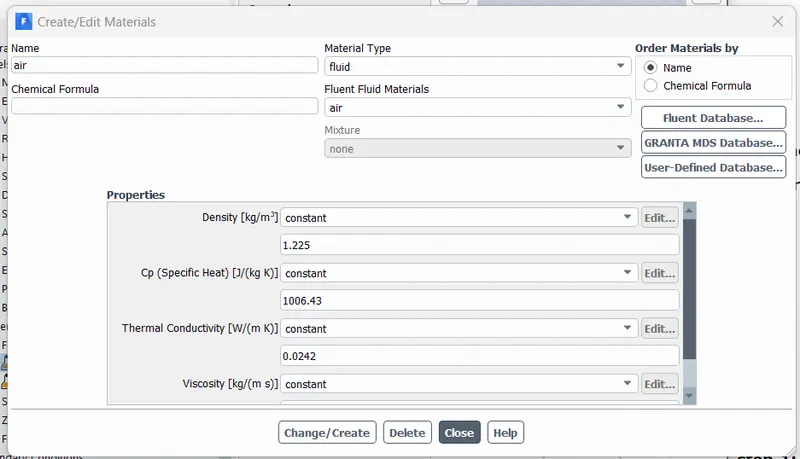
Material: default as Air. In this exercise, we are not changing the fluid.
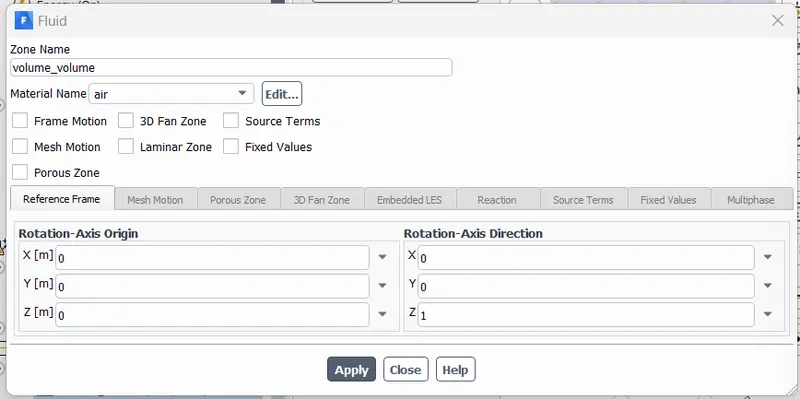
Cell Zone: Fluid domain as Air set to default.
Boundary Conditions: Double-click on BCs. Select inlet-x as velocity-inlet under type and click edit. under the Velocity Magnitude add 3 m/s, and Thermal as 25 C.
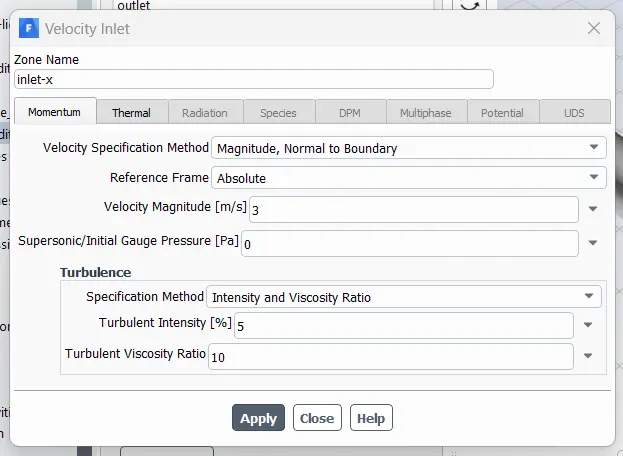
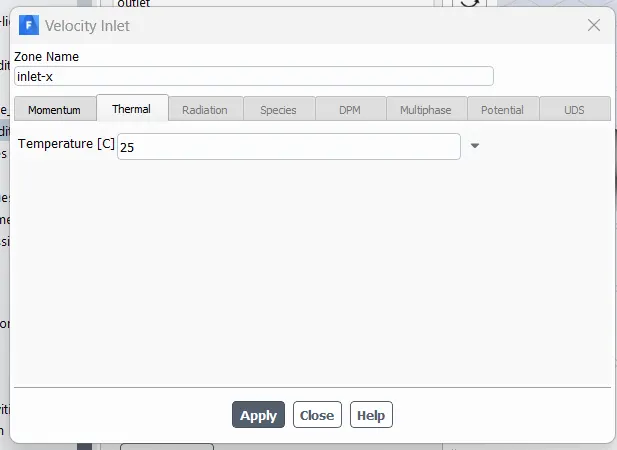
Inputs can be updated according to the exercise and the same steps are followed. To change the unit of Temperature from Kelvin (K) to Celcius (C), Under the Domain tab in Fluent, Units and scroll down to temperature and select C.
The same steps are followed for Inlet-y as well.
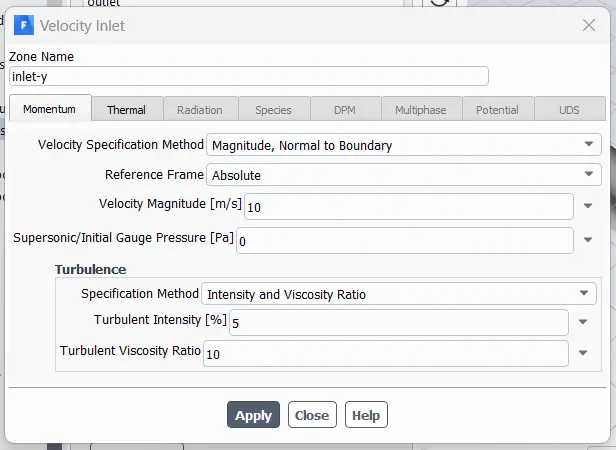
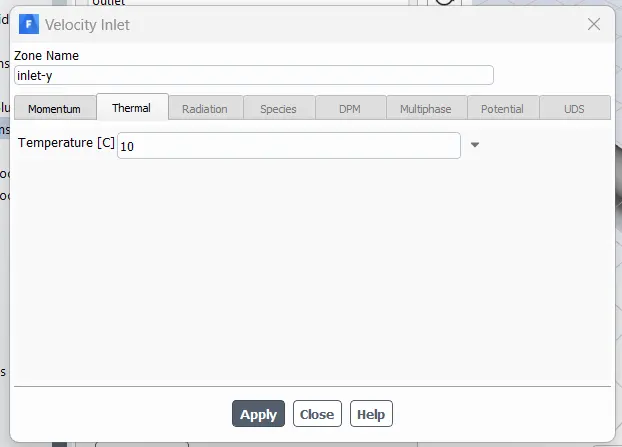
For Outlet, the default setting is pressure-outlet under type.
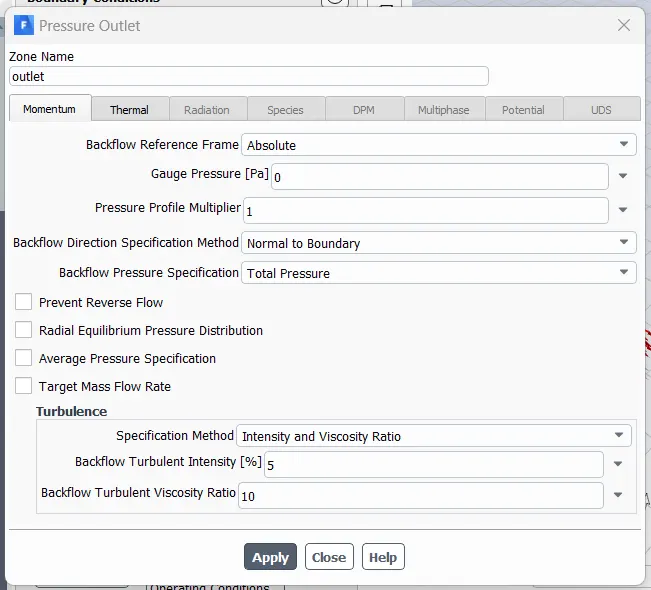
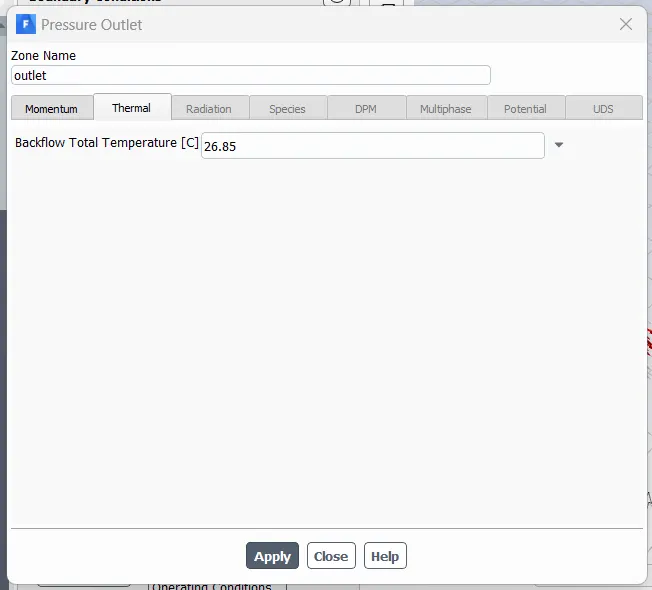
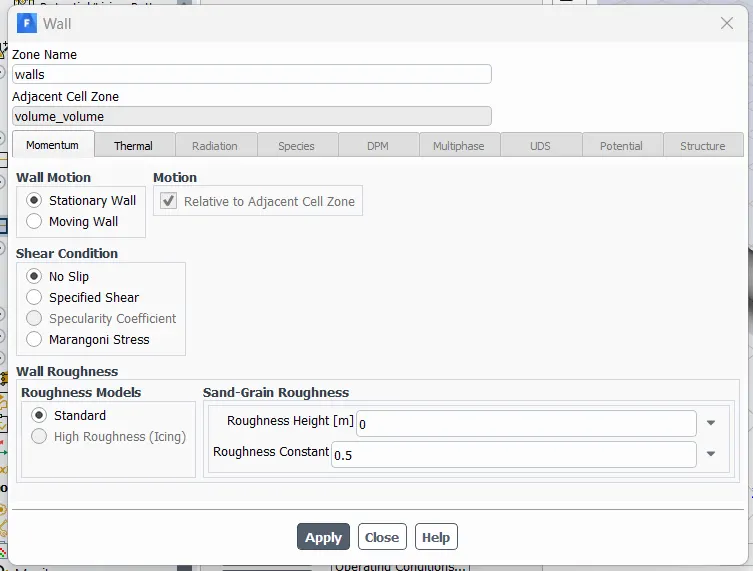
Wall as default, Standard wall & No slip.
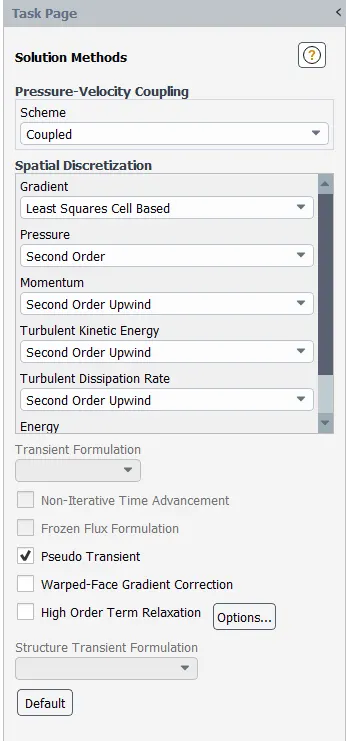
Solution Methods: Fluent set to default as coupled under the scheme and change all discretization Spatials to second-order equations for Pressure, Momentum & Energy to get more accurate results.
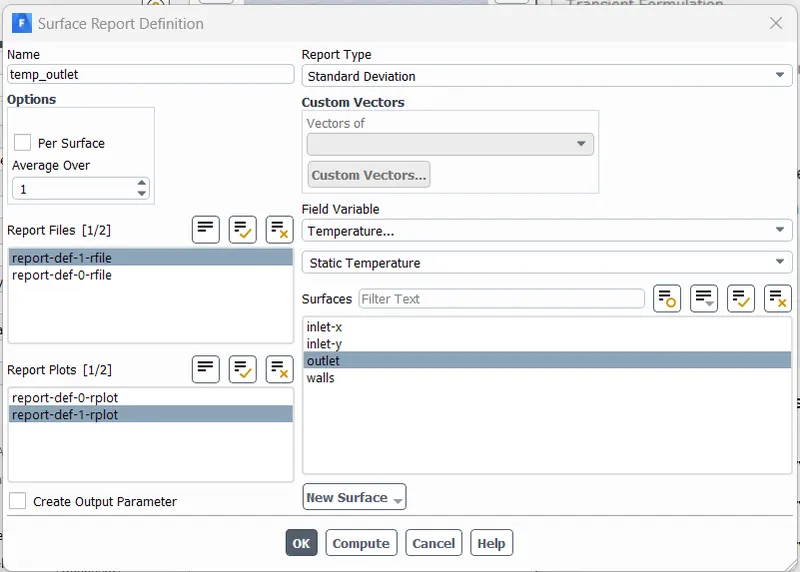
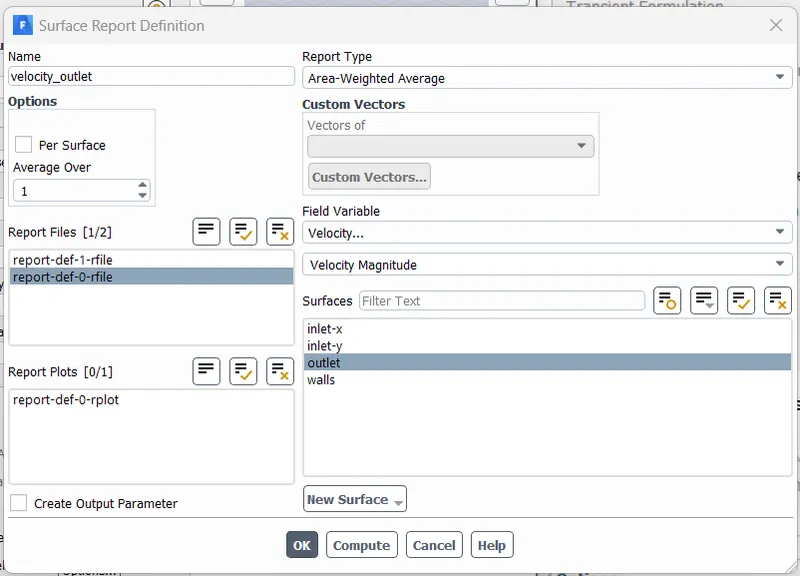
To compute the outlet values for temperature and Velocity, Under report definitions we can capture as below.
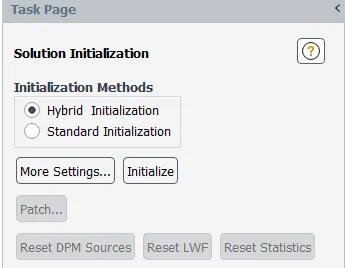
Solution Initialization: Default Hybrid Initialization.
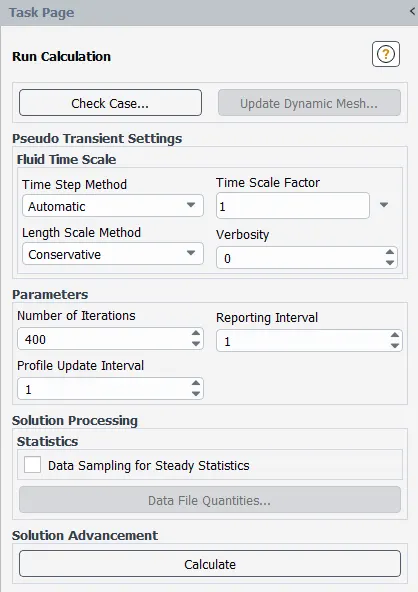
Run Calculation: Set the number of Iterations to 400 and other settings as is.
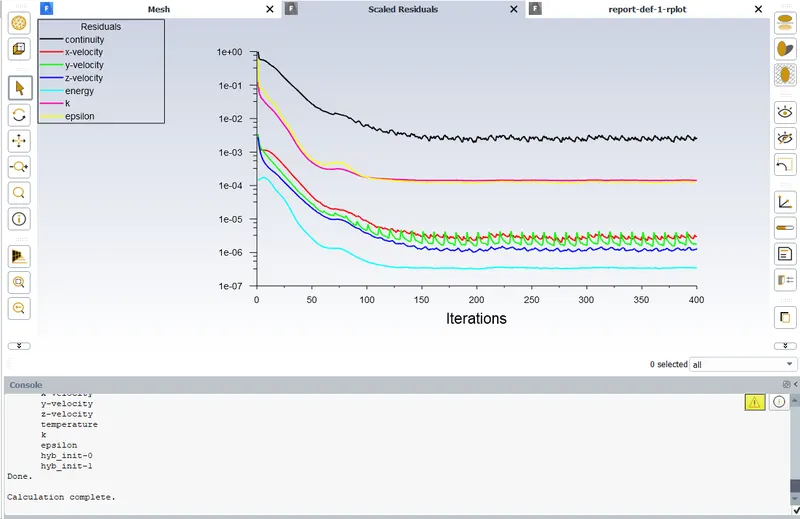
Click calculate. See the residuals graph and complete the solution.
step-4: Solution: Ansys Fluent by default competes in this step Fluent step(5).
step-5: Results: Double click on Results from the Fluent step(6) by double click to open Ansys Fluent.
For better visuals, Change the wall transparency to 0.6.
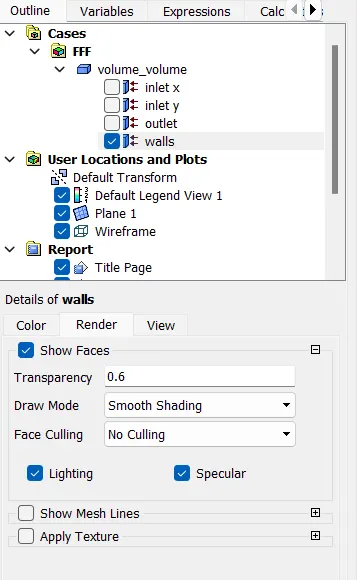
Create a plan in the XY axis bisecting the geometry exactly in the middle.
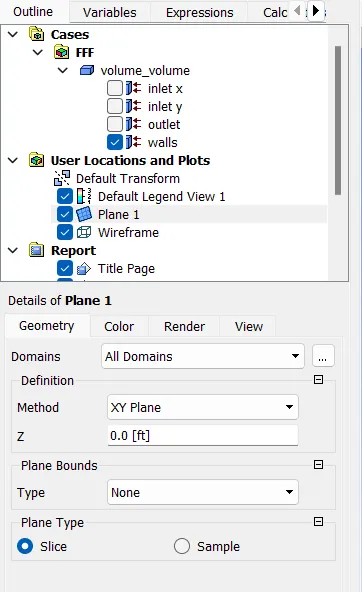
Under the Color tab in Plane 1, select the variable Temperature and Velocity to view the results in the graphics window.
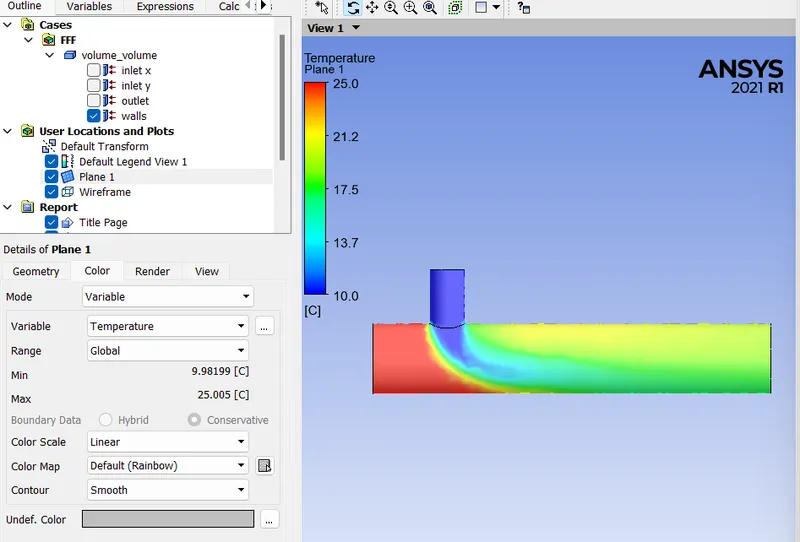
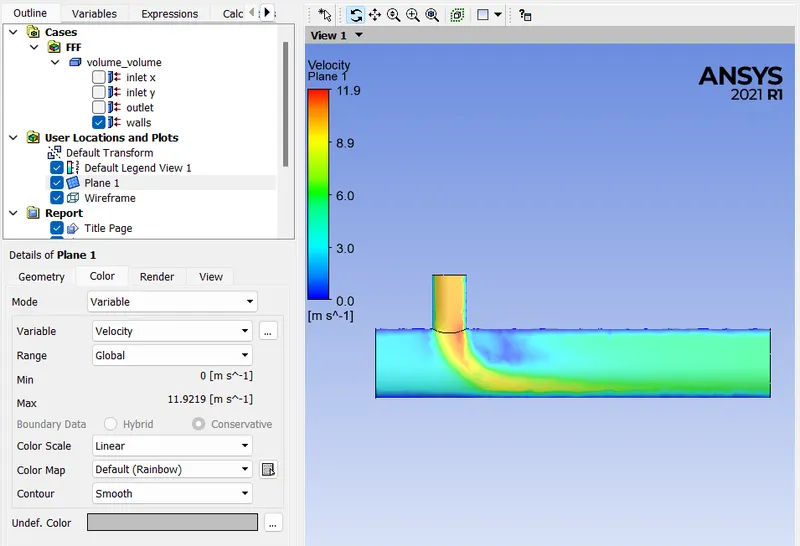
Similar steps are followed for all the exercises assigned for this assignment. The below image shows the project schematic of all variations.
Results:

Conclusion:
Temperature decreases from short to long mixing tee but velocity has no effect on the change in length of the tube.
K-omega SST gives more accurate results but it consumes more process time than K-epsilon.
A detailed analysis is attached.