Week 1 Challenge
1.1
- Select STAAD Import from the backstage. The Import from STAAD.Pro dialog opens.
- Click [...] in General settings to browse and select a STAAD.Pro (*.std) file to import.
- Select Use Mapping File in Section Mapping settings, and then click [...] to browse and select a mapping file to import.
- Set the catalog type and catalog instance assignments for the imported member types. This data is used by AECOsim Building Designer to rebuild the members' structural data as defined in the structural member catalogs.
- In Steel settings, select a section definition that is to be designated as the Default Section Name. This section definition is applied to imported members whose section data is not available in AECOsim Building Designer.
- Check Verify to scan the imported file for unknown sections. The Unknown Sections dialog appears providing an opportunity to write the unknown sections to the active XML section definition file before importing.
- In Revision Tracking, check Use Design History. Design History tracks changes to a DGN file. Viewing details about the revision by using the controls on this tool.
- Click Import. The update design dialogue appears. Review detailed information about each imported member and select which ones you want to import before accepting them into the target DGN file.
- Click Update to complete the import process. The structure is updated
1.2
1.3
YES
1.4
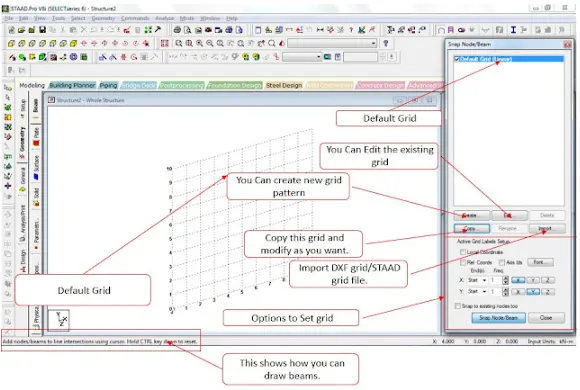
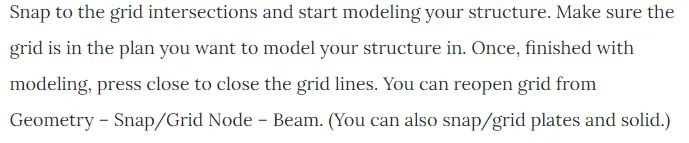

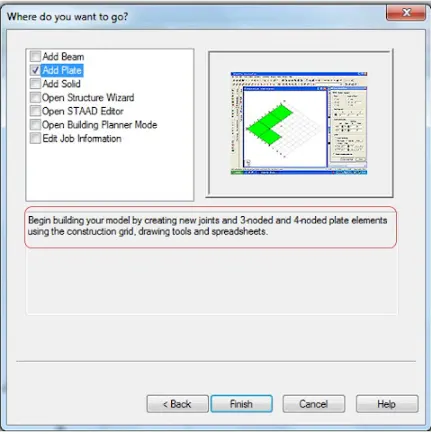

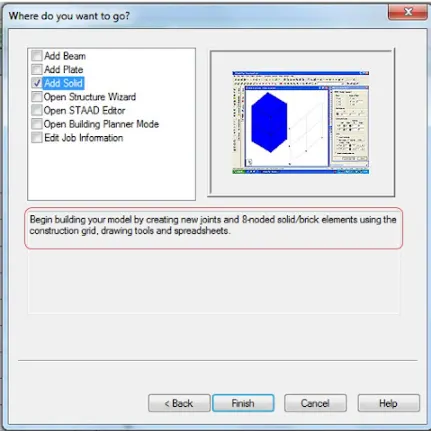



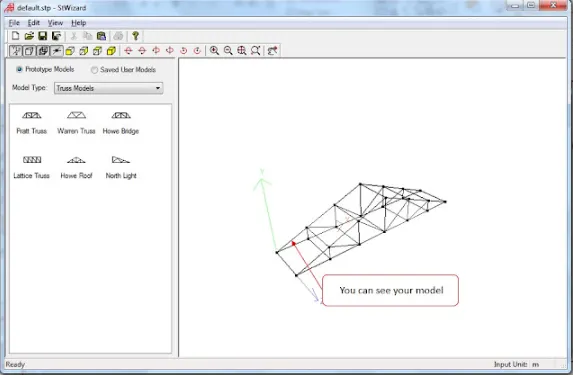

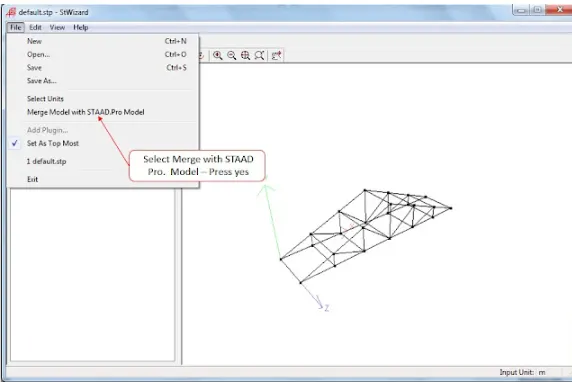
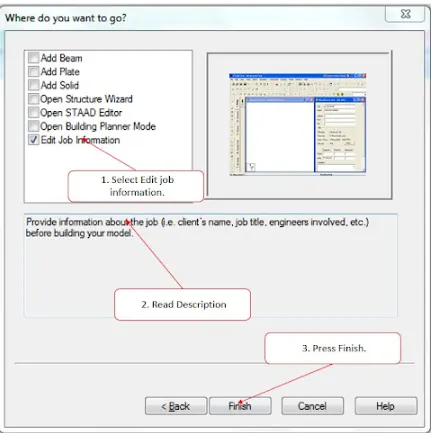
1.5
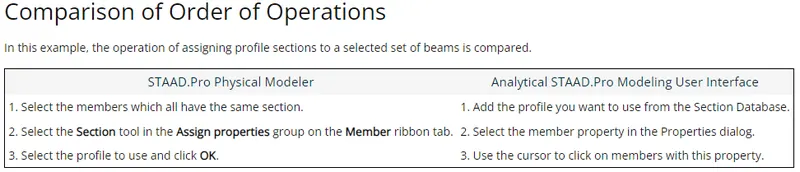
2.1
- Length, width and height of the structure
- Size and orientation of columns, beams
- Thickness of slab
- Types of Loads
- Load combinations
- Economy
2.2
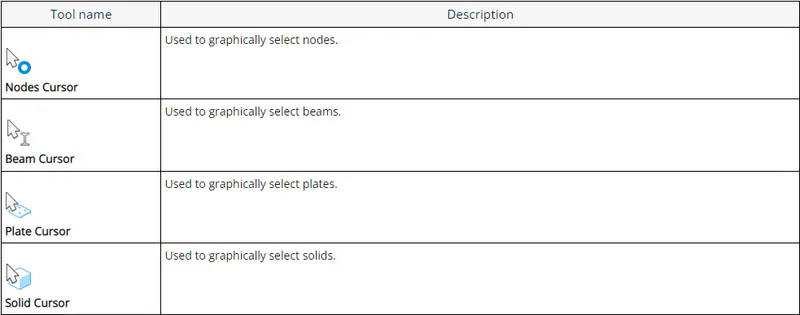
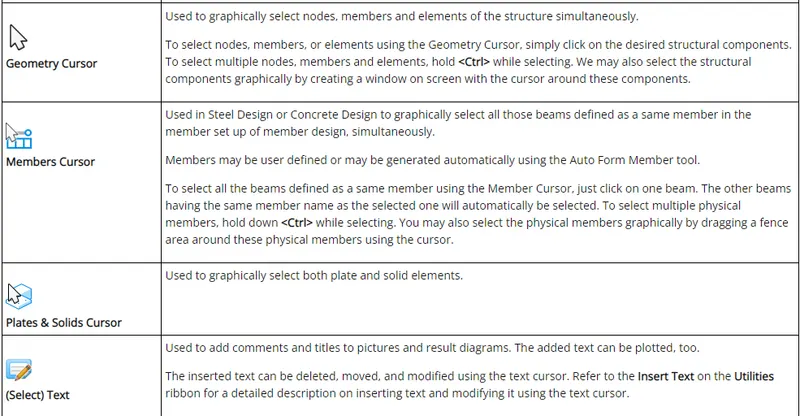

2.3
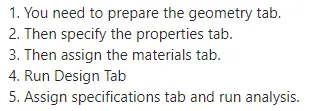
2.4
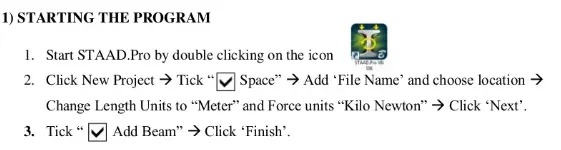
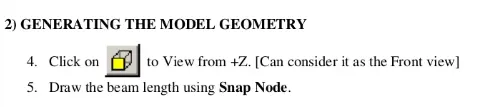
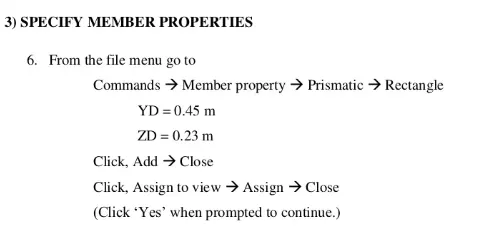
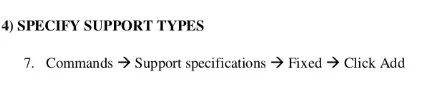
2.6
3.1
3.2

3.3
Design Basis Report or “DBR” shall mean a planning report that documents the major design criteria and includes recommended project elements, planning level drawings, preliminary schedules, and cost estimates. It documents the principles, assumptions, rationale, criteria, and considerations used for calculations and decisions required during design. The BOD describes the technical approach planned for the project and is incorporated into the project technical specifications. The DBR is used as the basis for design calculations and other design decisions. It includes catalog cuts and manufacturers information used to set the minimum levels of quality or performance set by the design. It also includes a narrative to describe the design approach and evolves into a more detailed document that can be used later by maintenance and operations personnel for building operation, recommissioning, and maintenance.
3.4
It can make use of various forms of analysis from the traditional static analysis to more recent analysis methods like p-delta analysis, geometric non-linear analysis, Pushover analysis (Static-Non Linear Analysis) or a buckling analysis. It can also make use of various forms of dynamic analysis methods from time history analysis to response spectrum analysis. The response spectrum analysis feature is supported for both user defined spectra as well as a number of international code specified spectra.
3.5

PRACTICAL
Aim:-
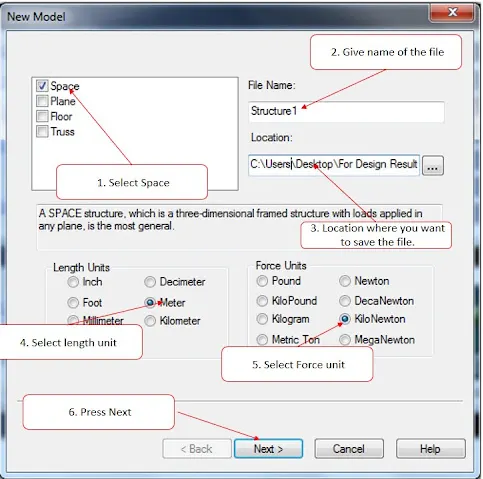
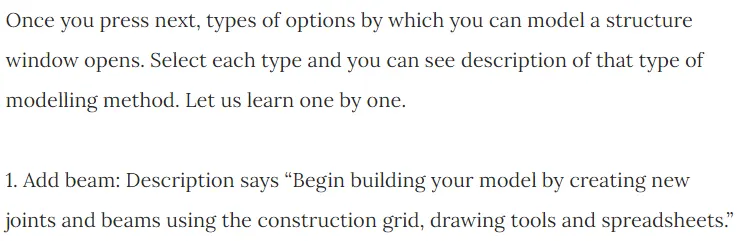
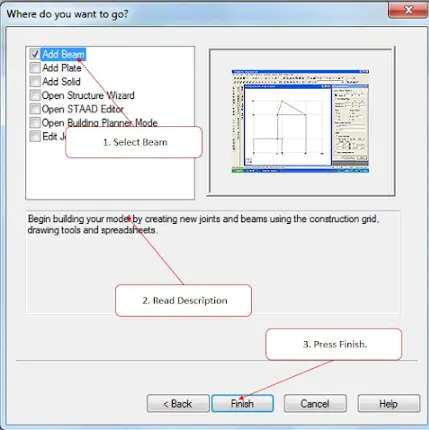
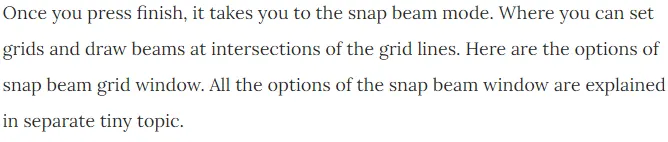
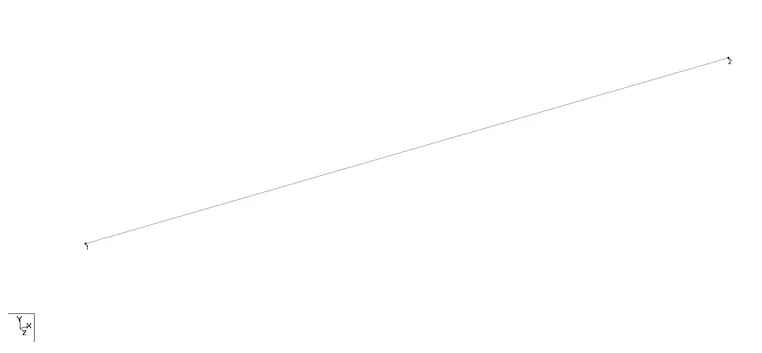
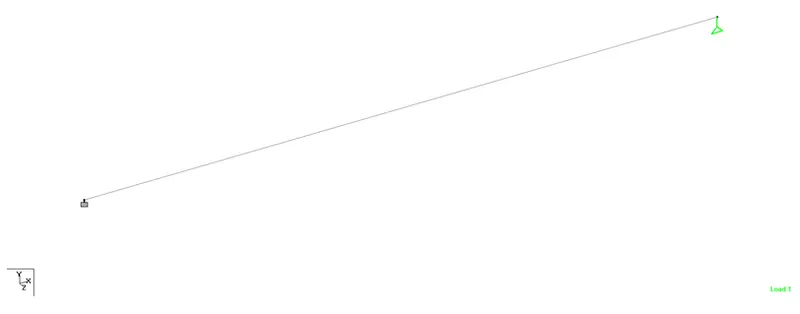
To create a STAAD PRO model following given procedure.
Procedure:-
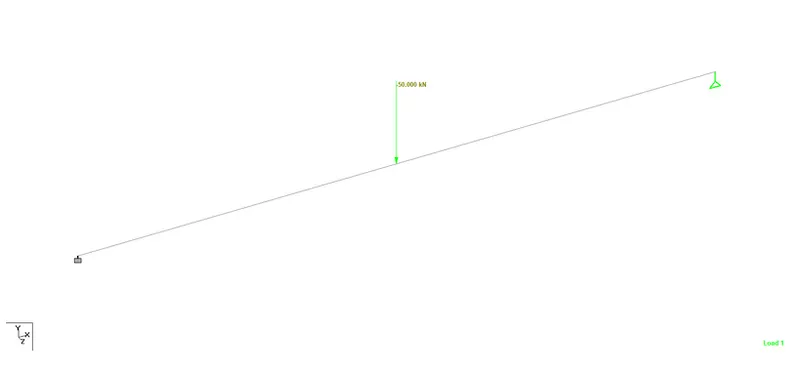
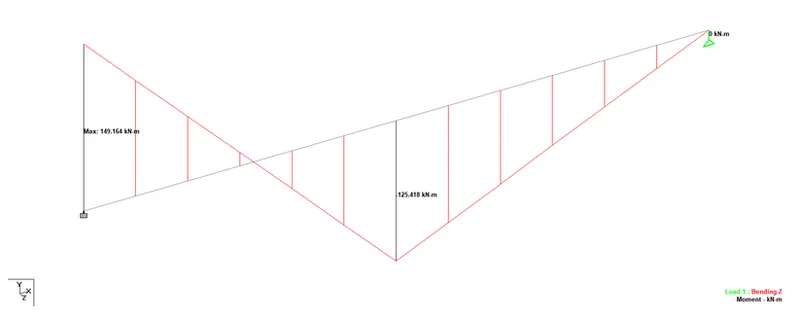
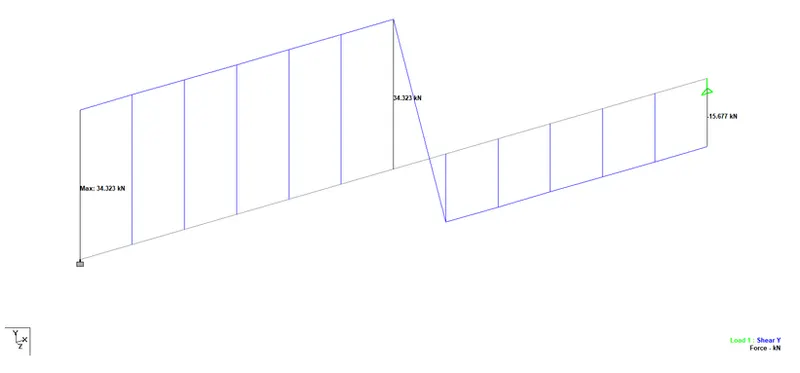
Result:-
SFD and BMD of the above beam is shown.