Week 1 Challenge
Q1
2. list of different materials that can be designed using staadpro
- concrete
- aluminium
- timber
- steel
3. Is it possible to capture the image from staadpro
yes, it is possible to take a picture using staadpro
- open a staadpro file
- go to utilities toolbar
- then click on take picture command
4.list of ways used for creating a model
- analytical
- physical
- building

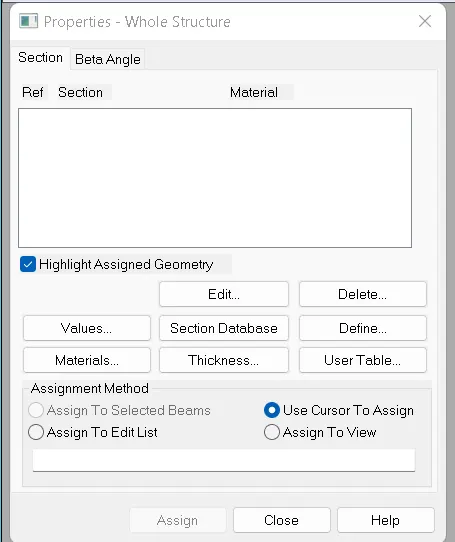
5. steps involved in assigning the properties to the model
- before assigning the properties firstly geometry should be created
- then go to the properties options from the ribbon tab
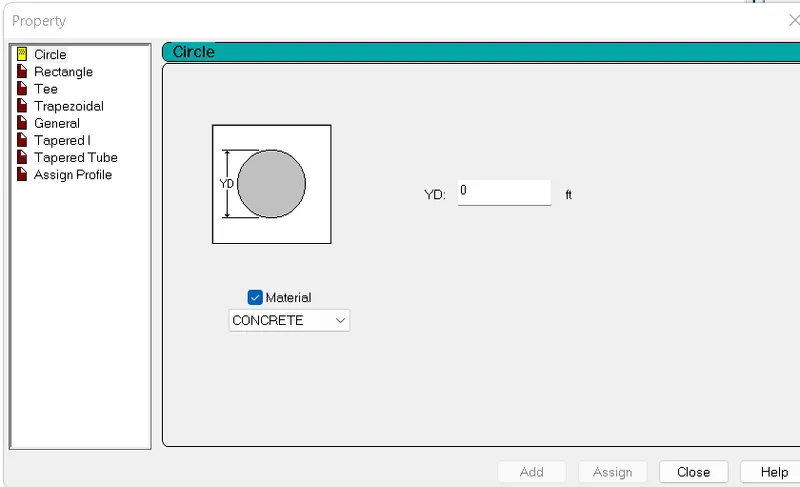
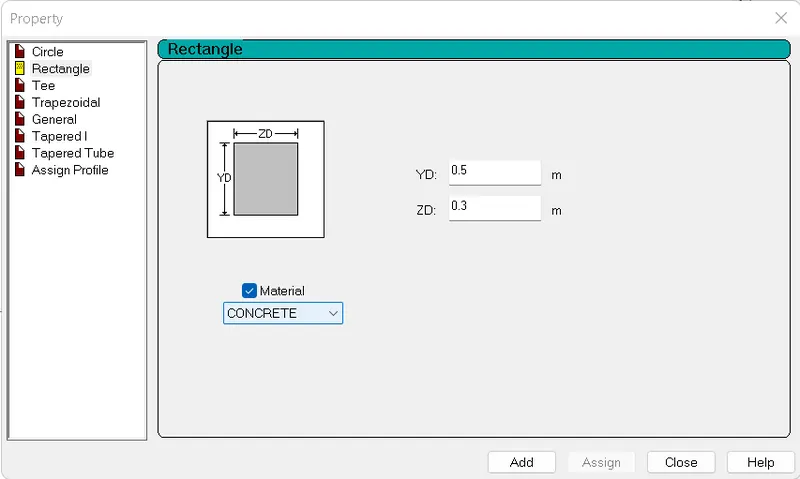
- click on the define
- select the geometry of the element
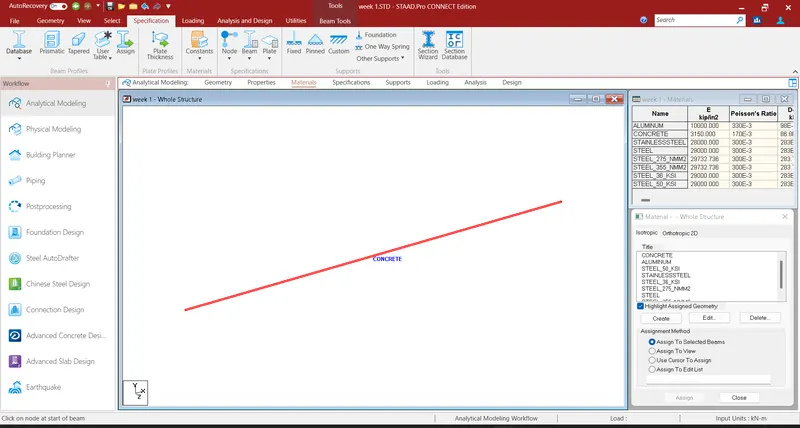
- define the dimensions and material
- then click on add
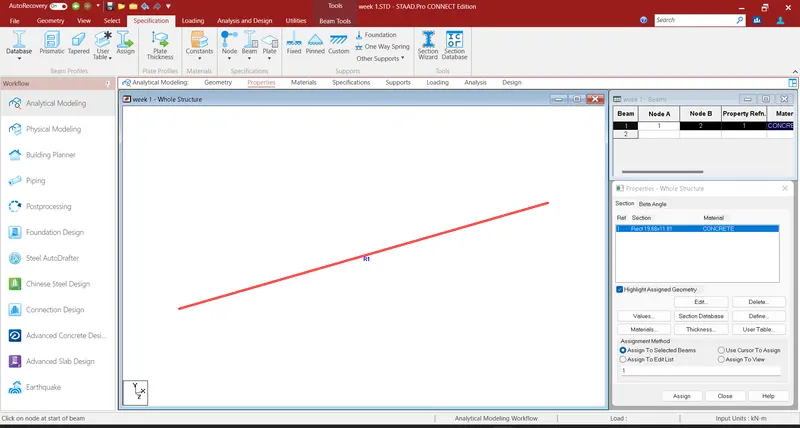
- after adding the property we have to assign the property to the element
- to assign the property choose any of the assigning methods
- then click on assign
- properties will be assigned to the elements
Q2
1.list of design parameters involved in rcc design
- clear cover
- minimum dia of the reinforcement
- maximum dia of the reinforcement
- compressive strength of the concrete
- ultimate strength of main reinforcement
- ultimate strength of shear reinforcement
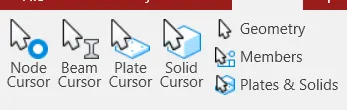
2.different types of cursor available in staadpro
- node cursor
- beam cursor
- plate cursor
- solid cursor
- geometry cursor
we can view all these cursor options from the select tool bar
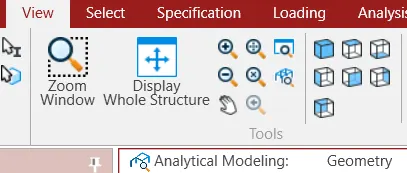
3. how to generate different views of the model
- after generating the model
- go to view tool bar
- then click on the any of the view cube to view the model
- click on display whole structure to view the complete model
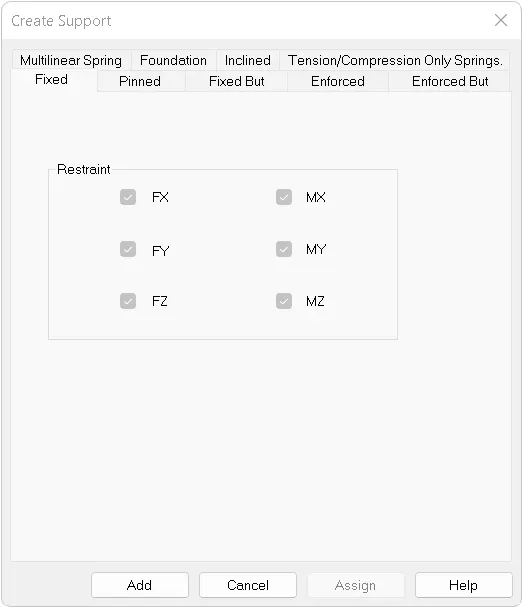
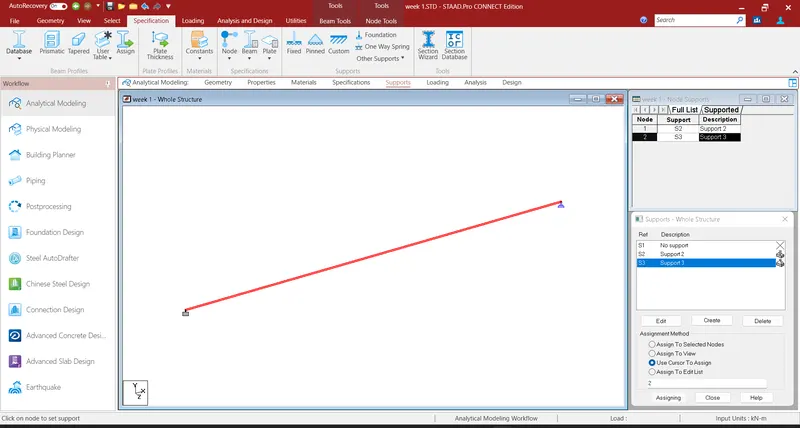
4. explain the procedure to define a simply supported suppot
- select on the supports
- then click on create option
- now select the type of support as pinned
- then click on add
- now choose any of the options to assign the supports
5. list of the contents that are included in DBR
- introduction to the project
- structural layout
- loads and combinations
- analysis
- design methods
6.Multi material Design
In general building is constructed using different type of materials like cement, aggregates, steel, timber but staadpro designs the building as homogenous and monolithic model which is known as multi material design
Q3
1. types of structure systems used in staadpro
| type | dimension | loading | deformatoin | supports |
| space | 3D | 3D | 3D | any type |
| plane | 2D | 2D | 2D | any type |
| frame | 2D | perpendicular to plane | perpendicular to plane | any type |
| truss | 3D | 2D | 1D | pinned |
2. Coordinate system used in staadpro
- global coordinate system is adopted in modeling the staadpro which is fixed and variable
- local coordinate system which is variable and adopts the orientation of the model element
3.elaborate DBR and explain its uses
- DBR stand for Design Basis Report
Uses of DBR
- to specify and compile data required for analysis and design of structural elements of the project
- to explain the assumptions and specifications that are being used to develop the construction document of the project
- DBR helps to schedule the project propely
- it also helps to avoid the additional budget
4. Different types of analysis options that are used in staadpro
- linear static analysis
- second order analysis
- non linear analysis
- member imperfection analysis
- pushover analysis
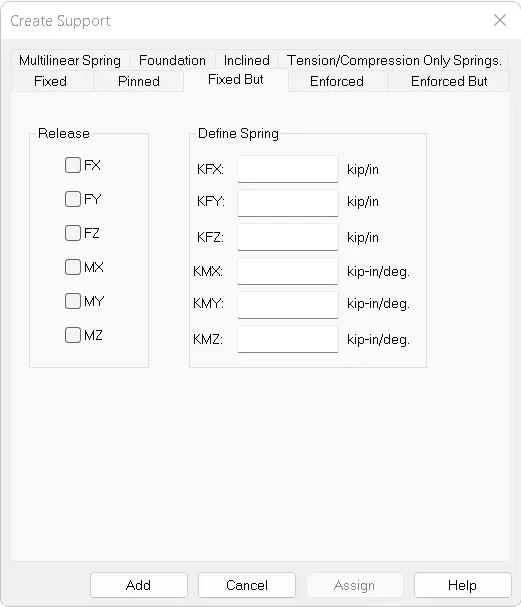
5. Difference between fixed and fixed but condition
- in a fixed support condition all the translational and rotational moments are restricted
- in a fixed but condition the moments are released by providing spring supports as per the requirements
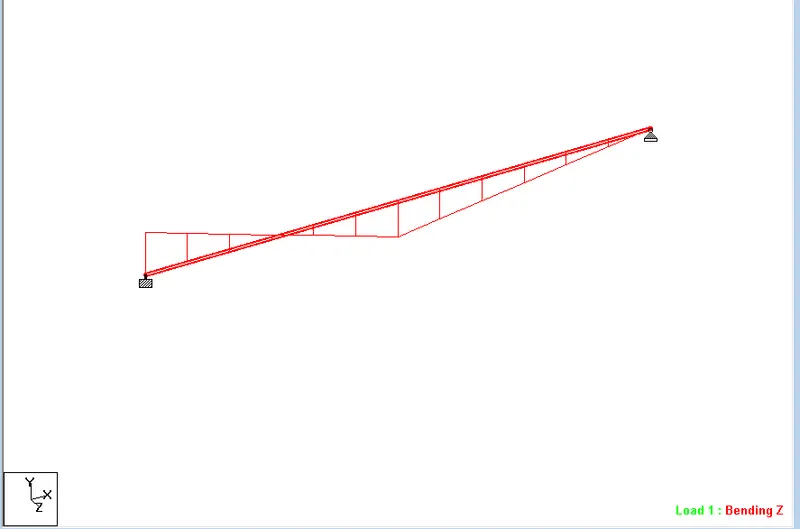
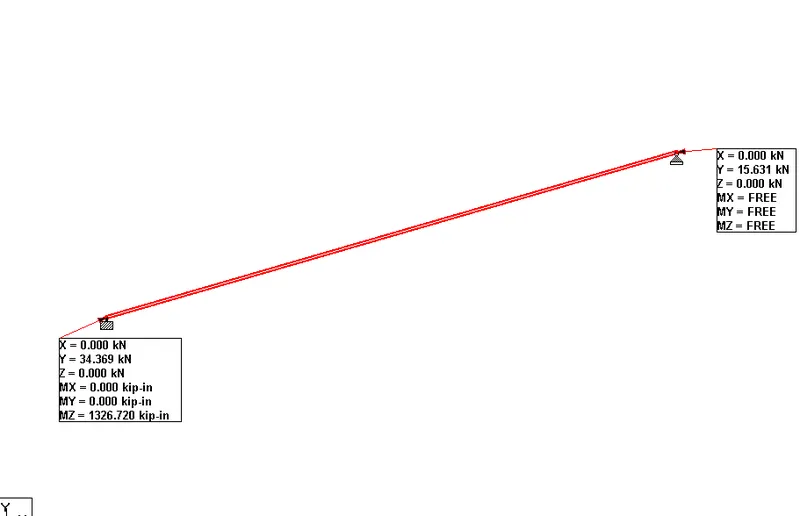
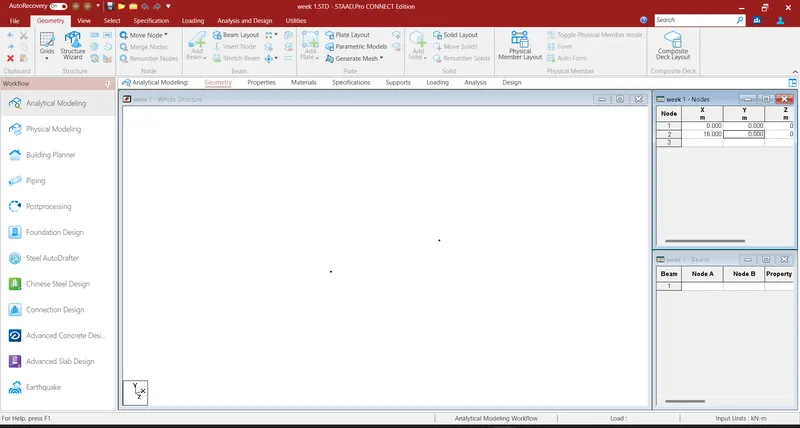
TO GENERATE A MODEL USING STAADPRO AND DRAW SFD AND BMD
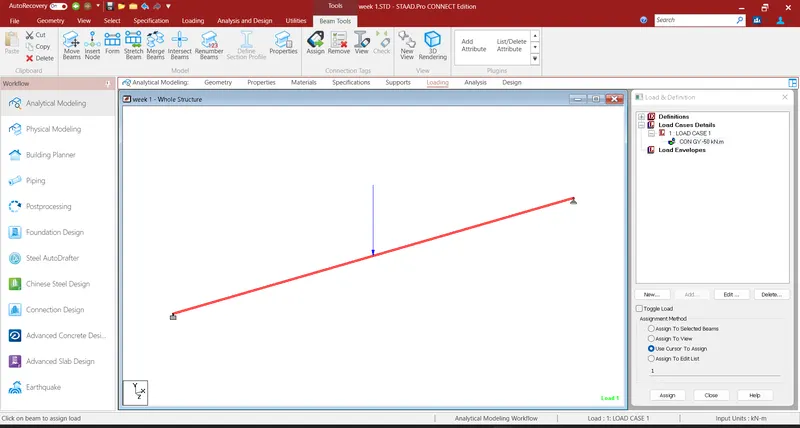
- to create a nodes with a distance of 16m
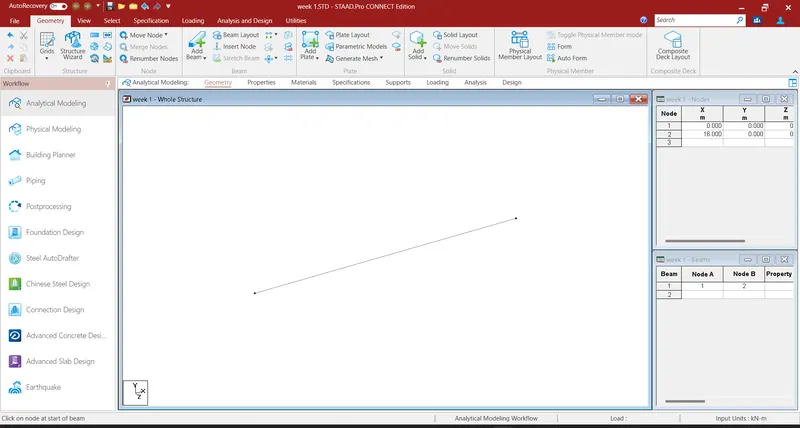
- to add the beam select theadd beam command and click on the first node to the second node
- assign the geomety and properties to the model
- to assign the supports to the beam fixed support at the left end and pinned to the right suppot
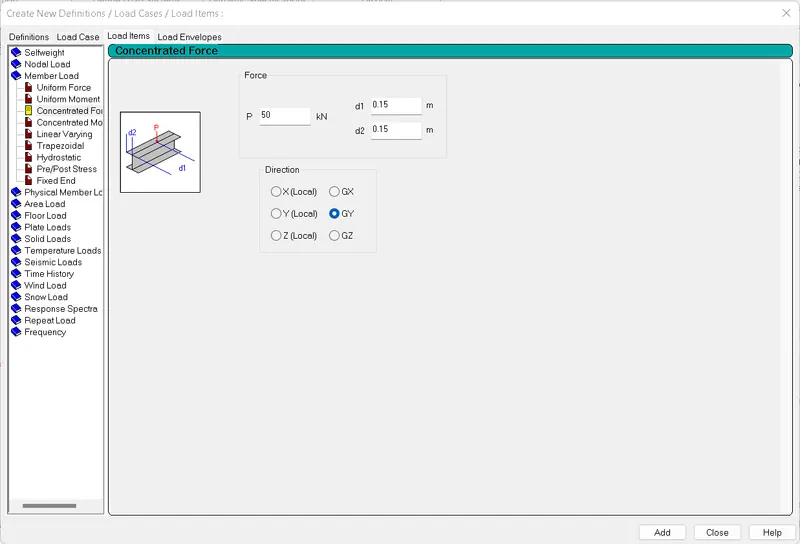
- to assign load to the beam
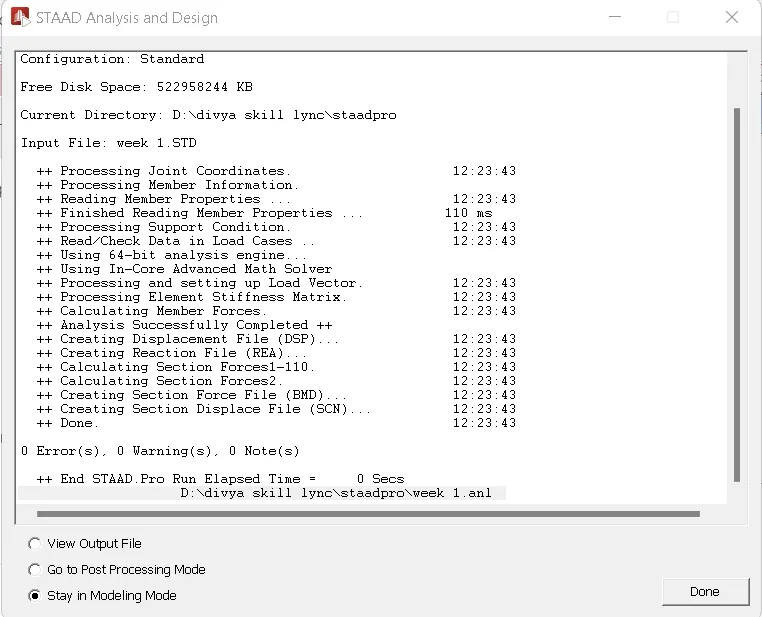
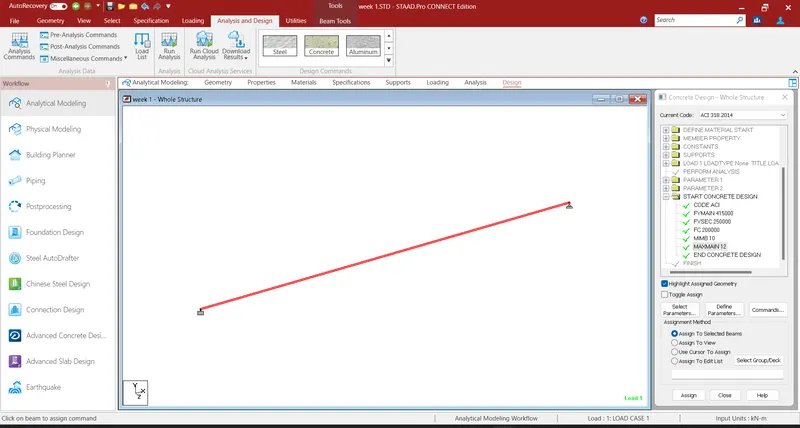
- Run the analysis and add the design paameters