Vasavi_External Exam_Tekla
Question: Analyze and Design a Boiler shed structure as per IS code in Tekla Structural Designer. Kindly refer to the enclosed plan and elevation given below for modelling.
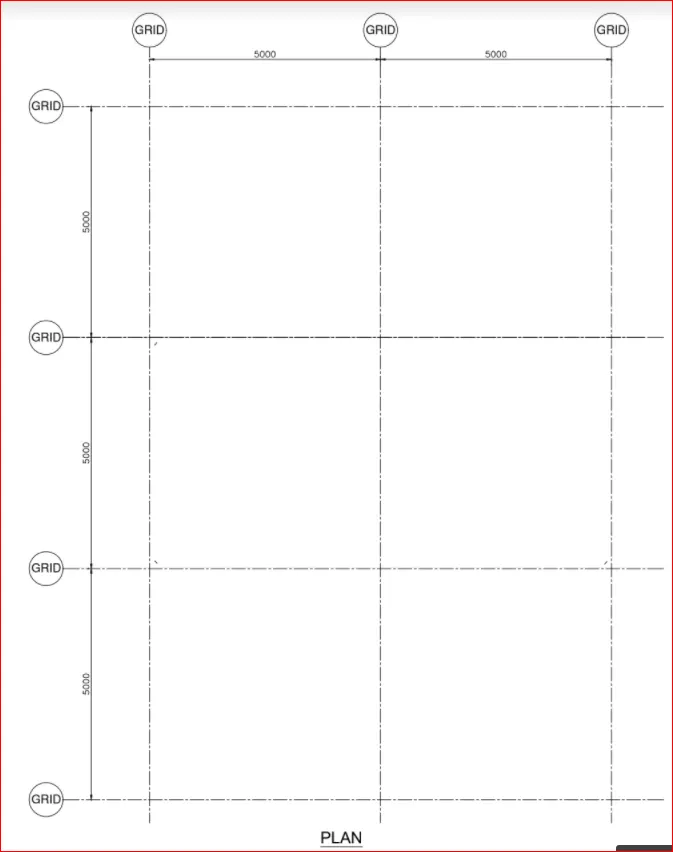
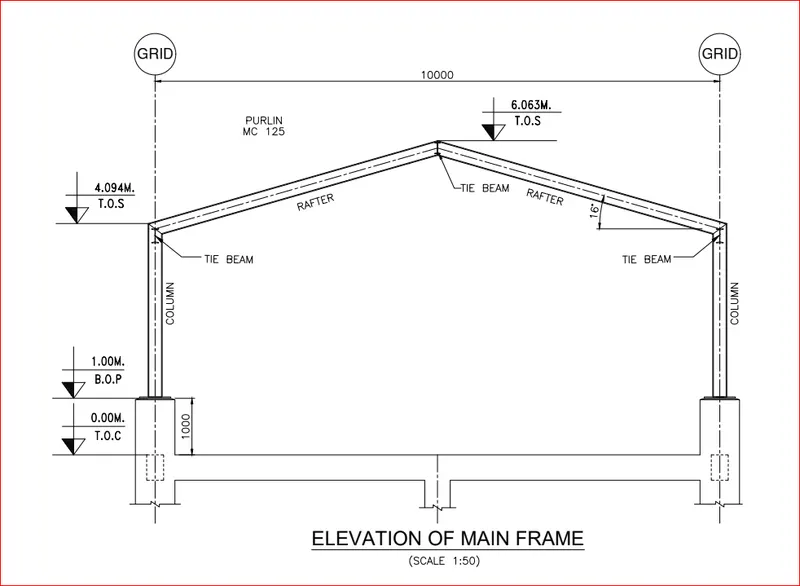
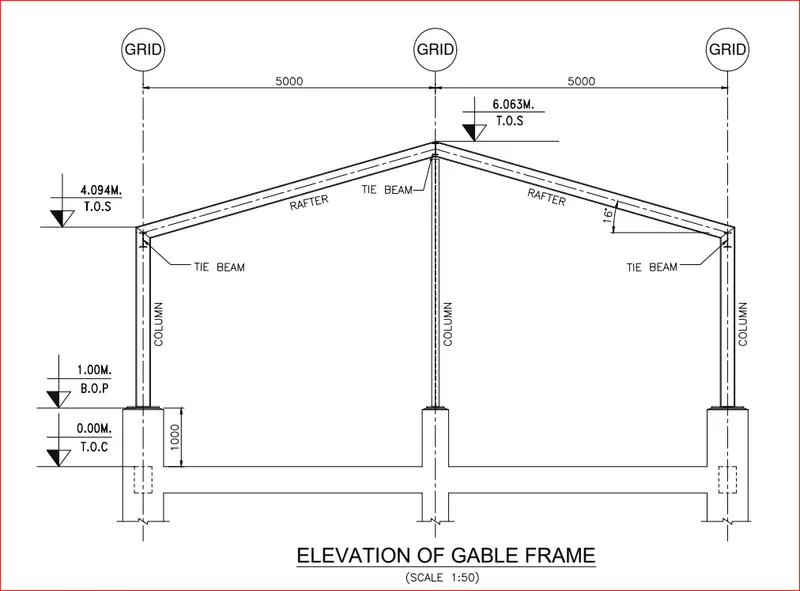
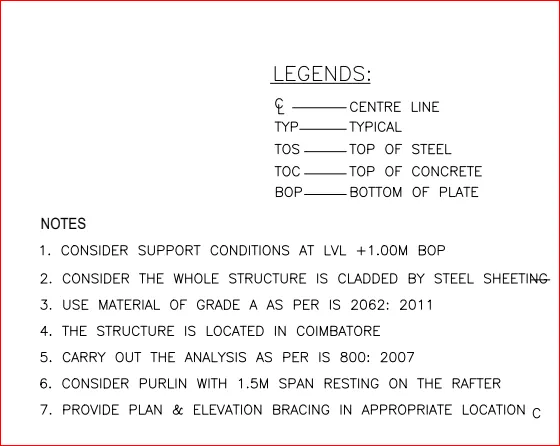
AIM: To analyze and Design a Boiler shed structure as per IS code in Tekla Structural Designer. Kindly refer to the enclosed plan and elevation given below for modeling.
Tools Required:
- Grids.
- Levels.
- File.
- Model.
- Manage property sets.
- Column.
- Beams.
- Frames.
- Loads.
- Load cases.
- Wall panels.
- Roof panels.
- Analyze.
Procedure:
- Click on the Tekla software on the desktop and tekla software is opened
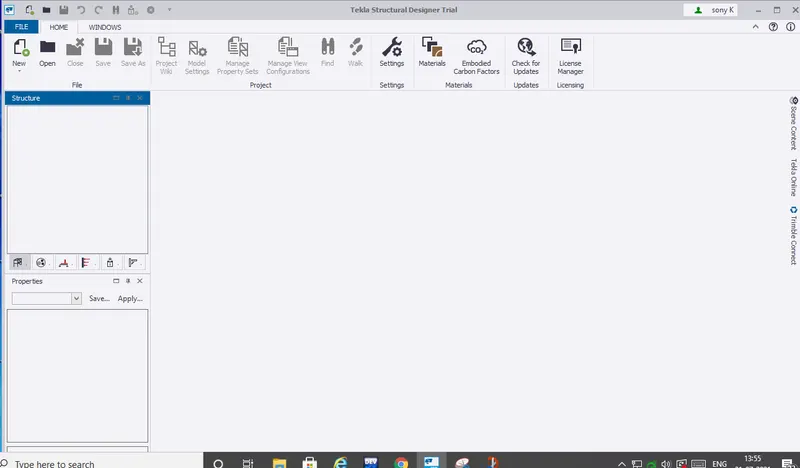 now click on new in the file menu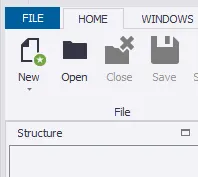
- A brand new file is opened as TSD1
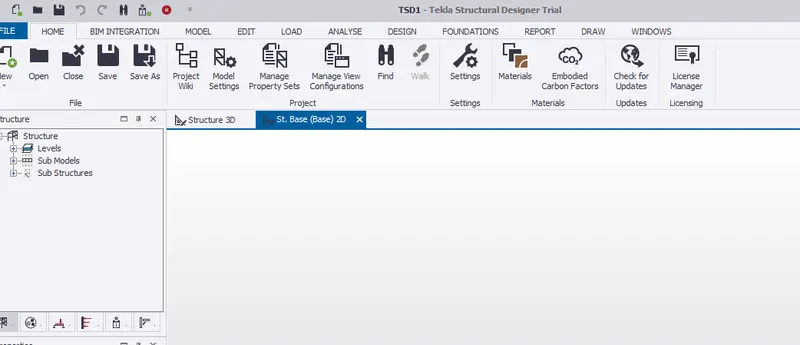
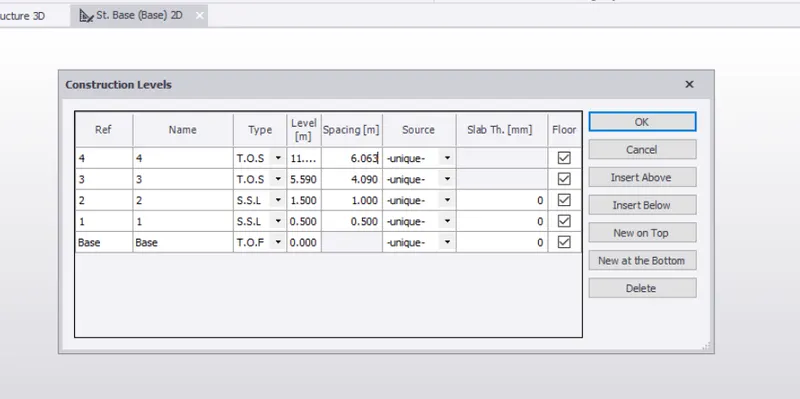
- Now click on construction to add construction levels
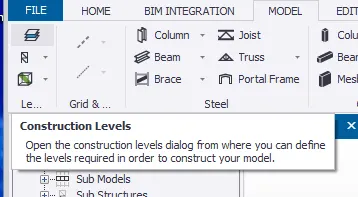
- now click on ok after adding required levels.
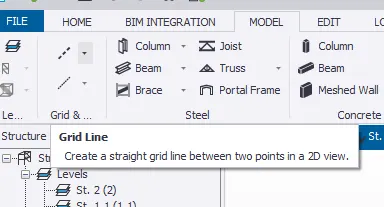
- Now click on the grid line option and draw a grid line
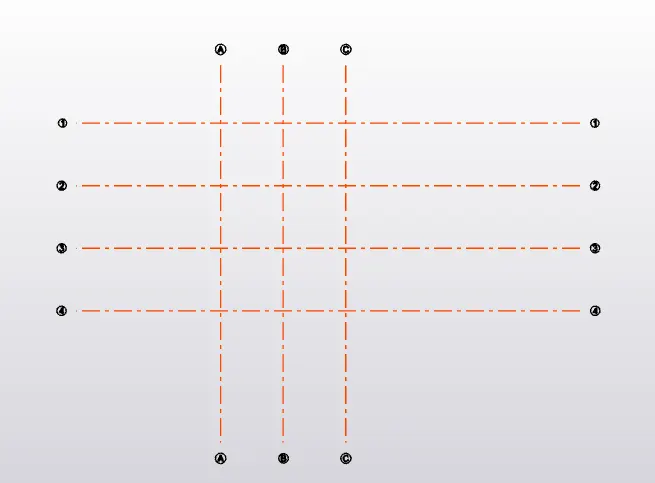
- now draw series of grids just as it is given in plan
- Now click on manage property sets tool, a new window pops out.
-
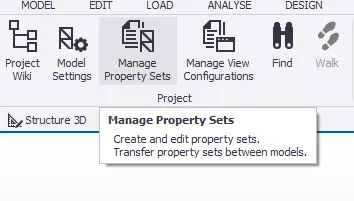
-
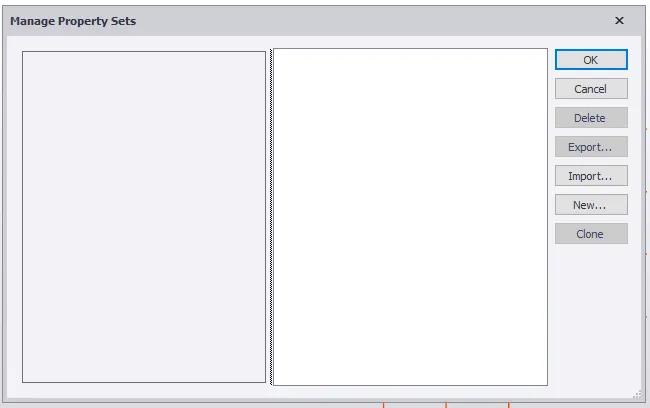
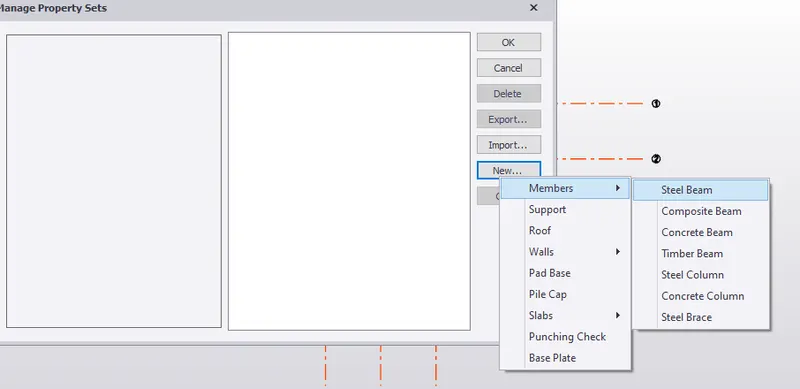
- now click on new and then the required member like concrete column, steel column and steel beams of different grades
- Now construct concrete column where ever necessary.
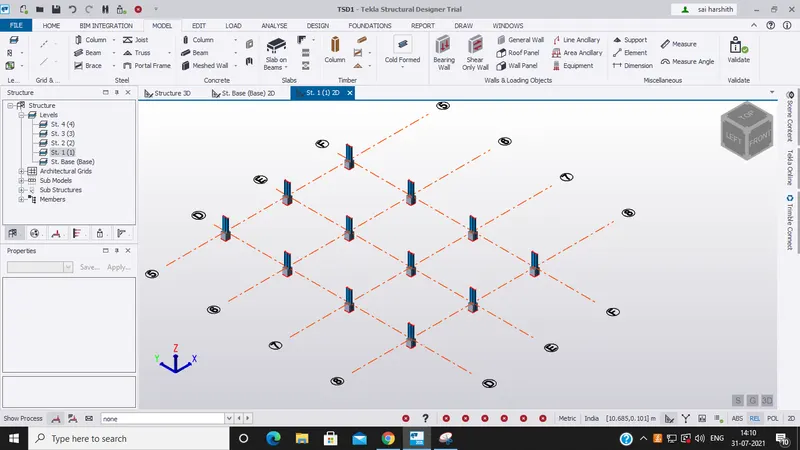
- Next on the concrete column construct steel columns and join the using primary beams and to give extra strength and support to the structure provide secondary beams .
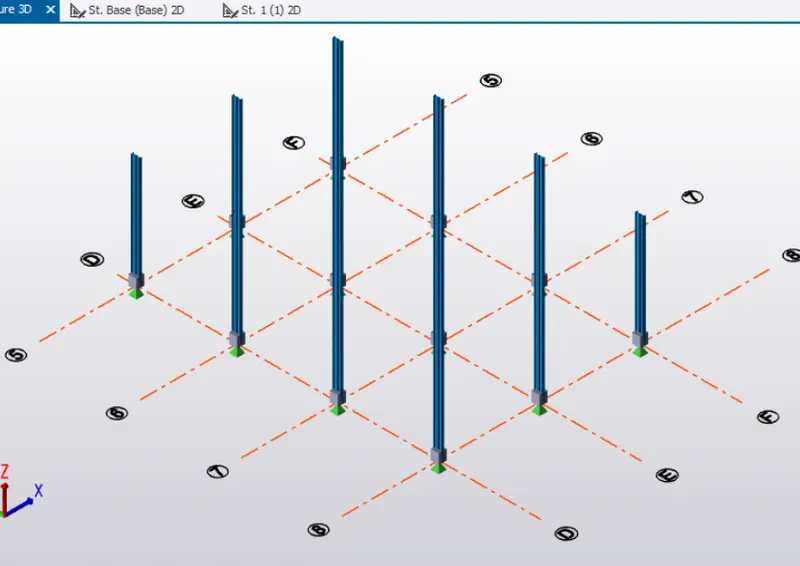
- now repeat it for other columns as well as beams
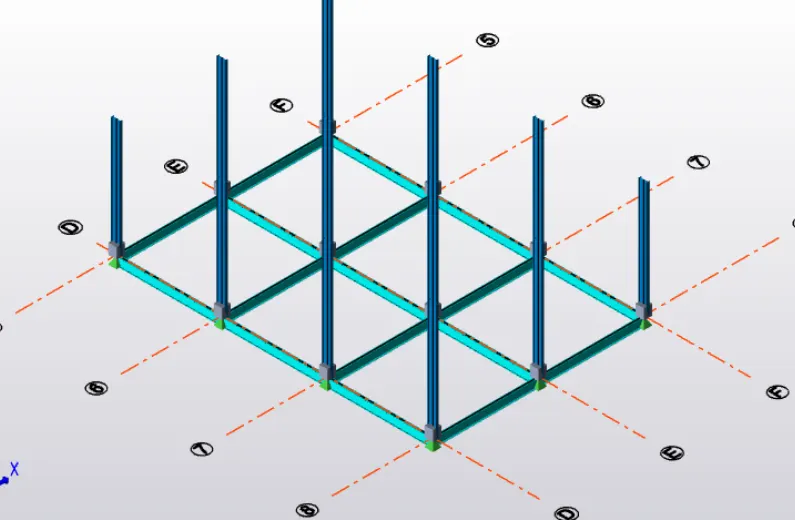
- Validate the model to check whether there are any errors.
- now construct the roof as per plan
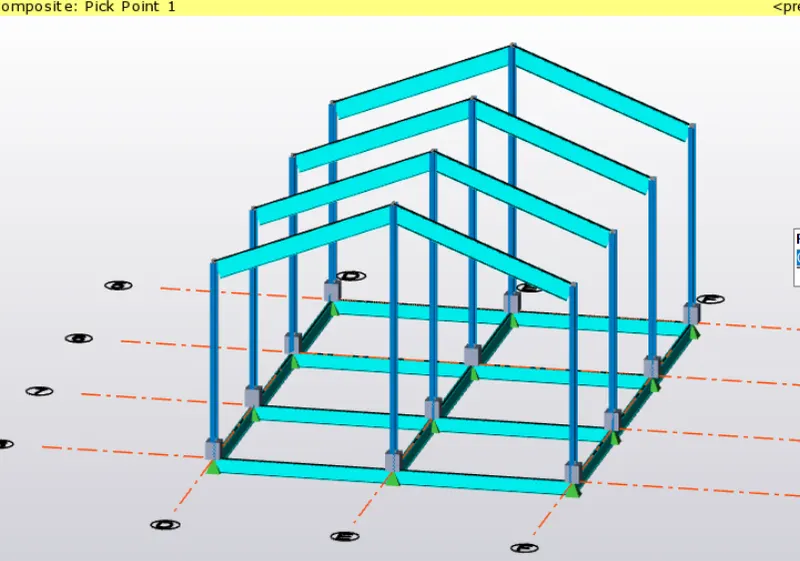
- After construction of the roof convert the beams to fully fixed support.
- now construct the wall panels and roof panels
- Now click on loads and create new loads like dead and live loads.
- Now place live and dead load on the structure as per IS standard codes.
- now do the load calculations once the load is applied and create new wind loads with both + Cpi and -Cpi values.
- now use seismic spectra for seismic loadings
- now apply seismic loads into the structure
- now analyse the structure.
Result:
Hence, Analyzing and Design a Boiler shed structure as per IS code in Tekla Structural Designer is done successfully.