Usage of Navigation tool , Timeliner and Clash Detection test using Naviswork
1
Aim - To import architectural and structural drawing to navisworks cache file
Procedure
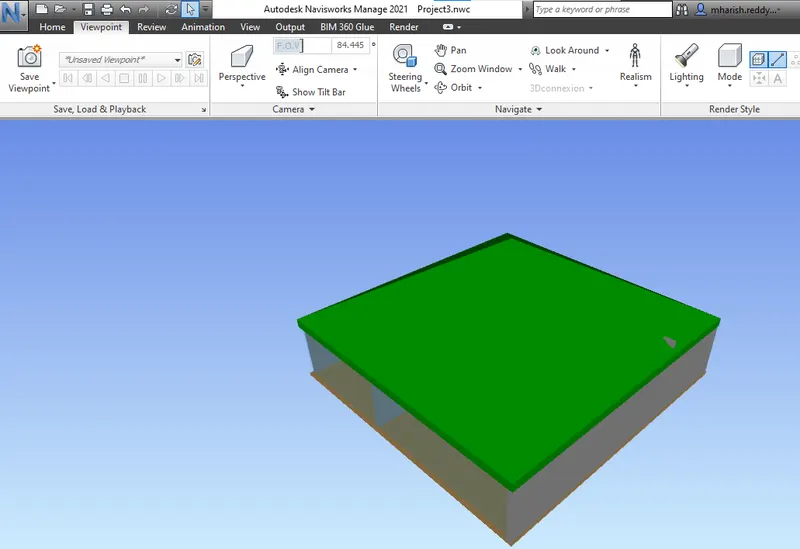
Open the project in the revit
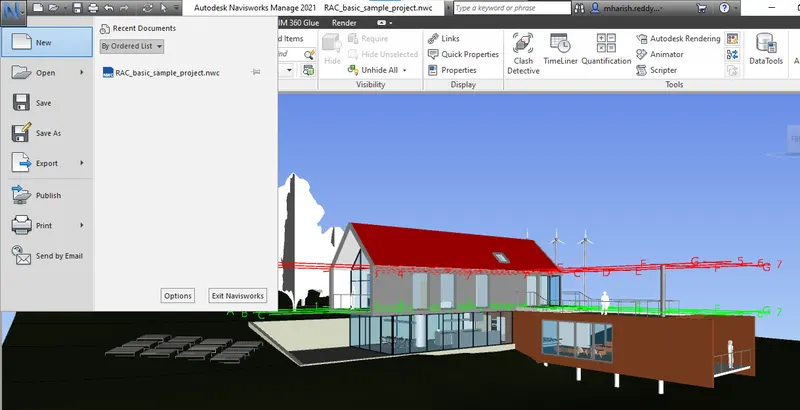
Go to file and export to NWC file
If nwc is not available google navisworkexport
Then give destination folder
Save type as nwc
Do trhe same for structural
2
Aim - Walk through the rooms created and record
Procedure
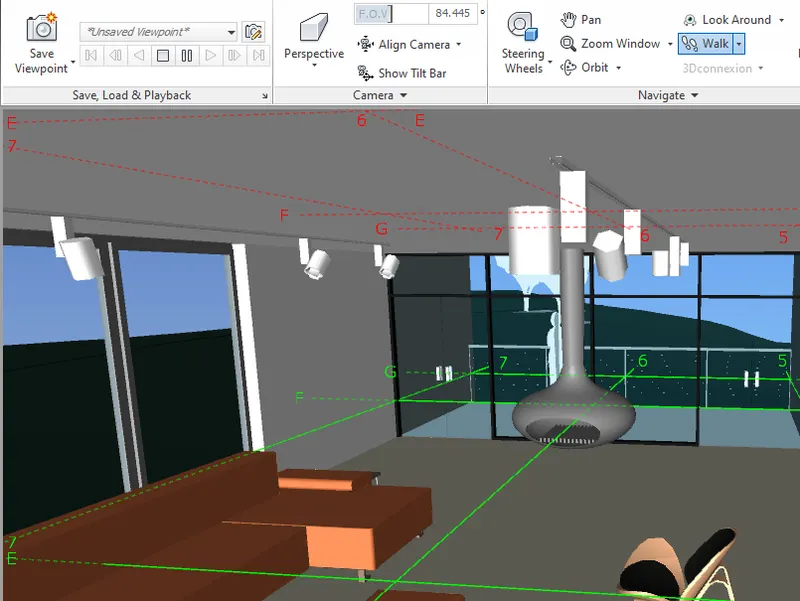
Import new navis works
Naviswork file and select and open
Walk and record
Use scroll and go inside
View point walk and walkthrough
savepoint and record
Use pan to chnge apperance
In animation
Export to system if wanted (export animation)
3
Aim - Walk through realism feature
Procedure
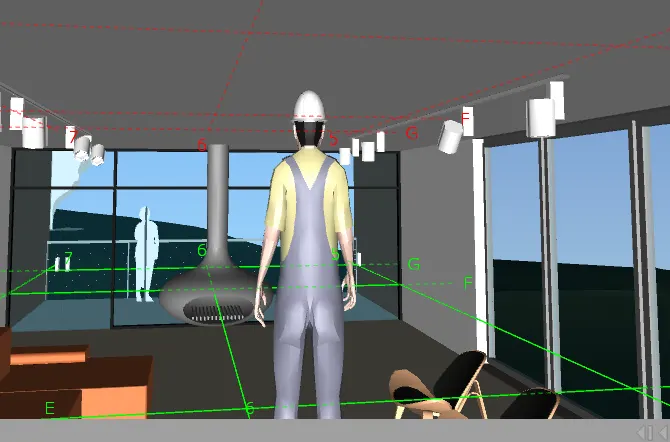
The same process as before
But invoke realism feature
Then invoke third person
Then you cam walkthrough
4
Aim - Create clash detection between two models
Procedure
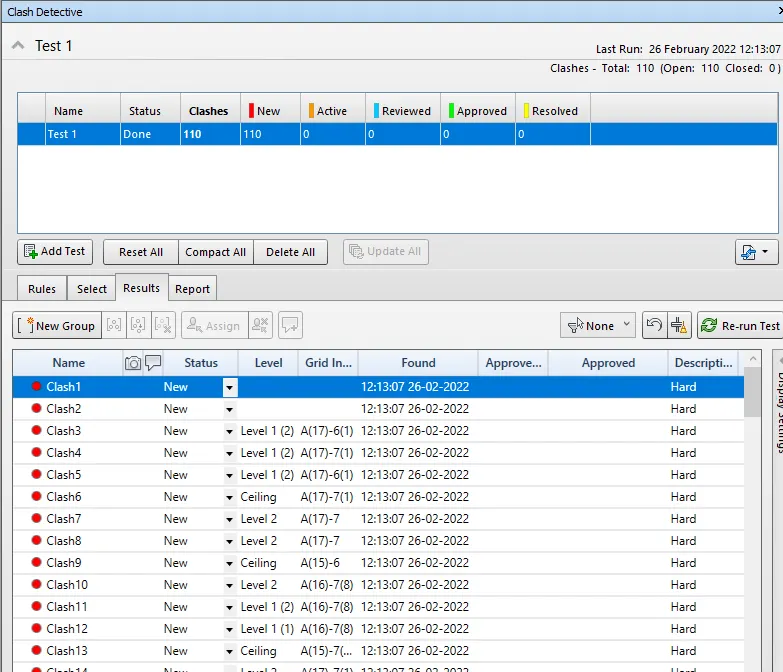
Go to hone tab
Then append tool
Architectural and structural to navis
In the home tab invoke clas detection
Rename it as demotest
There are two sections
Select architectural from section A
Select structural from section B
Choose surface
Then run test
Give status to each and every test
5
Aim - Prepare a schedule for the given project
Procedure
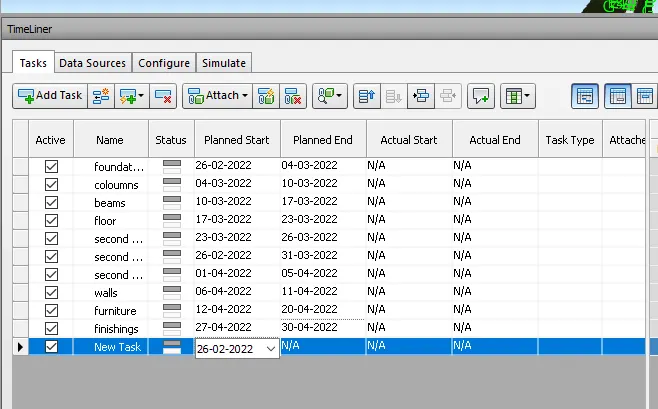

After select task
attach and select from selection tree and attach to current selection
Do the same for all ports
Give the planned start and planned end
Then give actual start and actual end
Then give task type as concrete
Then export animation
Then source timeliner simulation
Give format as AVI
And ok