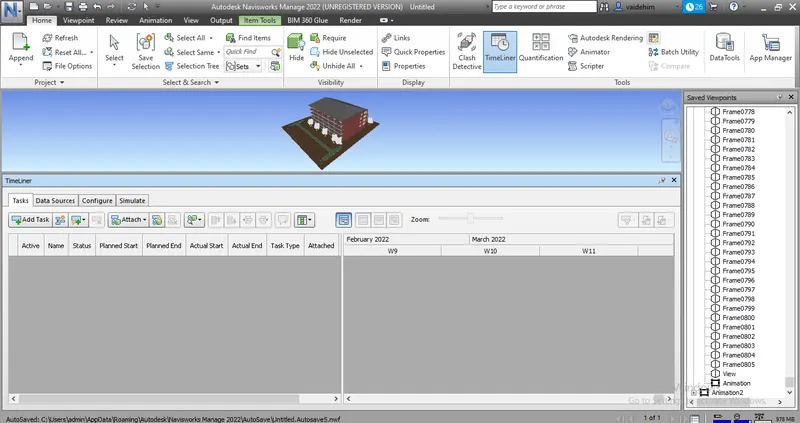
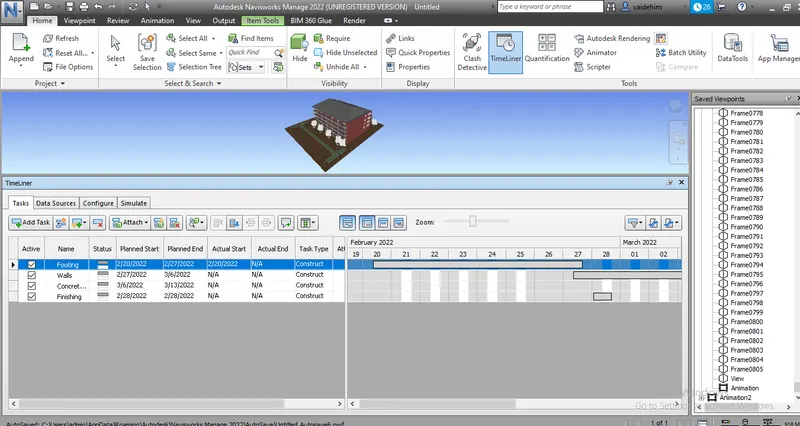
Usage of Navigation tool , Timeliner and Clash Detection test using Naviswork
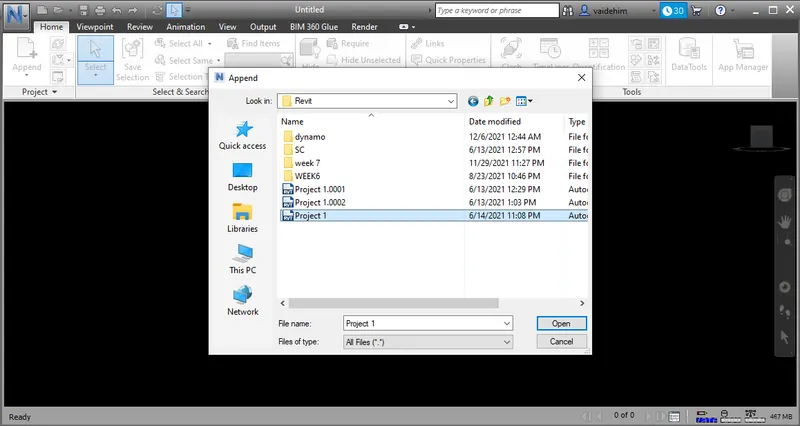
1. Exported the revit architecture model in naviswork.
The model is now exported as seen.
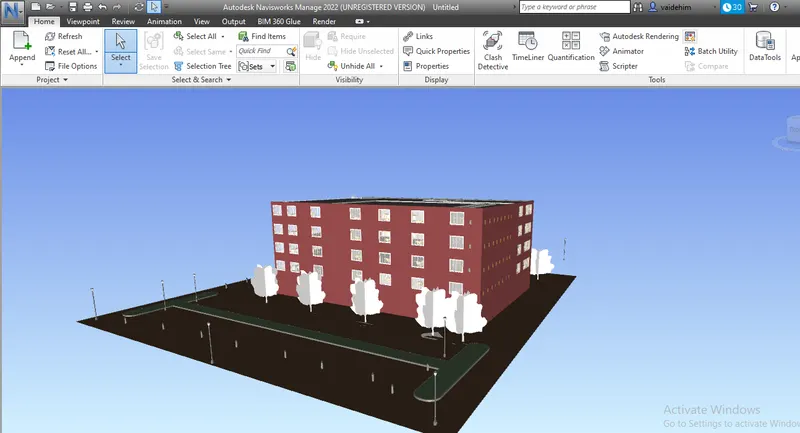
2.Now navigated through the model and added snips.
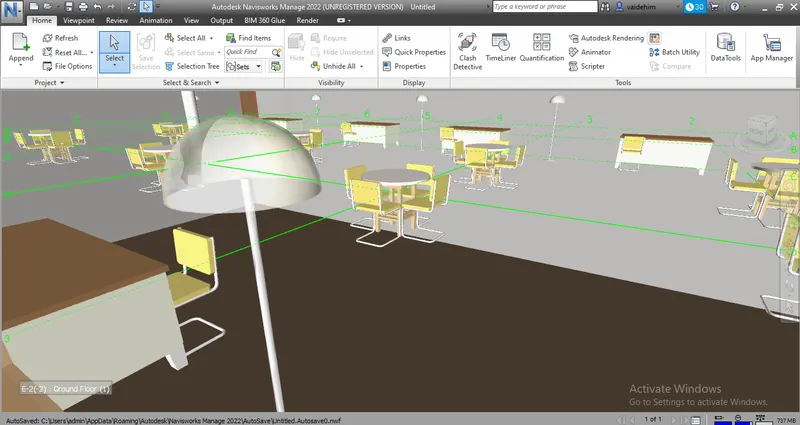
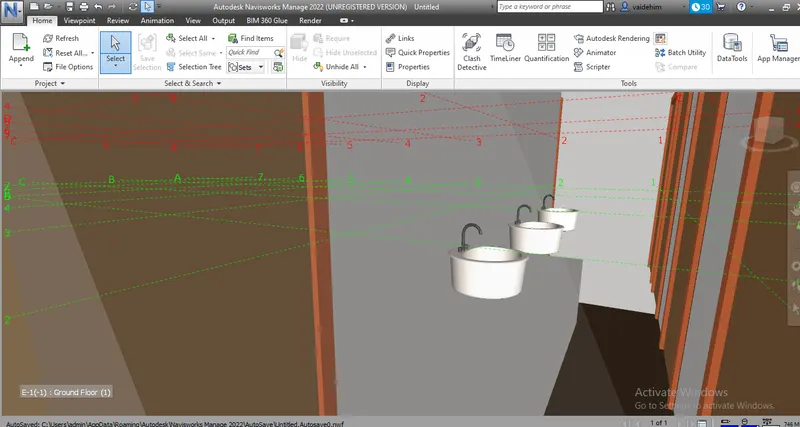
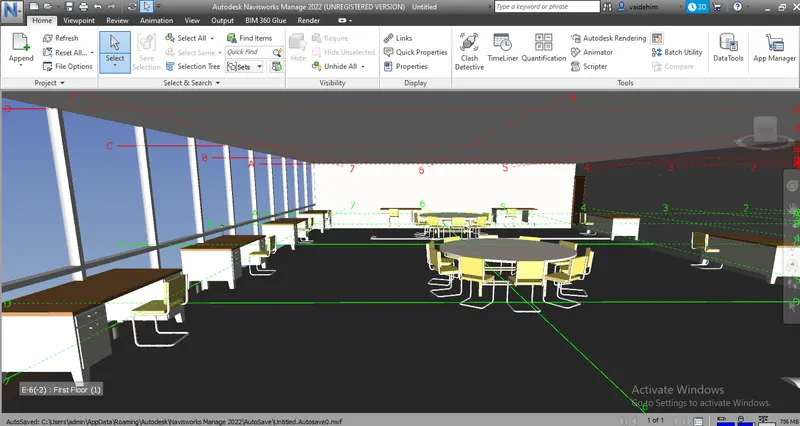
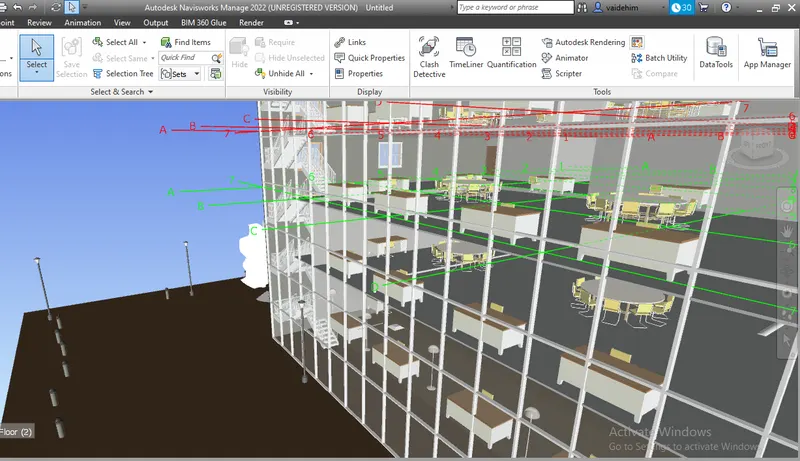
4. Now loaded the strctural model into naviswork.
Now run the clash detection from the Home tab between two models.
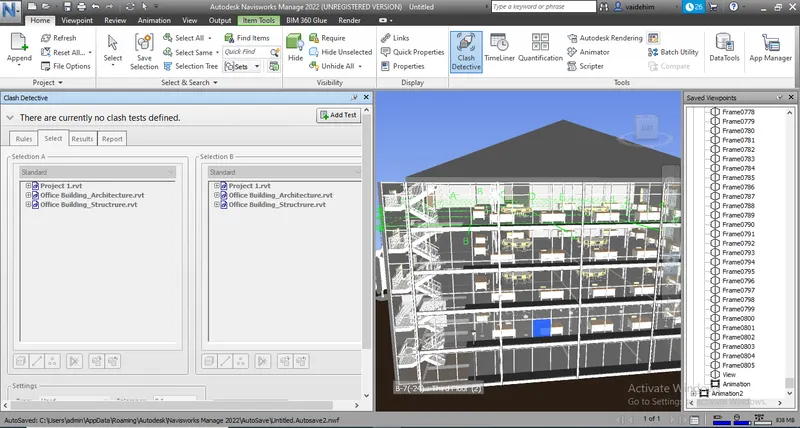
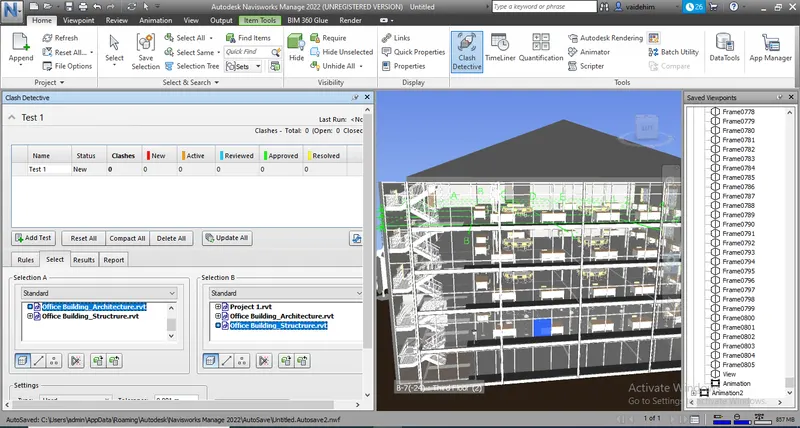
Now after running the test clash detection report is generated.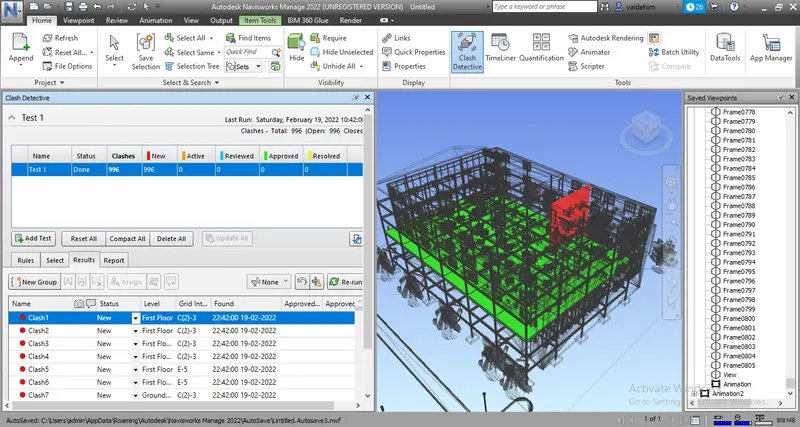
Number of clashes are generated and we can see trhem while clicking on them and see where is that clash as it will get highlighted.
- There are some clashes where columns are penetrating through walls.These clashes can be resolved.
- Another clashes are where columns are penetrationg through the floors , so the clomns heights need to be adjusted to resolve clashes.
- Some equipments are clashing through structural items.
- Also some columns are clashing with staircase.
- Some column sizes need to be changed.
5.Now used the Timeliner feature from Home tab.