3D Creation of Celing, Roof, Architectural plan, Structural plan, Sectional view, Elevation view and Camera specific view for a house plan using REVIT
Aim :- To model a residential unit and add detail components to it like ceiling , roof ,etc. To in add various views in the sheet and each floor plan in the sheets and understand it.
Procedure :- Step 1:- Proceded with the first floor plan and added ceiling to the first level . Added ceiling from the architecture tab , ceiling and sketch a path and pick the boundries and so added it above walls.
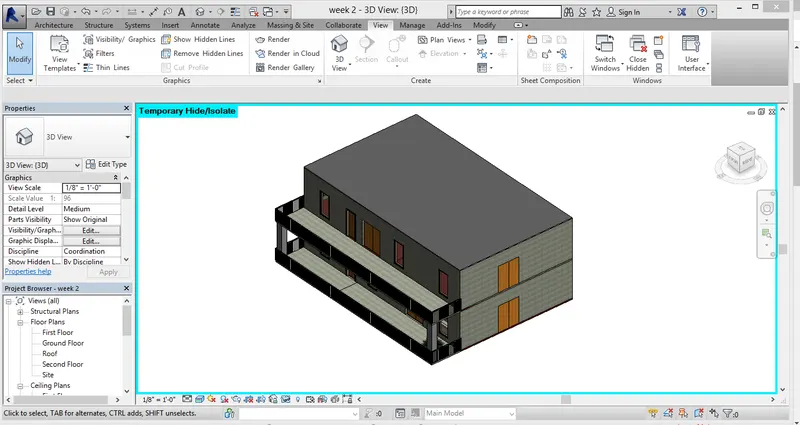
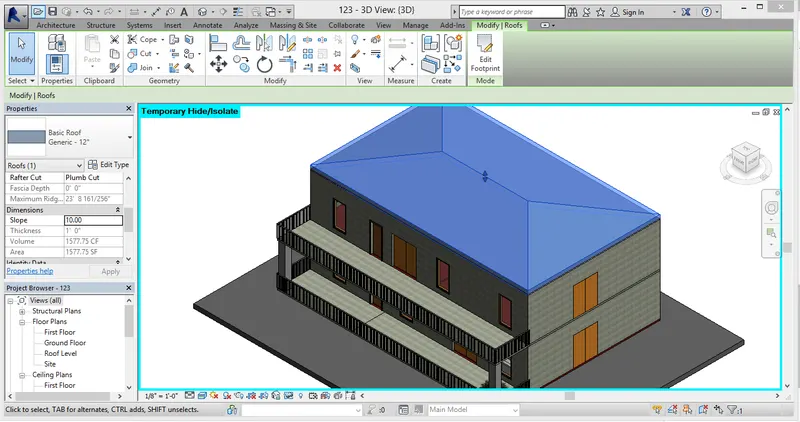
Step 2:- Above the ceiling added a roof by going in architecture toolbar and select roof by footprint and picked lines and created a roof.
Then selected the roof and in the properties browser changed the slope to 10 degrees. At first changed the slope units to degrees by pressing UN and then adjusted to 10 degrees.
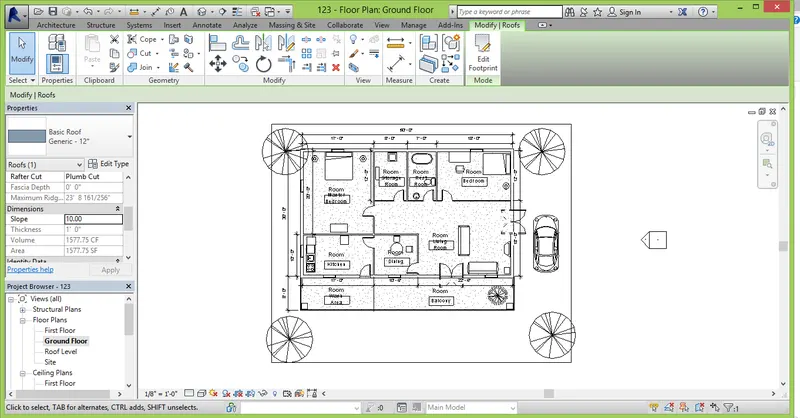
Step 3:- Created ground floor and first floor plans.
Grounf Floor Plan.
First Floor Plan.
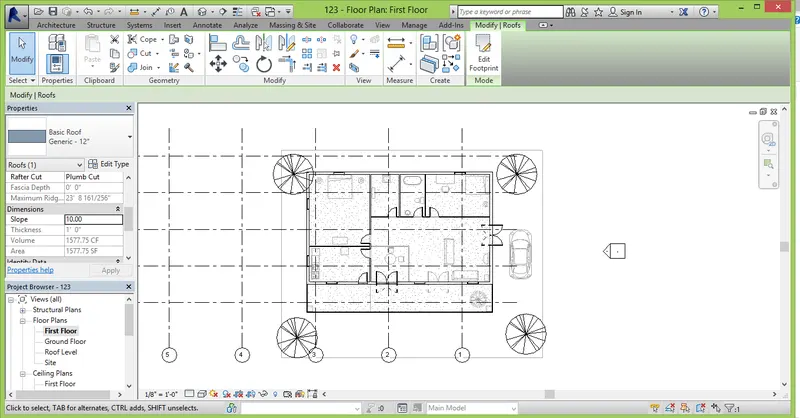
Following is the stuctural plan of the model.
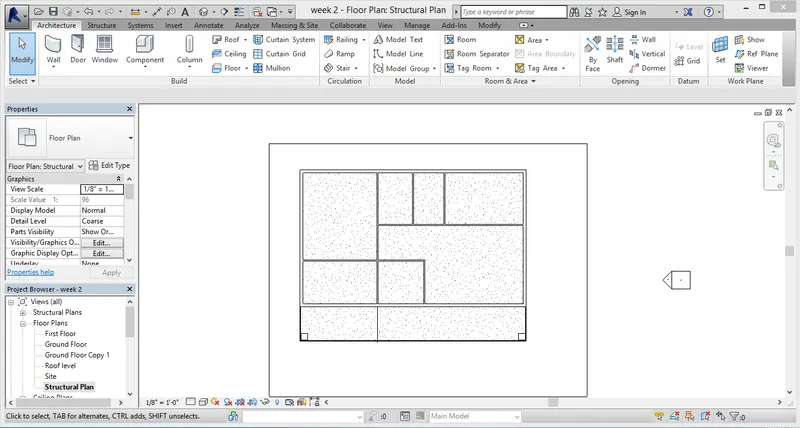
Step 4:- Added all the dimensions according to the grids.
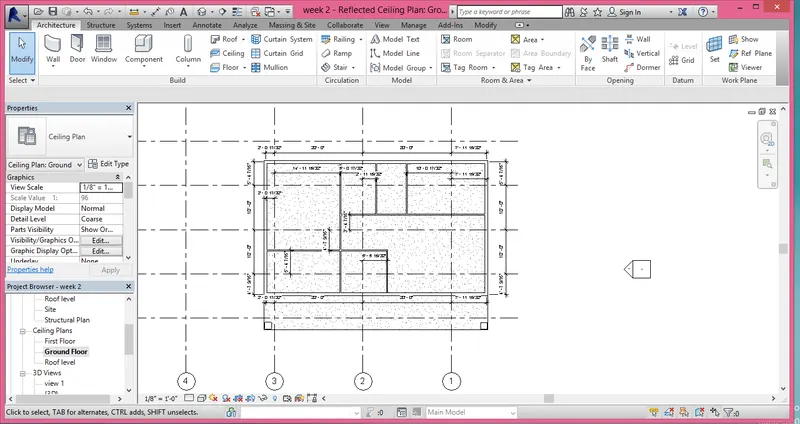
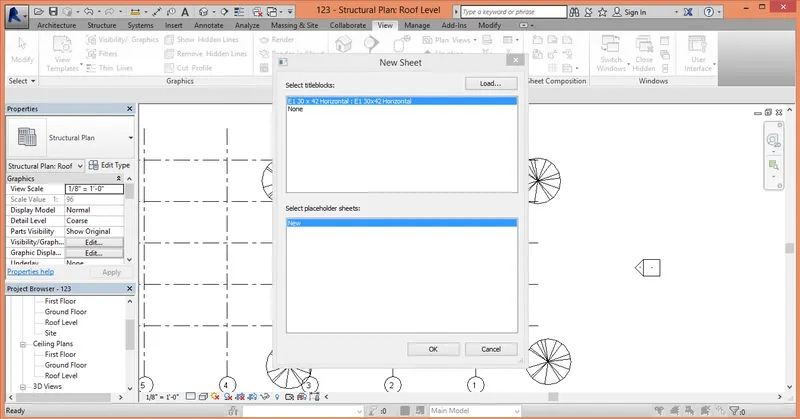
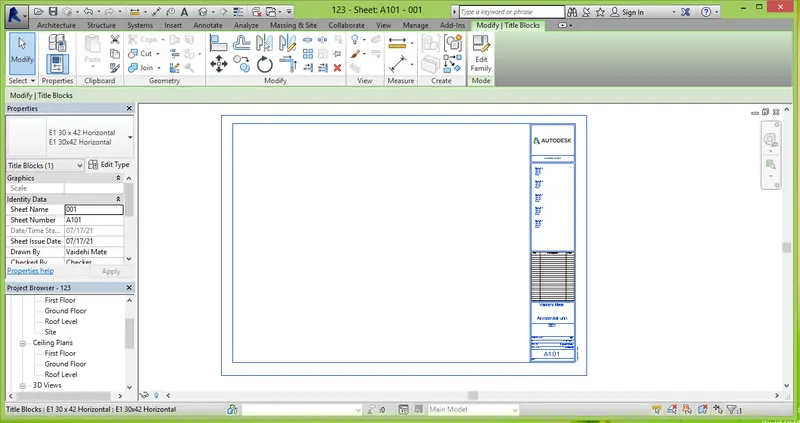
Step 5 :- Created a new sheet from the view tab and made changes on sheet like author name, project date , project no. etc.
Step 6:- From the elevation tab created four elevation views , East, West, North, South and viewed them .
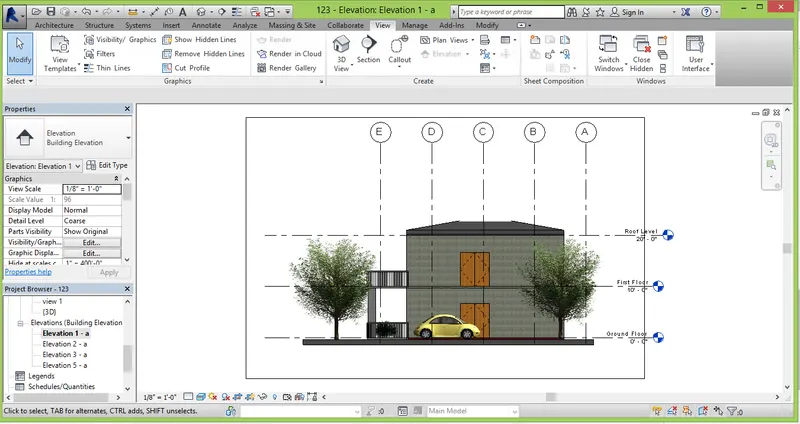
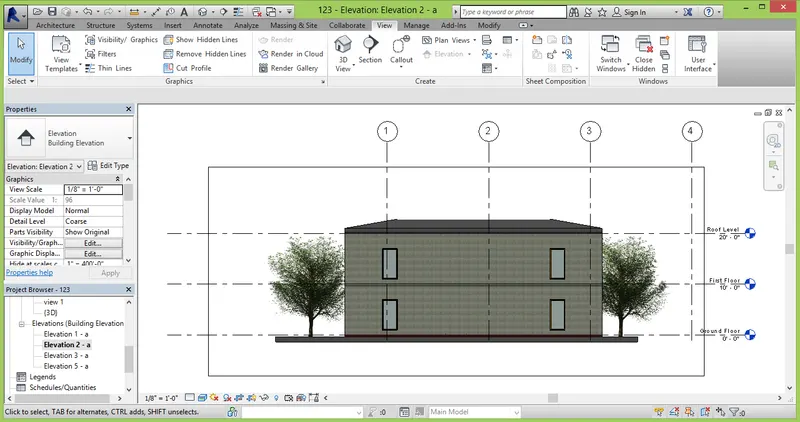
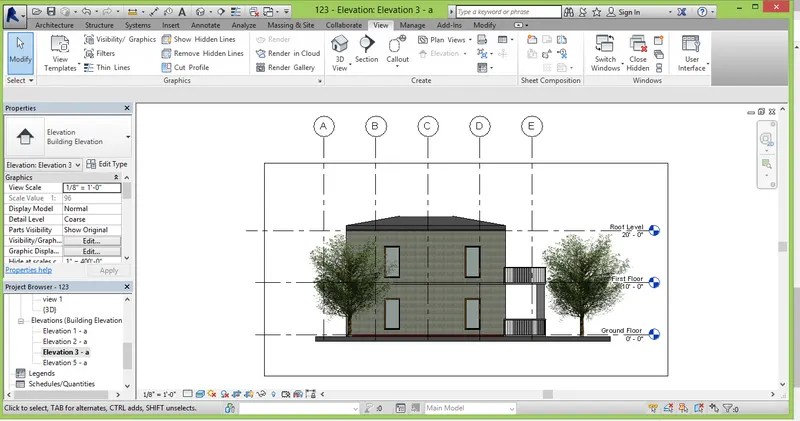
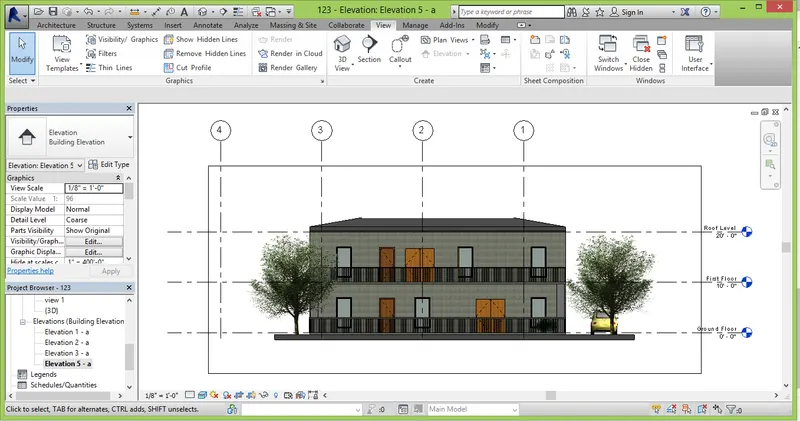
Step 7:- From the view tab chose section and cut the section of each room.
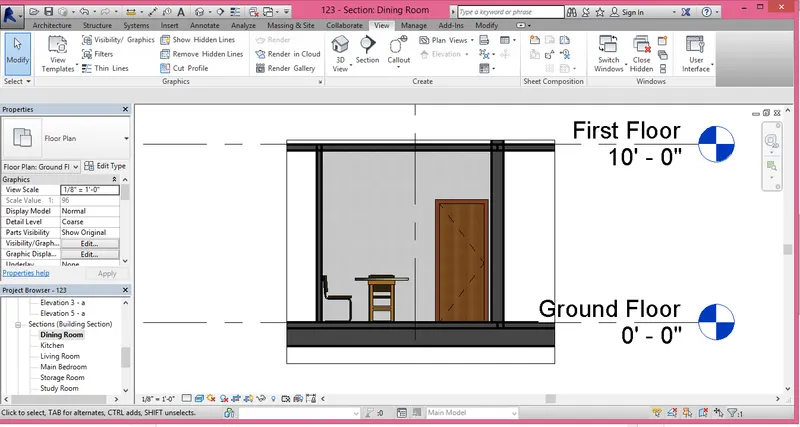
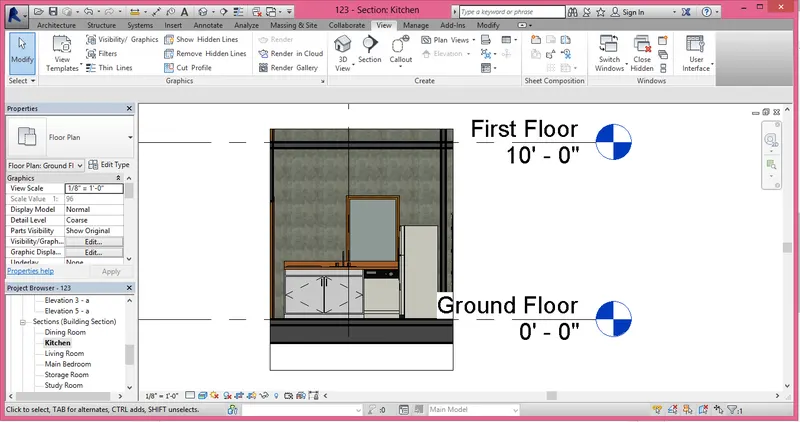
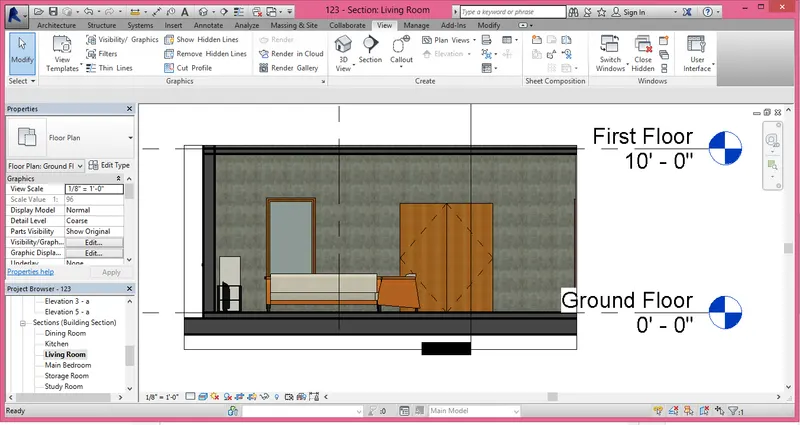
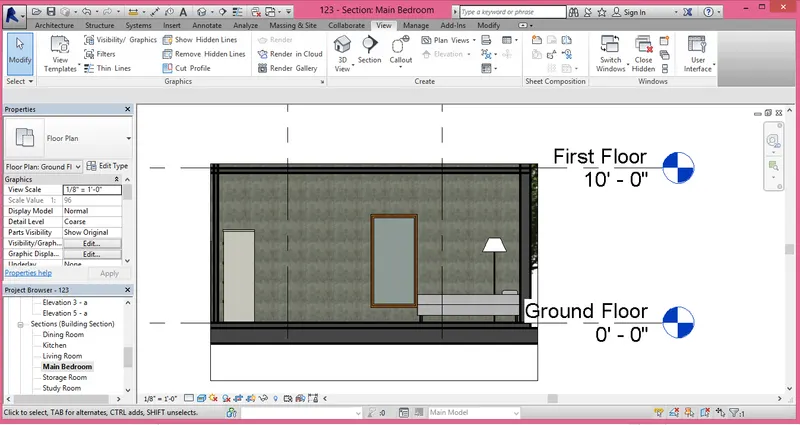
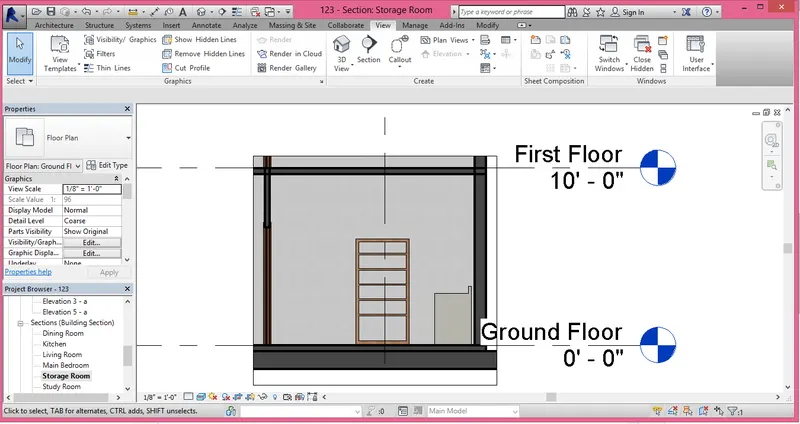
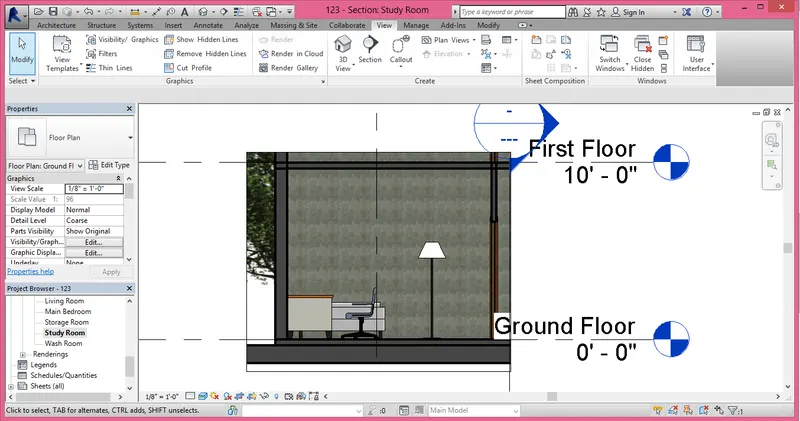
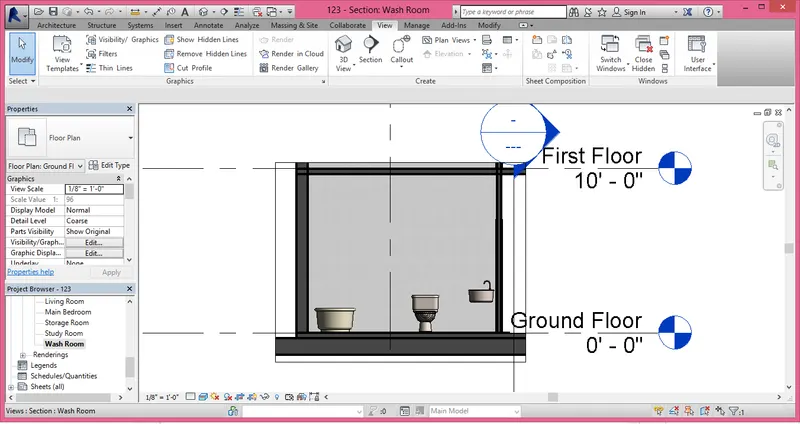
Step 8:- Classified various views mentioned for further use.
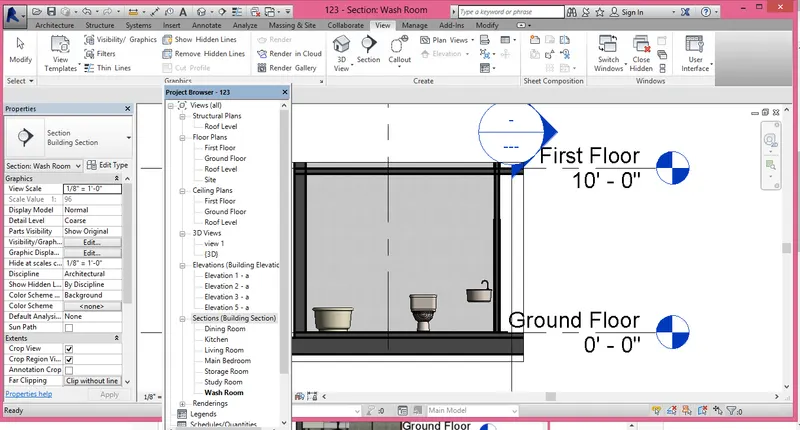
Step 9:- a) A101 Ground Floor Architectural Plan.
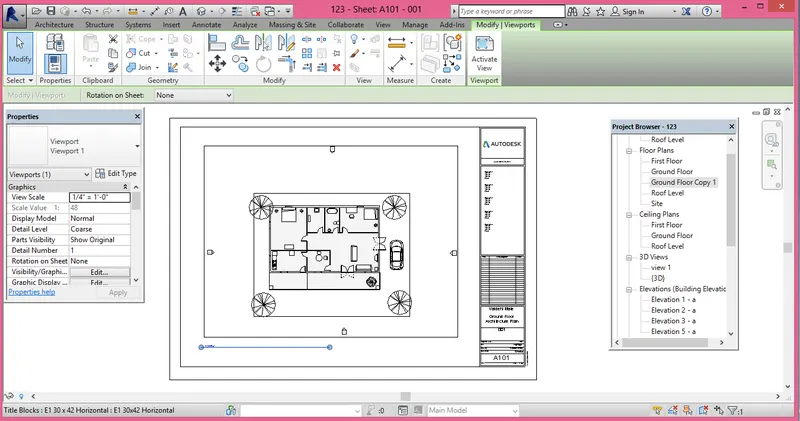
b) A102 First Floor Architectural Plan.
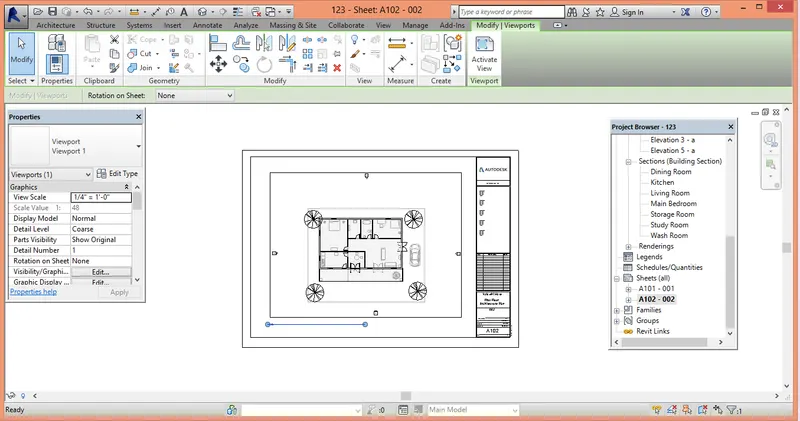
c) A 103- Roof Plan
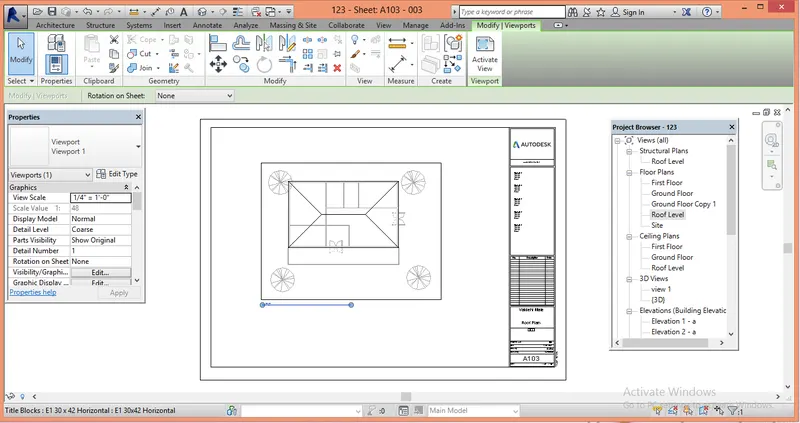
d) S 101- Ground Floor Structural Plan
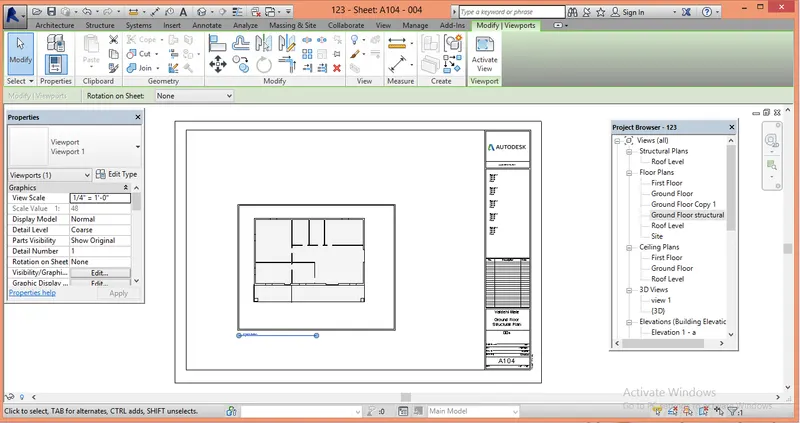
e) S 102- First Floor Structural Plan
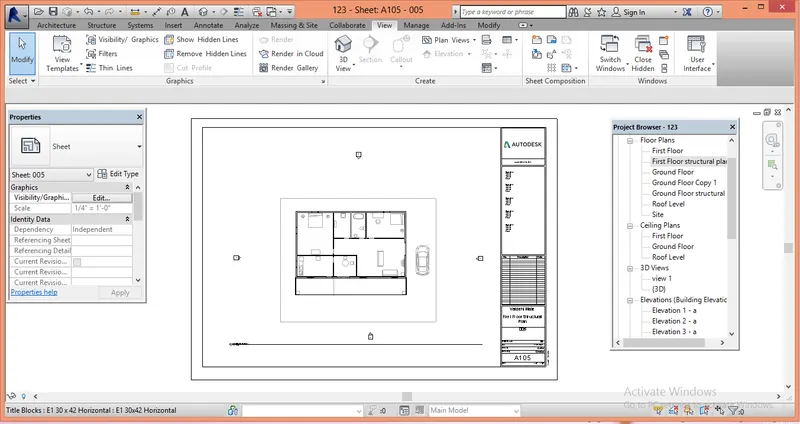
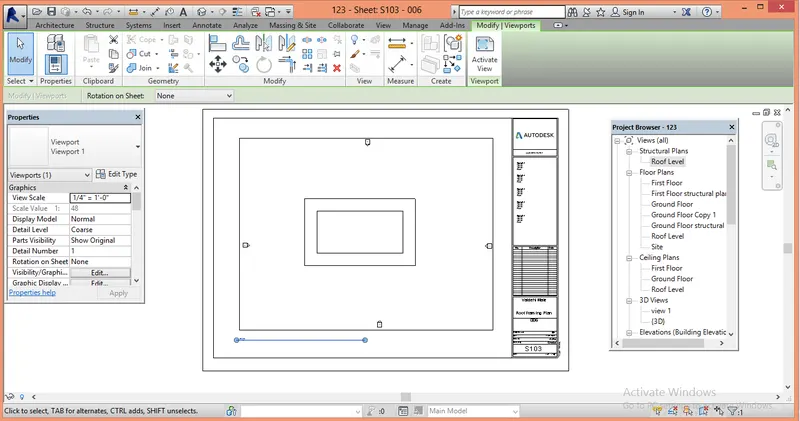
f) S 103- Roof Framing Plan
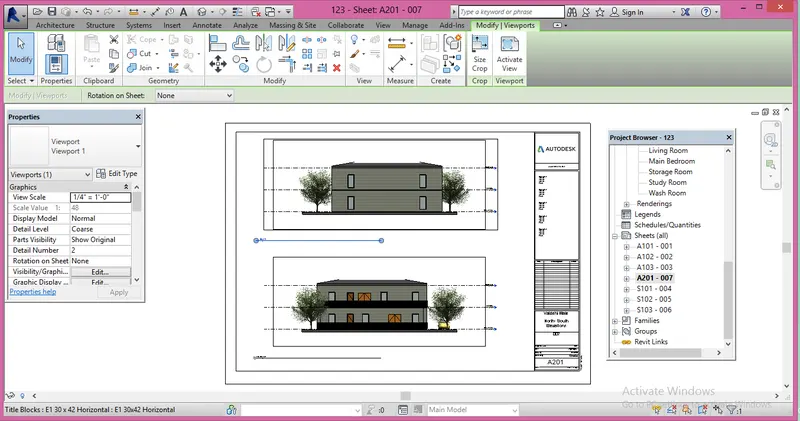
g) A-201- North-South Elevations
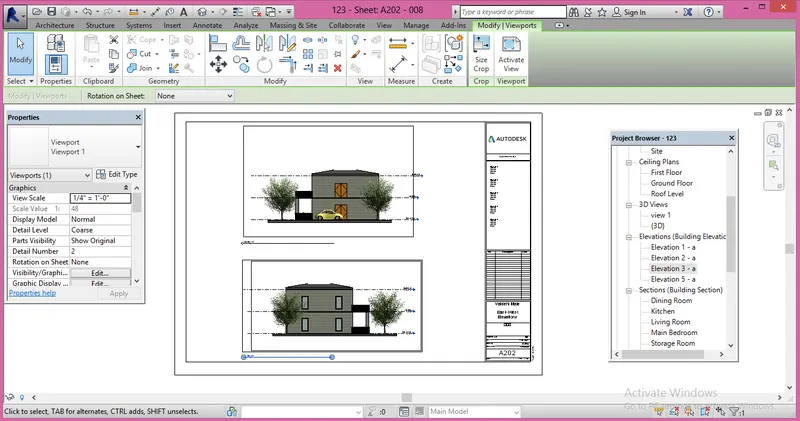
h) A-202- East-West Elevations
Step 10 :- Created specific 3D views and inserted them in sheet.
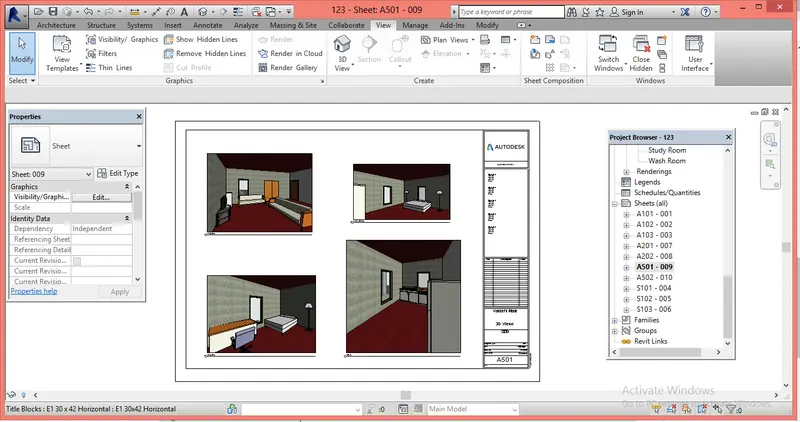
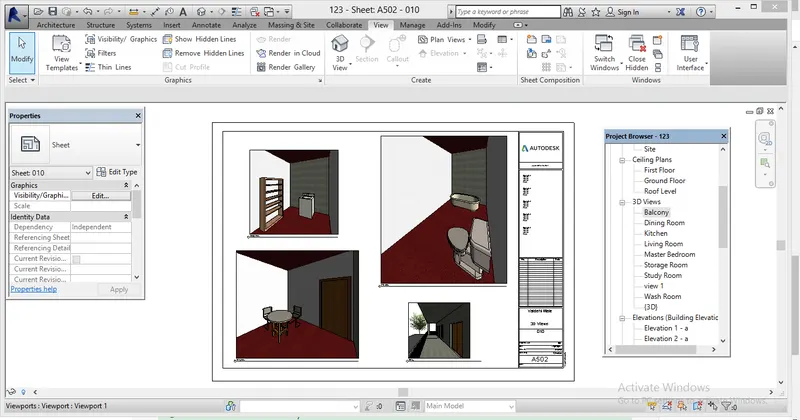
Result:- Successfully studied how to create various views and how to create a sheet add various views to the sheet and created number of sheets according to need .