Usage of Navigation tool , Timeliner and Clash Detection test using Naviswork
A1 aim - Use the Architecture/ Structure Project file developed by you in Week 6 to 8. Export the Revit architecture and structure model to Navisworks Cache file following the export settings discussed in class
procedure - open the architetctural models created
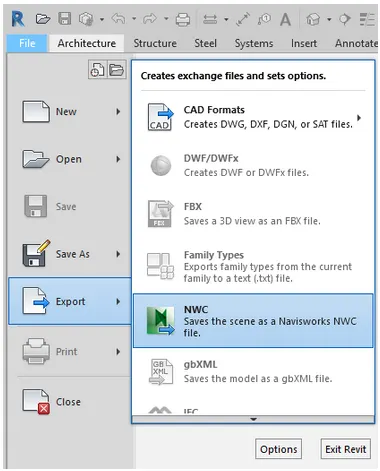
click on the export option in the file tab and select NWC
the file is now in NWC
a2 aim - Use Navigate Tool to walk around the model and walk through the rooms created and record your moving as animation in your Navisworks file
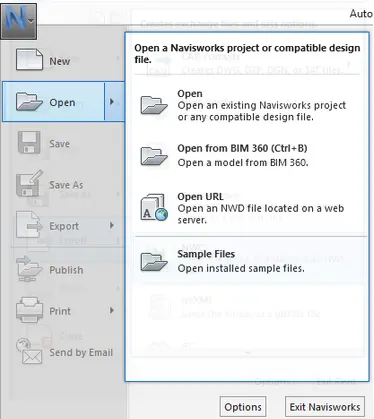
open architectural and structural model in naviswork
create the viewpoint
select the record option and click on walk command to walk around the rooms
click stop after walking through all rooms
(My system is crashing when trying to record so i'm just giving steps)
A3 - aim - Use Navigate tool to use Realism feature to walk through the model and record your moving as animation in Navisworks file
open the architetcural model in naviswork
create viewpoint adn click on record
select the realism option and click on thrid person view
start the walk and clcik record
click stop after recording is complete