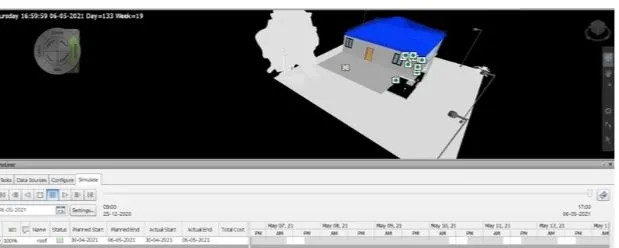
Usage of Navigation tool , Timeliner and Clash Detection test using Naviswork
1)
AIM:
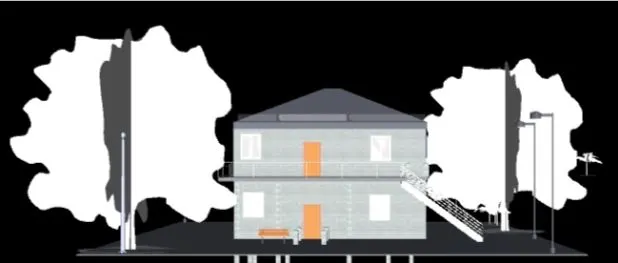
Export the Revit architecture and
structure model to Navisworks Cache
file.
PROCEDURE:
Open autodesk website >login to my id > download naviswork
Therefore naviswork is downloaded
Now open Revit software > file > export> NWC file
Now open naviswork manage >file >open > collaborate const.project
RESULT:
Architectural and structural combined.
2)
AIM:
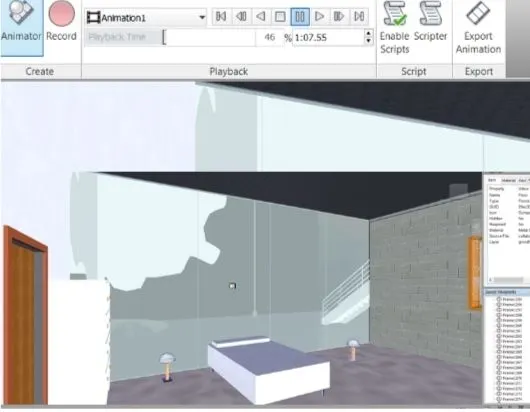
To use the navigate tool to walk around the model and record your moving as animation in your Navisworks.
PROCEDURE:
Open the file
• click on viewpoint > 3d view
• go to view point > click on walk
go to animation bar> recording
RESULT:
• The walk through and video has been created
3)
AIM:
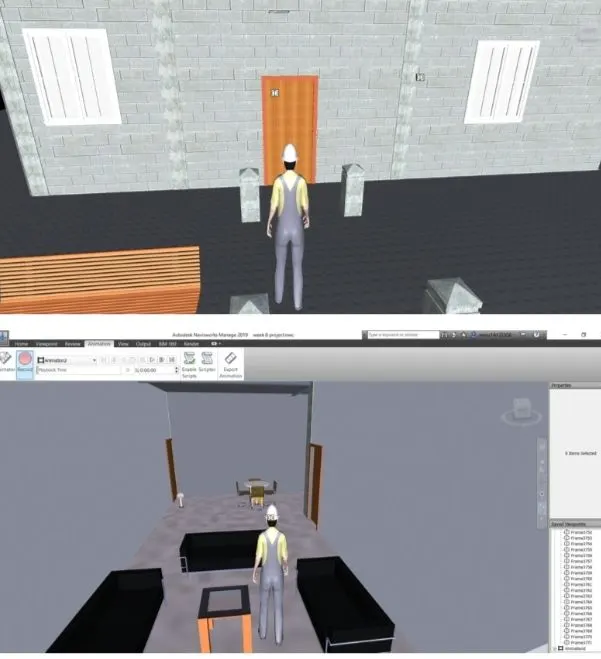
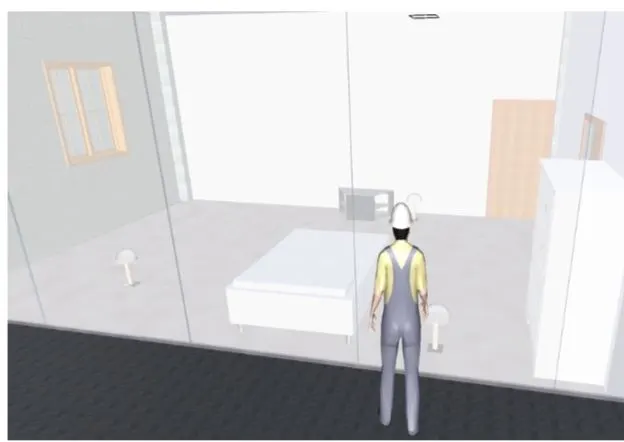
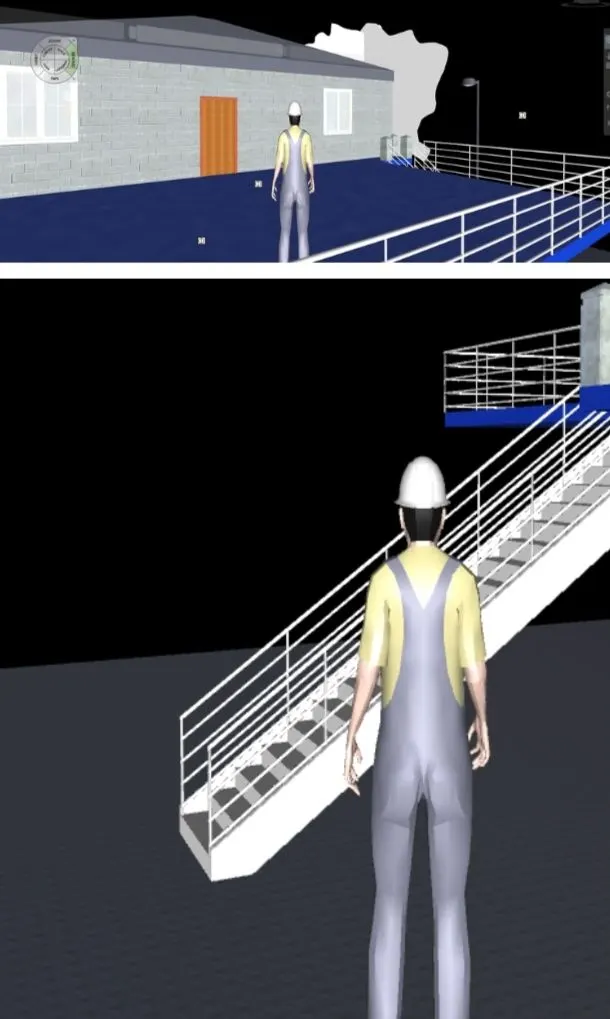
To use realism feature to walk througn the model and record my moving animation
PROCEDURE:
• click on viewpoint > third person
• go to animation > record
4)
AIM:
To Create a clash detection test between the two models
PROCEDURE:
Go to home tab > clash dectective
a. run the clash detection test
b.Study the clashes models
c.List which of the clashes could be approved
d. List which of the clashes could be neglected (will be taken care later)
e. List which of the clashes can be resolved
f.save the result after colour clashes to the naviswork file
RESULT: The clash detective is done successfully in this project.
5)
AIM:
To create timeline feature in Navisworks
PROCEDURE:
click on timeliner
• click on attach and select the desired levels and components
• After that we should add the start and end date, type (construction).
click on simulate and record it
• save this naviswork file