Usage of Navigation tool , Timeliner and Clash Detection test using Naviswork
Usage of Navigation tool,Timelinear and clash detection test using Naviswork
INTRODUCTION:
- Naviswork is a 3d design review package for microsoft windows.It is used primarly in construction industries to complement 3d design package such as autodesk revit Autocad etc>Naviswork allows user to open and combine 3Dmodel navigate around them in real time and review the model using a set of tools including comment reading viewpoint and measurement.A selection of plug -ins enhance adding interference detection 4D time simulation photorealistic rendering and pdf like publishing
- Roomer- THe core part allow user to open model from a great range of 3D design and laser scan formats and combine them into a single 3d model .User can navigate arpound the model in ral time and review the model .User can navigate around the model in real time and review the model with a range of mark uo tools
- Publisher-This allows user to publish the complete 3d model into a single nwd file that can be freely opened by anyone using fredom.afree viewer
- Clash detective : A functionality enable interfernce detection .This means user can select the parts of the model and look for the places where the geometry conflicts.This is for finding faults in the design
- Rendere_ With the rendere user can apply material and lighting to the model and produce photo relistic images and animation
- Quantification-By taking off the model user can automatically make material estimates measures areas and count building components
- Timeliner-Add 4D simulation so the user can link geometry to times and dates and to simulate the construction or demolition od the model over time,Also link woth project
- AIM: To export the revit architecture and structure model created in week 6 challenge to navisworks cache the file following the export setting
- PROCEDURE:
- Initially open the autodesk account and download the navisworks manage software
- NOw,open the architectural model created in week 6 challenge in the revit software
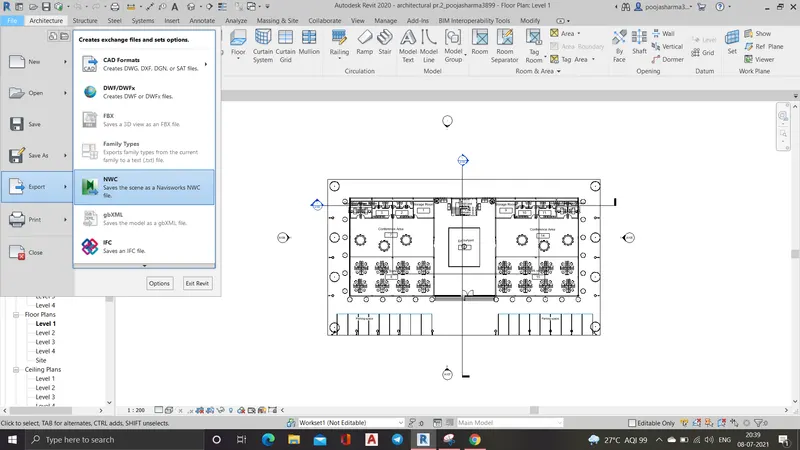
- Then go to file ---->Export ---->NWC file
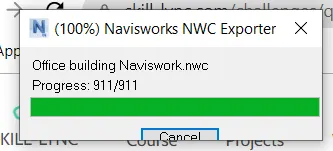
- Now save the file
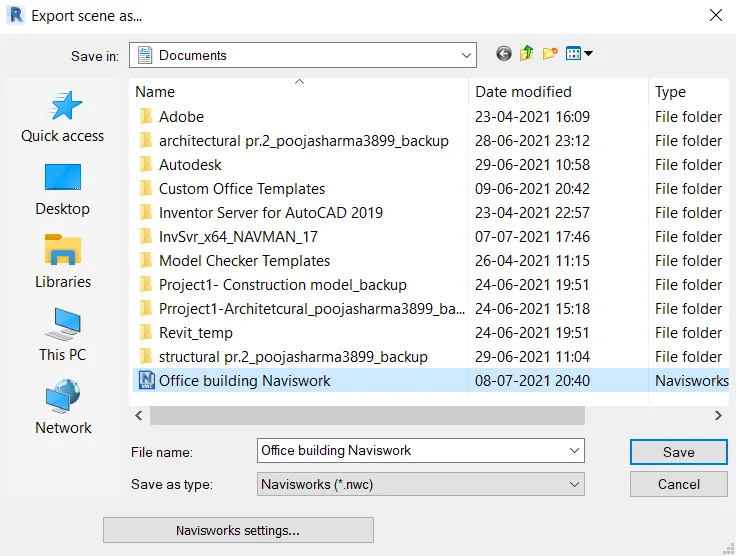
- Hence the file is exported
- RESULT:
The architectural model of the office building is succesfully exported tio the naviswork cache file
- AIM:
- Initially open the autodesk account and download the naviswork m,anage software
- Now,open the architecture model created in week 6 challenge in the revit software
- Then go to file---->Export--->NWC file
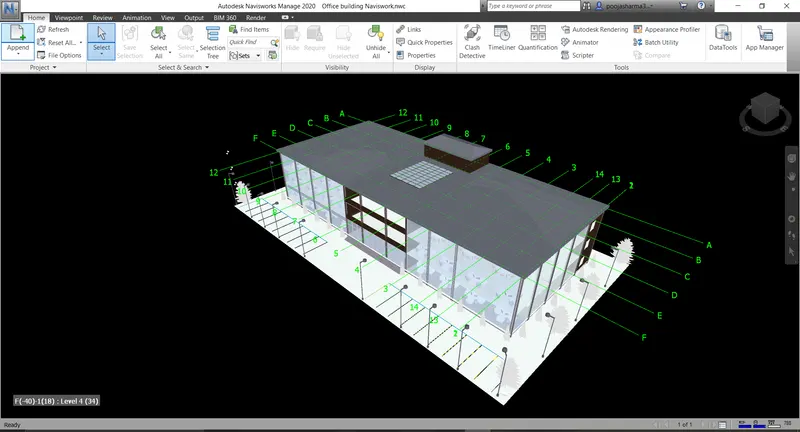
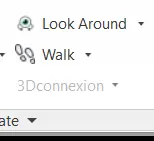
- Now,go to walk option in the viewport tab of the naviswork software
- Use the record option in the save viewport option to record animated at each and every room
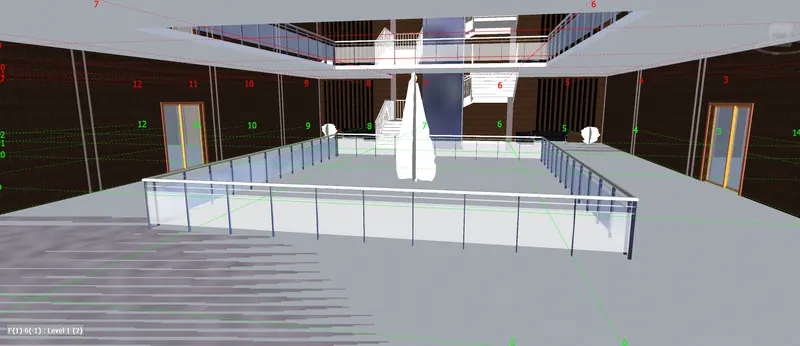
- Entrance area
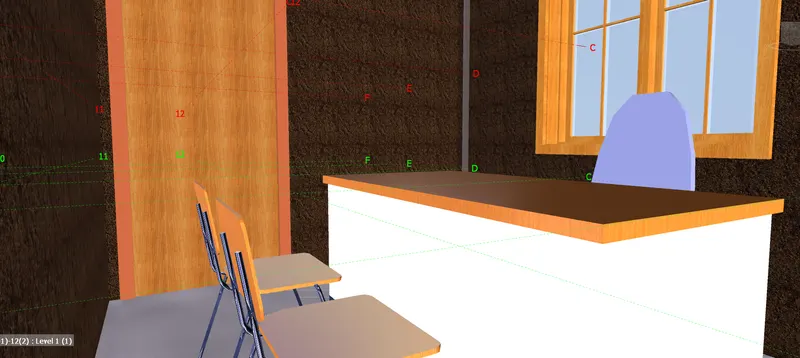
- Managers room
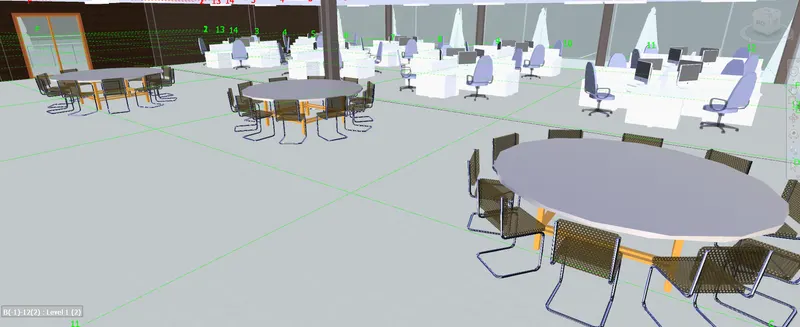
- Conference area
- Work room
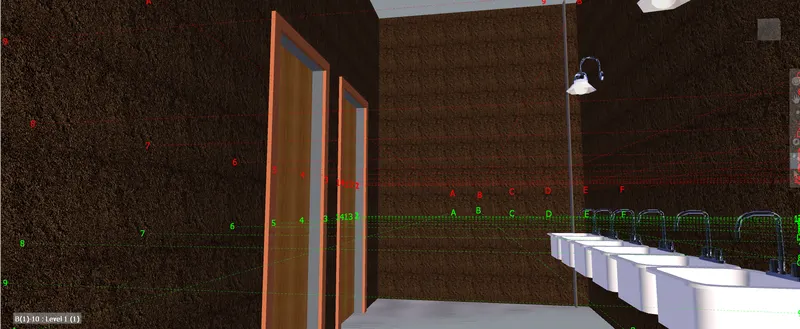
- Courtyard
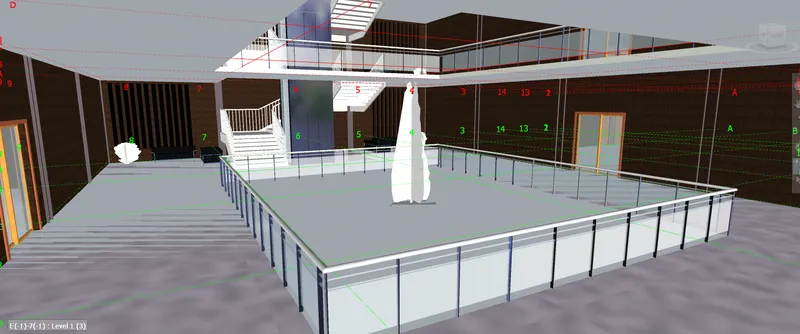
- Cafetria
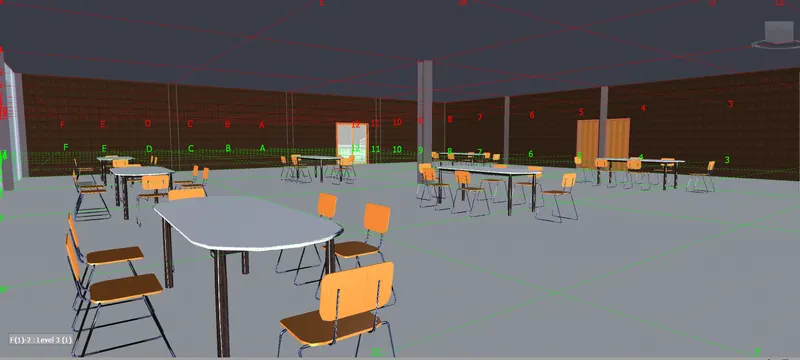
- Wash room in caferia
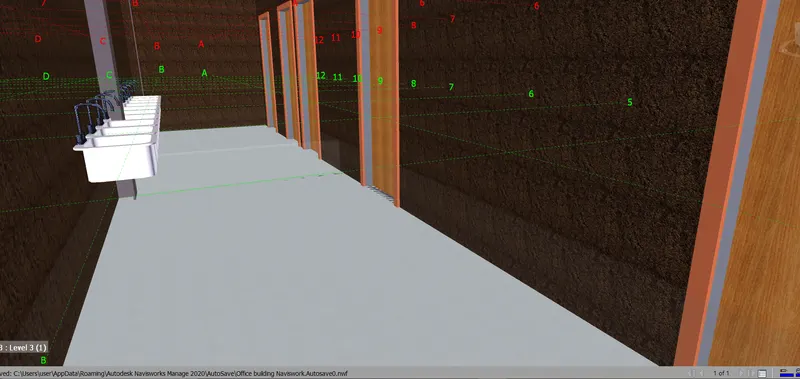
- Toilet
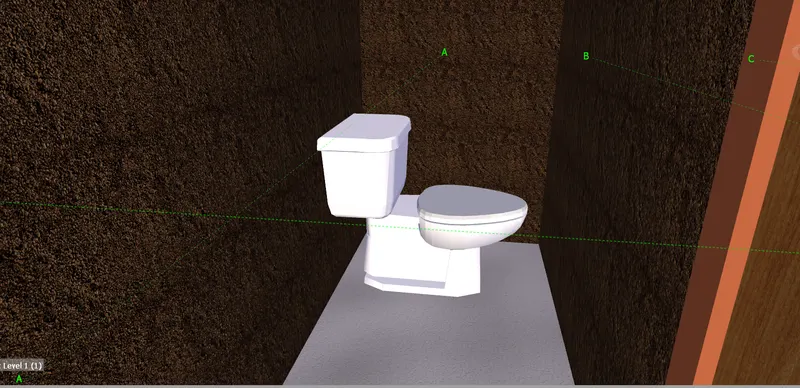
- Hence,Walk through the building is completed
- RESULT
Walk around through the building is completed
- AIM: To use realism features to walk through the model and record moving an animation in Navisworks file
- PROCEDURE:
- In the Navisworks software under the viewport tab go to realism and in realim and in choose third person
- Now again record the moving from save viewort option
- Entrance area
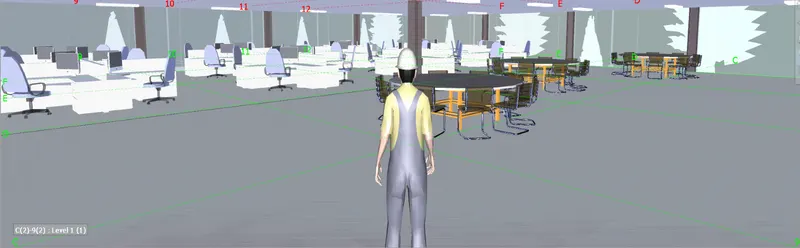
- Mangers room
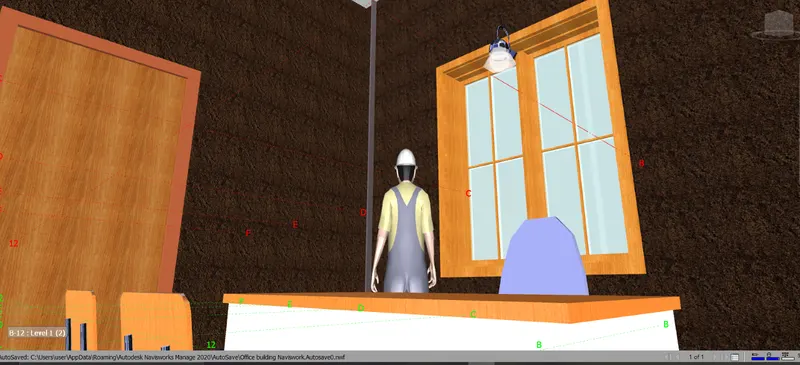
- Courtyard
- Cafetria
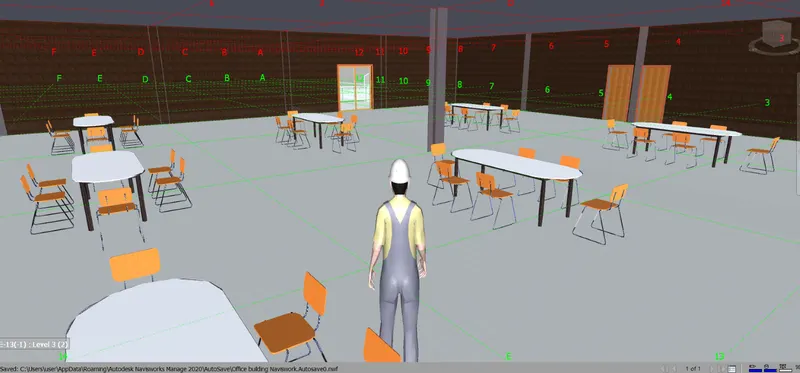
- Wash area at cafeteria
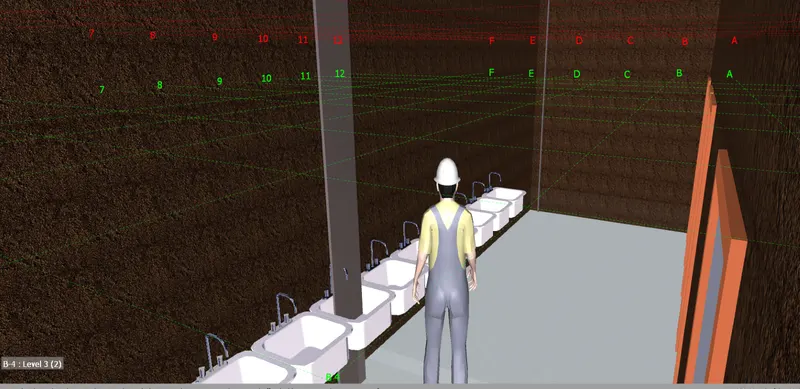
- RESULT
walk through the model using realism is completely succesfully
- AIM: To use the timeliner feature in navisworks to prepare a schedule for the project developed in week 6 to week 8 by adding reasonable assumption for the taask start m date and date and simulate the task completion asa visual simulation
- PROCEDURE:
- Initially open the structural model in the revit
- Then go to file menu ---->Export--->NWC file
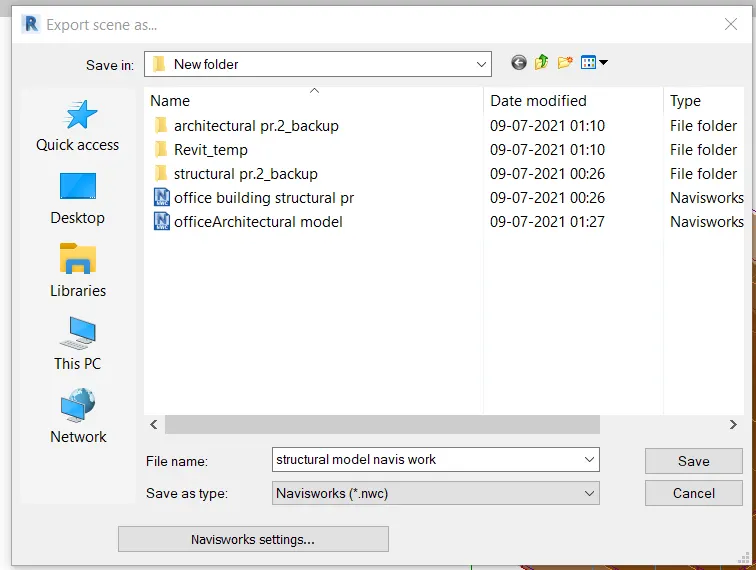
- Now open the structural model in Naviswork software
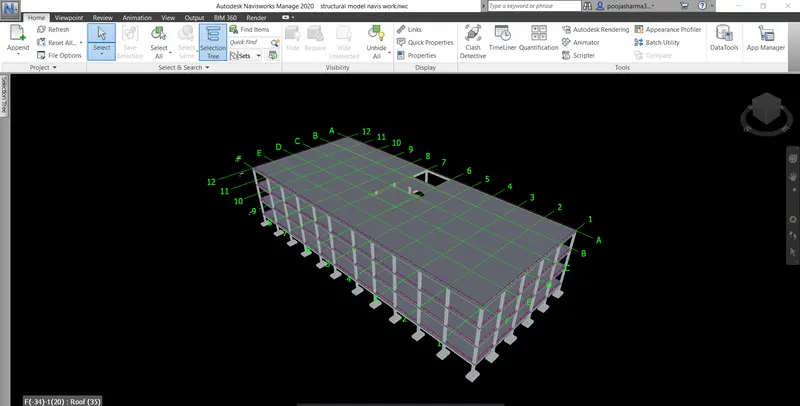
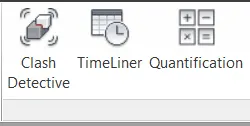
- Now,go to timeliner in the home tab
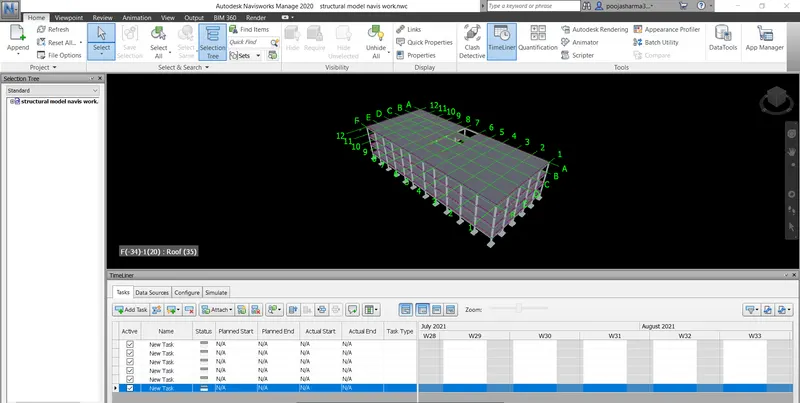
- Click add task option available in the timeliner to add new tasks
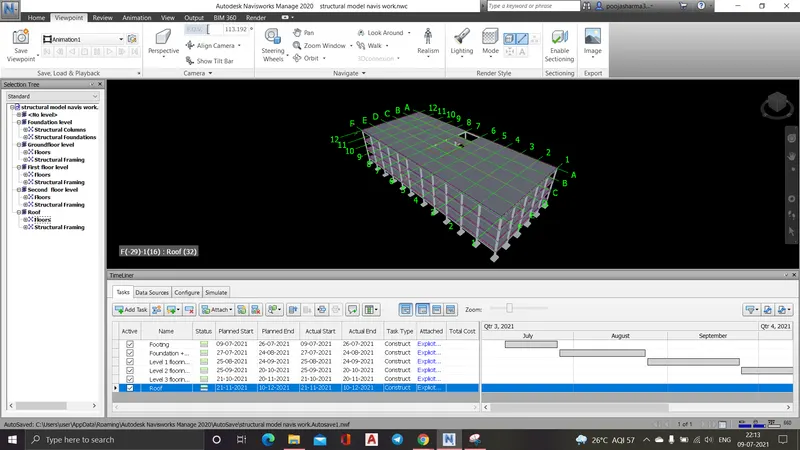
- Next we have to update the planned and actual dates and provide type
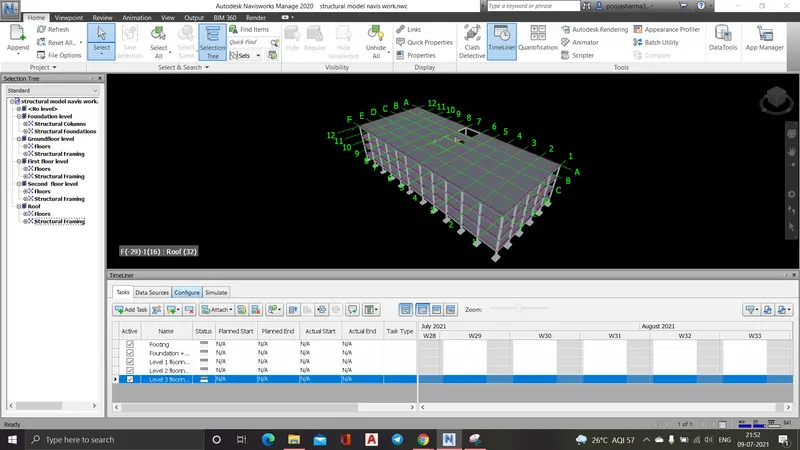
- Click on the simulate and record it and save the work
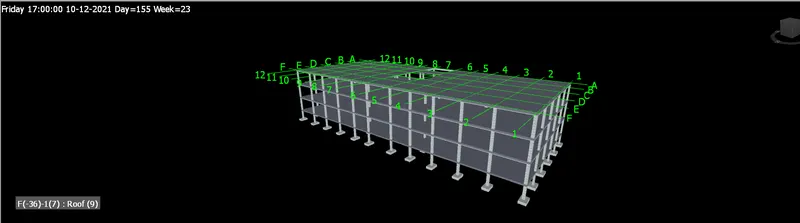
- Hence,the timeliner is simulation is completed
- RESULT
Timeliner features in the naviswork has been succesfullly completed and the result is given below