Usage of Collaborate tool in REVIT
1.ANS
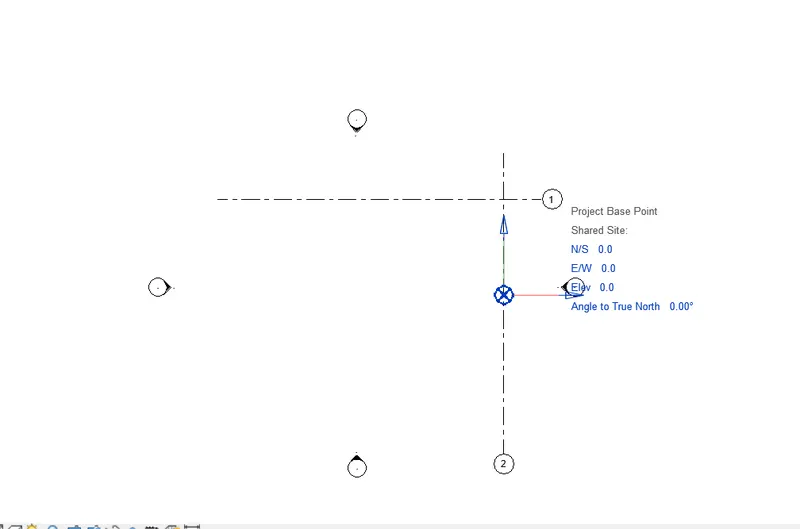
AIM: Open an architectural template. Using the Manage tab set project base point and project shared coordinates for the project
PROCEDURE:
open the architectural template and select the grids draw the on longitudinal and traverse
select the mange tab and set the shared coordinates point at intersection is zero
select the vg (visualize the graphics) and site set the base point of project apply ok
set the all coordinates as o
saved the file in appropriate location and name
2.ANS
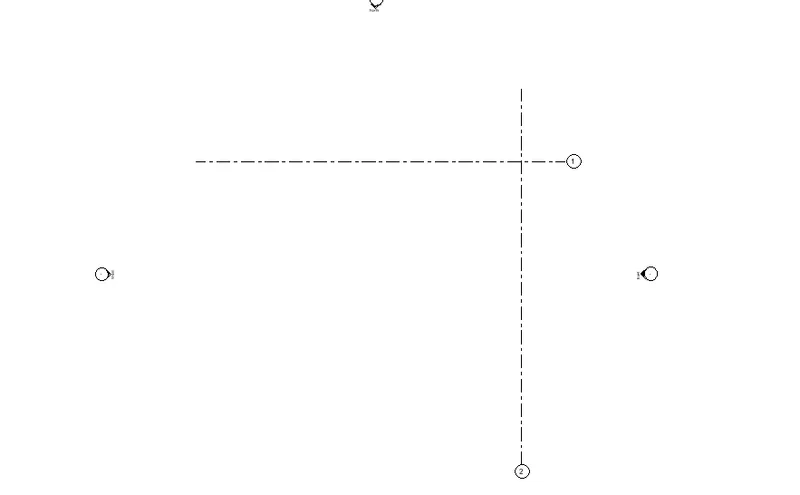
AIM: Open another new file but with a structural template. Using the manage tab set project parameters the same as the architectural model. Copy the parameters from the architectural model to the structural template or enter the parameters manually into the structural model
PROCEDURE:
open the STRUCTRAL template and select the grids draw the on longitudinal and traverse
select the mange tab and set the shared coordinates point at intersection is zero
select the vg (visualize the graphics) and site set the base point of project apply ok
set the all coordinates as o
saved the file in folder with appropriate name as structural template.
3.ANS
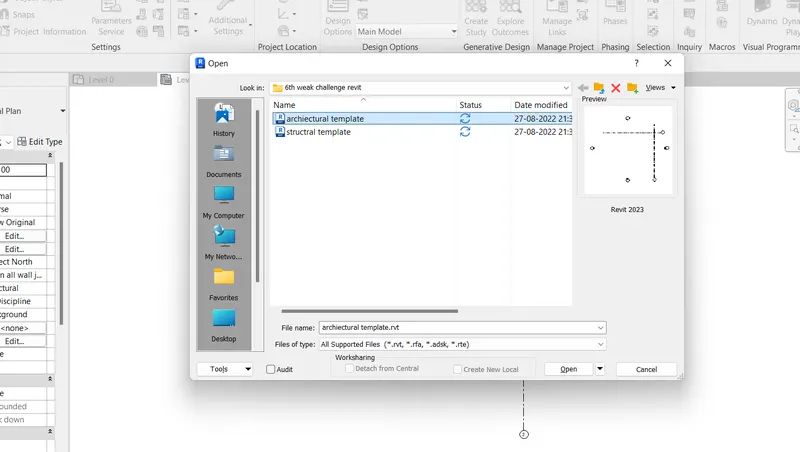
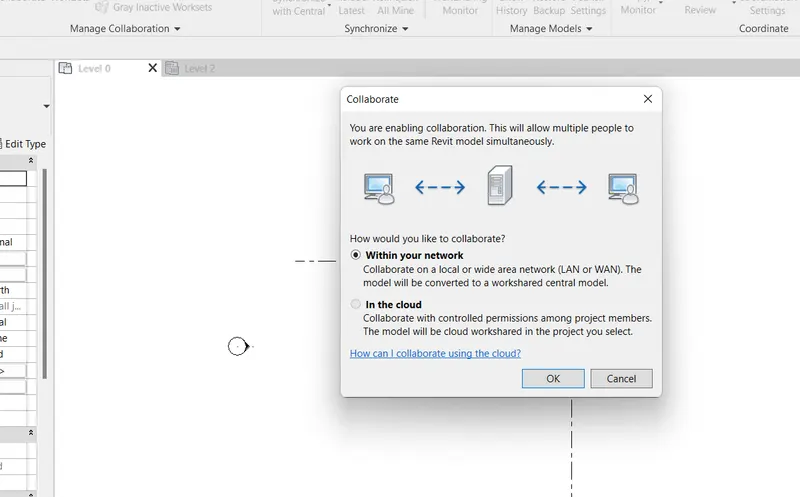
AIM: Re-open the architectural model. Using the tools under the Collaborate tab make the architectural model a central model (enabling simultaneous working on the model)
PROCEDURE:
select the file tab in ribbon and open the architectural template
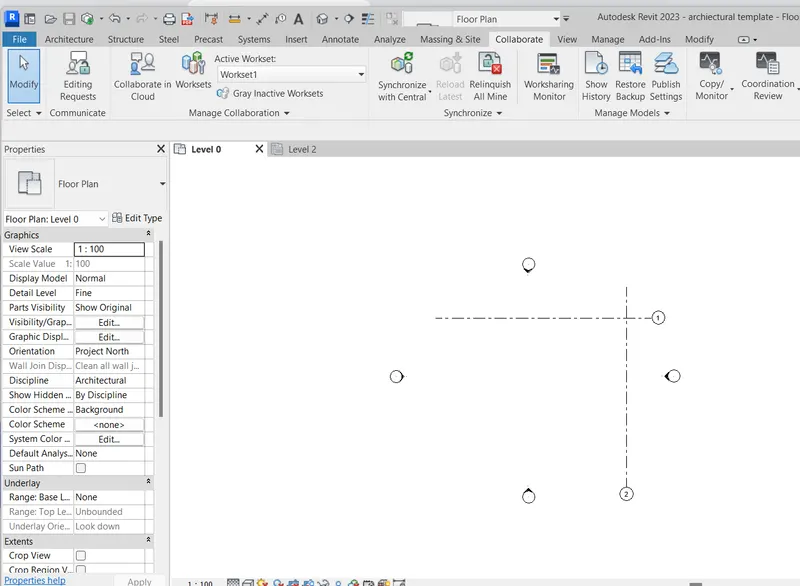
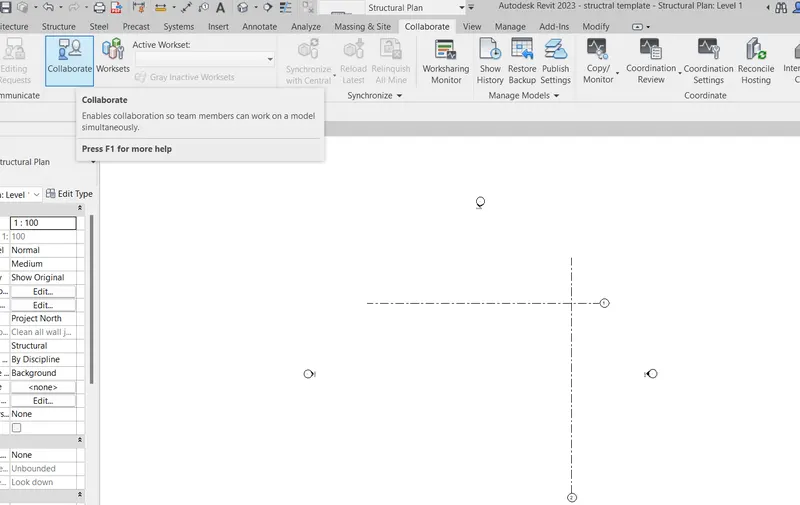
go the collaborate tab collaborate the select and work sharing is started
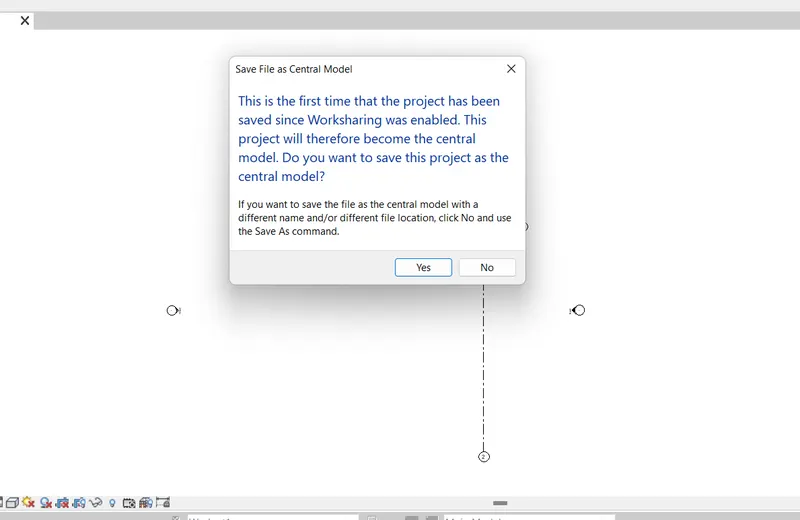
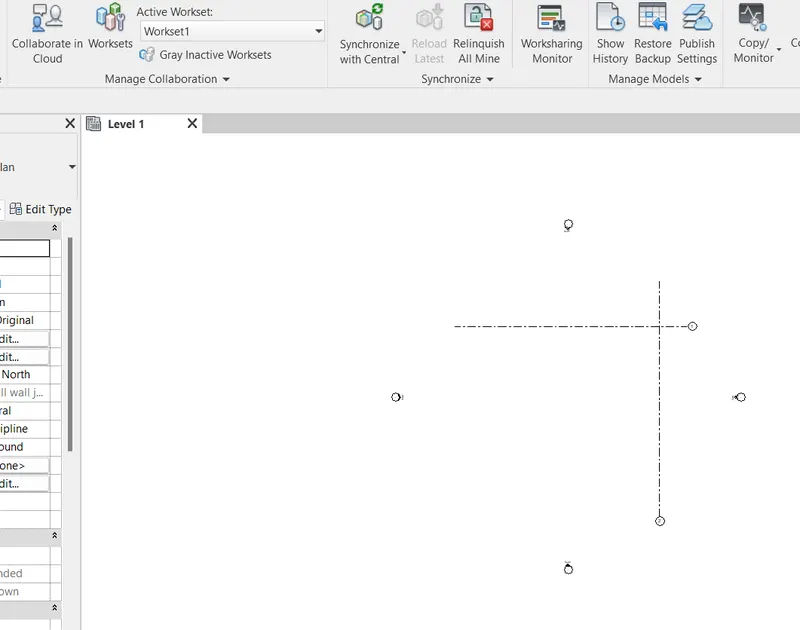
after collaborate the file is saved as central model
RESULT:
4.ANS
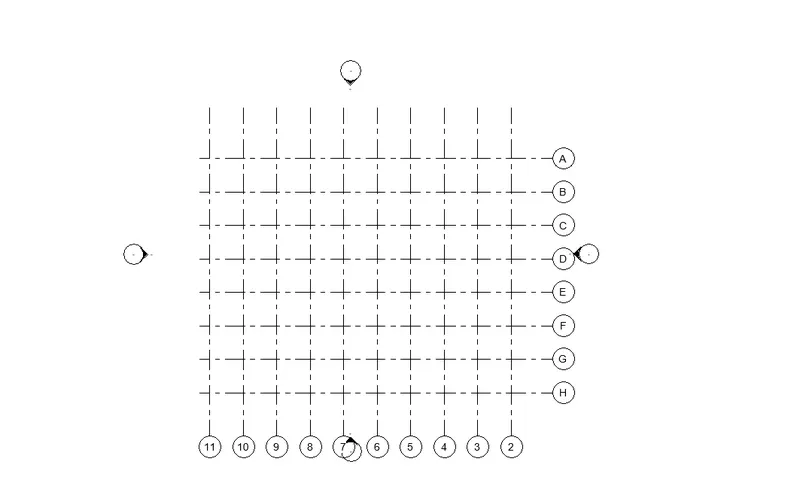
AIM: Create the Grids Longitudinal and Transverse pattern for the project similar to the task done in Week 2
procedure:
select the architectural template and open in architectural select the grid and draw the offset distance 2000 ,of grids are drawn by longitudinal and traverse
RESULT:
5.ANS
AIM: Synchronize the changes from the local copy to the central file of the architectural model.
PROCEDURE:
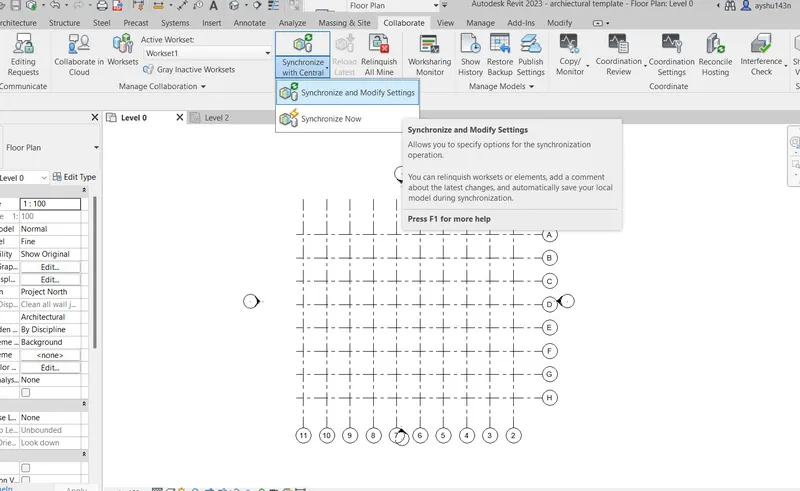
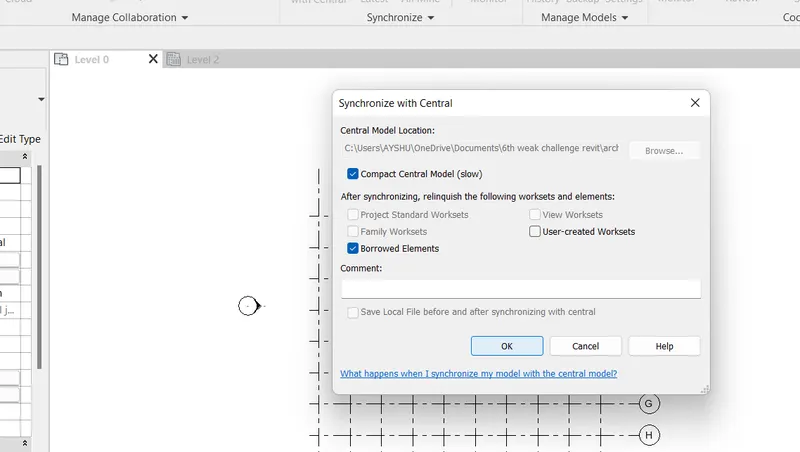
go the collaborate tab and select the synchronize with central and synchronize and model setting click
and set the path change in central model location okay
6.ANS
AIM: Open the structural model and use the collaborate tools to save the model as a central file
PROCEDURE:
select the file tab in ribbon and open the structural template
go the collaborate tab and collaborate with in the network selected
after collaborate the file is saved as central model
RESULT:
7.ANS
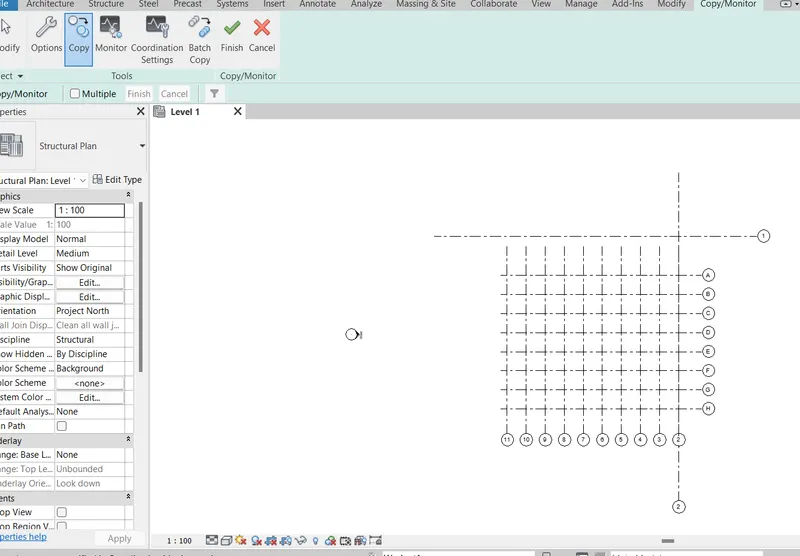
AIM: Under the Collaborate tab, select the grids and levels from the architectural model, and using Copy Monitor try to copy the grids to the structural model. See what happens when the copy monitored grid is moved around in the structural model
PROCEDURE:
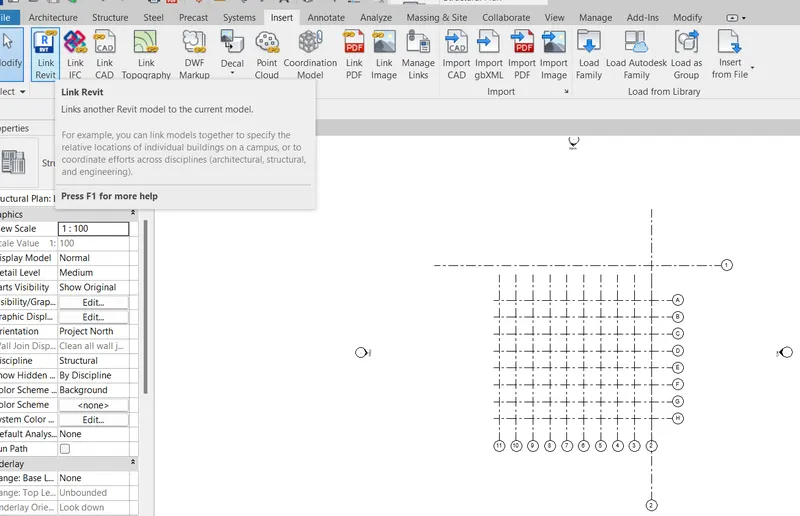
Select the Revit link and link architectural template
next go to the collaborate tab and select the copy monitor and select the link and copy the multiple copy
and copied the architectural template grids into structural template and finish
8.ANS
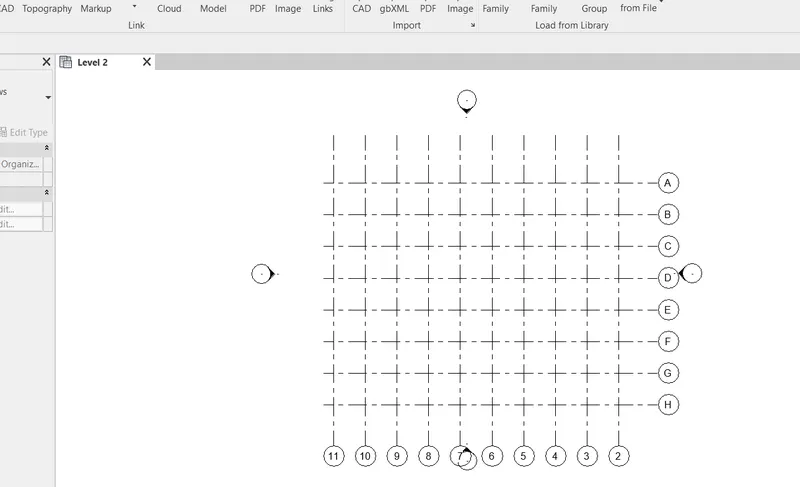
AIM: Create another new file with a construction template. Save the new file as a central model. This file will include both architectural and structural model. Under the manage tab, Click manage links to link both architectural and structural files. Save the file and close all the files.
PROCEDURE:
open the construction template and collaborate save the within the network
go to insert tab Revit links to added the one by as structural and architectural template
9. Ans
the shared point coordinates and base point coordinates are matched in the construction template and set the project two
10.ANS
AIM: List a flow chart of a project tree set up in terms of Construction model, Architecture & Structure model, in this exercise and understand how many people can work on the same project using Revit simultaneously
For construction model
site access
logistics and storage
quality control
outstanding contract details
outstanding design-related challenges
health and safety
For architectural model:
Schematic Design,
Design Development,
Construction Documents, Bidding,
Construction Administration.
For structural model:
The primary objective of structural analysis and design is to produce a structure capable of resisting all applied loads without
failure during its intended life. If improperly designed, elements of a structure would fail causing serious consequences such as
large expenses or ultimately losses in lives which cannot be compared with any cost. Once the architectural engineer sets the More projects by Pallavi
function and layout of the structure, the role of the structural engineer begins which can be summarized in the following steps to
develop a safe, functional and economic structures