Tool Test-2
Aim: For the given Intake Manifold component, check for the geometrical errors and mesh the Surfaces
Procedure:
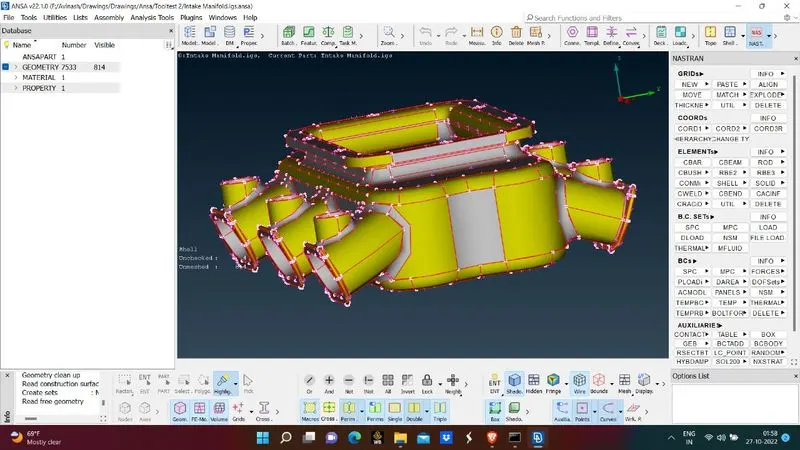
- Import the geometry in ANSA software
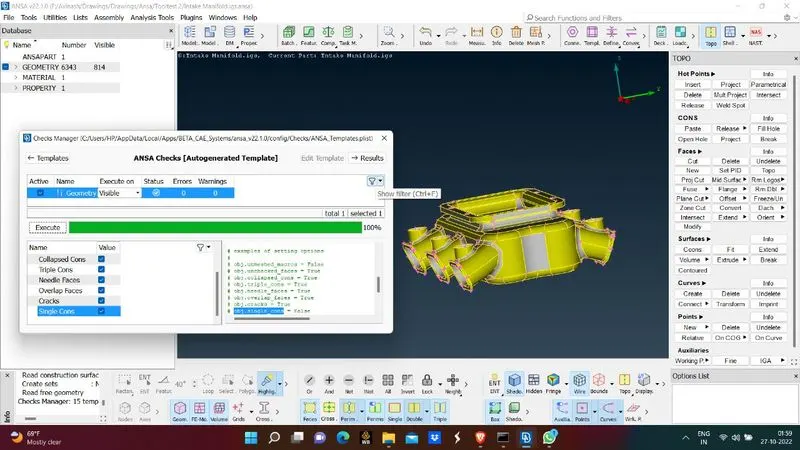
- Check for geometry issues and if any errors found clear them
- After errors are removed give mesh parameters in meah parameter manager
- Give the target lelment size and minimum element size and mesh type for 3d mesh
- Go to classis mesh deck and give perimeter and macros size
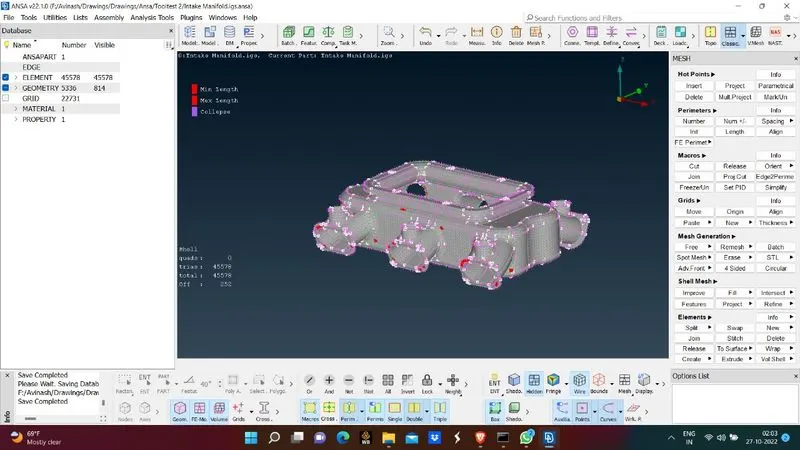
- After applying size now apply spot mesh on the surface of manifold
- Before applying mesh give mesh crriteria factors in order to get good result
- After applying mesh check for failing elements and try to eliminate the failing elements
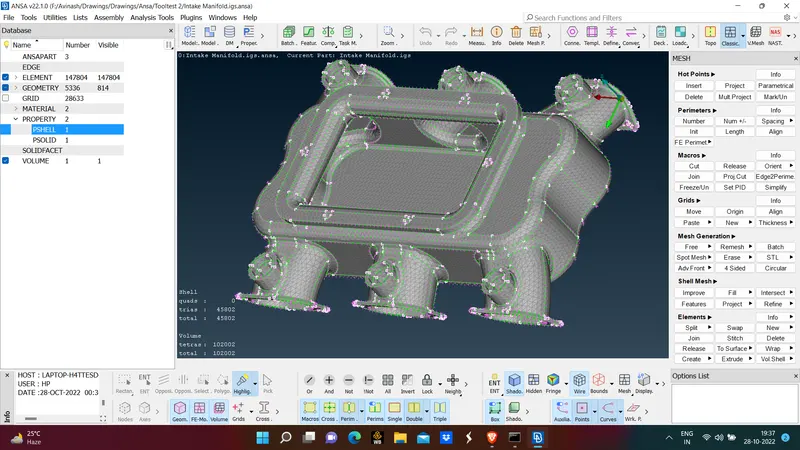
- After all failing elements are cleared and apply volumetric mesh
- For volumetric mesh 1st we need to define the whole body and thenwe need to apply 3d mesh
- First go to define and select the object and select apply
- Now the ANSA identifies the volume of the manifold
- Now appy the Tetra Rapid on the manifold so that 3d mesh will be performed on manifold
- After tetra elelments are formed apply collapse mesh criteria as 0.2 and check for failing elements
- If any errors are found resolve those issues
- This is how 3d meshing procedure is used
Learning Outcomes
- Learnt how to perform 3d mesh
- Learnt where 3d mesh is used
- Learnt types of 3d mesh are performed
Conclusion:
- 3d mesh on manifold is done
- All failing elements are removed