Tool Test 1
Aim:To find the mid surface of both the given models and draw the mesh of both the cad models.
Starting steps:
1.the given model 1 is given a topo.
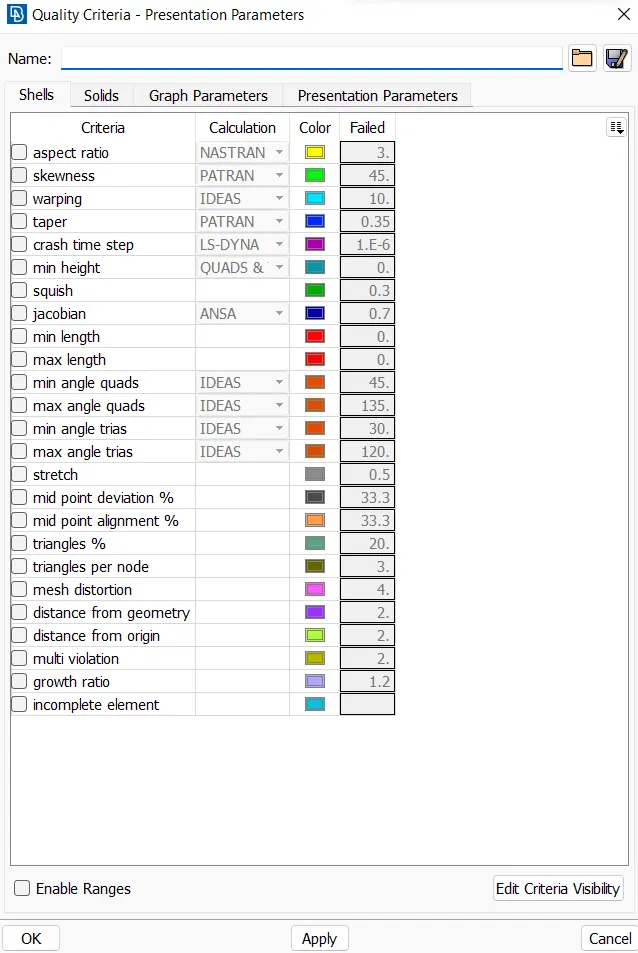
2.the quality criteria will be given as per the assignment.
GEOMETRIC CLEANUP:
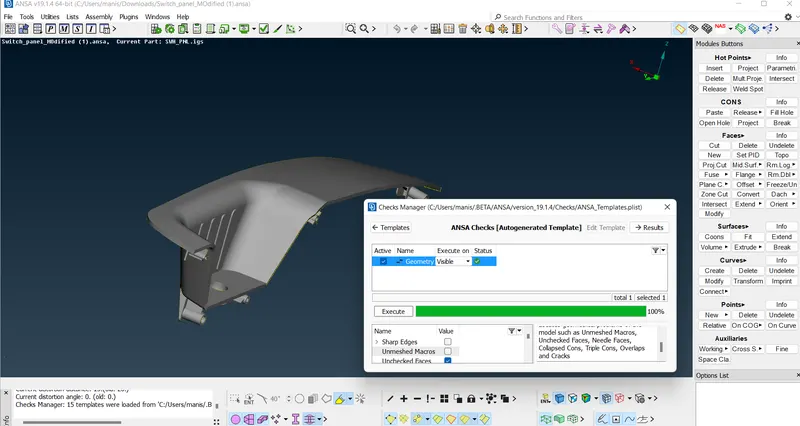
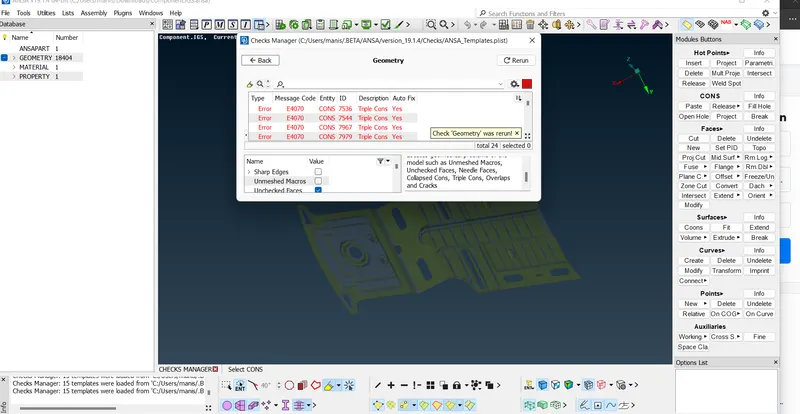
1.For geometric cleanup select geometry from check manager.
2.select execute for checking the problems in the model.
3.If found some problem then right click for fix option and then the problem will be fixed.
4.again execute the geometry and if it is 100% then it is clean.
ASSIGNING THE PID TO THE MODEL:
1.Select pid from face option and select the model using windows selection.
2.click property and right click to new and give the new pid for the selected model.
MID SURFACE GENERATION:
1.The mid surface generation was done manually in model 1 and for model 2 the mid surface option is used from the face option.
2.A thickness of min 2mm and max 4mm is given and the mid surface is executed.
3.we have to give a pid to the mid surface.
MID SURFACE MESHING:
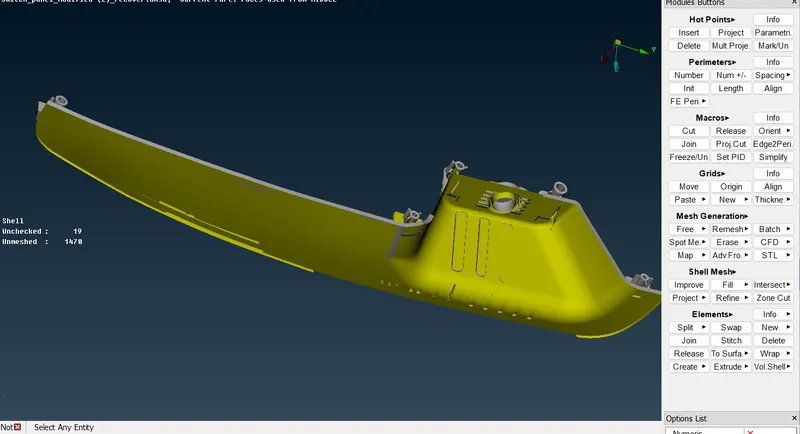
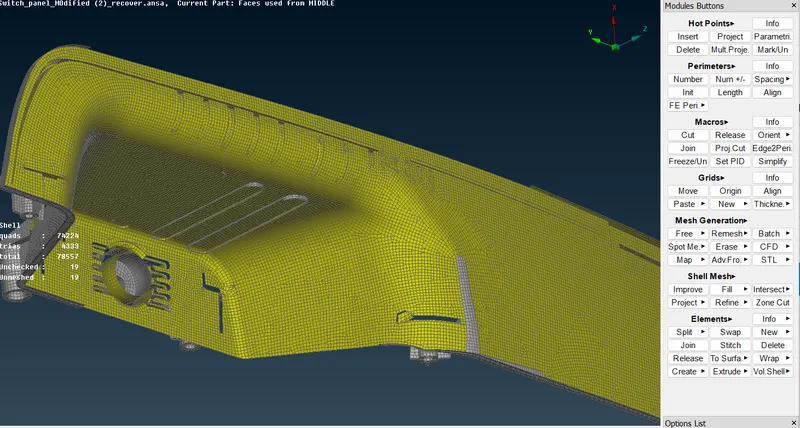
1.The mid surface is meshed in 2D meshing using the best option from meshing.
2.The mesh is then reconstructed by using the option reconstruct in mesh option.
3.The errors were rectified and saved.
LEARNING OUTCOME:
1.Meshing the both model with in time and mid surface generation of both the model.