To model columns for industrial steel structure using TSD
1. Create column properties for different types of pedestal members and model in the grids created as per the assignment 1.
AIM: To create column properties for different types of pedestal members and model in the grids created as per the assignment 1
Procedure:
- Launch Tekla Structural Designer 2022
- Open the file created in the previous assignment
- Since we are going to begin the modelling of the members it is necessary for us to check the settings from Home
-
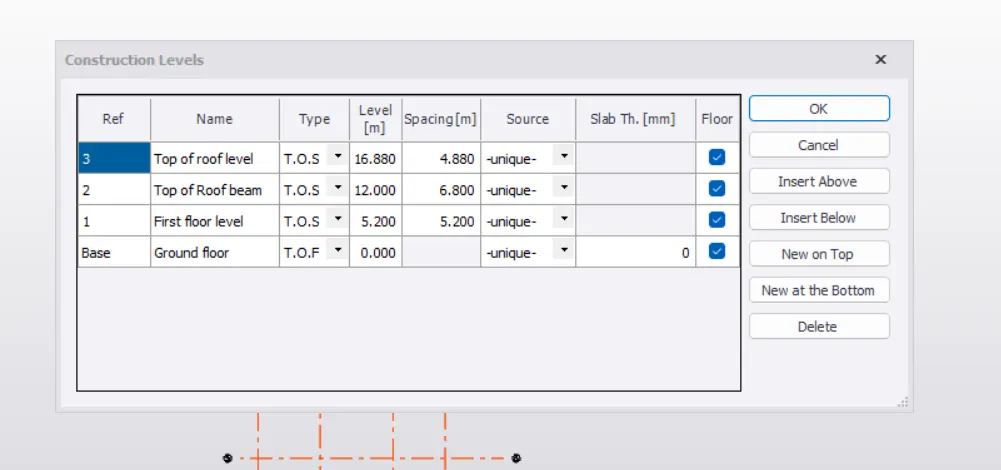
1) open tekla, go to windows select structure window and click on levels.
2) enter the levels of model such as foundation, ground floor ,roof along with their spacing and type.
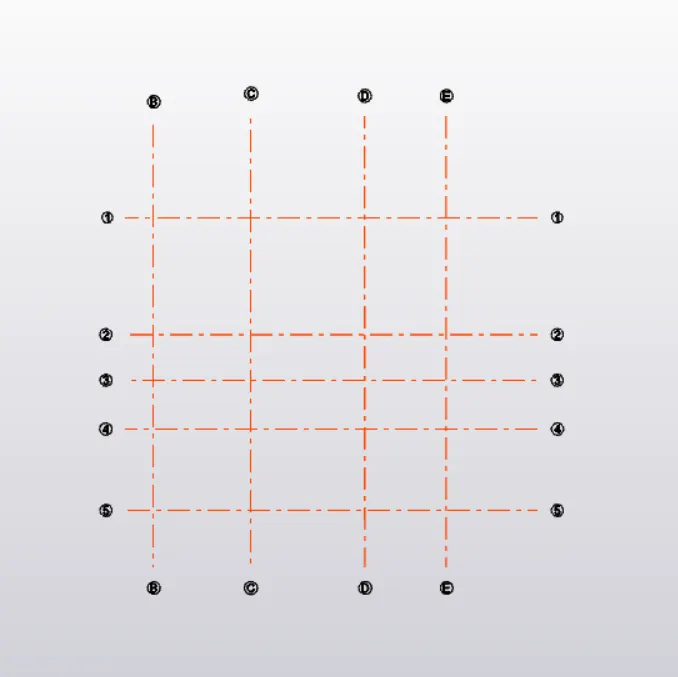
3) now go to grid lines from the ribbon and select grid line and draw a horizontal grid.
4) from the same option ,select parallel quick option and draw other grids as per the plan.
5) now go to manage property sets and click on new, select concrete column.
6) enter its properties such as grade of concrete,major and minor align axis.
7) enter its dimension.
9) similar way enter the properties of steel column such as grade (ISMB 350) major and minor align axis.
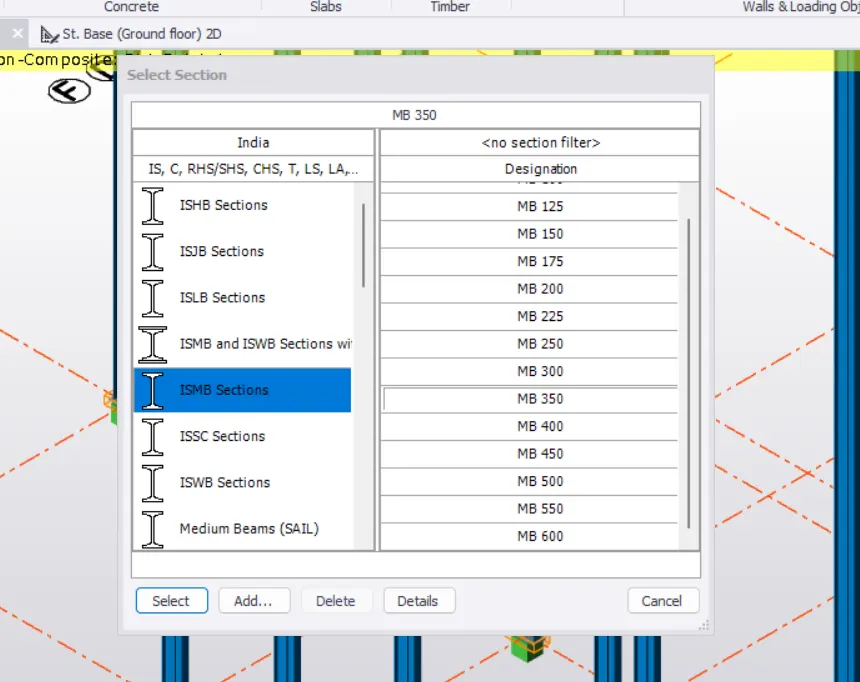
11) similar way define the steel beams B1 with their properties such as grade ,major and minor align axis.
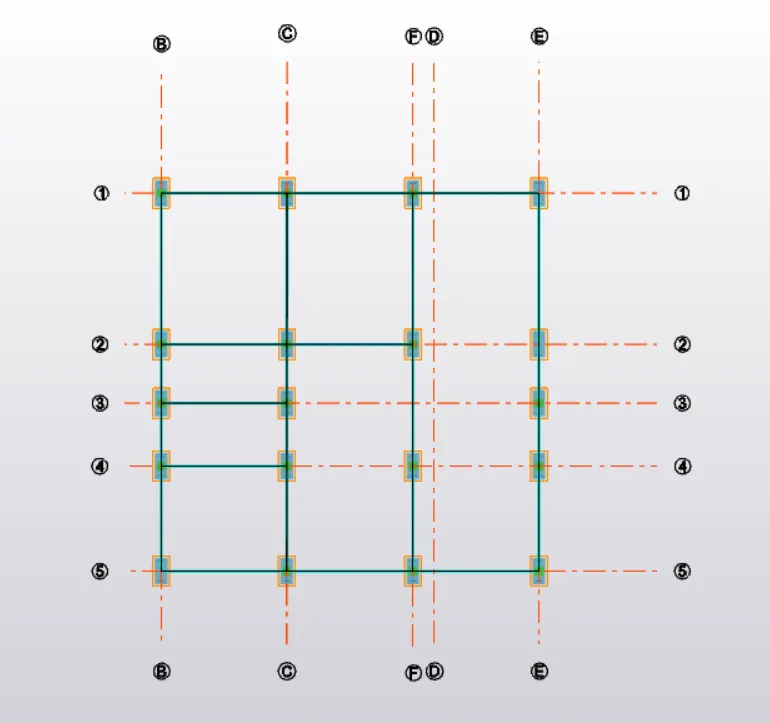
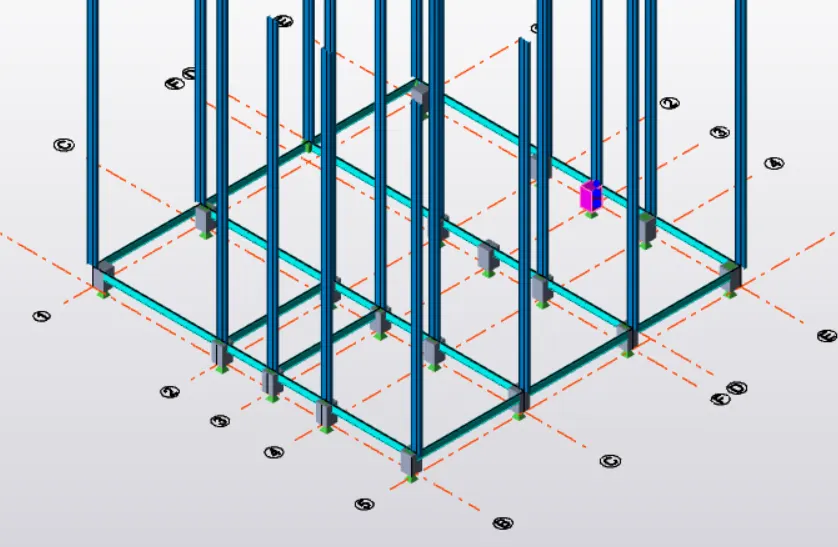
Result- Columns and Beams model is created using TEKLA software