To model columns for industrial steel structure using TSD
Q1.Create column properties for different types of pedestal members and model in the grids created as per the assignment 1
ANS :
AIM : To create column properties for different types of pedestal members and model in the grids created as per the assignment 1
PROCEDURE :
Open the Tekla file created in assignment 1
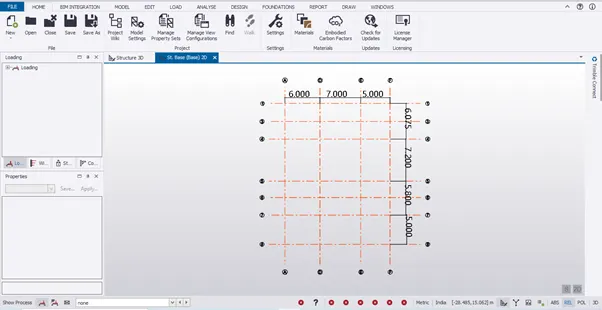
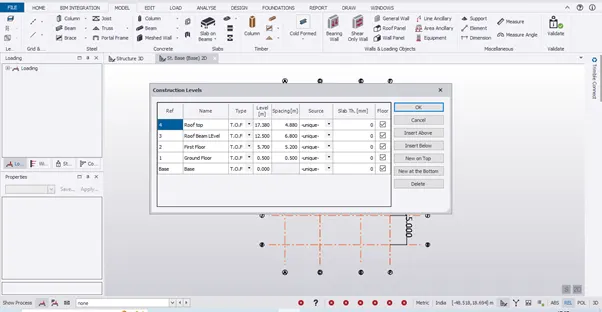
Levels are cross checked
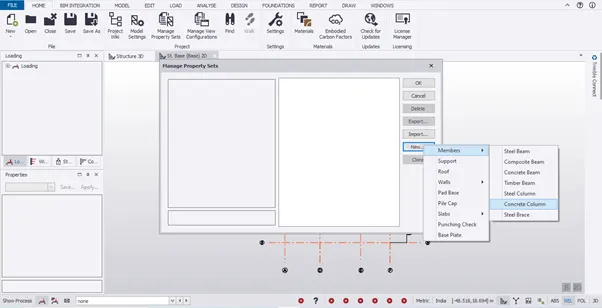
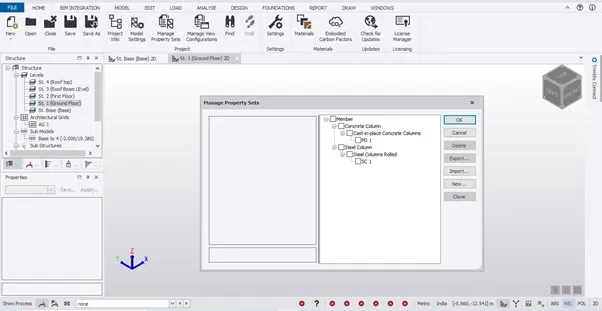
Go to Home tab select Manage Property Sets, Dialogue box of Manage Property Sets will appear in that select new and then select members in that select concrete columns
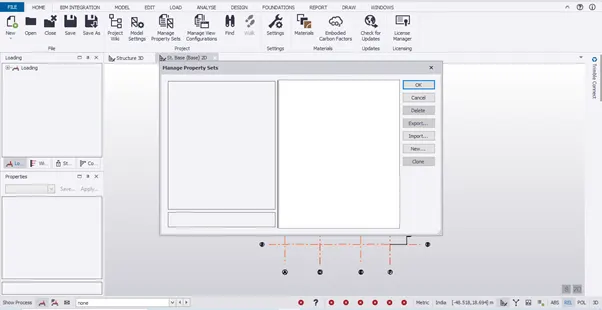
Rename the column and set the properties as per the convenience
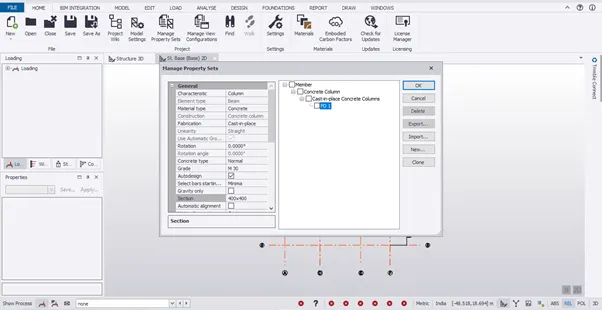
Go to Model tab select column and select PD1 column and place it from Base to Ground Floor
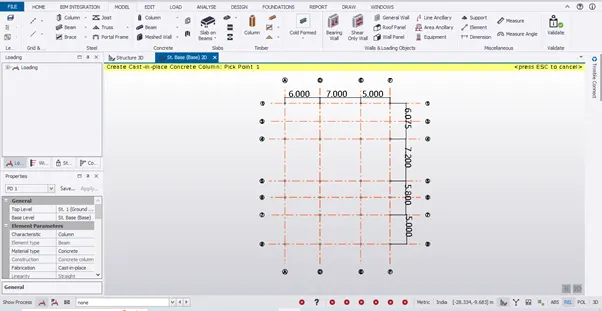
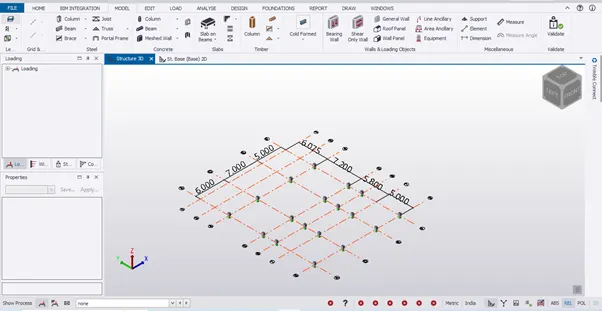
RESULT : The Given Question has been solved
Q2.Create column properties for steel columns and model columns in the grid created as per assignment 1.
ANS :
AIM : To create column properties for steel columns and model columns in the grid created as per assignment 1.
PROCEDURE :
Go to Home tab select Manage Property Sets, Dialogue box of Manage Property Sets will appear in that select new and then select members in that select steel columns
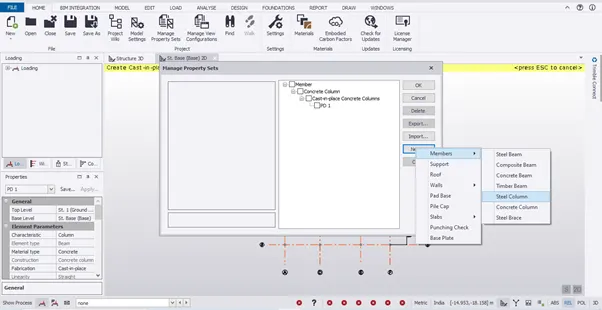
Rename the column and set the properties as per the convenience
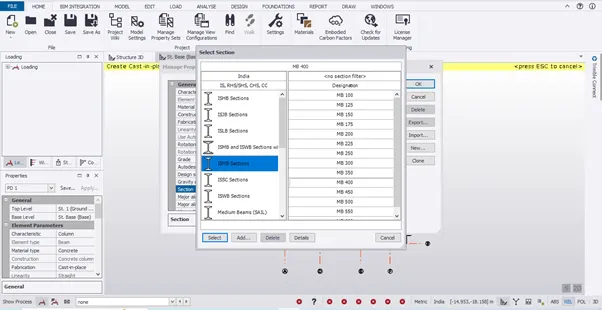
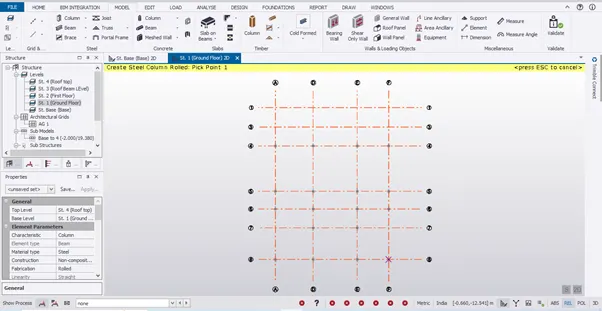
Go to Model tab select column and select SC1 column and place it from Ground Floor to Roof Top
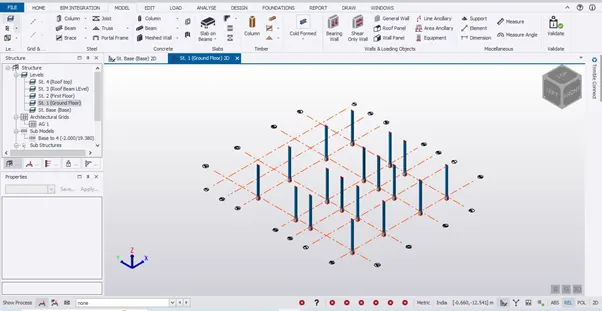
RESULT : The given Question is solved
Q3.Create beam properties and model primary and secondary beams on the ground floor
ANS :
AIM : To create beam properties and model primary and secondary beams on the ground floor
PROCEDURE :
Go to Home tab select Manage Property Sets, Dialogue box of Manage Property Sets will appear in that select new and then select members in that select steel Beams
Rename the column and set the properties as per the convenience
Create Primary and secondary beams
Go to Model tab select Beam and select B1 and B2 Beam and place them in Ground floor as per convenience
RESULT : The given question is solved