To model columns for industrial steel structure using TSD
Create column properties for different types of pedestal members and model in the grids created as per the assignment
-
First, we have to open Tekla Software
- Now open a new file
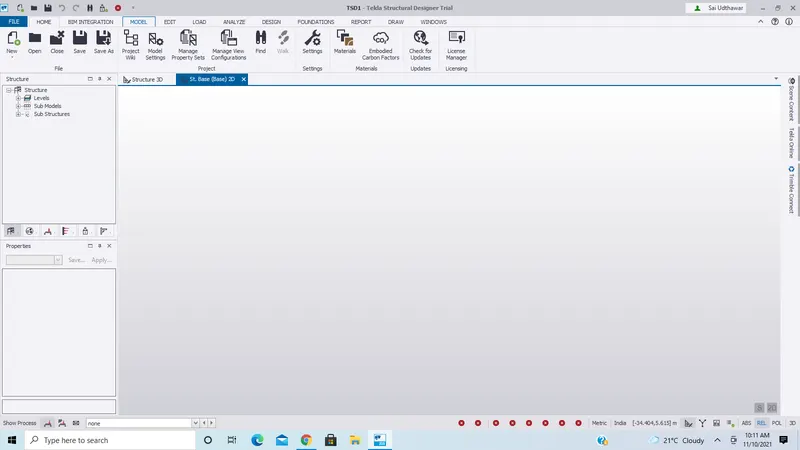
- Now goto Model tab and select the construction levels
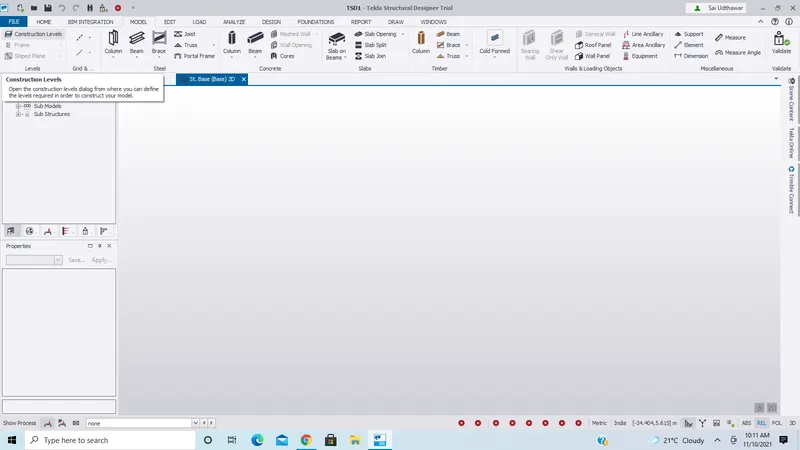
- Now we get a new window as shown below
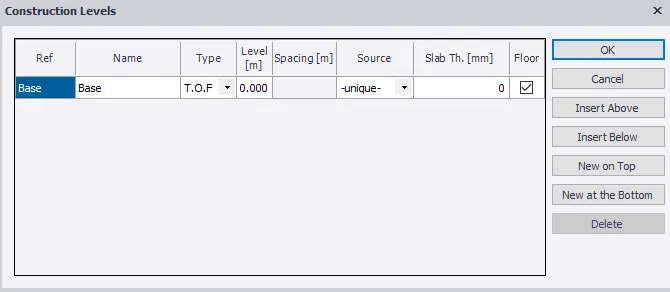
- Now add levels as required
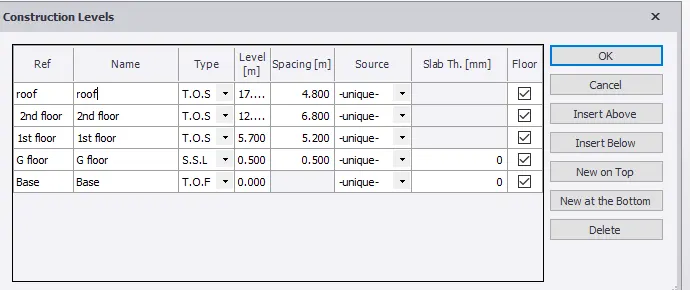
- Now draw grid lines according to the given details
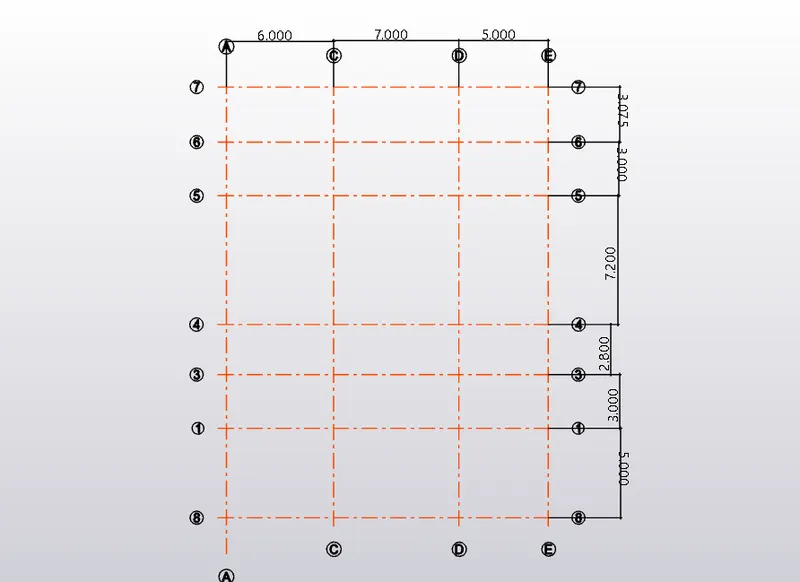
- Now in the model tab select column and add columns to grid lines wherever required
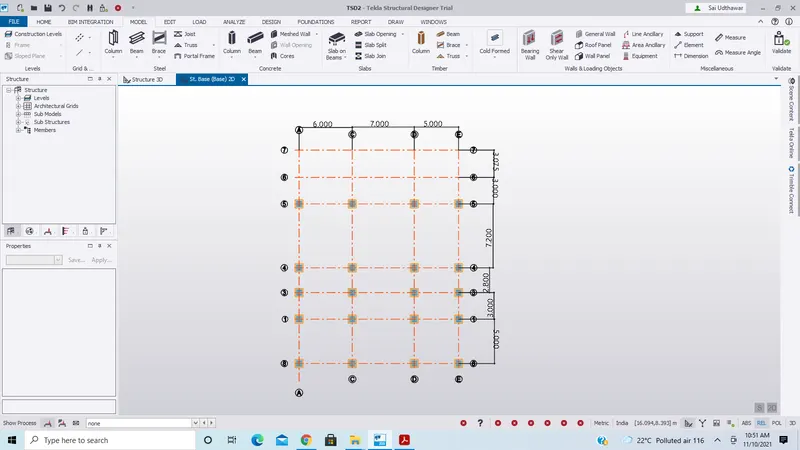
Result:
Hence Column properties for different types of pedestal members and models in the grids are created as per assignment1
Create column properties for steel columns and model columns in the grid created as per assignment 1.
- Go to the Home tab and select Manage property sets
- Now we get a window as shown below
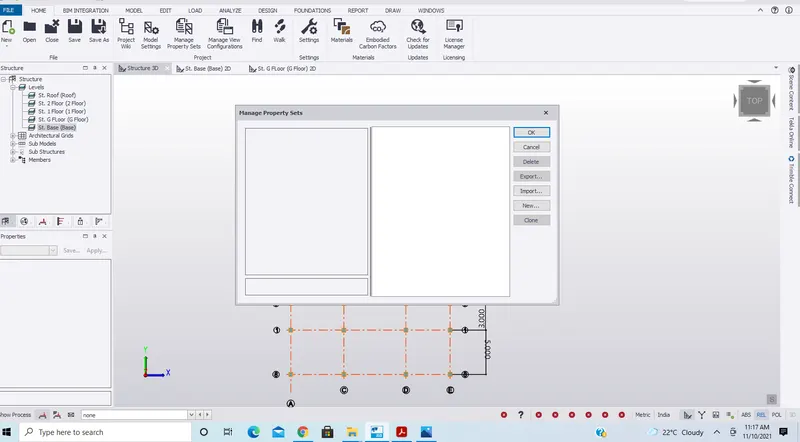
- Now go to new in the manage property sets window
- Now select members and select the required members
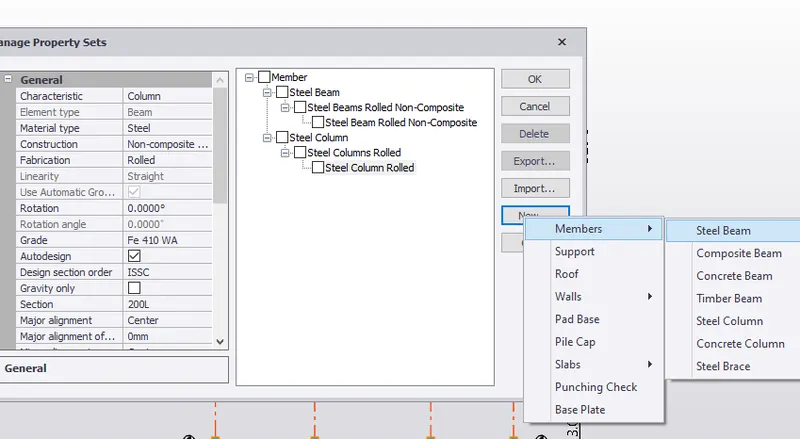
- Now click ok
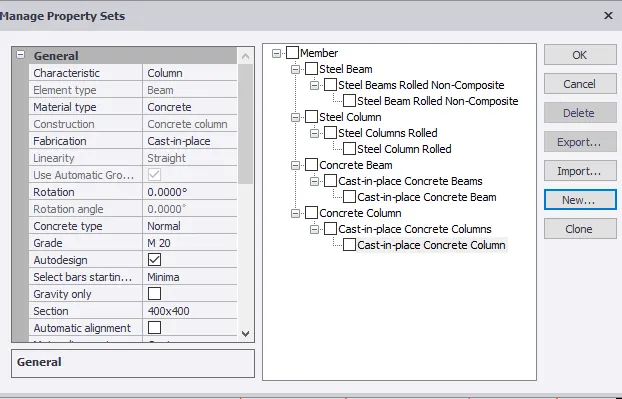
- Now we can see the properties of the column in the left bottom (properties tab)
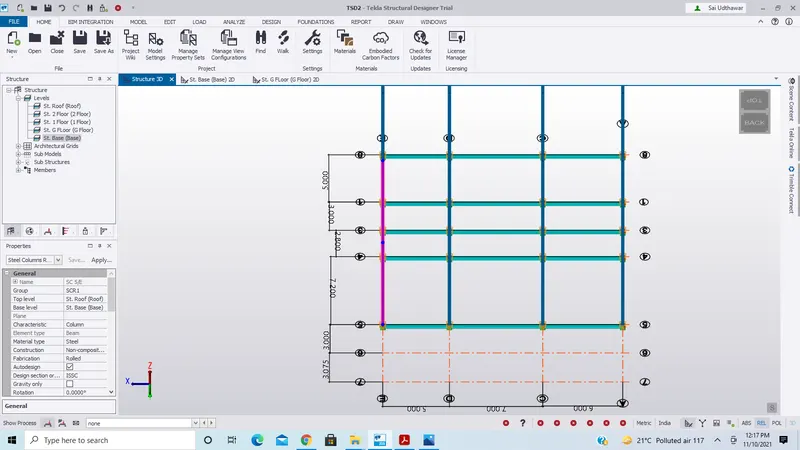
Result:
Hence column properties for steel columns and model columns in the grid were created as per assignment 1.
Create beam properties and model primary and secondary beams on the ground floor
- Go to the Model tab and select the beam
- Now draw the beams according to the requirements
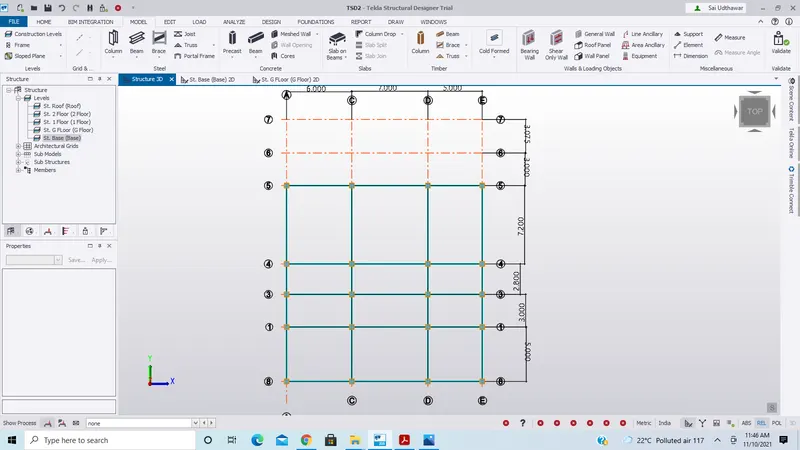
- Go to the Home tab and select Manage property sets
- Now we get a window as shown below
- Now go to new in the manage property sets window
- Now select members and select the required members
- Now click ok
- Now we can see the properties of the beam in the left bottom (properties tab)
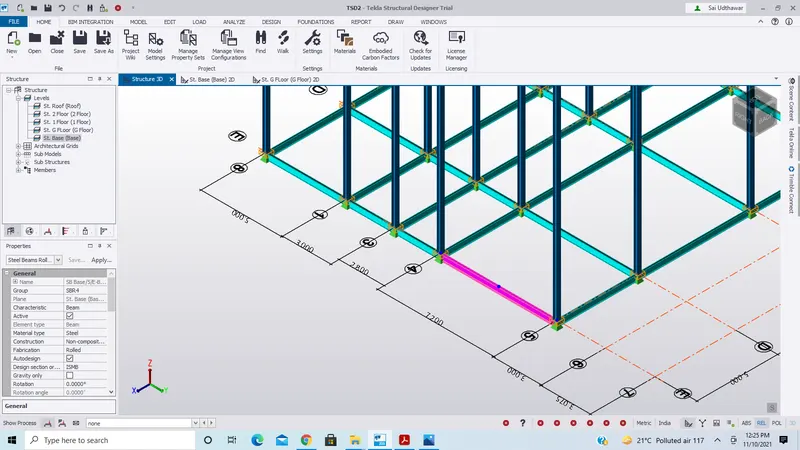
- Now keep it in 3d view to see the beams
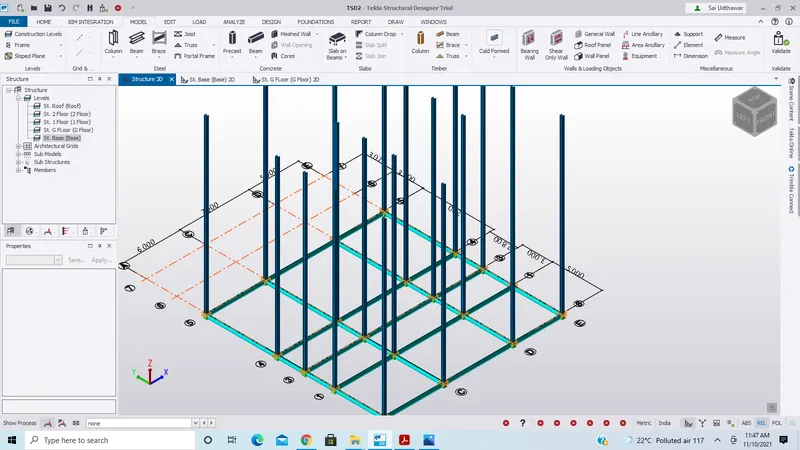
Result
Hence beam properties and primary and secondary beams on the ground floor were created.