To model columns for industrial steel structure using TSD
1
Aim - According to the grids in the previous assignment we have created create coloumn pedastral
Prodesure
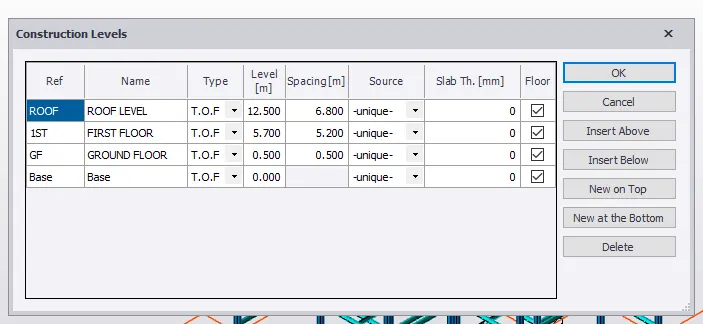

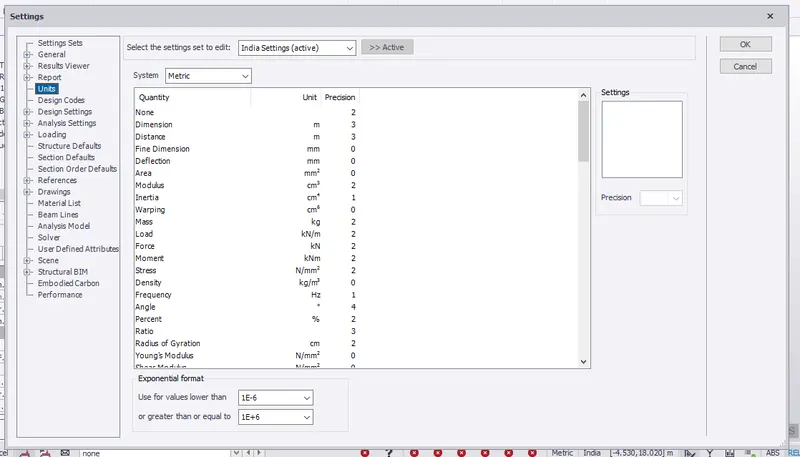
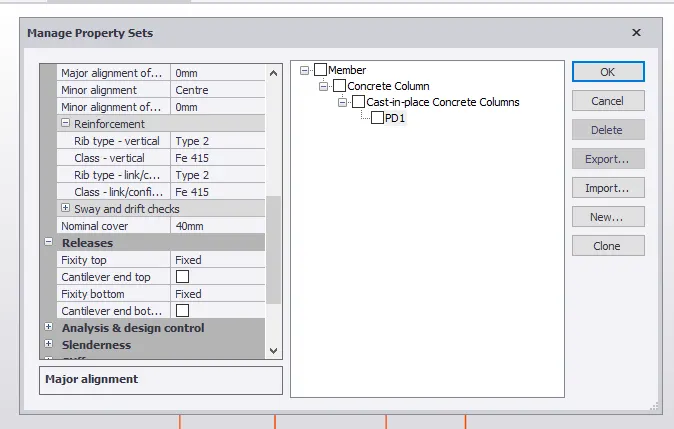
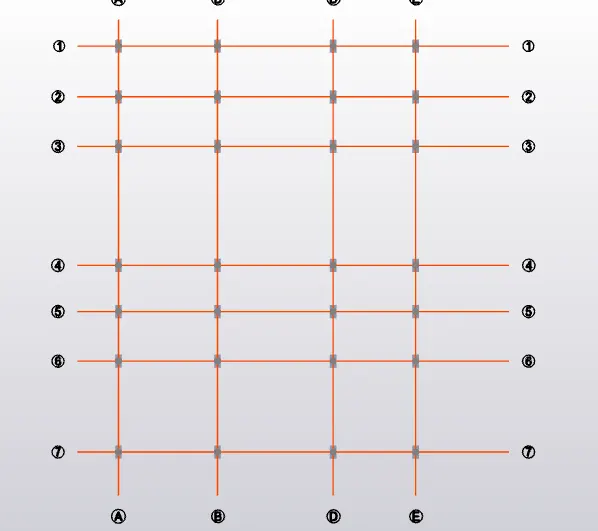
Open the last model which we have already created the grids
Then Check all the settings and units and design codes are correct
In the material tab give Fe410 and Fe410
Then create coloumn properties
Go to the base level
Manage property sets and add new concrete coloumn
Rename as pedastral or PD1
Concrete as M25
Section 400x800
Give alignment as top and cover 40
Releases give as fixed on both sides
In the model tab select coloun
In the properties tab select PD1
Then give base as base and top as Ground floor in the properties tab
Assign all the pedaastrals at the grid points
Check weather the propertie are as we given or not by right clicking on the object
Check it in the 3d
Done
2
Aim - According to the grids in the previous assignment we have created create coloumn
Prodesure
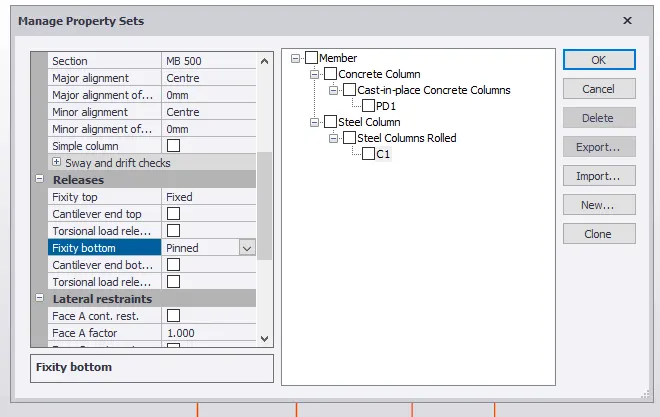
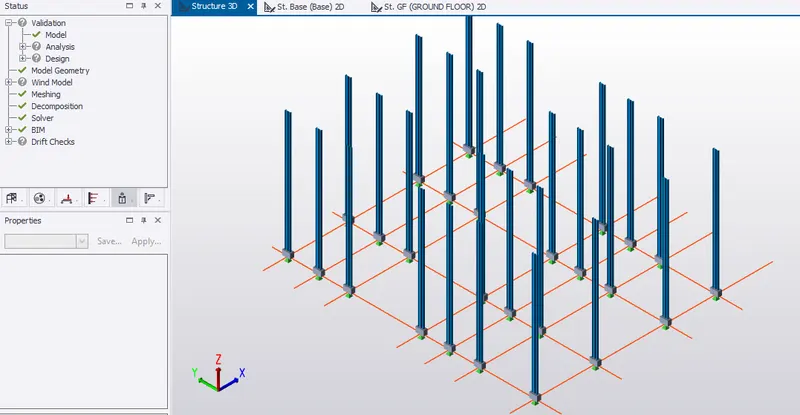
Manage property sets and add new steel coloumn
Rename as C1
Concrete as M25
Section ISMB and MB 500
Give alignment as top and cover 40
Releases give as fixed on both sides
In the model tab select colounn
In the properties tab select C1
Then give base as GF and top as ROOFin the properties tab
Assign all the COLOUMNS at the grid points
Check weather the propertie are as we given or not by right clicking on the object
Check it in the 3d
3
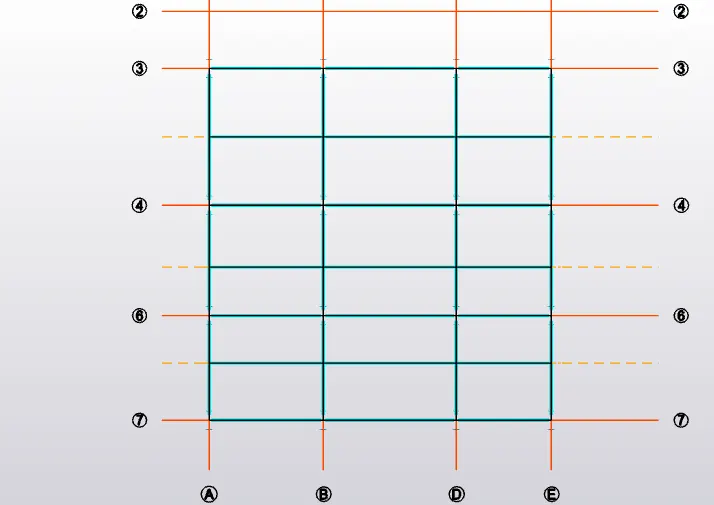
Aim - According to the grids in the previous assignment we have created create beam and secondary beam properties and model them
Prodesure
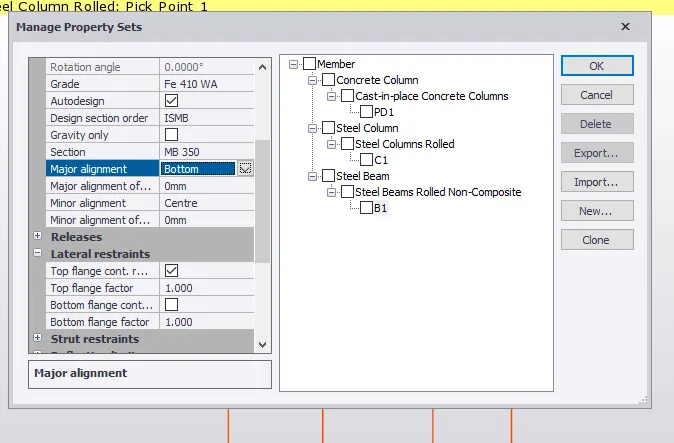
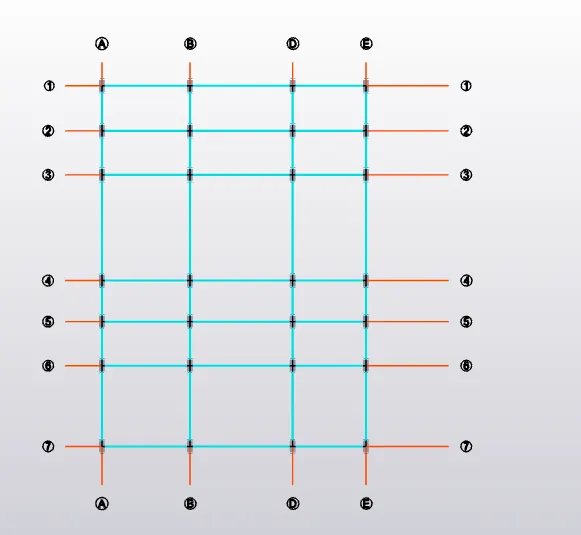
Manage property sets and add new STEEL BEAM
Rename as B1
Concrete as M25
Section ISMB AND MB350
Give major alignment as bottom and minor as centre
Releases give as fixed on both sides
In the model tab select beam
In the properties tab select B1
View the ground floor
Assign all the beams as requires
Do the same for the first floor also
The add the secondary beams as B2 and property as MB300
Then add beams at the intermediate beams as required
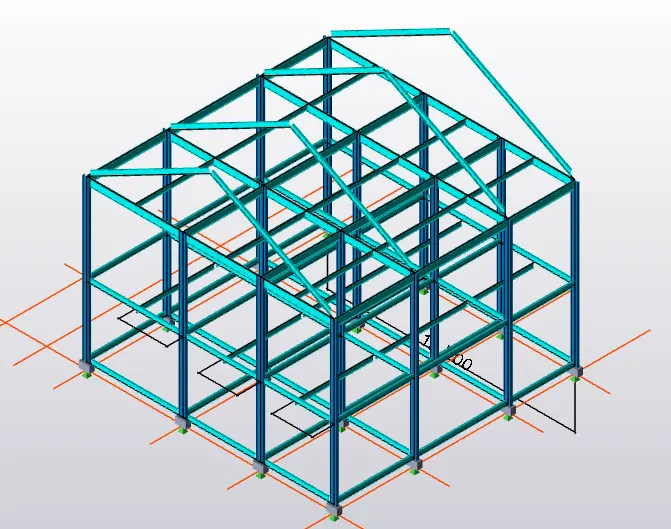
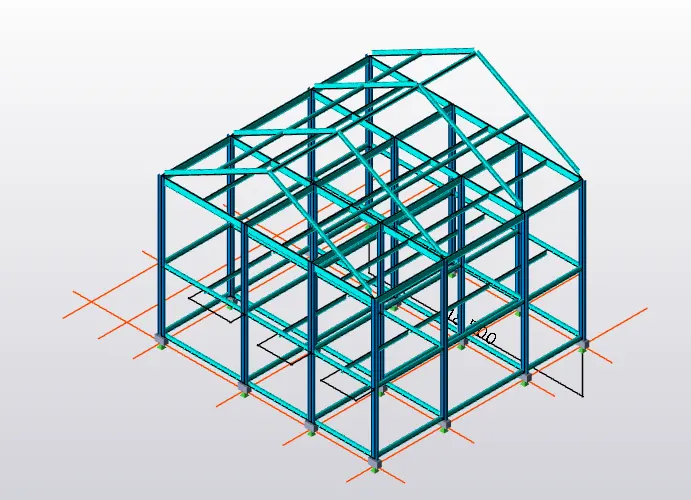
Add all frames at the grids in the frames option in the tab
Then select any frame and add rafter
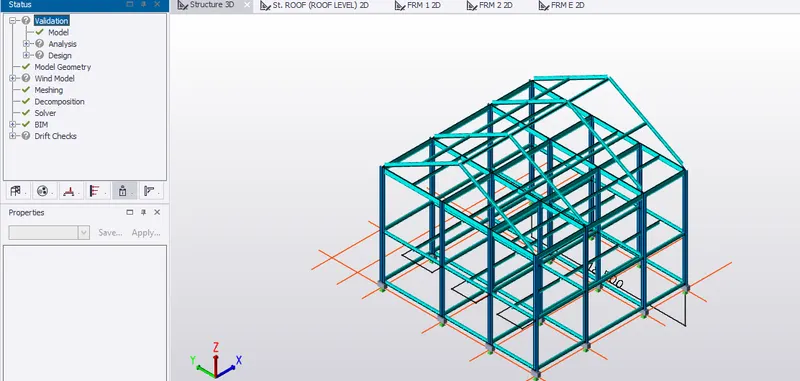
Then copy and paste the rafter to all the coloumns as shown
Validate every interval and rectify the mistakes