To model beams and bracings for industrial steel structures using TSD
Aim:- To start a new model in TSD and model grids, columns and beams for ground floor, first floor.
Also to create rafter beam on second floor as roof and moment frame action.
Procedure:-
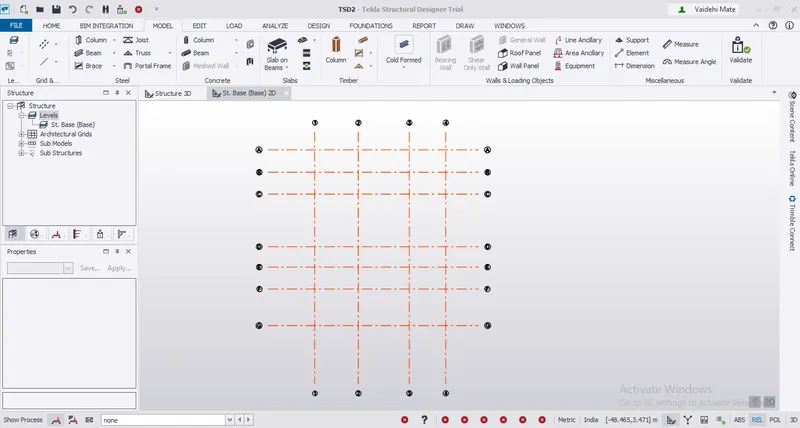
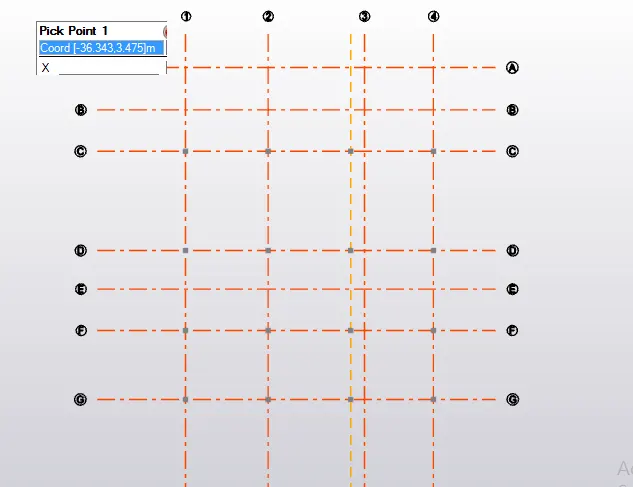
Step 1- Modelled the Grids using grid command for the reference of the structure. Refer below image.
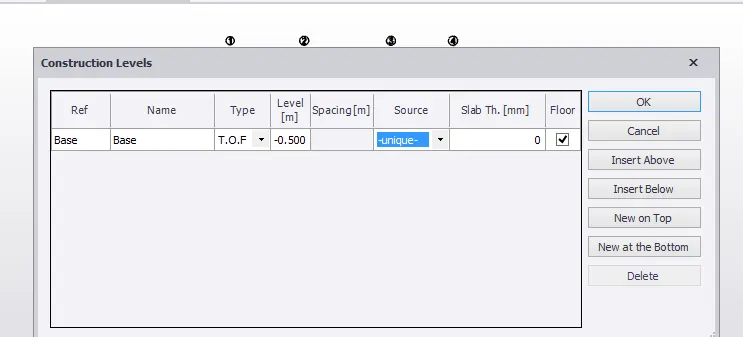
Step 2- Now clicked on levels from the project browser and put the elevation of the base at 500 m below from ground. Refer image.
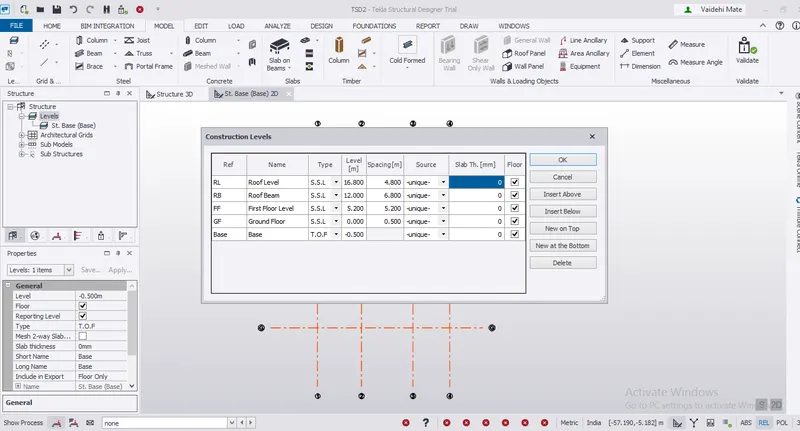
Step 3:- Now inserted the remaining levels according to the attachment given.
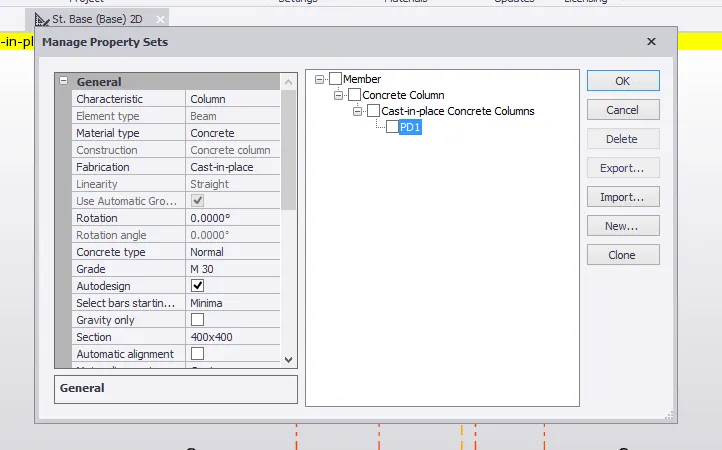
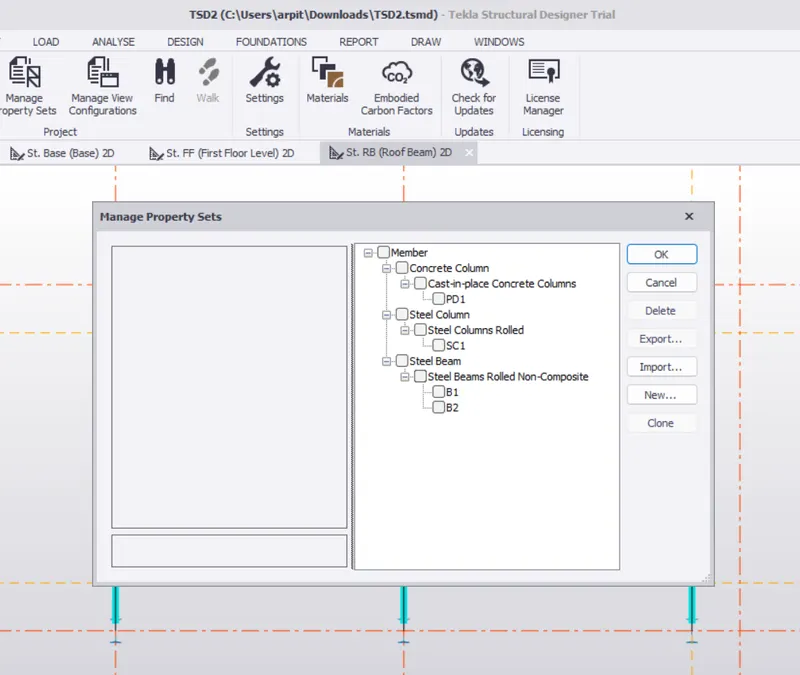
Step 4:- Now we need to add pedestals so for pedestal selected new concrete column from Manage Property sets and renamed it as PD1.
Step 5- Now inserted the pedestals on the base level on the grids.
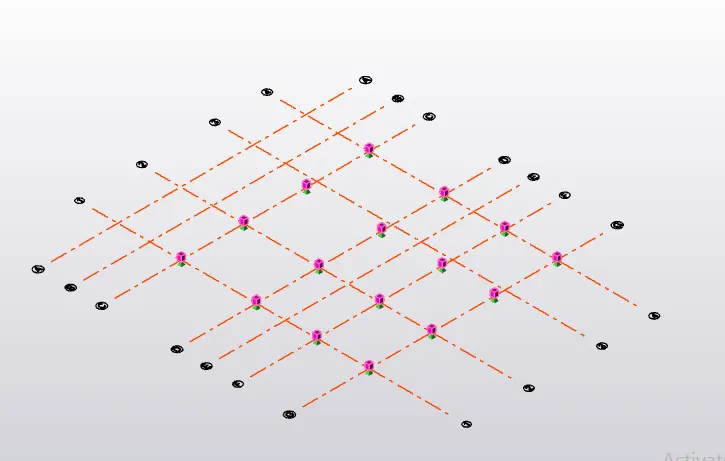
Step 6:- Now we need to add steel column, and for that added SC1 column in manage property set.
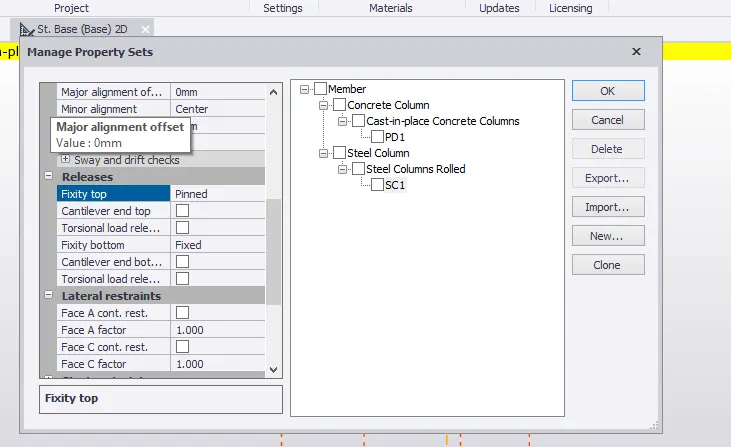
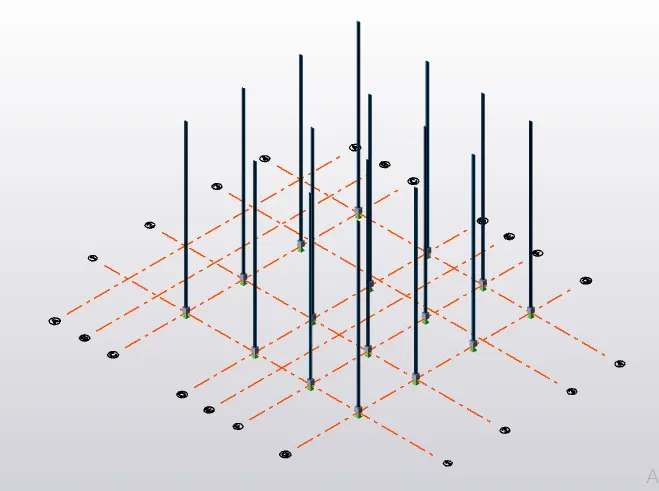
Step 7:- Added the steel columns:
Step 8: Now we need to create beam for the floor so for that we will again go to Manage Property Sets and add new steel beam and rename it to B1.
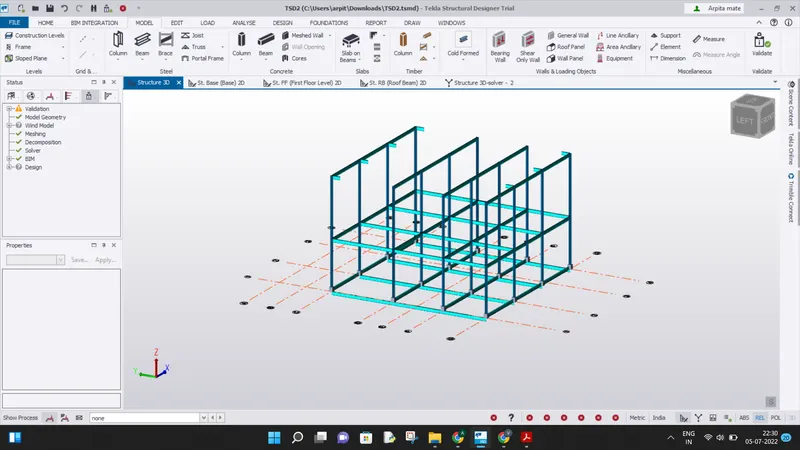
Modelled the primary and secondary beams as follows:
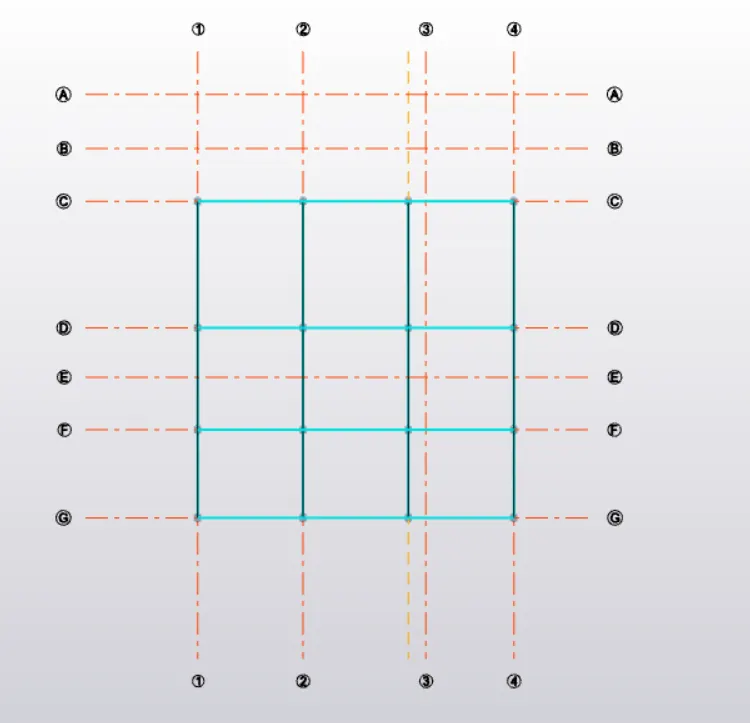
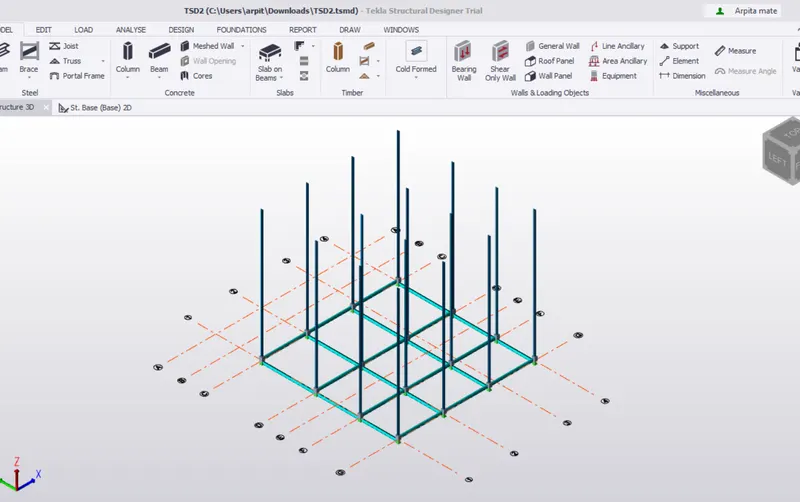
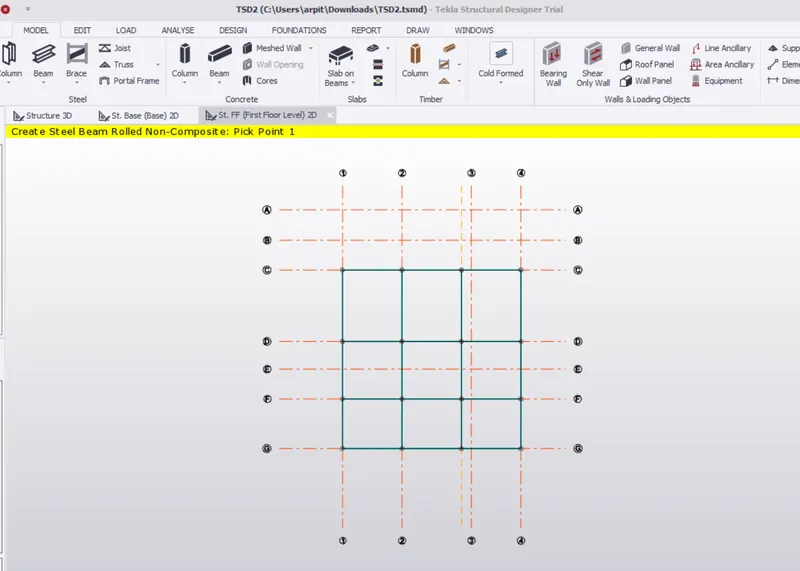
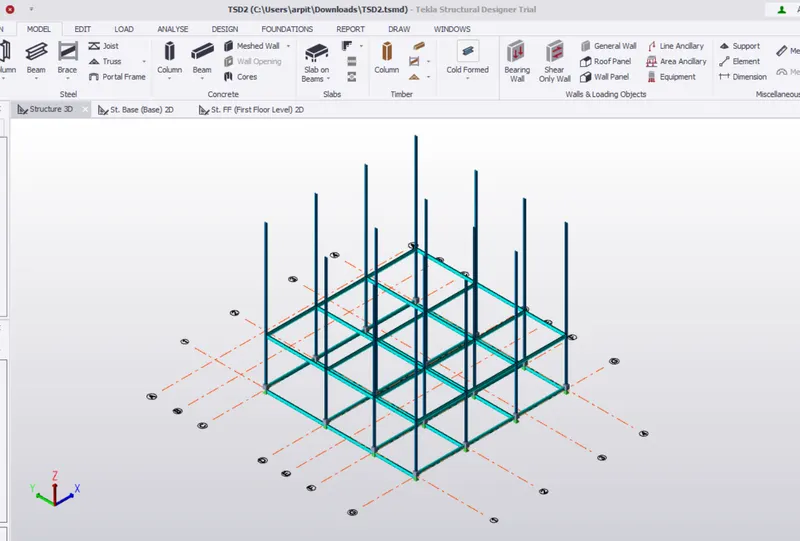
Step 9: Now modelled the beams on the first floor as follows:
Step 10:- Now opened the roof beam level and in manage property sets added a new beam B2.
Step 11:- Now to add cantiliver beams copied the construction line from grid linen at 1.00.Drew the beams and double clicked it and in the releases option changed it to cantiliver and copied all beams at the required location.
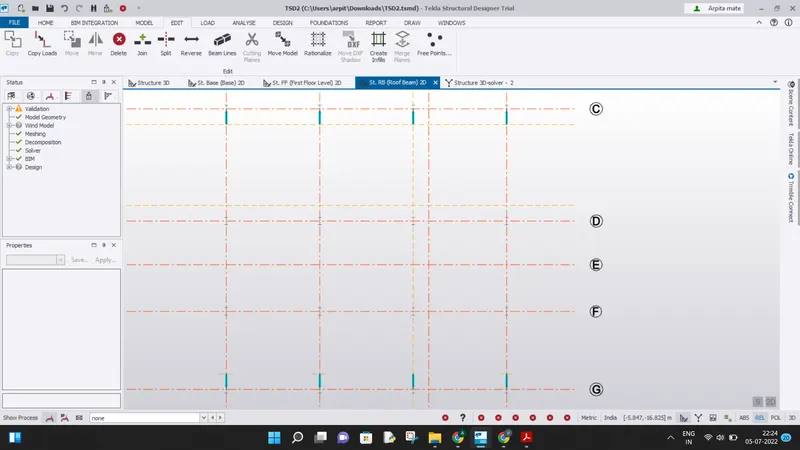
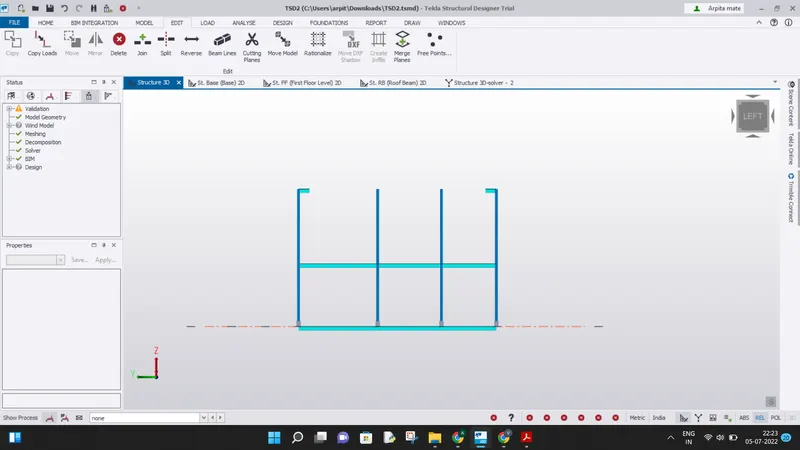
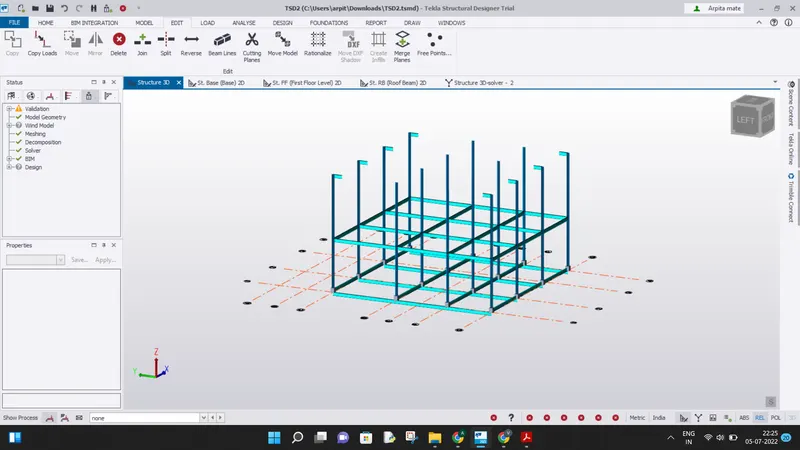
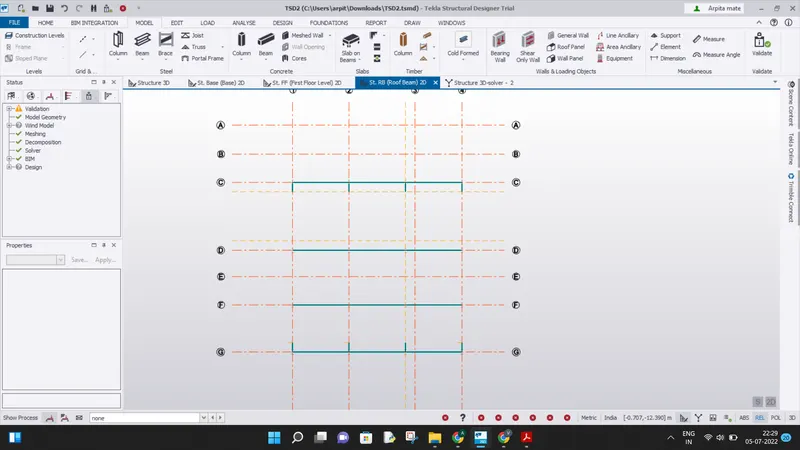
Step 12:- Added beam on the roof beam level.
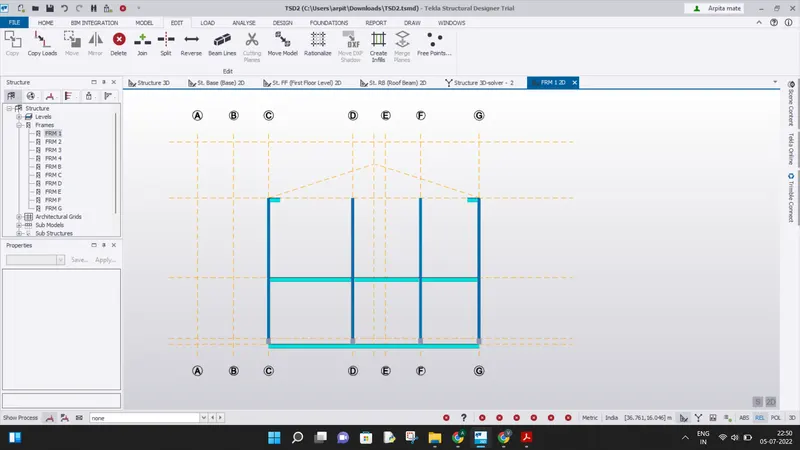
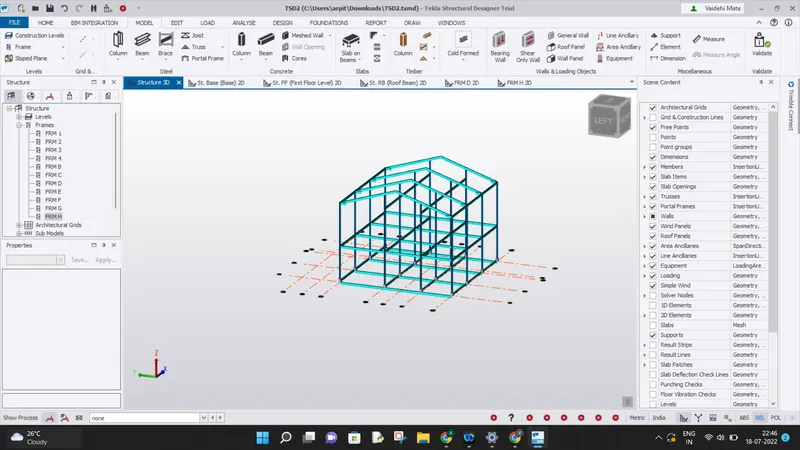
Step 13:- Now we need to add bracing. So I created a new brace by taking equal angle and added the bracing in the structure.
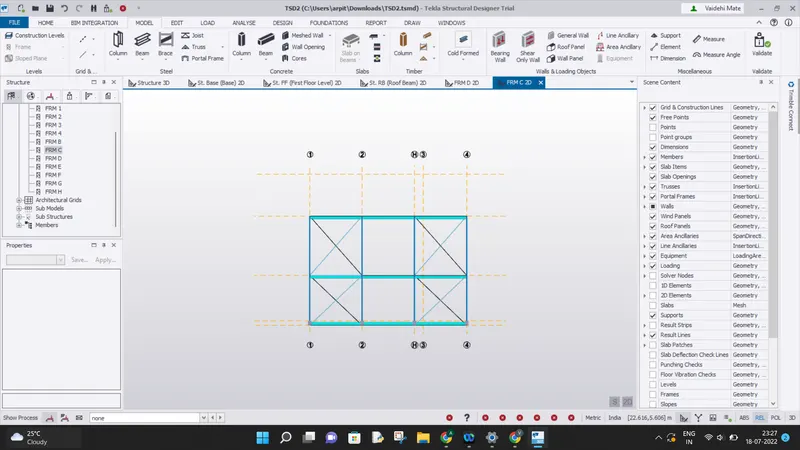
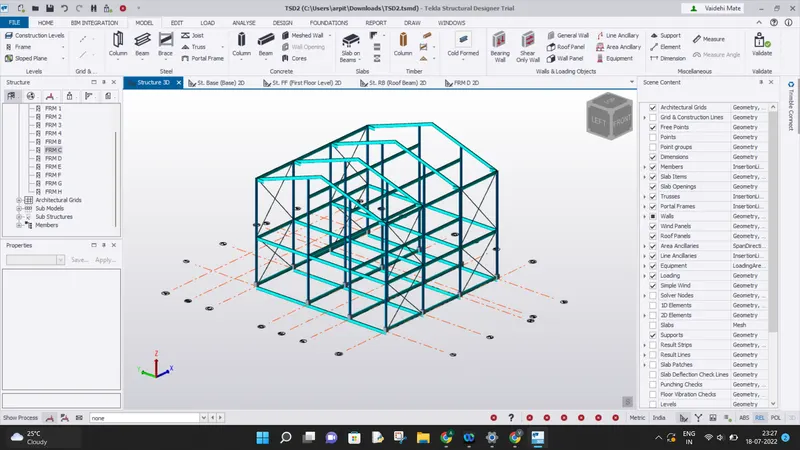
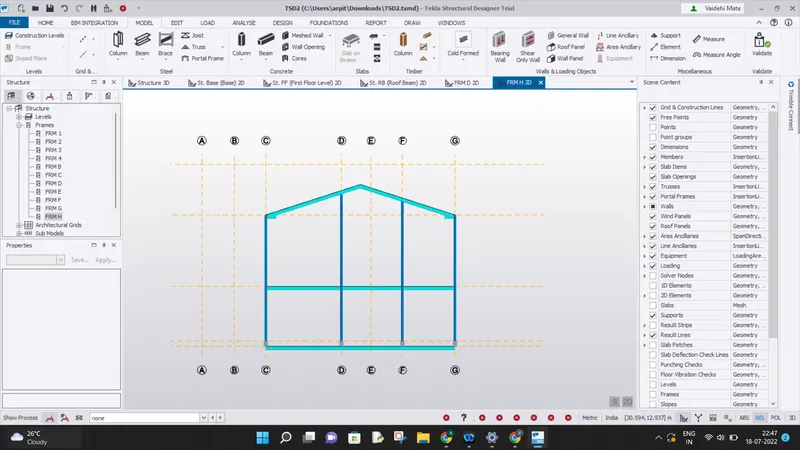
Step 14:- Added the ridge beam over the roof and also added the bracing over the roof.
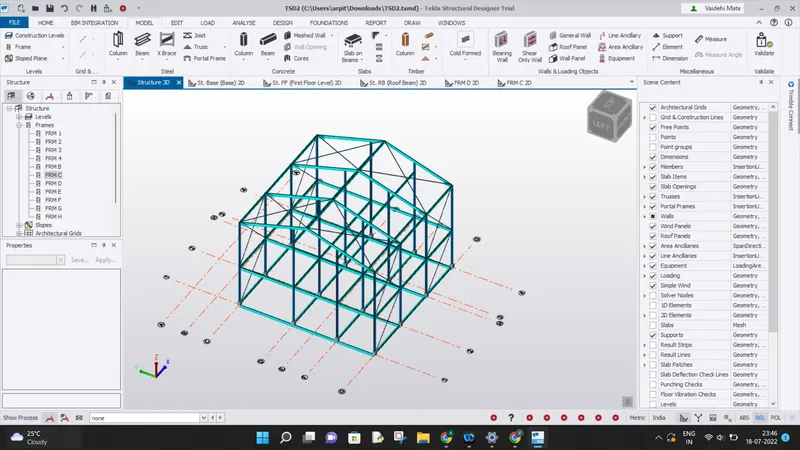
Step 14:- Now added wall panels, roof panels and slabs to the model.
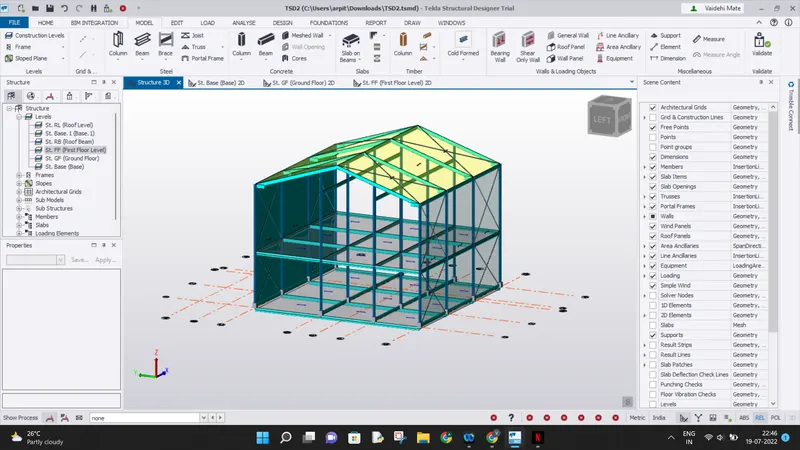
Result:- Completed the modeling of beams, rafters in the model. Succesfully added wall panels, roof panels and slabs as required in the model at all levels.