To Generate seismic loading based on IS code and to run the analysis using TSD
1
Aim - To generate seismic loading based on IS provisions and zone 2
Procedure
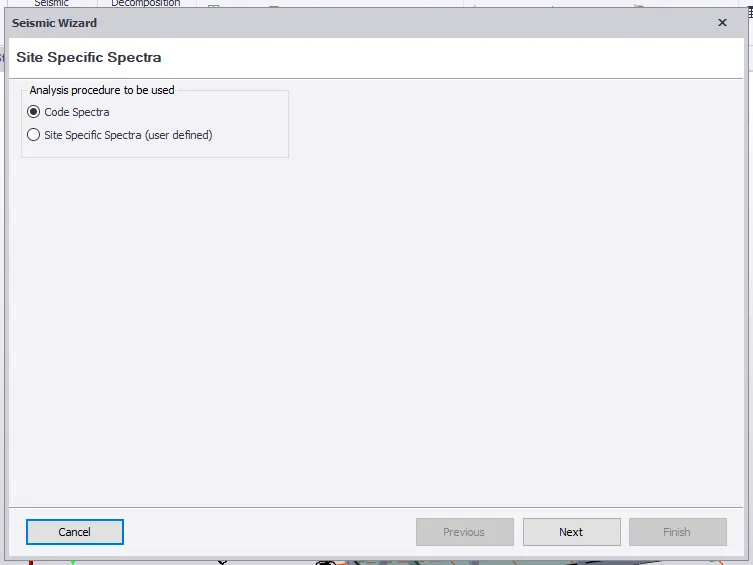
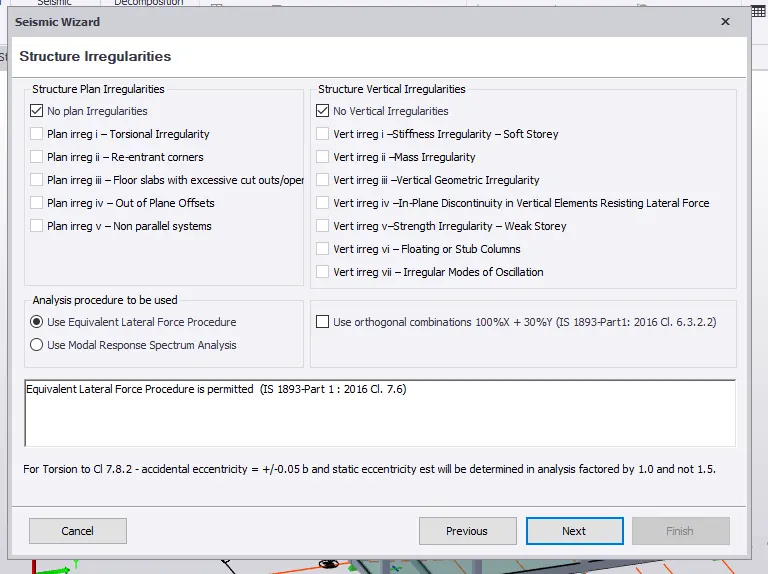
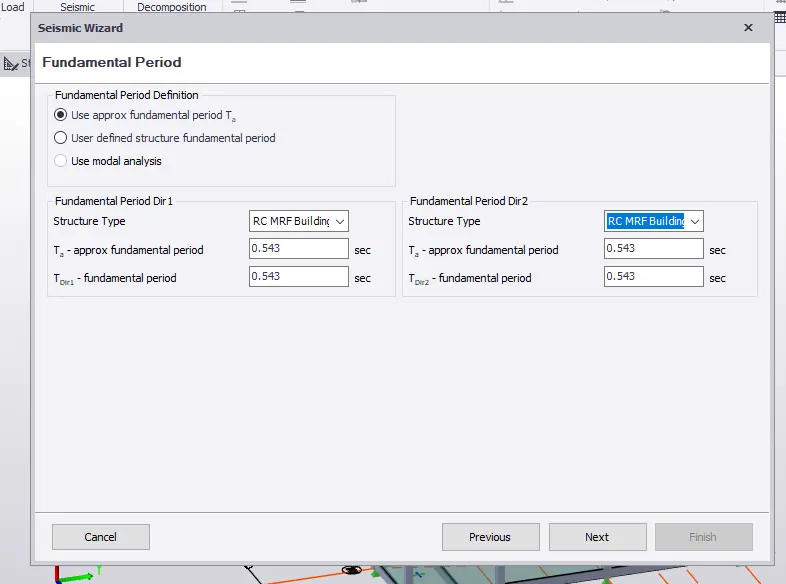
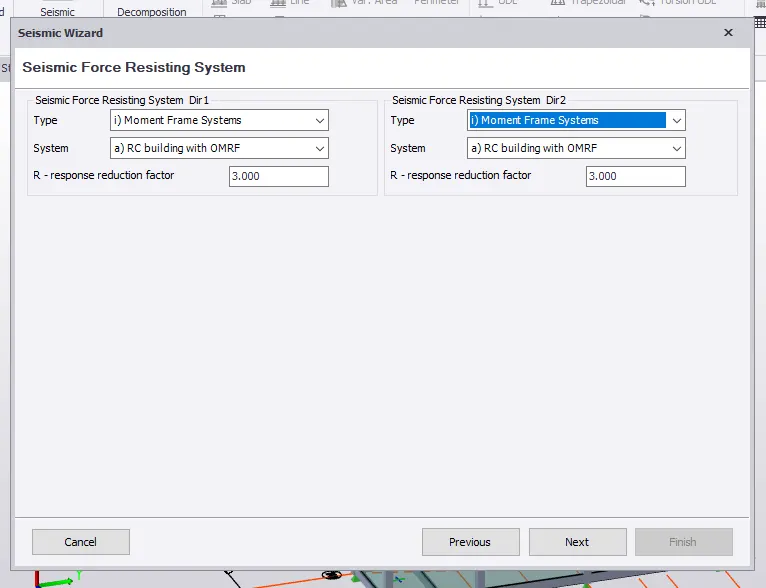
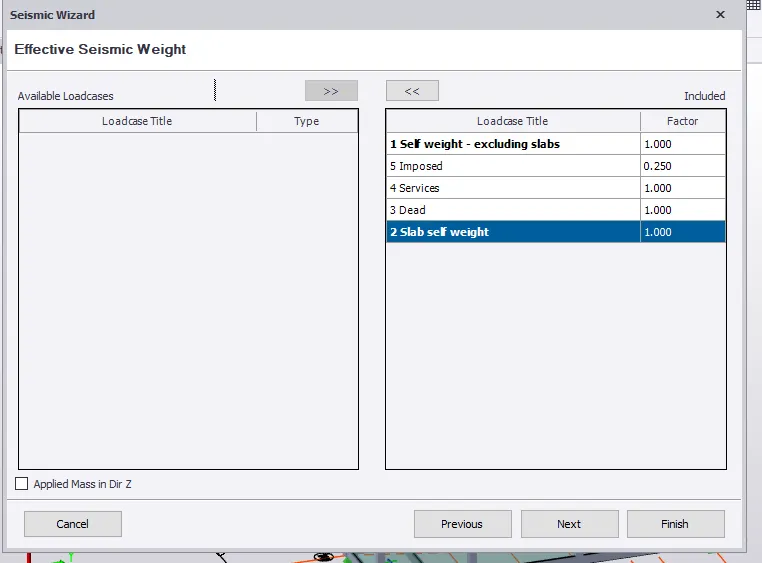
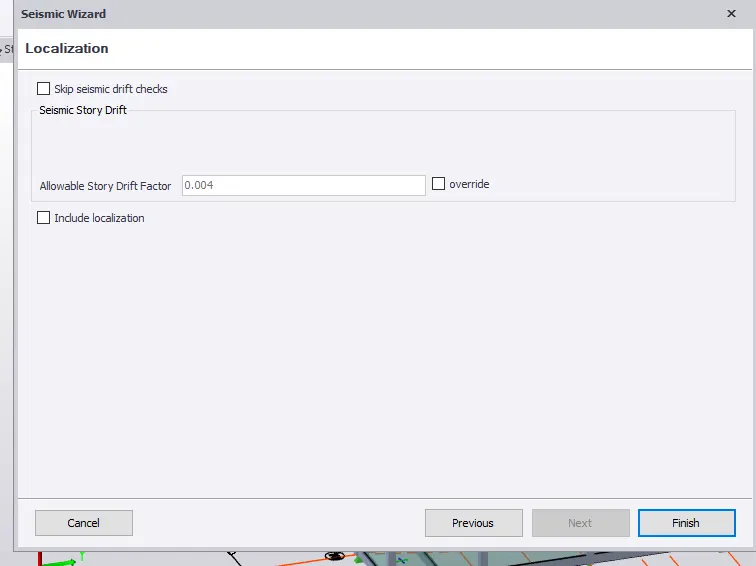
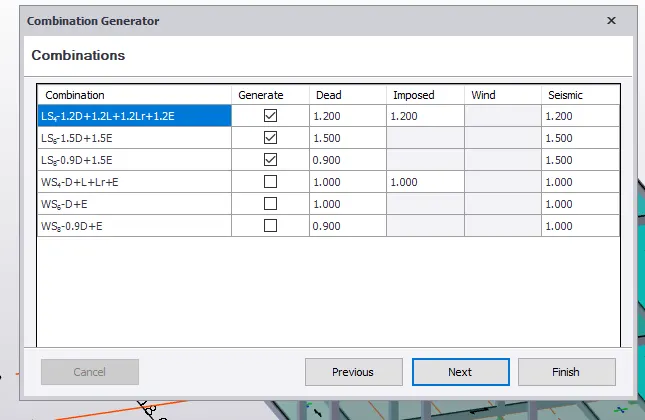
In trhe load tab select seismic load
Then select seismic load wizard
Select code spectra and next
Check all the building parameters
Give as zone 2 and factor of compaction according to code
Next and we have no irregularities so click on it and ok
Then give as equivalant lateral force and next
Then approximate fundamental time period and next
Give seismic force resisting system
Give as moment frame system in both dir
Then give RC with OMRF in system
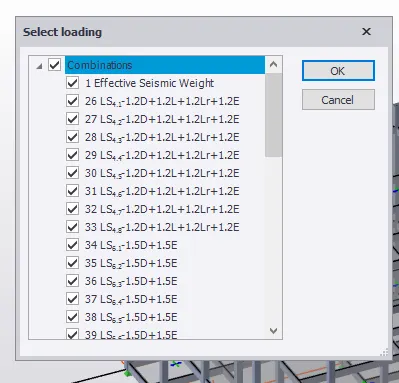
In effective seismic weight select all and shift to right side
See all the combi and service and finish
Then generate and replace and next and next and finish
2
Aim - To run the analysis and summerize the understanding
Procedure
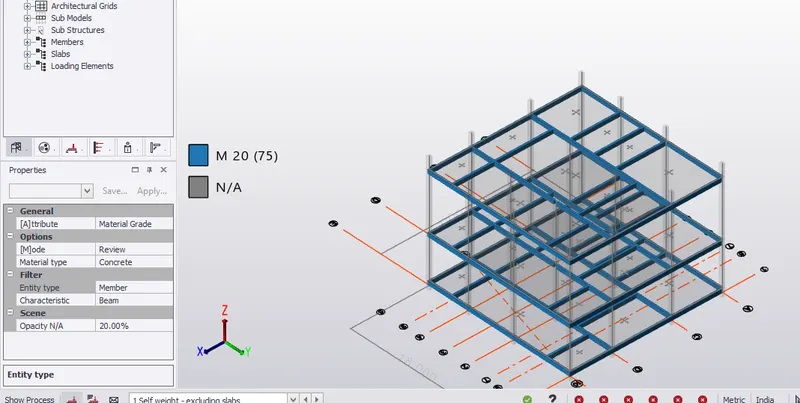
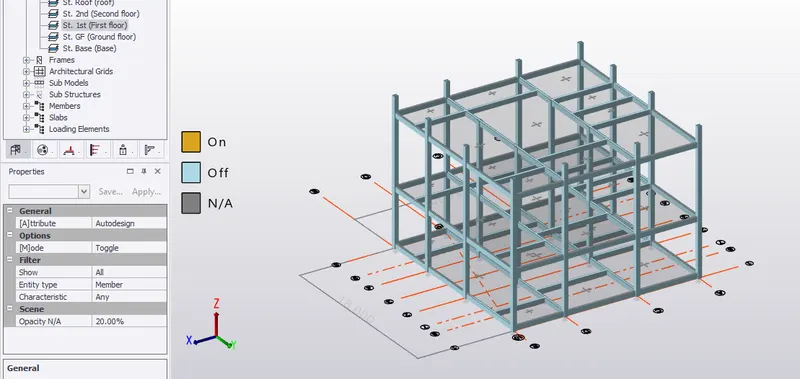
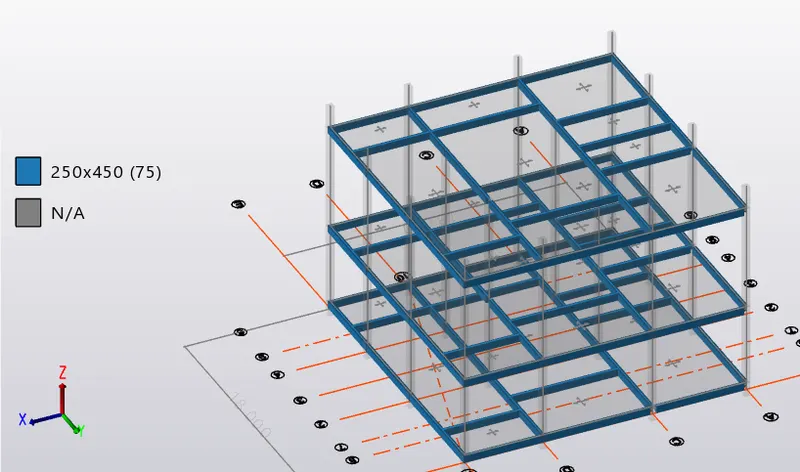
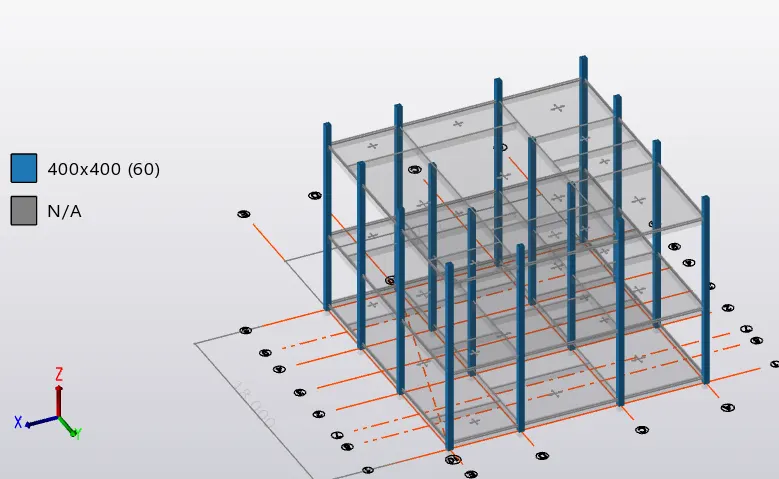
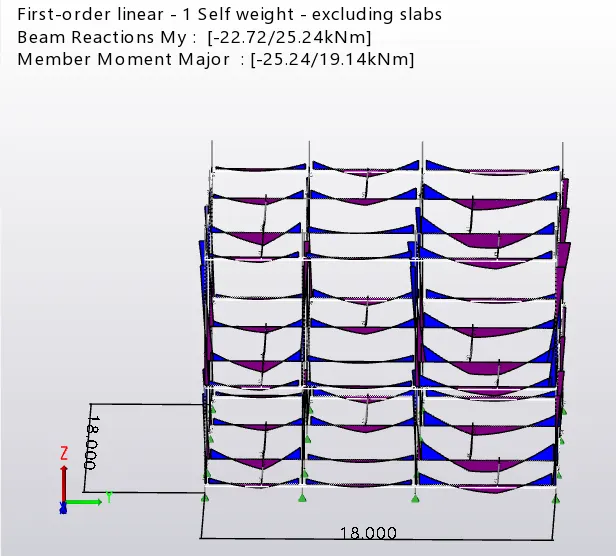
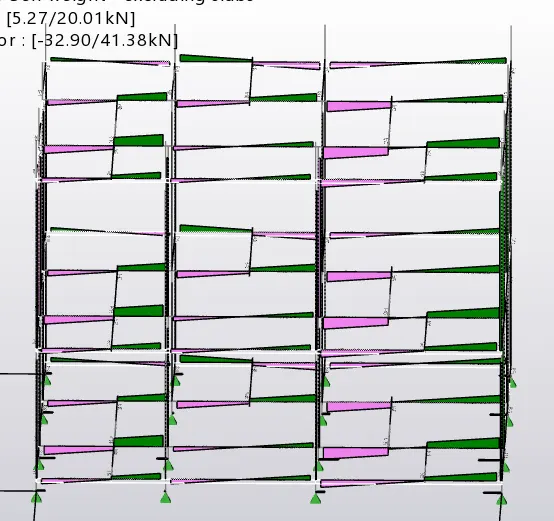
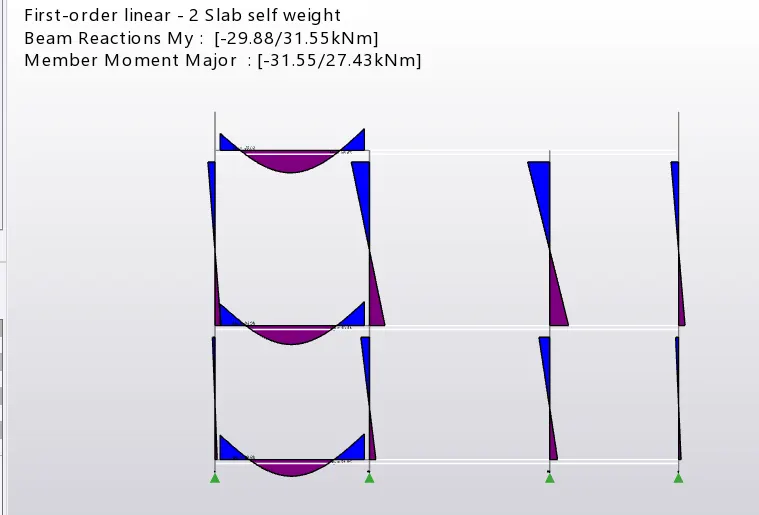
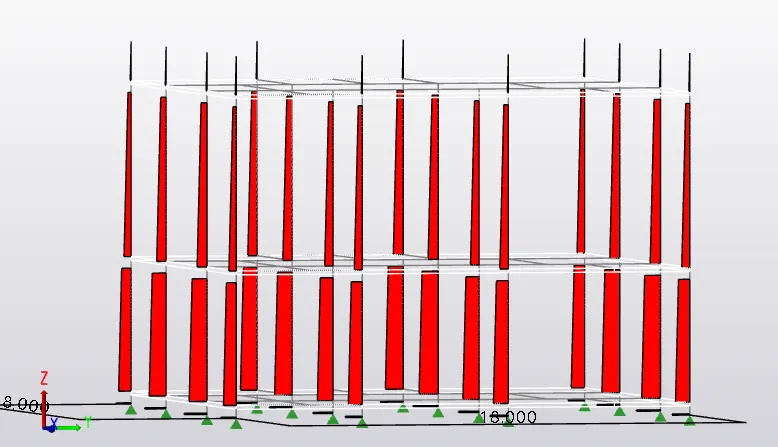
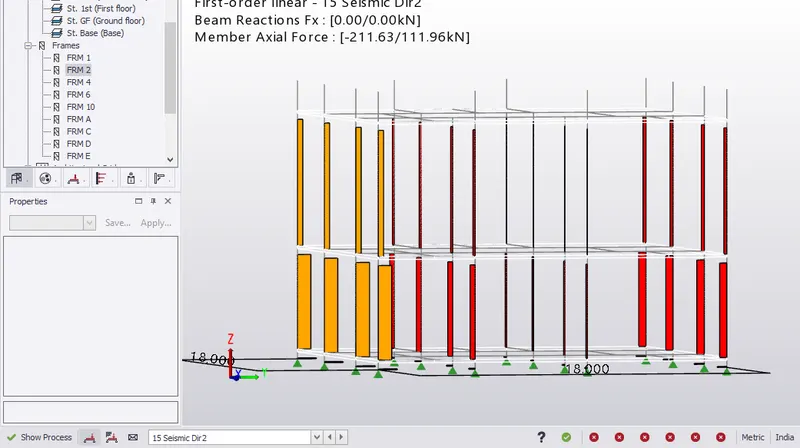
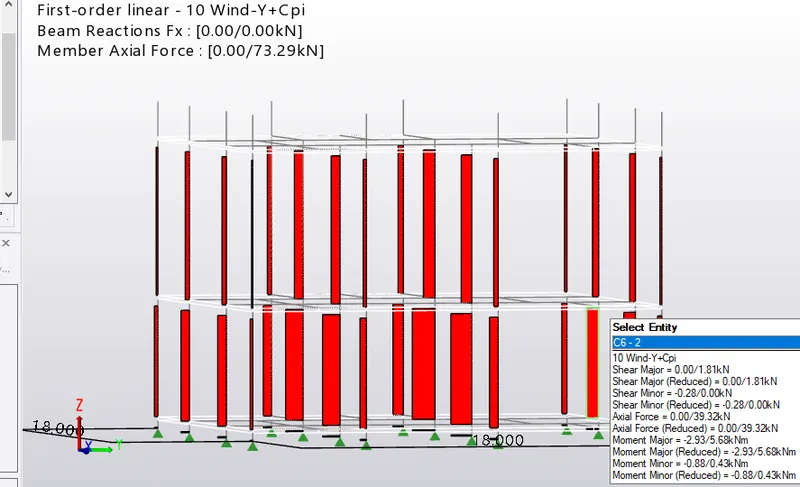
Before running the analysis
Check the loading we have given correct or not
In the review tab
Click on auto design check all members not in auto design
In section material grade
Check the material grade
Section sizes
Then pinned or fixed
If you want to change click on show / alter state
And click on the members
In the attribute tab
Select coloumn,beam and slab also
Check property sets
For coloumns do sway check
Then run 1st order linear analysis
Once the analysis is done check all
For coloumns check axial in all types of loading
The axial should be more at bottom when compared to top
In the beams check moment
Check at the beam ends
There should be hogging at the ends
Do in all cases
Then check for shear also
Check deflection in all the cases
It varies for loads
In all frmes check all parameters
You can notify the changes in the moment , axial and shear