To Generate seismic loading based on IS code and to run the analysis using TSD
- AIM : To generate the seismic loading based on IS Code and zone II using seismic wizard
- INTRODUCTION :
- Seismic load indicates how much seismic energy a structure would need to endure in a specific geographic location
- PROCEDURE
- Load toolbar > Click on seismic load >Seismic Wizard
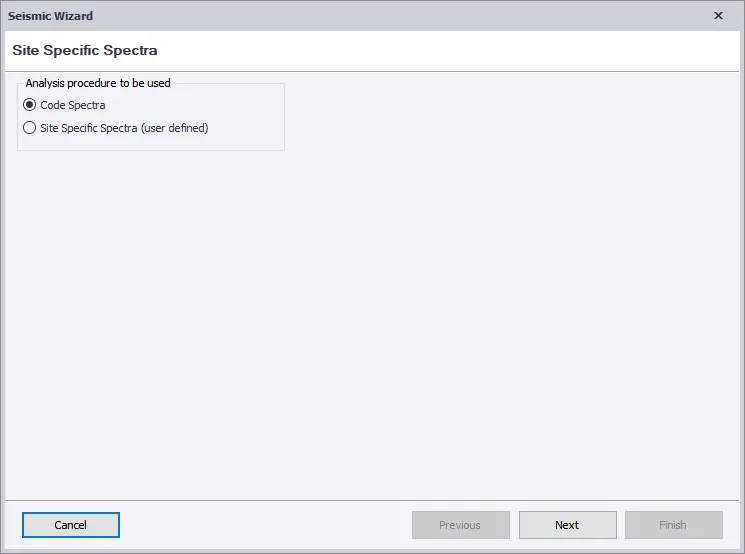
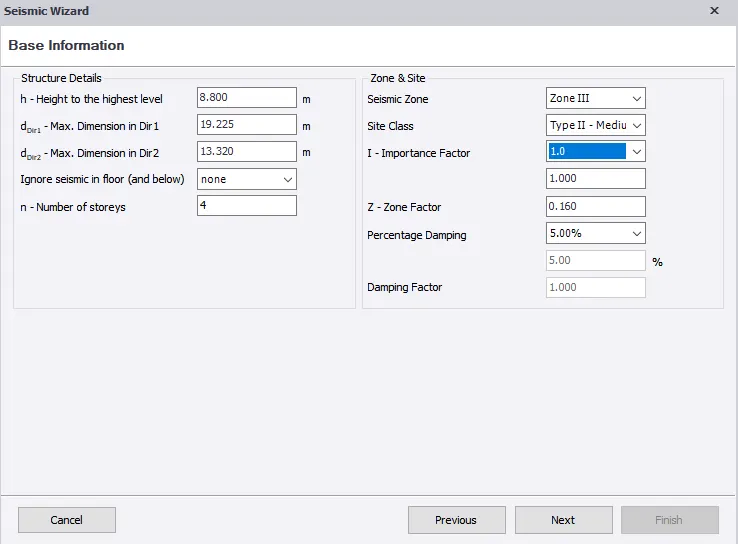
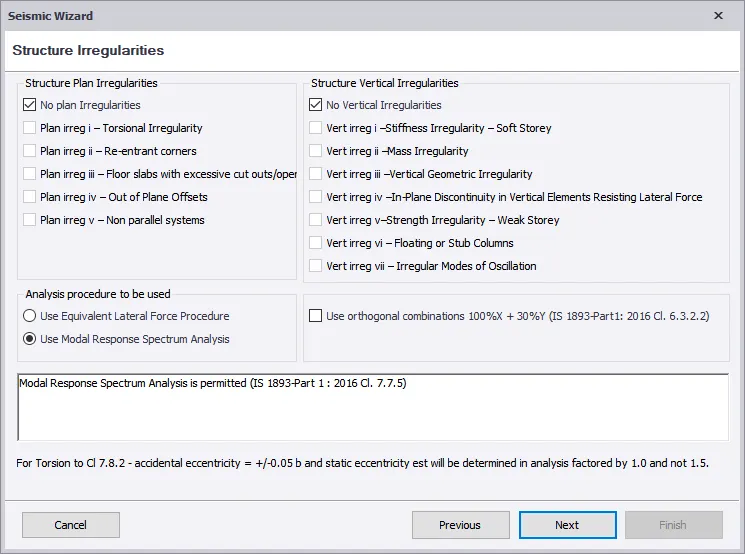
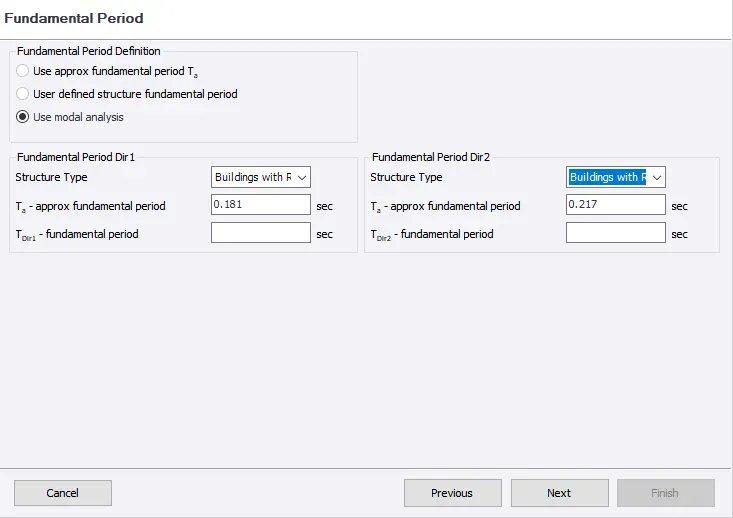
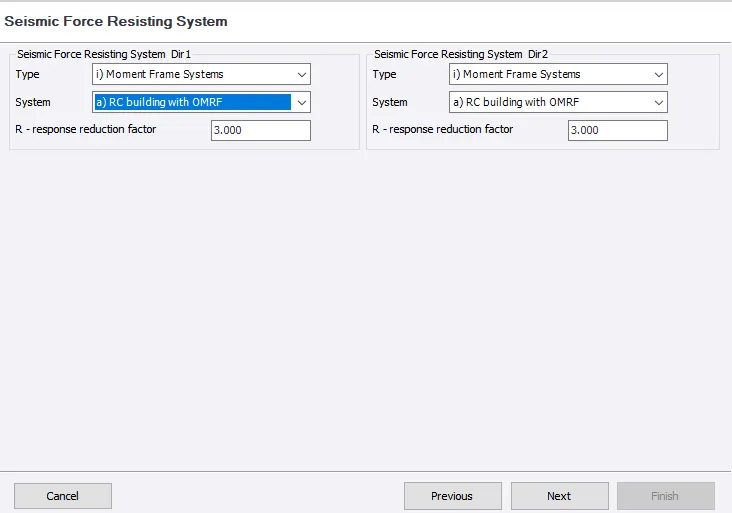
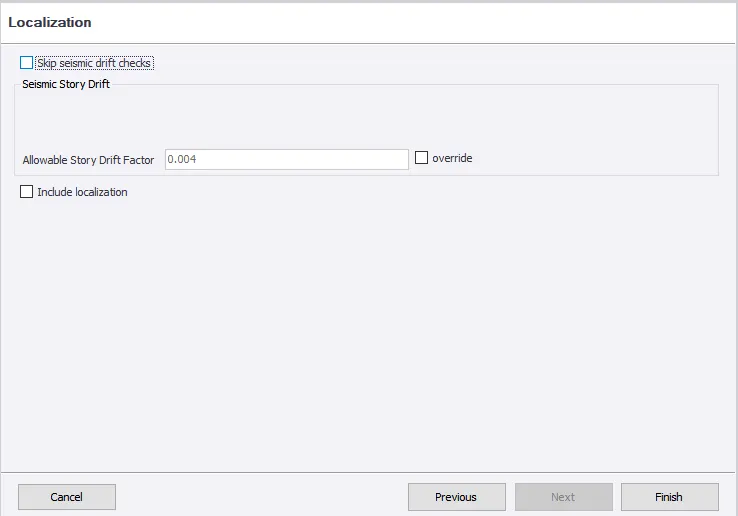
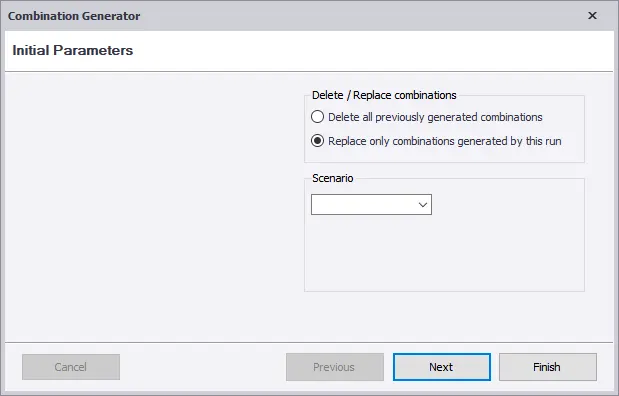
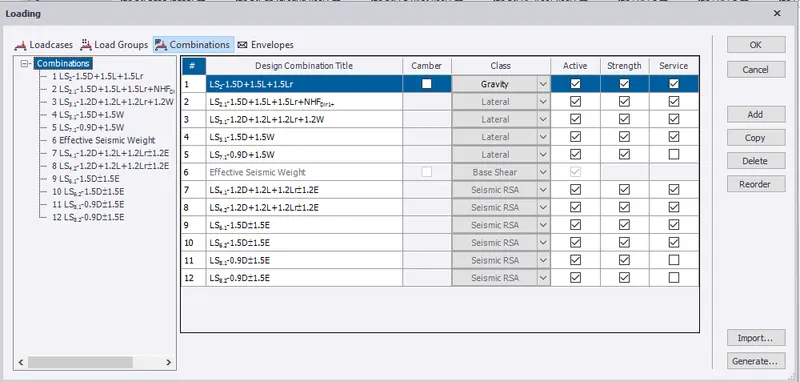
- RESULT : The seismic load is defined and generated in the software
- AIM : Run the analysis.Summarize your understanding of the analysis results
- INTRODUCTION :
- Analysis is post modeling step to verify the structure is whether designed for the member and satisfy the code provisional or not
- PROCEDURE
- Analysis >Settings > First order Settings
- CHeck for modifications factor for concrete
- Initially for first analysis,It should be any other values change to 1
- Click on first order analysis and analysis will run
- At bottom right corner.CLick on right view
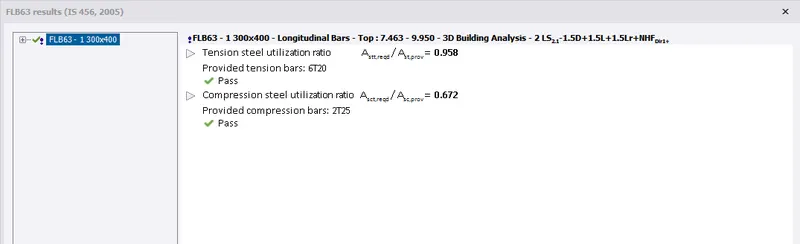
- Select individual frame,select the beam first and right click now select check selection/MEmber
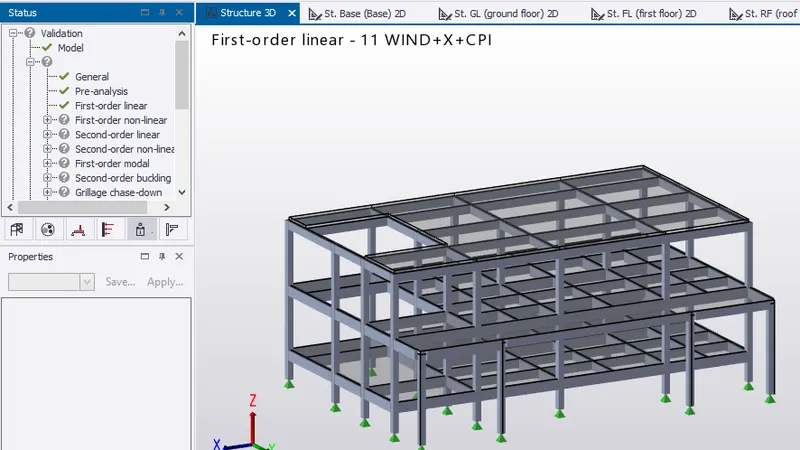
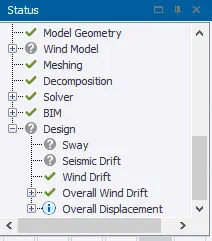
- In result view mode.The maximum deflection is 14mm at first floor near corridor support can be provided
- Its within the limits hence Ok
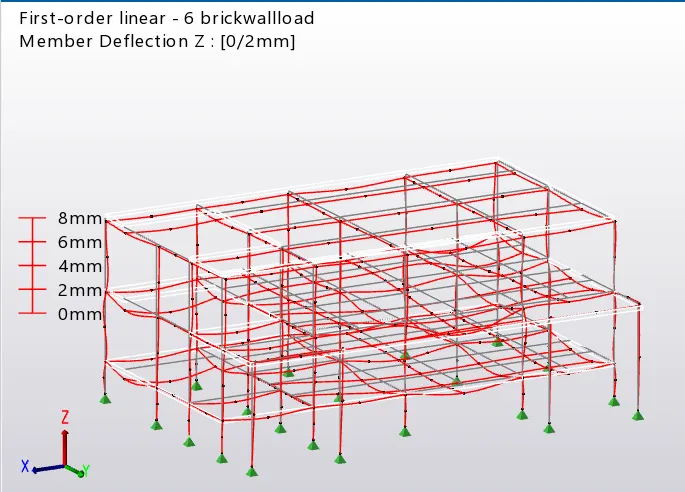
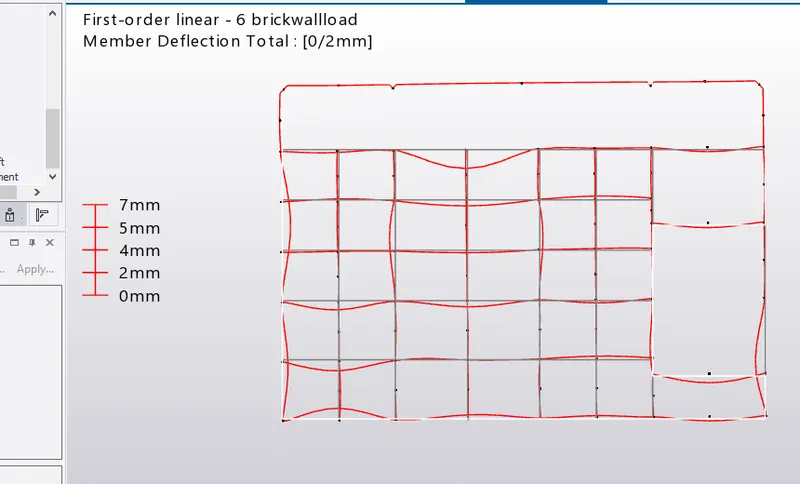
- Shear force of the column is same as ideal ,hence Ok
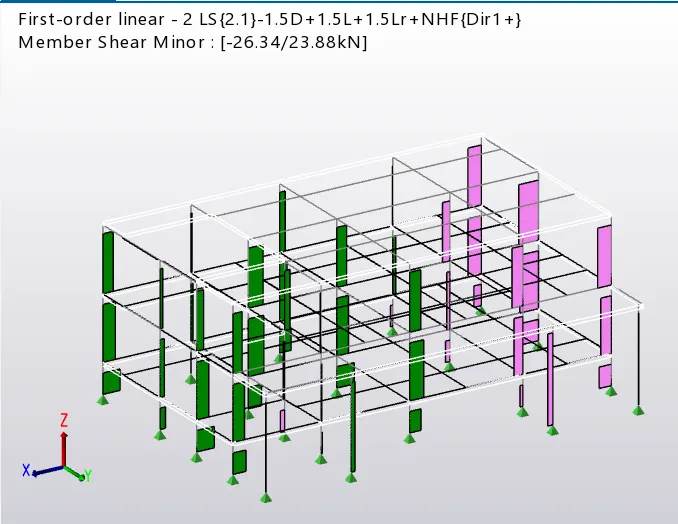
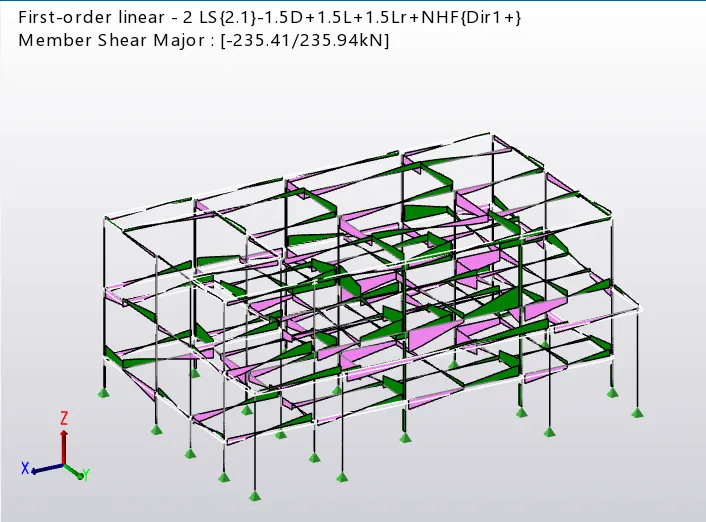
- Bending moment of beams and columns are minor,Hence OK
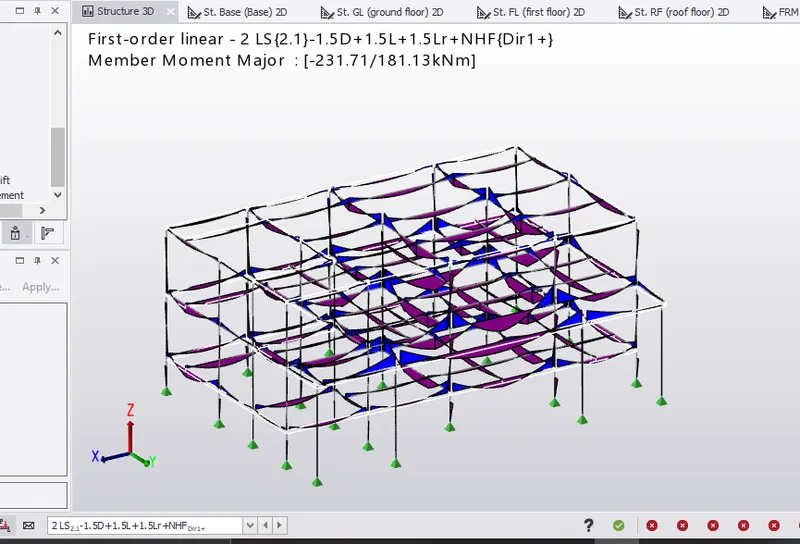
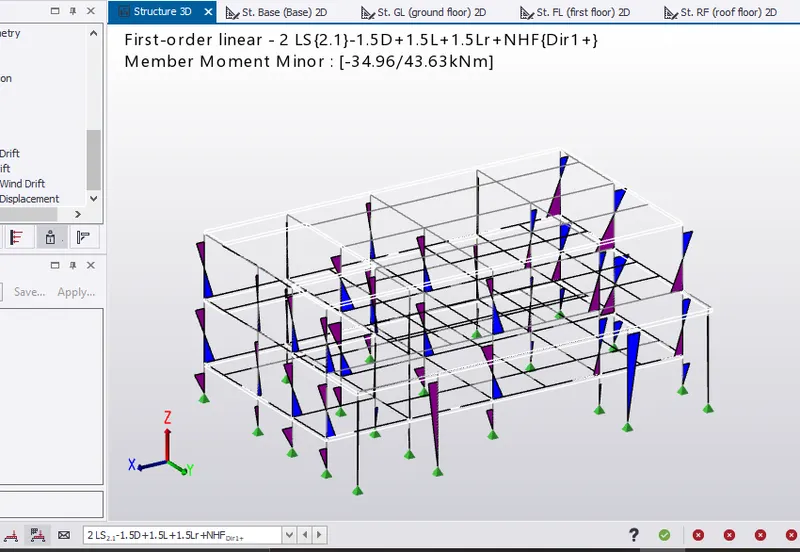
- THe beam and column member have passed have check

- RESULT:
- The model is analyzed and output of analysis is summarized