To Generate report for Steel Industrial and RC structures using TSD
Q1
Aim:- To generate the report for the steel building with the loading summary
Procedure:-
- firstly open the steel model in tekla
- before we generate the report we need to analyse the model
- go to analyze tab from the toolbar
- click on 1st order linear analysis/ analyse all static
- then go to report tab from the toolbar
- then click on the model report to view the report contents
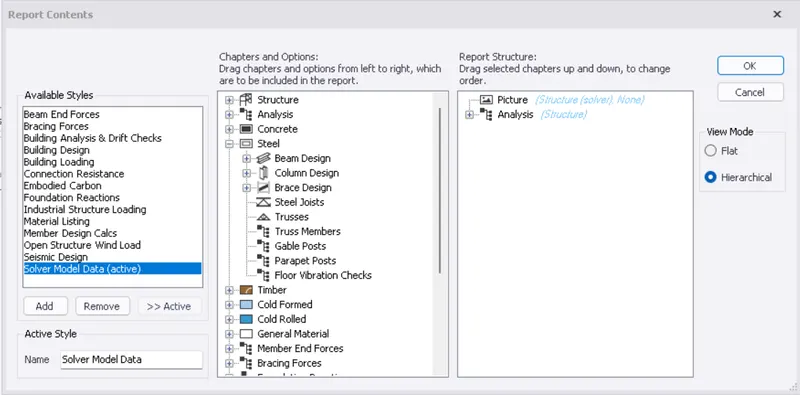
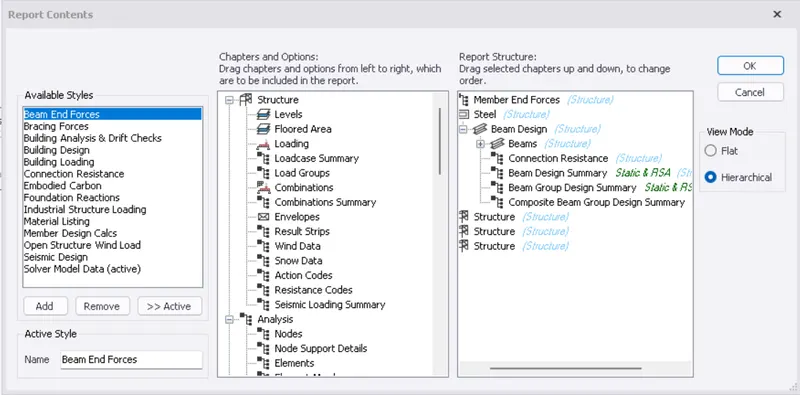
- click on the contents and drag to the right to view those contents in the model report
- then click on ok
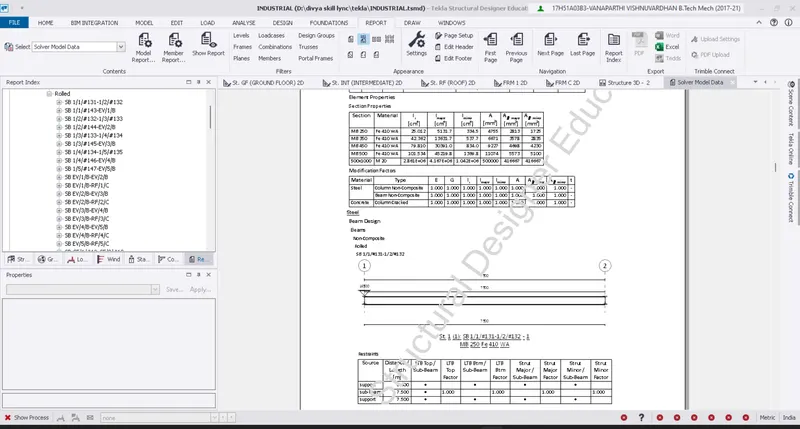
- then click on the show report to view the design report
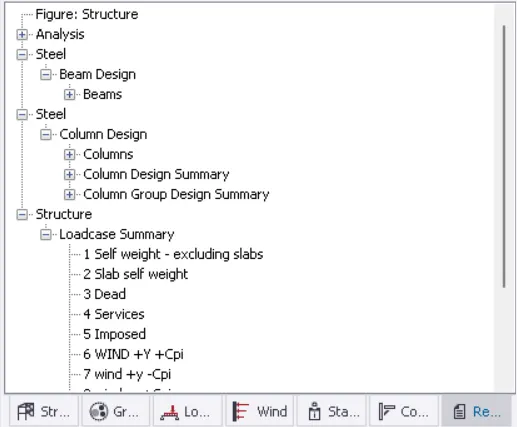
REPORT INDEX
BEAM DESIGN SUMMARY
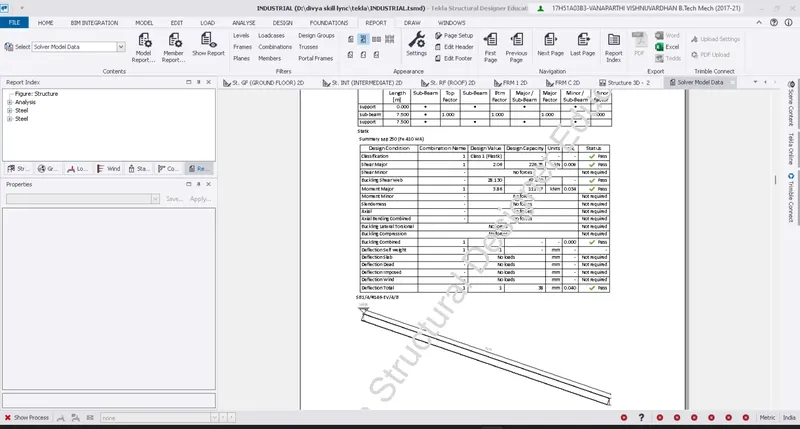
COLUMN DESIGN SUMMARY
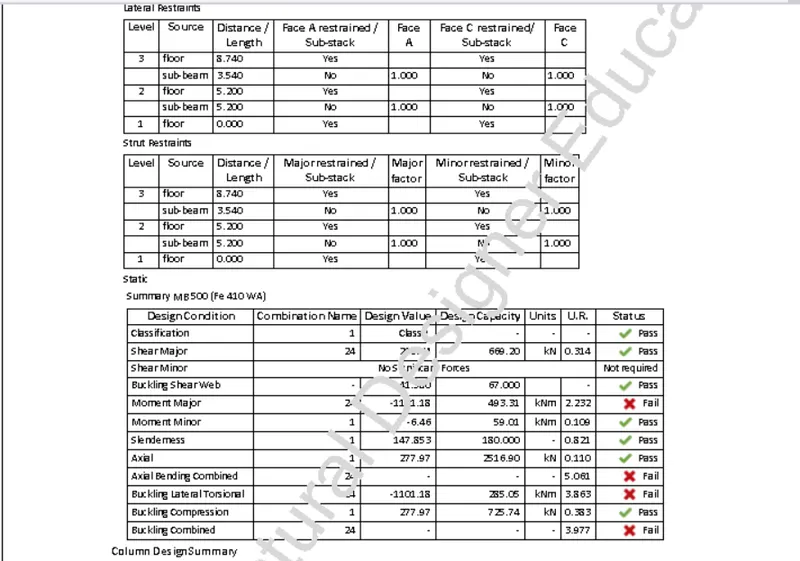
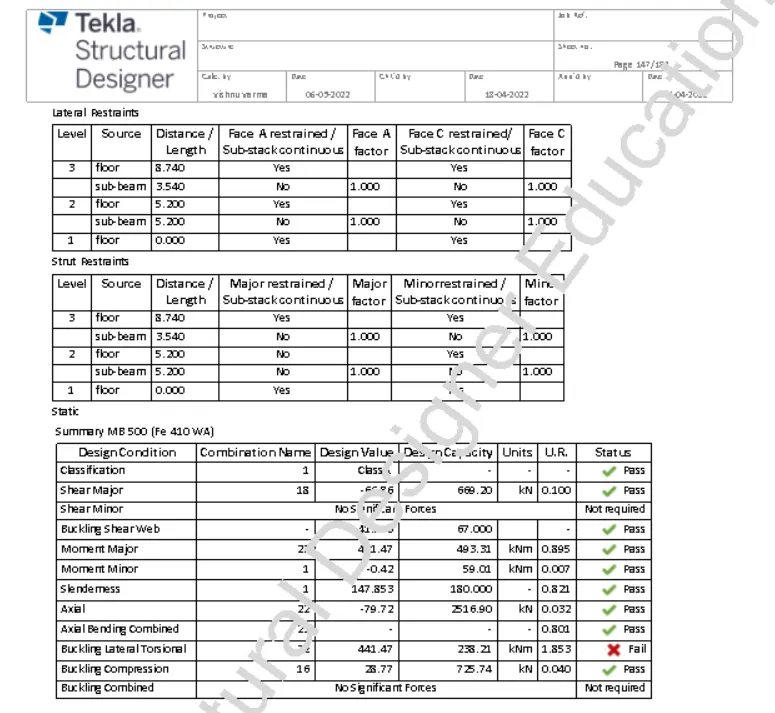
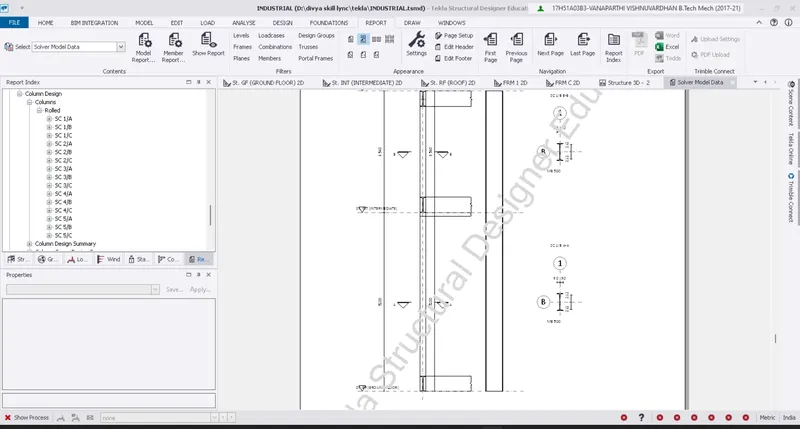
LOAD CASE SUMMARY OF THE MODEL
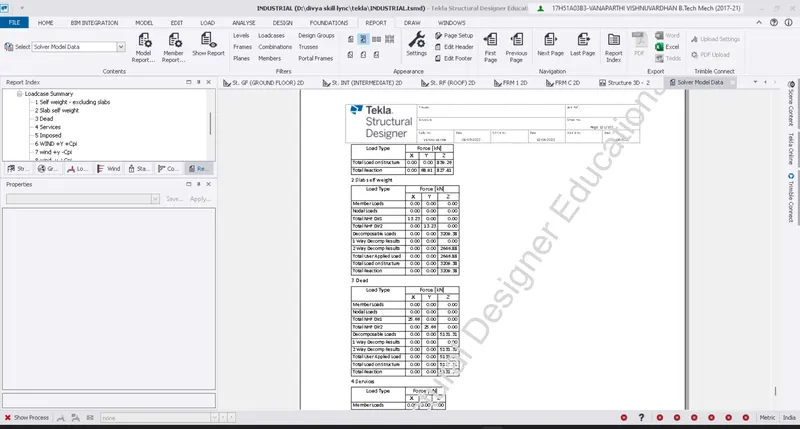
- we can click on the report index to navigate through the report contents
RESULTS:- the model report of the steel structure is generated
Q2
Aim:- to generate a report for the RC model with a loading summary
procedure:-
- firstly open the RC model in tekla
- before we generate the report we need to analyse the model
- go to analyze tab from the toolbar
- click on 1st order linear analysis/ analyse all static
- after the analysis is done go to report tab from the toolbar
- then click on the model report to view the report contents
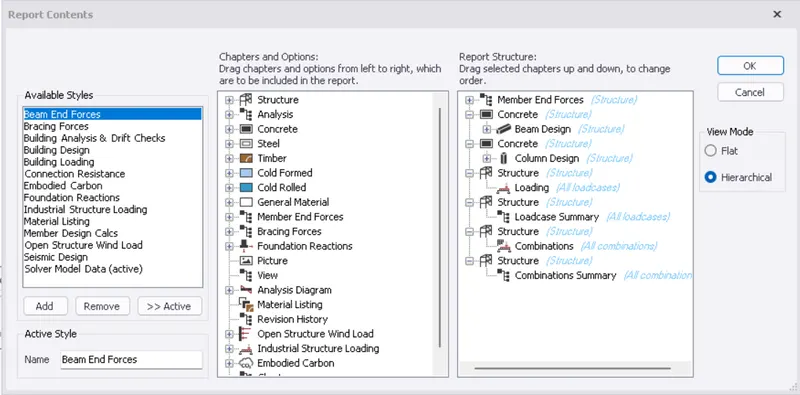
- click on the show report icon to view the model report
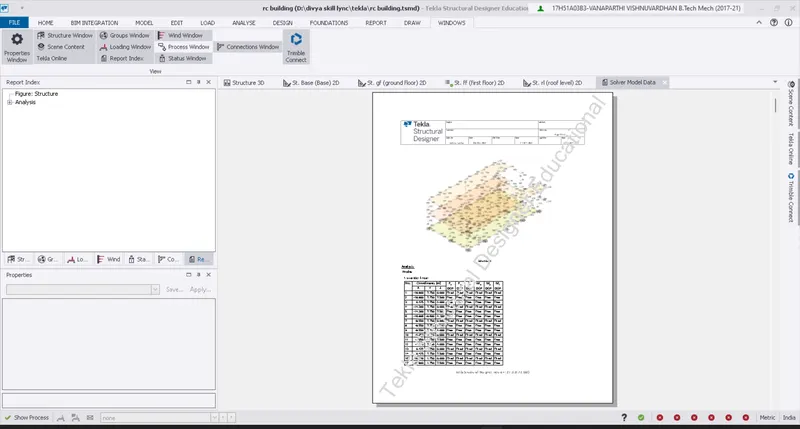
- we can click on the report index to navigate through the report contents
RESULTS:- the model report of the RC structure is generated
Q3
Aim:- to generate the plan drawings and detailing of the model
Procedure:-
- go to settings from the home tab
- then click on report under the settings
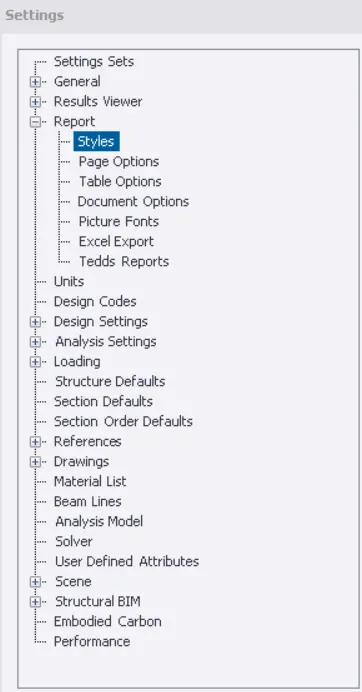
- then walk through the report settings to edit the report format
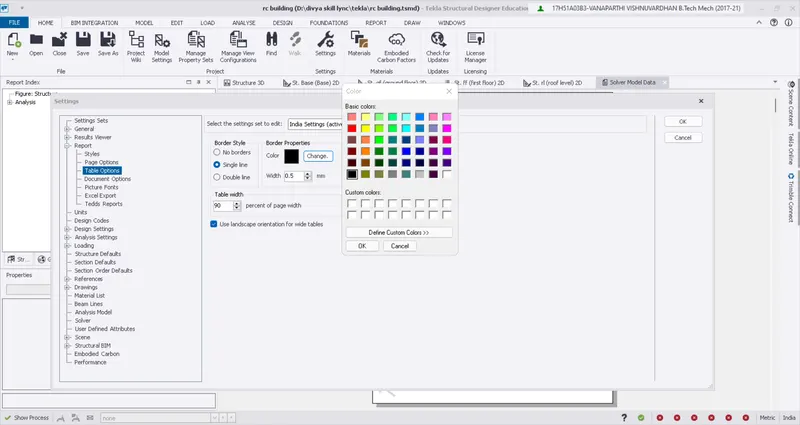
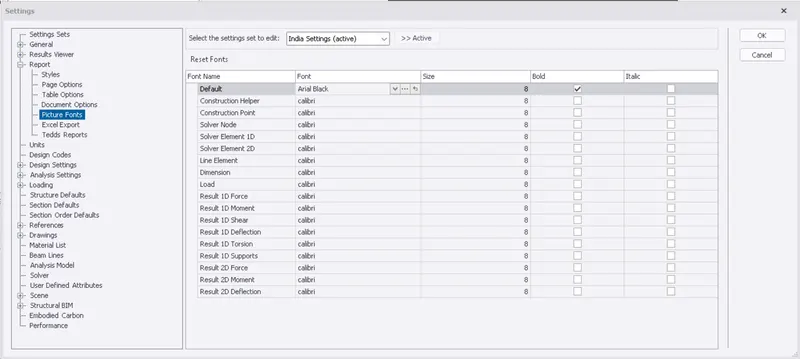
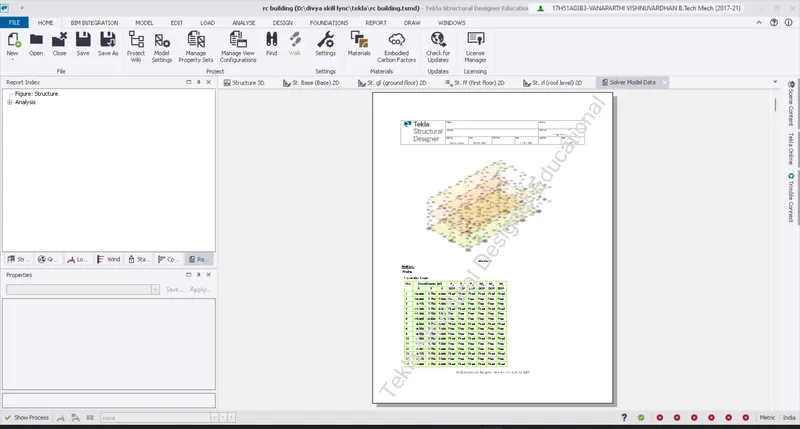
RESULTS:- the report format has been modified by layer settings