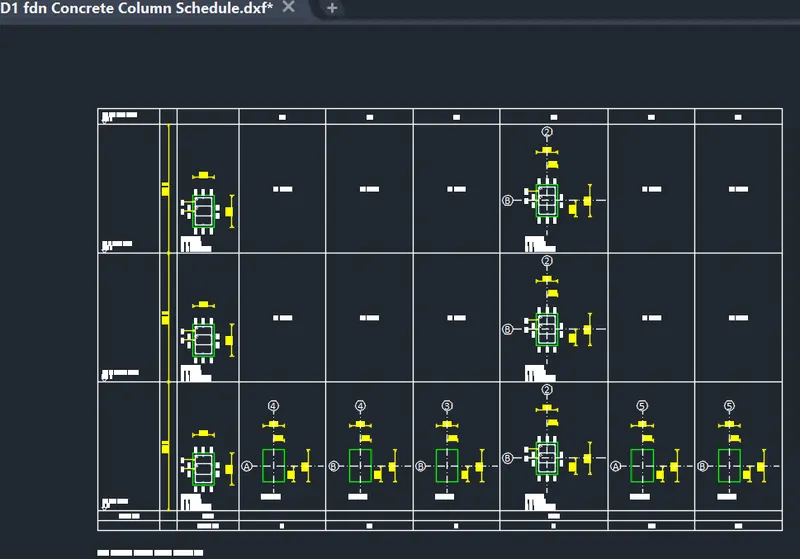
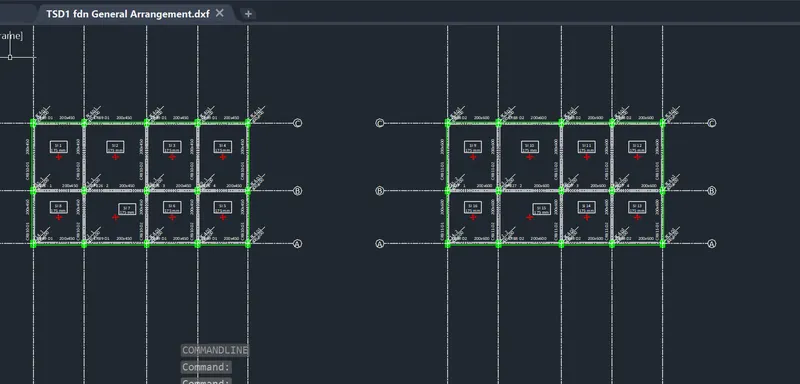
To Generate report for Steel Industrial and RC structures using TSD
Q1:
Aim:To generate report for the steel building design along with the loading summary
Procedure:
Step:1)
After analysis
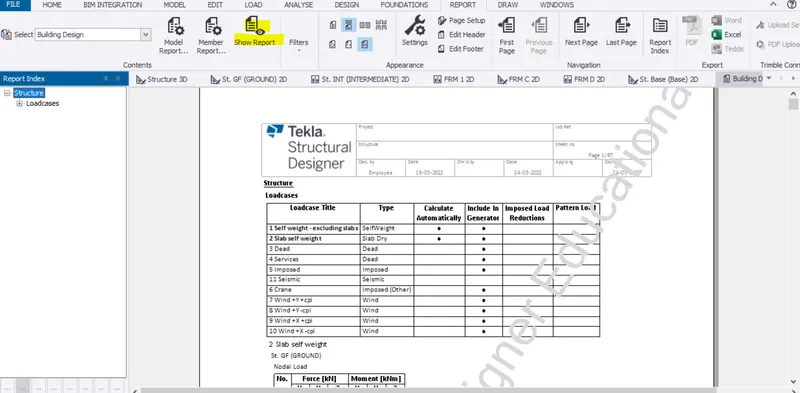
Report > Model Report
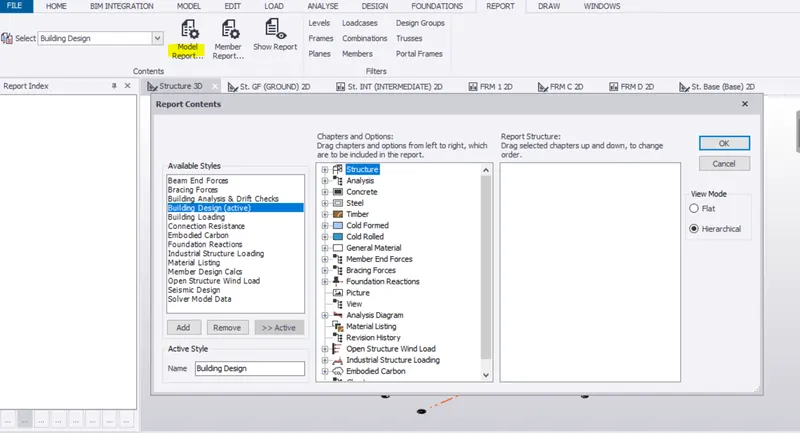
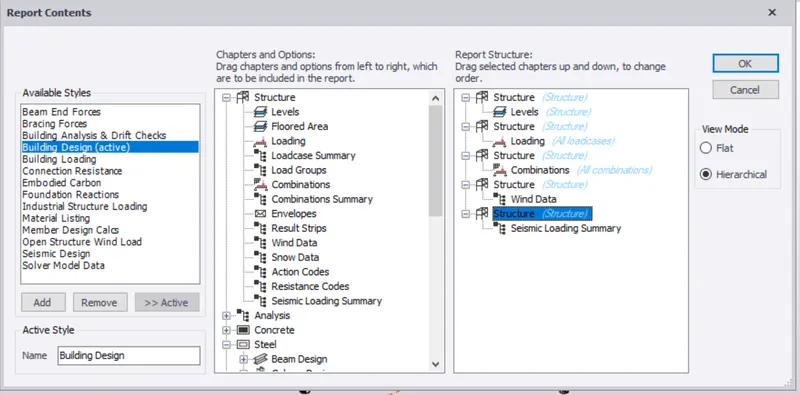
In Report contents select the required date you need in your report
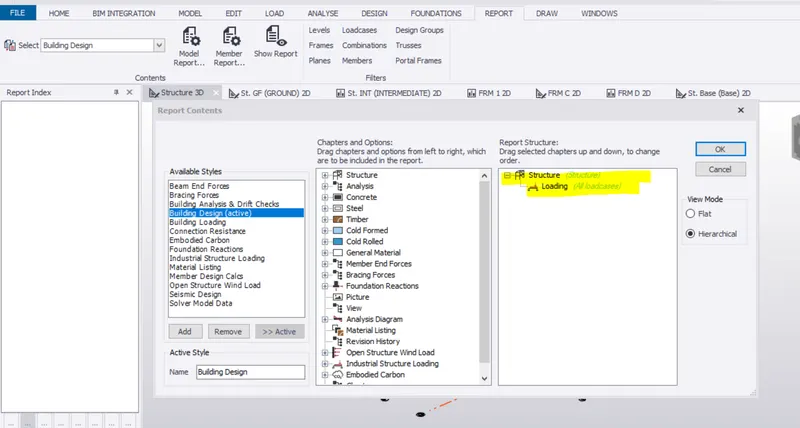
Report > show report
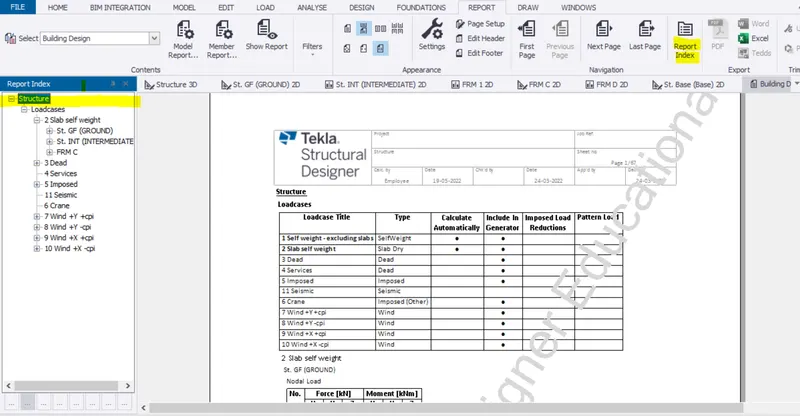
Report > Report Index
Step:2)
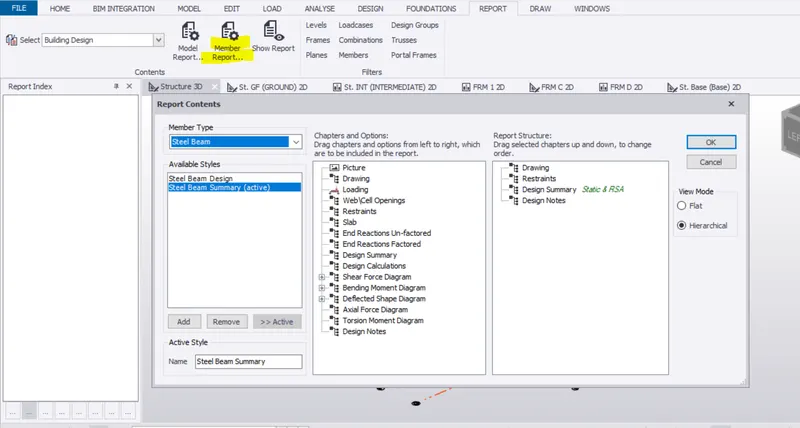
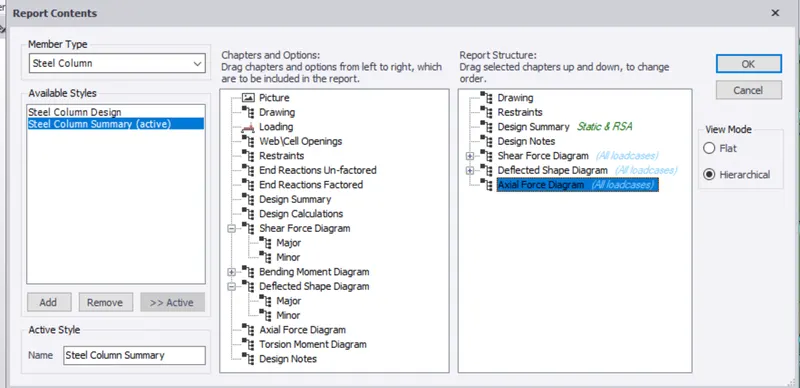
Member Report content
To edit member report
Step:3)
For steel structure
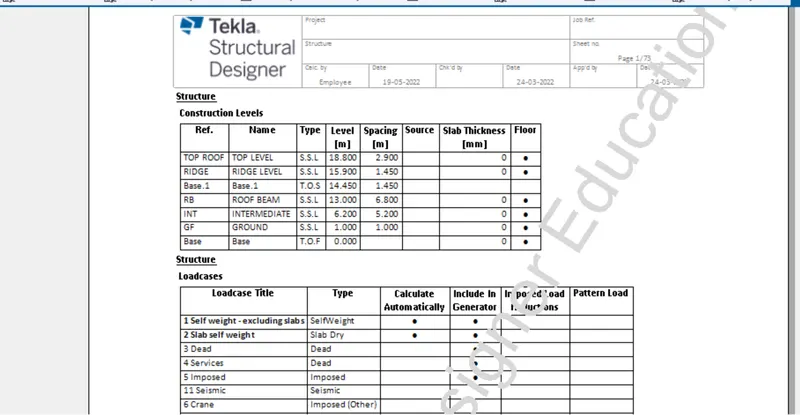
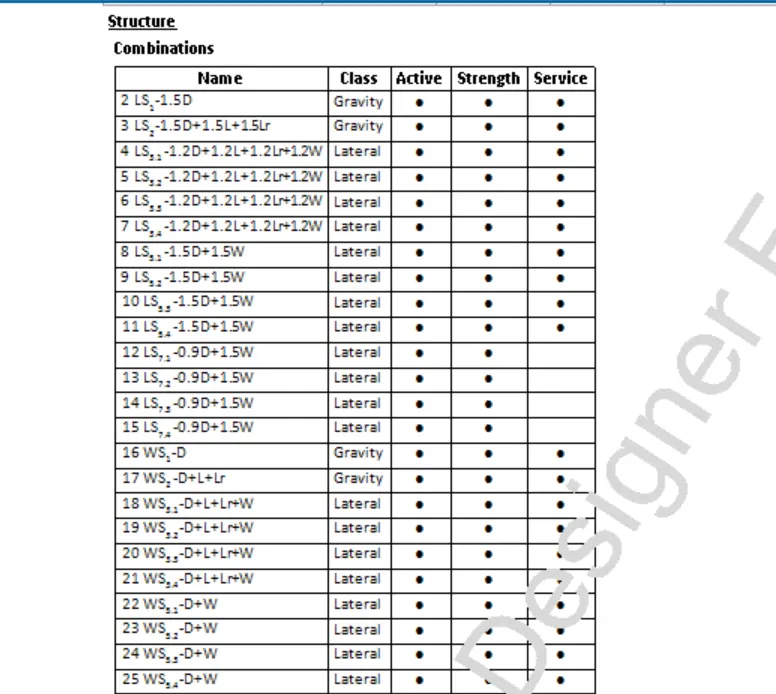
Step:4)
Member report
For column
Select the column > Report for member
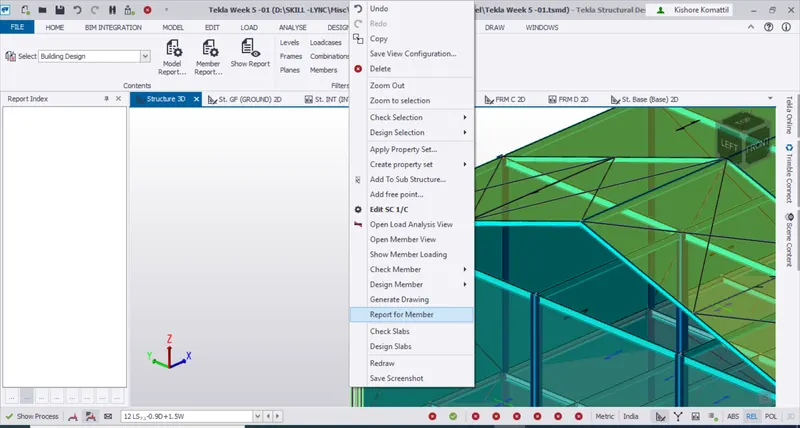
Select the column > Report for member
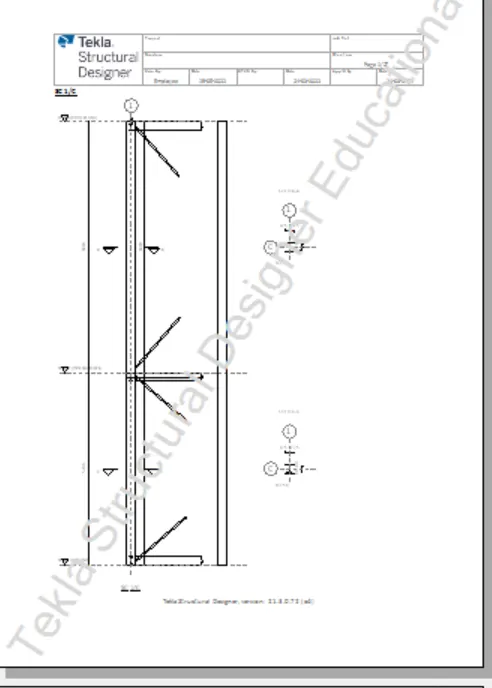
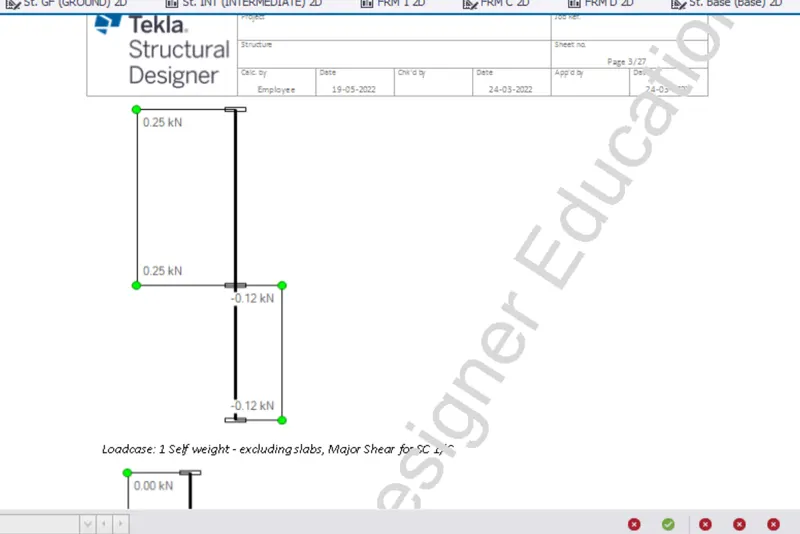
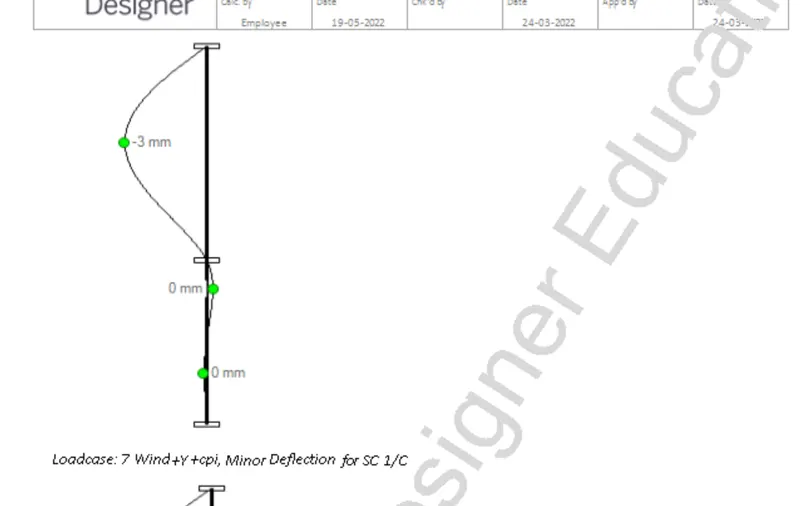
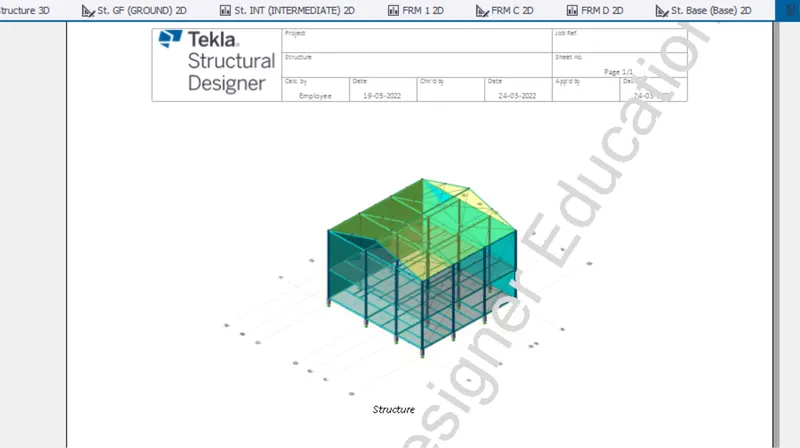
Result : The report for steel member was generated
Q2:
Aim: To create report for RC structure along with the loading summary
Procedure:
Step:1)
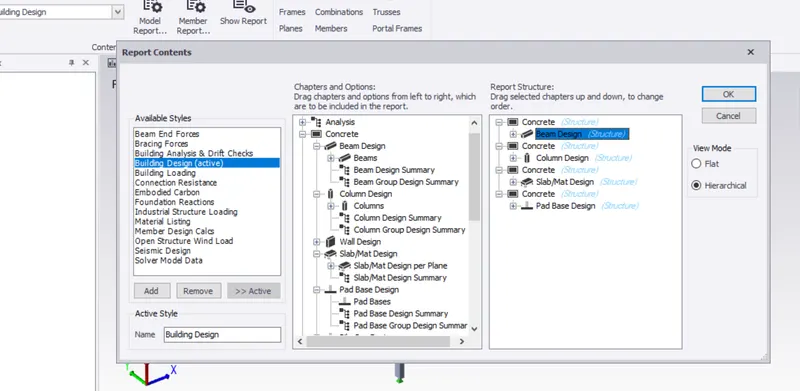
Select the report format
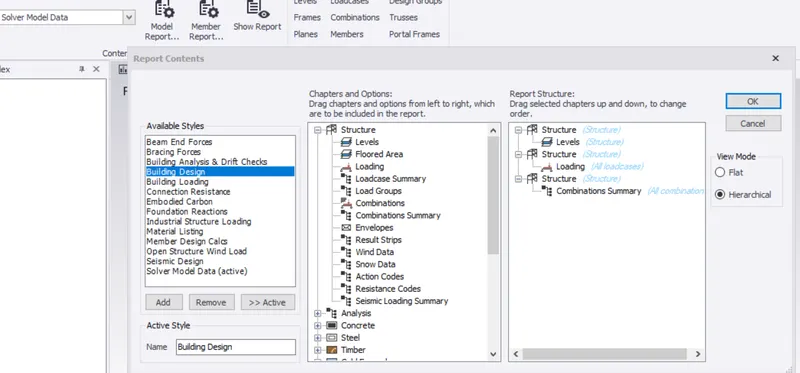
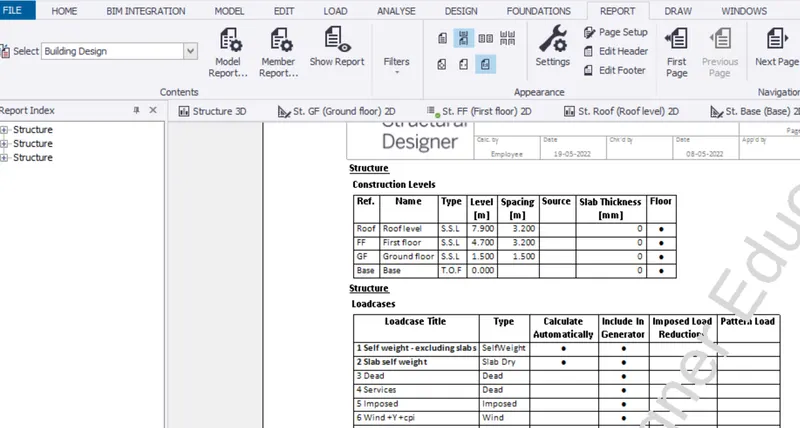
Step:2)
Analysis result
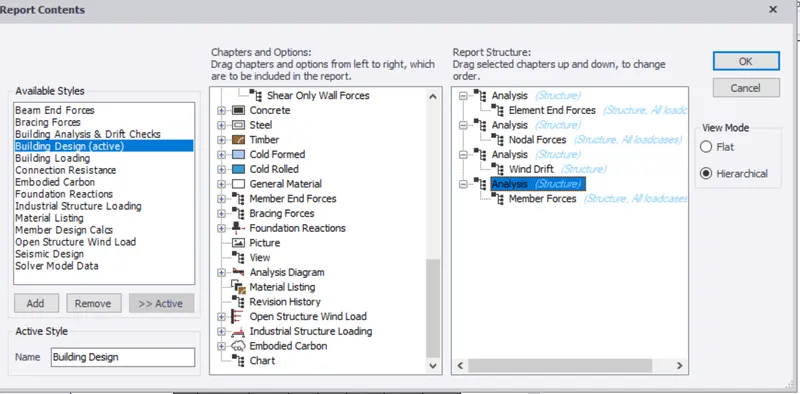
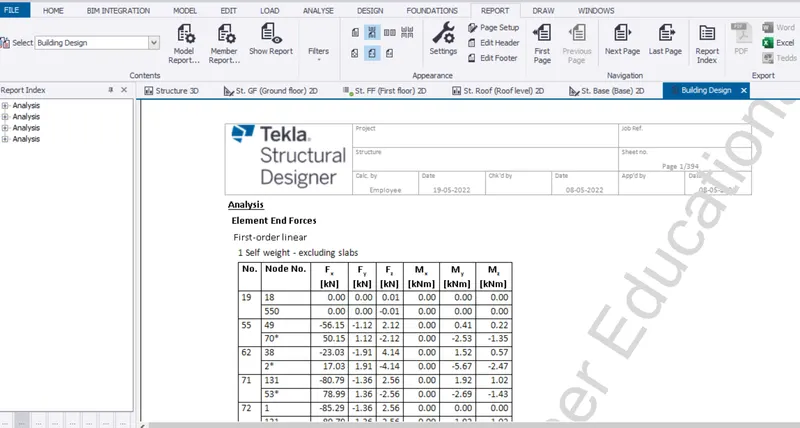
Step:3)
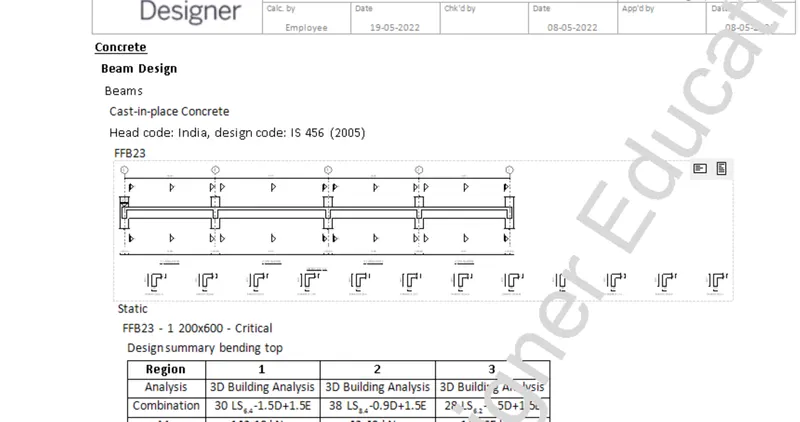
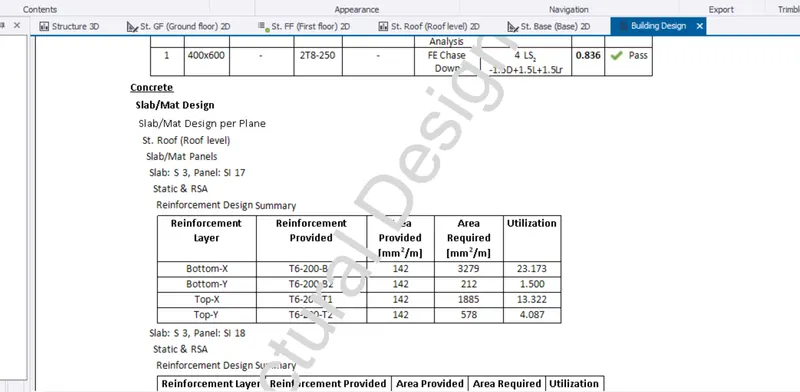
For Structure
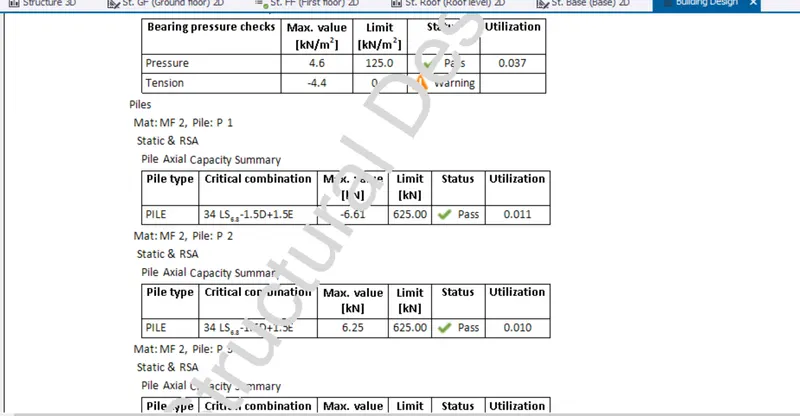
Step:4)
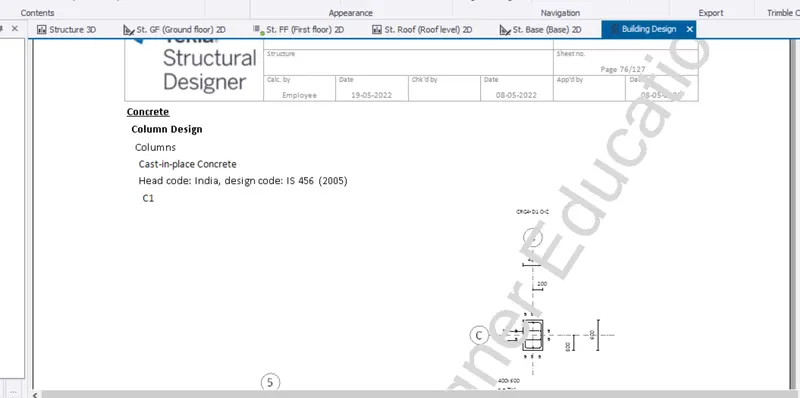
For member report
Column C1
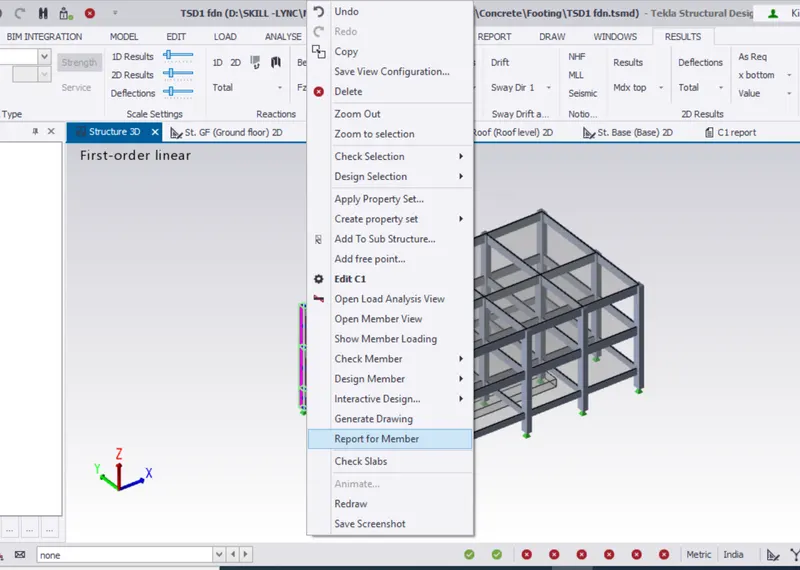
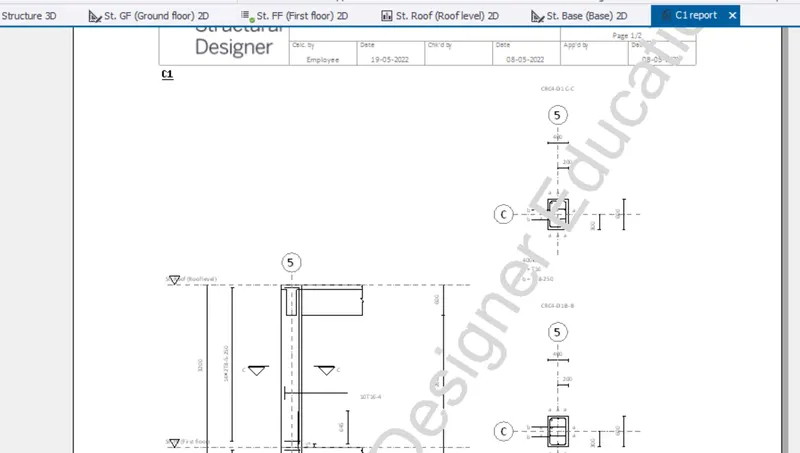
Result: The report for the RCC structure was generated
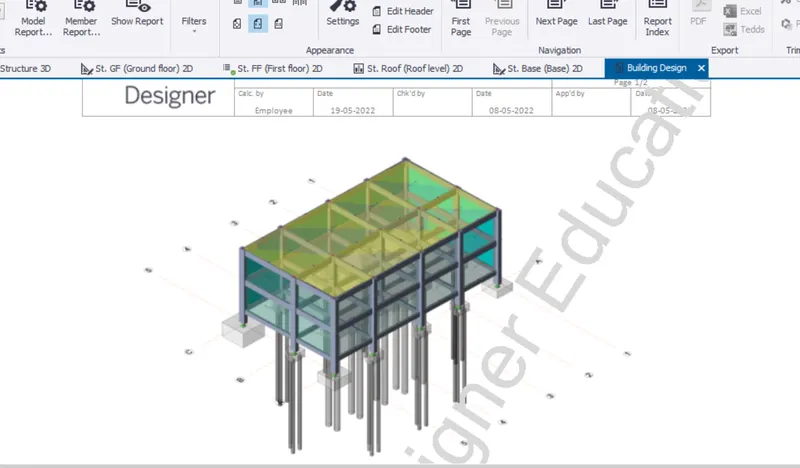
Q3:
Aim: To update the layer settings and generate drawings
Procedure
Step:1)
Report setting > Drawing settings > layer
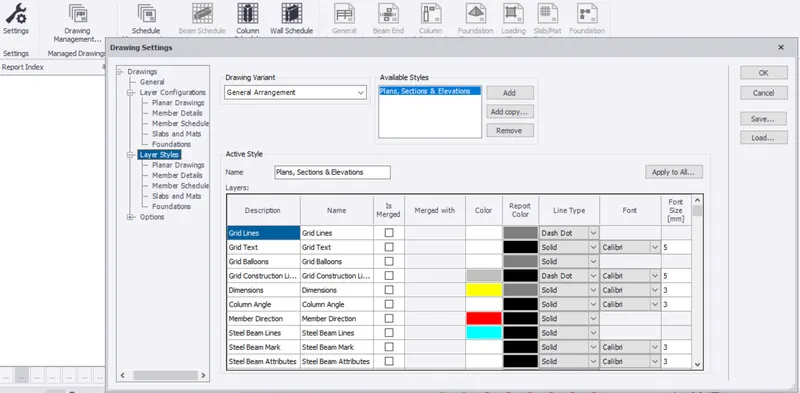
Setting Drawing arrangement
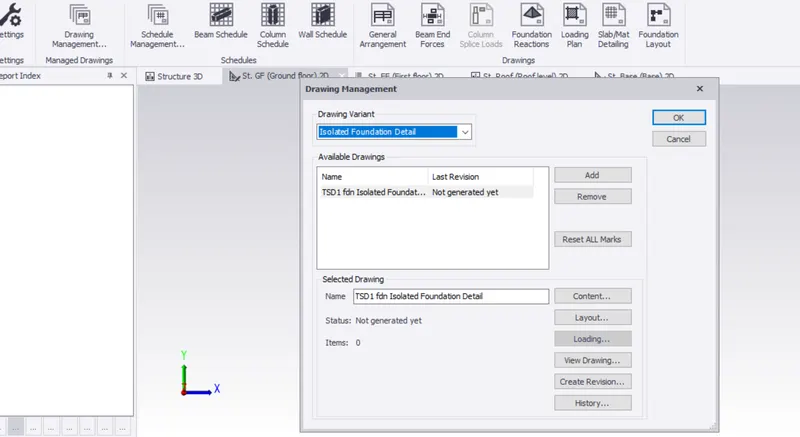
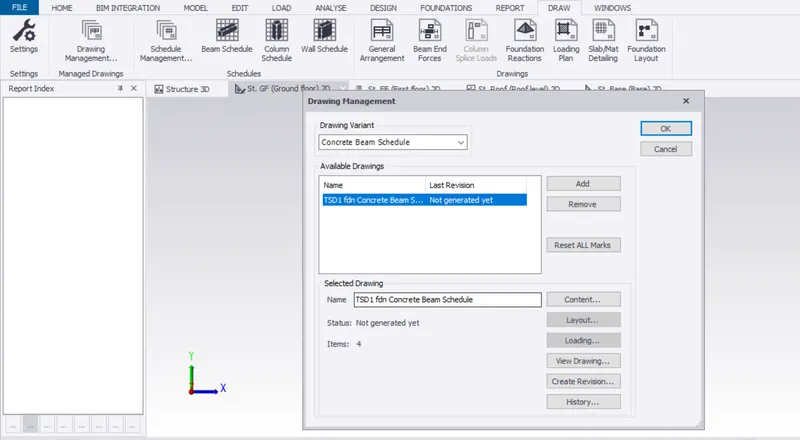
Setting schdeule arrangement
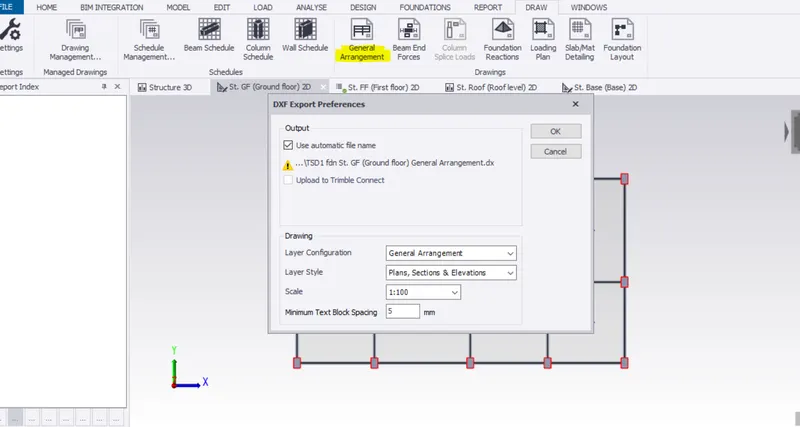
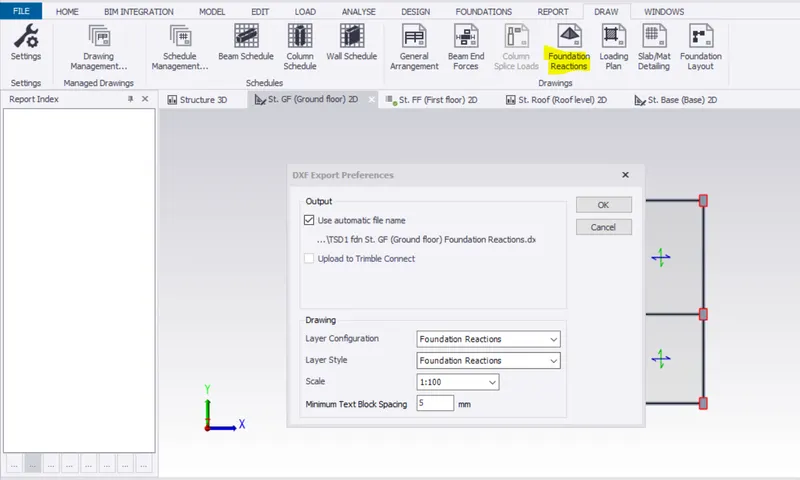
Result: The drawing directly opens through in autocad.