To calculate dead and live load for industrial steel structures and to apply them using TSD
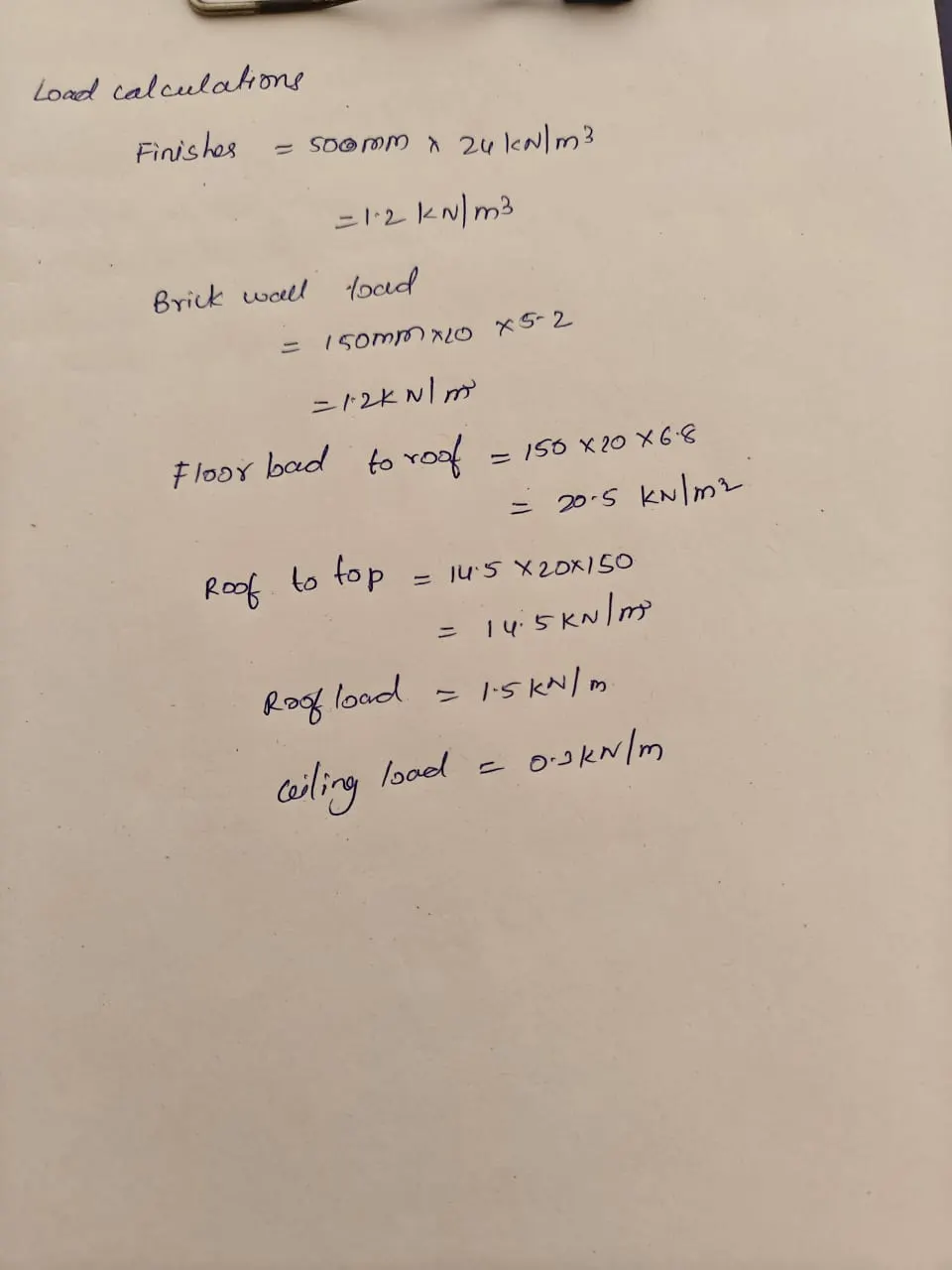
- Calculate dead load in design report based on IS code and apply dead load on the model
- Finishes of 50mm
- Slab as per design
- Brickwall 150mm thickness
- Roofing load based on purlin size
- Ceiling loading 0f 0.3KN per sq m
Step by step procedure:
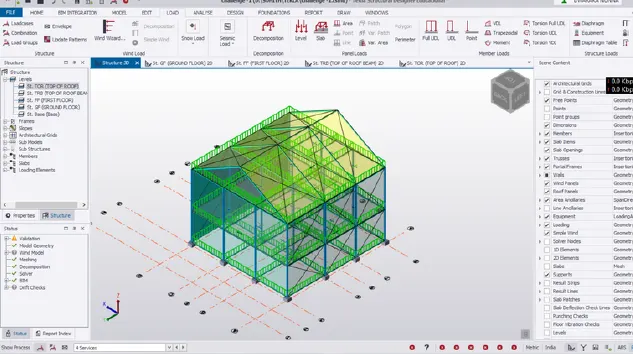
- open teklka software and model the beams columns as required positions
- specify the column and beams specifications
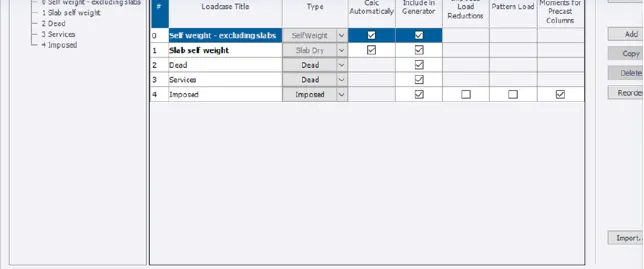
- and then calaulate the load cases as per given conditions
- Now go to model select the load cases under the load tab
- create the loads which we want to apply .
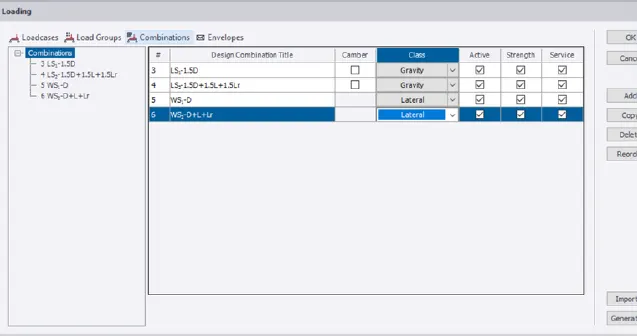
- then generate the load combinations
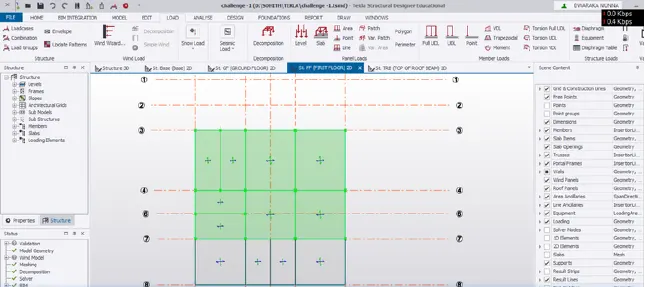
- after that choose the level and load type to apply loads on the structure.
- take area load to apply dead load to the slabs.
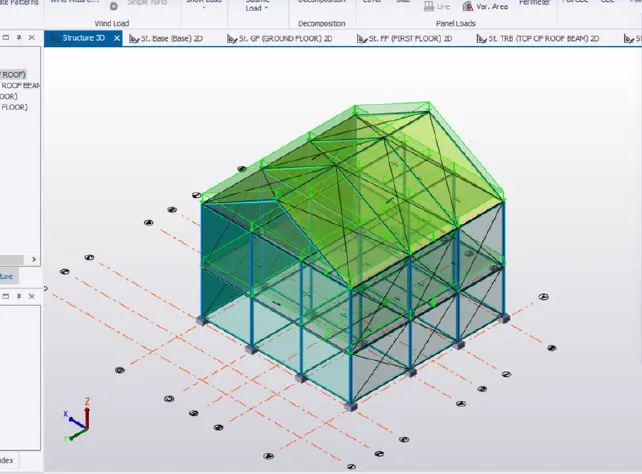
- similarly apply the brick wall loads to the applied levels.
- Calculate live load in design report based on IS code and apply live load on the model
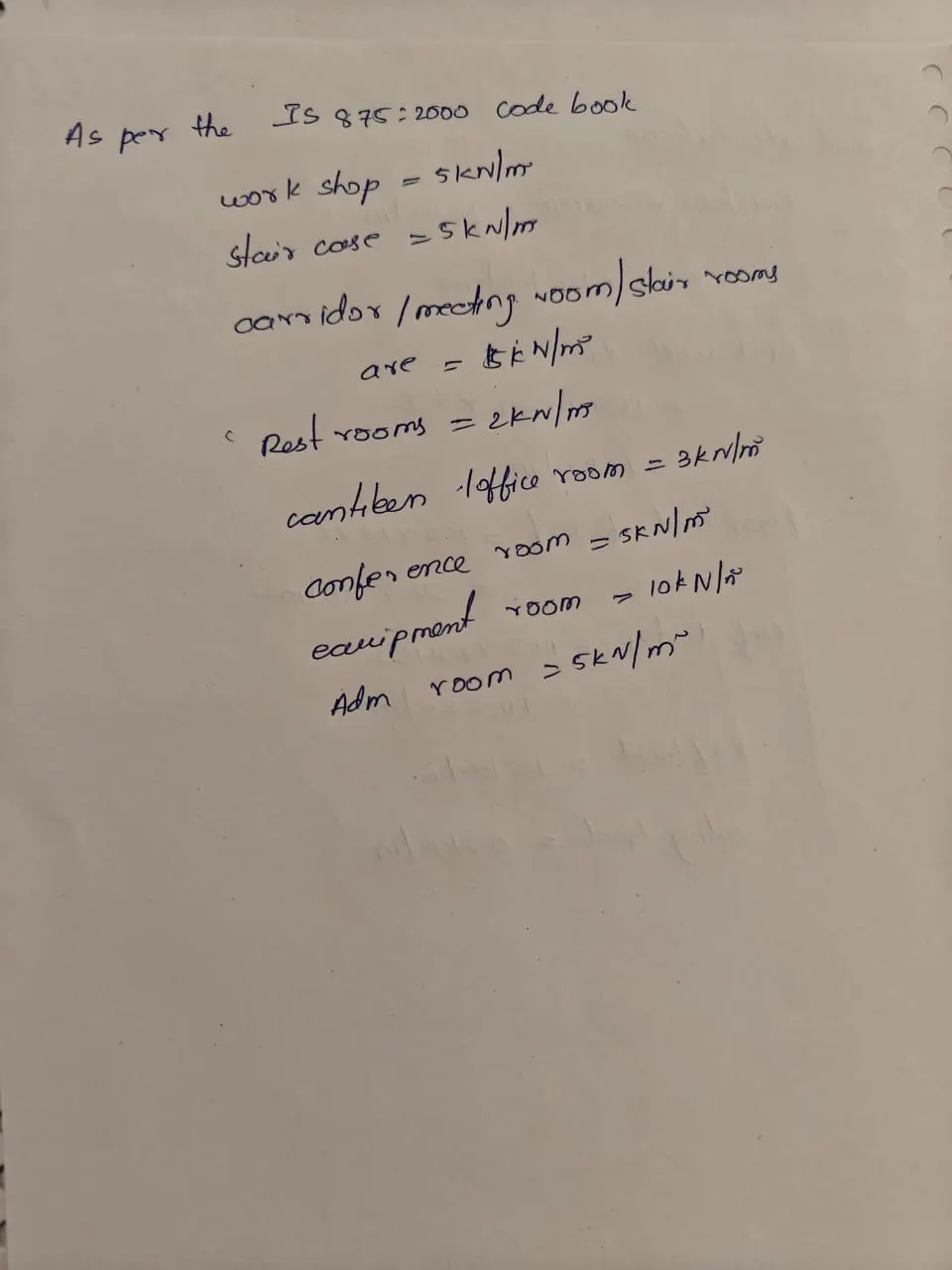
- Assume the loading based on IS 875
- Roof loading
- Consider equipment loading as 5KN per sq m
To calculate the live load as per the design step by step procedure:
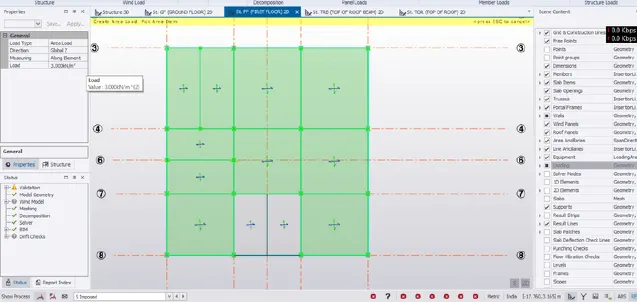
- proceed with the same procedure as mentioned above .
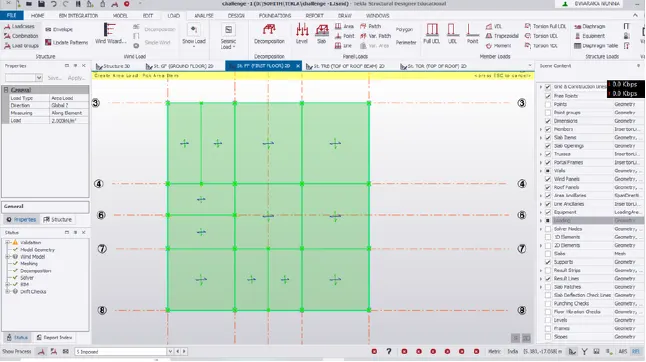
- choose imposed load at the load type and change the value according to the above data the each room.
- follow the same type and load at second level also.
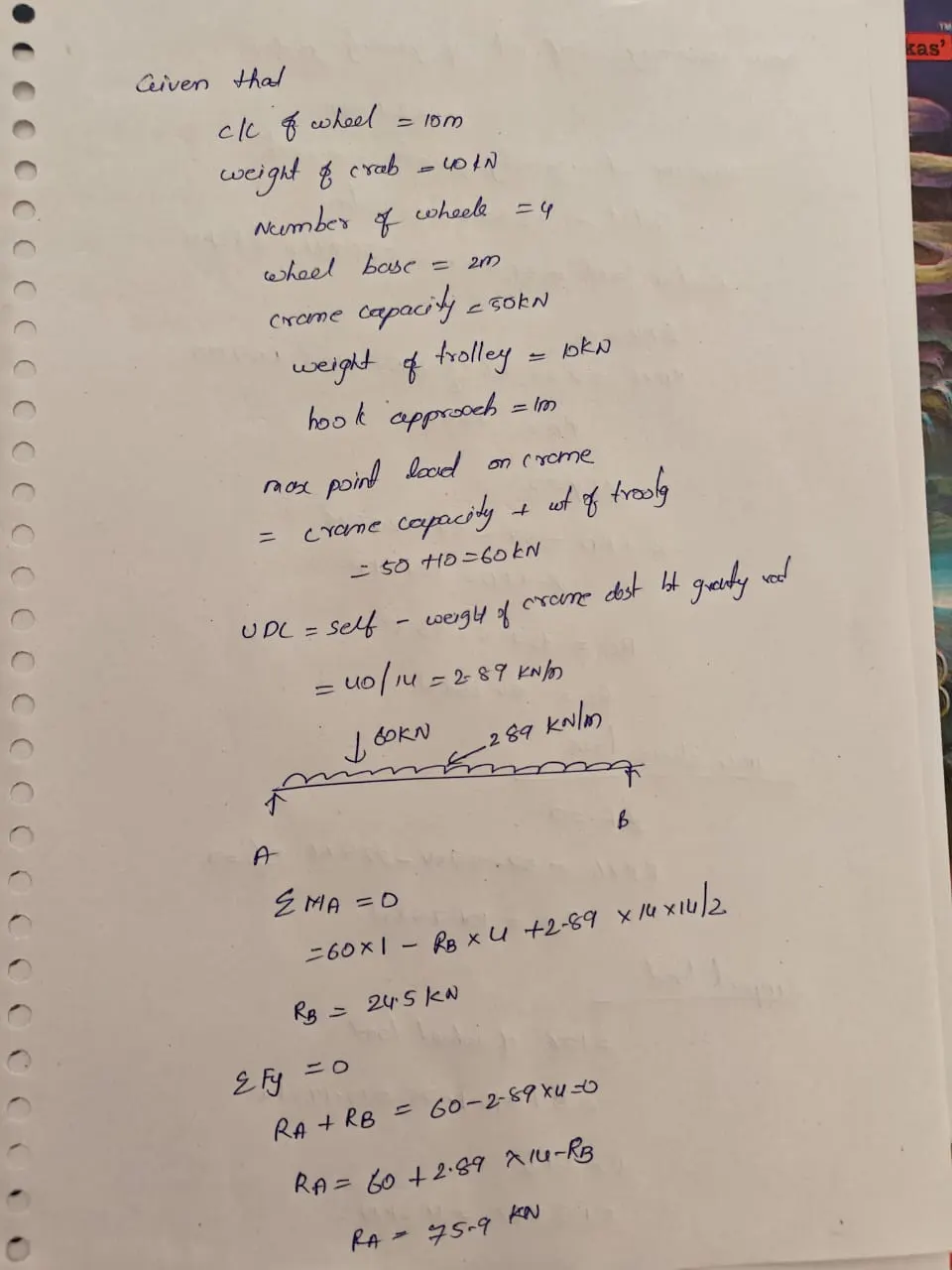
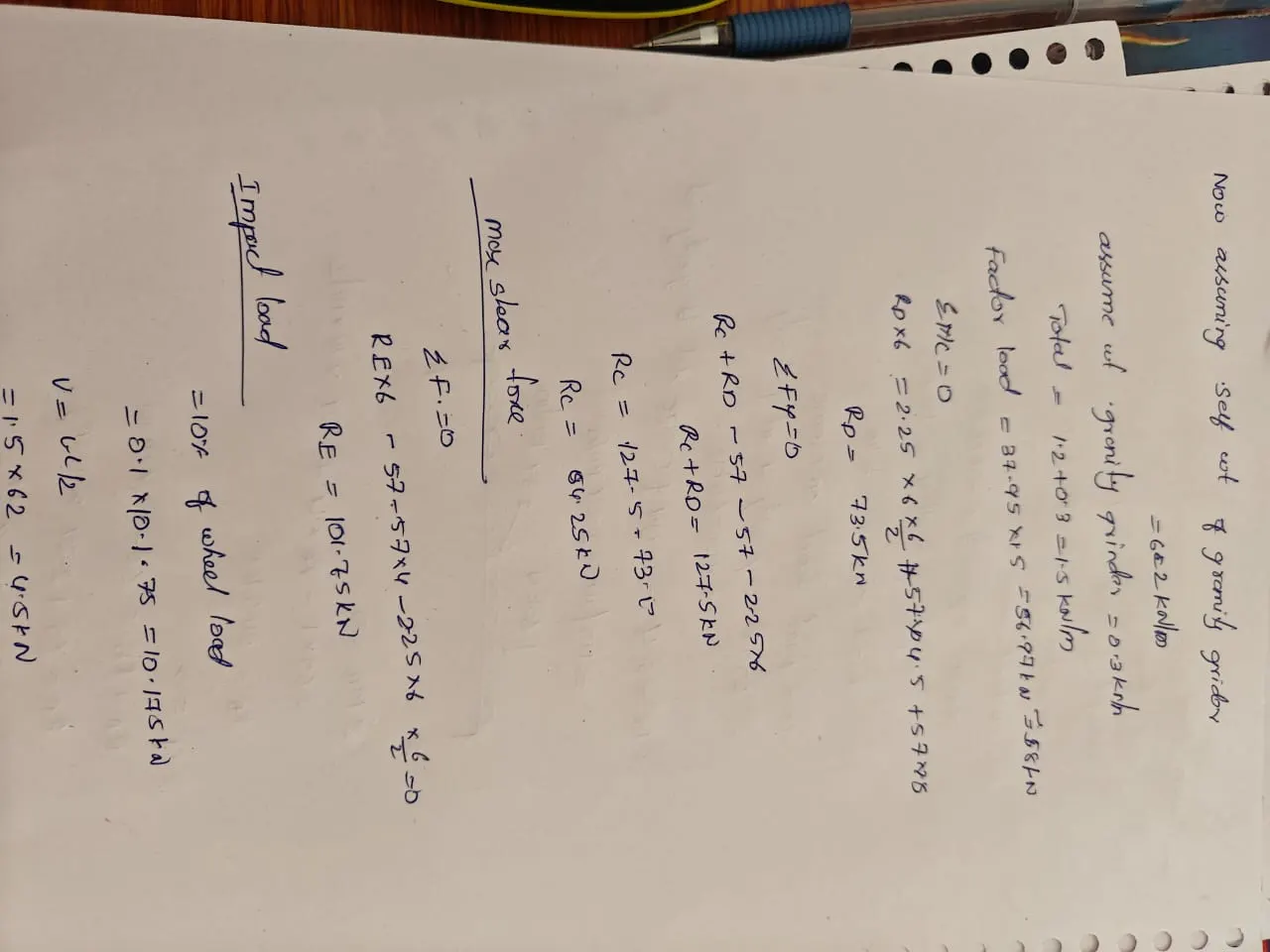
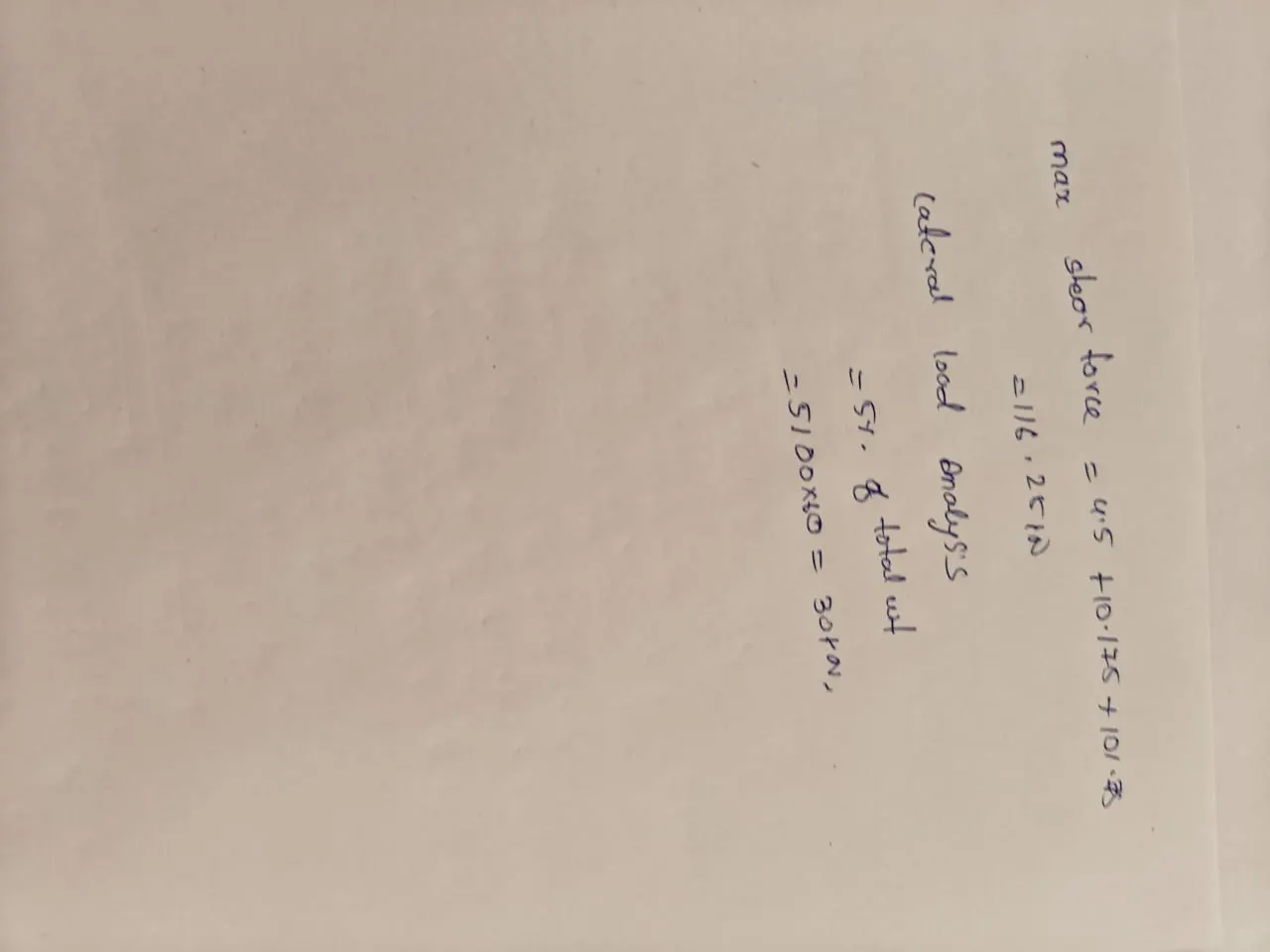
- Generate a calculation for 5T crane loading based on following inputs
- Centre to Centre of wheel = 10m
- Weight of crab = 40 KN
- Number of wheels = 4
- Wheel base = 2m