To calculate dead and live load for industrial steel structures and to apply them using TSD
- Calculate dead load in design report based on IS code and apply dead load on the model
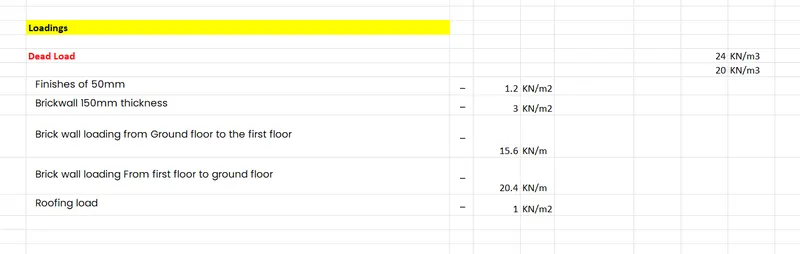
- Finishes of 50mm
- Slab as per design
- Brickwall 150mm thickness
- Roofing load based on purlin size
- Ceiling loading 0f 0.3KN per sq m
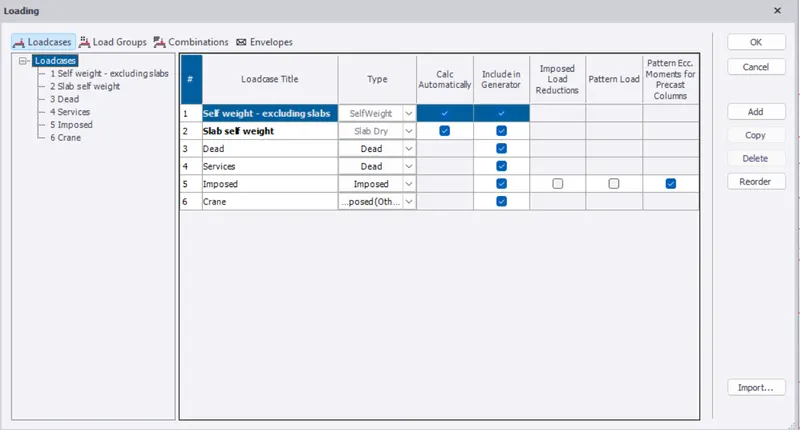
we need to introduce the load cases in the software to generate the combination while it s being validated.
We need to calculate the dead load, we can either create an area load or a line load whichever suits us, for example in area load, you know about the self-weight of the material *thickness which the answer will be in kN/m2, for the line load = Self-weight *thickness*height (kN/m).
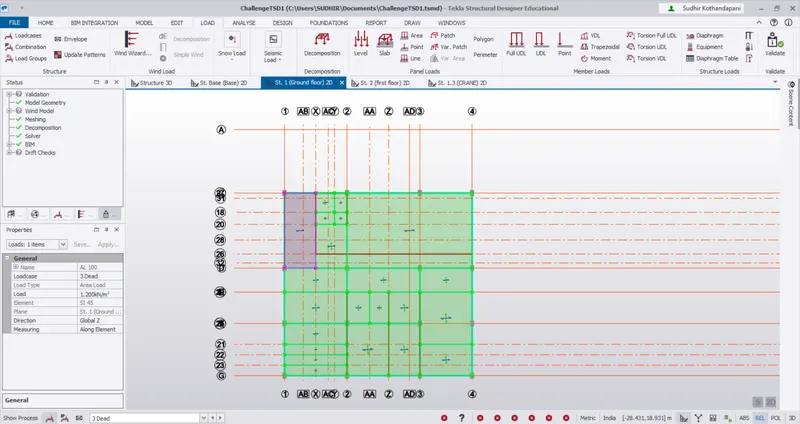
Once it's been calculated you need to apply it in the load tab
- Calculate live load in design report based on IS code and apply live load on the model
- Assume the loading based on IS 875
- Roof loading
- Consider equipment loading as 5KN per sq m
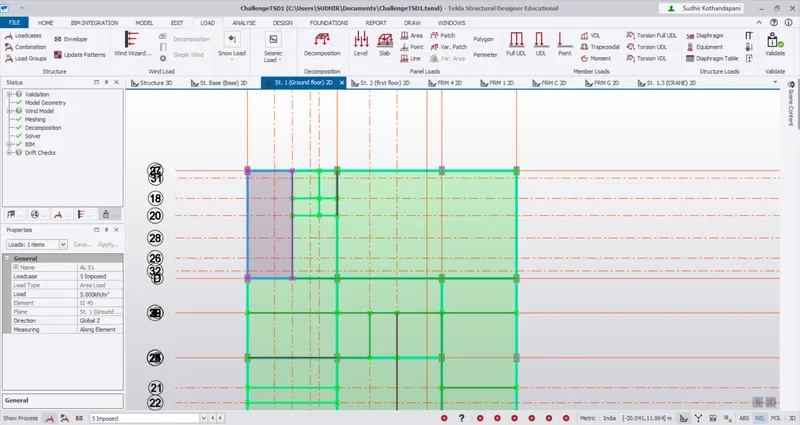
Based on the codal provision you can directly apply the area load in the load tab by changing the load cases as live load and applying the load on the 2d view of the structure
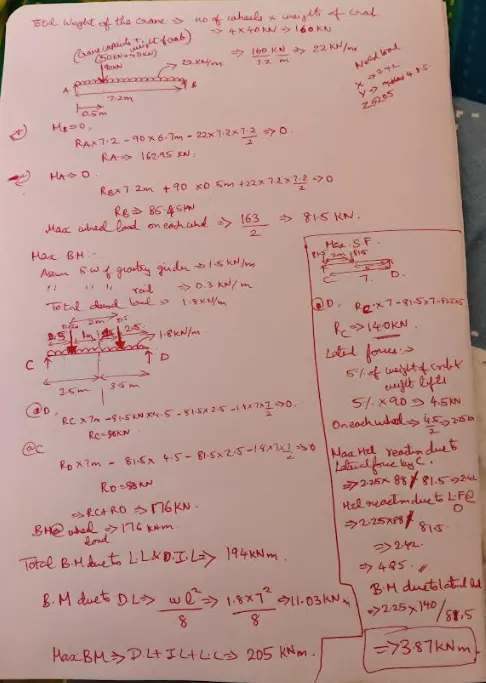
- Generate a calculation for 5T crane loading based on following inputs
- Centre to Centre of wheel = 10m
- Weight of crab = 40 KN
- Number of wheels = 4
- Wheel base = 2m