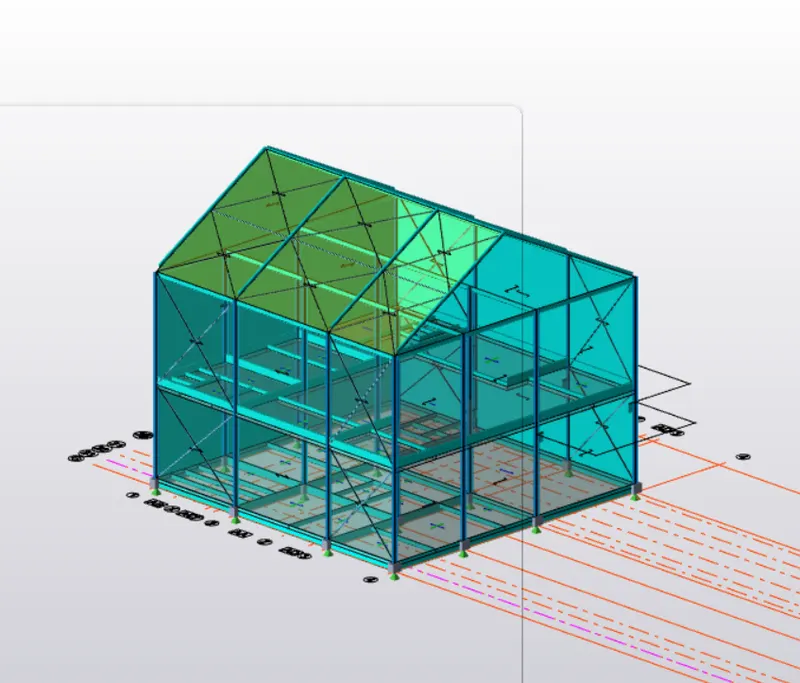
To calculate wind load for industrial steel structures and to apply it by using TSD
- Generate manual wind loading in the design report based IS code as per the following input
- Basic wind speed = 39m/s
- Terrain category 2
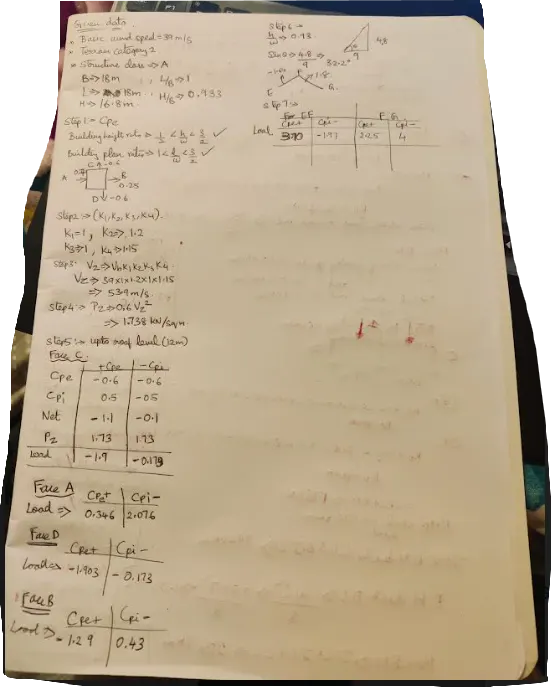
2 Based on the above calculation apply the loadings on the model
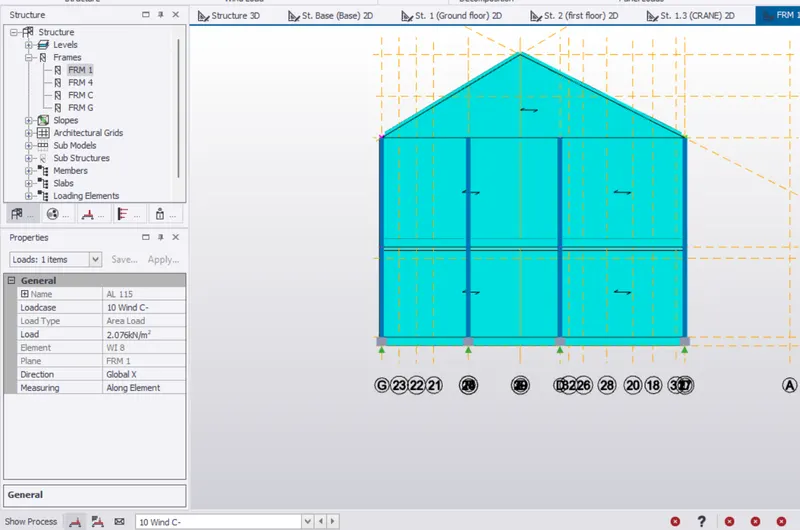
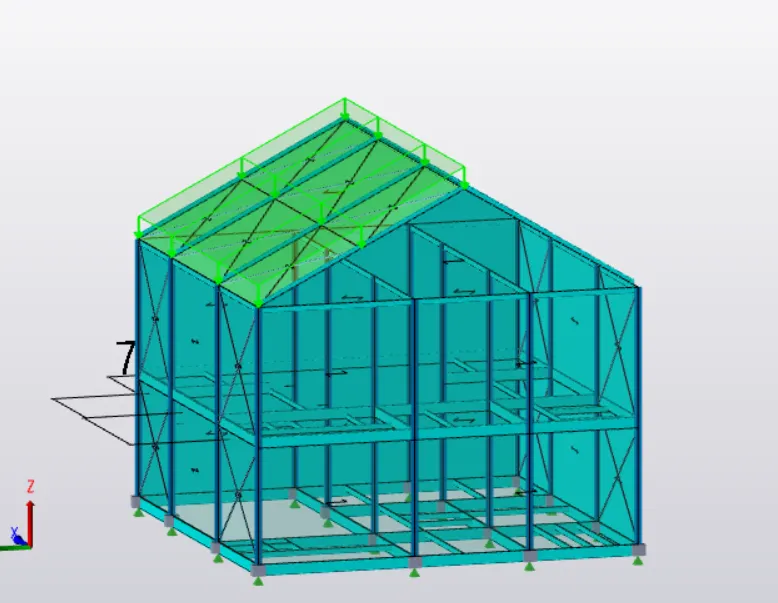
Once we have done with the calculation we can just apply the model . for that first you need to create a load case of wind load for each direction for the external pressure as well as the internal pressure.
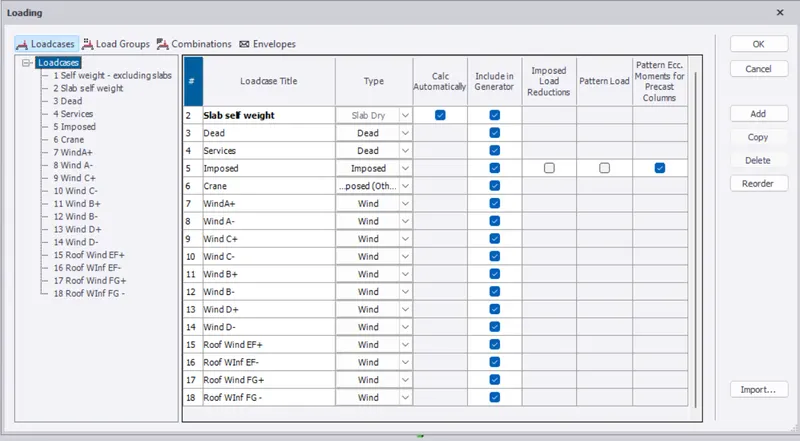
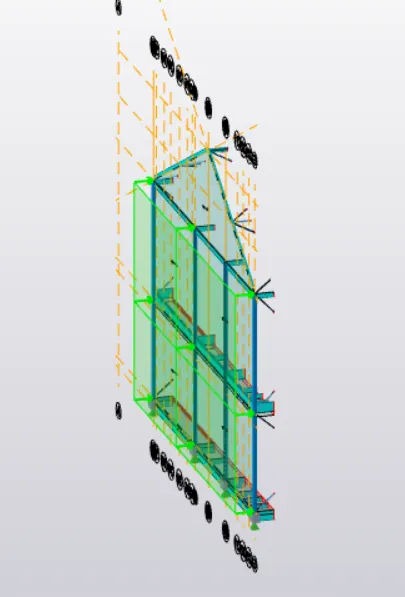
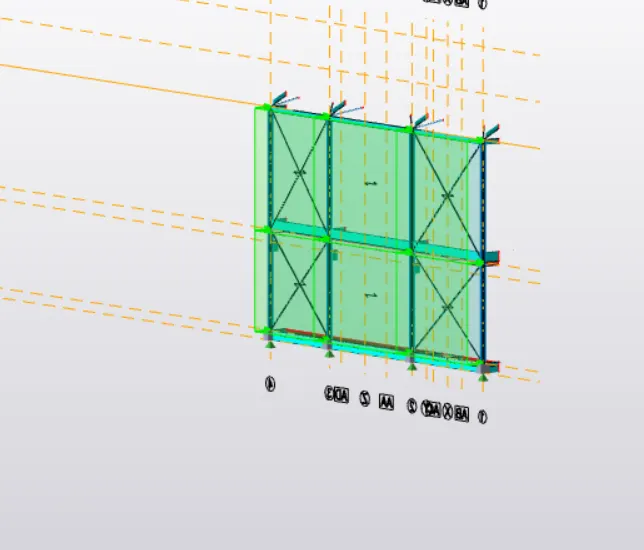
and after that you need to apply the area load on the wall panel by clicking on each load case as er we calculate manually.
- On a separate model generate wind loading using wind wizard
We need to go to the load tab and click on the wind wizard tool, and afterward, we need some input data to generate the wind loads by the software.
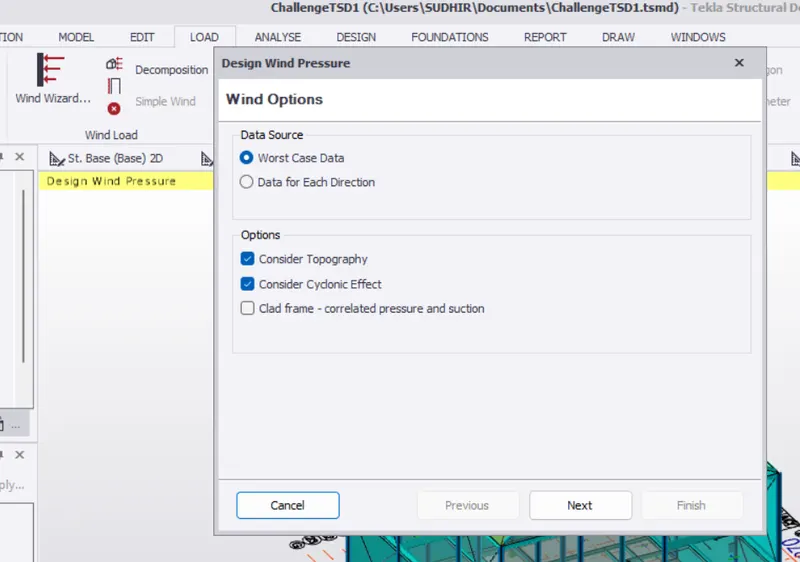
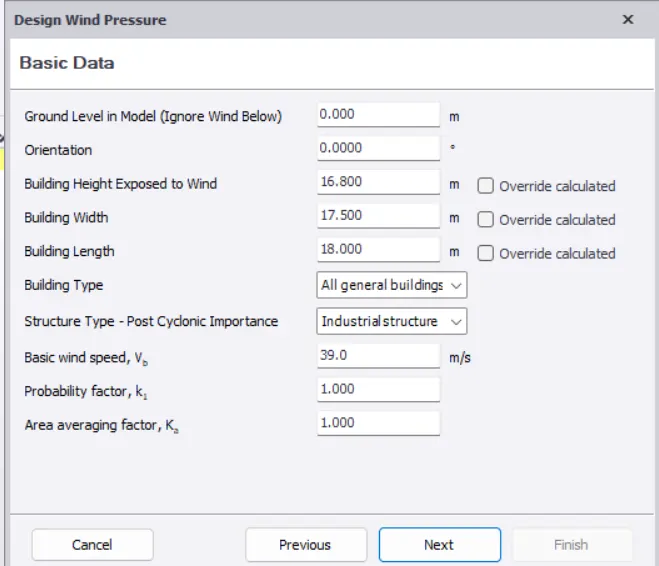
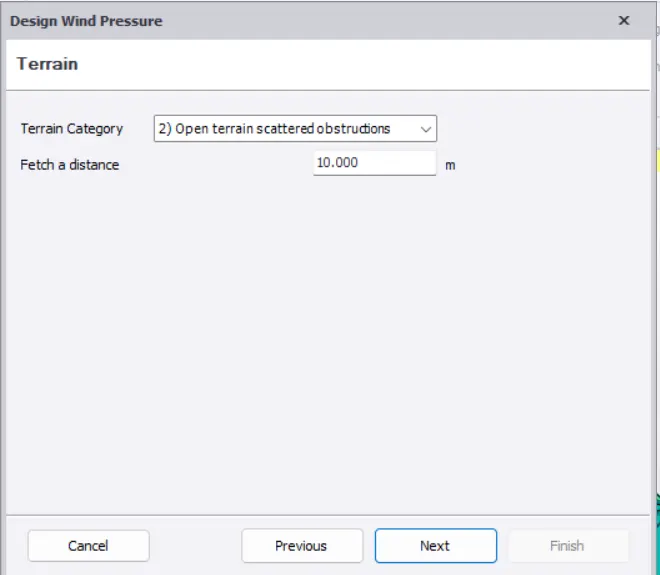
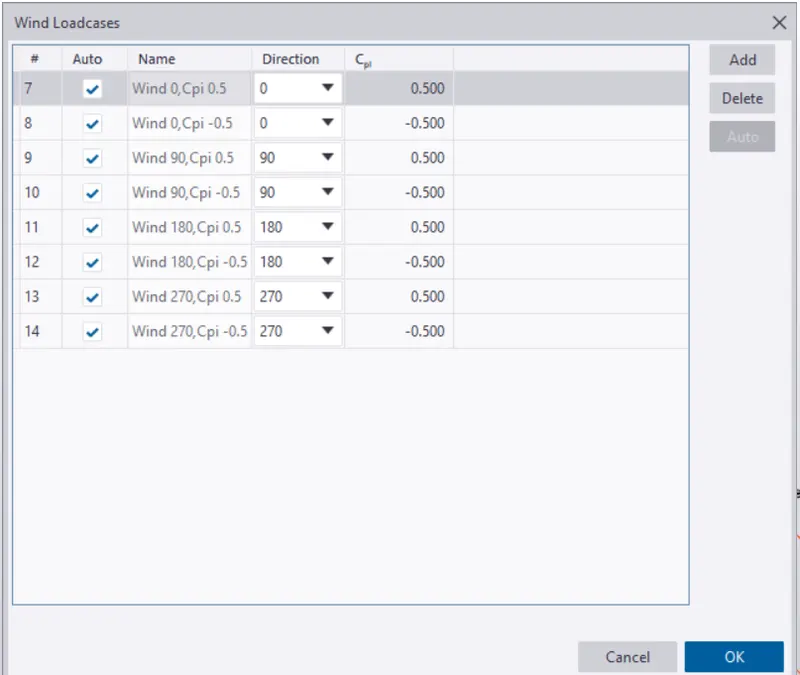
And then we need to click on the wind load case and give the inputs.