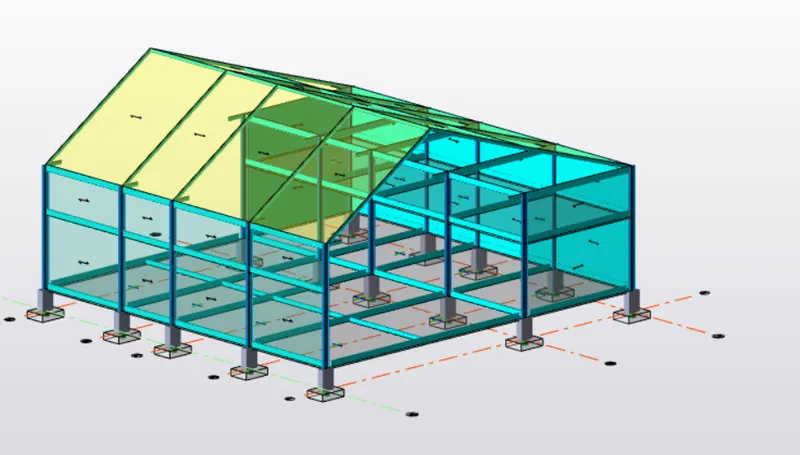
To Analysis and Design of Steel Structures using TSD
- AIM : To analyze the model and summarize the study of bending moment , shear force and deflection for the elements of the model satisfying all the loads and load combination as per the code
- Open the previous model with all the loads assigned the model
- Performing analysis check for the settings of the analysis and its modifications factors
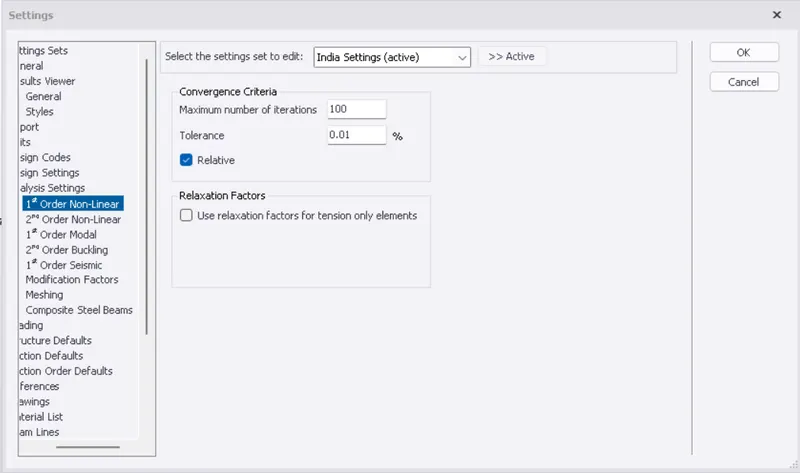
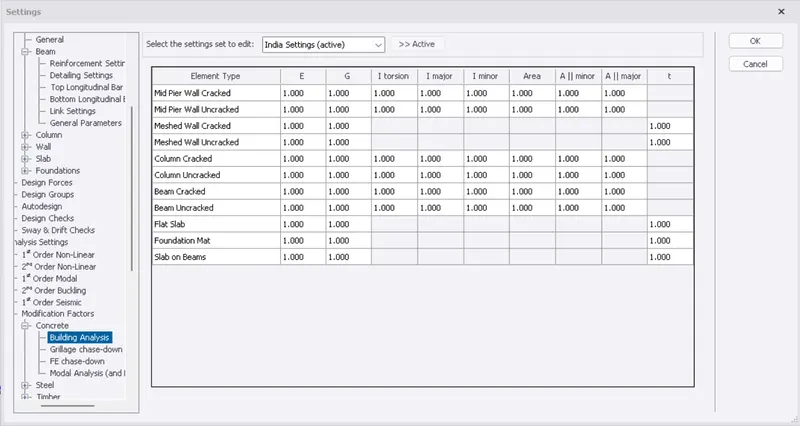
- After checking for the factors and all other parameters click on the analyze
- Select forst order linear
- Select all the loads and load combination
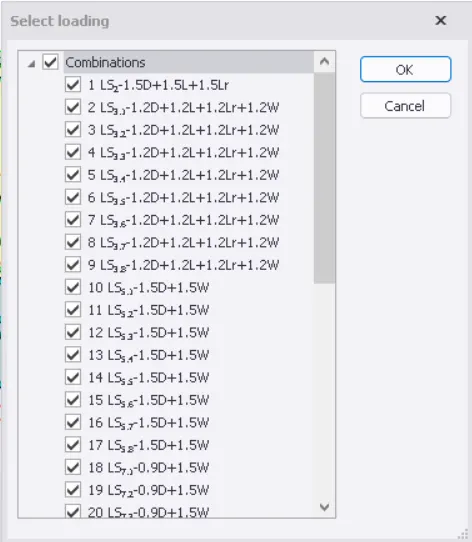
- Run the analyze
- Once the analyze is done we can view the failure criteria of the model elements
- Open the results view
- Then select the parameter to view their values and failure conditions
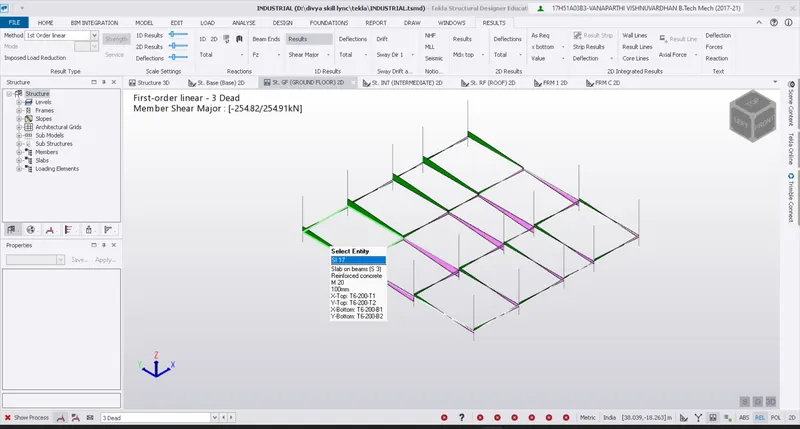
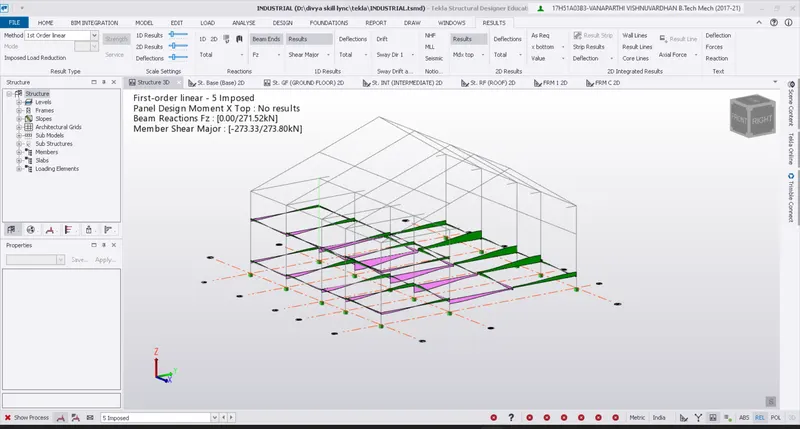
- BENDING MOMENT
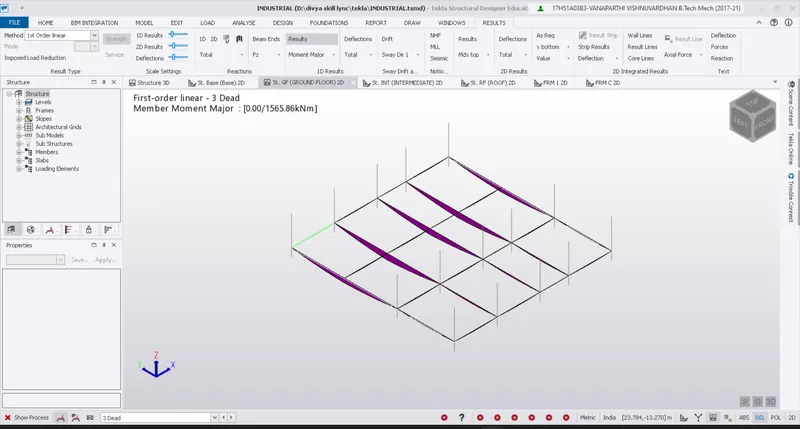
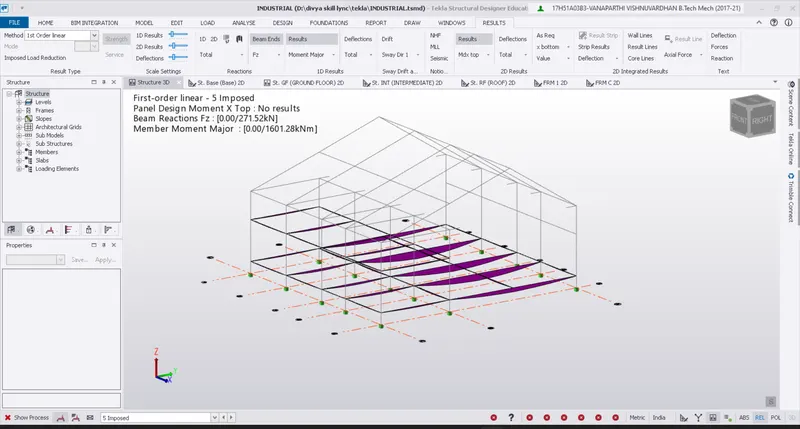
- Deflections
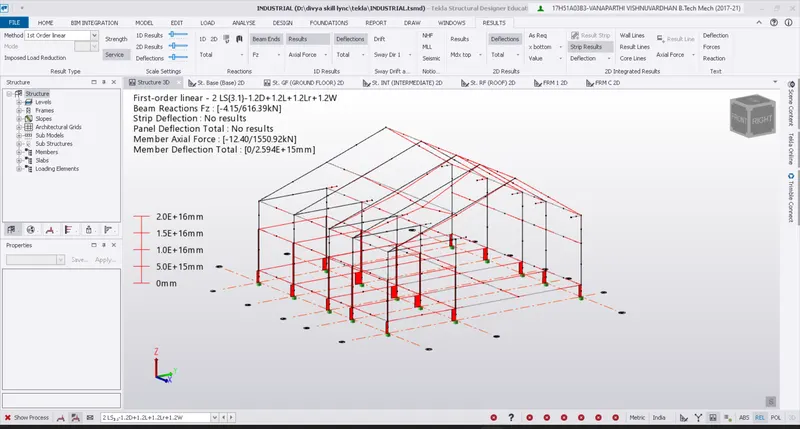
- RESULTS
The model is analyzed and the shear force,bending moment and detection of the model elements are shown
- AIM : TO design the model elements and also the foundation design
STEP 1 : To analyze the model elements
- Open the previous model with all loads assigned to the model
- Before performing analysis check for the setting of the analysis and its modification factors
- After checking factor and all other parameter click on analyze
- Select forst order linear
- Select all the loads and load combination
- Run the analysis
- Once the analysis is done we can view the failure criteria of the model elements
- Then select the parameter to view their values and failure conditions
STEP 2 : Check for the errors and warnings
- TO check whether the analysis is done perfectly or not and to check the model satisfies all the load copmbination
- CLick on solver
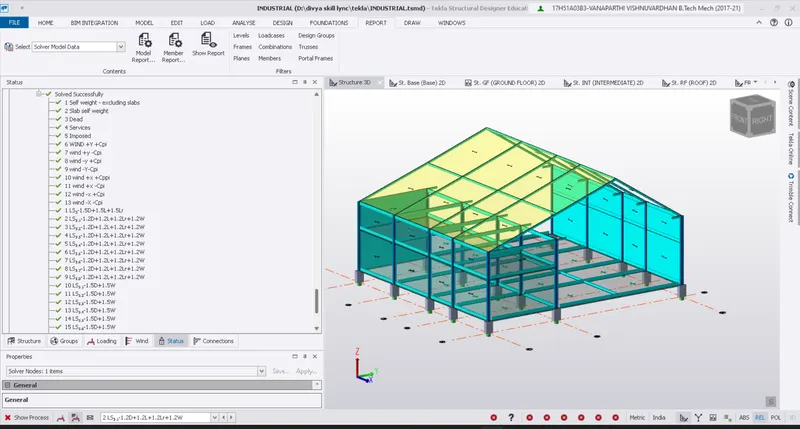
- This shows that the model has satisfied all the load combination
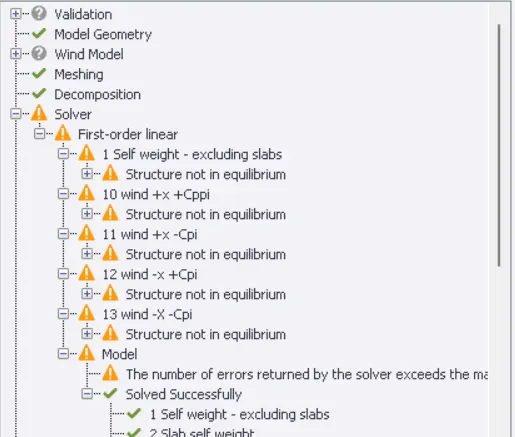
- This shows that the model is not in equibrium for the above shown loiad combination
REMEDY : THe model should be checked for the stability and equilibrium by applying certain changes and modification and once again analyze the model
STEP 3: TO design the beam member
- Select any one of the beam
- Give right click on the selected beam
- Click on design member --->static
- Check for any error in the pop up dialogue ox
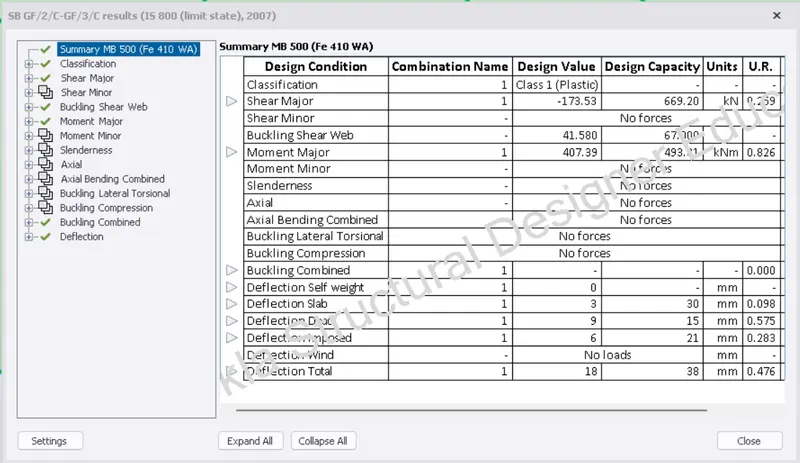
- Similarly design all other model elements
- If the design check is not verified the properties of the model elements should be offered
STEP 4) : TO design the foundation
- Click on the foundation from the toolbbar
- Select the type of foundation you want to assign and design
- Then go to project browser and click on base level
- APply the foundation to the model
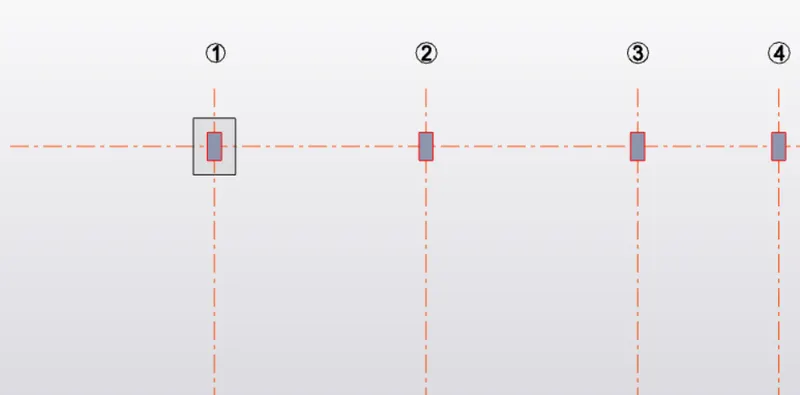
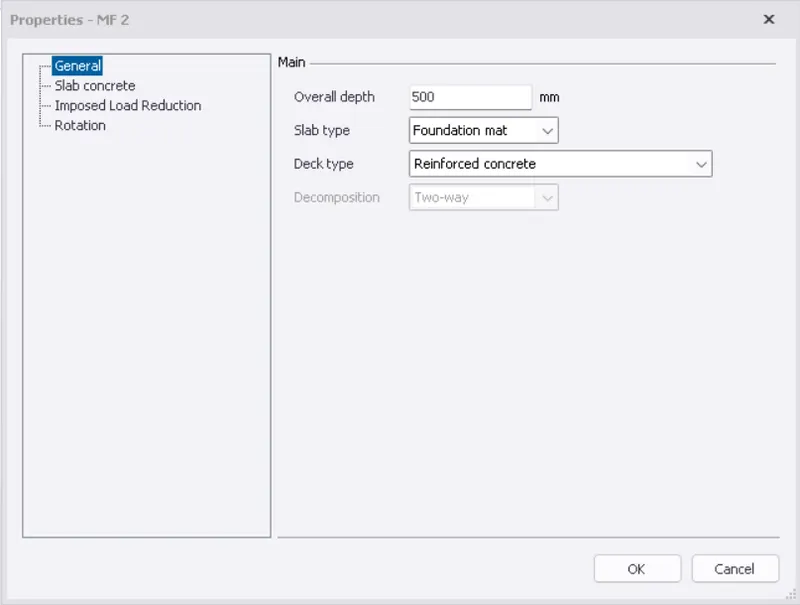
- After adding foundation to the model
- Right click on the member
- Now select the design member
- Check whether for the foundation satisfies the design criteria if not modify the properties of the model
- Then copy the foundation to the model