Structural Modelling using Etabs 2018
Aim: To model and analyze the G+7 residential building from the given architectural drawings using the ETABS 2018.
Procedure:
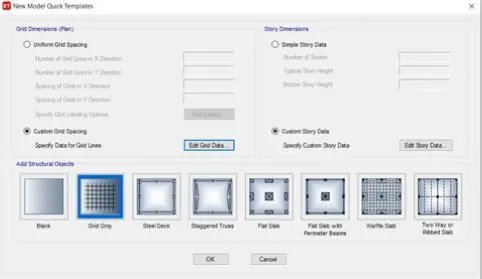
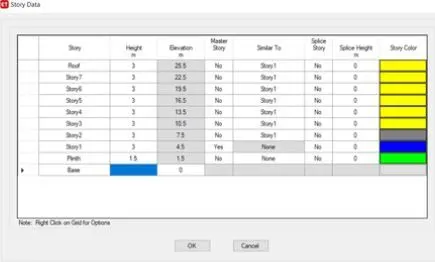
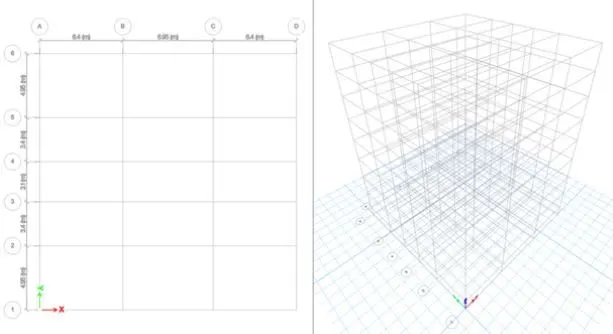
1)Set grid and storey accordingly using edit option.
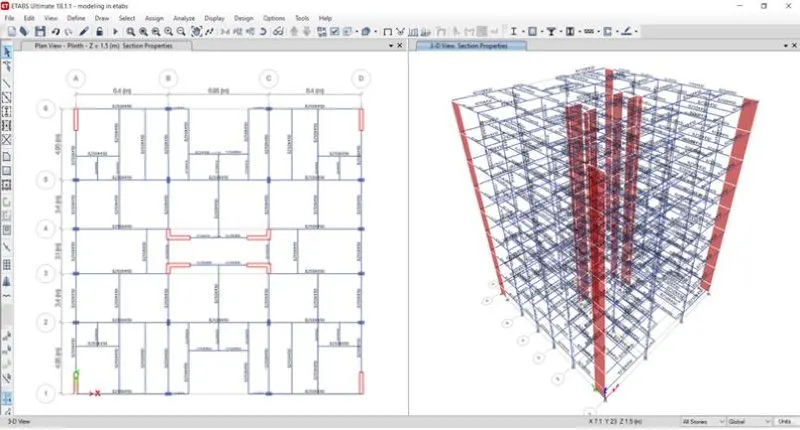
2)Plan G+7 building from the grids drawun.
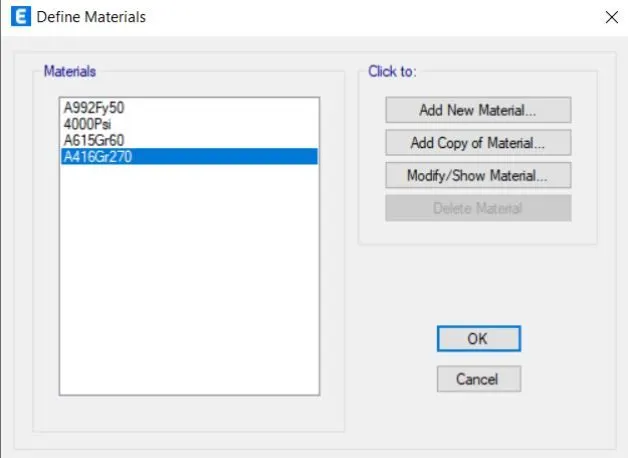
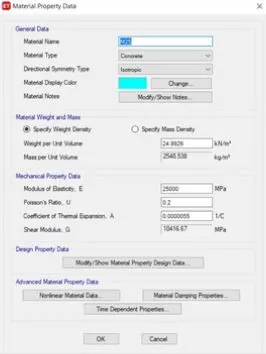
3)Open define toolbar, select material and choose material type M30.
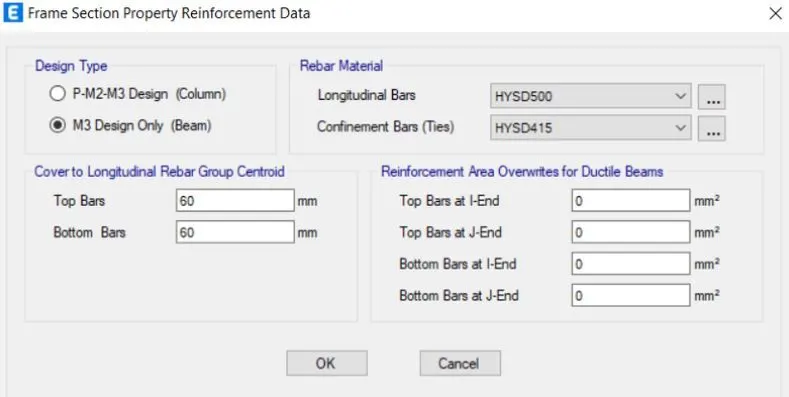
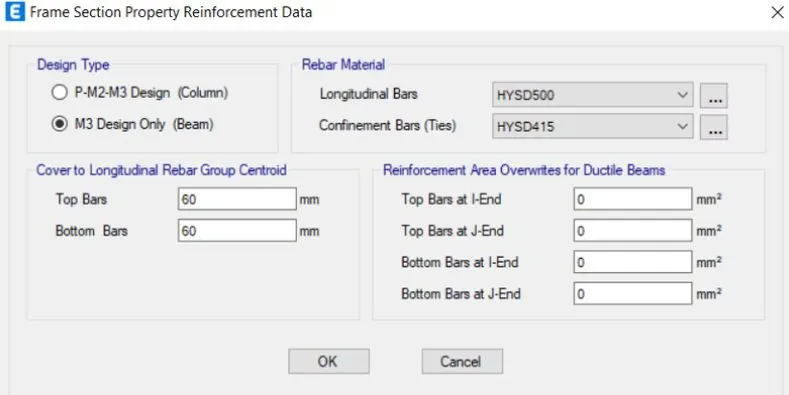
4)Similarly open define toolbar, select material choose type as rebar and grade as HYSD grade 500.
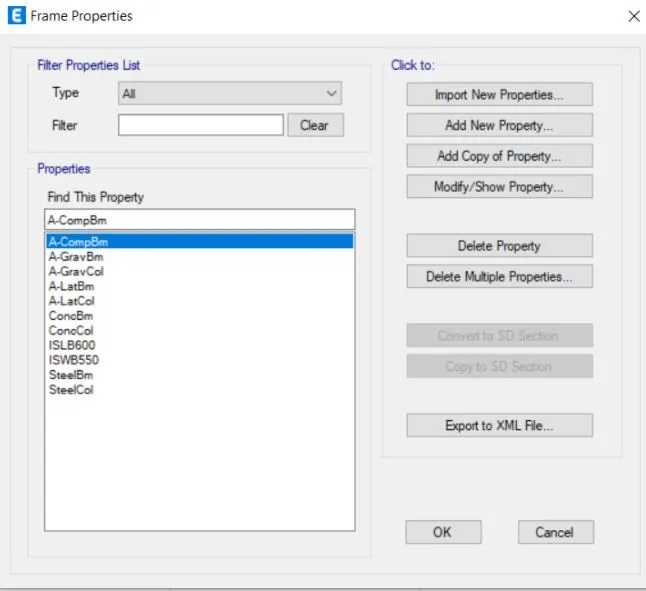
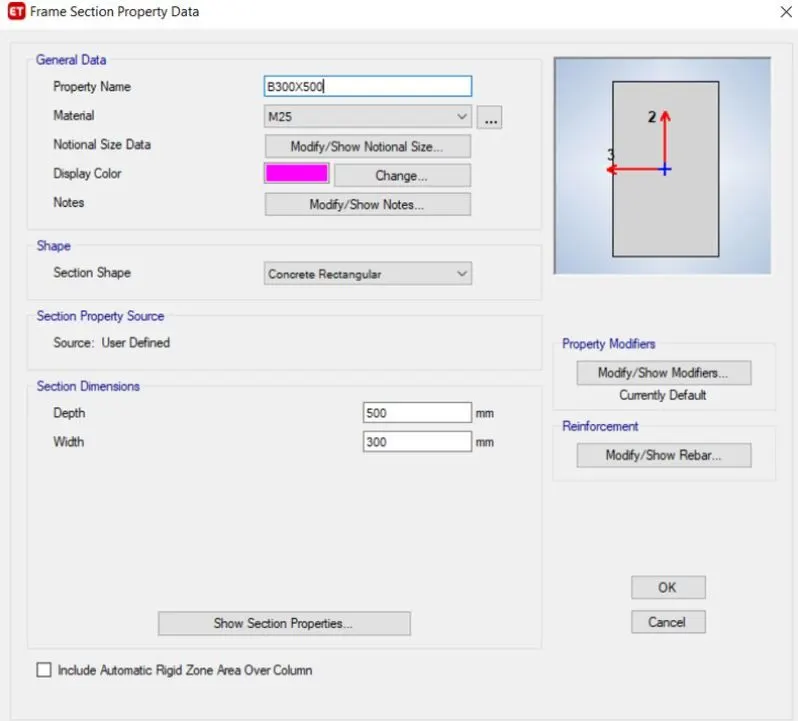
5)Again open define tool, select frame section property.
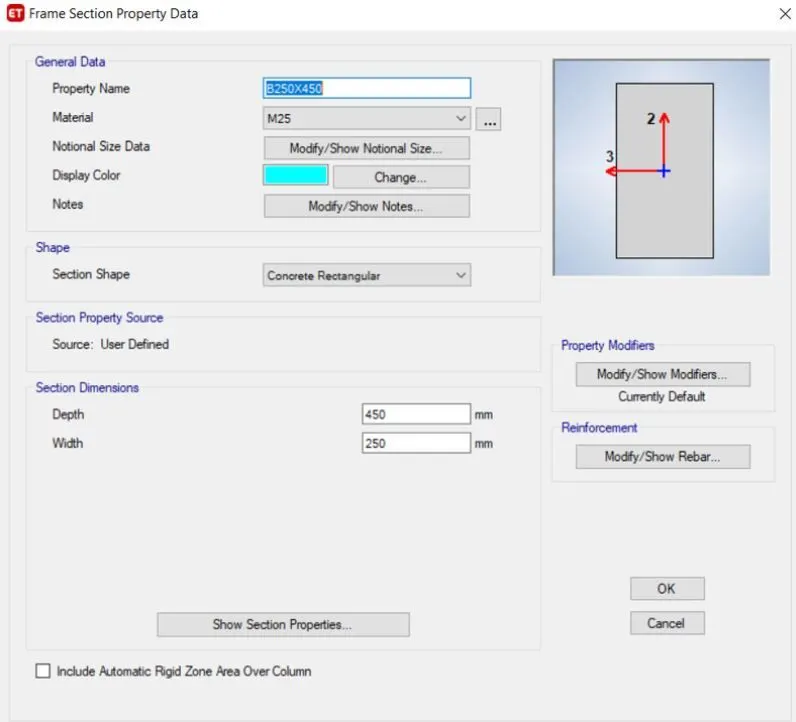
6)Provide beam diminension accordingly and modify the rebar details.
7)Similarly add column properties and dimensions.
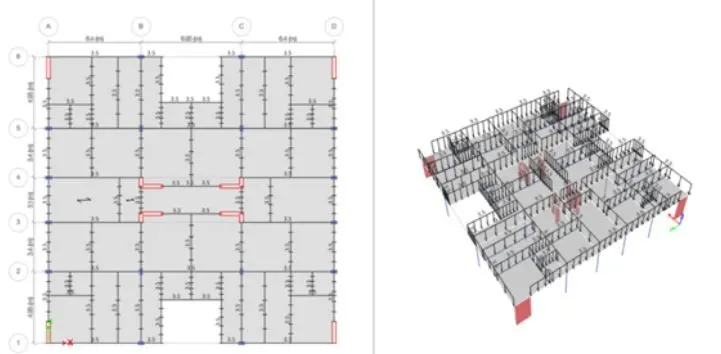
8)Frame slab property using define tab and set wall property.
9)By using the quick draw column/beam option place components in floor plan.
10)Apply brick wall load in all the beam component and live loads to slabs.
11)Select load design as concrete frame, then select load combination.
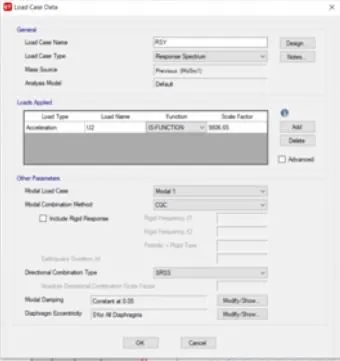
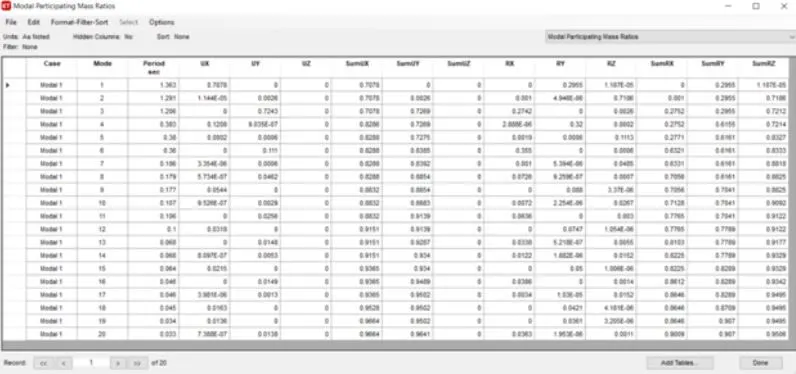
Result:
To model and analyze the G+7 residential building from the given architectural drawings using the ETABS 2018 successfully completed.