Reinforcement detailing of Columns from ETABS output
Aim:
To Design and Detail the Reinforment for the Columns for the provided Structural Configuration and Loadings for Seismic consideration and check them with respect to the Manual Calculation and ETABS output.
Theory:
- The ETABS software uses a Finite Element Approach to calculate the forces in the elements.
- While designing the structural elements such as Beams, Columns etc., it considers the codal provisions of IS 456:2000 and for Seismic Design it follows IS 10392:2016.
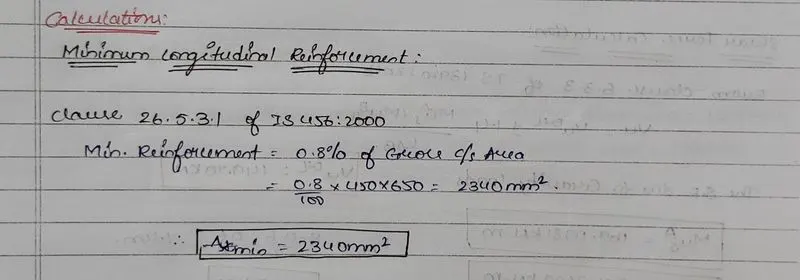
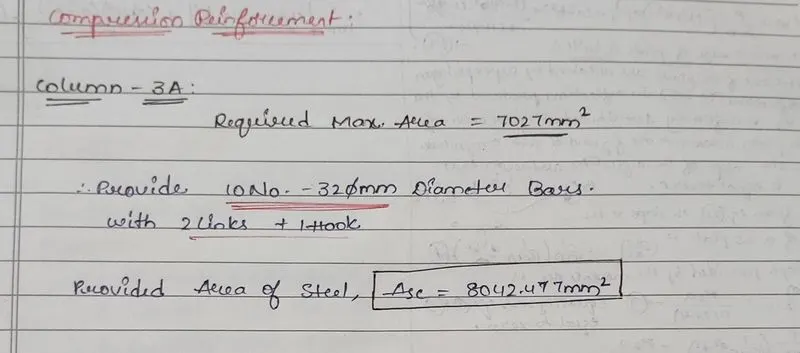
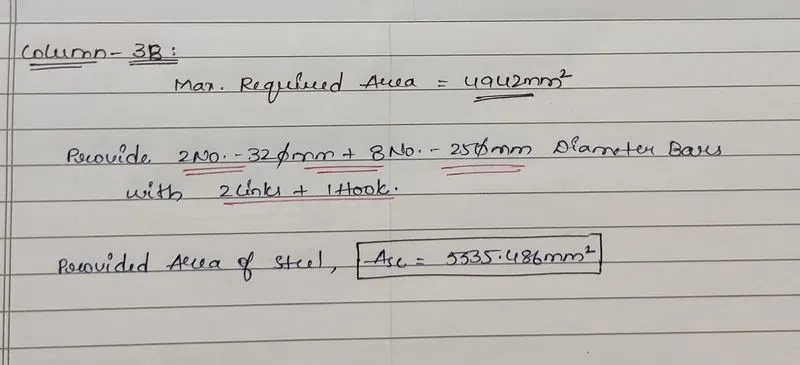
- The Longitudinal Reinforcement calculated by the Software can be cross - checked manually with the Formulae provided in the IS 10392:2016.
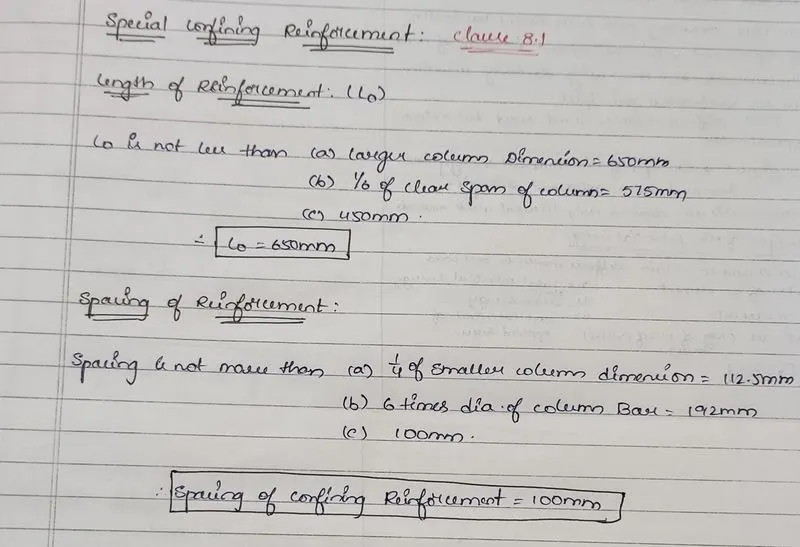
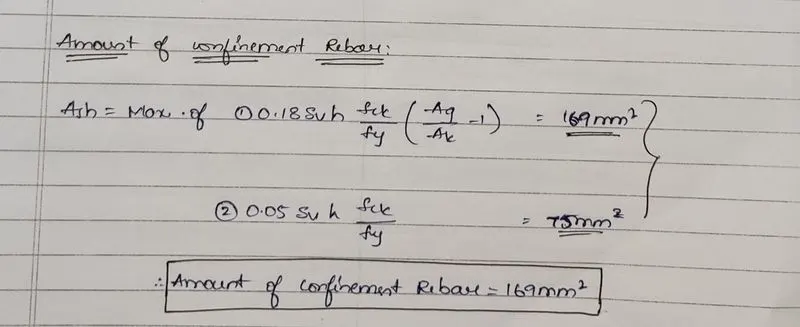
- The Special Confinement Reinforcement shall be calculated and provided with respect to the provisions provided in the Clause 8.1 of IS 10392:2016.
Procedure:
- Open the Document which need to be designed in the ETABS software.
- Run the Analysis first and check for any errors.
- Now go the Drop down at the Concrete Design option.
- Check the References and the Code followed.
- Check the Design combinations provided.
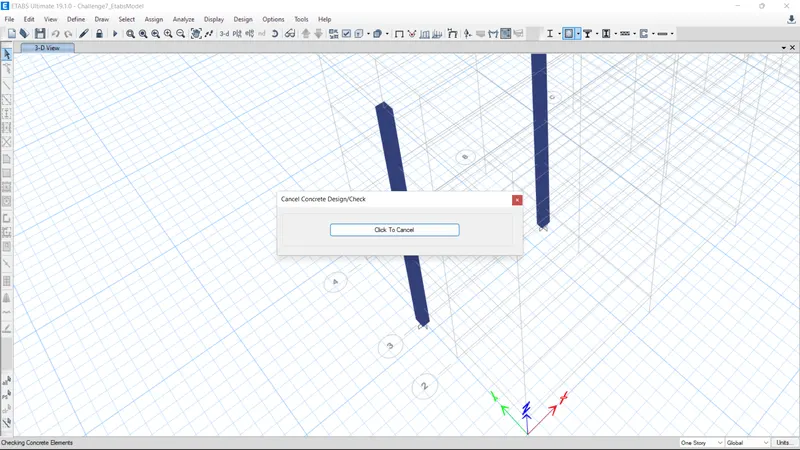
- Now run the Design.
- After running the Design we can check the model for any failure elements.
- Click on the Drop down option on Concrete Design for the display of the Results of the Design.
- In this Pop-up Window we can also click Shear / Transverse Reinforcement required area.
- Follow the Code of IS 456:2000 and IS 10392:2016 for provisions for Reinforcement.
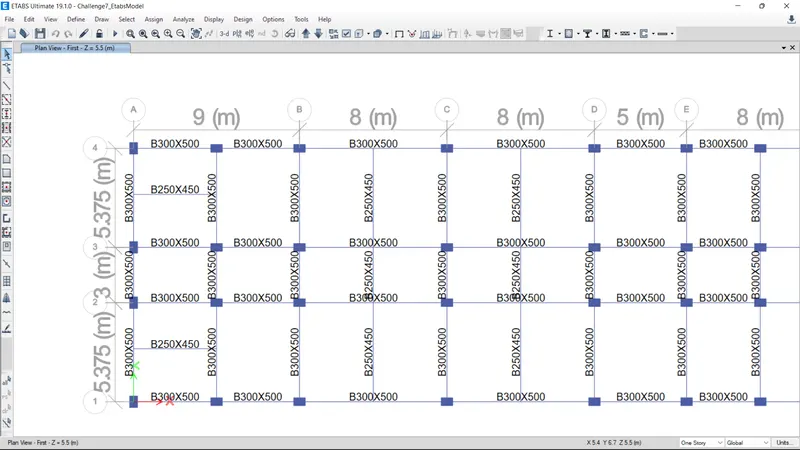
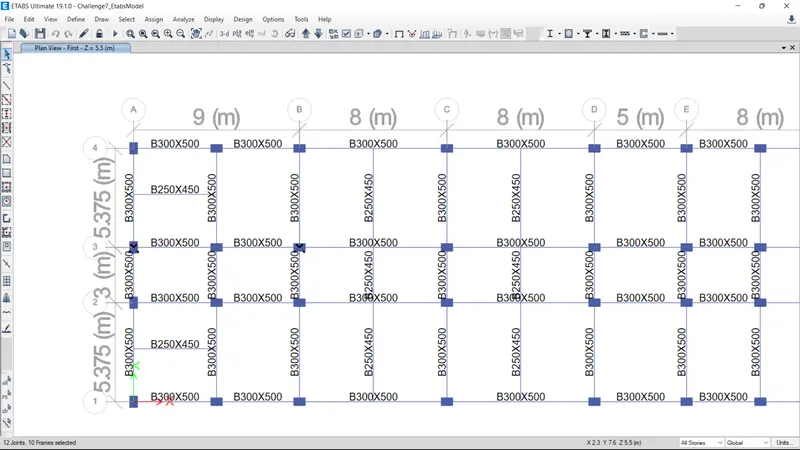
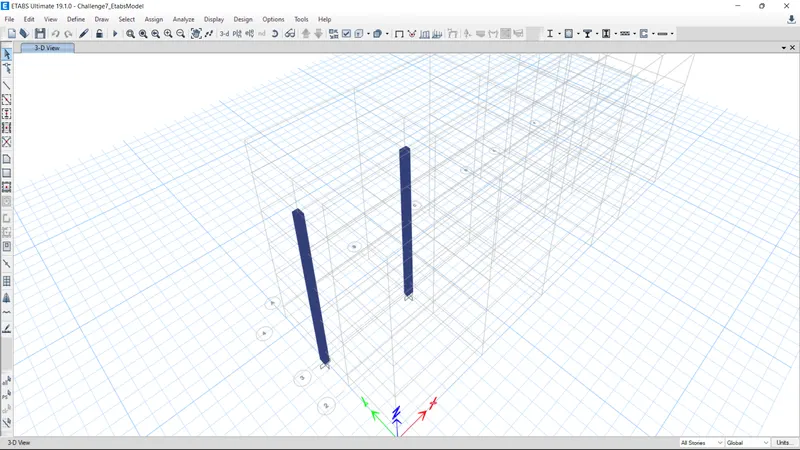
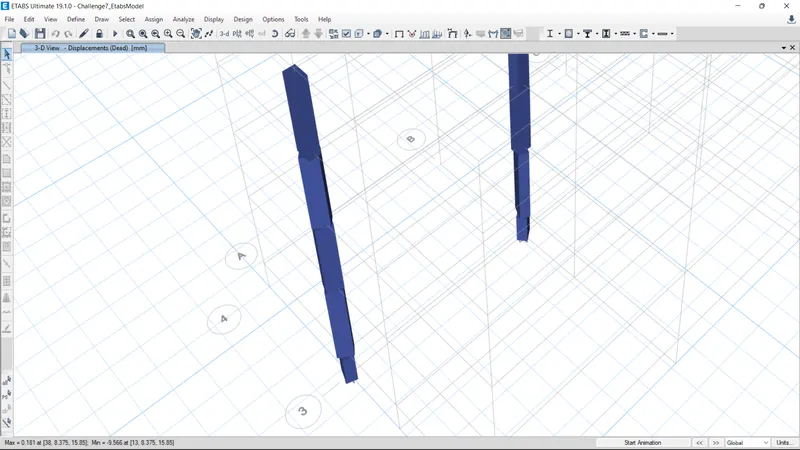
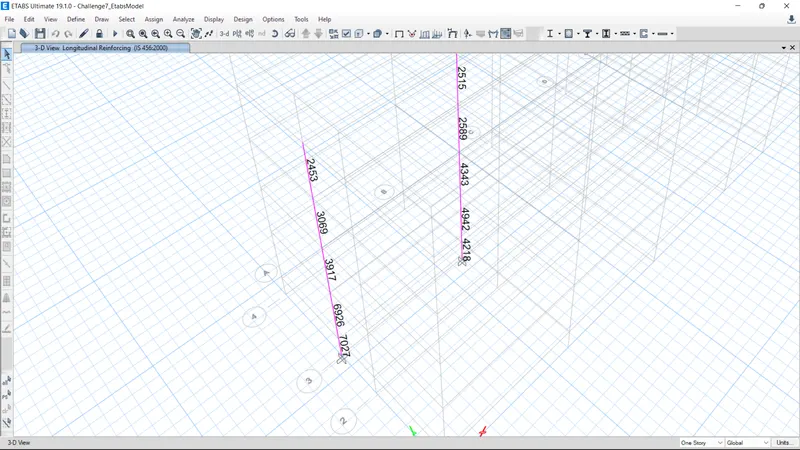
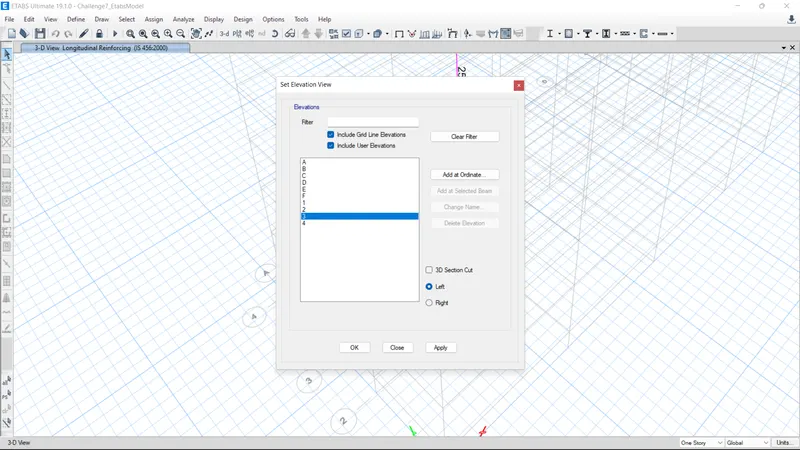
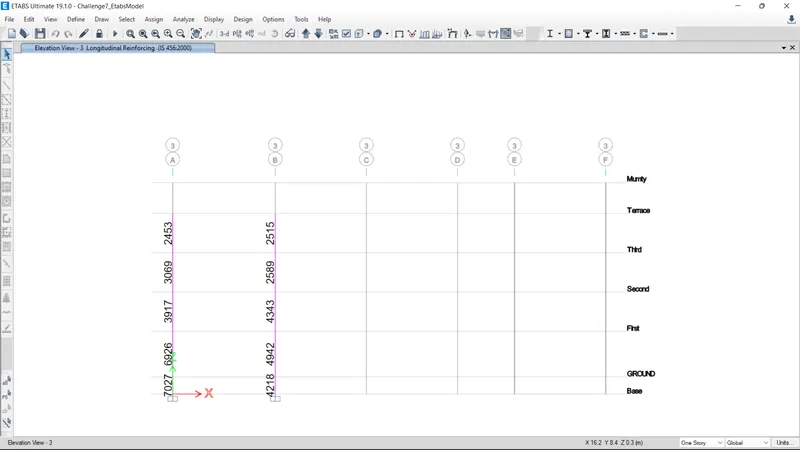
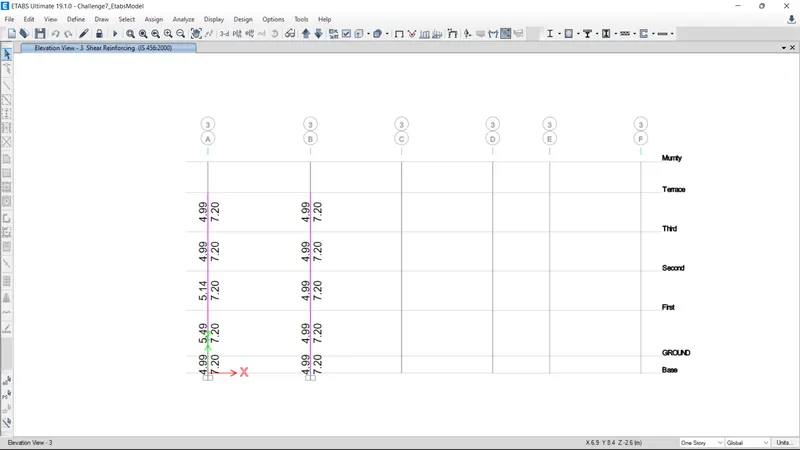
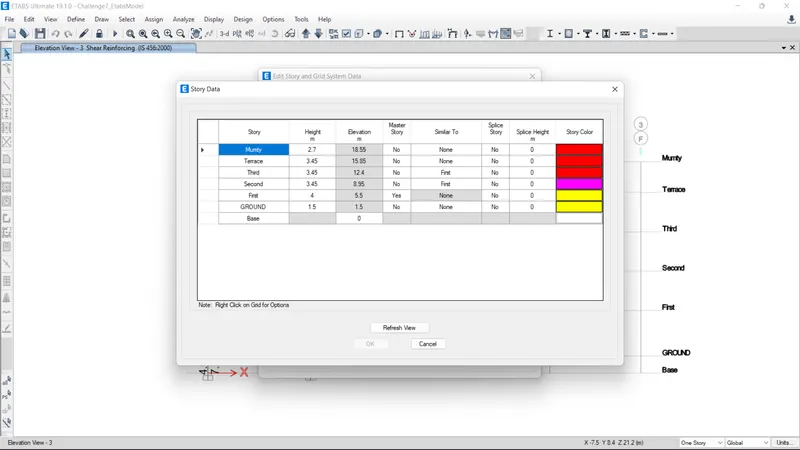
- CALCULATIONS FOR REINFORCEMENT BOTH LONGITUDINALLY AND TRANSVERSE:

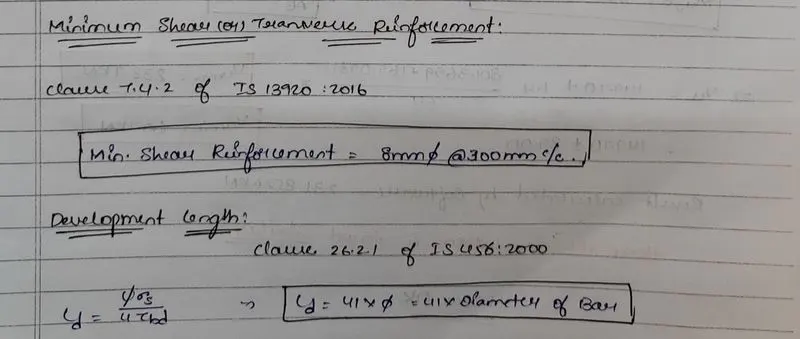
Drafting of Column Detailing:
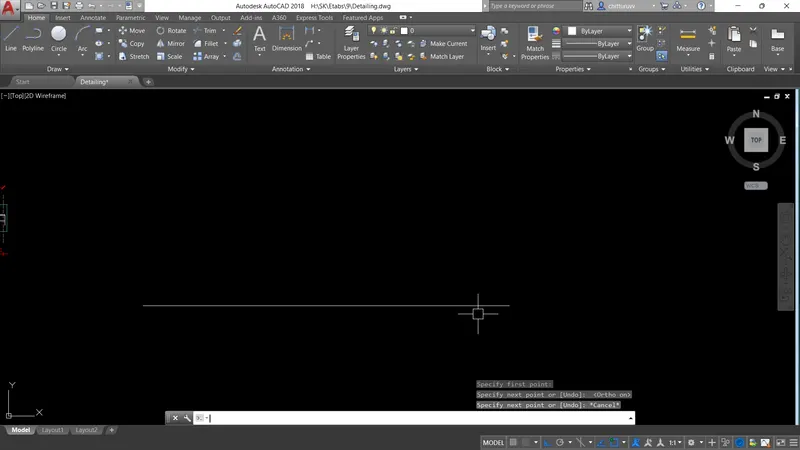
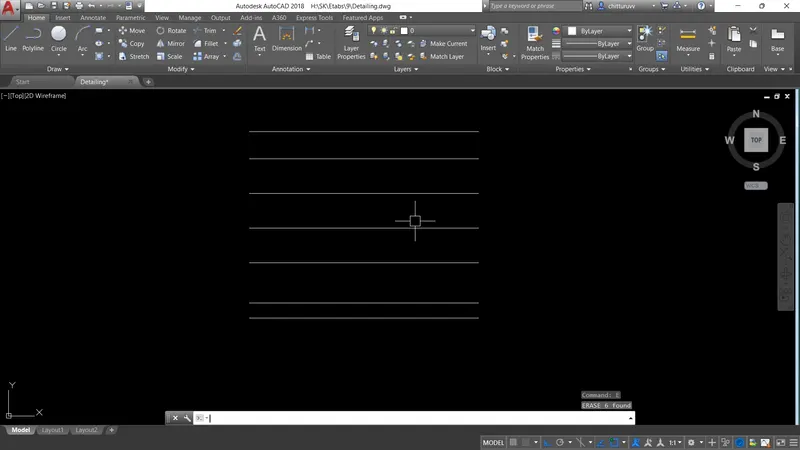
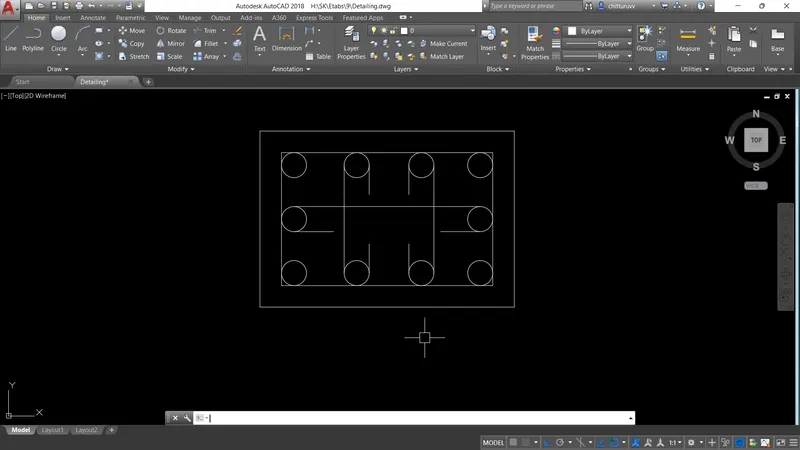
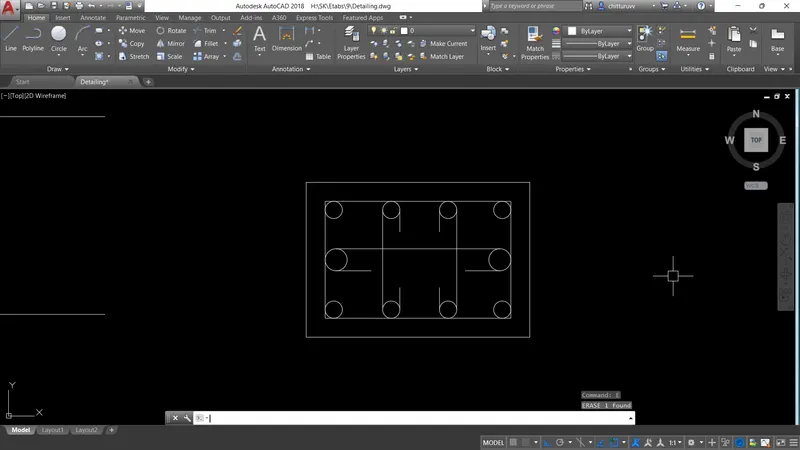
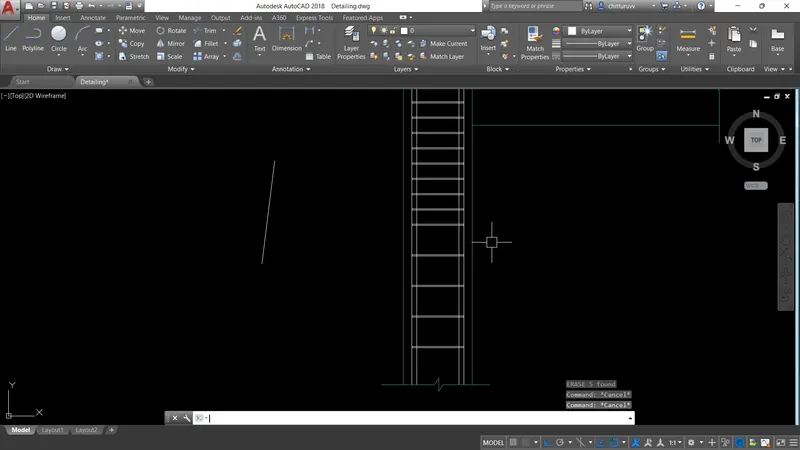
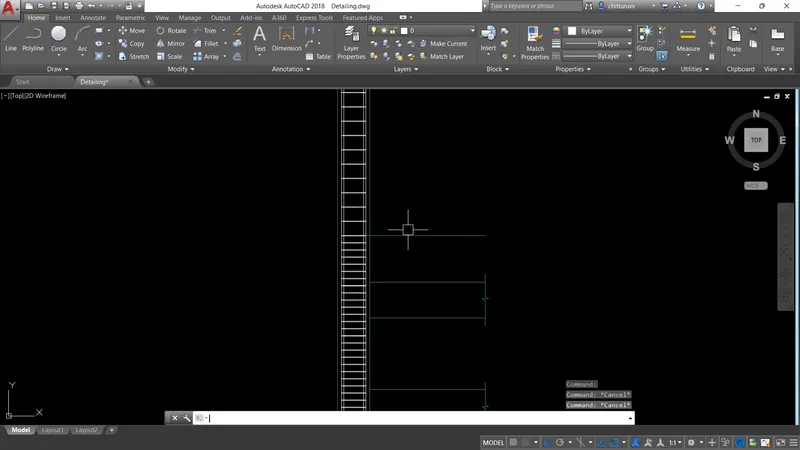
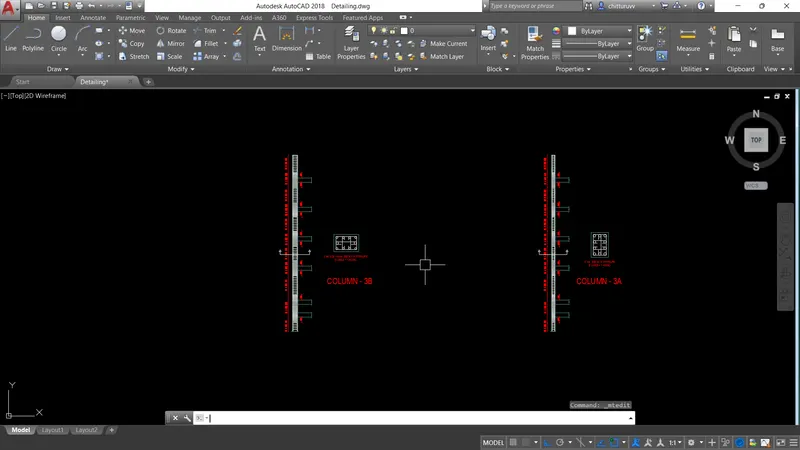
- After the Reinforcement details are calculated we can draft the detailing using the AutoCAD software.
Result:
The Column Reinforcement Details are calculated with the help of ETABS software and the reinforcement details are checked and provided as per the Provisions defined by IS 456:2000 and IS 10392:2016.
The Files of AutoCAD, ETABS and manual calculations are attached below for reference.