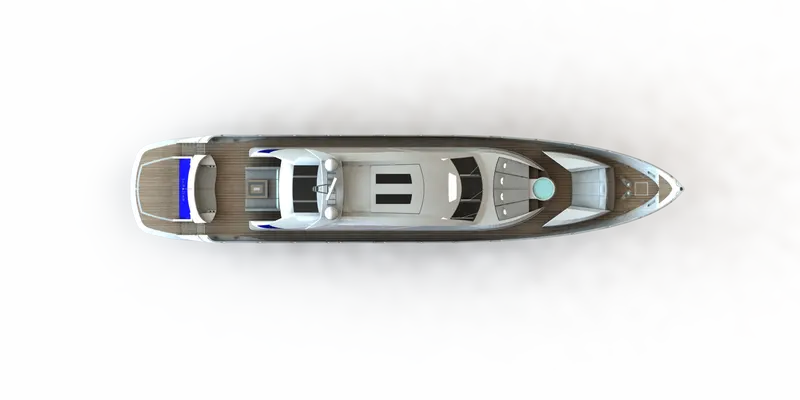
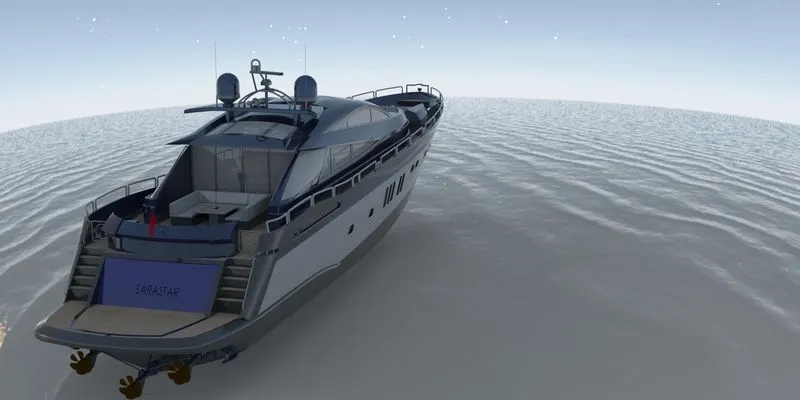
Radar Mast & Final Assembly of Yacht
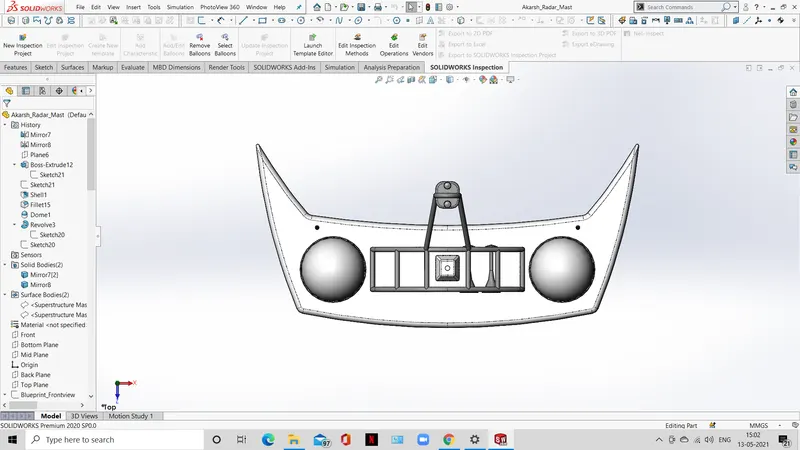
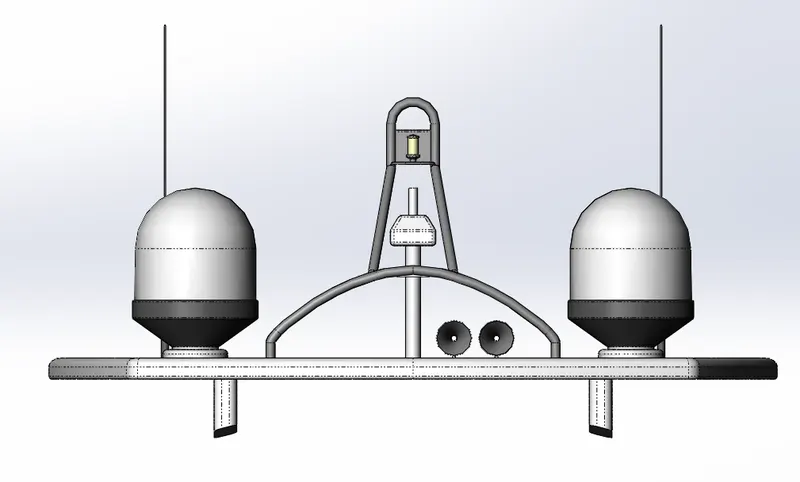
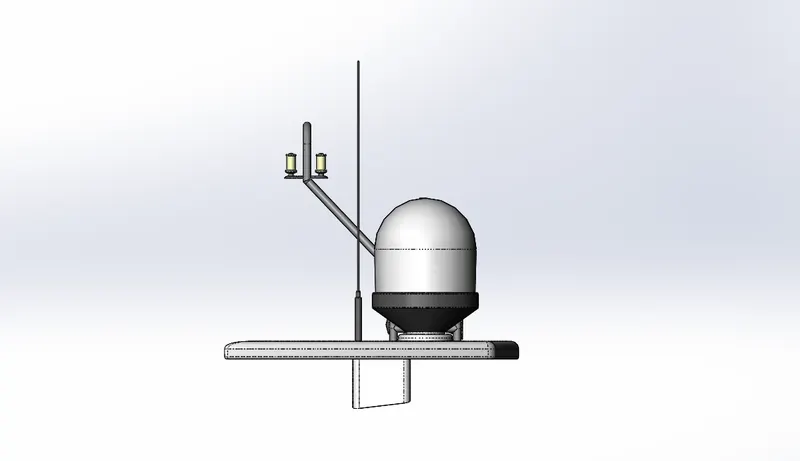
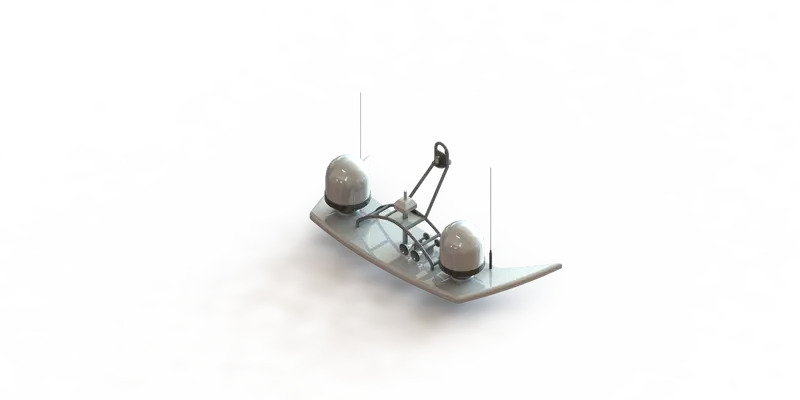
MODELLING OF RADAR_MAST
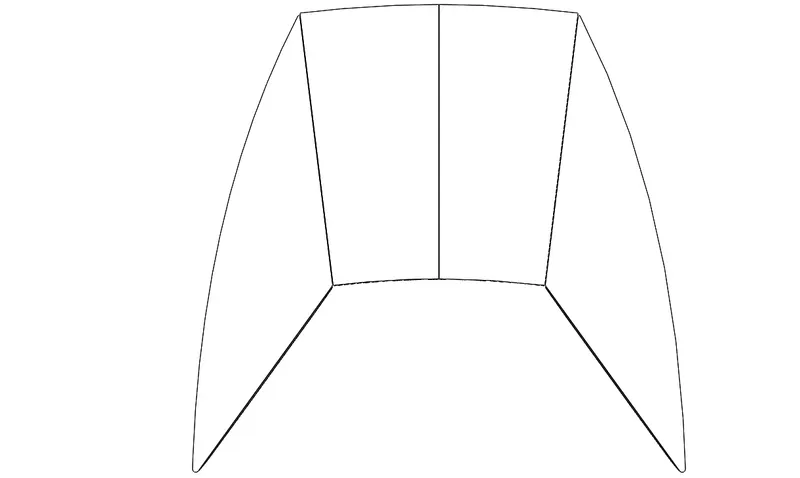
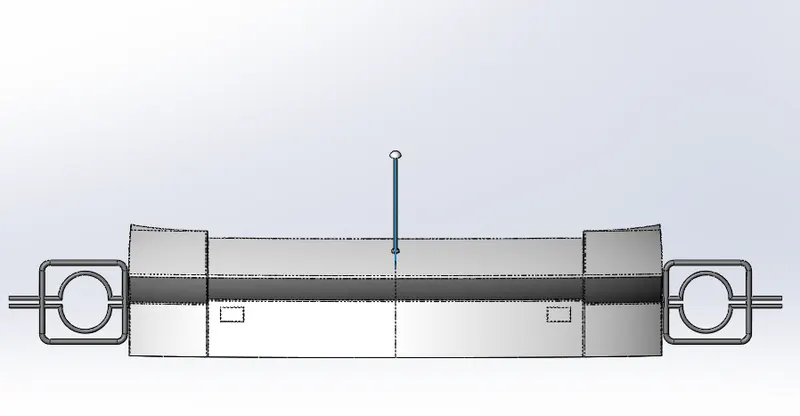
TOP VIEW & FEATURE TREE 1
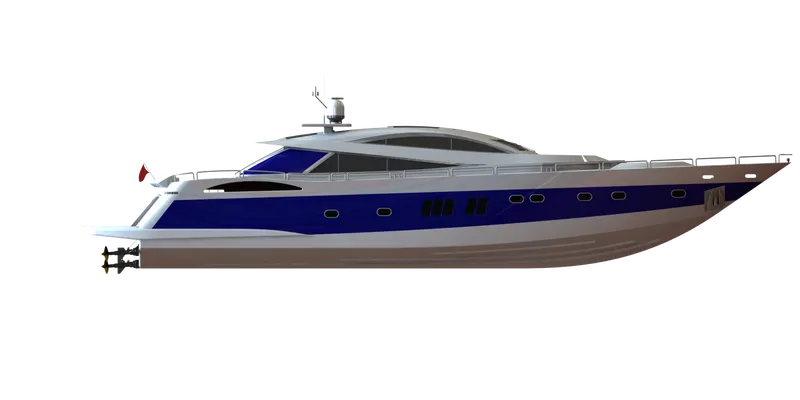
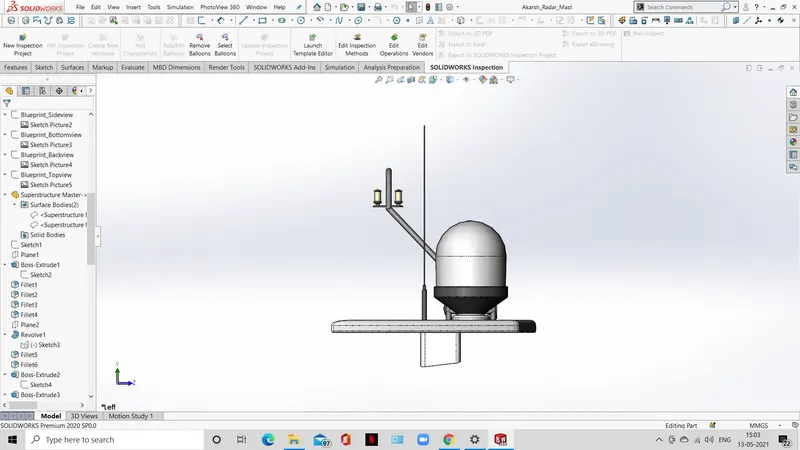
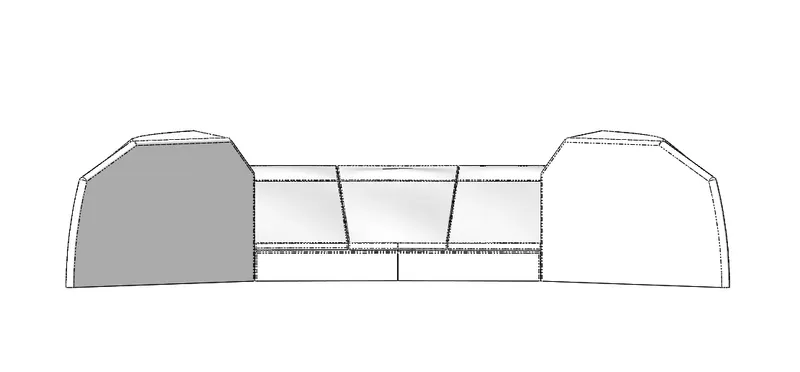
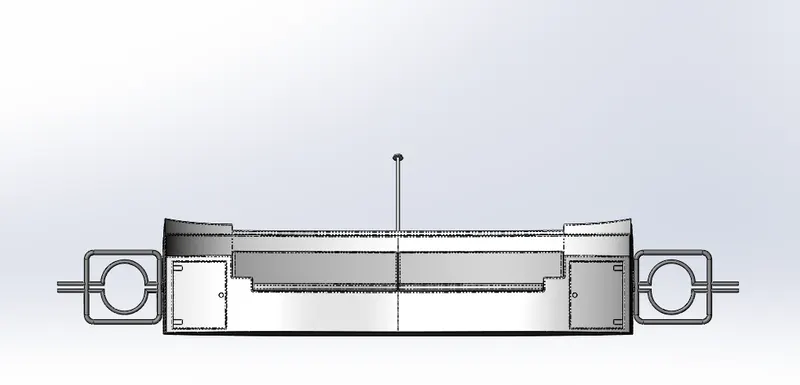
SIDE VIEW & FEATURE TREE 2
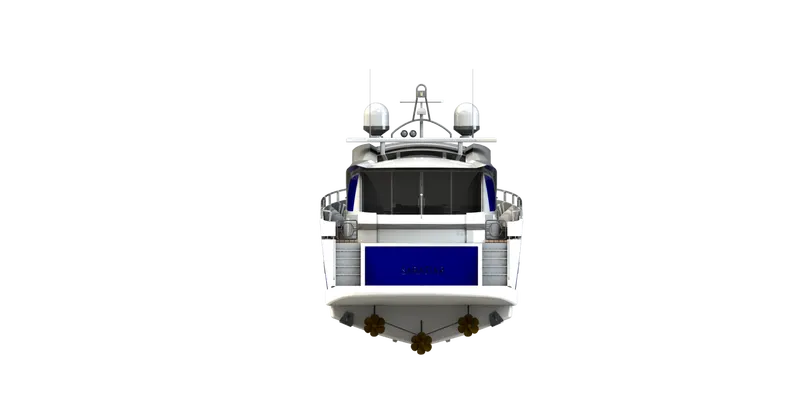
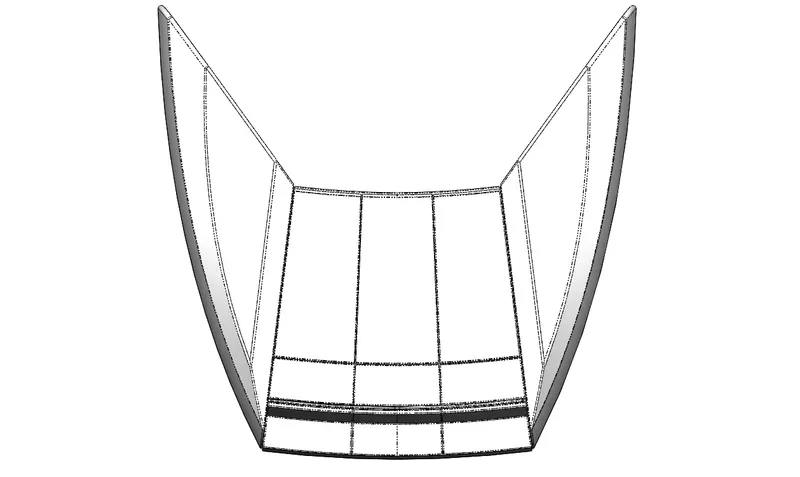
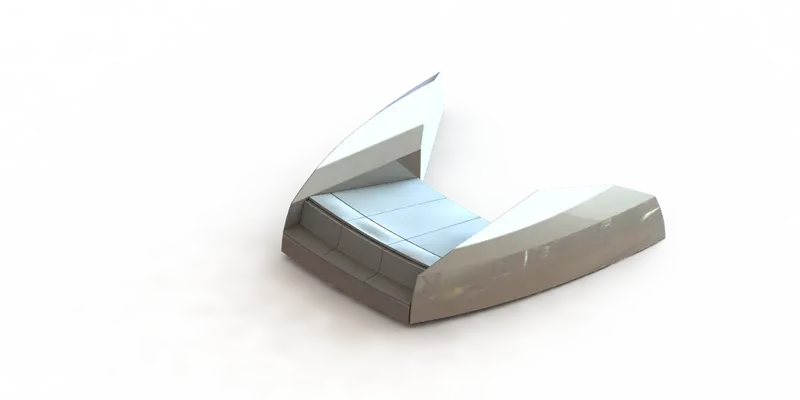
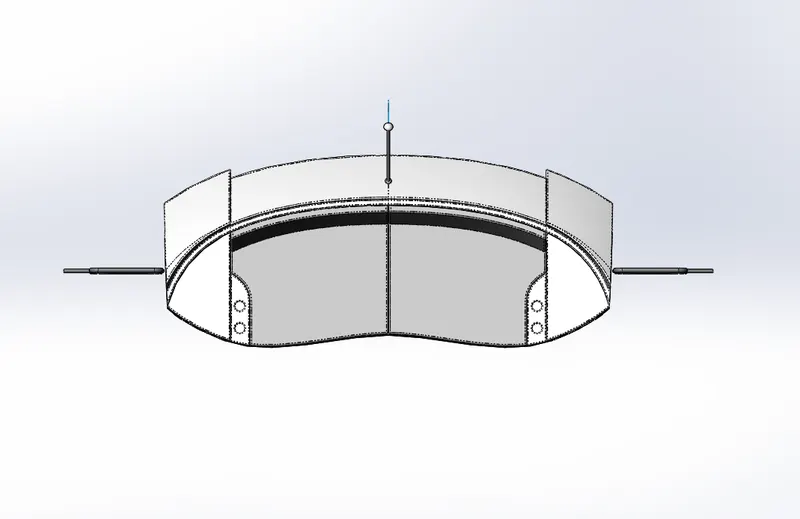
BOTTOM VIEW & FEATURE TREE 3
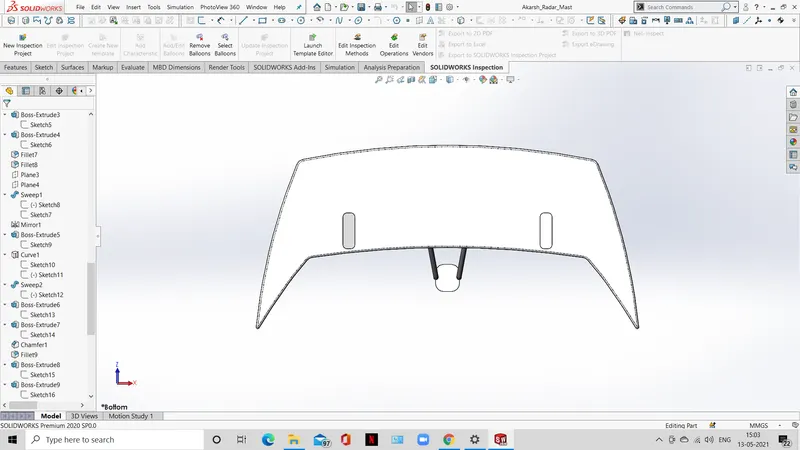
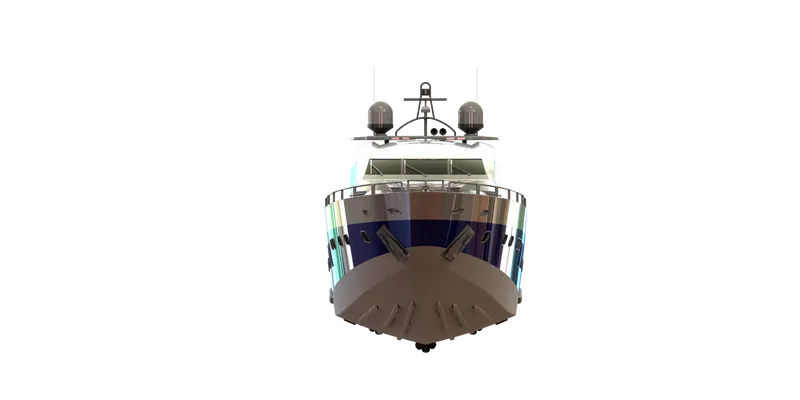
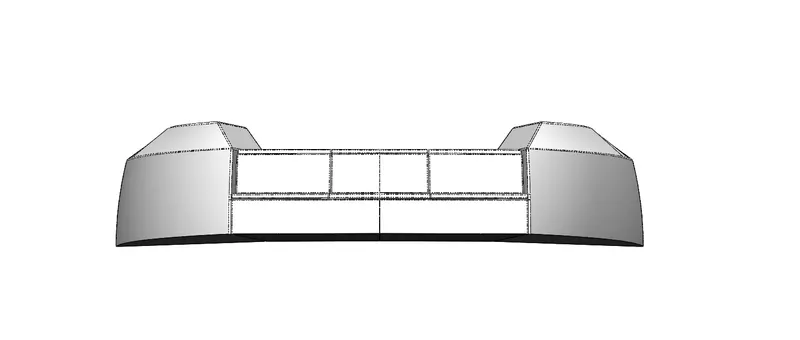
FRONT VIEW & FEATURE TREE 4
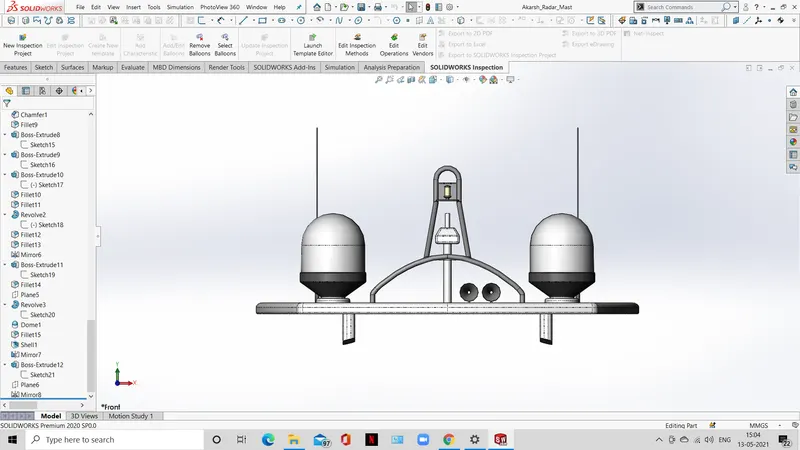
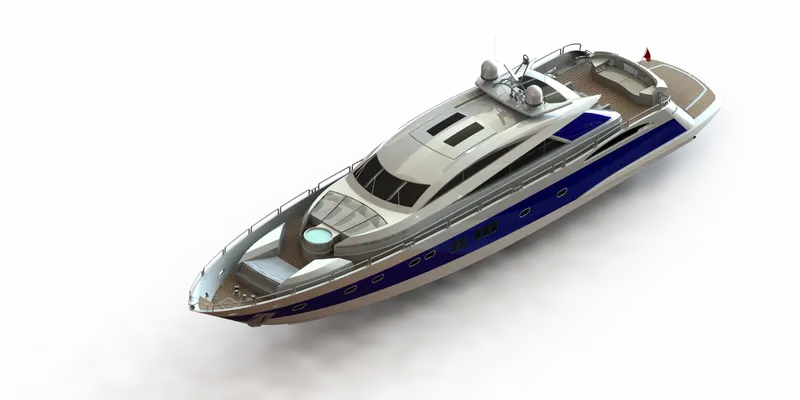
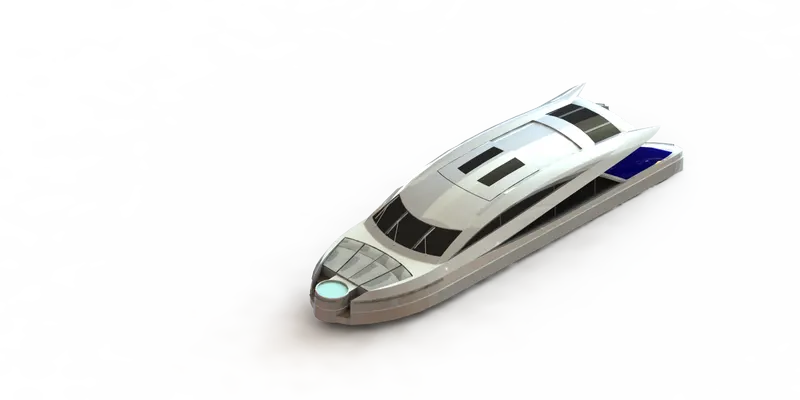
SUNSEEKER PREDATOR YATCH
Design & Assembly of Sunseeker Predator Yatch Using Solidworks
OBJECTIVE:
The objective of the project is to design, model & assemble the Predator Yatch using Solidworks.
INTRODUCTION:
In this project the Sunseeker Predator Yatch was taken as a conceptual model, to understand the 3D modelling methodology of solid modelling and surface modelling.
DESIGN METHODOLOGY:
FLOW CHART:
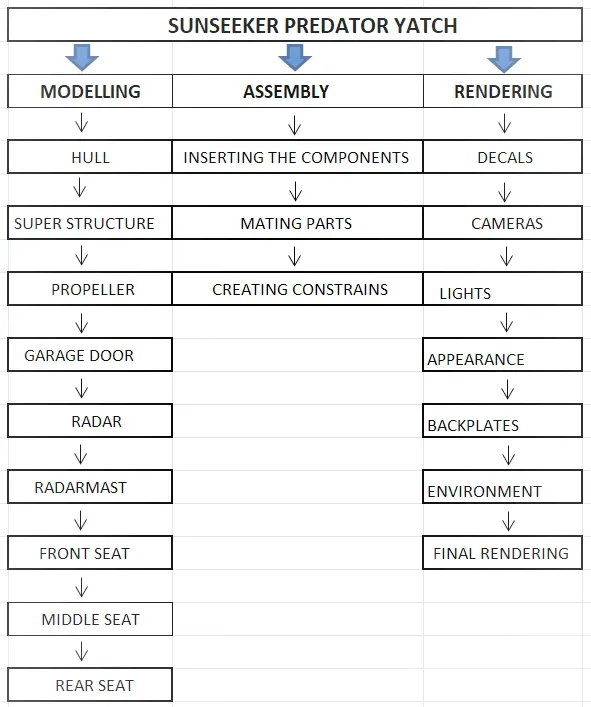
Tools and Features used in modelling, assembly & rendering of Predator Yatch.
SKETCH:
Sketch is the two dimensional representation of the model, in solid works there are different sketch options available to create sketch, the following are the sketch entities available in solid works line, arc, spline, circle, rectangle.
OFFSET:
Offset command is used to duplicate the selected geometry and position it in required distance from the original position.
EXTRUDE BOSS/BASE:
An extrude boss/base feature will allow 2D sketch to add thickness in third dimension.
FILLET:
Fillet feature is used to create rounded interior or exterior corner of a part.
LOFTED BOSS/BASS:
Loft creates a feature by making transition between profiles. A loft can be boss, cut or surface. You can create a loft using two or more profiles.
DOME:
Select one or more planar or non-planar faces. You can apply domes to faces whose centroid lies outside the faces. This allows you to apply domes to irregularly shaped contours.
EXTRUDE CUT:
Extrude cut is another feature which helps to remove material from 3D model. It is just the opposite of extruding. You can cut in both direction and mainly used for creating holes, channels, slots etc.
SPLIT:
The split tool is used to project an entity onto other surface or curved/planar faces. You are also able to split faces on multiple bodies with one command.
TRIM ENTITES:
Select the trim type, based on the entities you want to trim. All trim types are available with 2D sketch and 2D sketches on 3D planes.
REVOLVE:
To create a revolve feature. Create a sketch that contains one or more profiles and a centreline, line or edge to use as the axis around which the feature revolves.
DYNAMIC MIRROR:
Dynamic mirror is the important tool in solid works. As you sketch the entities, they are mirrored about the pre-selected sketch entity.
APPEARANCES:
An appearance defines the visual properties of model, including colour and texture. Appearances do not affect physical properties, which are defined by materials. Every material is assigned a default appearance that emulates the look of the material.
COMBINE:
Combine is the type of feature available in solid works to manually combine the two bodies.
SHELL:
The shell definition property manager is used to define the thickness of thin and thick shell elements.
CHAMFER:
A cut on the edge or corner of something that makes it slope slightly rather than being perfectly square.
CIRCULAR PATTERN:
The circular pattern/features are used to create different number of instance required to create the pattern circularly.
LINEAR PATTERN:
The linear pattern bodies/features are used to create different number of instances required to create the pattern linearly.
SURFACE MODLING:
Surface modelling gives you the ability to build out a visual representation of object’s exterior and its contours.
LOFTED SURFACE:
Loft surfaces are surfaces generated by multiple 3D curves or existing edges creating a smooth tangency between the selected curves.
SWEPT SURFACE:
Sweep surfaces are surfaces that are generated from a section curve positioned along a path.
FILLED SURFACE:
The filled surface features constructs a surface patch with any number of sides, within a boundary defined by existing model edges, sketches or curves, including composite curves.
SURFACE TRIM:
Primarily used to cut away material from a surface and provides two modes: Standard & Mutual.
EXTEND SURFACE:
Extend surface is used to extend the surface which is already created. There are different options available on the extended surface. We can extend the surface as same surface or we can extend the surface tangent to the surface.
SURFACE KNIT:
Surface knit is used to knit the two free edges/open edges of the surface together. Also it reduces the gap between the two edges of the surface.
DESCRIPTION OF THE PARTS:
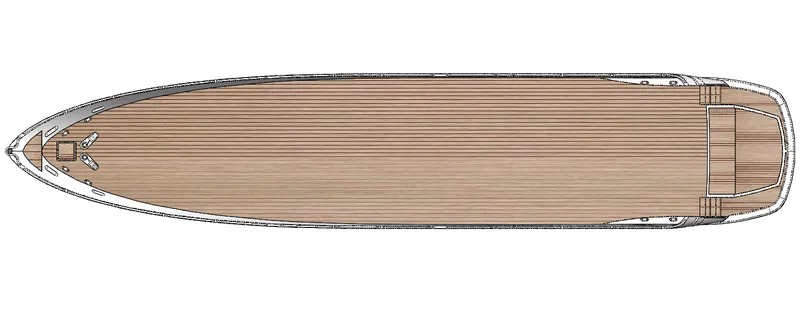
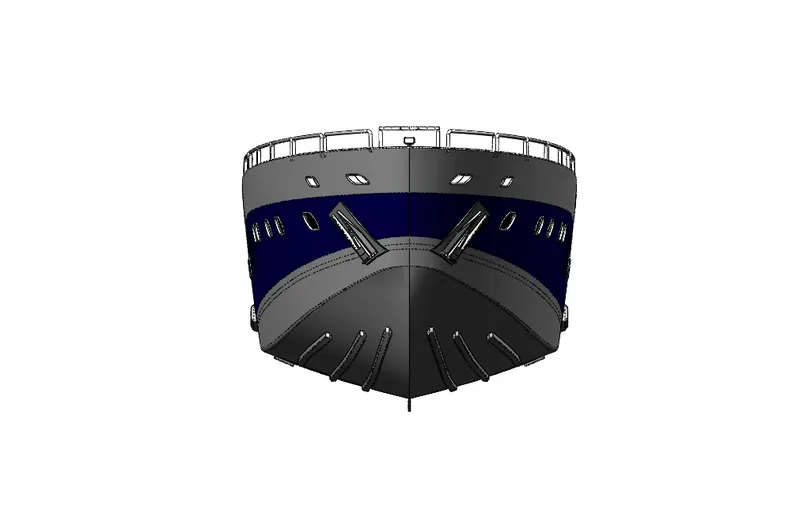
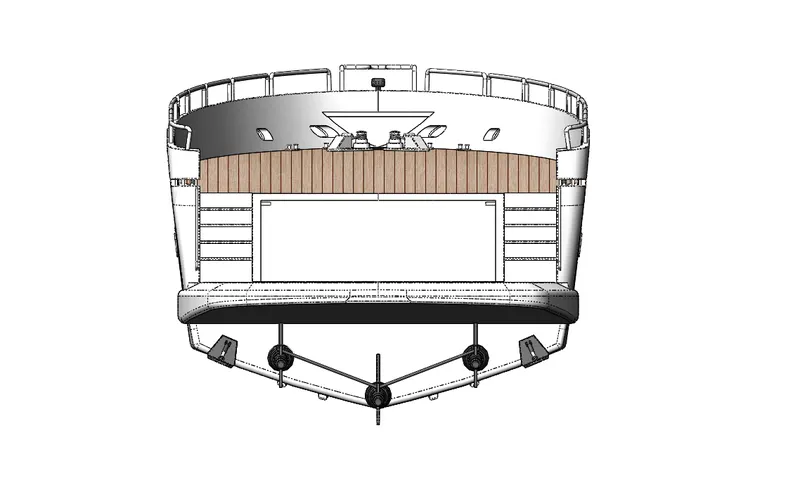
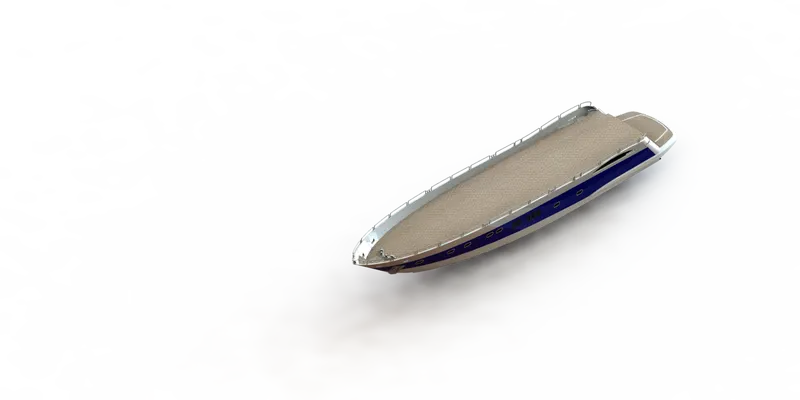
HULL:
A hull is a watertight body of a ship. The hull may open at the top or it may be fully or partially covered with a deck. The line where the hull meets the water surface is called the waterline.
FEATURES USED:
Surface Loft
Projected curve
Surface trim
Surface Extrude
Surface Knit
Surface Fill
Shell
Boss Extrude
Cut Extrude
Fillet
Chamfer
Linear Pattern
Dome
Split
Surface Offset
Delete Face
Sweep
Revolve
Mirror
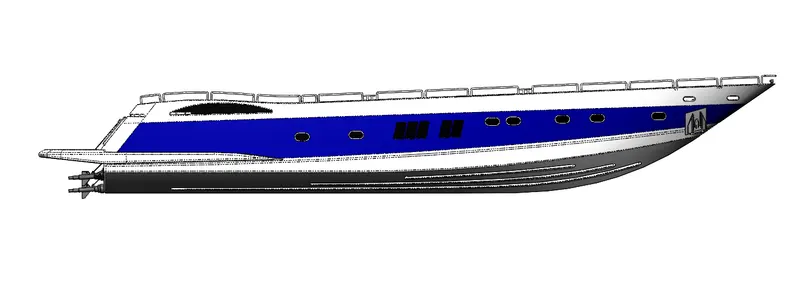
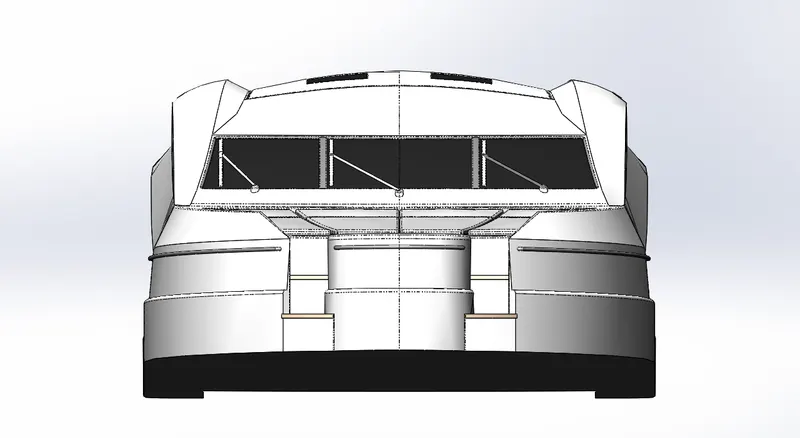
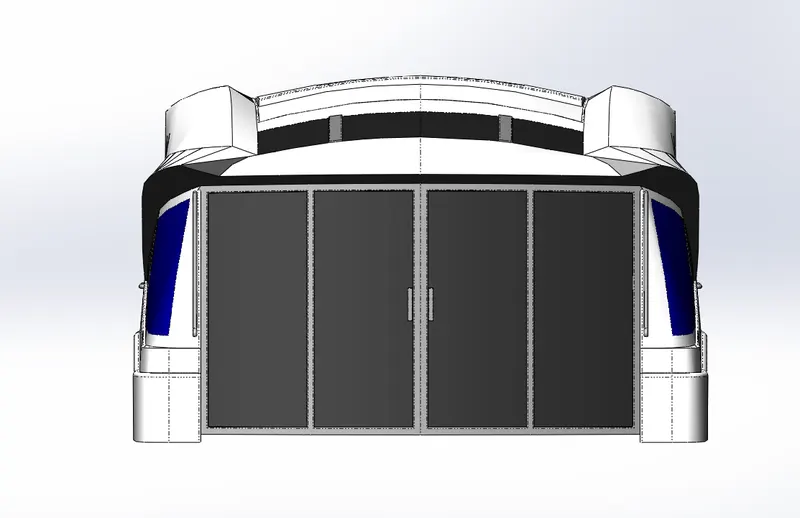
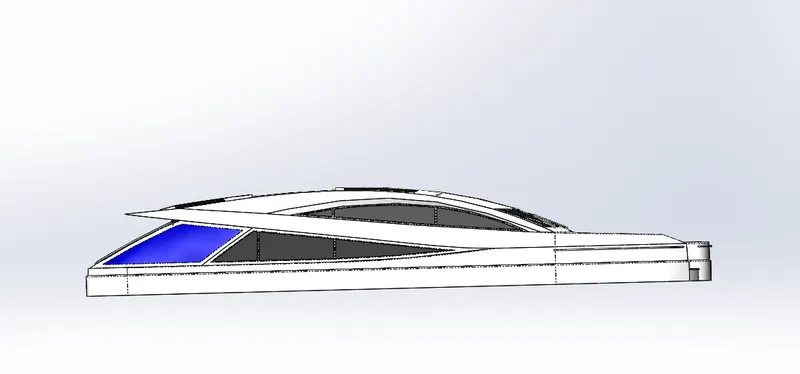
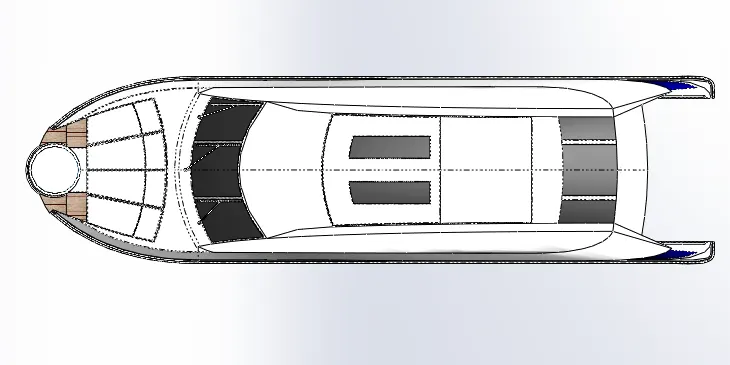
SUPERSTRUCTURE:
A superstructure is an upward extension of an existing structure above a baseline called ground level or deck surface. A superstructure is a decked structure on the free board deck, extending from side to side of the ship.
FEATURES USED:
Surface Extrude
Surface Sweep
Projected Curve
Ruled surface
3D Sketch
Surface Trim
Surface Knit
Surface Extend
Surface Extrude
Surface Offset
Split Line
Delete Face
Boss Extrude
Cut Extrude
Fillet
Chamfer
Mirror
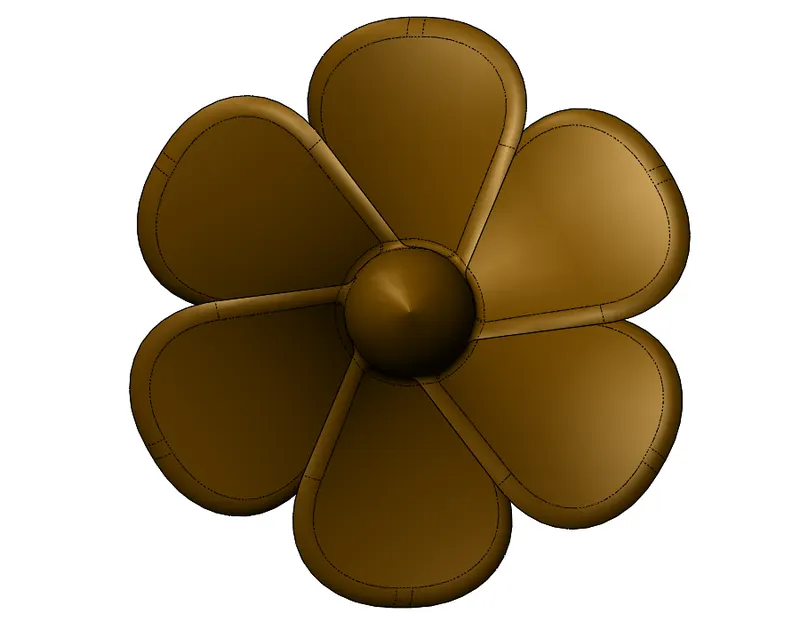
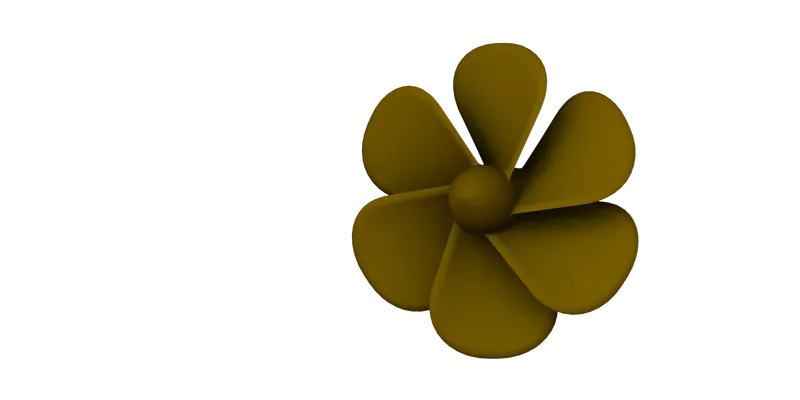
PROPELLER:
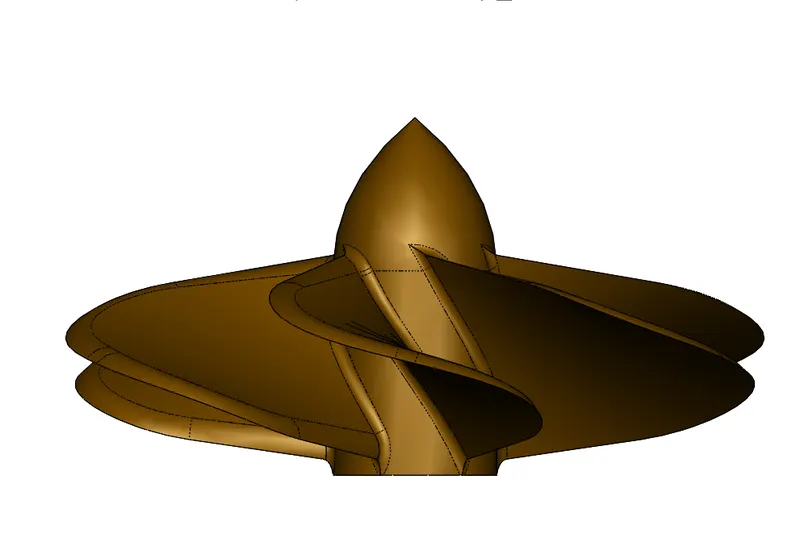
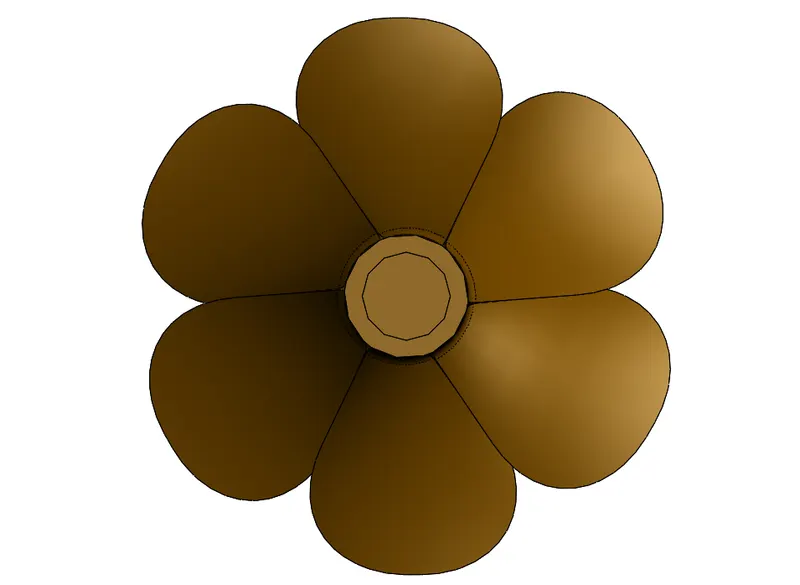
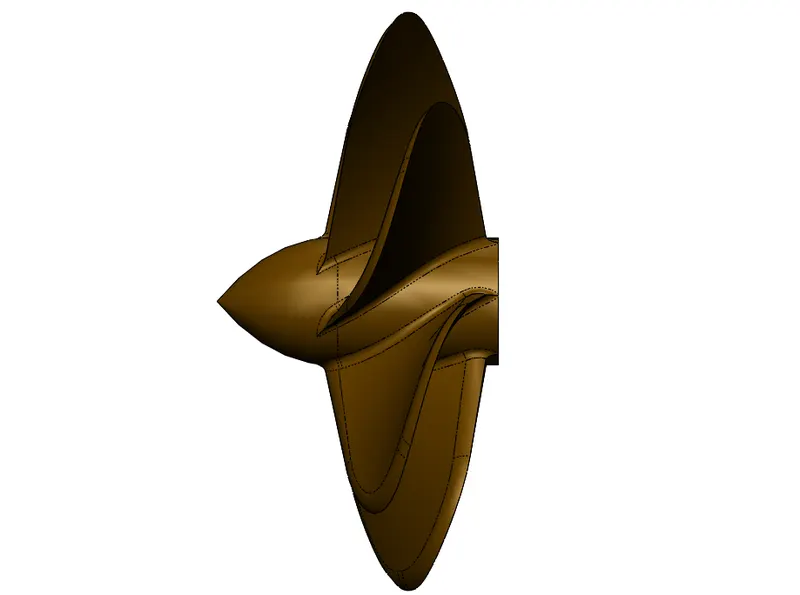
The main function of propeller is to propel the ship in the forward direction by producing thrust on water. Its works on Newton’s third law of motion & Bernoulli’s theorem.
FEATURES USED:
Cut Extrude
Revolve
Fillet
Loft
Circular Pattern
GARAGE DOOR:
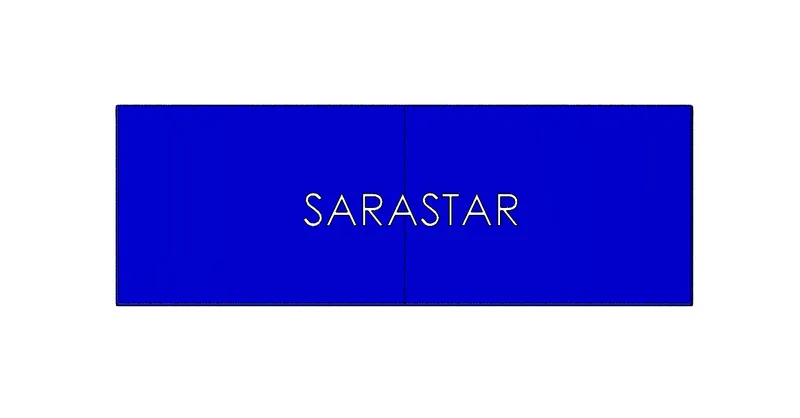
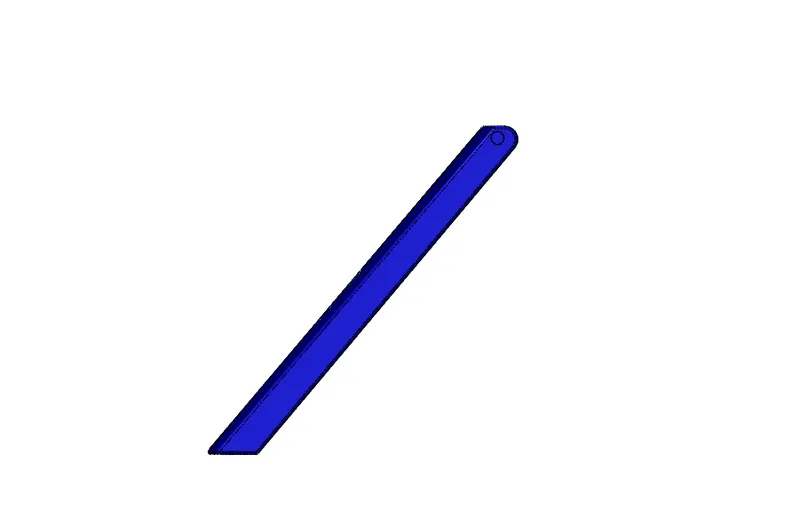
A garage door is a large door on a garage that opens either manually or by an electric motor. Garage doors are large enough to accommodate automobiles and other vehicles. The operating mechanism is spring-loaded or counterbalanced to offset the weight of door and reduce human or motor effort required to operate the door.
FEATURES USED:
Cut Extrude
Fillet
Shell
Text
Mirror
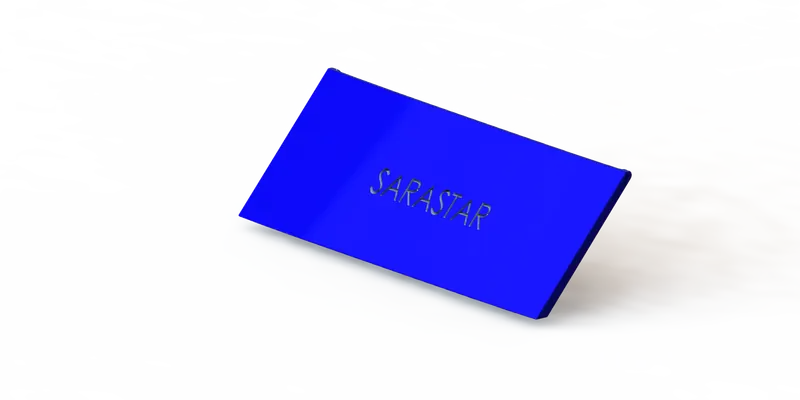
RADAR:
Marine radars are X band or S band radars on ships, used to detect other ships and land obstacles, to provide bearing and distance for collision avoidance and navigation at sea. They are electronic navigation instruments that use a rotating antenna to sweep a narrow beam of microwaves around the water surface surrounding the ship to horizon, detecting targets by microwaves reflected from them, generating a picture of the ship’s surroundings on a display screen.
FEATURES USED:
Boss Extrude
Cut Extrude
Sketch Pattern
Fillet
Mirror
Text
Split Line
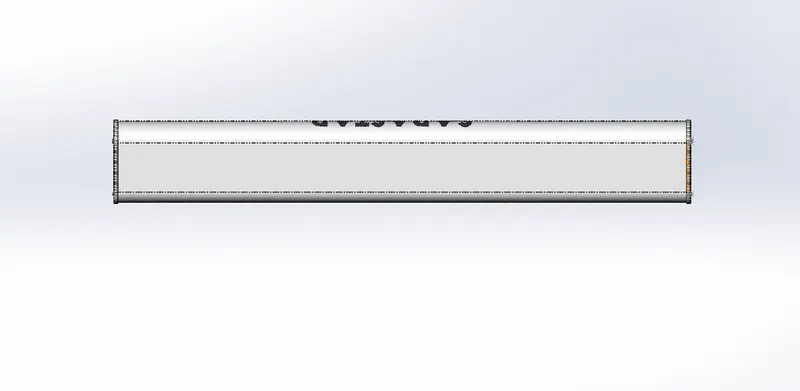
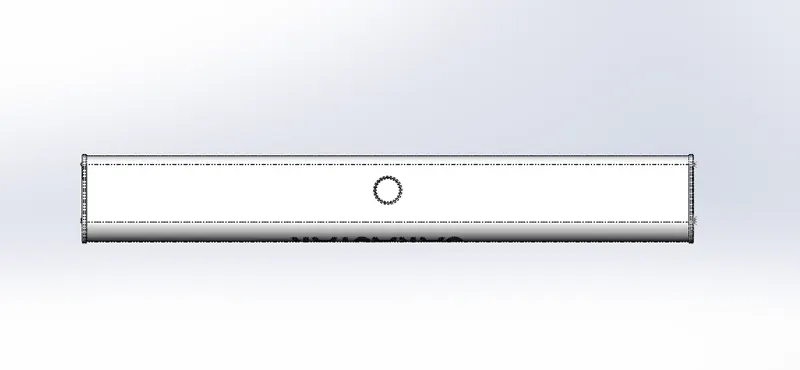
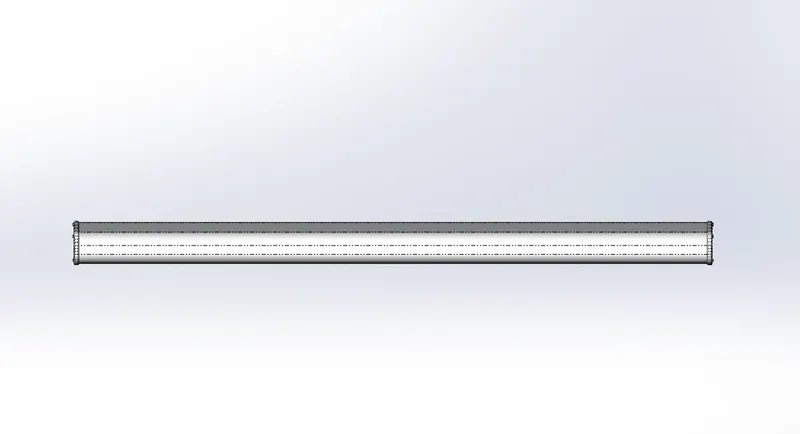
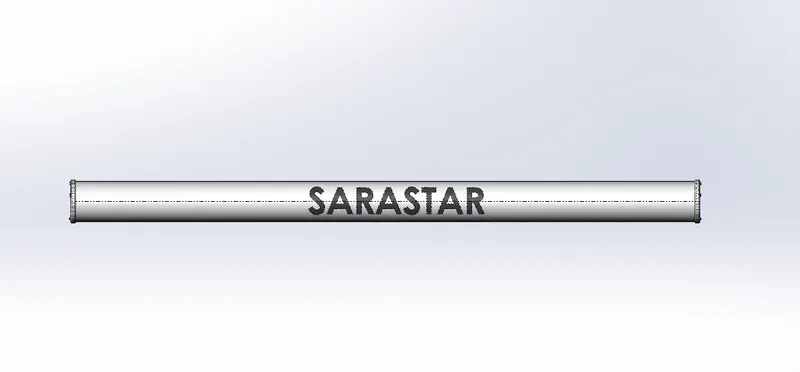
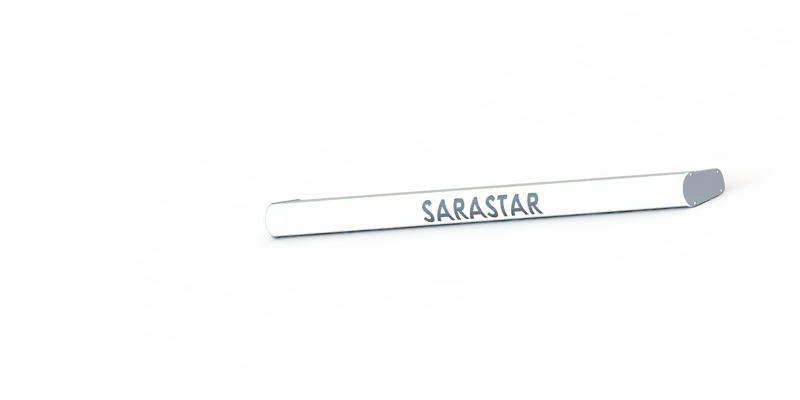
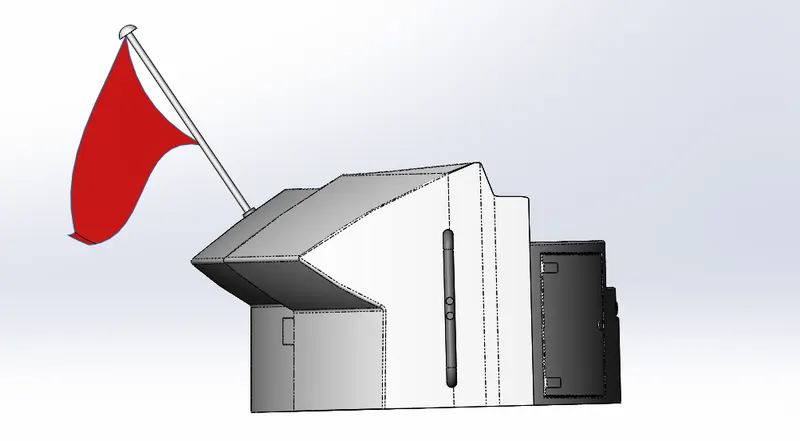
RADAR MAST:
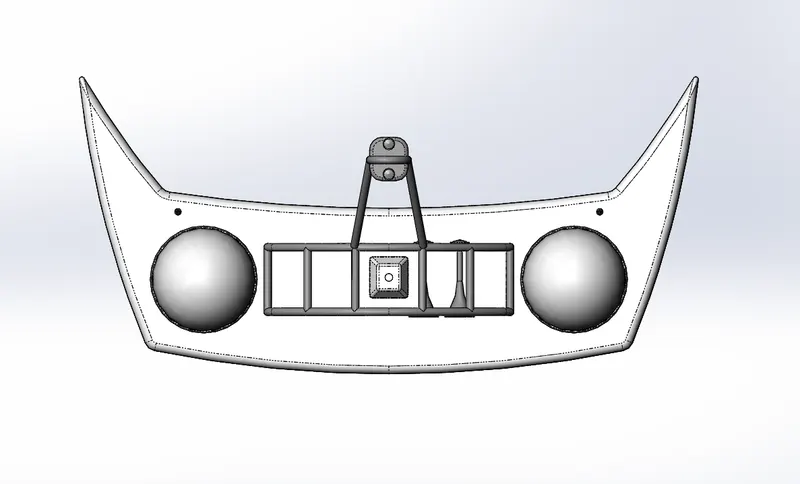
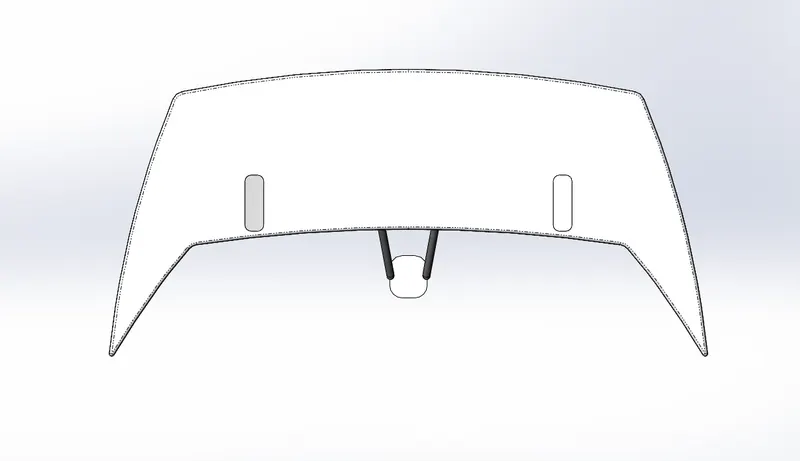
A mast is vertical ship structure mounted on top of bridge and forward of the forecastle towards the ship’s bow. It accounts for the support platform for the ships derrick and hold necessary equipment such as radars, navigation light and ships horn in case of foremast they are made of high tensile steel with added rigidity based on the size of derricks it holds necessary equipment such as radar receiver, navigation lights, ships horn, flags in some cases.
FEATURES USED:
Boss Extrude
Revolve
Sweep
Projected Curve
Fillet
Chamfer
Shell
Mirror
FRONT SEAT:
FEATURES USED:
Surface Loft
Surface Trim
Surface Fill
Surface Knit
Surface Sweep
Cut Extrude
Fillet
Chamfer
Mirror
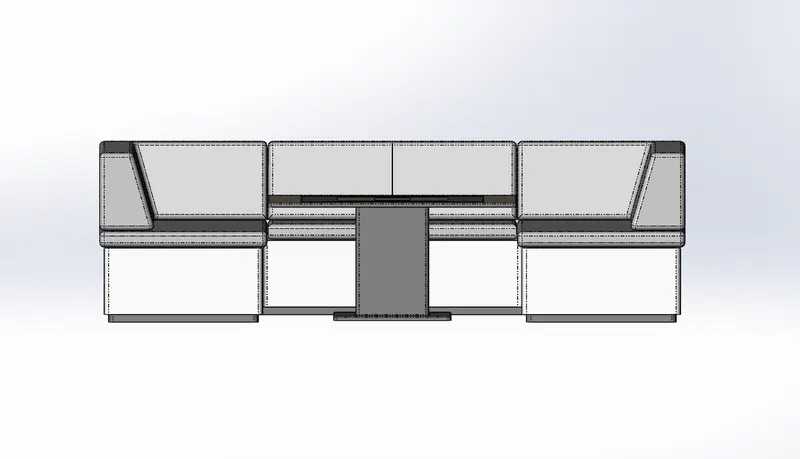
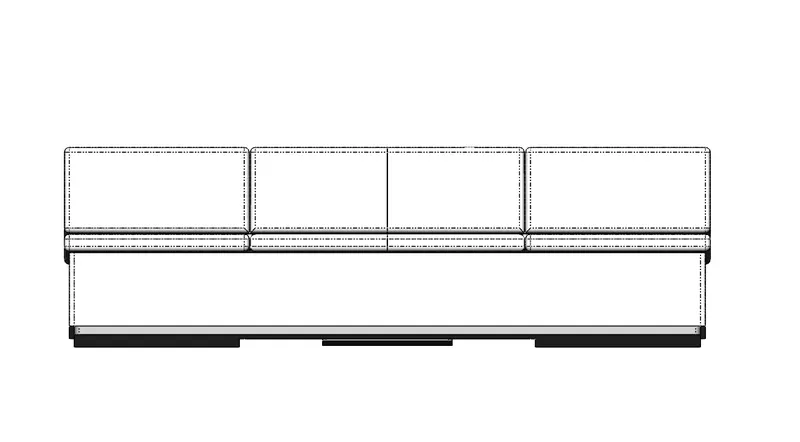
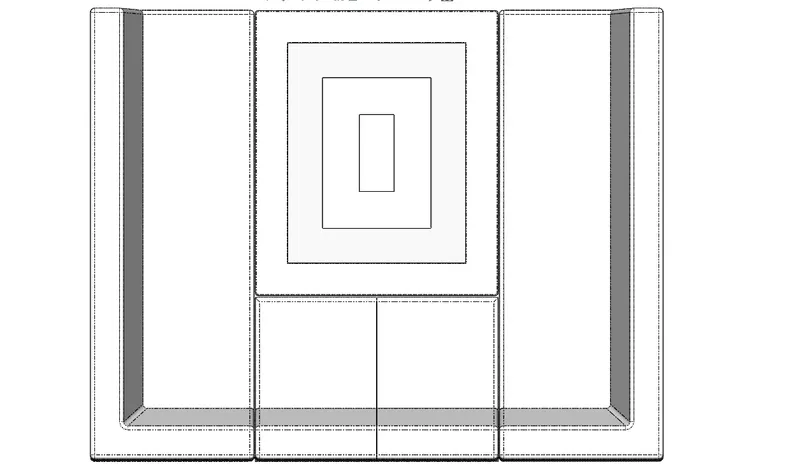
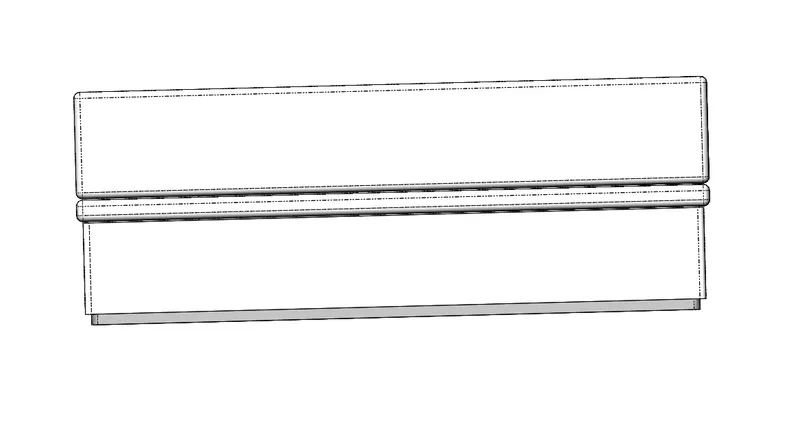
MIDDLE SEAT:
FEATURES USED:
Boss Extrude
Chamfer
Fillet
Cut Extrude
Mirror
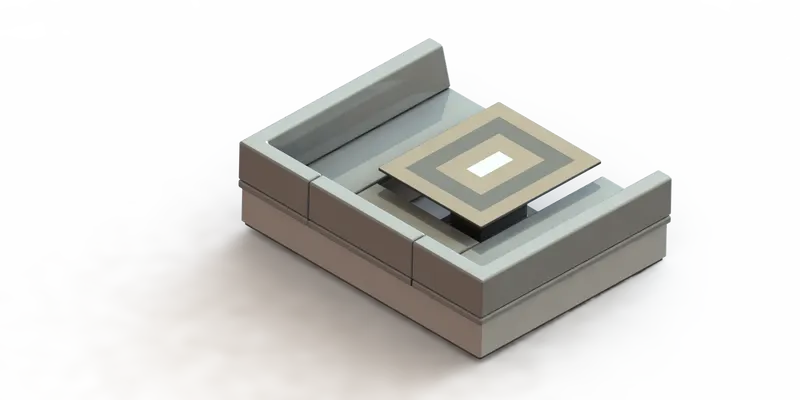
REAR SEAT:
FEATURES USED:
Surface Extrude
Surface Sweep
Ruled surface
3D Sketch
Surface Trim
Surface Knit
Surface Extend
Surface Extrude
Surface Offset
Boss Extrude
Cut Extrude
Fillet
Chamfer
Mirror
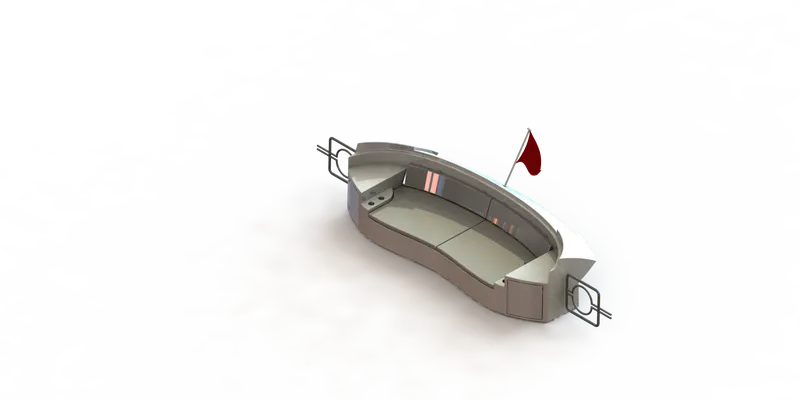
ASSEMBLY OF SUNSEEKER PREDATOR YATCH
Features used to assemble Predator Yatch
Insert Parts:
Mates: Mates create geometric relationship between assembly components. As we add mates, we define the allowable directions of linear or rotational motion of the components. We can move a component within its degrees of freedom, visualizing the assembly’s behaviour.
RENDERING:
Rendering is the process of creating realistic images of the photorealistic model with the environment.