Radar Mast & Final Assembly of Yacht
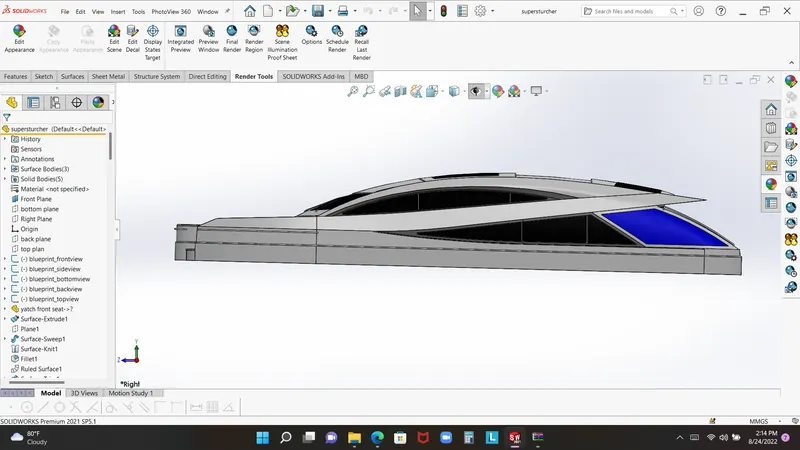
Predator yacht 3D modeling in solidworks
Introduction
The motor yacht has a steel hull and an aluminum superstructure. She is powered by 4 MTU diesel engines. Which bring her a top speed of 28 knots. Her cruising speed is 20 knots. Her range is 5,000nm at 16 knots The luxury yacht can accommodate 10 guests and a crew of 15. Her interior styling was done by Dicky Bannenberg of Bannenberg Designs.Her original interior layout was remarkable, as she only slept six people in two guest suites and one master stateroom.
Objective
I have been complete three project in sloidworks as well as this is also improve user skill, in the predetore yacht modeling user will learning most of specific feature regarding of boundary surface and many more. this is only my objective that it increase my confidence and skill. in the yacht model user will work with so many specific tool in solidworks modeling.
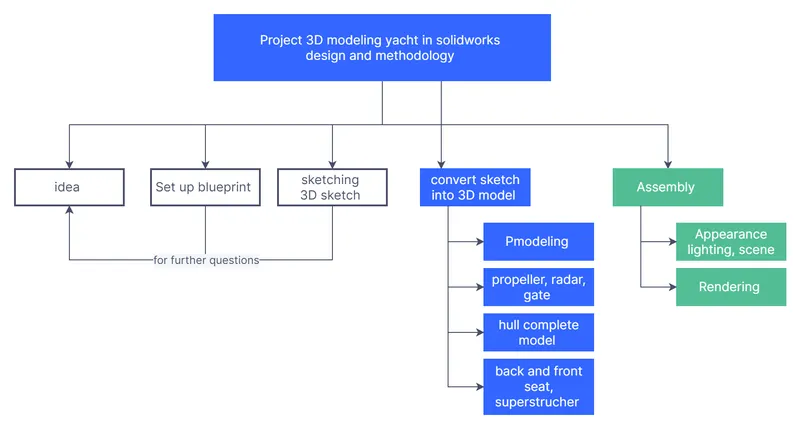
Flow chart
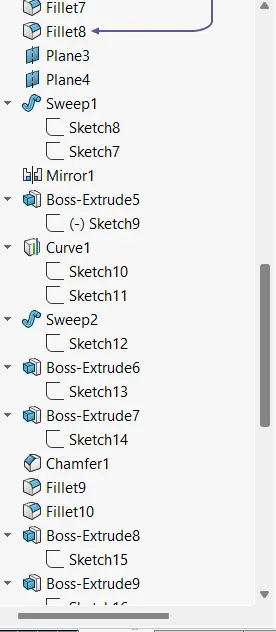
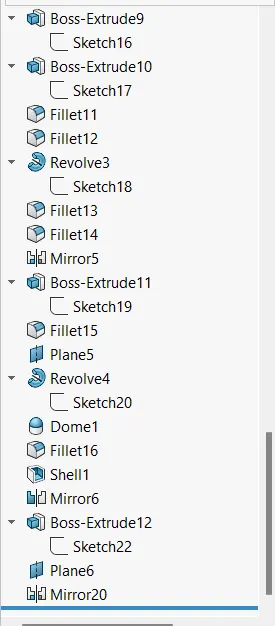
Main tool & feature
- Extrude boss base
- Fillet
- shell tool
- Chamfer command
- Revole boss base
- sweep surface
- plane
- Cut extrude
- offset surface
- thicken command
- ruled surface
- extend surface
- surface sweep
- mirror command
- dome
Extrude boss base:- extrude boss base is specific tool which is conert sketch into solid body.command manager click on boss base extrude give specific condition with dimension
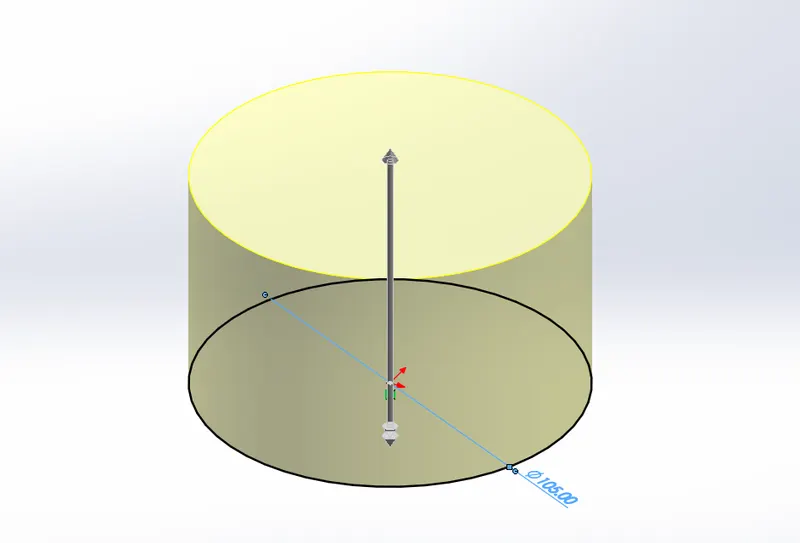
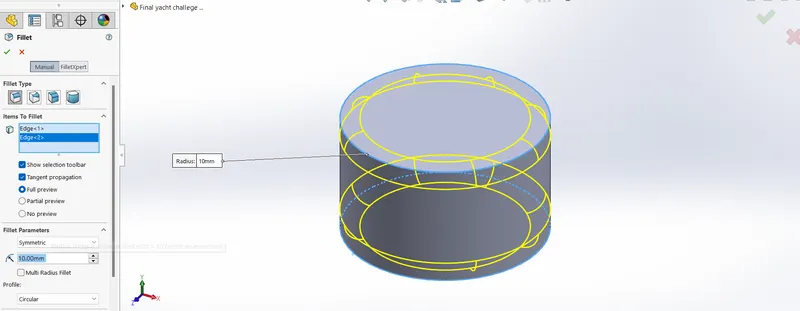
Fillet tool:- this tool used as when used get round the edges of 3D part so when have round edge you have click on fillet command give dimension. there is many option user can check in the fillet command box.
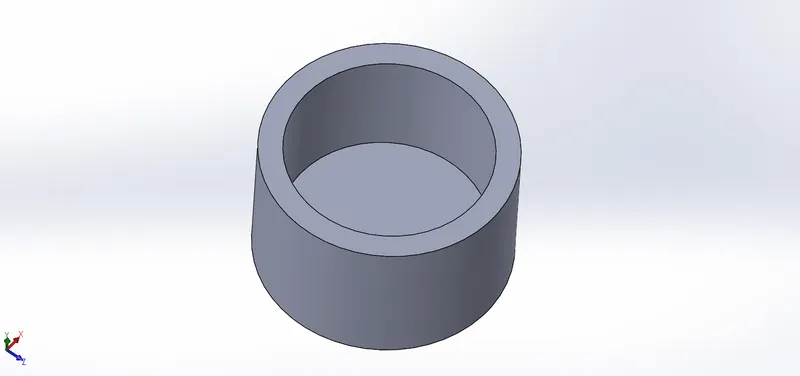
Shell command :- when user wants to empity the 3D model bt the inside or out side this tool help us you can see in the below picture shell tool you casn find in command maneger or you have to insert the tool in tool bar. open the shell command select the model give dimension it.
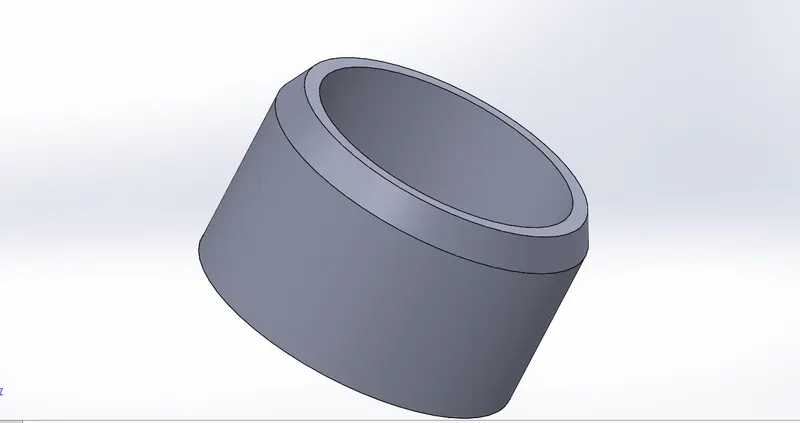
Chemfer:- this tool help user to get sharp trianguler edge as see in the image below use this tool procedure as same as fillet
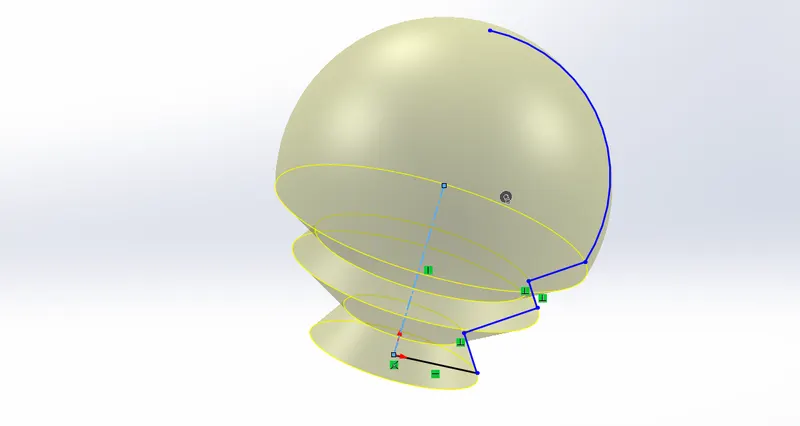
Revole boss base:- Revole boss base tool is beat for creating the half sketch into full revole body, used for tis tool gets helps for user for creating best of round shape, used insert feature revole boss, for using you have to select the sketch give it dimension
.
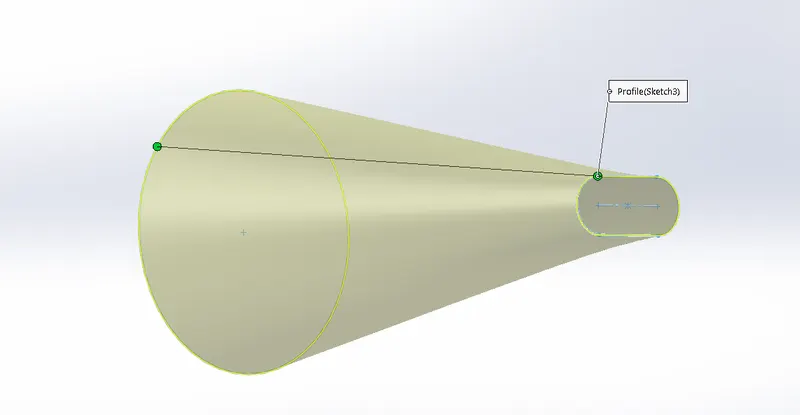
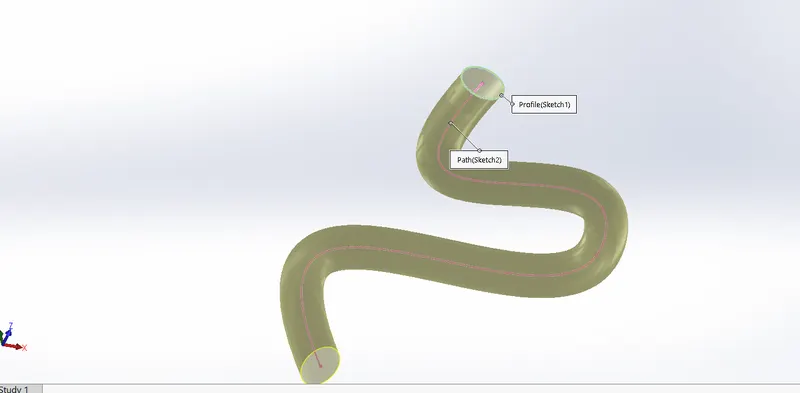
sweep:- The most common usage is in creating cuts around cylindrical bodies. This option would also be useful for end mill simulation. When you select Solid Sweep, the path must be tangent within itself and begin at a point on or within the tool body profile.
Plane command:- plane is tool if user gets anoher plane for crating 3D sketch or in the perticular plane than it wolud be helpfull for your desing feature, this so easy to used plan command like you have to got plane coammand in the feature tape selecte the first refrence and seconf refrence, got a extra plane you select the new plan and star sketch on it.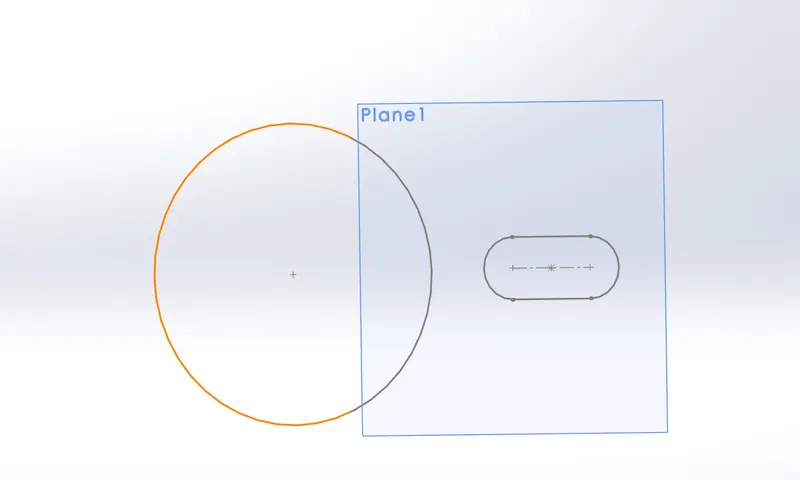
Extrude cut:- as like as extrude boss base it is tool which is used for cut the 3D part into specific skecth this simple as used it used have find it into feature tap ot insert feature extrude cut, click on extrude cut give it specific dimension and command like blind go though or through both offset surface, 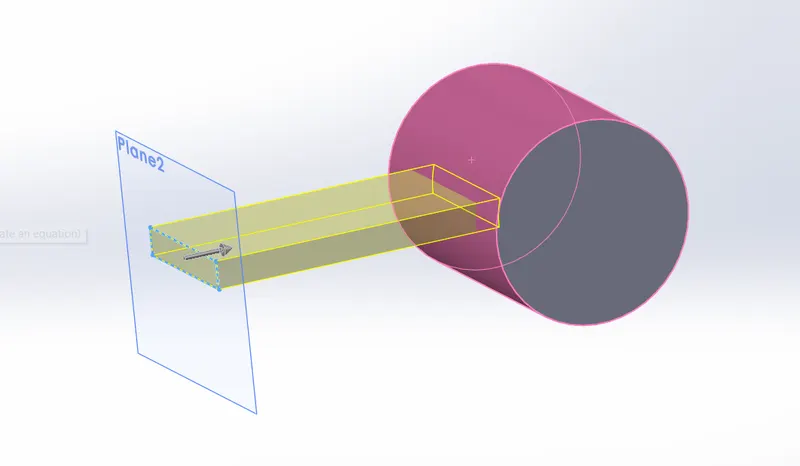
Offset surface:- as name mention here that if user would have need sone extra surface by the offseting it so it would be helpfull, this tool user have found it in feature tap or go to insert feature surface offset ive it dimaension and used it
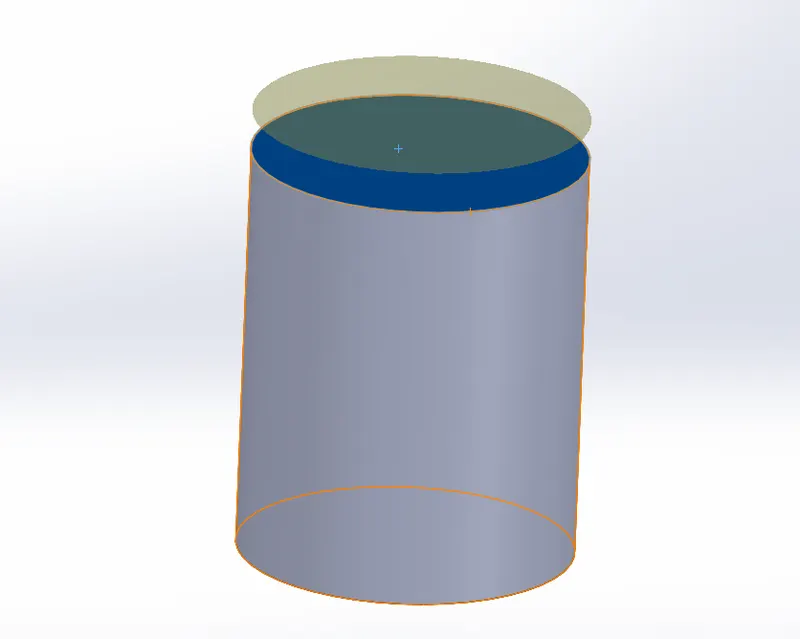
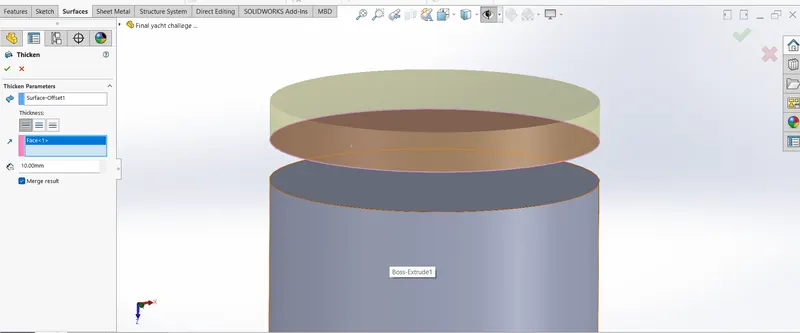
Thicken command:- this tool used as thicken the surface just you have give dimesion and it convert into solid part
Ruled surface :- ruled surface basically used for creating perpendiculer surface on the another surface like you have on surface and you want to create a boundary of surface than it would e helpfull, is this how user can used this tool like click on ruled surface selet the surface and simply give it dimension 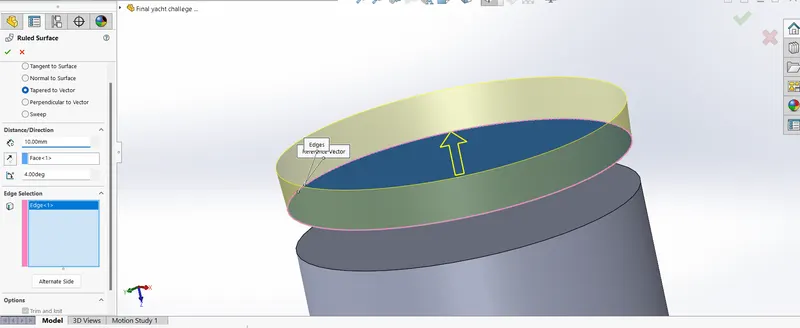
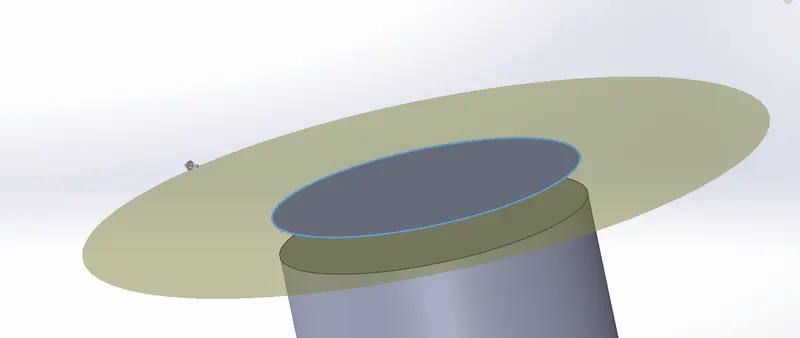
Extend surface:- surface extend is used for extening surface like so easy go to extend surface in the surface command manger you can find extend icon click on it select surface which is you want extend and give it
dimension.
Loft boss/ loft cut :-The loft feature is an important tool for modeling in SOLIDWORKS. The loft feature creates a shape by making transitions between multiple profiles and guide curves. This tool is very valuable for modeling complex surfaces. You can do some really cool stuff when you use this feature properly. Loft creates a feature by making transitions between profiles. A loft can be a base, boss, cut, or surface. You create a loft using two or more profiles
.
Mirror:-Various commands are available for mirroring and creating opposite-hand versions of items such as sketch entities, features, parts, and assembly components. The command you need depends on the type of item for which you want to create a mirror or an opposite-hand version.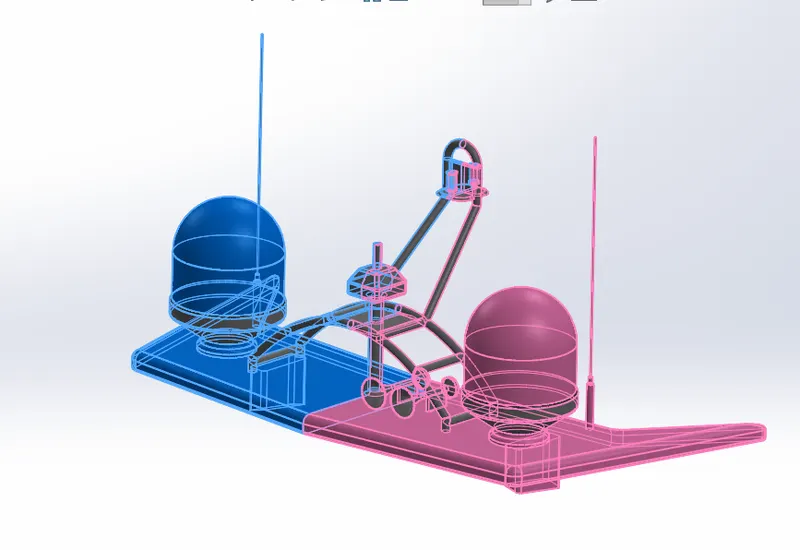
Dome:- dome is the tool which give you as dome shape. The Parameters in the dome Property Manager includes Faces to dome. Select one or more planar or non-planar faces. You can apply domes to faces in which centroid lies outside the face. This allows you to apply domes to irregularly shaped contours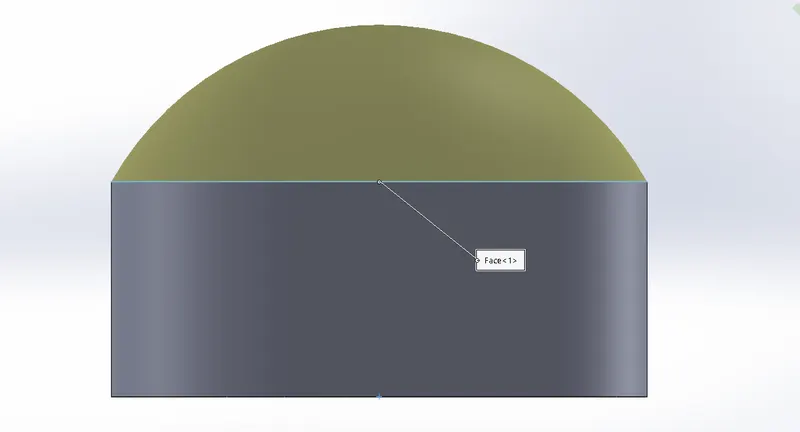
circuler pettern:- for pettering your part or skecth you have used this feature as pettern this many more option like circuler, linear, curve, point pettern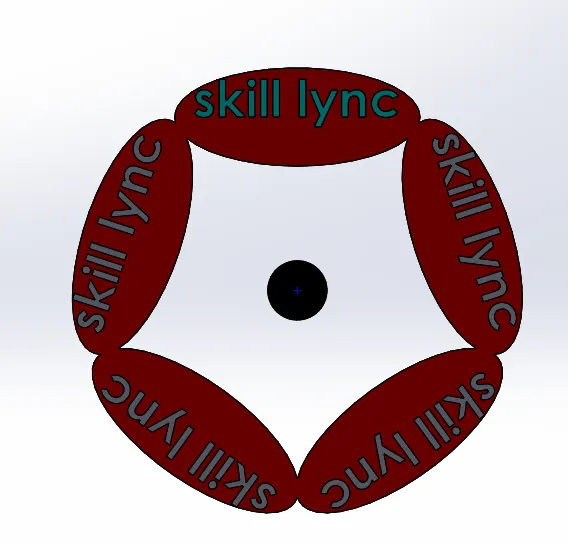
Modeling predetor yacht
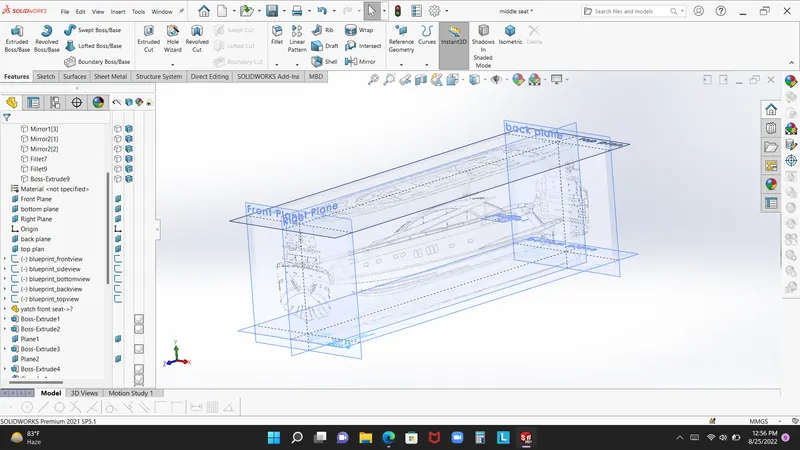
bleuprint :-
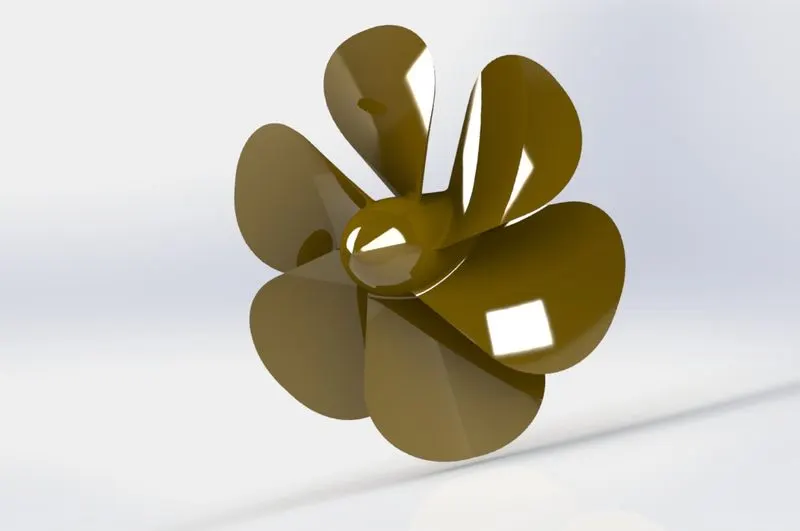
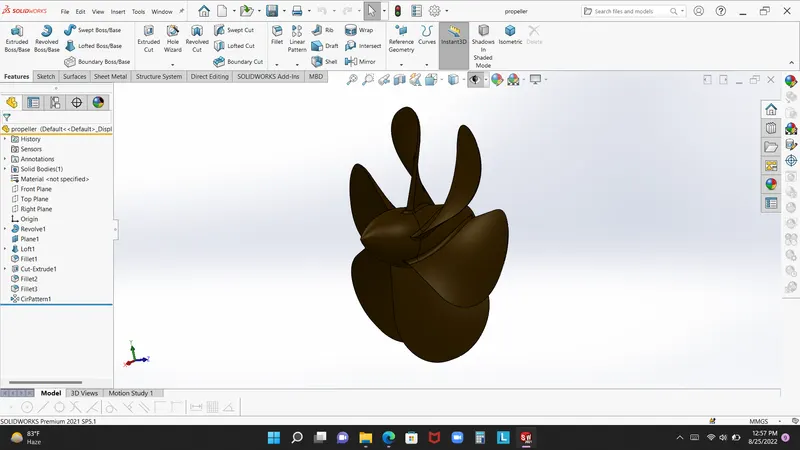
Propeller:
 -
-
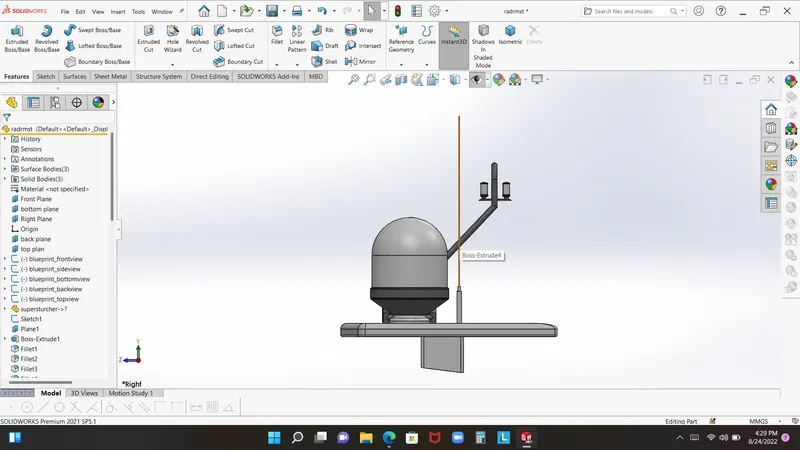
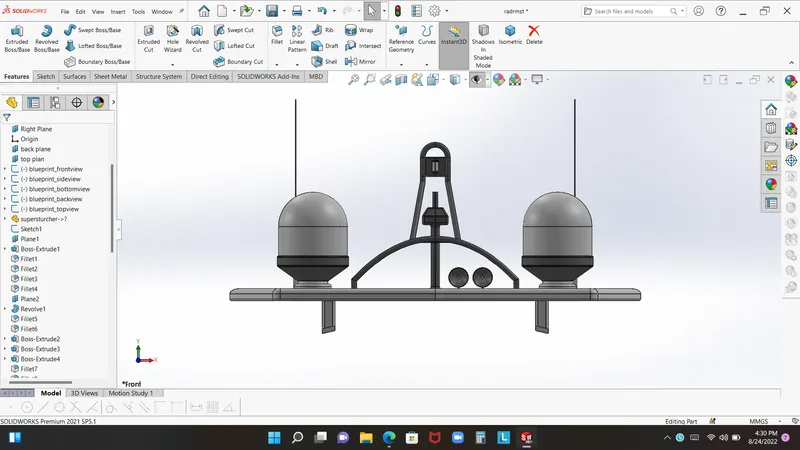
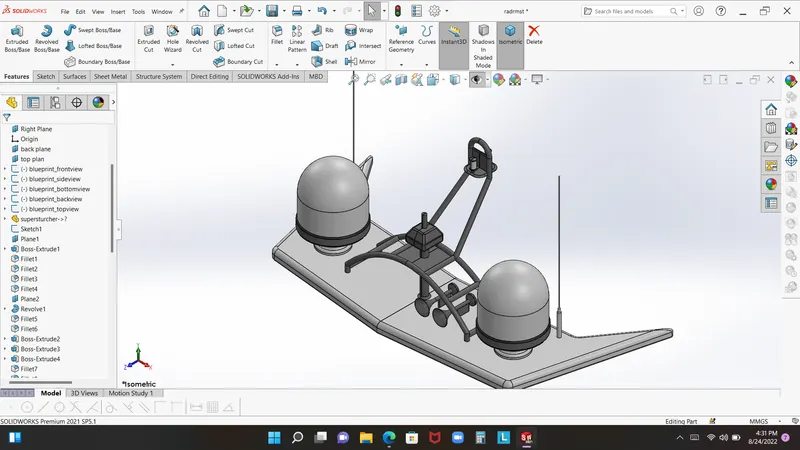
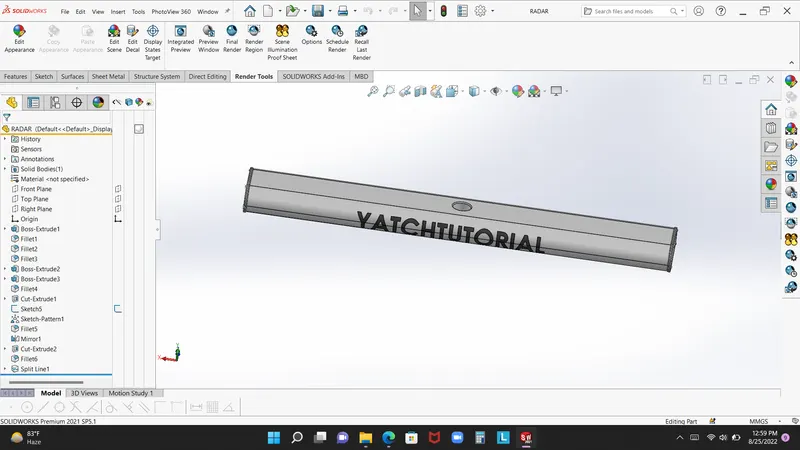
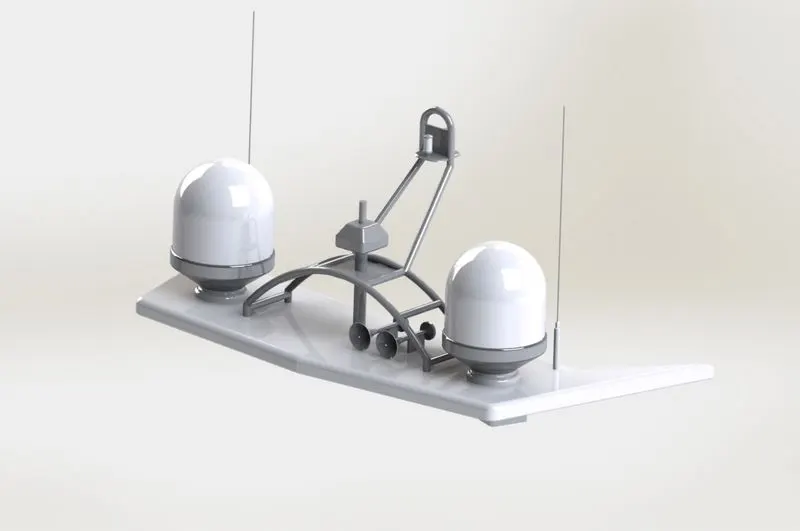
Radar:-
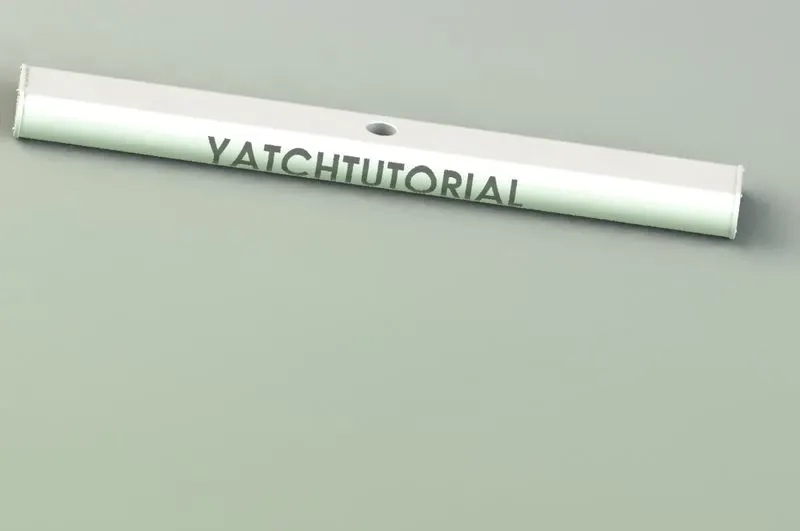
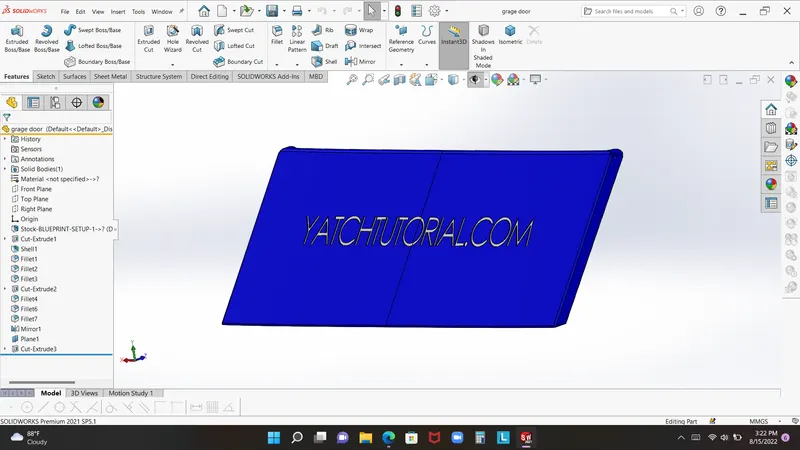
Garage door:-
Front seat:-
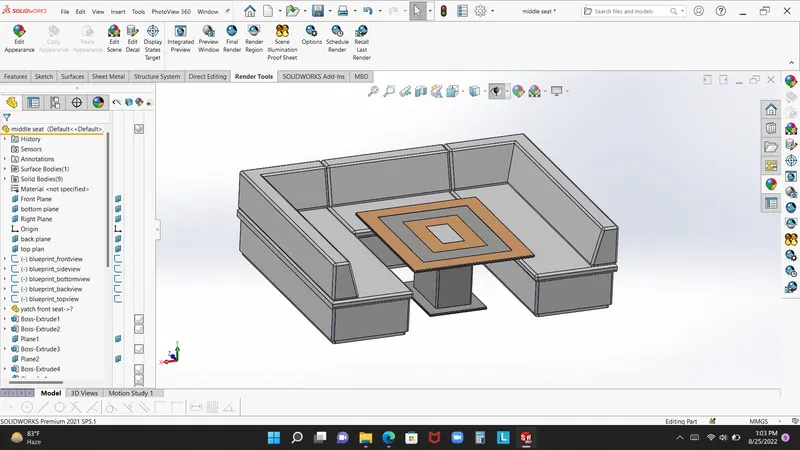
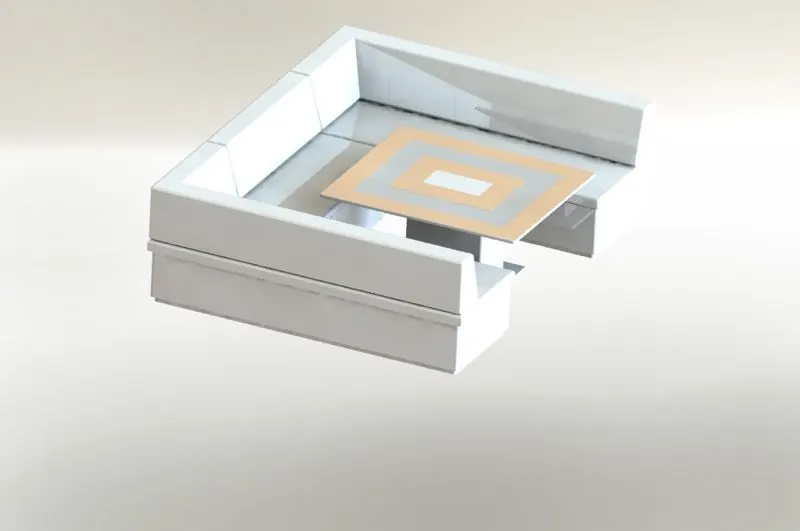
Middle seat:-
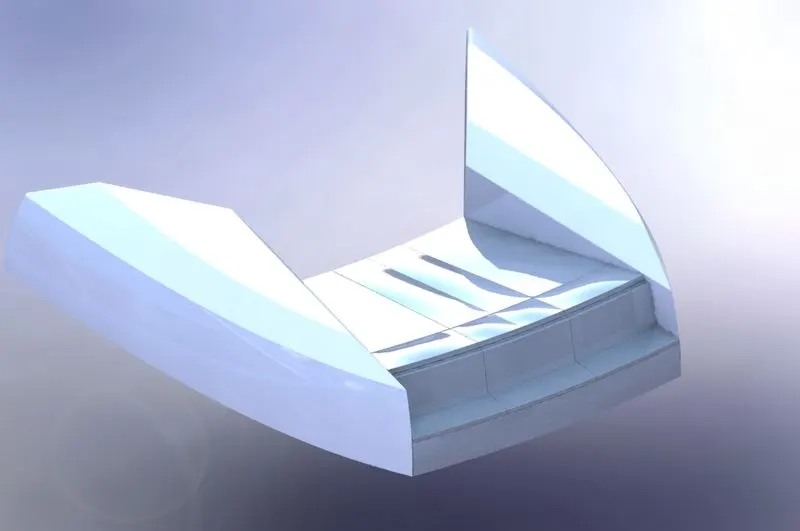
Back seat:-
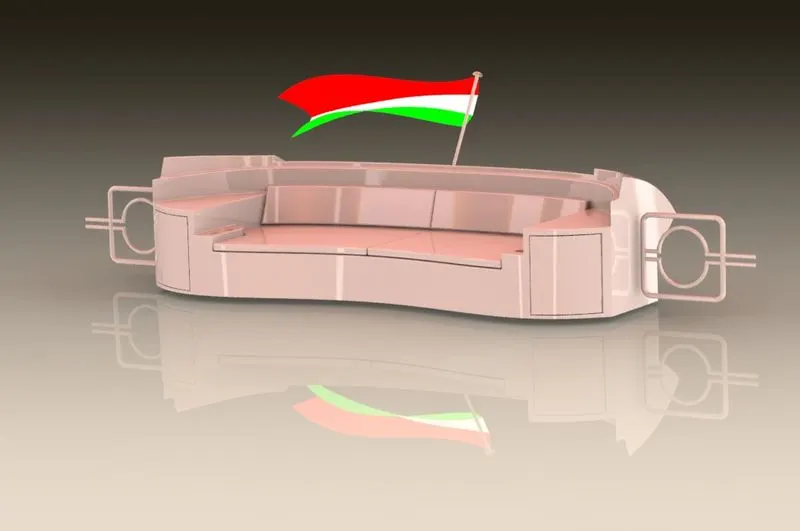
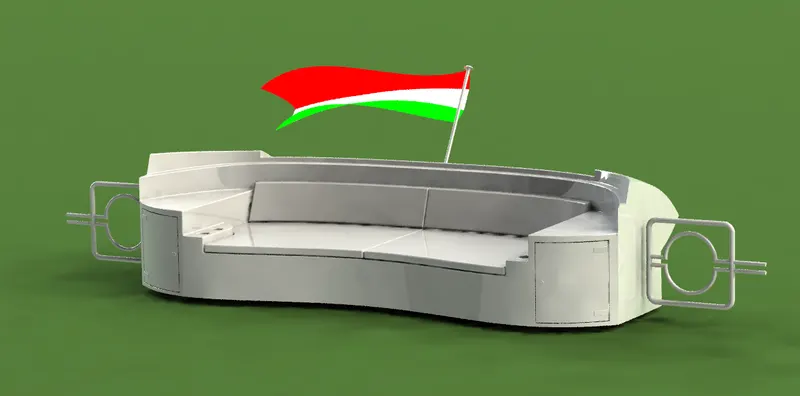
radar :-
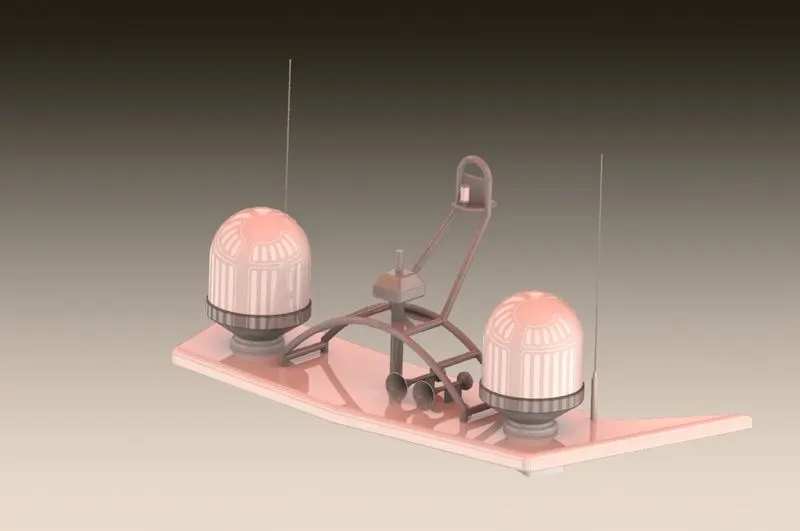
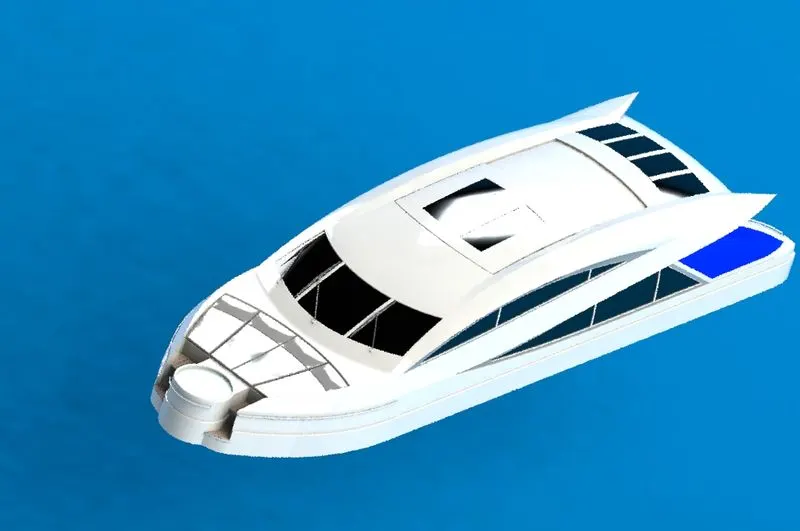
Superstrucher
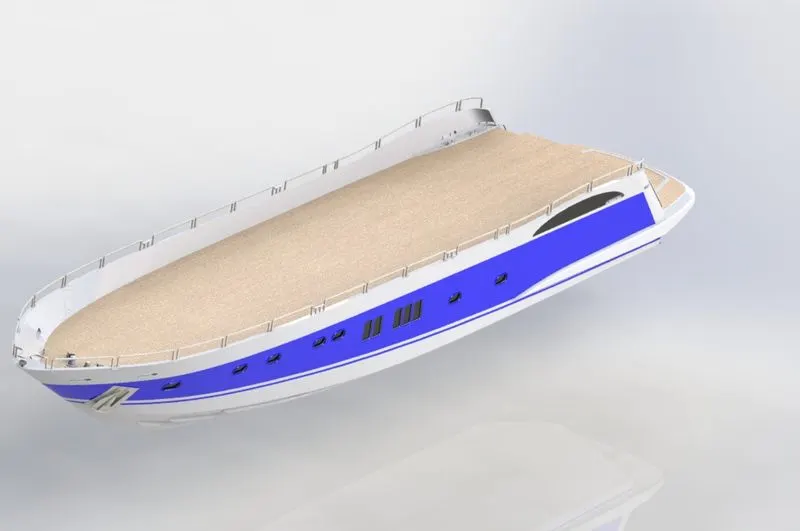
Hull part
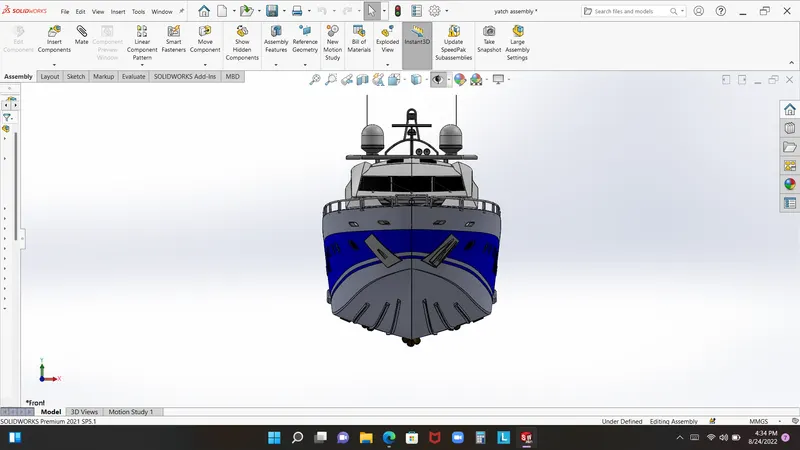
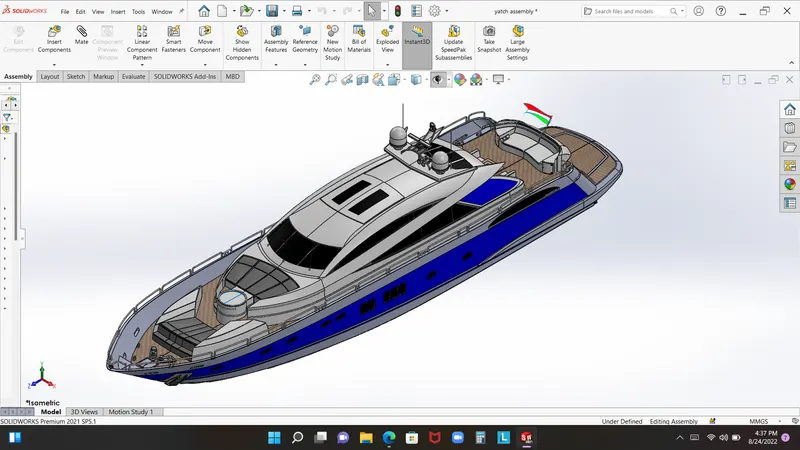
Complete modeling yacht
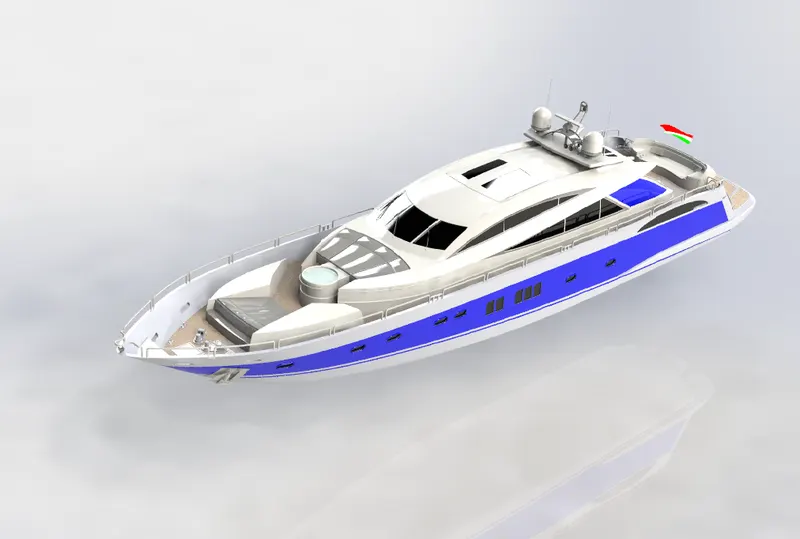
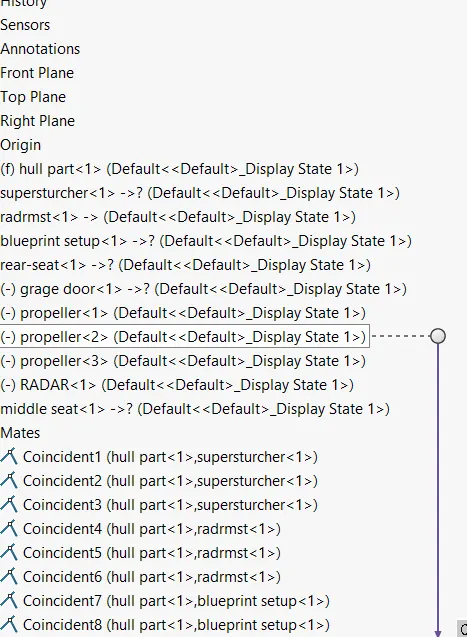
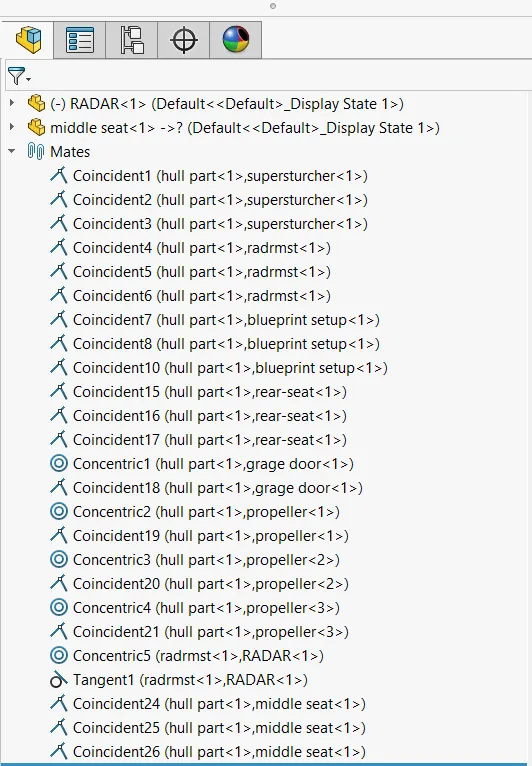
Assembly of yacht model:- in the assembly of yacht just user have knowledge about mate
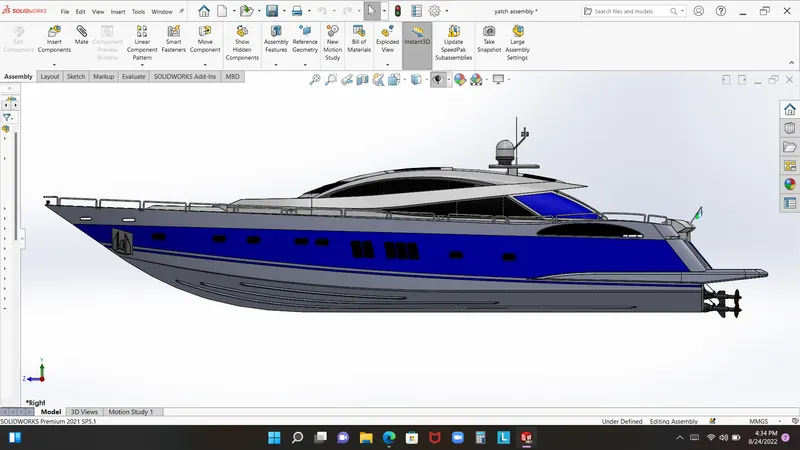
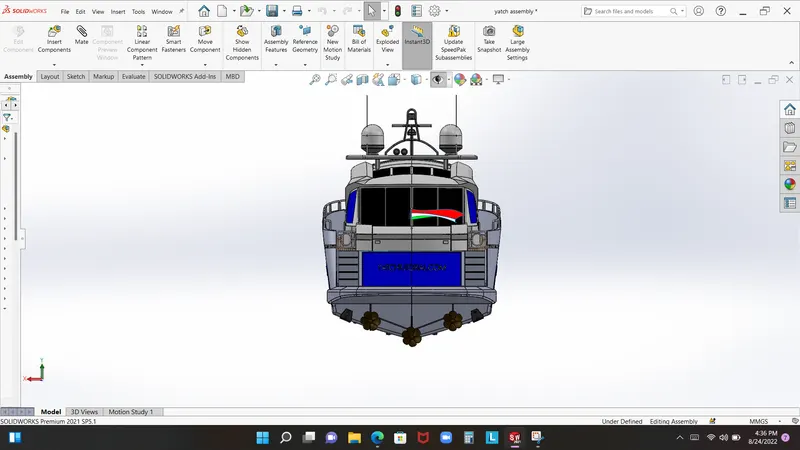
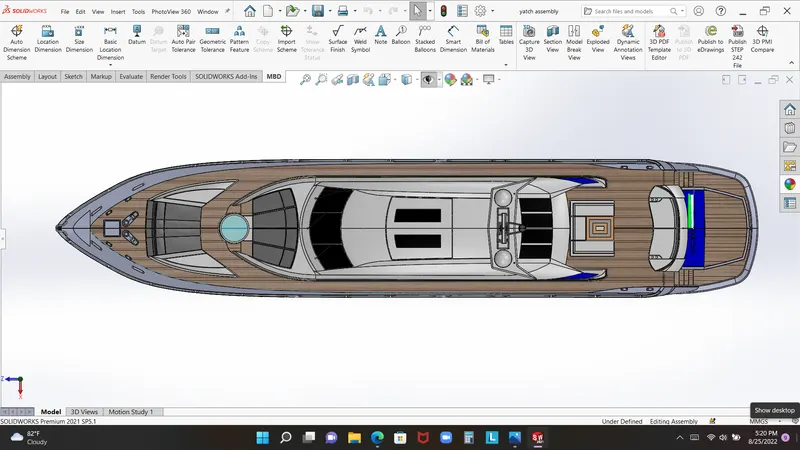
Rendring images
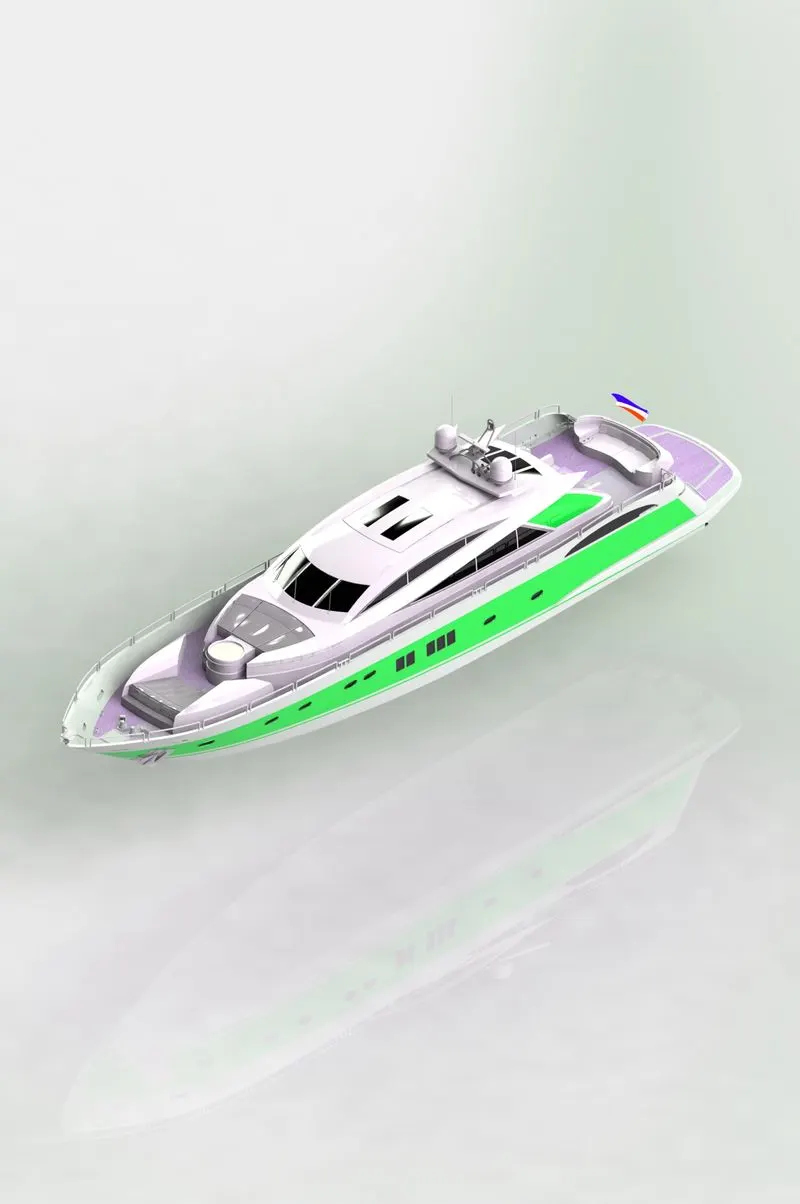
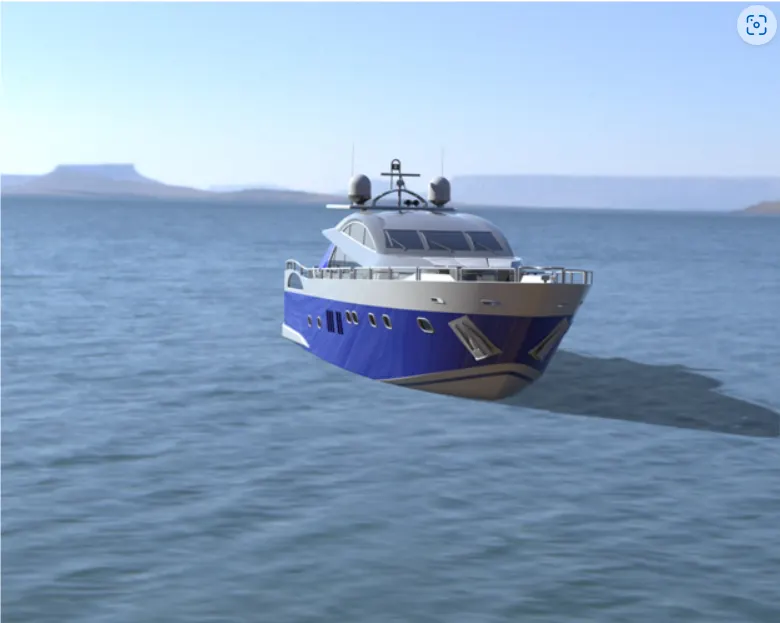
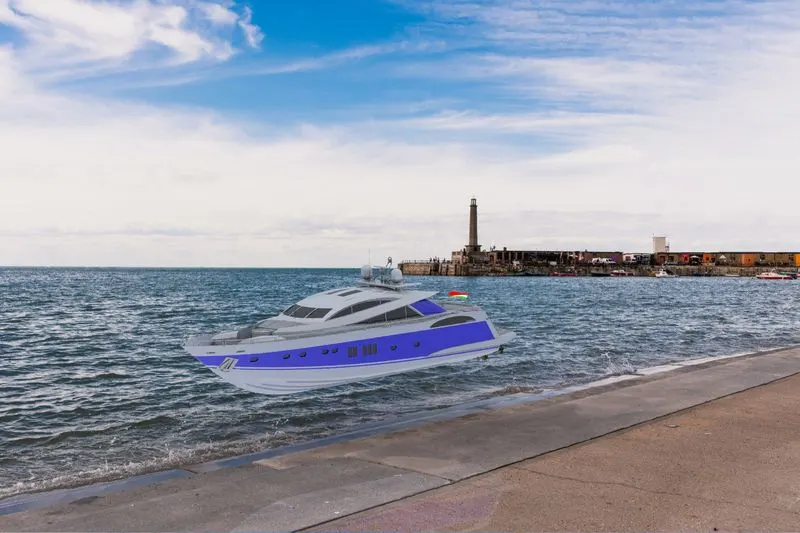
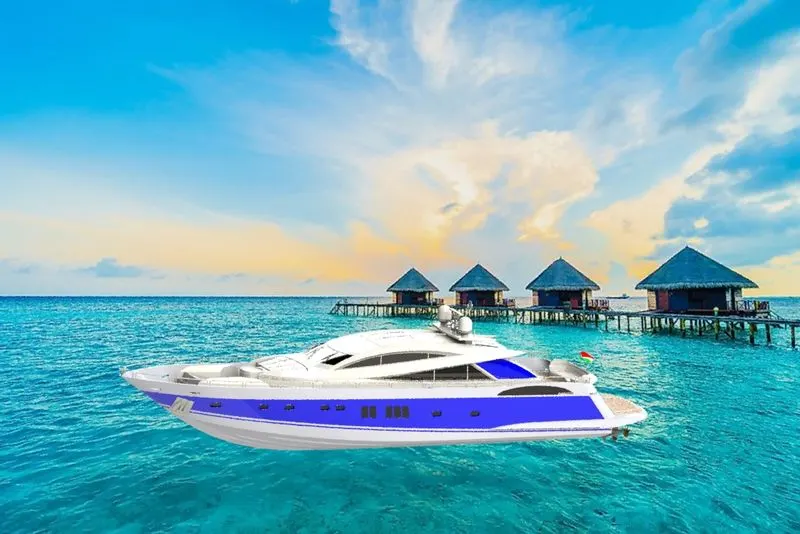

Conclusion:- this project is successfully made with rendring image, many feature and tool i have been learn in this project.