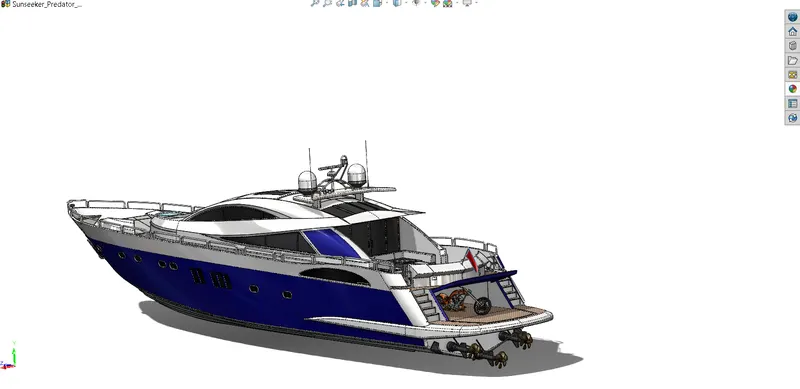
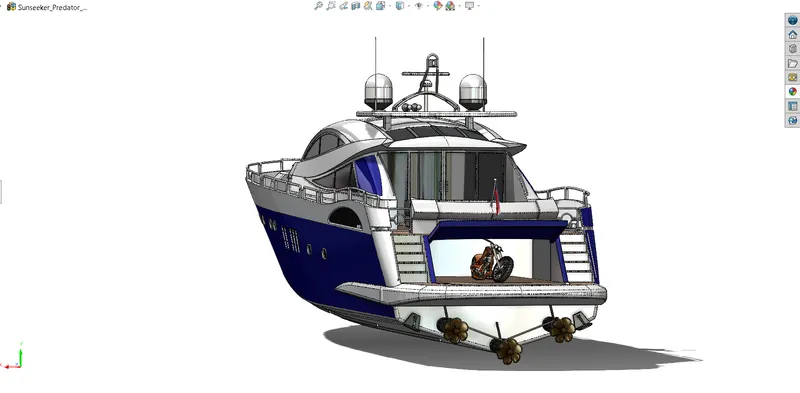
Radar Mast & Final Assembly of Yacht
Modelling Sunseeker Predator Yacht
Objective :-
To create the Model of a Sunseeker Predator Yacht in Solidworks using the various types of sketches and the features tool form the solidworks. Also create photorealistic rendered image of Sunseeker Predator Yacht.
Introduction :-
Sunseeker Predator Yacht it is made by using different parts which model separately and then assembled in solidworks assembly layout. Parts list as below :-
- Propeller
- Radar
- Hull
- Rear Seat
- Front Seat
- Middle Seat
- Garage Door
- Superstructure
- Radar_Mast
Design methodology / approach
I have use the Bottom-up design approach which is the traditional method. We first design and model parts, then insert them into an assembly and use mates to position the parts. 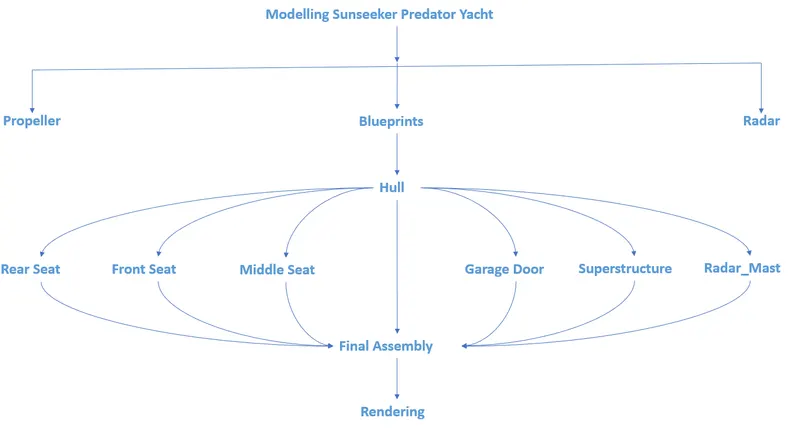
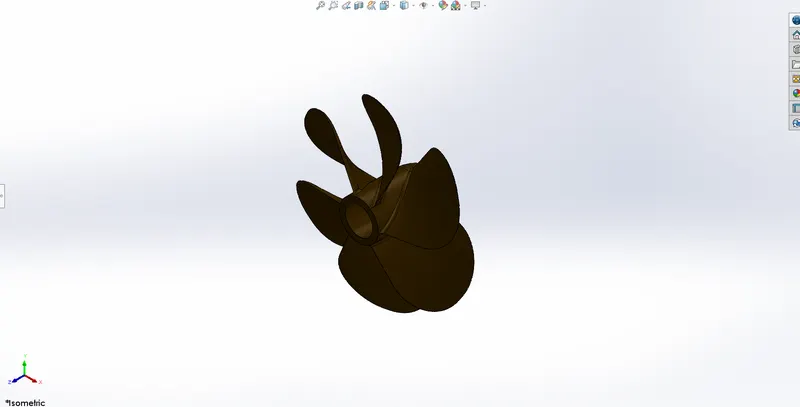
1. Propeller:-
It is device that consists of a central hub with radiating blades placed and twisted so that each forms part of a helical surface and that is used to propel a vehicle here for the ship.
Tools/ Features used :-
Sketch tool :- Use to creates the 2d drawing.
Revolve boss:- Revolves add or remove material by revolving one or more profiles around a centerline.
Loft :- It use for making transitions between profiles it can be a base, boss, cut, or surface.
Fillet :- It creates a rounded internal or external face on the part.
Cut Extrude :- It removes material from a part or an assembly.
Circular pattern:- It use when we have a pattern one or more features around an axis.
Reference plane :- To make the plane.
Isometric View
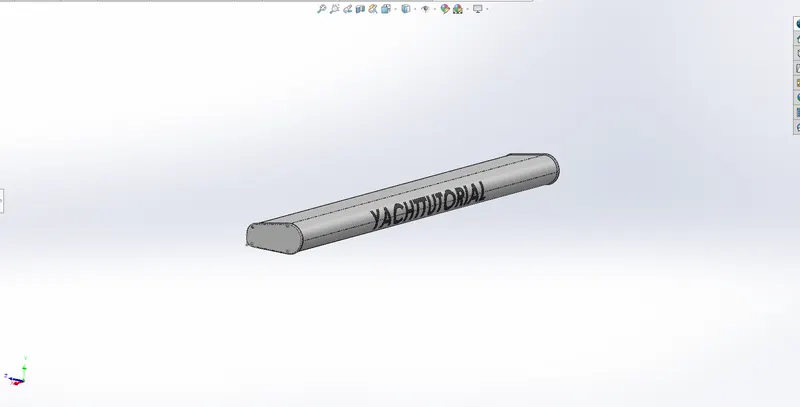
2. Radar :-
It is a device capable of detecting objects at far off distances, measuring the distance or range of the object by using electromagnetic waves.
Tools/ Features used :-
Sketch tool :- Use to creates the 2d drawing.
Boss Extrude :- To creates the extruded features.
Revolve boss:- Revolves add or remove material by revolving one or more profiles around a centerline.
Loft :- It use for making transitions between profiles it can be a base, boss, cut, or surface.
Fillet :- It creates a rounded internal or external face on the part.
Cut Extrude :- It removes material from a part or an assembly.
Circular pattern:- It use when we have a pattern one or more features around an axis.
Sketch Pattern :- It use sketch driven patterns for holes or other feature instances.
Mirror :- To create a copy of one or more features, mirrored about a face or a plane.
Reference plane :- To make the plane.
Isometric View
3. Hull :-
The hull of a ship is the most notable structural entity of the ship.
Tools/ Features used :-
Sketch tool :- Use to creates the 2d drawing.
3D Sketch :- To creates the 3d sketch.
Boss Extrude :- To creates the extruded features.
Revolve boss:- Revolves add or remove material by revolving one or more profiles around a centerline.
Loft surface :- It use for making transitions between profiles it can be a base, boss, cut, or surface.
Fillet :- It creates a rounded internal or external face on the part.
Cut Extrude :- It removes material from a part or an assembly.
Circular pattern:- It use when we have a pattern one or more features around an axis.
Sketch Pattern :- It use sketch driven patterns for holes or other feature instances.
Mirror :- To create a copy of one or more features, mirrored about a face or a plane.
Swept surface:-To create a swept surface.
Chamfer :- The chamfer tool creates a beveled feature on selected edges, faces, or a vertex.
Surface Fill :- Feature constructs a surface patch with any number of sides, within a boundary defined by existing model edges, sketches, or curves, including composite curves.
Knit Surface:- Use tool to combine two or more faces and surfaces into one.
Dome :- Use to create dome like shape on the surface.
Boss surface :- Extruding Surfaces from a 2D or 3D Face.
Delete/ Keep Face :- Bodies to keep or delete using the Delete/Keep Body feature.
Combine body :- To combine multiple bodies to create a single body.
Linear Pattern :- To pattern one or more features along one or two linear paths.
Sweep :- It creates a base or surface by moving a profile along a path.
Projected curve :- To project a sketched curve onto a model face to create a 3D curve.
Reference plane :- To make the plane.
Trim Surface :- Use a surface, plane, or sketch as a trim tool to trim intersecting surfaces.
Loft :- It use for making transitions between profiles it can be a base, boss, cut, or surface.
Isometric View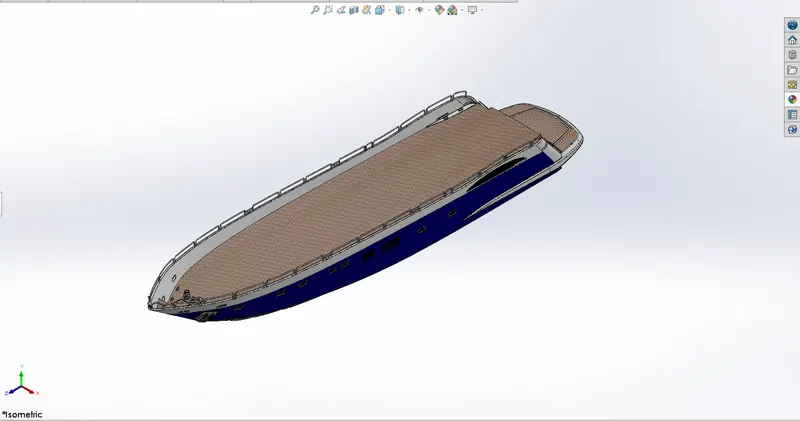
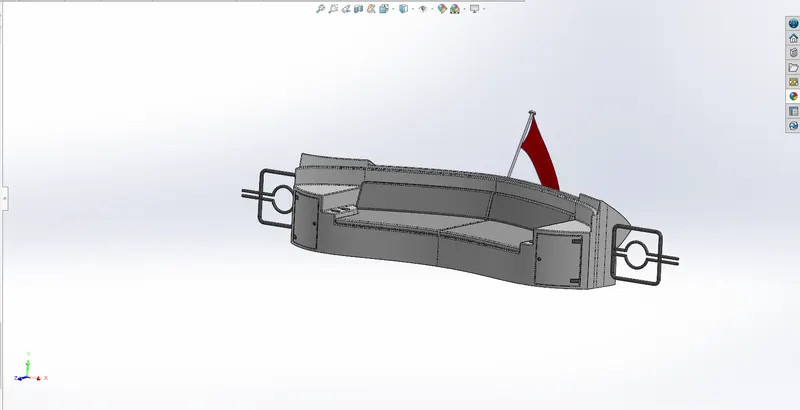
4. Rear Seat :-
Tools/ Features used :-
Sketch tool :- Use to creates the 2d drawing.
3D Sketch :- To creates the 3d sketch.
Boss Extrude :- To creates the extruded features.
Loft :- It use for making transitions between profiles it can be a base, boss, cut, or surface.
Fillet :- It creates a rounded internal or external face on the part.
Cut Extrude :- It removes material from a part or an assembly.
Sweep :- It creates a base or surface by moving a profile along a path.
Reference plane :- To make the plane.
Trim Surface :- Use a surface, plane, or sketch as a trim tool to trim intersecting surfaces.
Combine body :- To combine multiple bodies to create a single body.
Knit Surface:- Use tool to combine two or more faces and surfaces into one.
Dome :- Use to create dome like shape on the surface.
Boss surface :- Extruding Surfaces from a 2D or 3D Face.
Mirror :- To create a copy of one or more features, mirrored about a face or a plane.
Swept surface:-To create a swept surface.
Chamfer :- The chamfer tool creates a beveled feature on selected edges, faces, or a vertex.
Loft surface :- It use for making transitions between profiles it can be a base, boss, cut, or surface.
Ruled Surface :- creates surfaces that extend out in a specified direction from selected edges.
Extended Surface :- To extend a surface by selecting an edge, multiple edges, or a face.
Mirror :- To create a copy of one or more features, mirrored about a face or a plane.
Reference plane :- To make the plane.
Isometric view
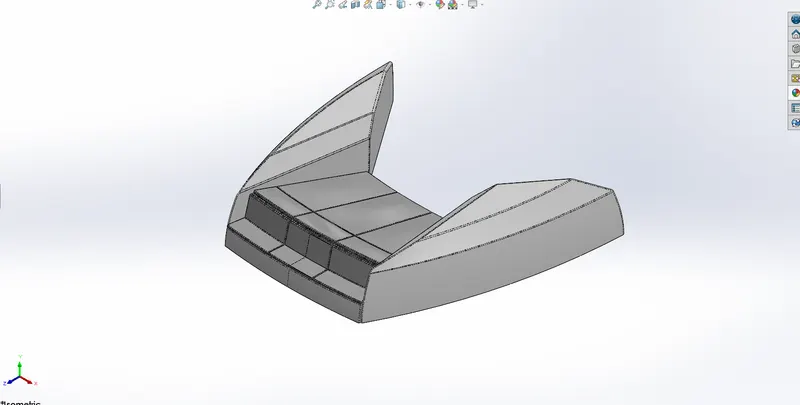
5. Front Seat :-
Tools/ Features used :-
Sketch tool :- Use to creates the 2d drawing.
Reference plane :- To make the plane.
Mirror :- To create a copy of one or more features, mirrored about a face or a plane.
Swept surface:-To create a swept surface.
Chamfer :- The chamfer tool creates a beveled feature on selected edges, faces, or a vertex.
Knit Surface:- Use tool to combine two or more faces and surfaces into one.
Dome :- Use to create dome like shape on the surface.
Boss surface :- Extruding Surfaces from a 2D or 3D Face.
Revolve boss:- Revolves add or remove material by revolving one or more profiles around a centerline.
Loft surface :- It use for making transitions between profiles it can be a base, boss, cut, or surface.
Fillet :- It creates a rounded internal or external face on the part.
Cut Extrude :- It removes material from a part or an assembly.
Trim Surface :- Use a surface, plane, or sketch as a trim tool to trim intersecting surfaces.
Isometric view
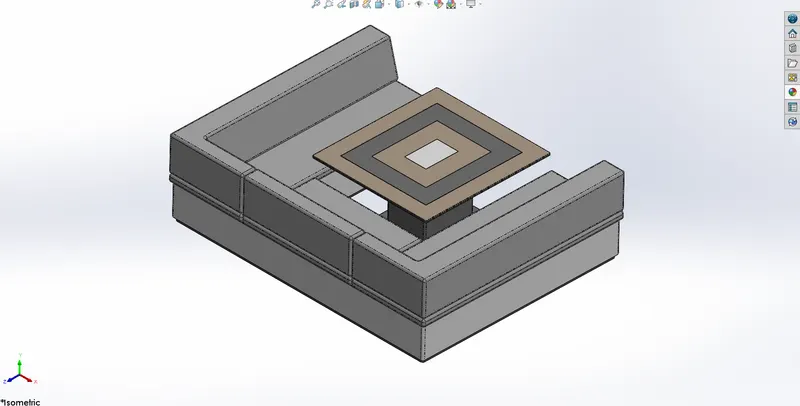
6. Middle Seat :-
Tools/ Features used :-
Sketch tool :- Use to creates the 2d drawing.
Mirror :- To create a copy of one or more features, mirrored about a face or a plane.
Fillet :- It creates a rounded internal or external face on the part.
Cut Extrude :- It removes material from a part or an assembly.
Chamfer :- The chamfer tool creates a beveled feature on selected edges, faces, or a vertex.
Boss Extrude :- To creates the extruded features.
Isometric view
7. Garage Door :-
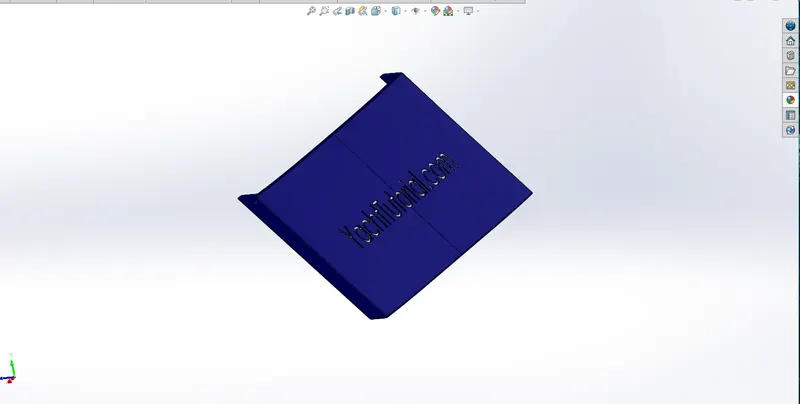
It is the door for garage which we have created in the hull .
Tools/ Features used :-
Sketch tool :- Use to creates the 2d drawing.
3D Sketch :- To creates the 3d sketch.
Boss Extrude :- To creates the extruded features.
Fillet :- It creates a rounded internal or external face on the part.
Cut Extrude :- It removes material from a part or an assembly.
Shell :- It hollows out a part, leaves open the faces you select, and creates thin-walled features on the remaining faces.
Mirror :- To create a copy of one or more features, mirrored about a face or a plane.
Reference plane :- To make the plane.
Isometric View
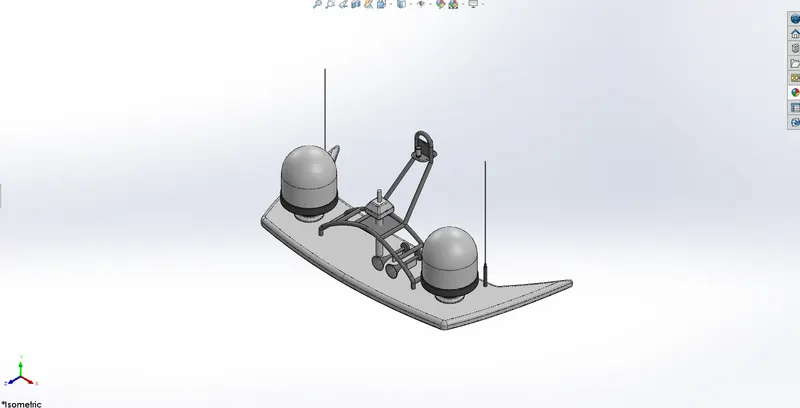
8. Radar_Mast :-
Tools/ Features used :-
Sketch tool :- Use to creates the 2d drawing.
Mirror :- To create a copy of one or more features, mirrored about a face or a plane.
Fillet :- It creates a rounded internal or external face on the part.
Reference plane :- To make the plane.
Boss Extrude :- To creates the extruded features.
Chamfer :- The chamfer tool creates a beveled feature on selected edges, faces, or a vertex.
Shell :- It hollows out a part, leaves open the faces you select, and creates thin-walled features on the remaining faces.
Dome :- Use to create dome like shape on the surface.
Isometric View
9. Superstructure:-
It consists of the parts of the ship or a boat, including sailboats, fishing boats, passenger ships, and submarines, that project above her main deck.
Tools/ Features used :-
Sketch tool :- Use to creates the 2d drawing.
3D Sketch :- To creates the 3d sketch.
Boss Extrude :- To creates the extruded features.
Loft :- It use for making transitions between profiles it can be a base, boss, cut, or surface.
Fillet :- It creates a rounded internal or external face on the part.
Cut Extrude :- It removes material from a part or an assembly.
Sweep :- It creates a base or surface by moving a profile along a path.
Reference plane :- To make the plane.
Trim Surface :- Use a surface, plane, or sketch as a trim tool to trim intersecting surfaces.
Combine body :- To combine multiple bodies to create a single body.
Knit Surface:- Use tool to combine two or more faces and surfaces into one.
Dome :- Use to create dome like shape on the surface.
Boss surface :- Extruding Surfaces from a 2D or 3D Face.
Mirror :- To create a copy of one or more features, mirrored about a face or a plane.
Swept surface:-To create a swept surface.
Chamfer :- The chamfer tool creates a beveled feature on selected edges, faces, or a vertex.
Loft surface :- It use for making transitions between profiles it can be a base, boss, cut, or surface.
Ruled Surface :- creates surfaces that extend out in a specified direction from selected edges.
Extended Surface :- To extend a surface by selecting an edge, multiple edges, or a face.
Mirror :- To create a copy of one or more features, mirrored about a face or a plane.
Reference plane :- To make the plane.
Dome :- Use to create dome like shape on the surface.
Projected curve :- To project a sketched curve onto a model face to create a 3D curve.
Isometric View
Final Assembly:-
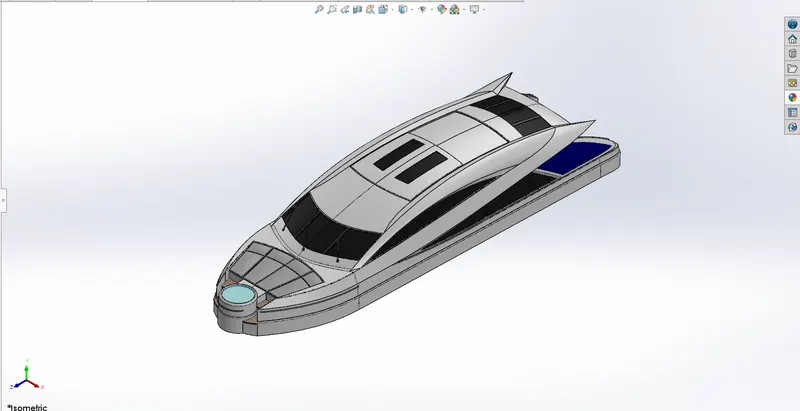
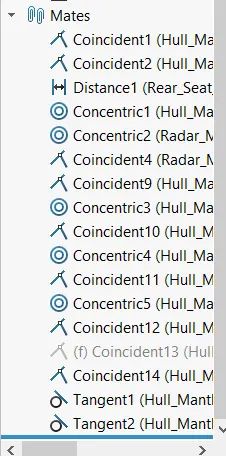
In the assembly we add the parts one by one and giving them mates to place in the assembly.
Mates :-
In the assembly of the we use some mates to get proper position of the part in the model some of them are follow :-
1. Coincident mates
2. Concentric mates
3. Distance mates
4. Tangent mates
5. Parallel or Perpendicular mates
6. Symmetry mate
7. Width mate
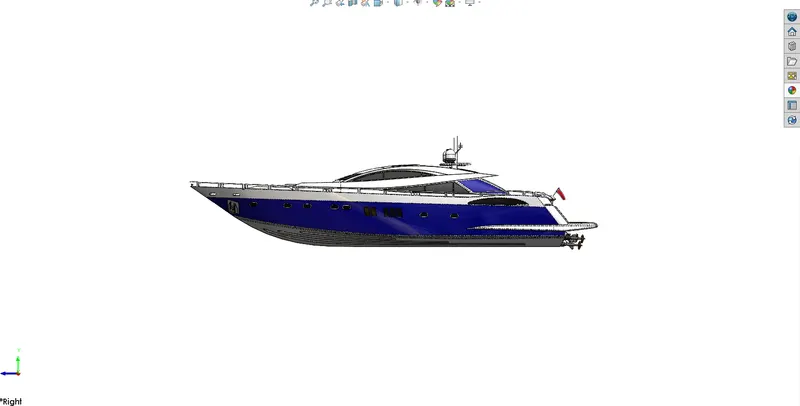
Isometric View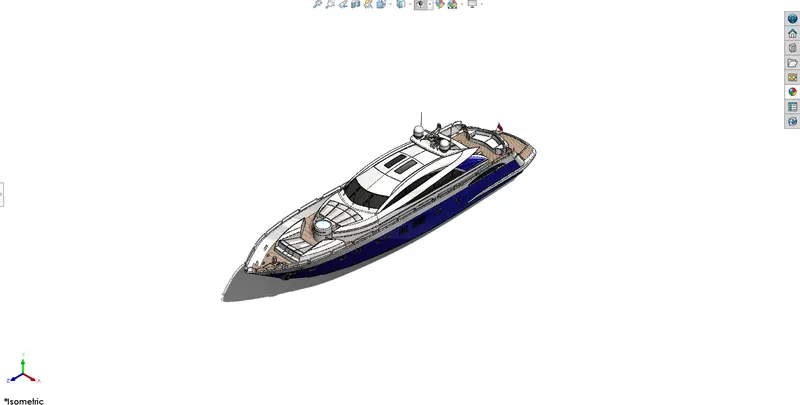
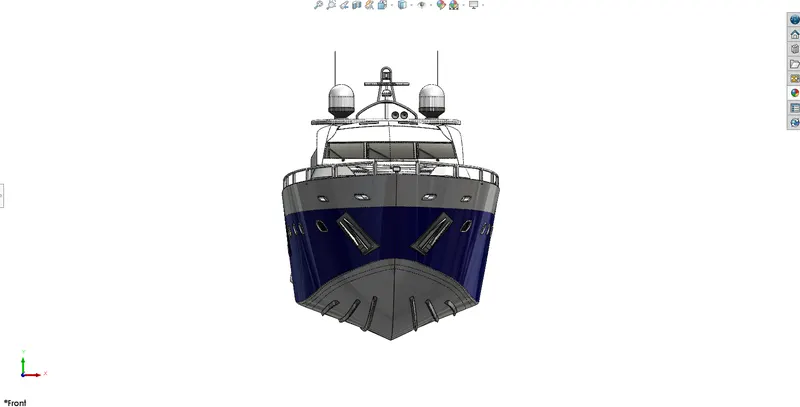
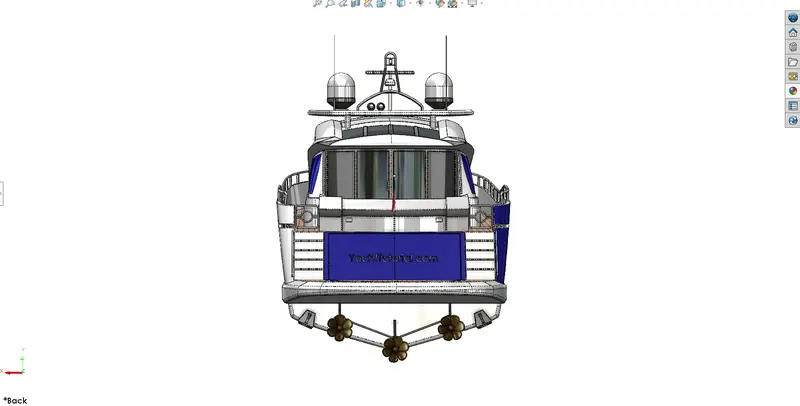
Front View Back View
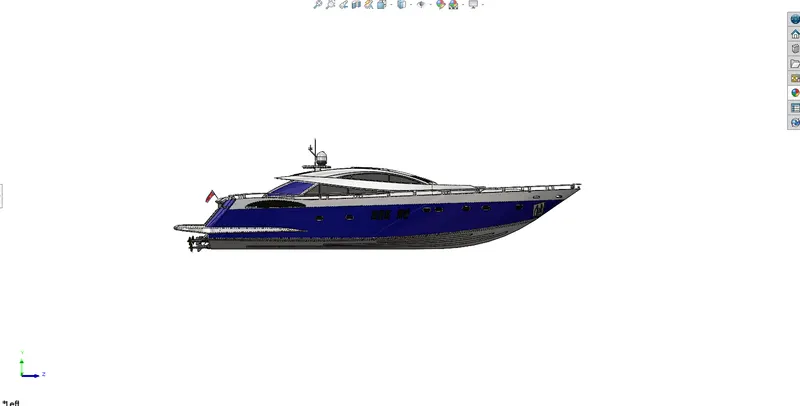
Left Side View Right Side View
Rendering :-
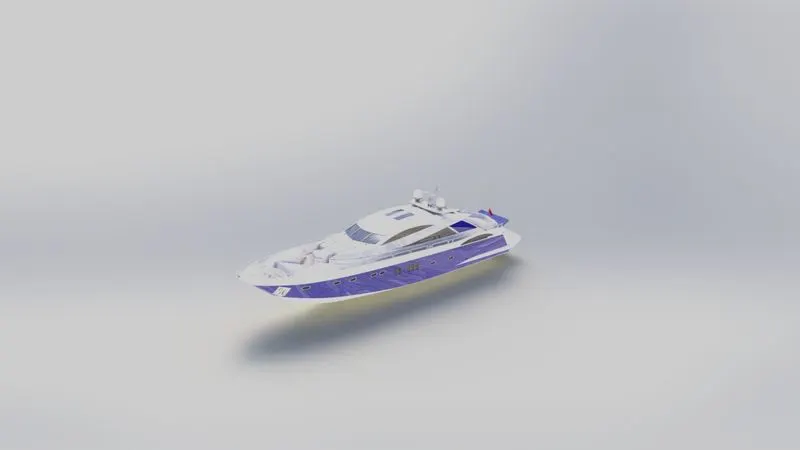
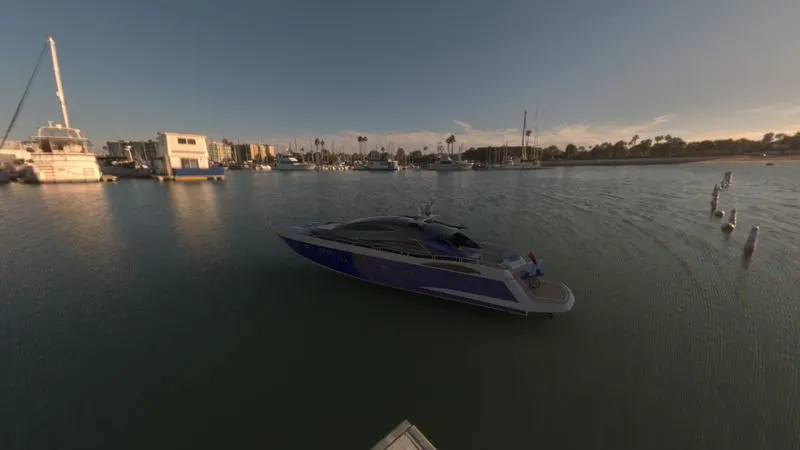
PhotoView 360 is a SOLIDWORKS add-in that produces photo-realistic renderings of SOLIDWORKS models. The rendered image incorporates the appearances, lighting, scene, and decals included with the model.
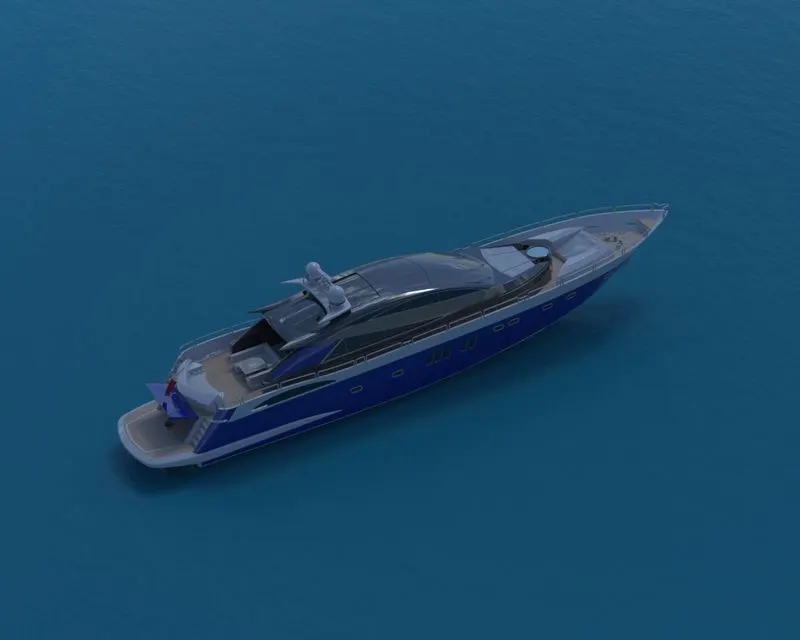
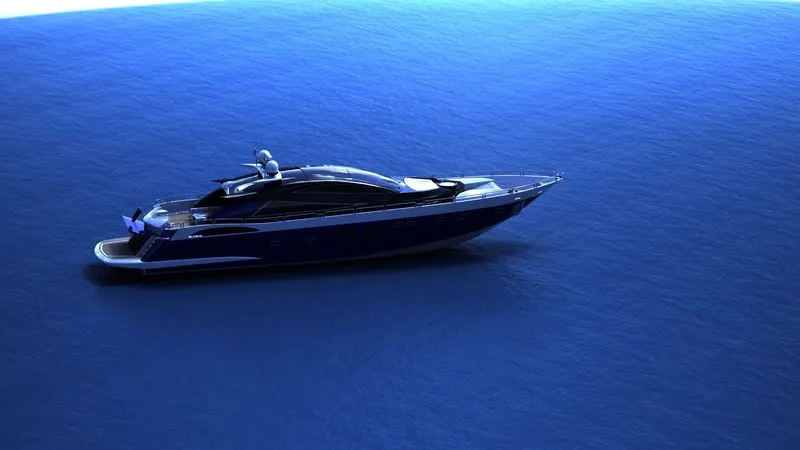
I have done the rendering on the photoview 60 and SOLIDWORKS Visualize some image as
Follow :-
Photoview 60 :-
SOLIDWORKS Visualize :-
Conclusion :-
All the parts of the Sunseeker Predator Yacht were modelled and assembly was created using the solidworks and by using the photoview 60 and SOLIDWORKS Visualize rendering is done.
1. Radar Mast
Isometric View
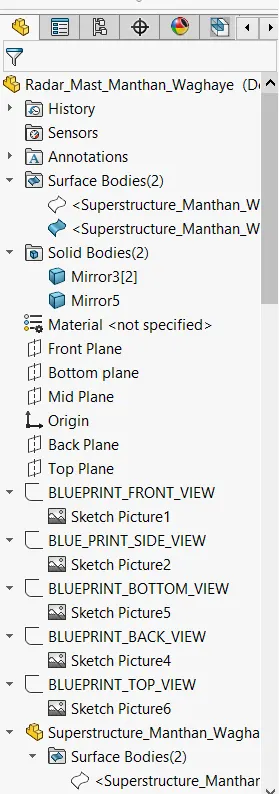
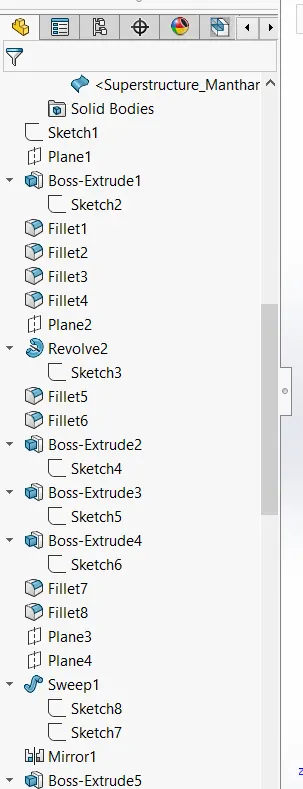
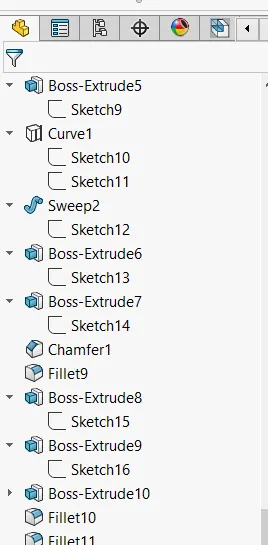
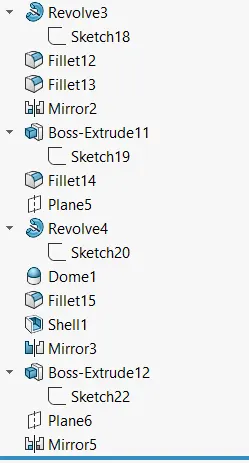
Feature Tree Manager
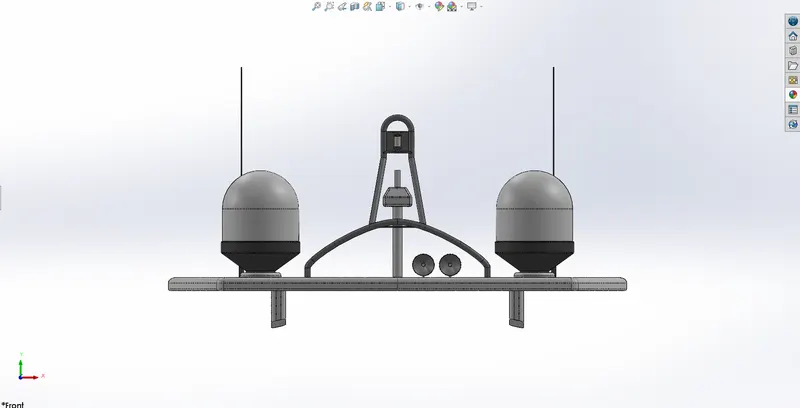
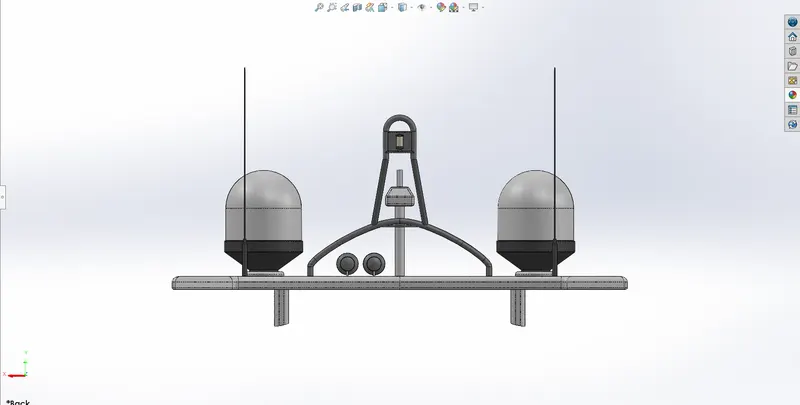
Front View Back View
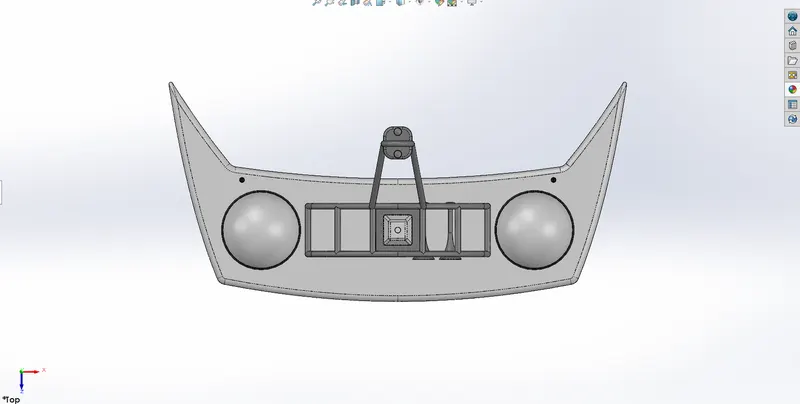
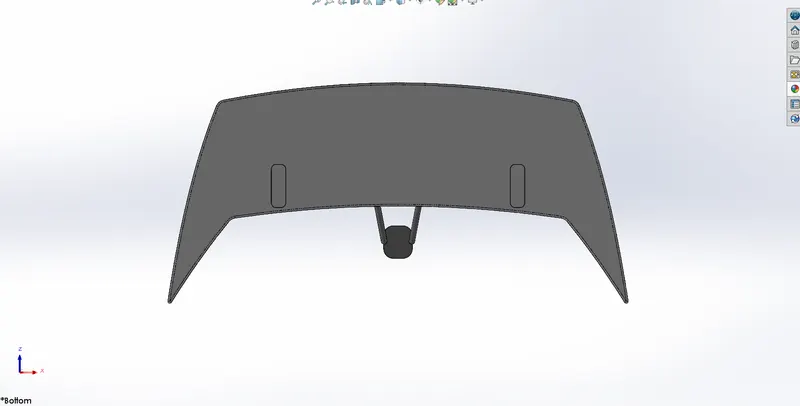
Top View Bottom View
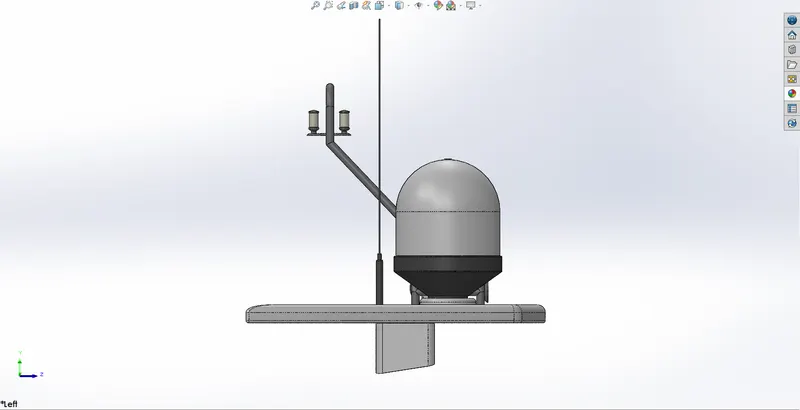
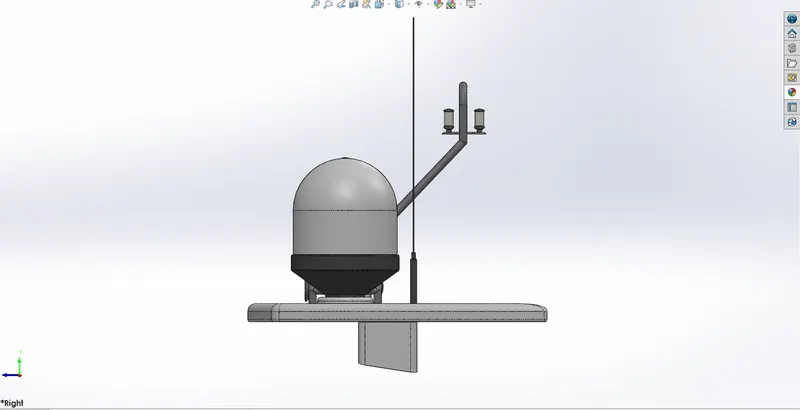
Left Side View Right Side View
2. Yacht Assembly
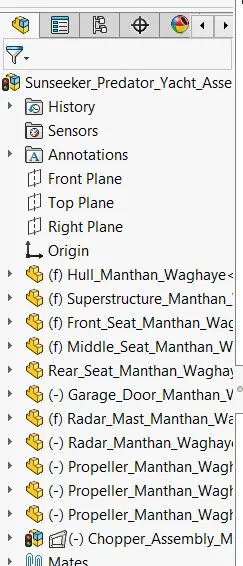
Isometric View Feature Tree Manager Mates
Front View Back View
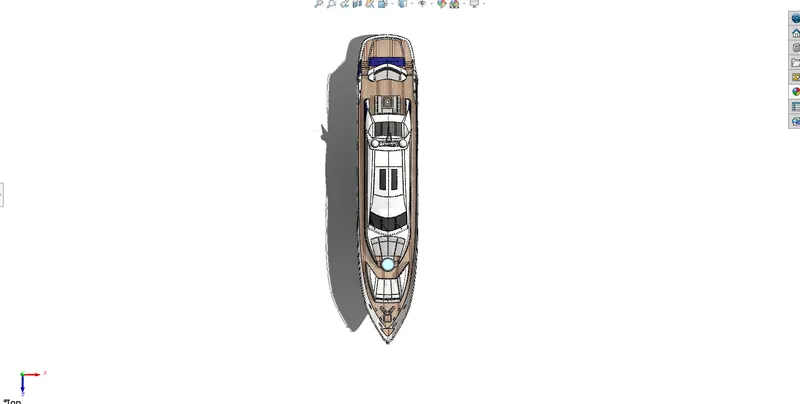
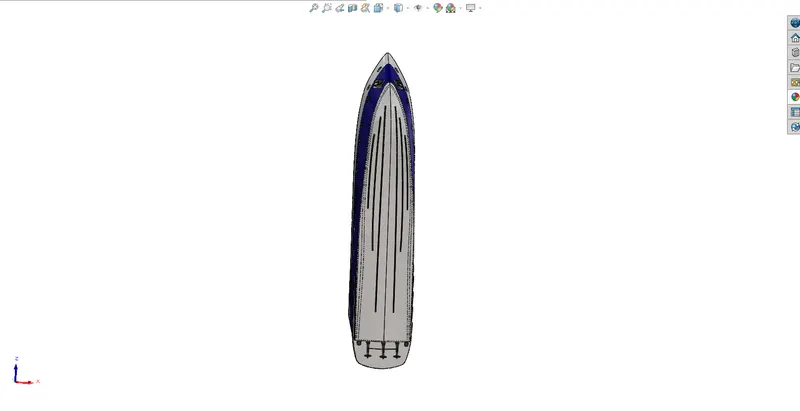
Top View Bottom View
Left Side View Right Side View
Some other View