Radar Mast & Final Assembly of Yacht
TITLE
Radar mast and Assemble the Yacht
Objective
• Write the report on Yacht Modeling.
• Submit the rendered models and assembly file along with the Part files.
• Upload minimum of five Screenshots/images of renders.
Softwares used
Solidworks 2021
Introduction
A yacht is a watercraft used for pleasure or sports. today's yacht are almost exclusively for leisure.A yacht is any sail or
power vessel used for pleasure ,Cruising or racing. Until the 1950s,almost all yacht were made of wood or steel,but a
wider range of materials is used today.Although wood hulls are still in production ,the most common construction material
is fiberglass,followed by aluminium,steel ,carbon fibre and ferrocent.Apart from material like carbon fibre and aramid
fibre ,spruce veneers laminated with epoxy resins have the best weight to strength ratios of all boatbuilding materials.
In recent years these yacht have evolved from fairy vessels with basic accomodation into sophisticated and luxurious
boats .This is largely due to reduce hull_building costs brougt about by the introduction of fibre glass hulls. and increase
automation and production line techniques for yacht building.Most basic yacht have electrica lighting radio and navigation
aids such as GPS .Aids such as radar ,echo-sounding and auto piolet are common.
Theory
Process Flow Chart
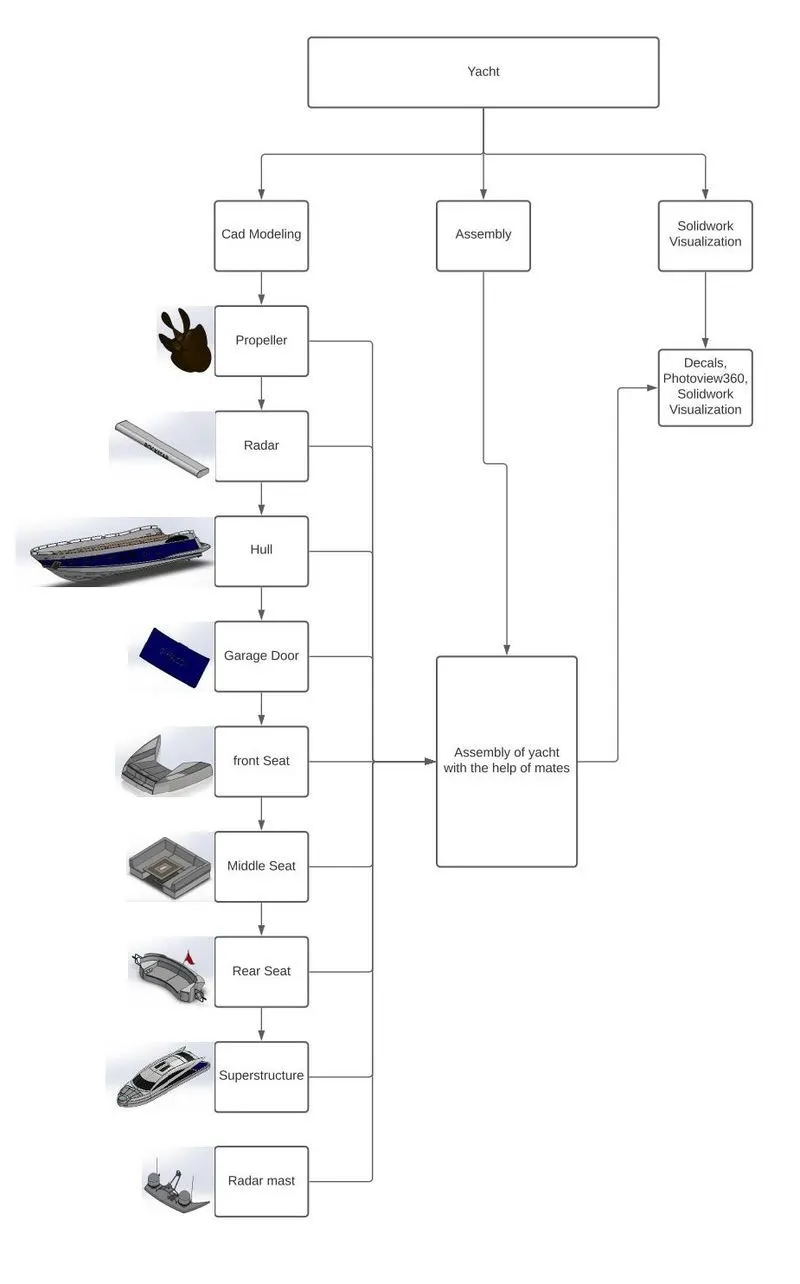
Part modeling
Part modeling you can create a part from a conceptual sketch through solid feature _based modeling as well as build and
modify parts through direct and intuitive graphical manupulation.
Surface Modeling
Surface modeling gives you the ability to build out a visual representation of an object's exterior and its contours. In
other words , Its a surface.
Surface Modeling plays a major role in modeling yacht. Most of the parts in the yacht area surface modeled.
The following are the features used in surface modeling
Sketch - 2D to create sketches on a plane referance 3D to create sketches in the three dimension
Lines - To create a line or centerline
Circles - To create rectangle shape
Splines - To create curved lines controllable through handles.
Slots - For creating slot shape
Arcs - For creating arcs or half circles
Offset Entities - To offsetting the sketch at required distance
Convert Entities - To convert sketches from plane to another plane.
Trim Entities - For deleting or trimming the sketch.
Extrude Boss/Base - To create a 3D object
Extrude Cut - For cutting a portion from 3D object
Revolve Boss/Base - To revolve a circular shape around axis
Lofted Boss/Base - To Create surface between multiple curves
Surface Extrude - for creating surface
Trim surface - To trim surface
Loft Surface - To create surface between multiple curves
Sweep Surface - For creating surface of sketch over a curve
Sweep Cut - to remove material along curved 3D shape
Extend surface - To increasing the length of surface
Knit surface - To join or Knit multiple surfaces
Fillet - To create round edges
Chamfer - To make slope (in Angle)
Dome - For making round or circular shape on an end
Sweep - To create a 3D shape from 2D shape along a connected path
Split - To create a 3D shape from 2D shape along a connected path
Split - To Create multiple part from single part
Shell - To remove inner material to form hollow shape.
Mirror - To Copy sketches /feature and body from one side of a plane or axis to another
Patterns - For creating same shapes or objects to another place by reference of any line or plane in linear ,curve
Combine - To combining or adding bodies to make them single body
Appearences - To give parts their materials look and painted colour
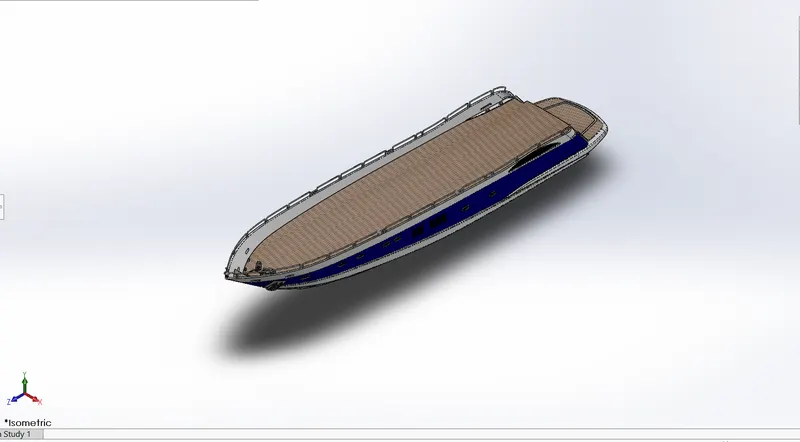
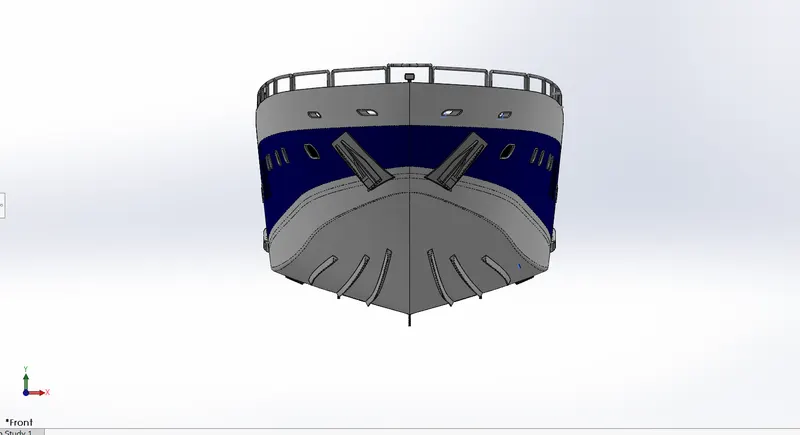
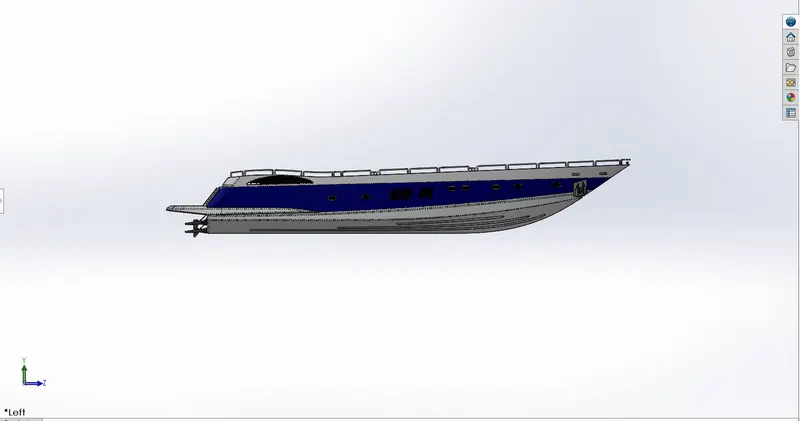
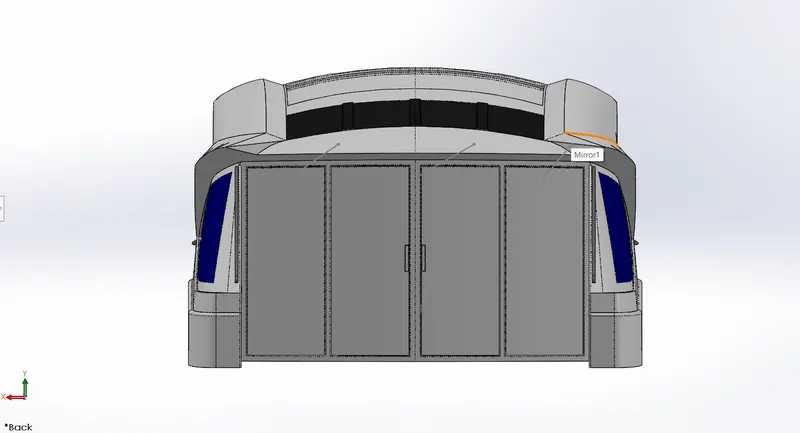
Hull
A hull is the water tight body of a ship or boat. The hull may open a the top or it may be fully or partially coverd with a
deck
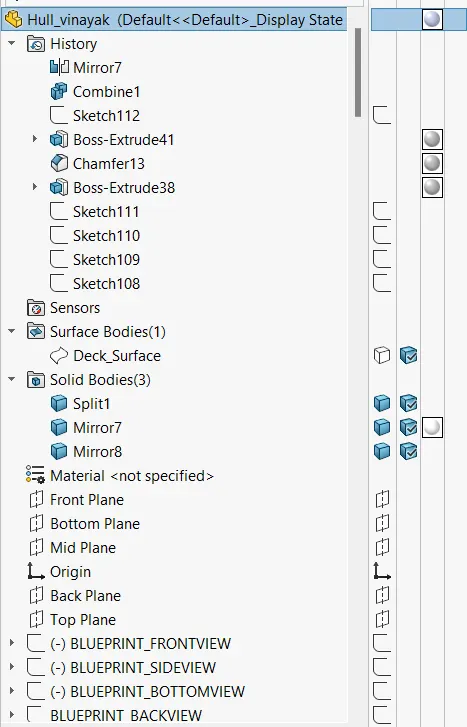
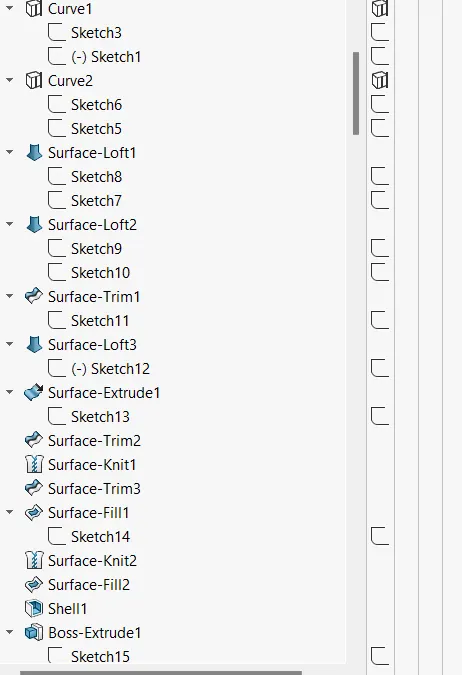
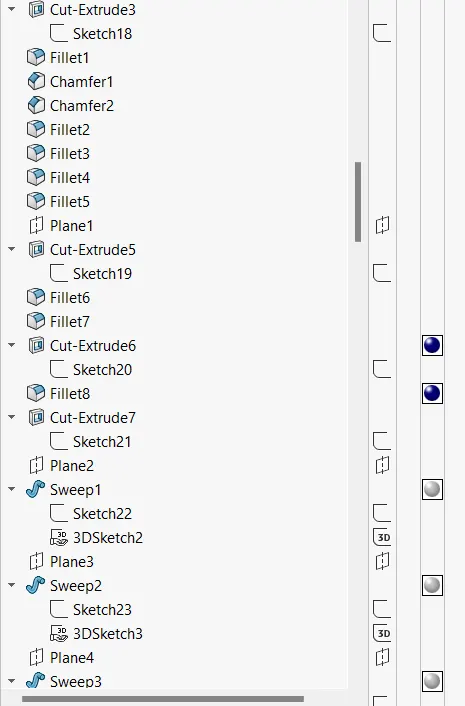
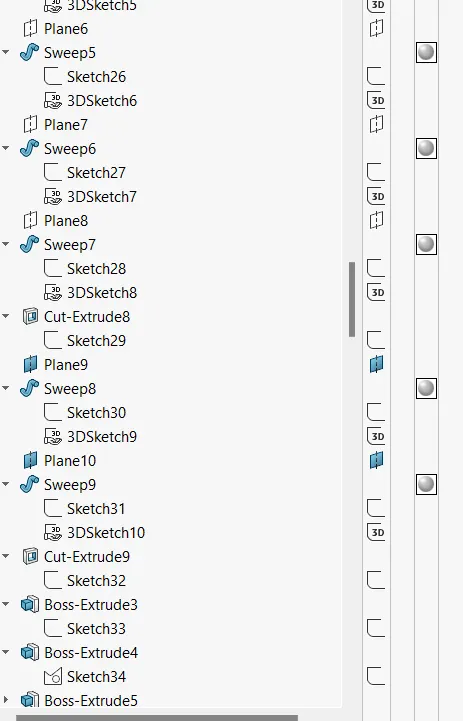
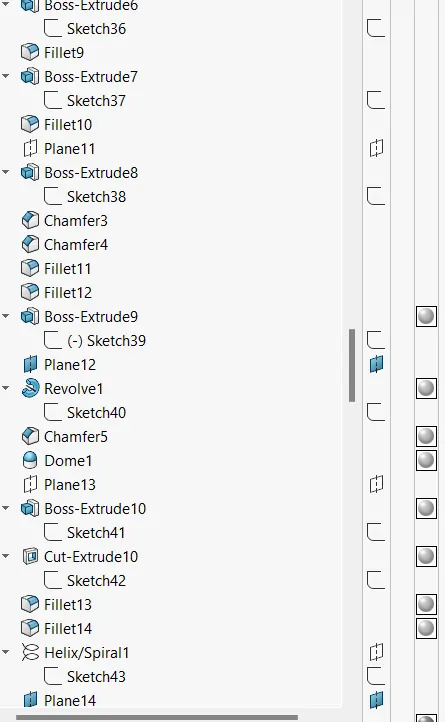
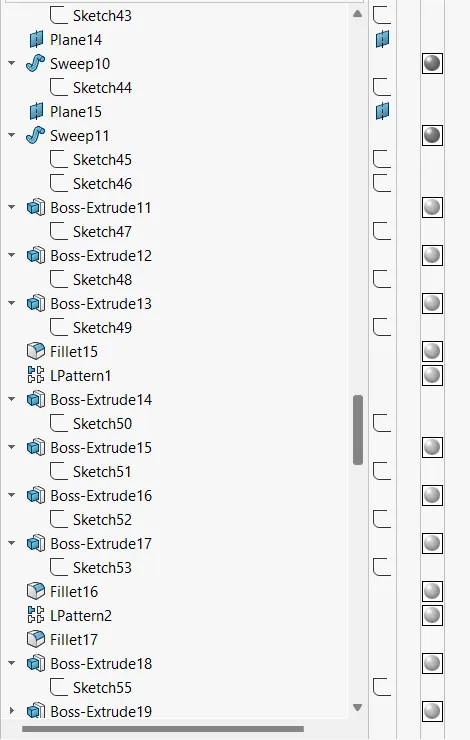
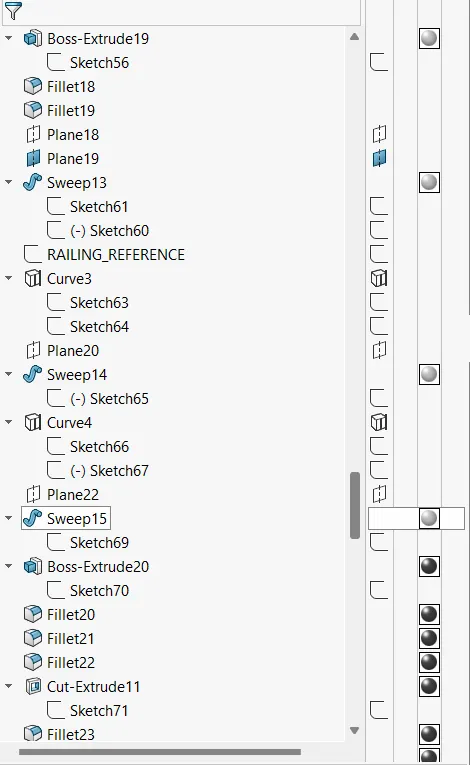
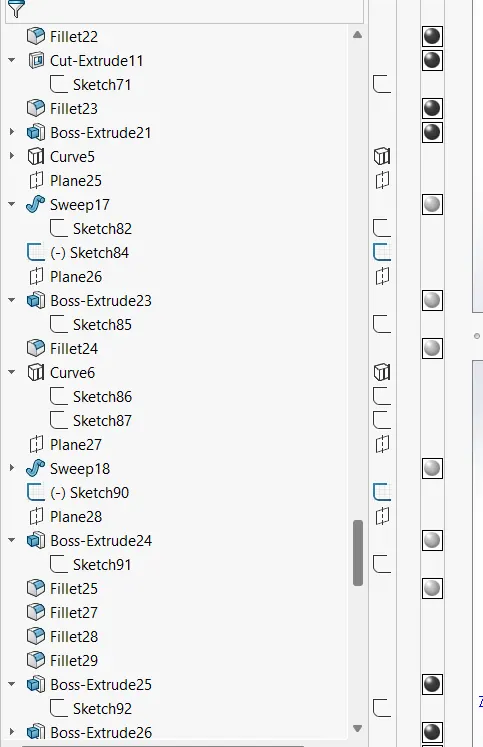
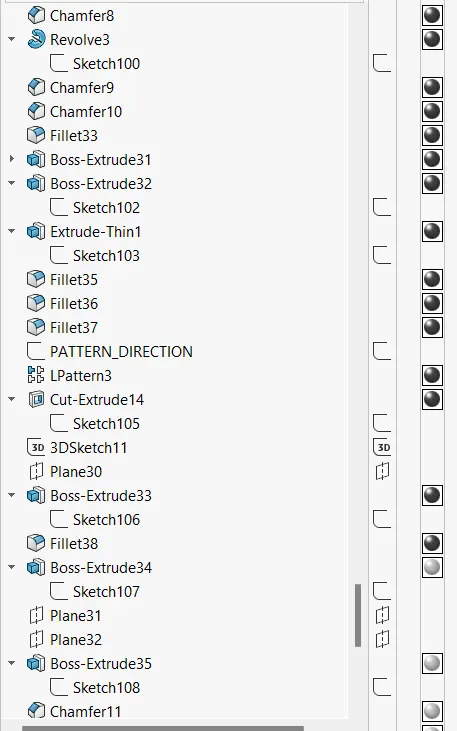
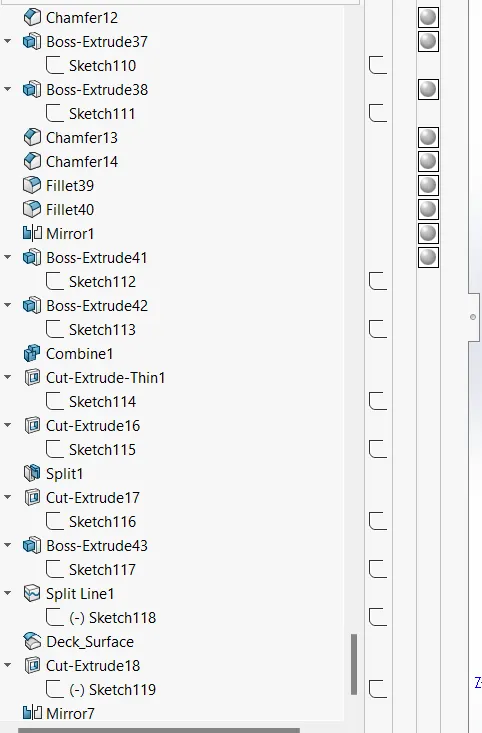
Features
SKETCH
PROJECT CURVE
SWEPT SURFACE
LOFT SURFACE
EXTRUDED SURFACE
EXTENDED SURFACE
SURFACE KNIT
EXTRUDE
MIRROR
CUT EXTRUDE
FILLET
PATTERN
SPLIT
SHELL
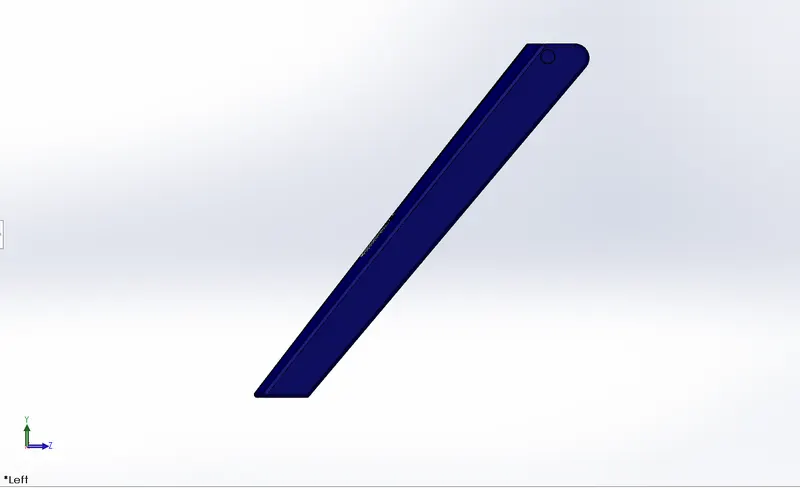
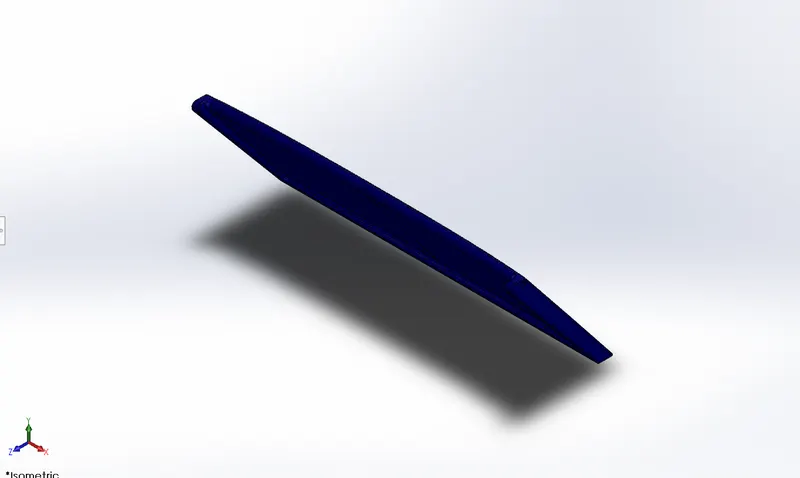
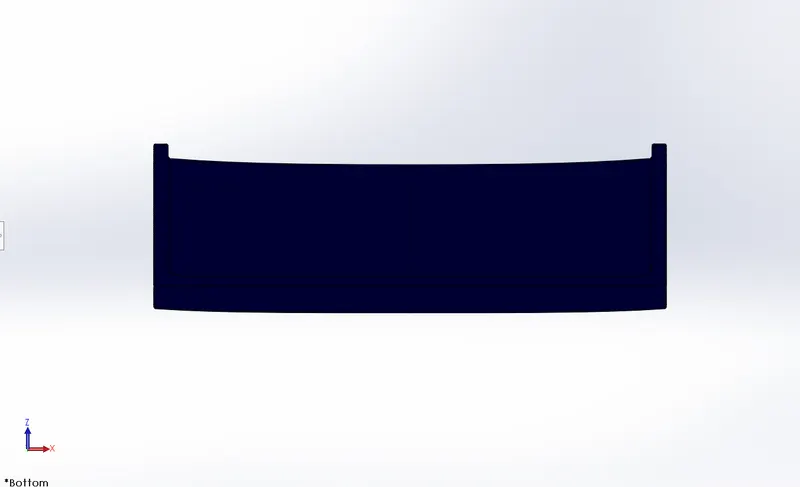
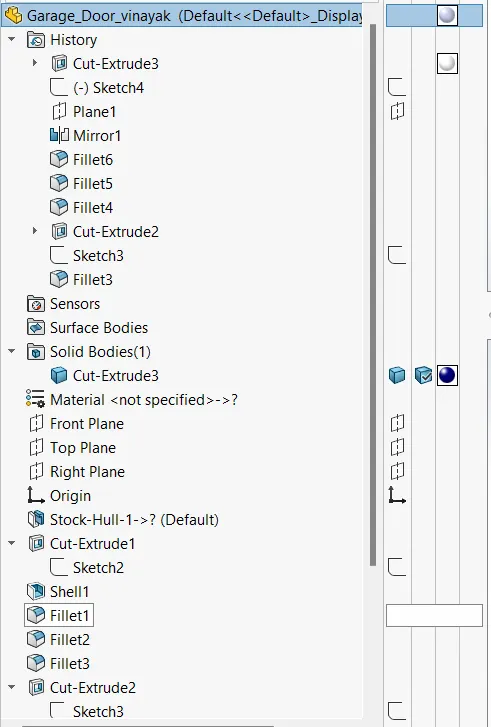
Garage Door
The garage door body was 'Split' from thr hull and imported seperately for modeling . The garage door was mated with
the hull garage during the assembly.
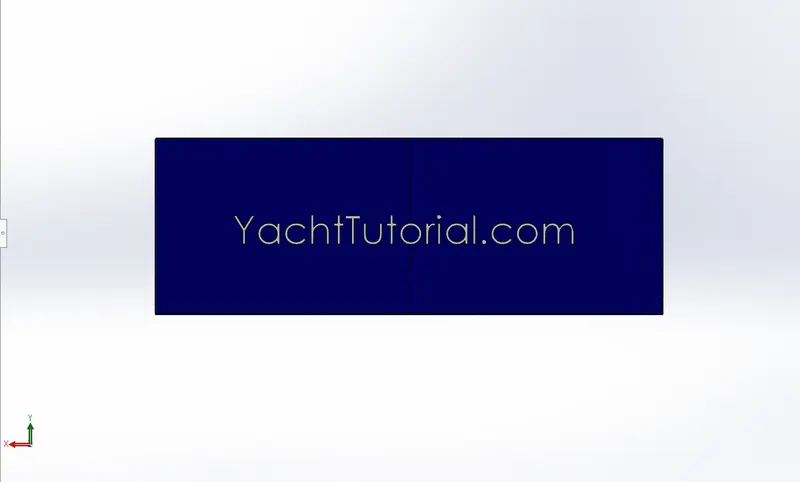
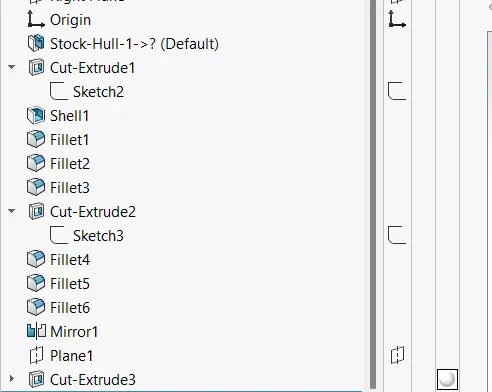
Features
INSERT
SHELL
TEXT
SPLIT
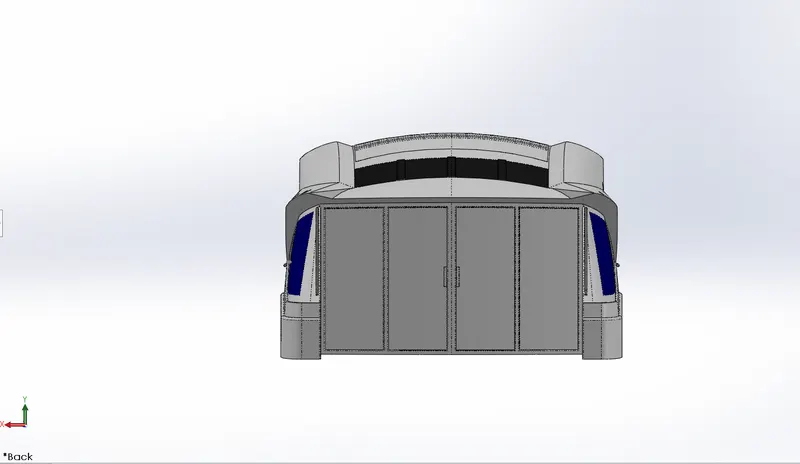
Superstructure
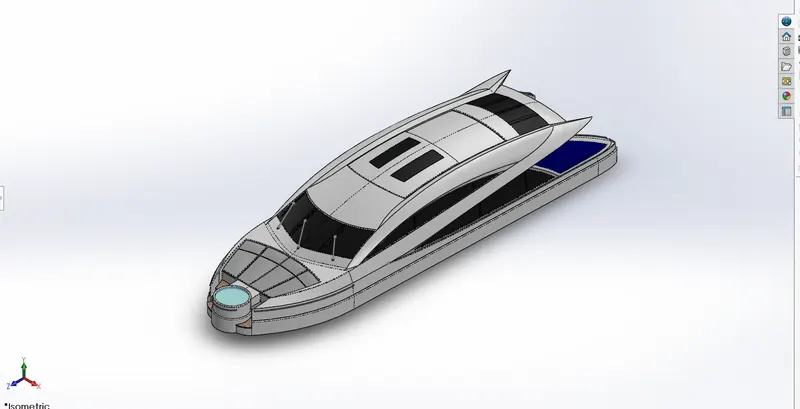
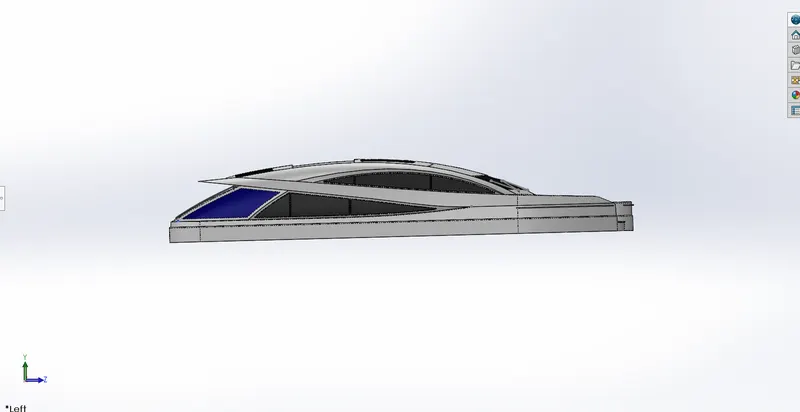
• A superstructure is an upward extension of an existing structure above a baseline.
• The superstructure is a ship/yacht is a part that emerges from the deck.
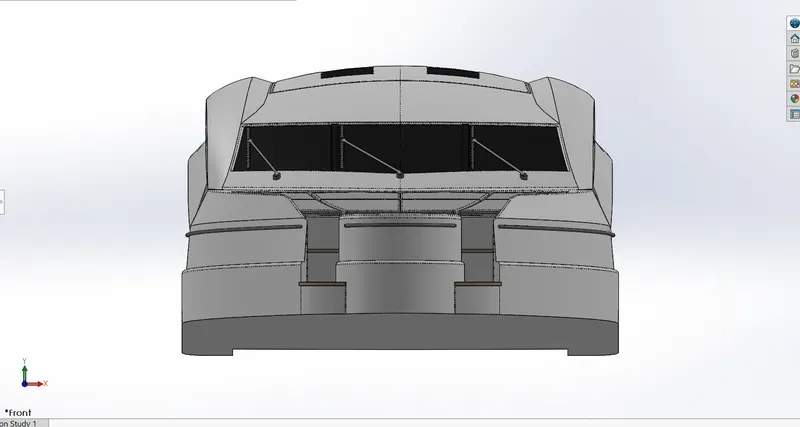
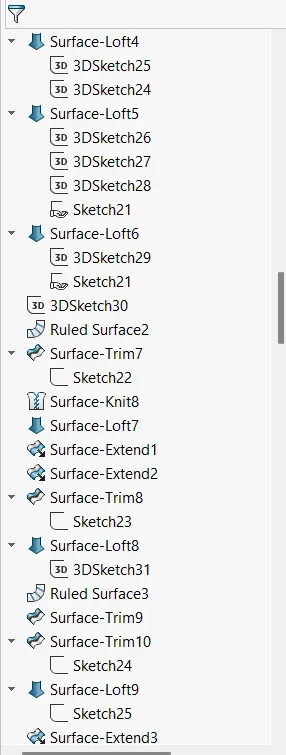
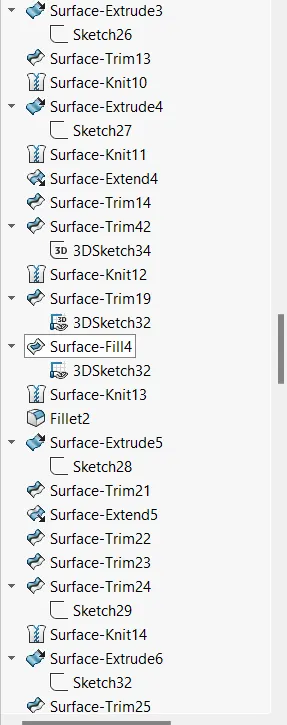
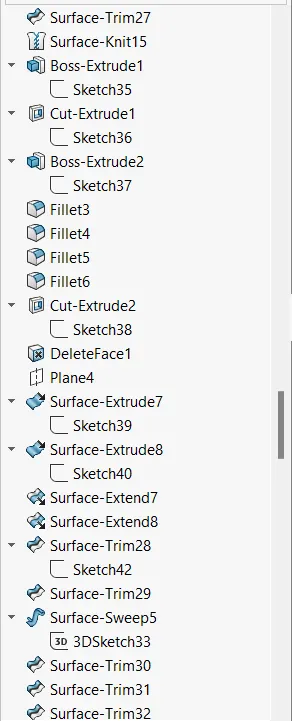
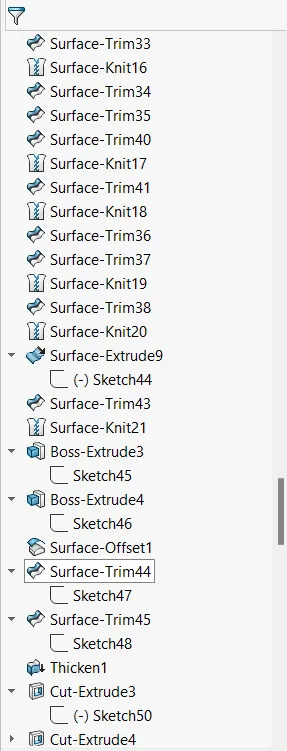
• In this yacht superstructures like frontseat, middleseat ,rear seat and cabin are modelled.
• The superstructure may be built in multiple layers.
• In this yacht single layer superstructures are used.
• Space for living accomodation ,meeting room etc. are provided inside superstructures.
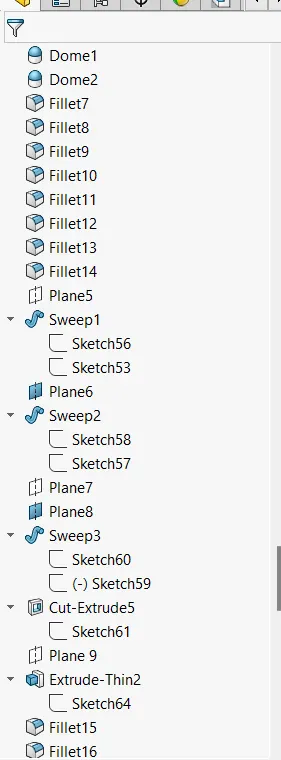
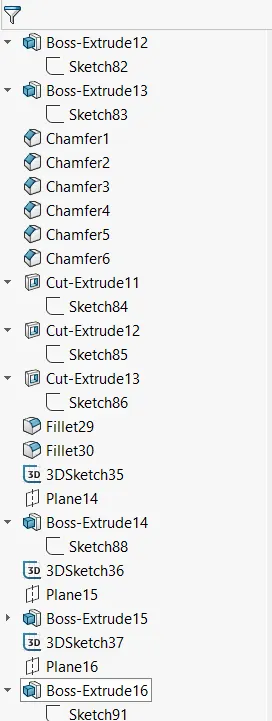
procedures for modeling
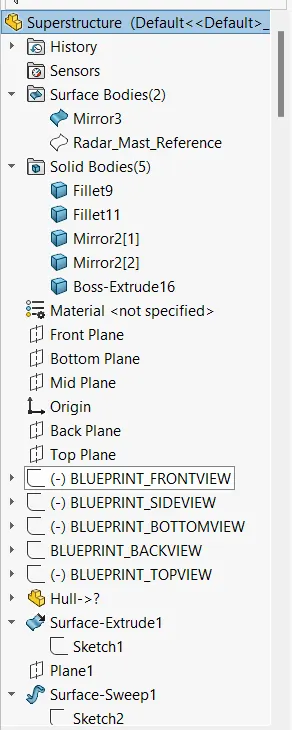
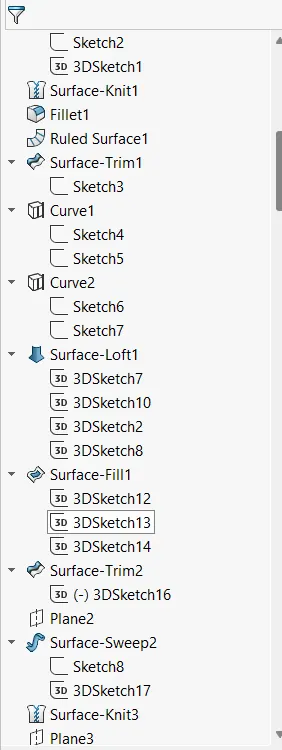
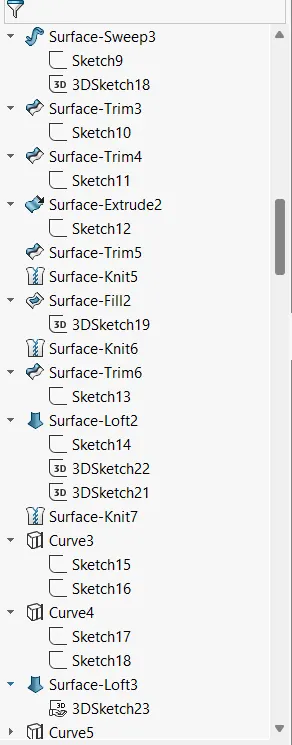
• Insert blueprint of the yacht in anew part.
• Create half of the superstructure by surface modelling and convert it into a solid body
• create a foundation tank on the front side of the superstructure .
• Provide handle for on the surface of the foundation tank.
• Create steps in the front portion of the superstructure .
• Create glass window portion on the surface of the superstructure .
• create a wiper part over the front window.
• Create a handle for the backside door of the superstructure
• Create a surface on the soundation tank and provide appropriate transparency on it.
• Apply colour to all the necessary surfaces.
Radar Mast
Key Feature :- Splines , Extrude , Fillet , Revolve , Mirror
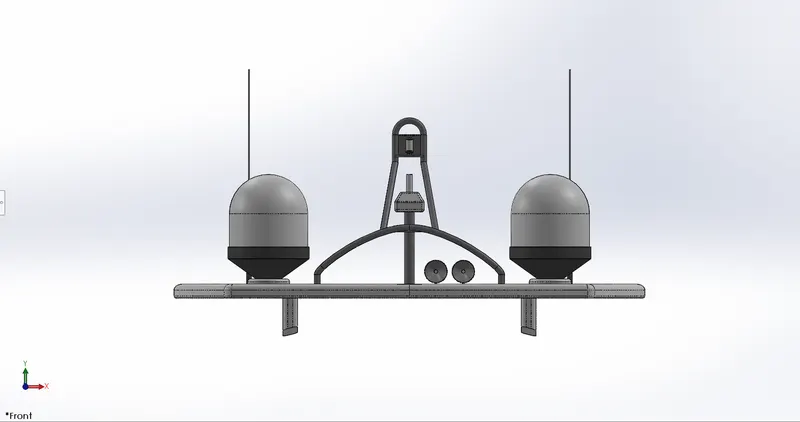
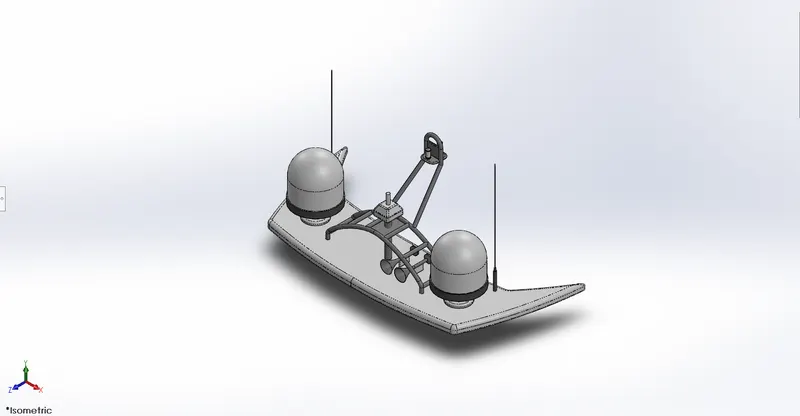
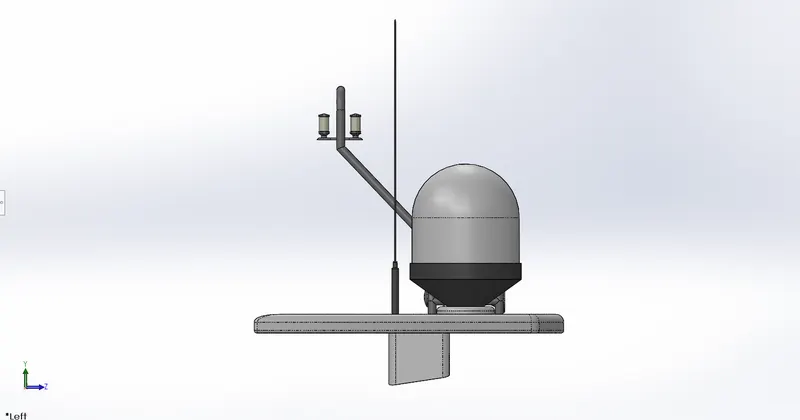
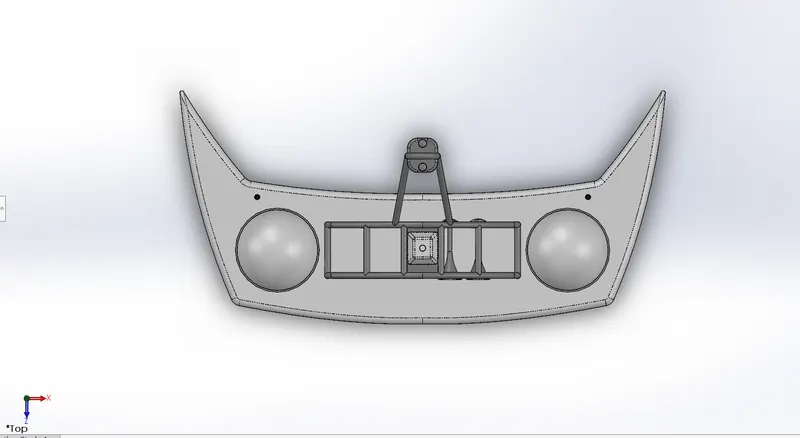
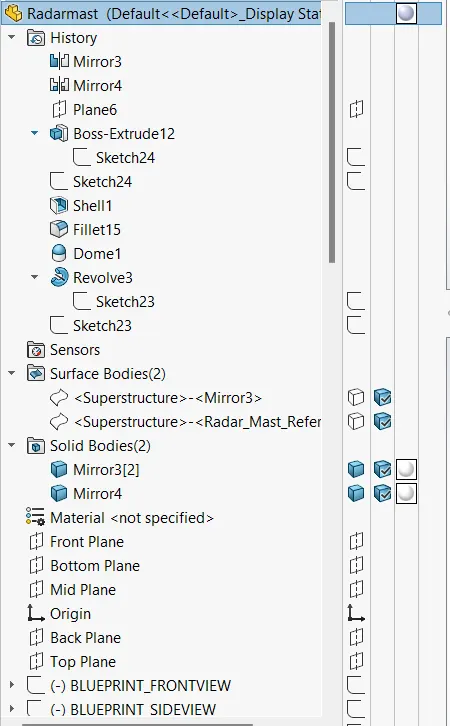
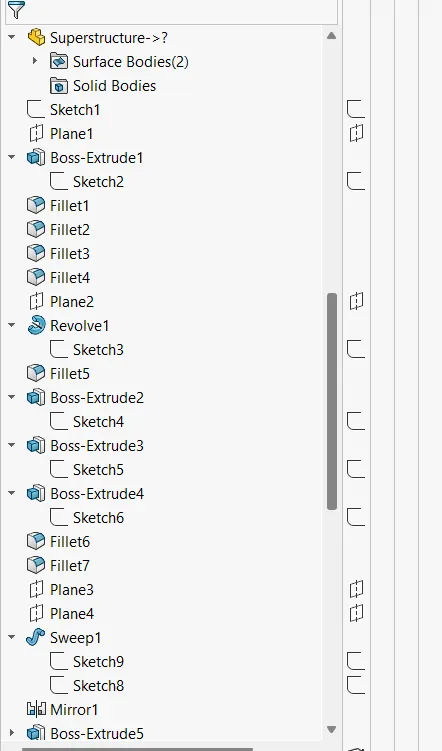
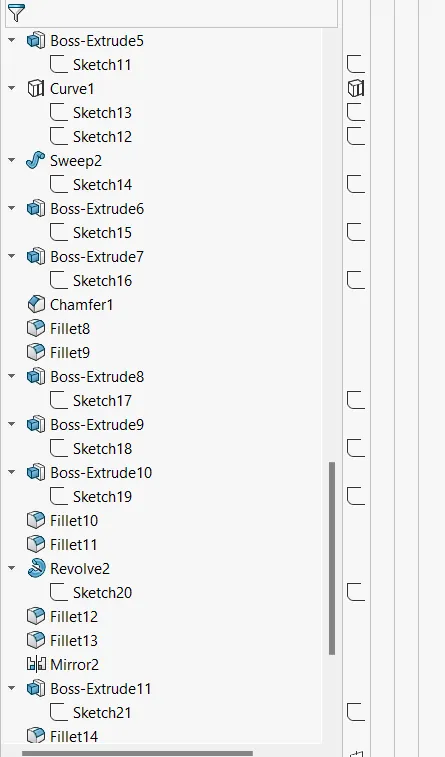
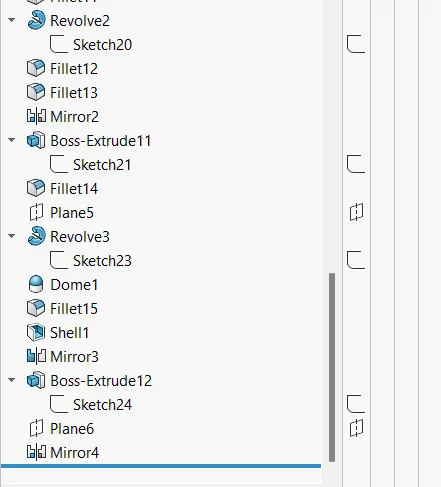
procedures of modeling
• Open the blueprint detup files & save it is a Radar mast
• Go to insert part browse for super structure & deselect all the options except surface bodies.
• Use the blueprint & draw the sketch & extrude the past as the dimensions
• Create antenna using circle & extrude commands
• Draw the other components & mirror them using midplane as reference .
• Apply colors to the parts using appearance option.
Front seat
Key Features:- Surface extrude , surface trim, surface knit, chamfer
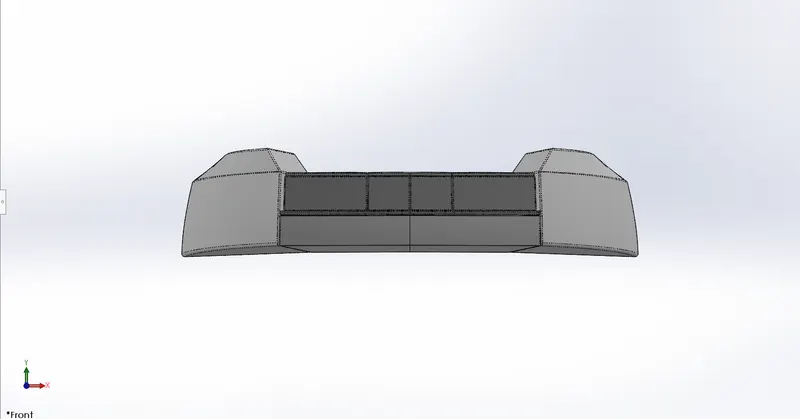
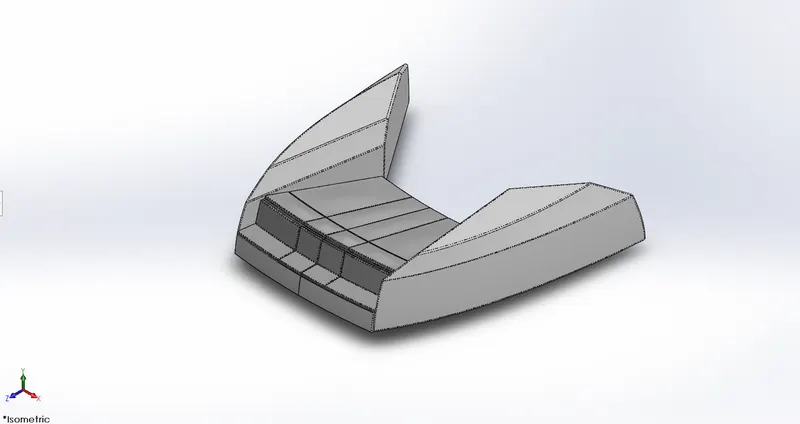
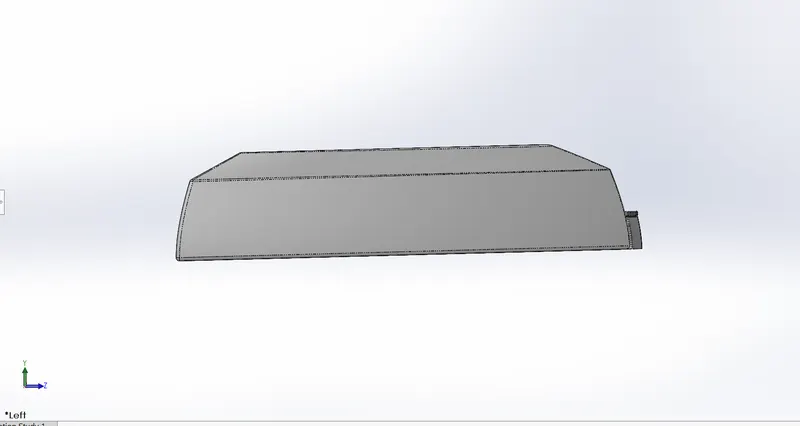
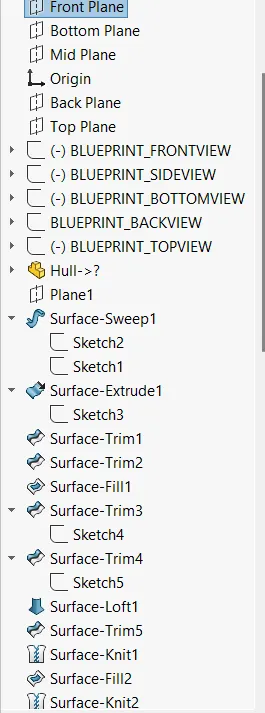
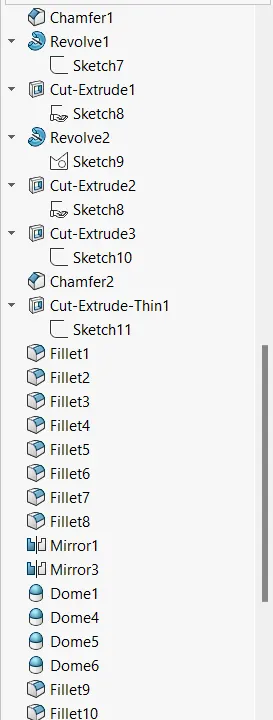
Procedures for modeling
• Open the blueprint setup files & save it as frontseat
• Using splines create a sketch & extrude it.
• Use surface trim option to create a shape & surface loft to form the symmetric shape of the front seat.
• Use surface knit option to cover the gaps.
• Hide the surface deck & use the surface fill the gaps & use surface knit option again to form the solid.
• Use revolve command to create the shape of the seats
• Apply fillets where ever applicable
• Mirror the components & Apply fillets again.
• Apply colors to the parts using apperance option.
Middle Seat
Key Features:- Surface extrude , surface trim, surface knit, chamfer
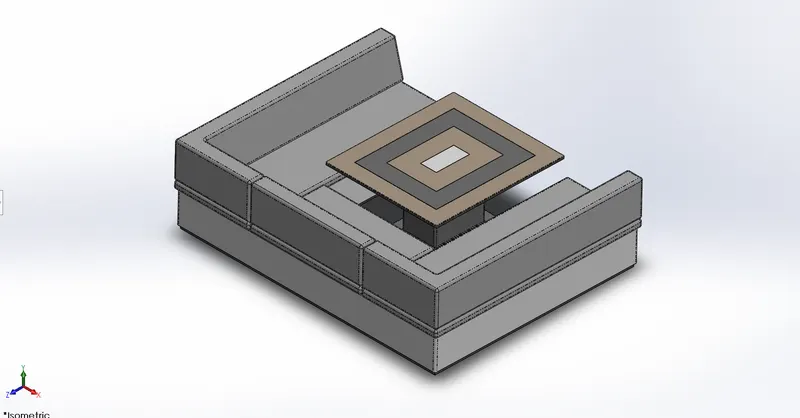
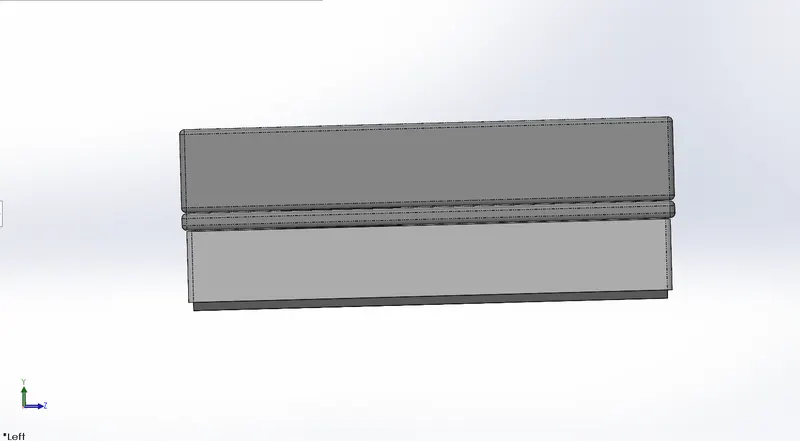
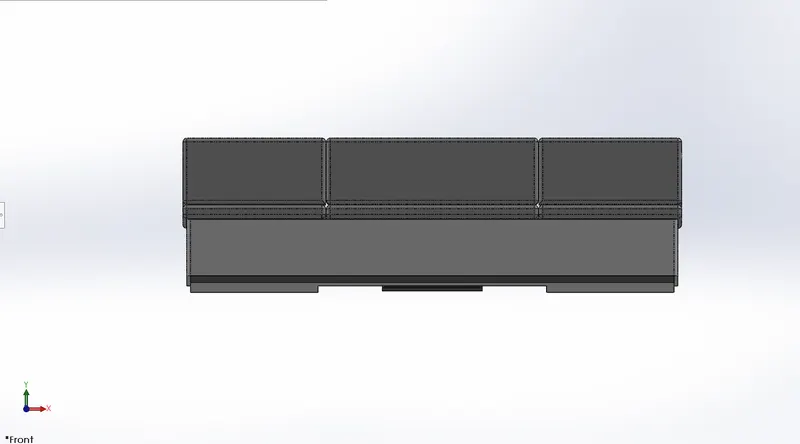
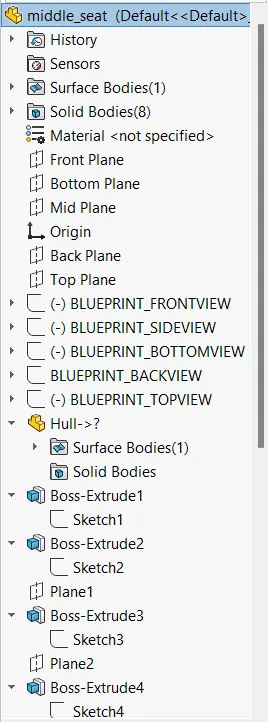
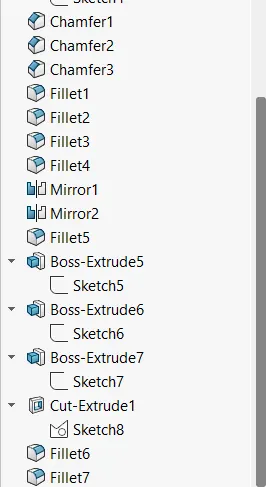
Procedures for modeling
• Open the blueprint setup files & save it as Middle Seat
• Using splines create a sketch & extrude it.
• Use surface trim option to create a shape & surface loft to form the symmetric shape of the middle seat.
• Use surface knit option to cover the gaps.
• Hide the surface deck & use the surface fill the gaps & use surface knit option again to form the solid.
• Use revolve command to create the shape of the seats
• Use extrude cut option and create the seats .
• Apply fillets where ever applicable
• Mirror the components & Apply fillets again.
• Apply colors to the parts using apperance option.
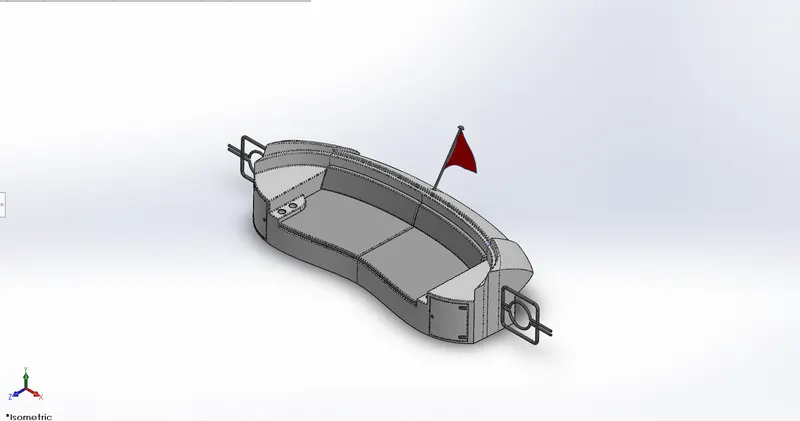
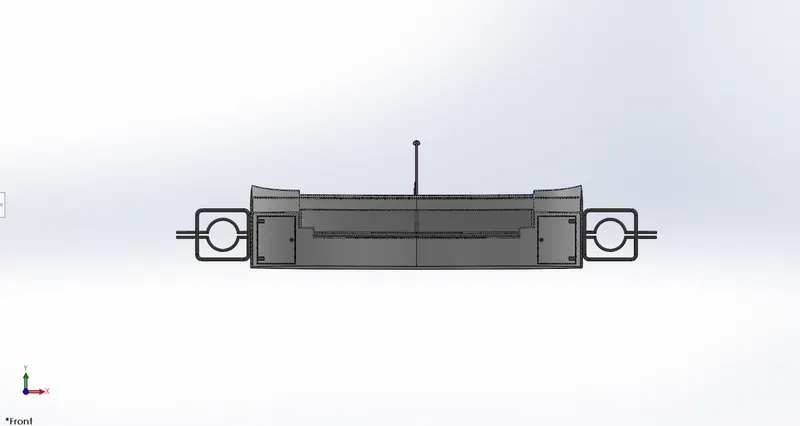
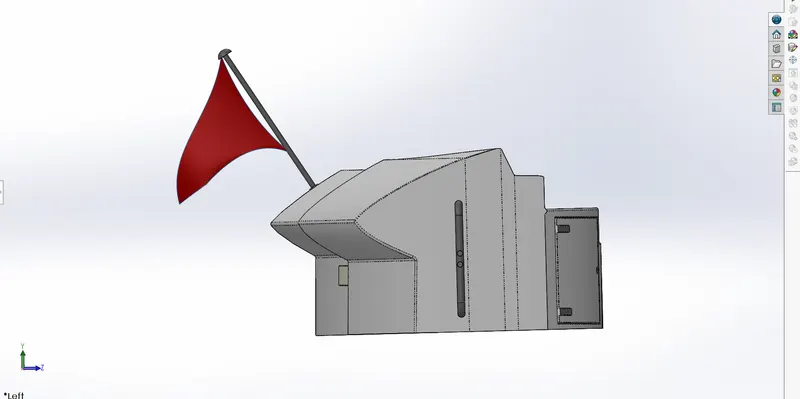
Rear Seat
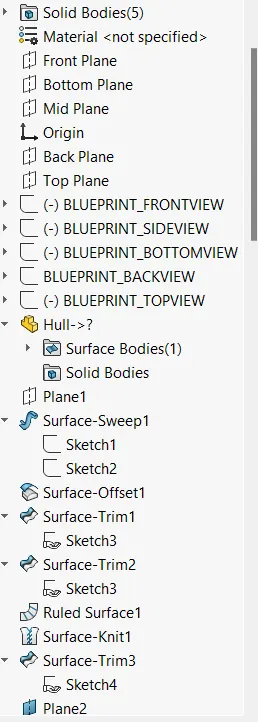
Key Features:- Surface extrude , surface trim, surface knit, chamfer,splines,surfac loft , surface fill.
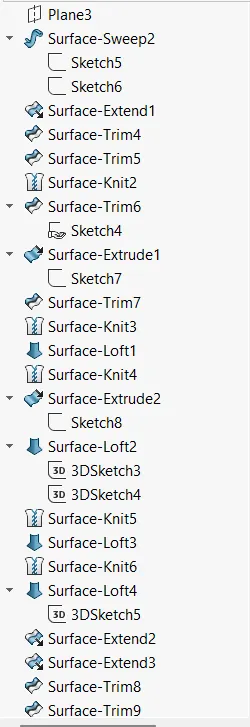
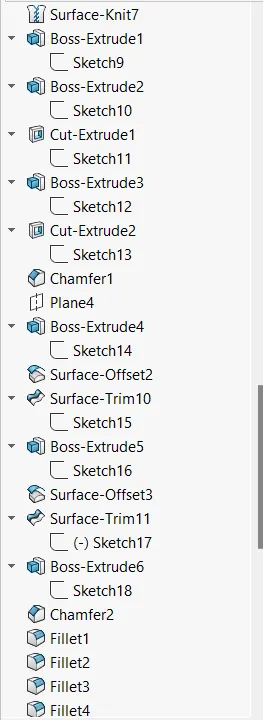
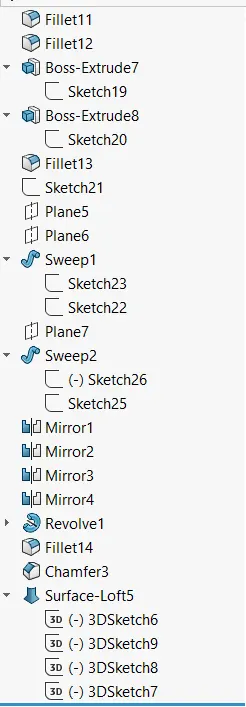
Procedures for modeling
• Open the blueprint setup files & save it as Rear Seat
• Using splines create a sketch & extrude it.
• Use surface trim option to create a shape & surface loft to form the symmetric shape of the rear seat.
• Use surface knit option to cover the gaps.
• Hide the surface deck & use the surface fill the gaps & use surface knit option again to form the solid.
• Use revolve command to create the shape of the seats
• Use extrude cut option and create the seats .
• Apply fillets where ever applicable
• Mirror the components & Apply fillets again.
• Apply colors to the parts using apperance option.
Propeller
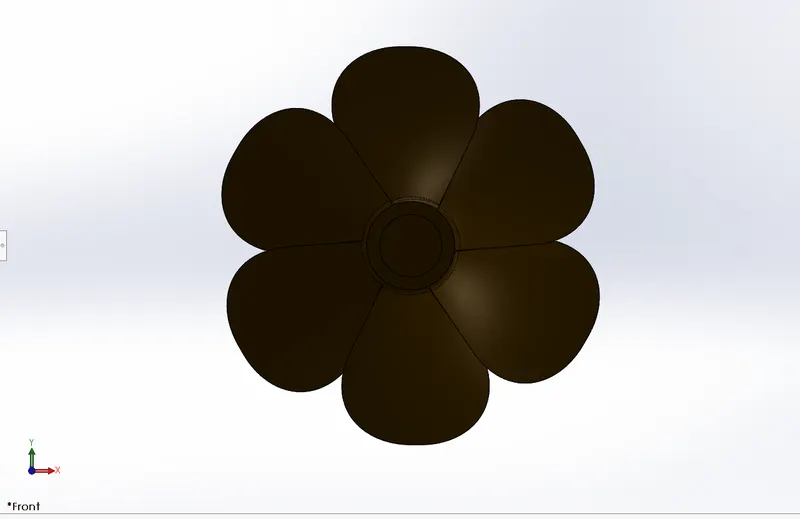
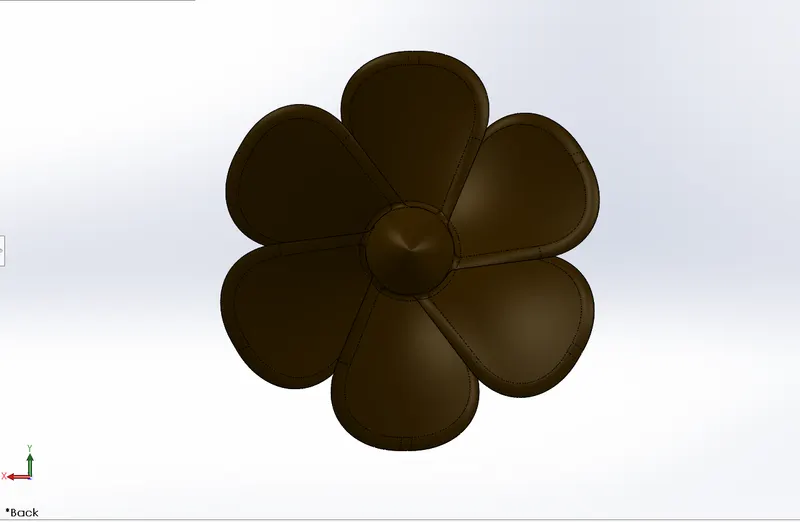
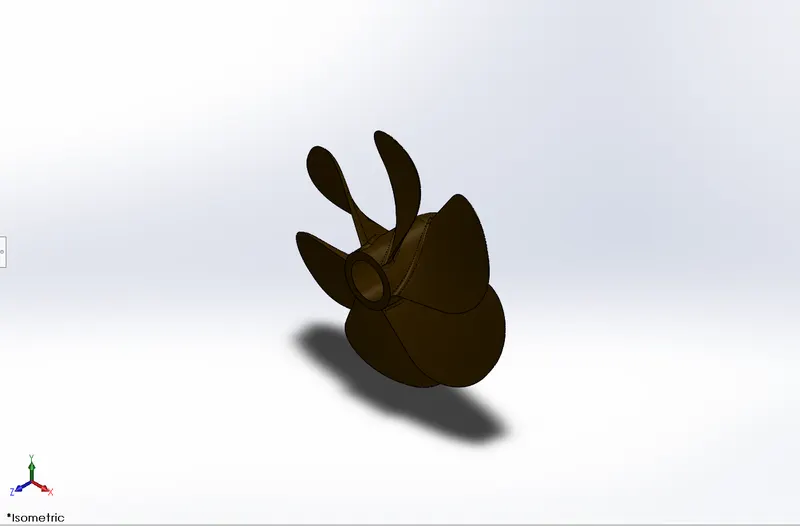
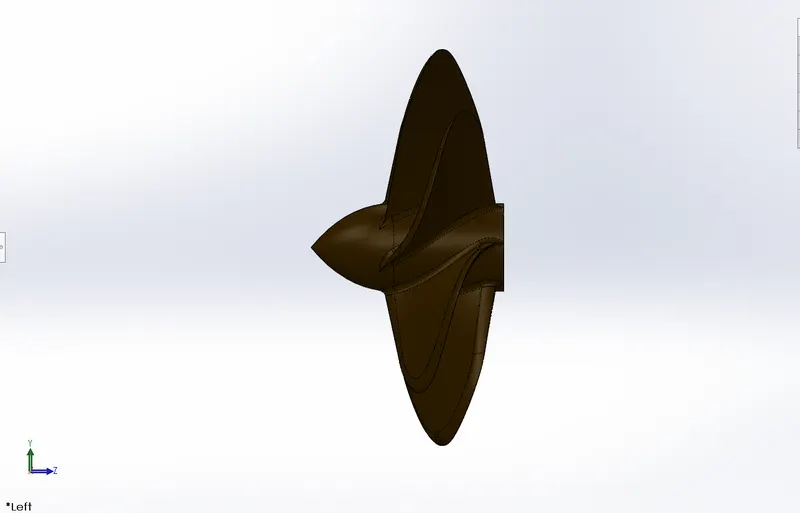
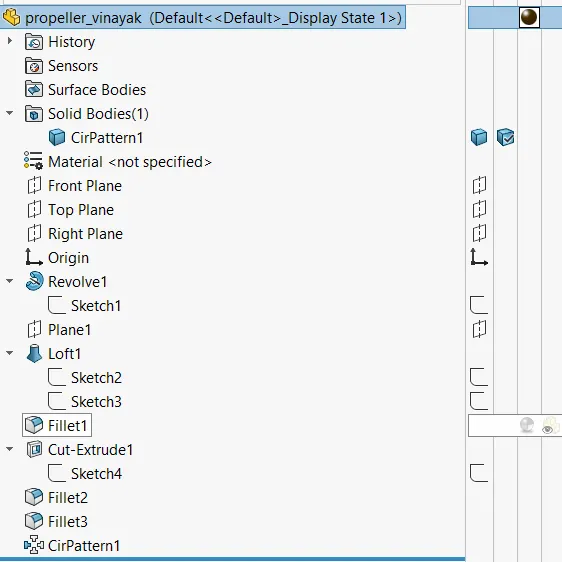
• Create a sketch using line & spline & apply revolve command
• Create a two rectangular sketches & apply solid loft command
• Apply fillet to the blade
• Use extrudecut command to the axle
• Apply fillet to the blade & axle
• Use appearance option to apply the blades
• save the file as propeller
Radar
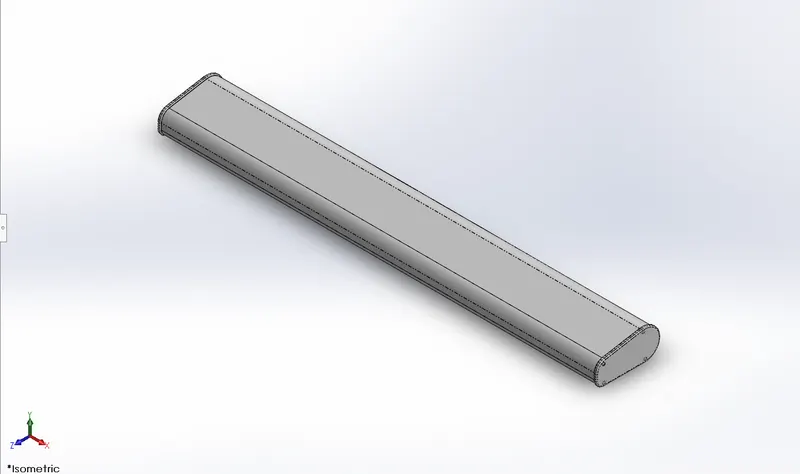
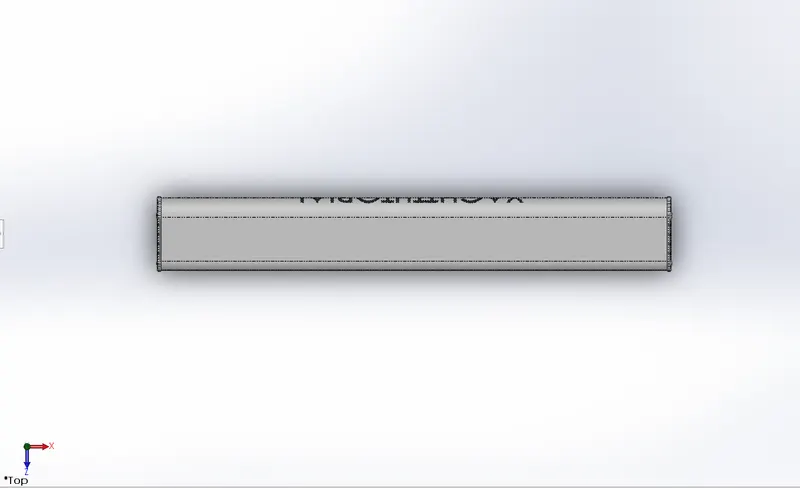
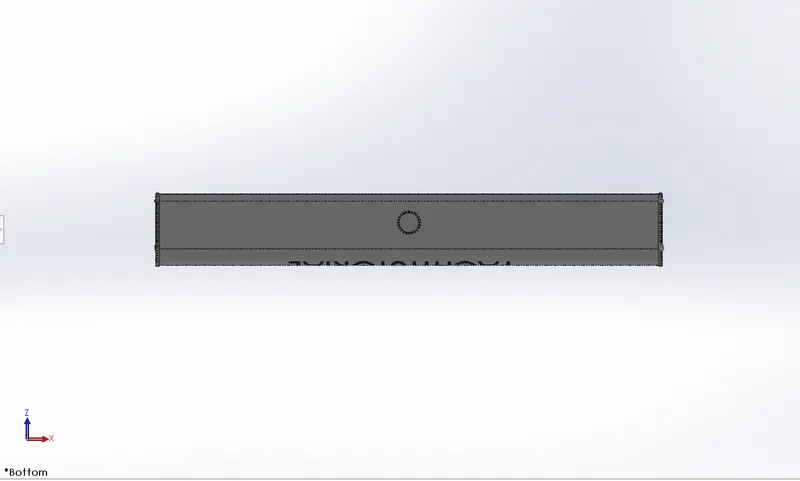
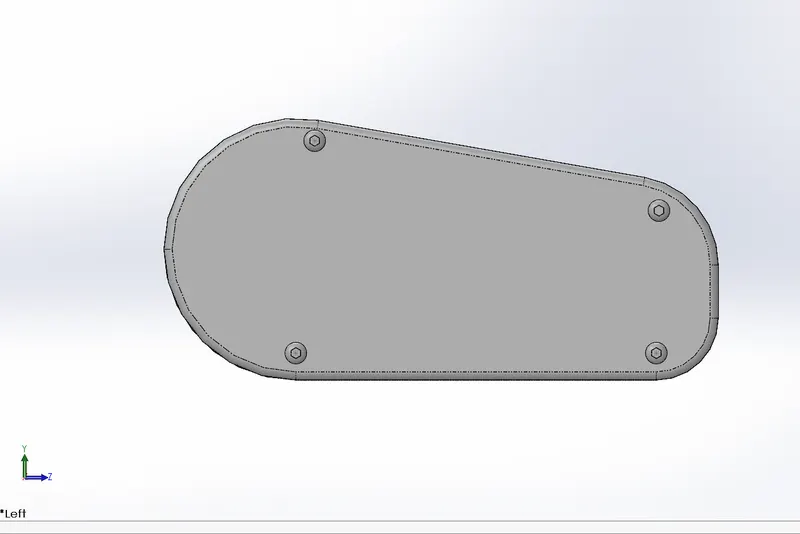
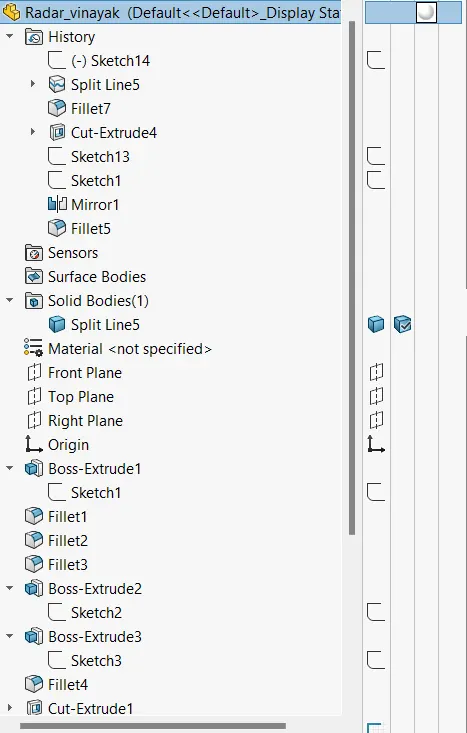
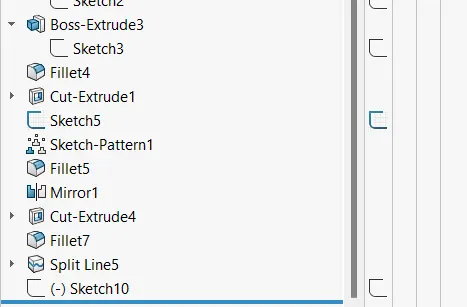
• Create a 2D sketch & apply boss extrude command
• Apply fillet with varying to the extruded component
• offset the surface & create 4 bolts on the surface
• Apply text on the sketch entities text option
• Mirror the body & create a circular slot
• save the part as radar
Assembly
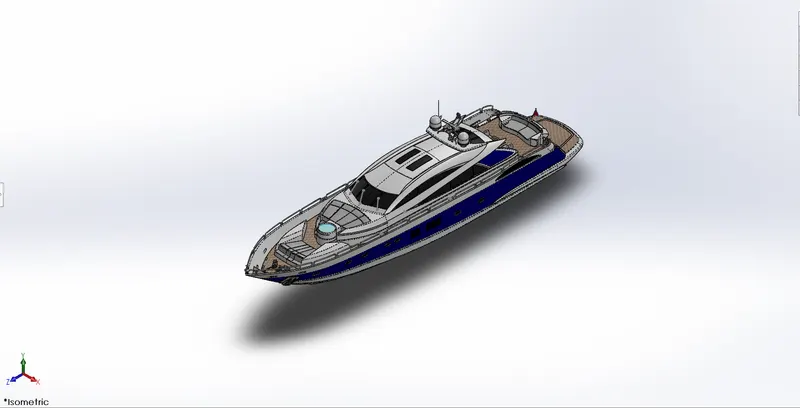
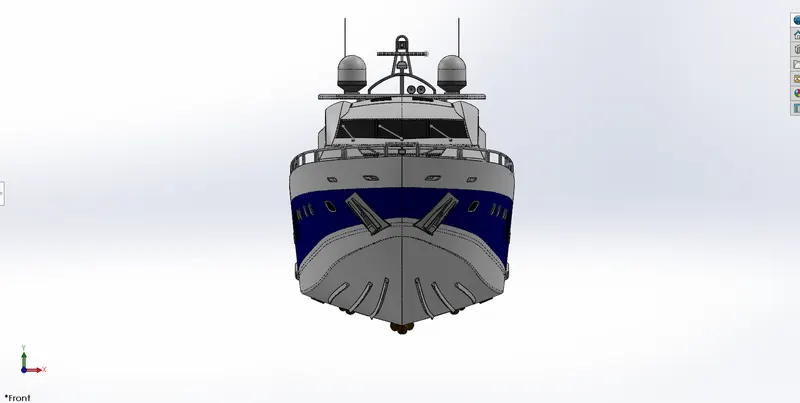
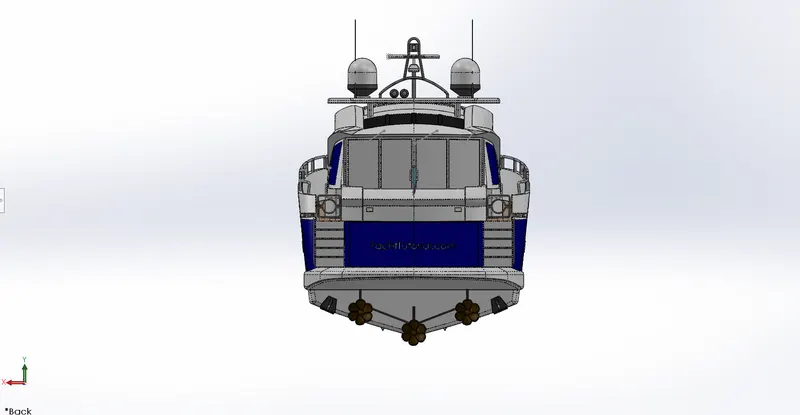
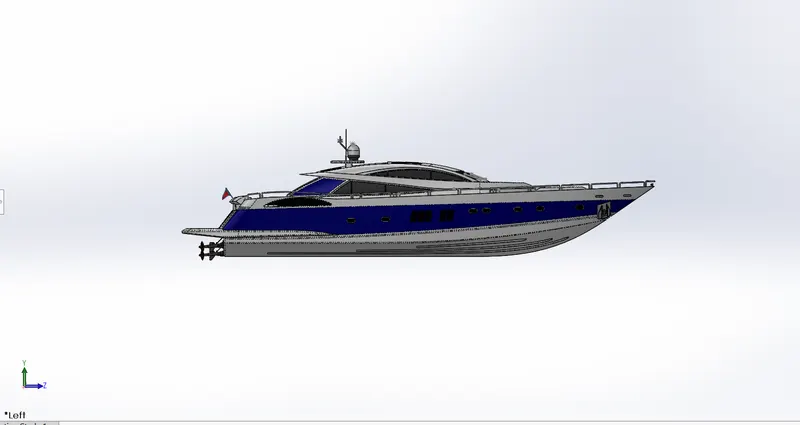
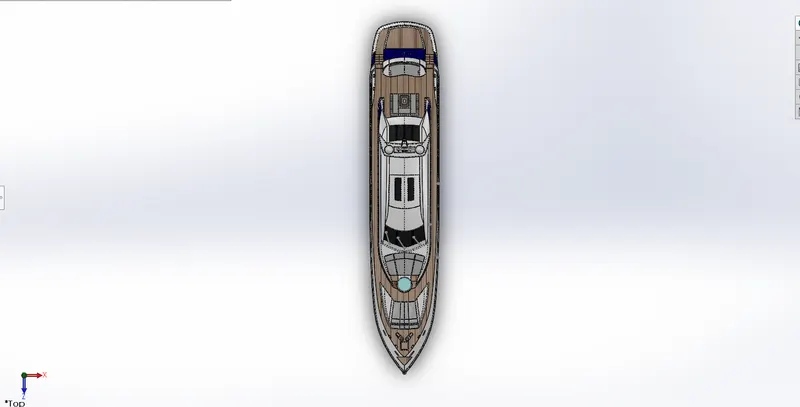
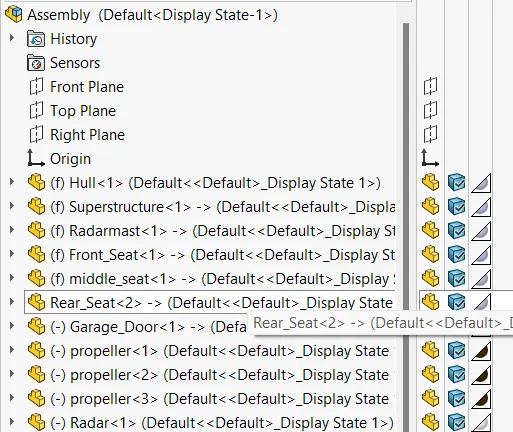
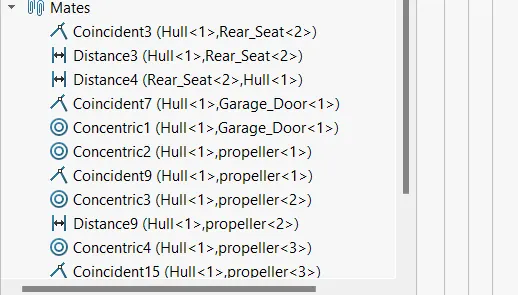
• Open assembly , Insert Hull Click ok
• Insert Superstructure click ok
• Insert front seat click Ok
• Insert middle seat click ok
• Insert radar mast click ok
• Insert rear seat & apply coincident mate between mid planes hull surfaces & seat surface,distance mate between rear
seat & hull surface
• Insert Propeller component & apply mates such as concentric & coincident to the three propellers
• Insert radar to the radar mast & apply coincident mate
• Save the assembly
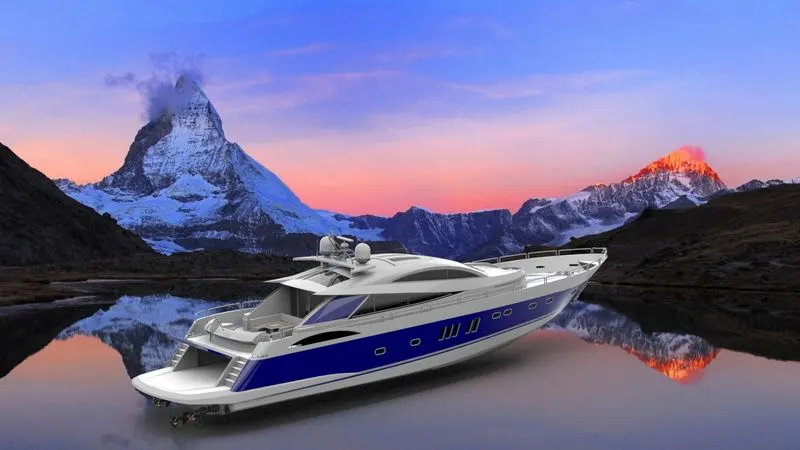
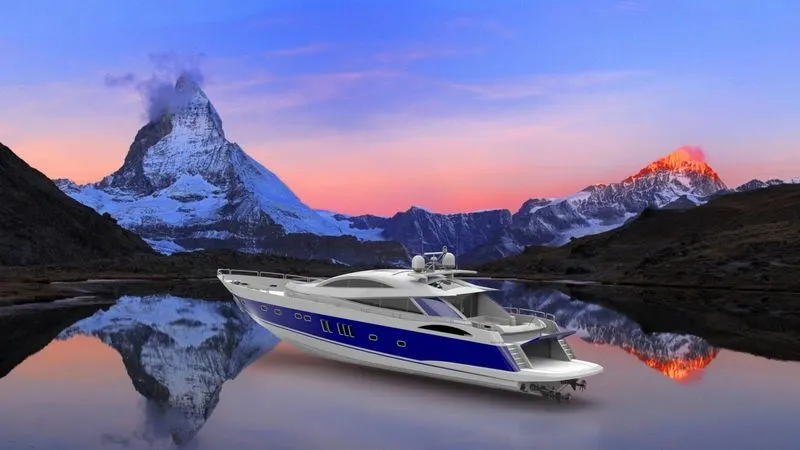
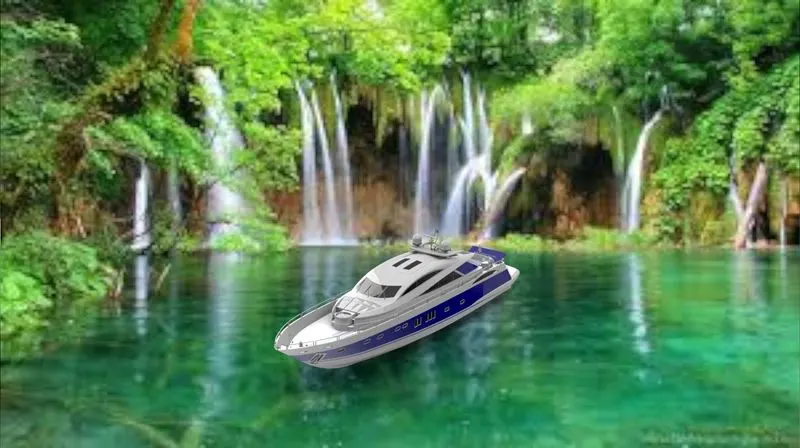
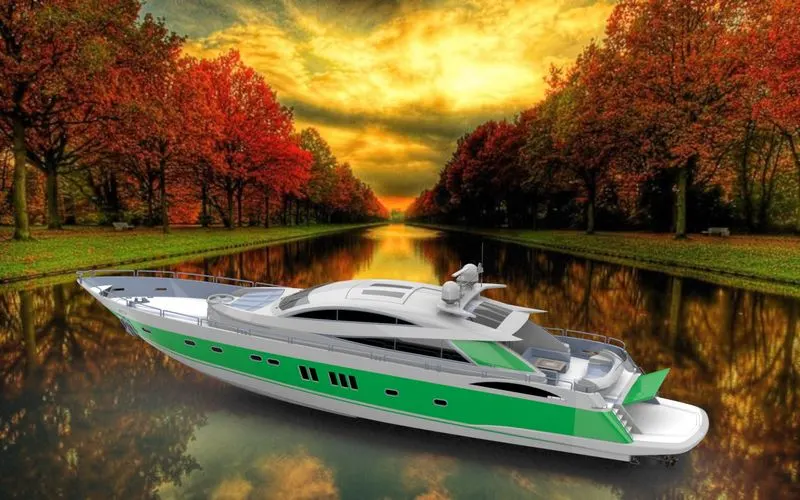
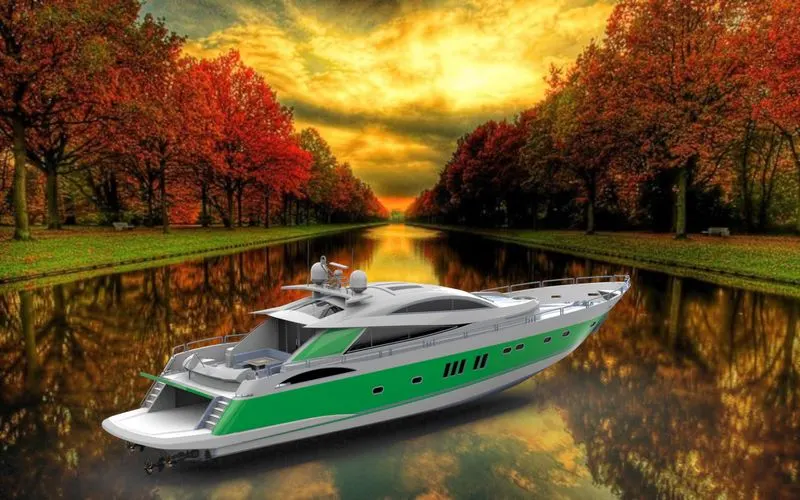
Final Renders
Conclusion
The parts of the yacht are modeled using SOLIDWORKS and are rendered to photorealistic images using PHOTOVIEW
360 and SOLIDWORKS VISUALIZE
Google drive link
https://drive.google.com/drive/folders/1BD3tD6z8vDkkYCDMzEbc4OqSO9mZu9RG?usp=sharing