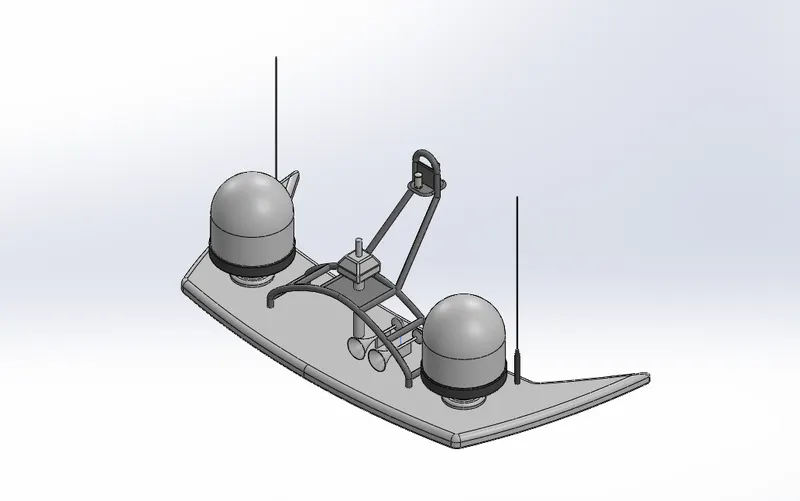
Radar Mast & Final Assembly of Yacht
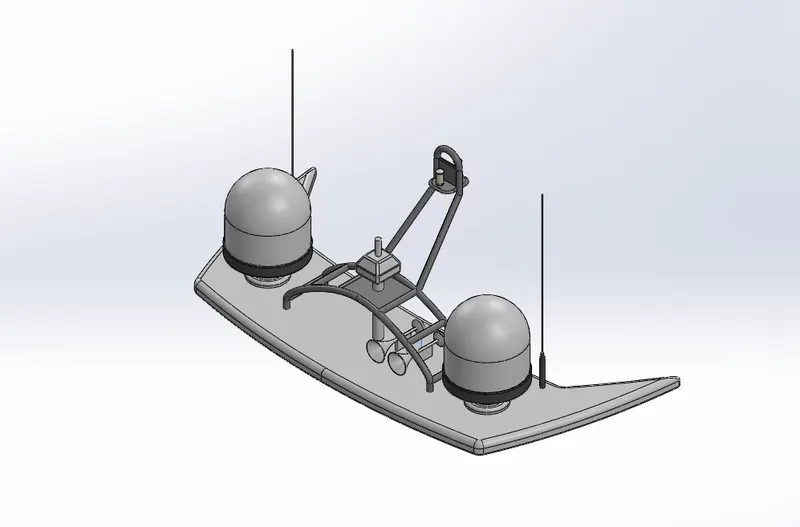
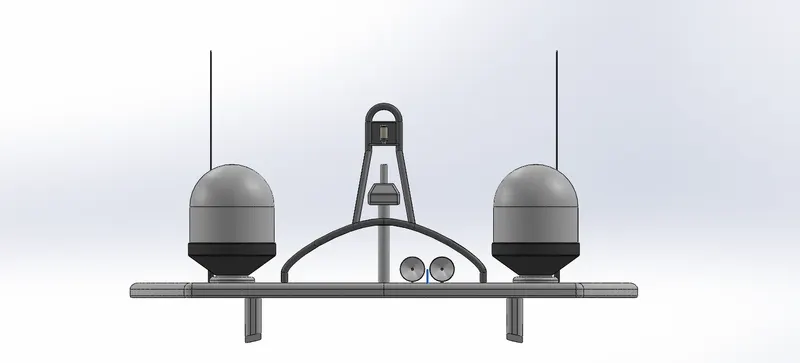
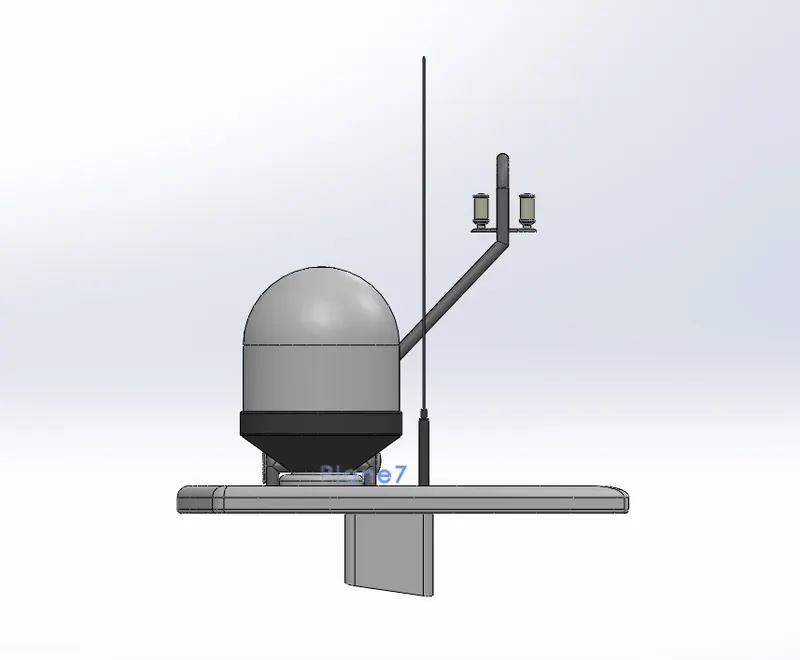
1)RADAR MAST:
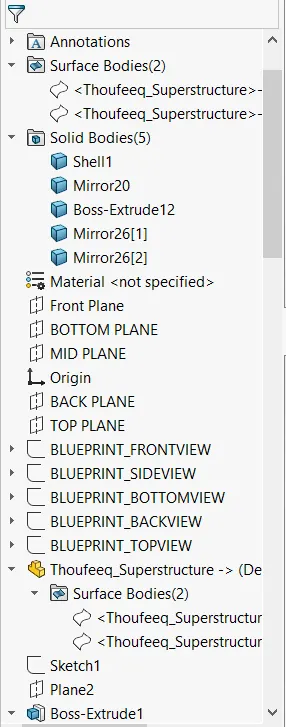
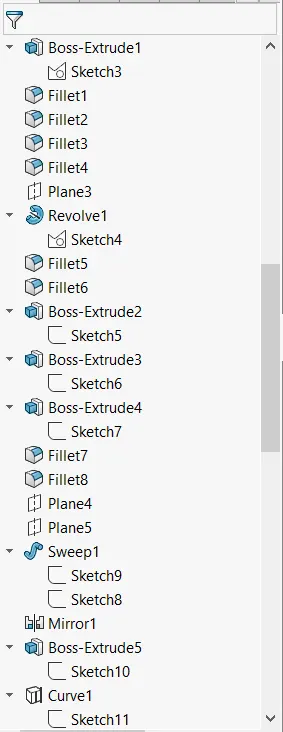
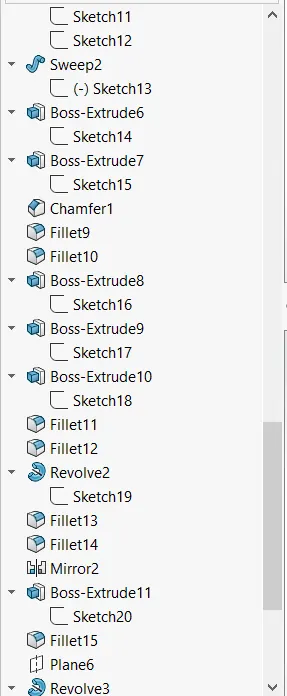
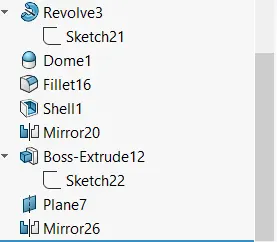
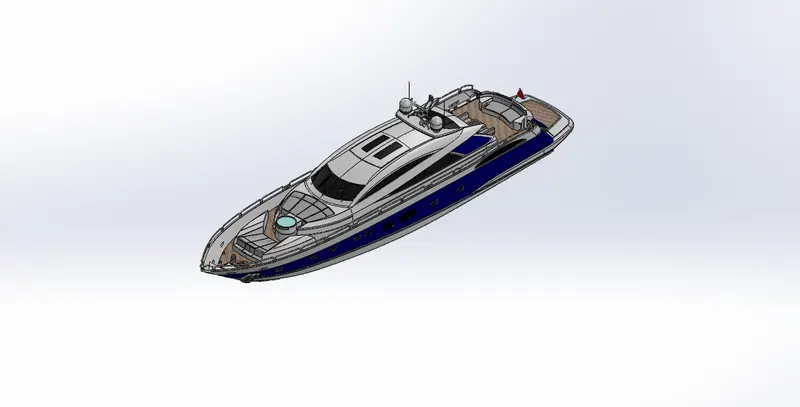
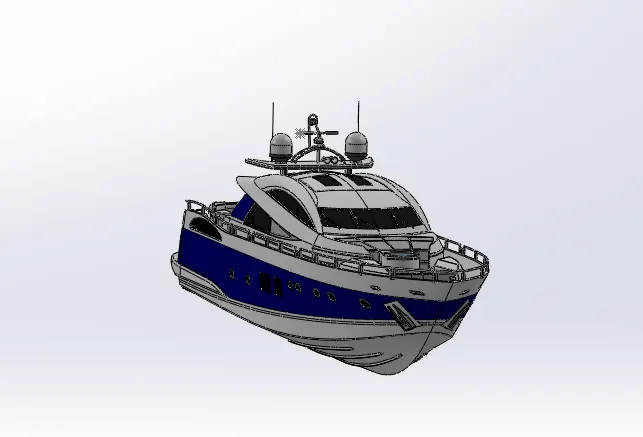
2)ASSEMBLY:
REPORT
DESIGN OF YATCH USING SOLIDWORKS AND RENDERING USING SOLIDWORKS VISUALIZE
OBJECTIVE:
The objective of this project is design a yatch model using SOLIDWORKS, rendering it in a environment using SOLIDWORKS Visualize and explain about the features used in modelling the yatch.
INTRODUCTION:
SOLIDWORKS is CAD (Computer Aided Design ) software which is used to design components or parts which can be assembled to create a complete part . This software can also be used to do renders by placing it in an environment.
SOLIDWORKS Visualize is a stand alone software which is used to do renders of the part. This software is used to present the part in a suitable environment.
DESIGN METHODOLOGY:
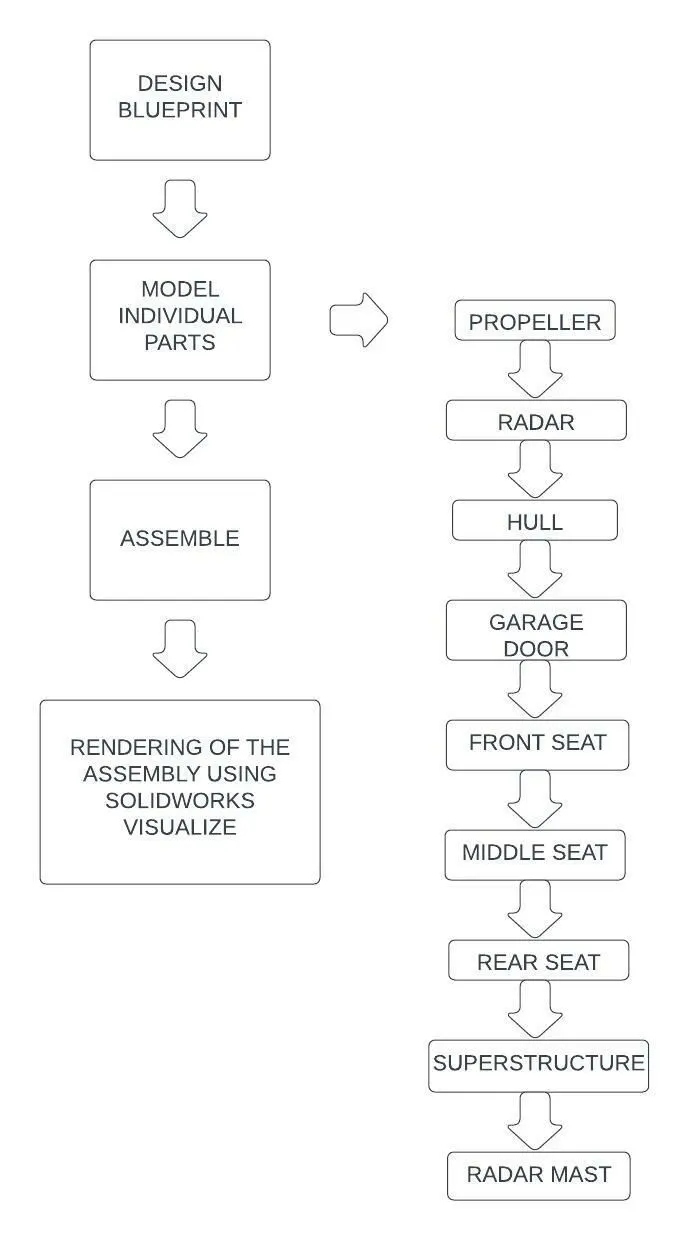
DESCRIPTION:
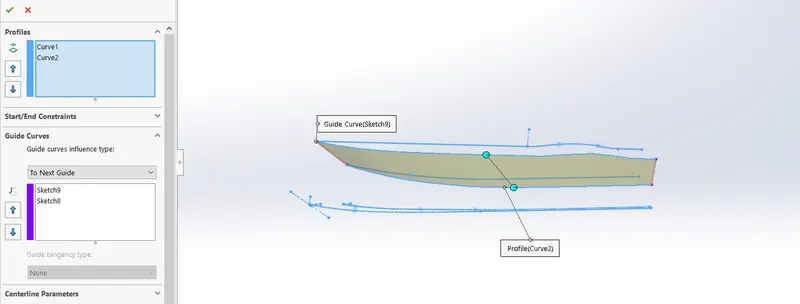
SURFACE LOFT: This feature is used to create a Lofted surface based on a face or curves and contraining them using guide curve or faces.
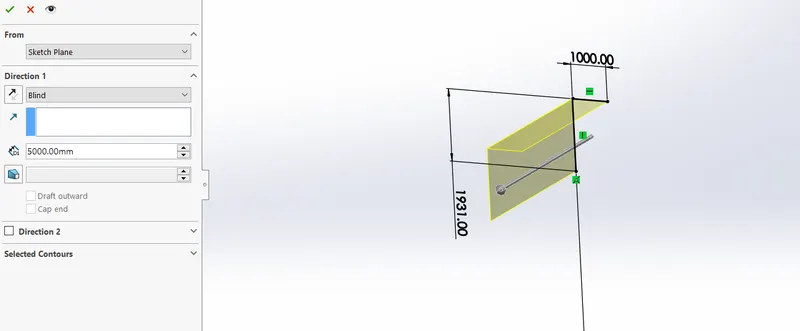
SURFACE EXTRUDE: This feature is used to extrude a thin line or a sketch to create a surface with variations.
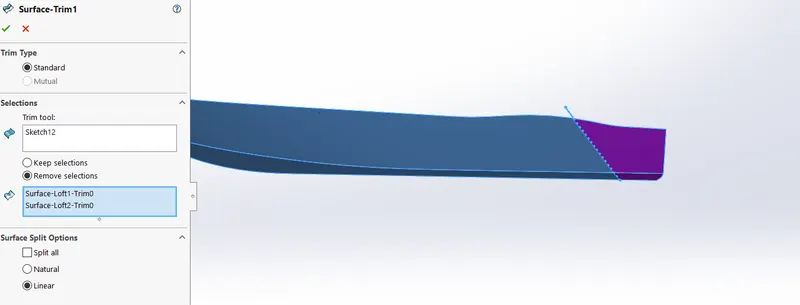
SURFACE TRIM: This feature is used to cut a part of a surface using a sketch.
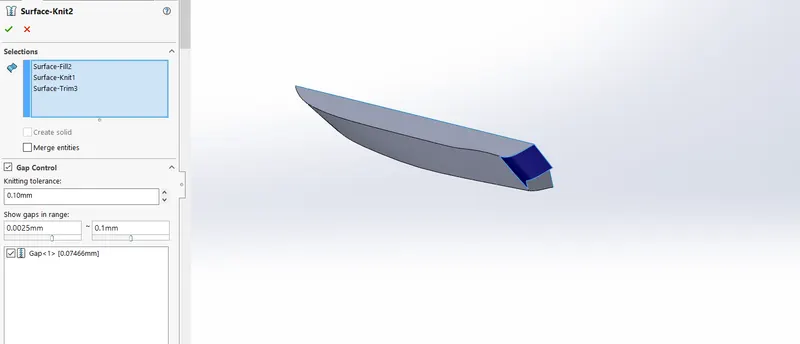
SURFACE KNIT: This feature is used to knit two or more suface to a single surface also while knitting small gaps.
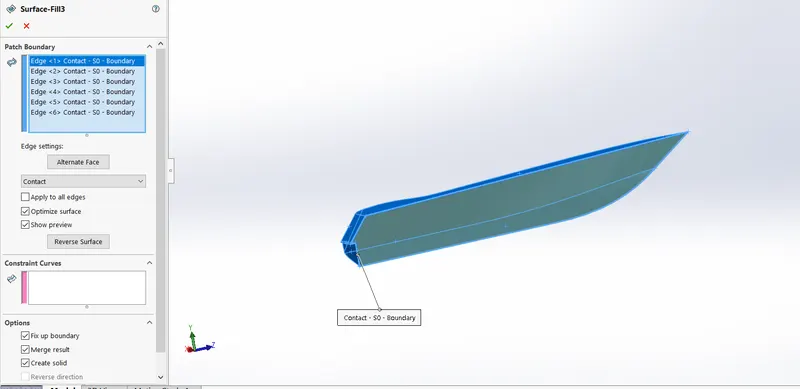
SURFACE FILL: This feature is used to create a solid body by patching surfaces.
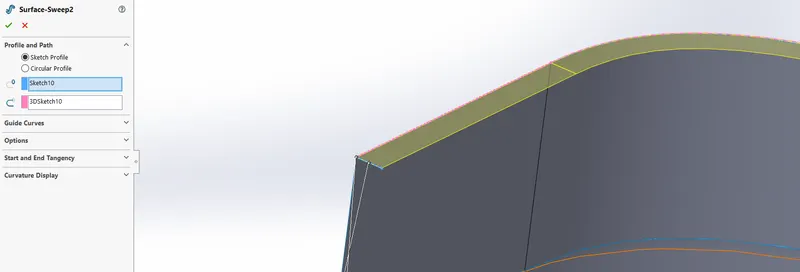
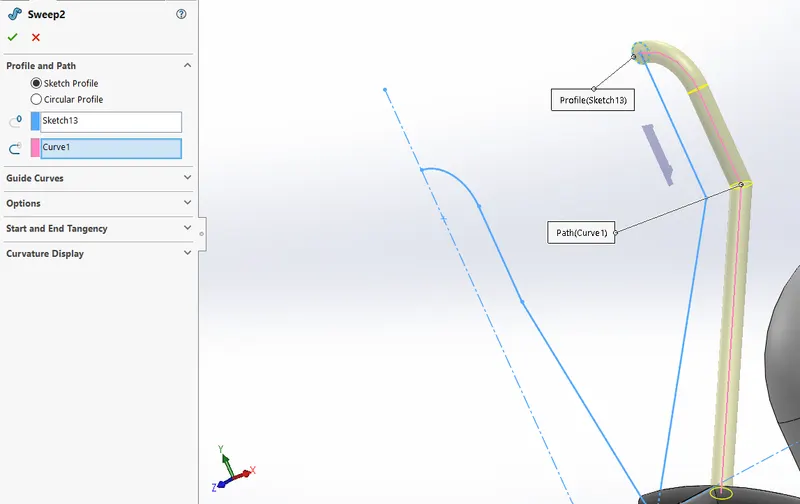
SURFACE SWEEP: This feature is used to create a sweeped surface using a profile and a guide curve.
SHELL FEATURE: This feature is used to create a shell in a solid body with thickness . This feature can also cut a surface while applying .
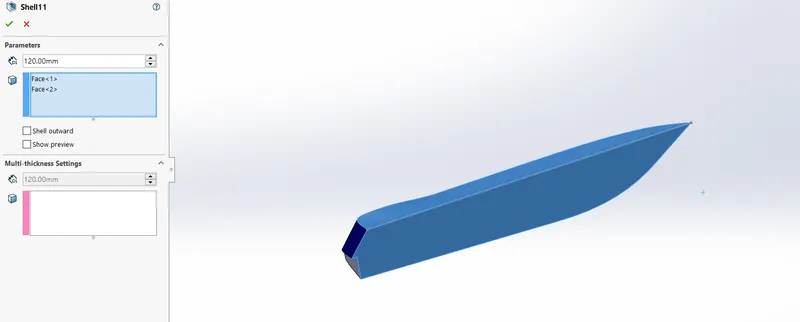
OFFSET SURFACE: This feature is used to create a offset of a selected surface.
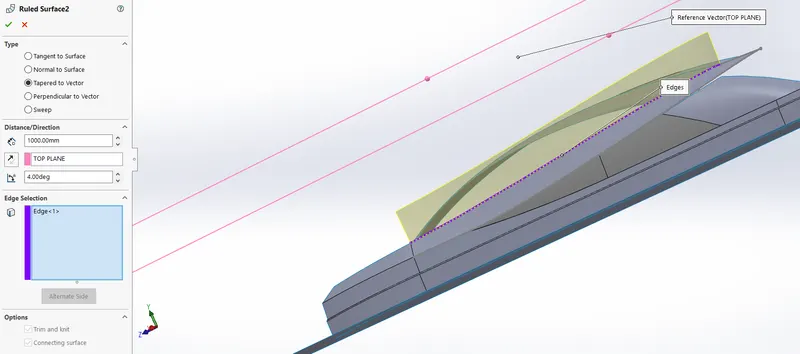
RULED SURFACE: This feature is used to create a surface from the edge of a surface without guide curves but following a few constraints.
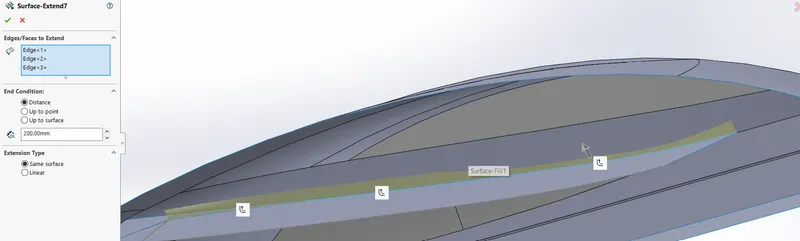
SURFACE EXTEND: This feature is use to create a extended surface from a edge of a sketch to a certain length.
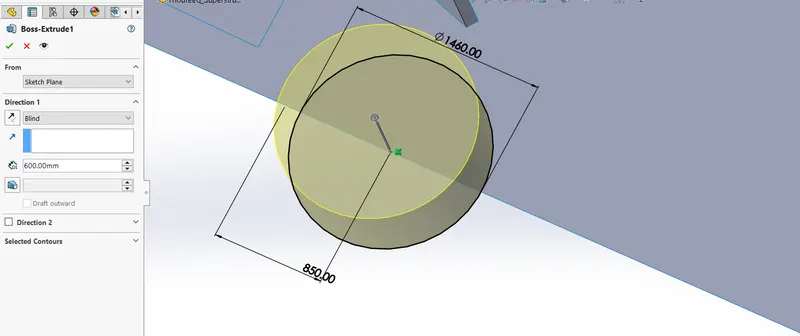
EXTRUDED BOSS/BASE: This feature is used to create a solid extruded body form a sketch which is on a plane.
REVOLVED BOSS/BASE: This feature is used to create a reavolved surface based on a sketch with reference to an axis.
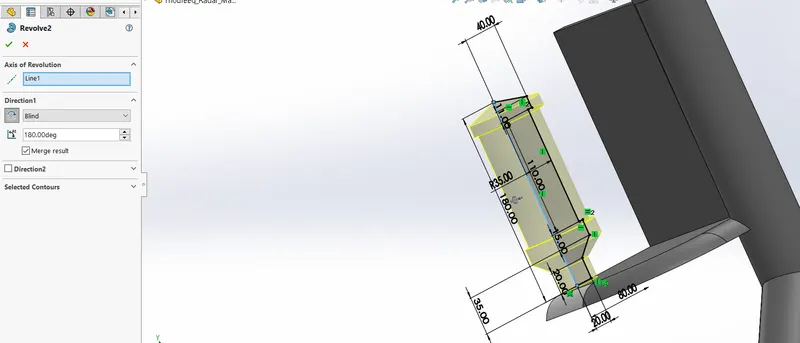
SWEPT BOSS/BASE: This feature is used to create a swept face which is solid with a profile and a guide curve.
EXTRUDED CUT: This feature is used to create a cut in a solid body using a sketch.
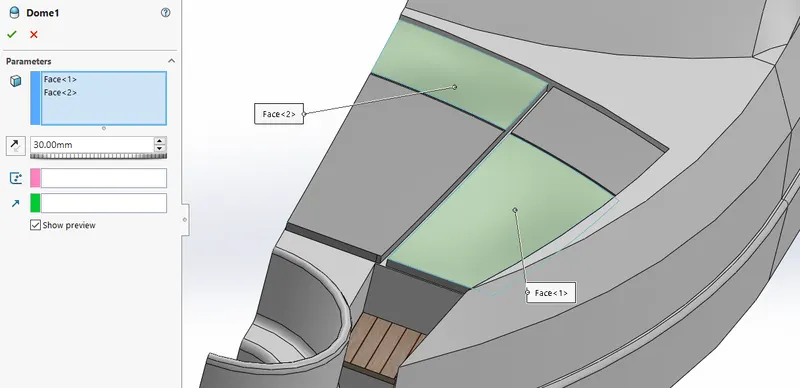
DOME: This feature is used to create a circular dome on a surface with varing diameter.
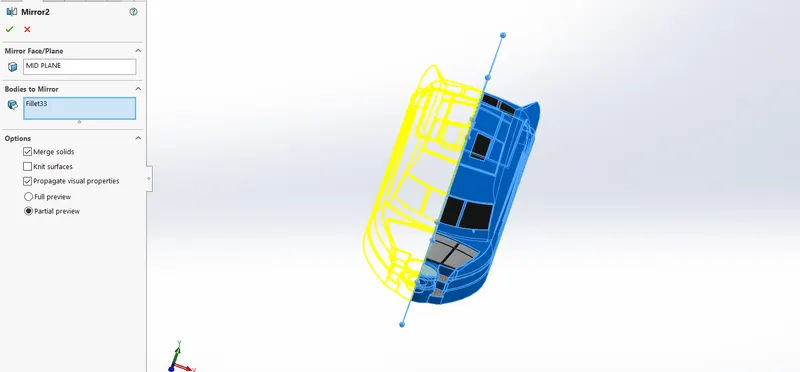
MIRROR: This feature is used to mirror a surface or a body across a plane or a face.
3D SKETCH: This feature is used to create sketch on a 3D plane .
PARTS IN YATCH:
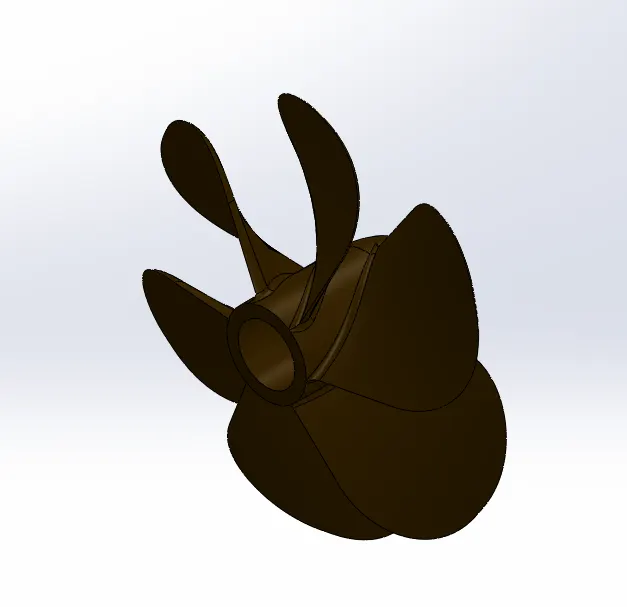
1)Propeller
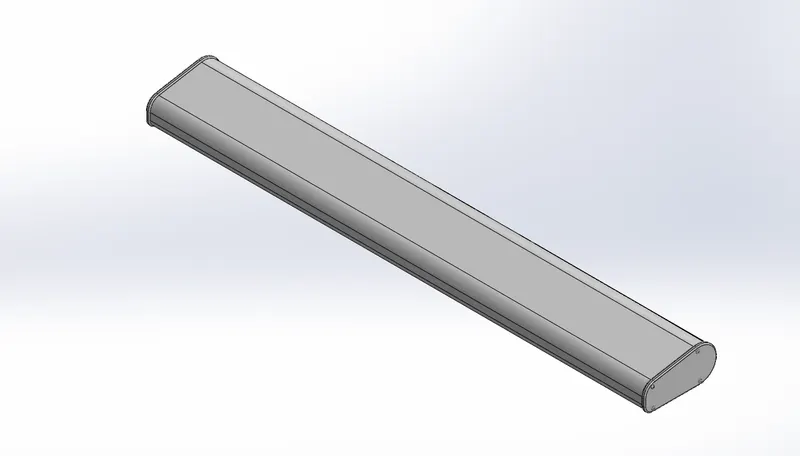
2) Radar
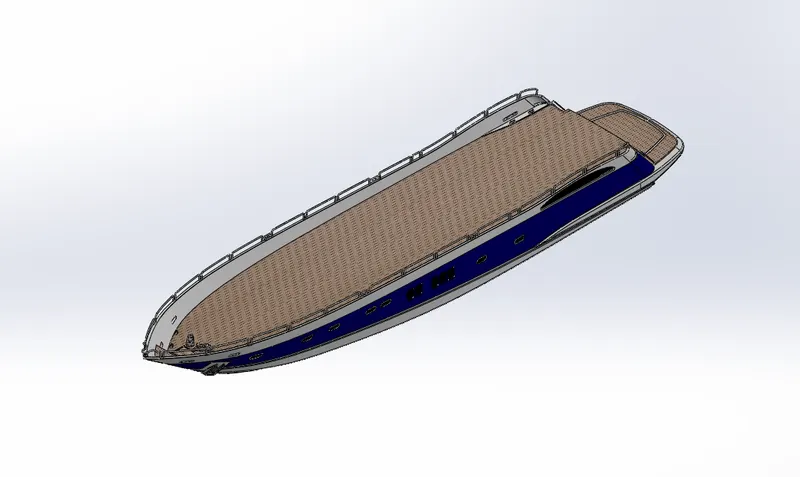
3)Hull
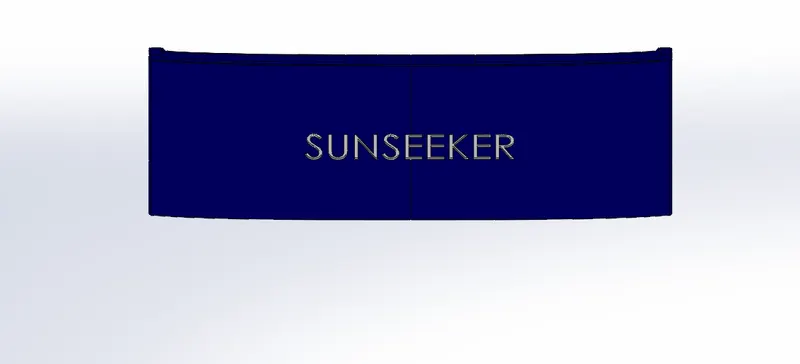
4) Garage Door
5) Front Seat
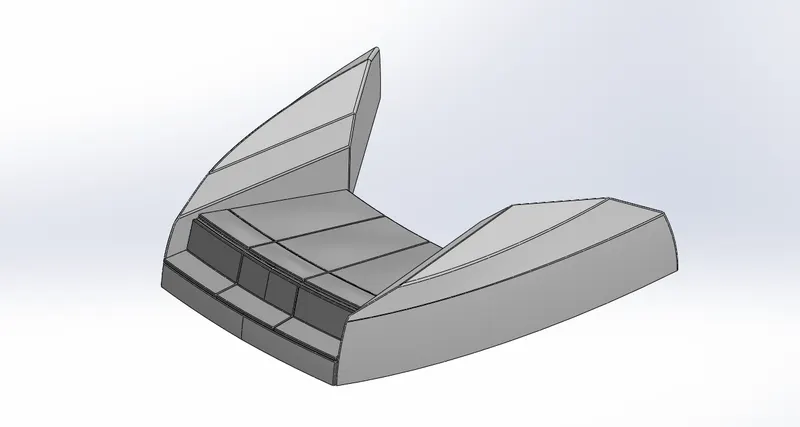
6) Middile Seat
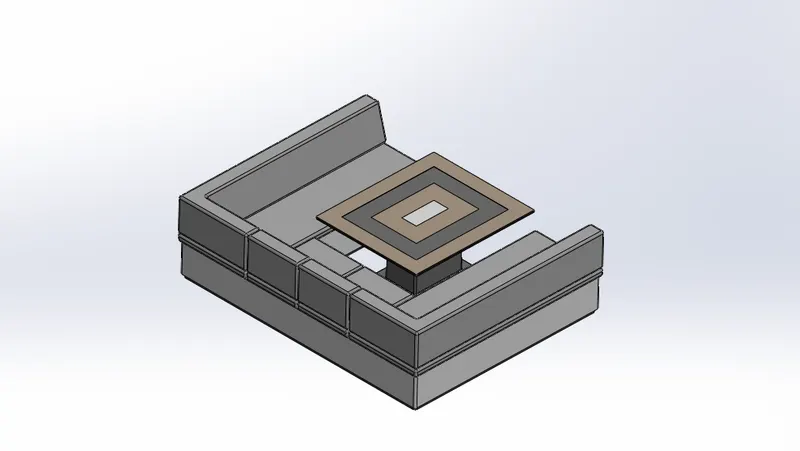
7) Rear Seat
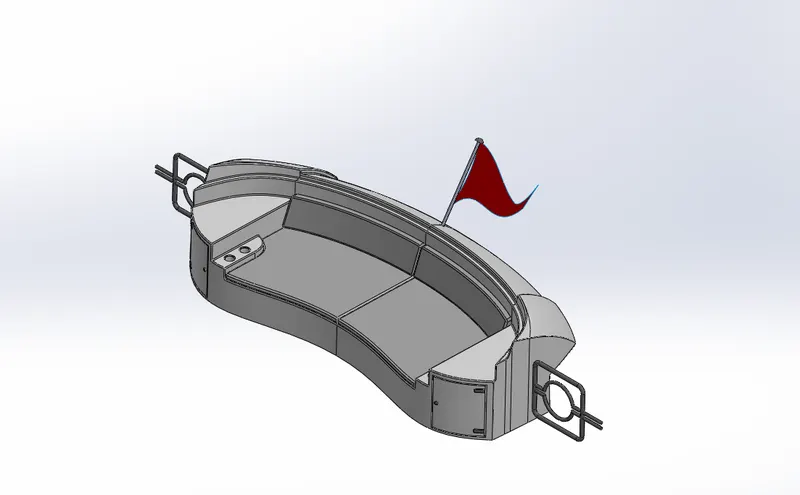
8) SuperStructure
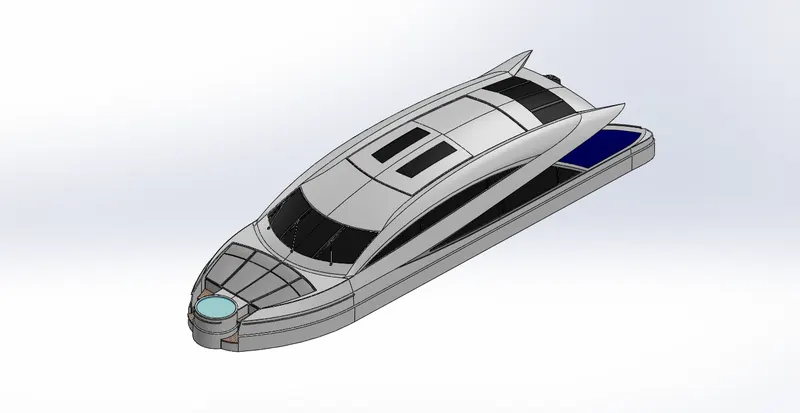
9) Radar Mast
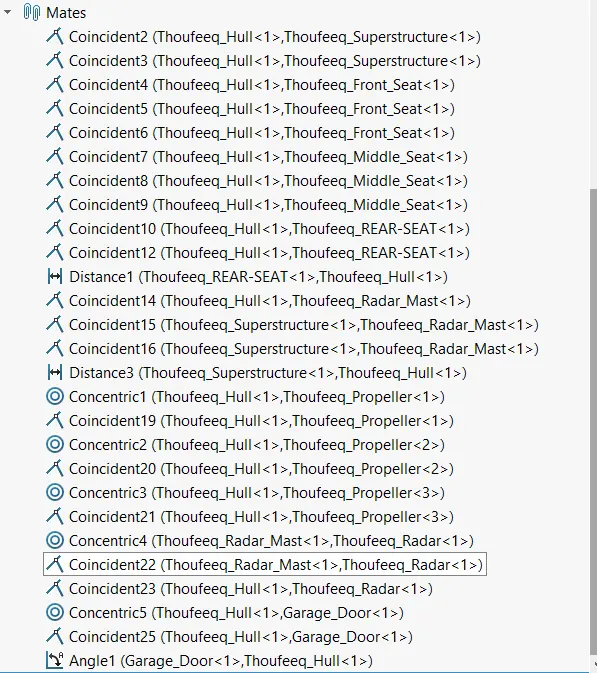
ASSEMBLY:
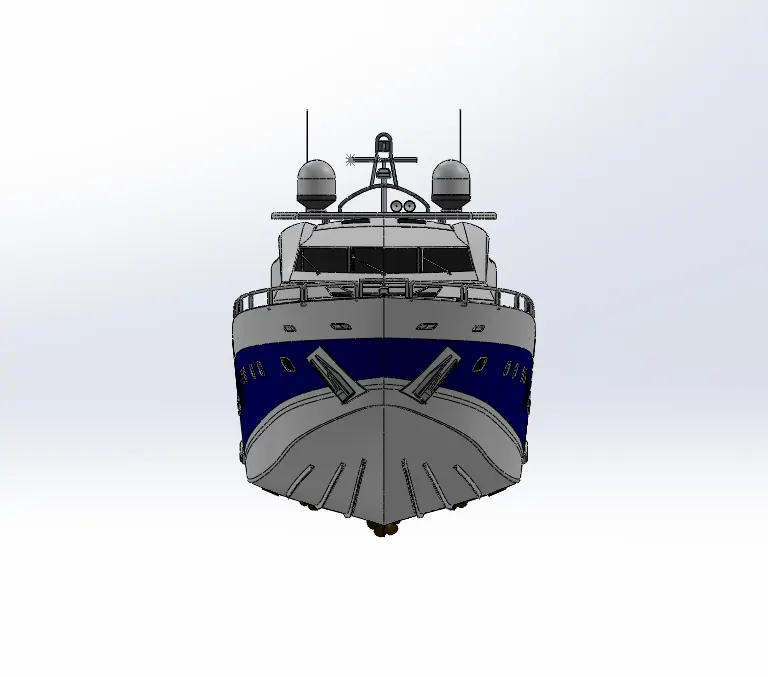
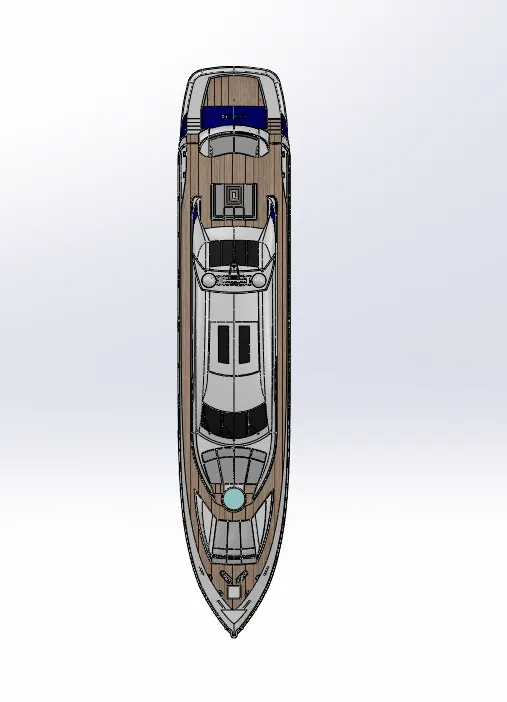
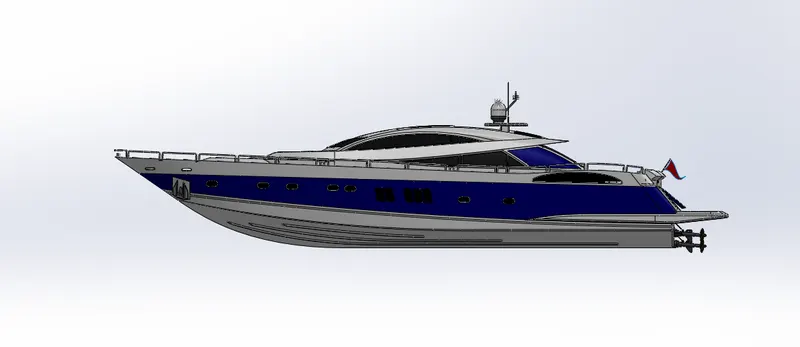
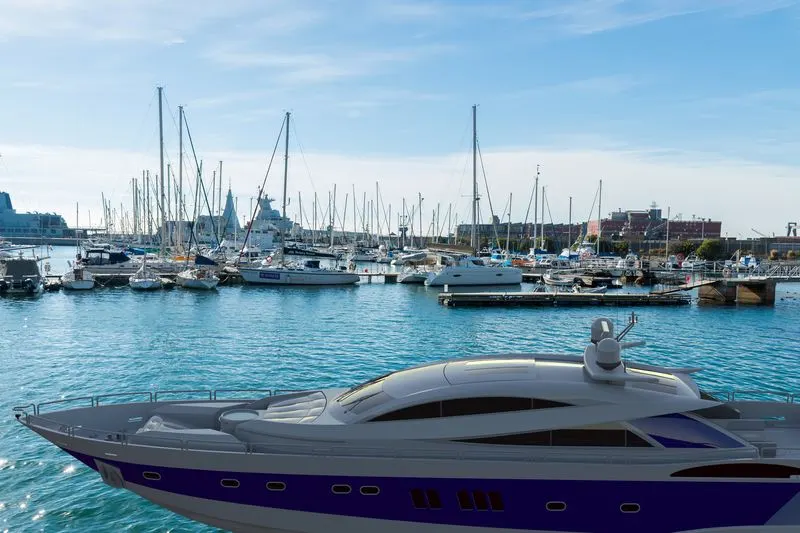
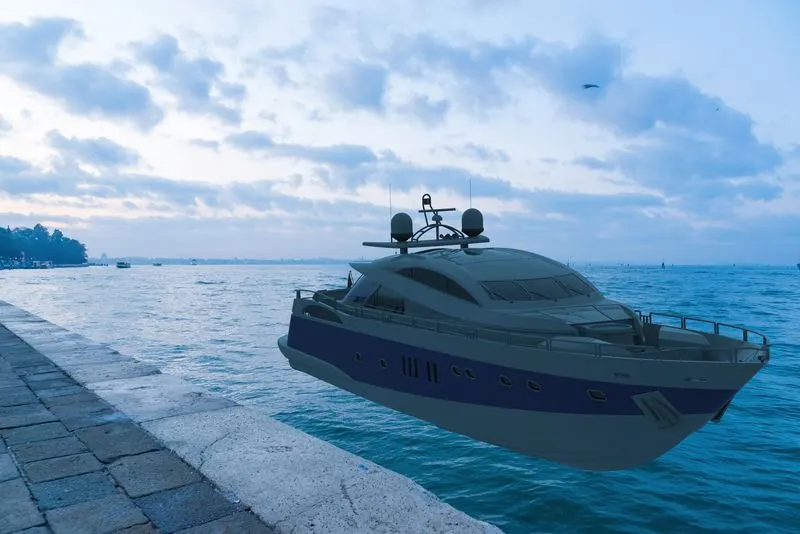
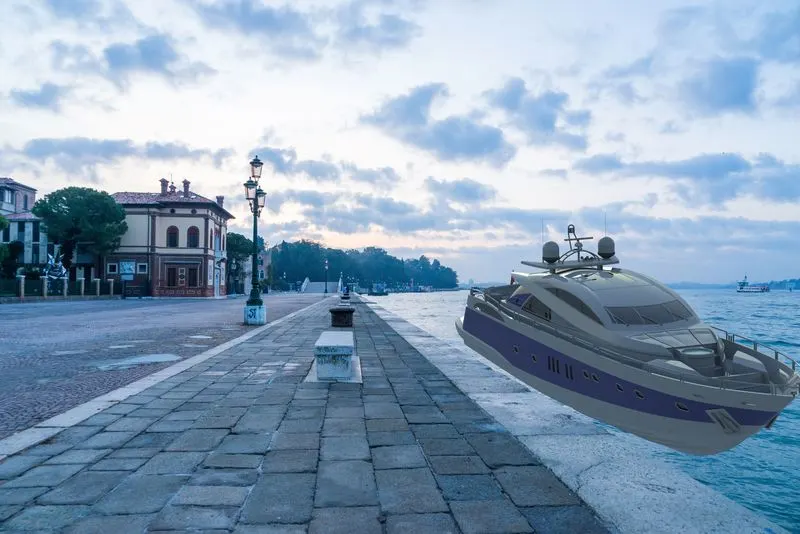
RENDERED IMAGES:
CONCLUSION:
Through this modelling diffent features can be learned in both SOLIDWORKS and SOLIDWORKS Visualize.