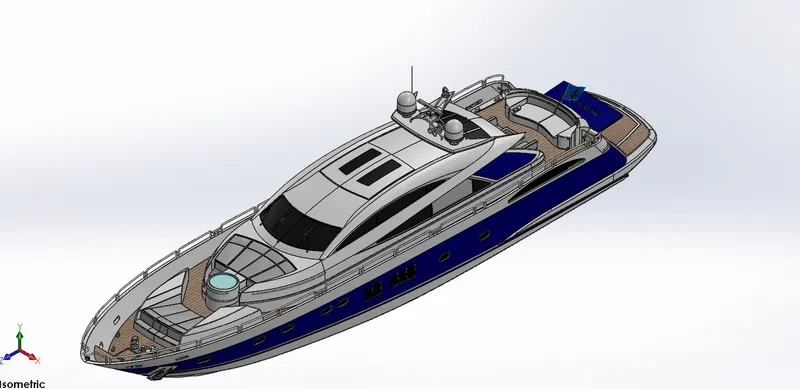
MODELING AND RENDERING OF AN YACHT
1 MODELING AND RENDERING OF AN YACHT
2 OBJECTIVE
- Model the diffrent parts of an yacht using solidworks.
- Assemble the parts of yacht.
- To create photo relistic view of an yacht by rendering the model using solidworks photo view 360.
3 PART MODELING
Part modeling in general means to create a virtual prototype of an item which is used for various purposes, then all parts are need to be assembled together to get a final product.
- FEATURE DISCRIPTION
- SKETCH
- Sketch is a two dimentional representation of a model with respect to plane.
- sketches are used to perform various oparations either solid, surface.
- FILLET
- Fillet creates round face on the 3D modeled part.
- Fillet can be applied either on face, edge, corner, or required sharp edge on 3D modeled body.
- LOFTED BOSS
- Loft is used to generate complex geometry in a single feature.
- Loft is done by interpolating surfaces between various crossection of model like sketches, faces, edges.
- DOME
- Dome is used to round the flat surface of a body.
- Created round surface may be spherical or elliptical.
- EXTRUDE CUT
- Extrude cut is feature used to remove materials from 3D modeled body.
- Extrude cut is just opposite to boss extrude, beacause it removes material according to sketches.
- SPLIT
- Split feature is used to separate the section of body as per sketch
- It is also used to cut body as per sketch drawn.
- TRIM ENTITIES
- Trim option is used to trim specific section of piece either solid part or surface.
- It has many options like power trim or extend.
- REVOLVE
- Revolve feature is used to create a body which has an axis through which it revoved.
- It requires an axis line through which sketch is revolved
- DYNAMIC MIRROR
- It is an very handy tool to replicate the 2D sketches, solid bodies about any plane.
- APPEARENCE
- An appearences defines the visual properties of a model including colour and texture.
- It not effects properties which is defined by material.
- It also gives attractive look to model.
- COMBINE
- This feature is used to combine or join two bodies manually.
- SHELL
- It is used to define thickness of thin and thik shell elements.
- CHAMFER
- It's a cut on edge or corner of a body to make slope.
- CIRCULAR PATTERN
- It is used to replicate diffrent number of instances on a circular pattern.
- LINEAR PATTERN
- IT is used to replicate diffrent number if instances on a certain linear direction.
4 SURFACE MODELING
- Surface modeling gives you ability to buildout a visual representation of an object exterior it's counter.
- Feature used in parts like HULL, FRONT SEAT, REAR SEAT, SUPERSTUCTURE.
- FEATURE DISCRIPTION
- LOFTED SURFACE
- Loft surface is generated by multiple 3D curves or existing edge creating a smooth tangency between selected curve.
- SURFACE FILL
- It is used to fill the surface enclosed by enclouser of sketch or edges.
- SURFACE TRIM
- This feature is used to cut away extra surface from designed surface which not required.
- EXTEND SURFACE
- It is used to extend the surface which is already created.
- SURAFCE KNIT
- Surface knit is used to stich two free edges surface together.
- It is also used to creat solid body fron surface.
- It can only stich up ot (0.1) mm
- RULED SURFACE
- It is a feature used to creat surface which requires only guide curves to extend the surface.
- It has many number of options available.
- SWEEP SURFACE
- Sweep surface feature is used to extrude the surface as per sketch followed by guide curves.
- PARTS MODELED FOR YACHT
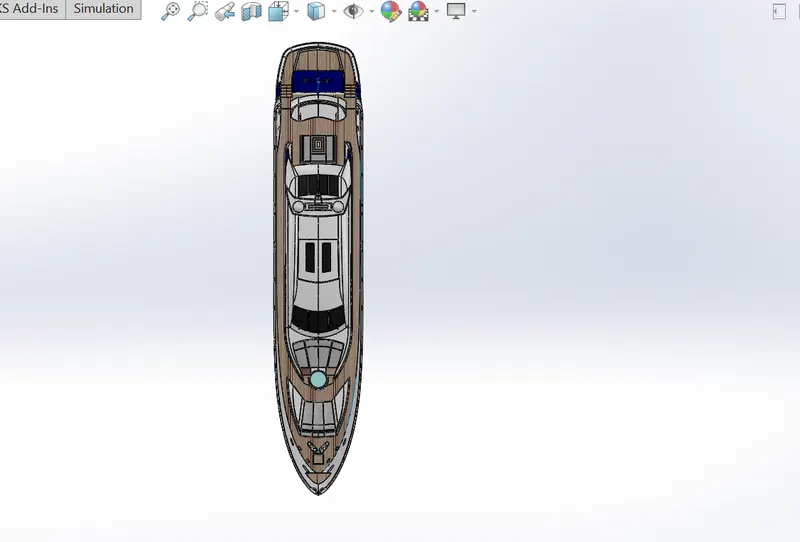
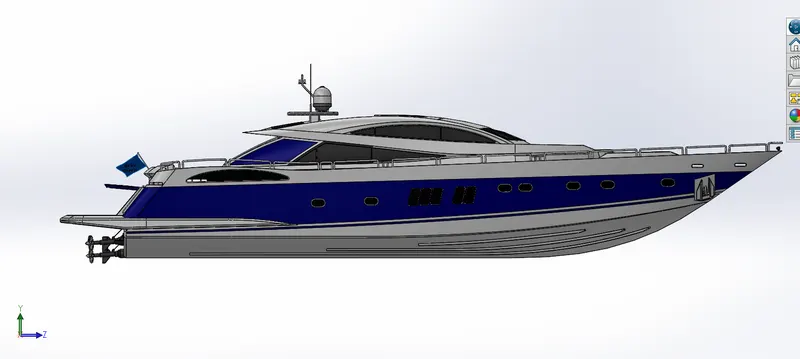
- The following parts of yacht are modeled and assembled together.
- PROPELLER
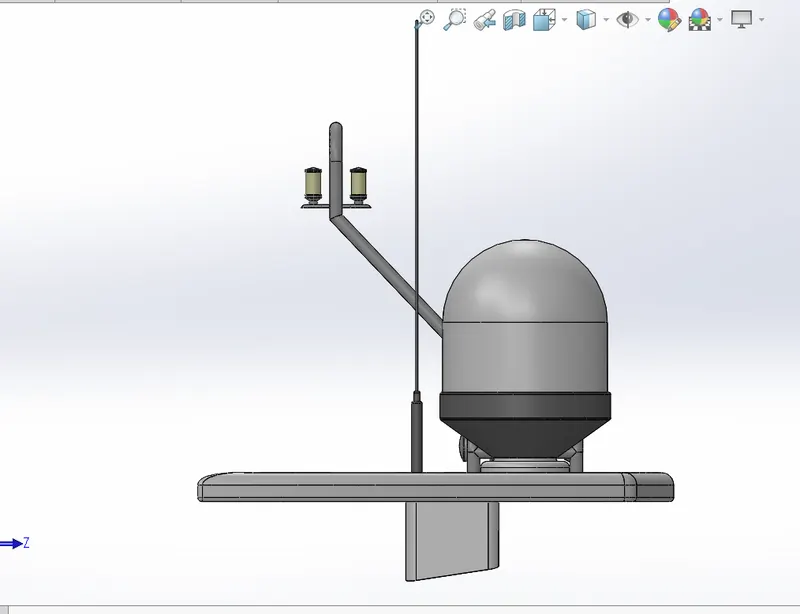
- RADAR
- HULL
- GARAGE DOOR
- FRONT SEAT
- MIDDLE SEAT
- REAR SEAT
- SUPERSTUCTURE
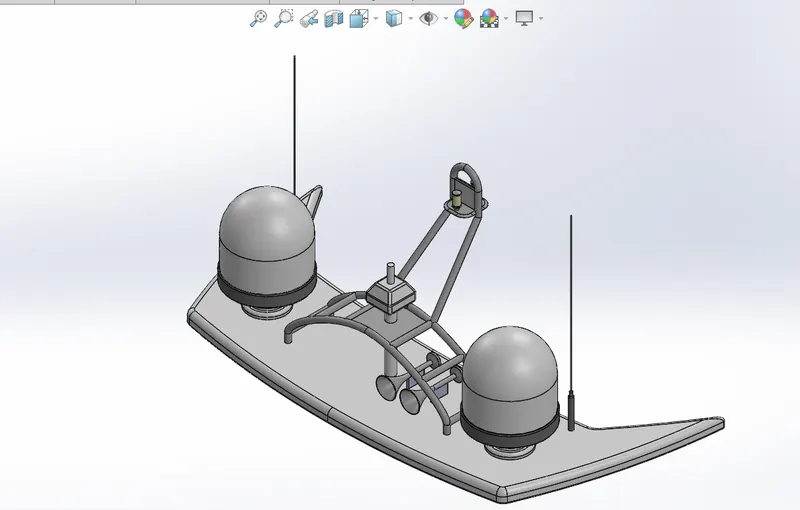
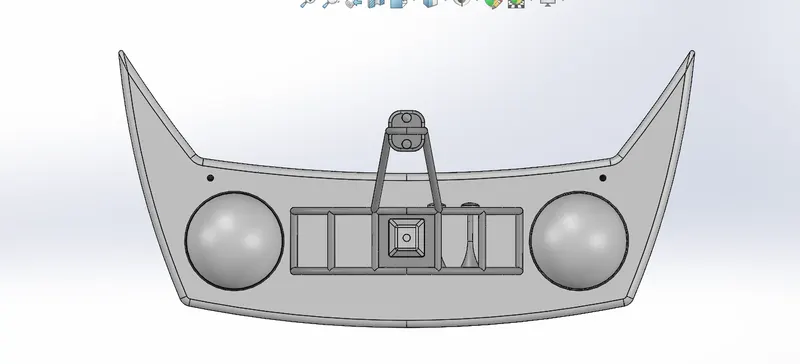
- RADAR MAST
5 DESCRIPTION OF PARTS AND FEATURE USED
- PROPELLER
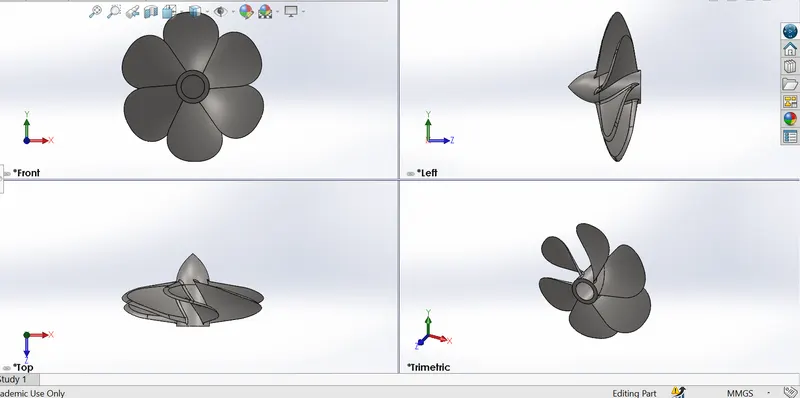
- It's a six blade helical propeller which is used to give thrust to yacht to move forward.
- It is mounted on a shaft which rotates it.
- FEATURE USED
- REVOLVE
- FILLET
- LOFT BOSS
- CIRCULAR PATTERN
- CUT EXTRUDE
- RADAR
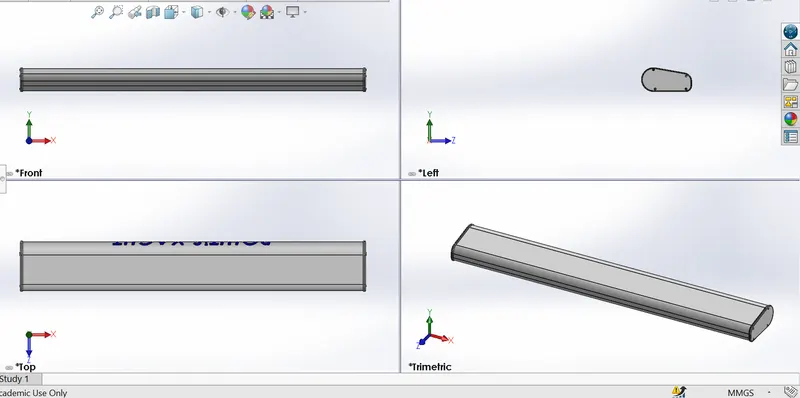
- It is a cubical like body
- It is mounted on top of radar mast
- Rardar is used to locate land area or navigate in sea
- It's like yacht's eye
- FEATURE USED
- BOSS EXTRUDE
- FILLET
- CUT EXTRUDE
- MIRROR
- SKETCH PATTERN
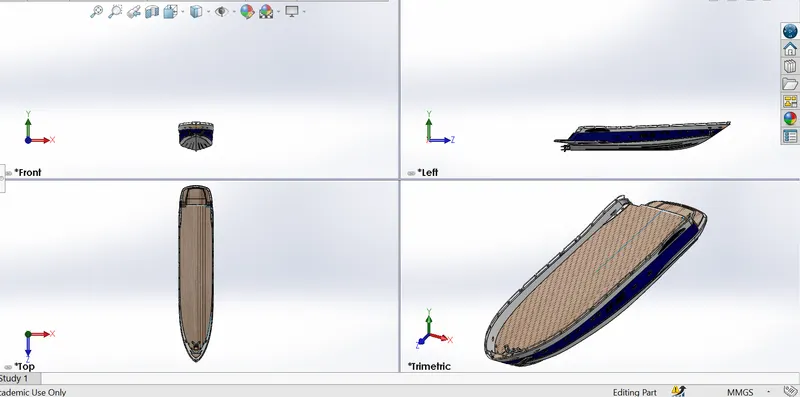
- HULL
- Hull is the main part in the yacht.
- It holds all parts like superstucture, propeller, rear seat, front seat, middle seat.
- It is the part which makes contact with water and holds up all aprts.
- FEATURE USED
- SURFACE EXTRUDE
- SURFACE LOFT
- SURFACE KNIT
- SURFACE TRIM
- SHELL
- BOSS EXTRUDE
- CUT EXTRUDE
- SWEEP
- REVOLVE
- HELIX
- LINEAR PATTERN
- DELETE FACE
- 3D SKETCH
- MIRROR
- SPLIT
- FILLET
- SURFACE OFFSET
- CHAMFER
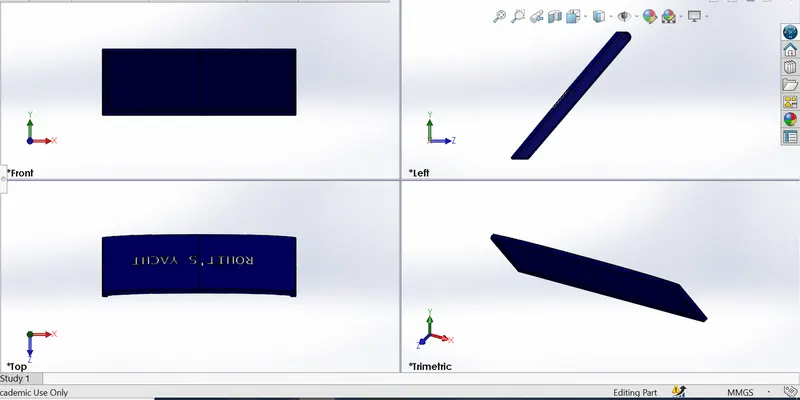
- GARGE DOOR
- It's a simple door which opens virtically to cover hull's empty are where objects are kept.
- FEATURE USED
- CUT EXTRUDE
- FILLET
- SHELL
- MIRROR
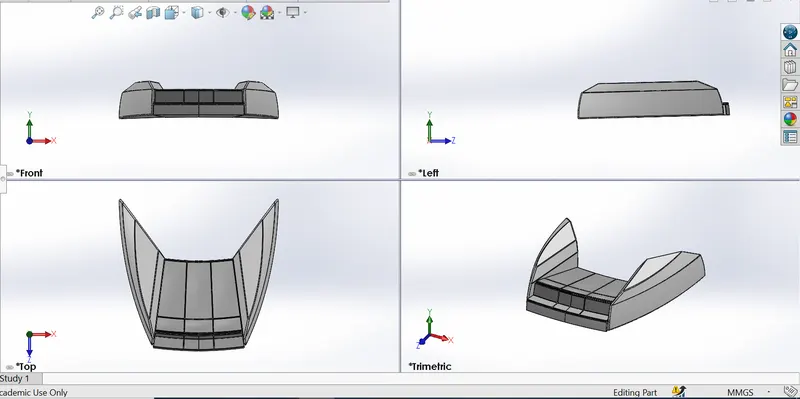
- FRONT SEAT
- Front seat is a sofa placed over hull's surface front portion.
- FEATURE USED
- SURFACE EXTRUDE
- SURFACE SWEEP
- SURFACE TRIM
- SURFACE FILL
- REVOLVE
- CUT EXTRUDE
- MIRROR
- DOME
- FILLET
- CHAMFER
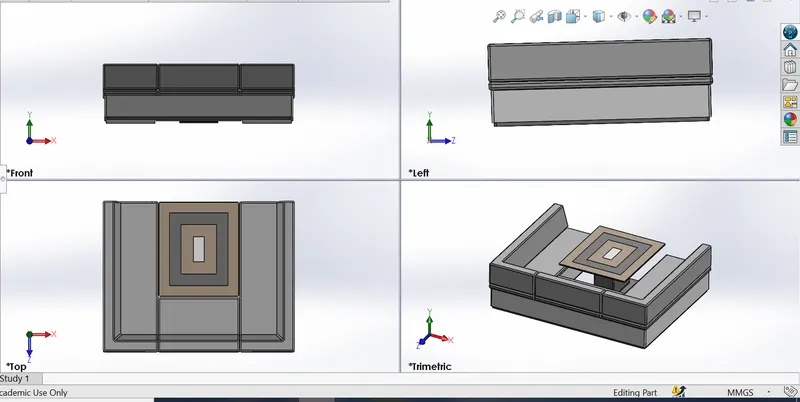
- MIDDLE SEAT
- It is a set of sofa and table placed just behind the superstucture and infront of rear seat.
- FEATURE USED
- BOSS EXTRUDE
- CUT EXTRUDE
- MIRROR
- FILLET
- CHAMFER
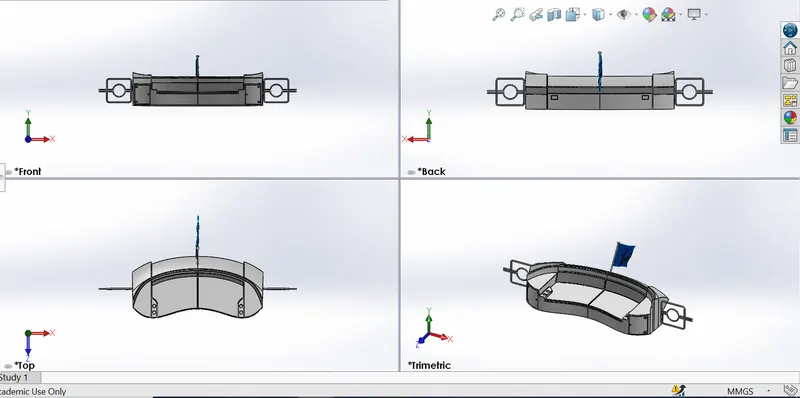
- REAR SEAT
- It is a sofa placed over rear end of hull's surface.
- FEATURE USED
- SURFACE SWEEP
- SURFACE EXTEND
- SURFACE LOFT
- RULED SURFACE
- SURFACE KNIT
- SURFACE TRIM
- SURFACE OFFSET
- BOSS EXTRUDE
- CUT EXTRUDE
- FILLET
- CHAMFER
- MIRROR
- SUPERSTUCTURE
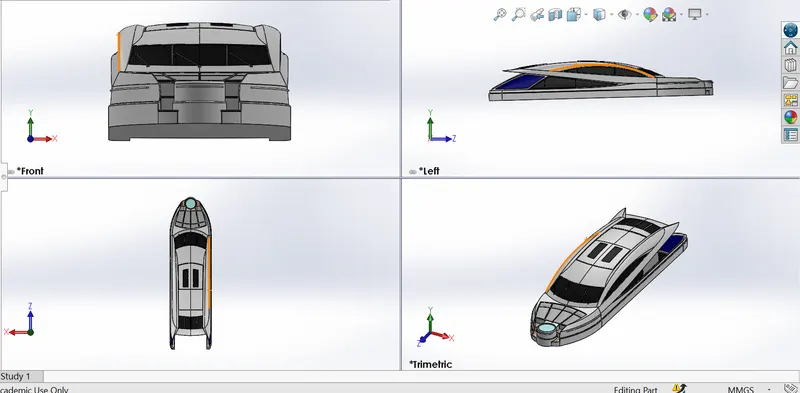
- It is the structure placed on hull's surface almost on middle.
- It is the place where living room is there and pilot room too.
- FEATURE USED
- SURFACE EXTRUDE
- SURFACE LOFT
- SURFACE SWEEP
- SURAFCE FILL
- RULED SURFACE
- SURFACE KNIT
- SURAFCE TRIM
- DELETE FACE
- SURFACE OFFSET
- BOSS EXTRUDE
- CUT EXTRUDE
- SWEEP
- SPLIT LINE
- FILLET
- CHAMFER
- MIRROR
- 3D SKETCH
- THICKEN
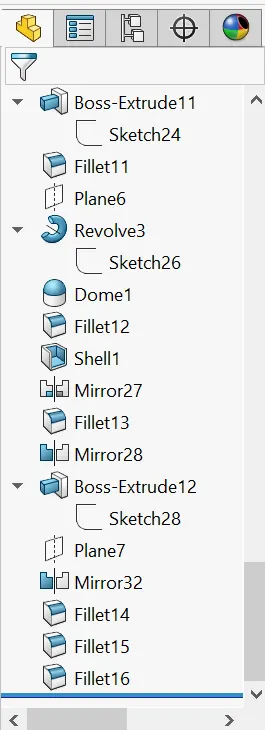
- RADAR MAST
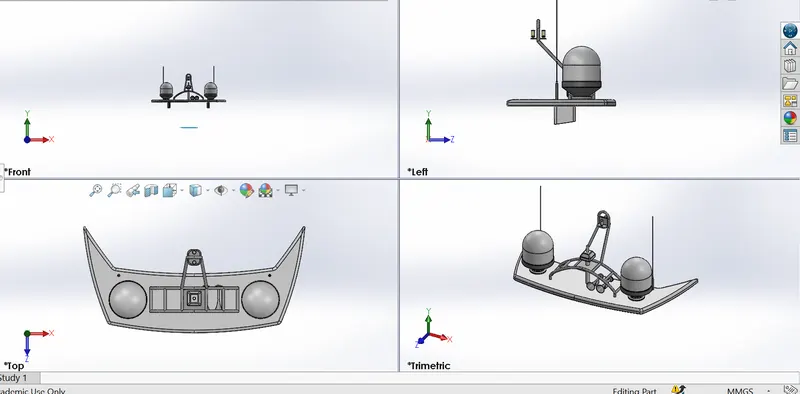
- It is the complete setup of radar which includes radar latter.
- It is placed just over superstucture
- FEATURES USED
- BOSS EXTRUDE
- CUT EXTRUDE
- REVOLVE
- DOME
- SHELL
- FILLET
- CHAMFER
- MIRROR
6 ASSEMBLY OF AN YACHT
- MAIN ASSEMBLY
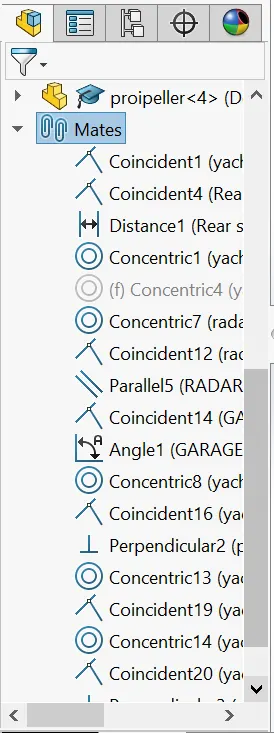
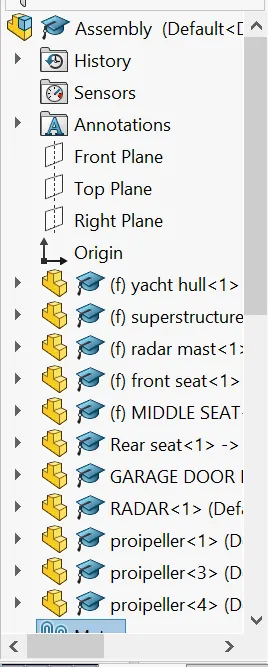
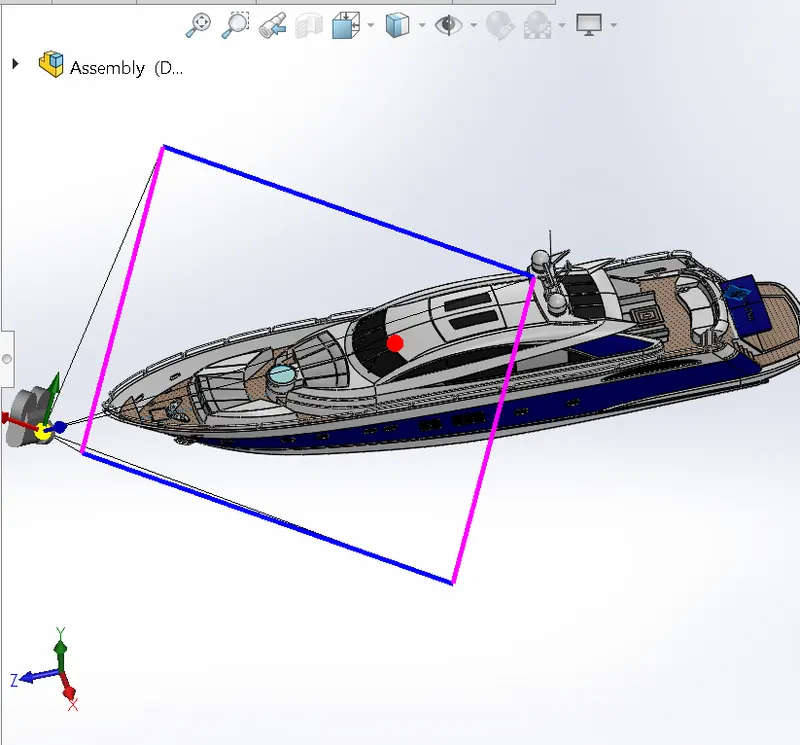
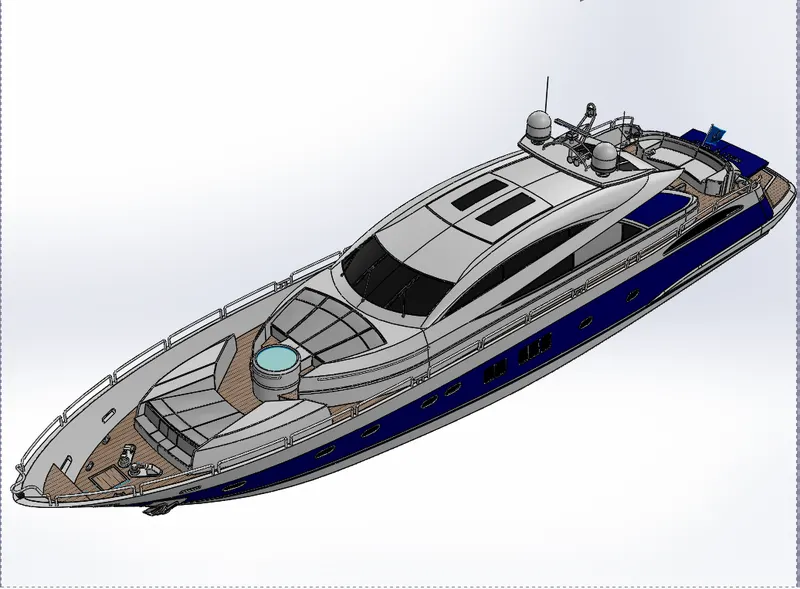
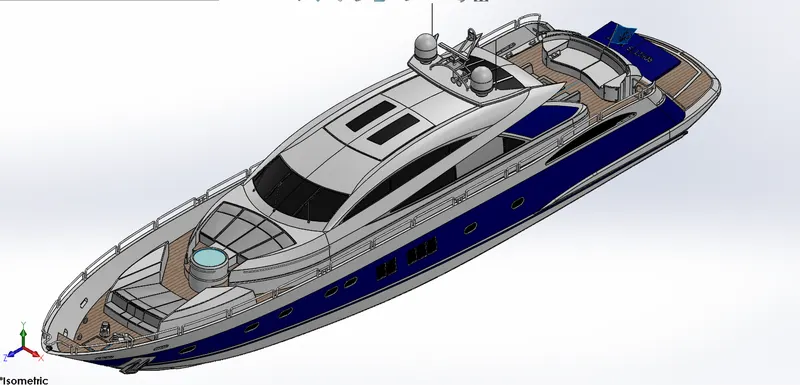
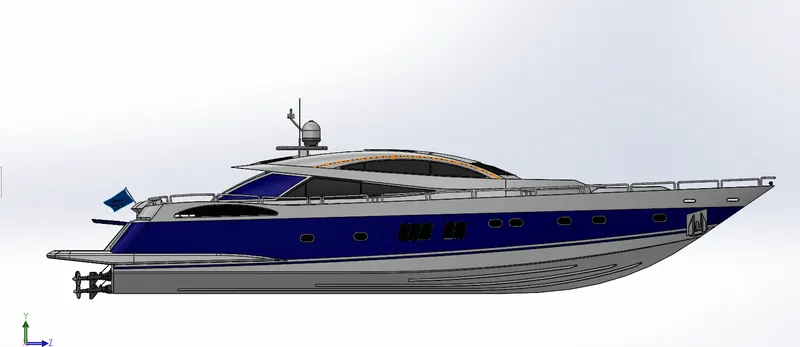
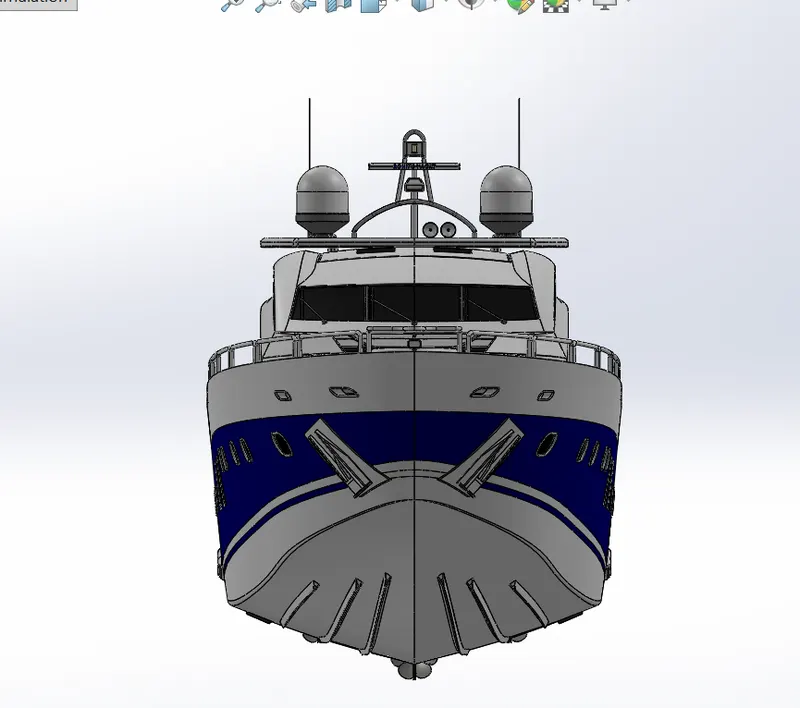
- First hull is imported and fixed then superstucture is also imported and fixed and so on front and middle seats are fixed.
- Rear seat and all parts are imported and gave their possible mates.
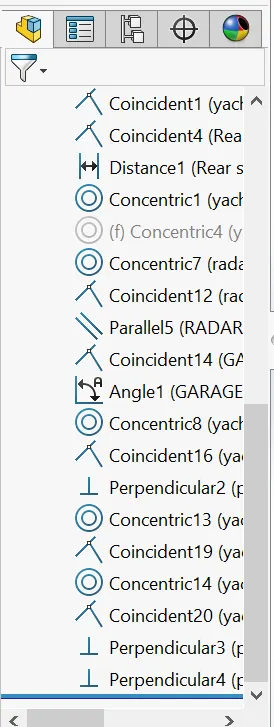
- FEATURES USED
- INSERT PART
- MATES
- COINCIDENT
- CONCENTRIC
- DISTANCE
- PARALLEL
- ANGLE
- PERPENDICULAR
7 FEATURES DISCRIPTION USED TO ASSEMBLE YACHT
- MATES
- Mates creat geometric relation between assembly components.
- As we add mates we define allowable direction of linear and rotational motion of component.
- we can move or rotate componet within it's degree of freedom.
- INSERT PART
- WE can insert the components which needs to be mated together.
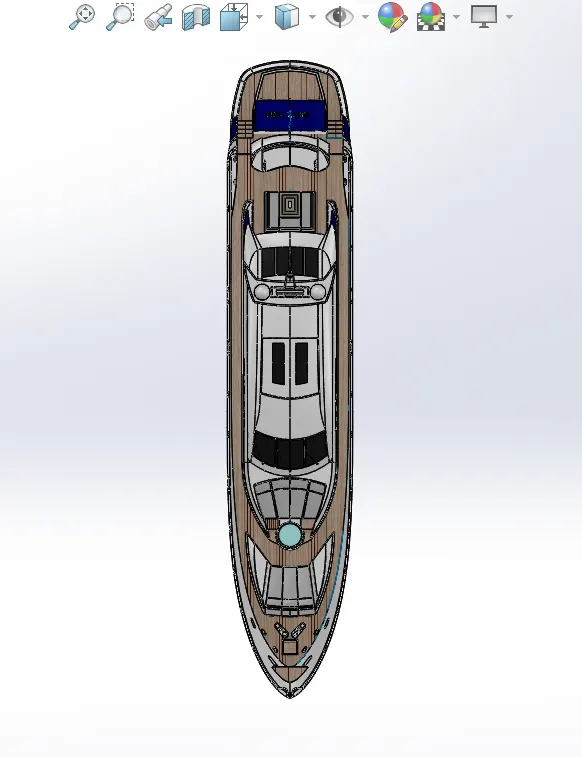
8 RENDERING
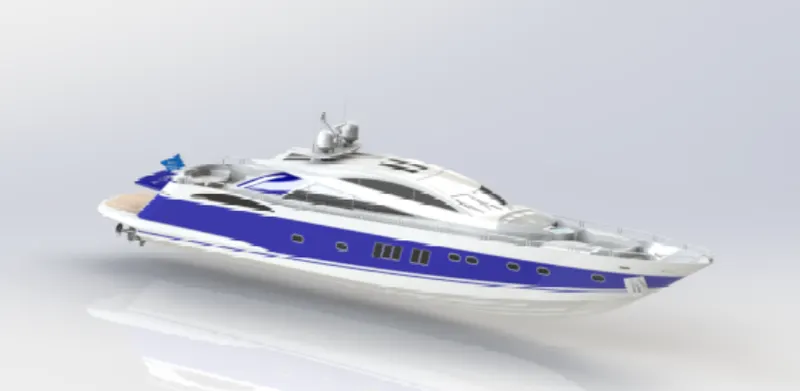
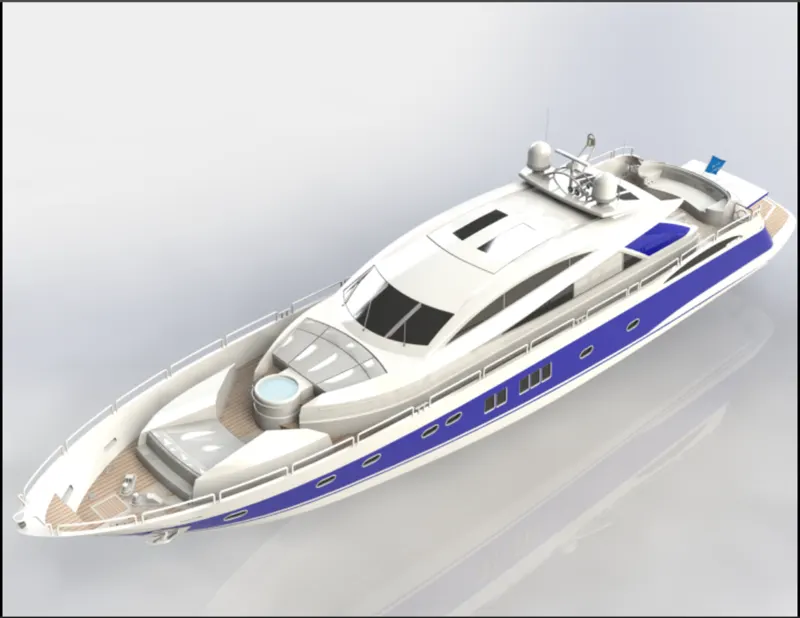
- Rendering is process of creating realistic image of photo realistic with environment.
- It can be done from two ways either phtoview 360 or solidworks visualize.
- Here i have used photo view 360 for rendering the assembled part.
9 CONCLUSION
- The parts of yacht are modeled.
- The modeled parts are inserted into assembly and yacht is assembled.
- Photo realistic image was rendered with use of photo view 360.
- I would like to thanks my mentor" M.R SOUNDAR RAJAN" for helping me with the challenge.