Projefct 1_Comparative study of different storey buildings for Seismic forces
AIM:-
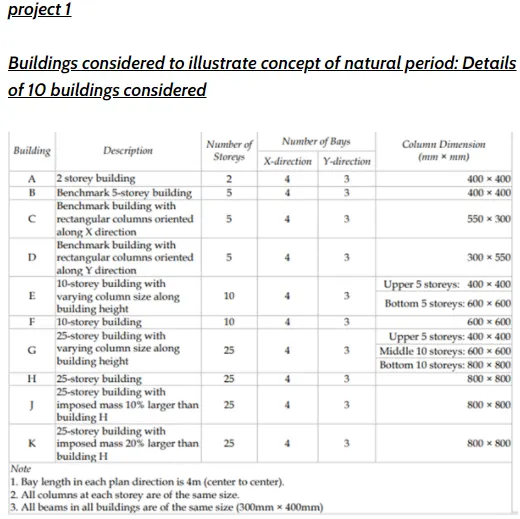
To illustrate the concept of natural period of the different buildings.
Procedure:-
BUILDING A:-
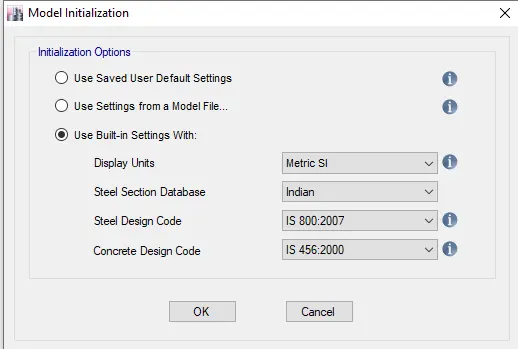
- In popup set user built in and metric and set the Indian codes.
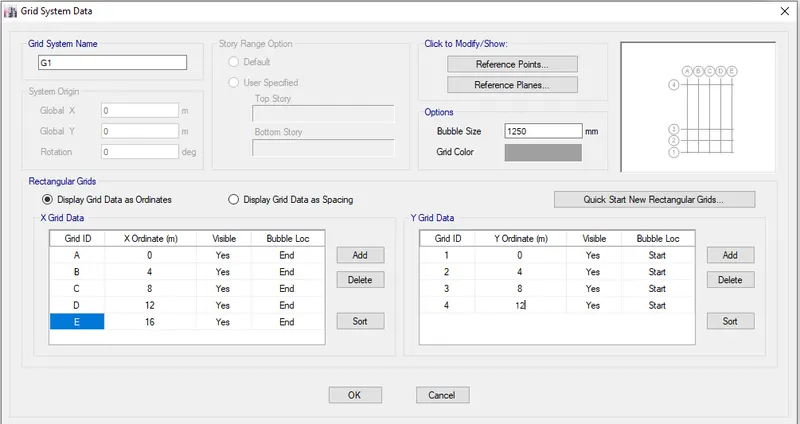
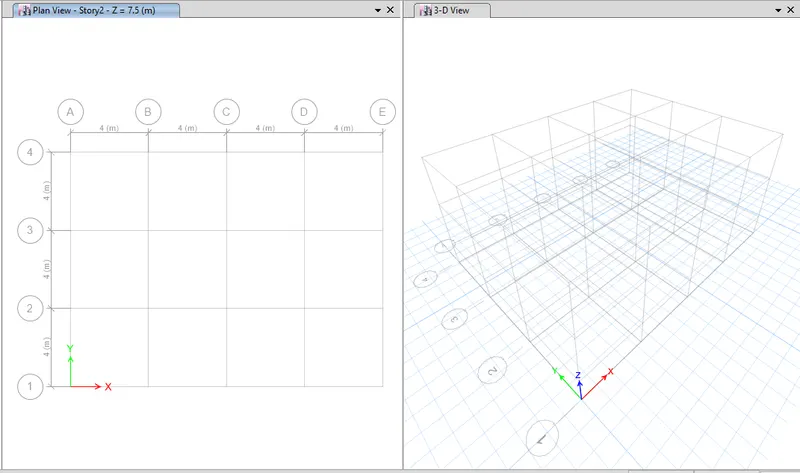
- Set up the bays.
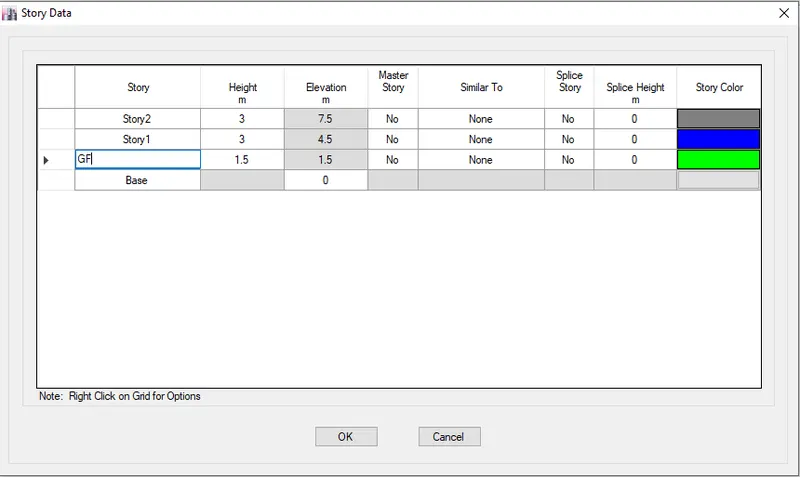
- Add the stories.
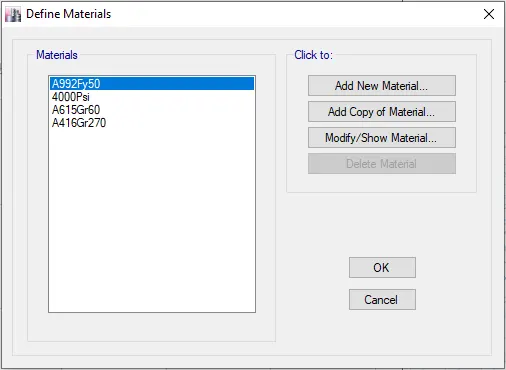
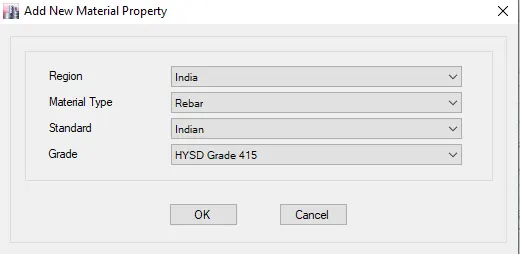
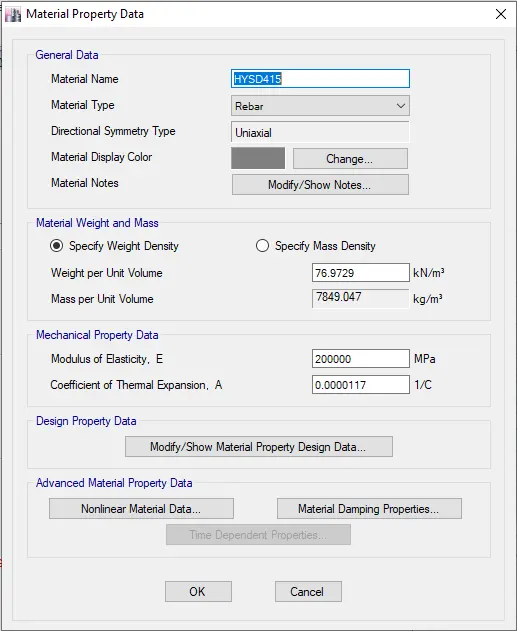
- Now define the material in define tab.
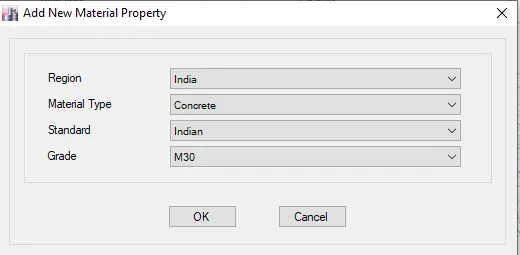
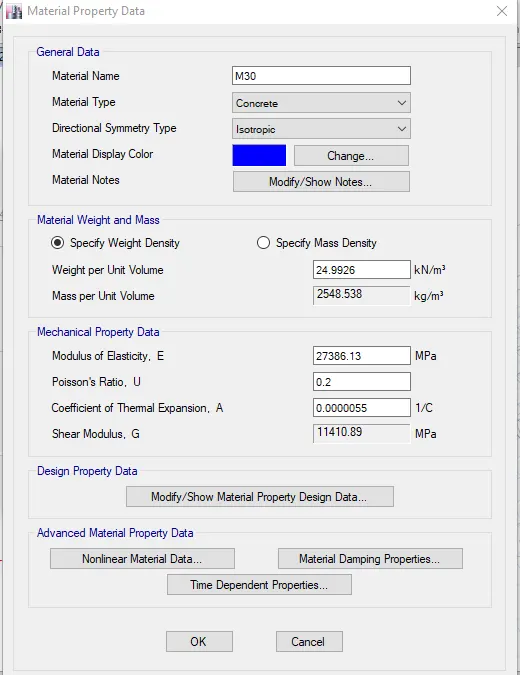
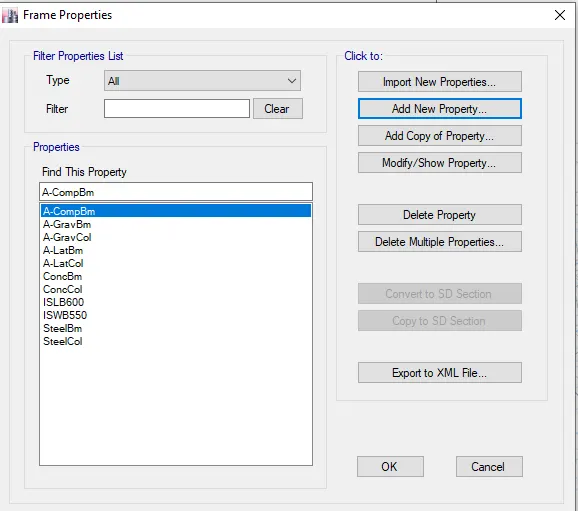
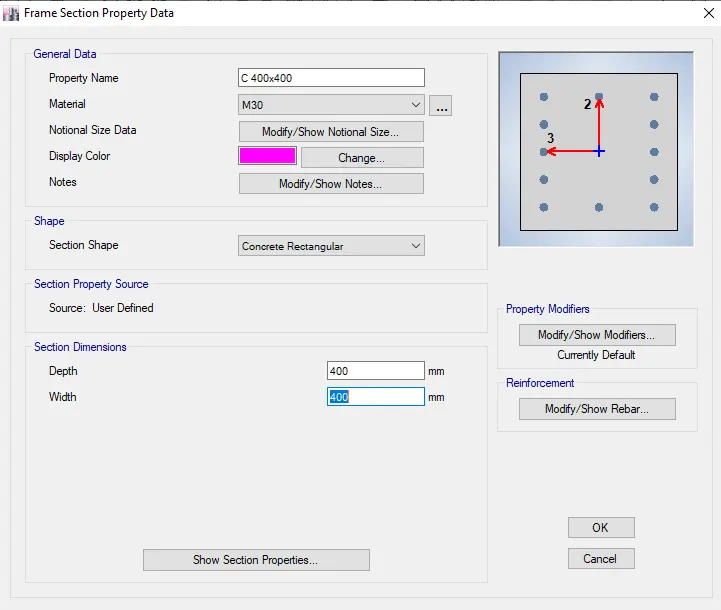
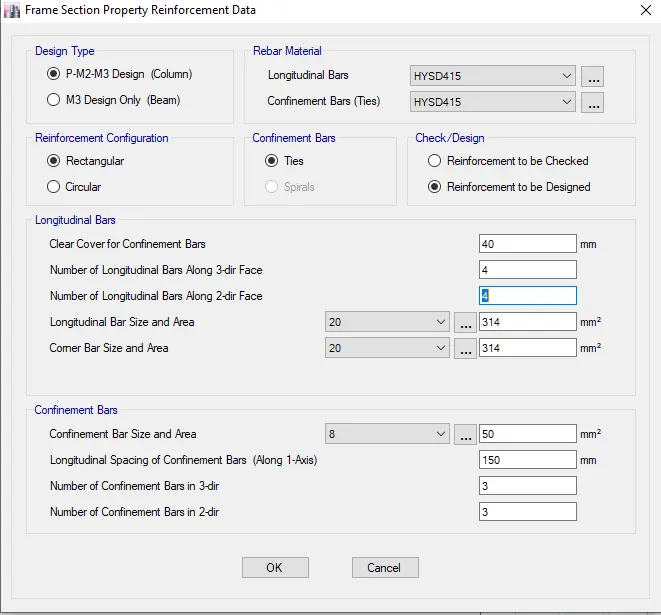
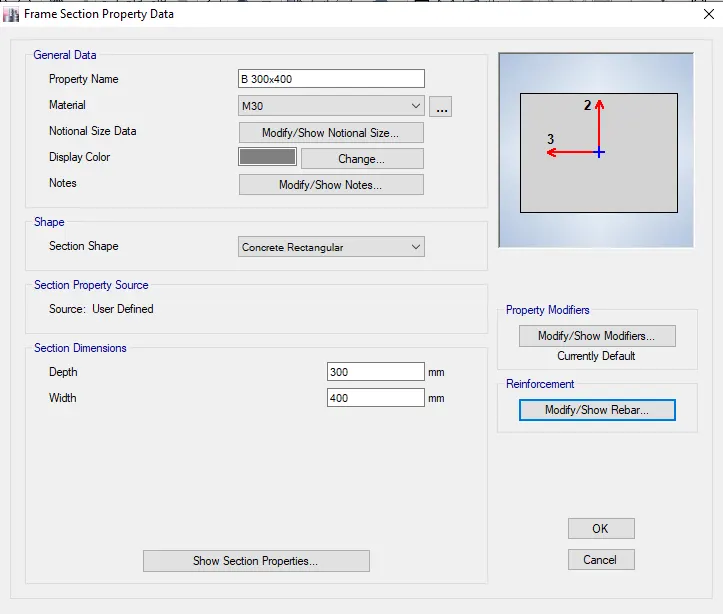
- Slab property is also defined.
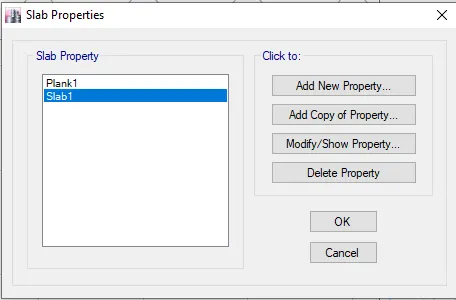
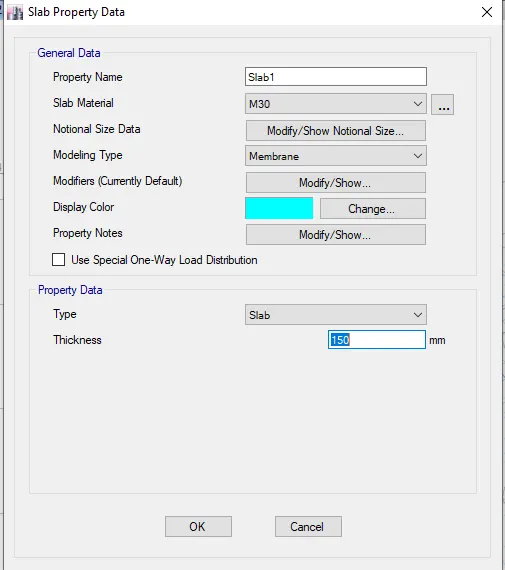
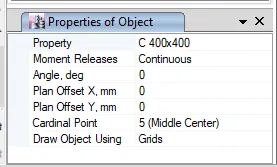
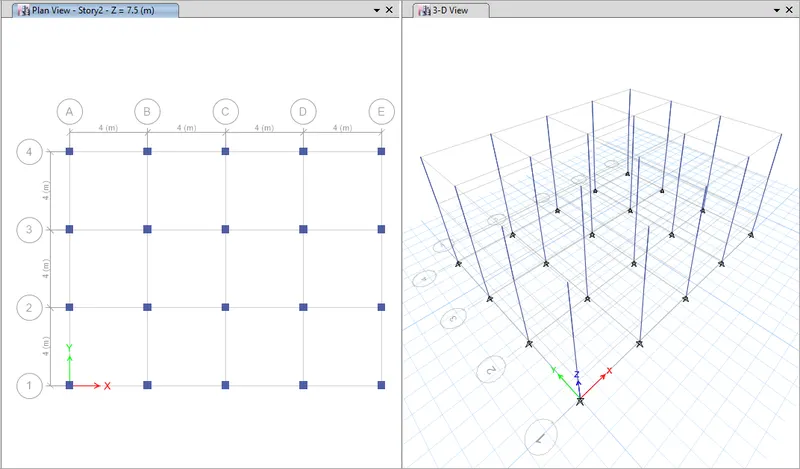
- Draw the columns by quick draw columns for all stories.
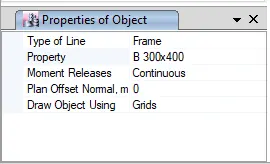
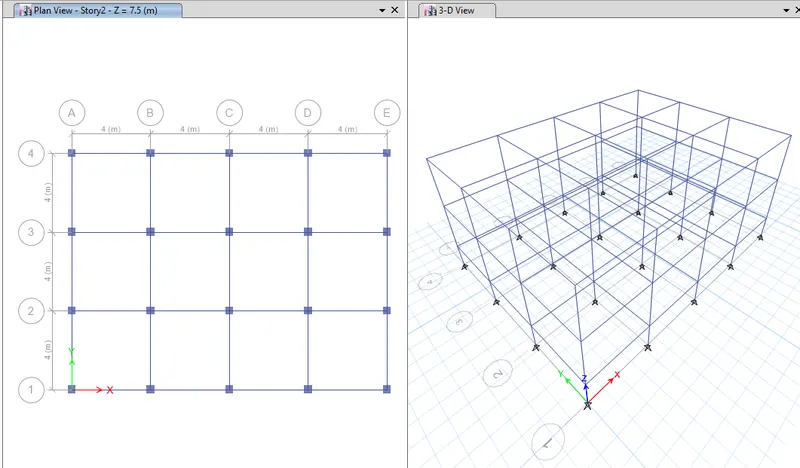
- Draw the beams by quick draw beams for all stories.
- Draw the slab by selecting quick draw slab.
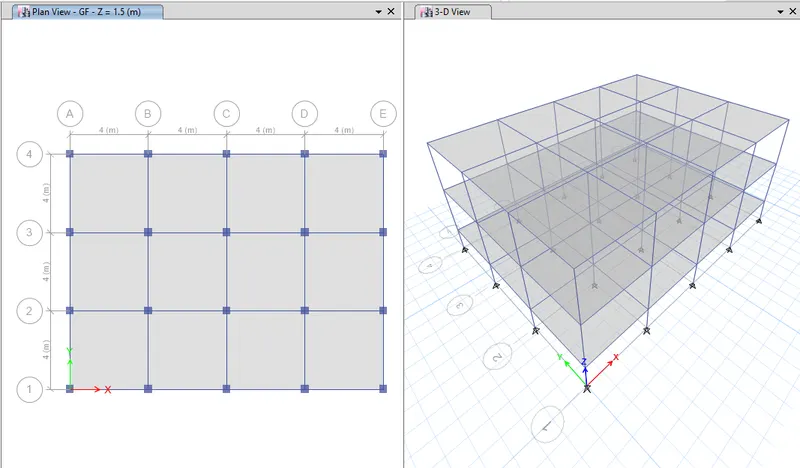
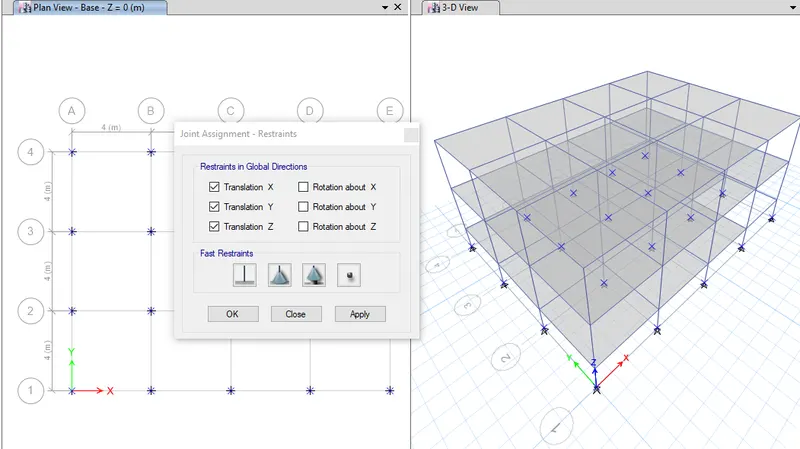
- Go to base story and select all the joints and assign base as constraints.
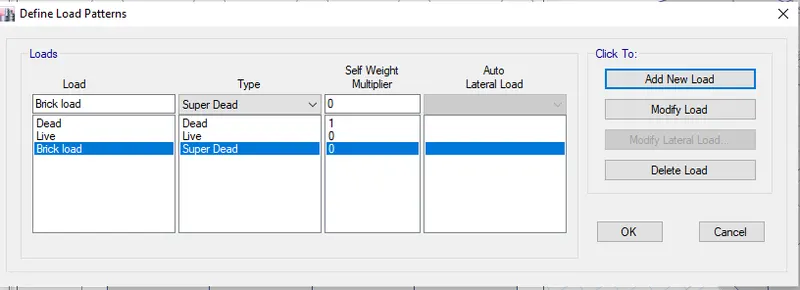
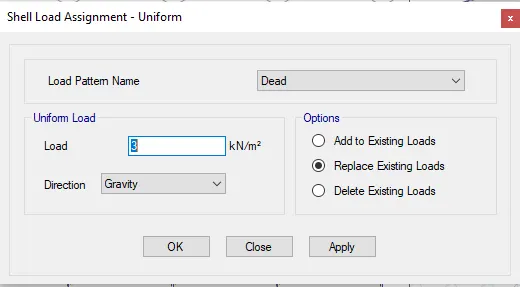
- Define the load patterns.
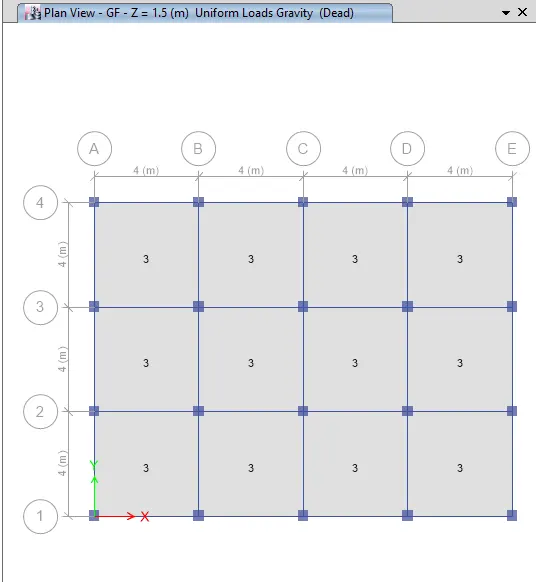
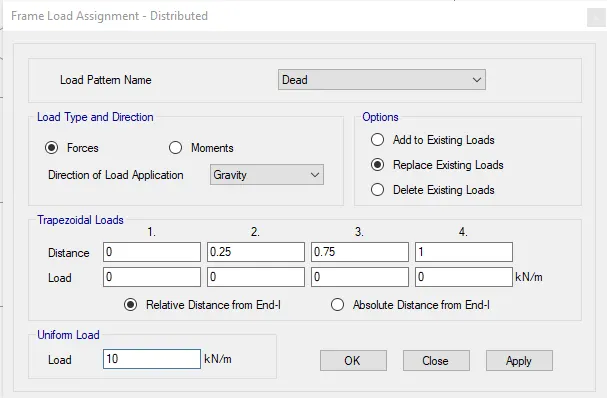
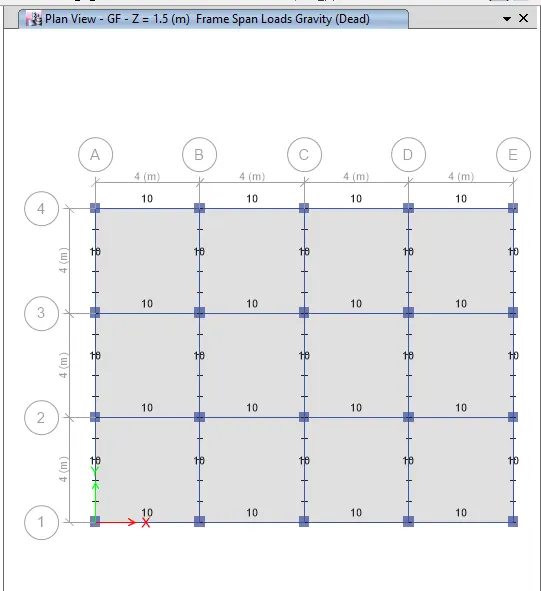
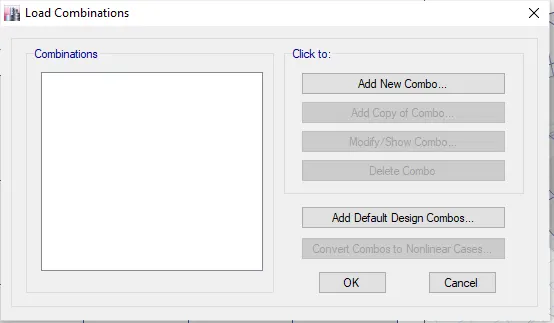
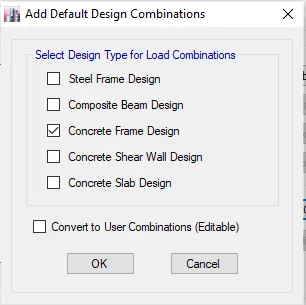
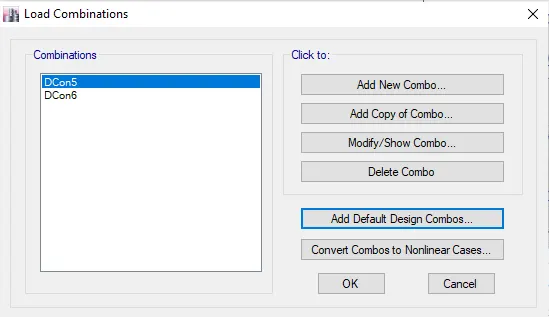
- Define load combination in concrete frame.
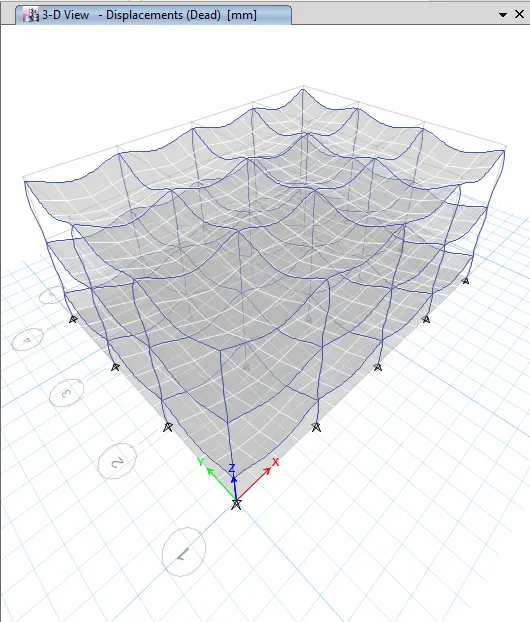
- Check the model.
- Run analysis.
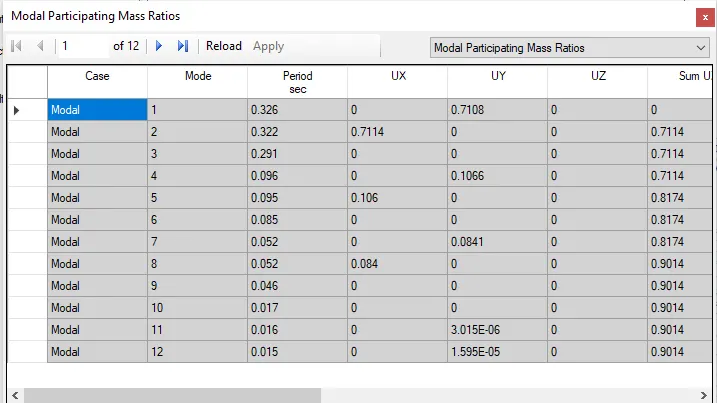
- Click on show tables for the time period of the structure.
BUILDING B:-
- Open Etabs.
- In popup set user built in and metric and set the Indian codes.
- Set up the bays.
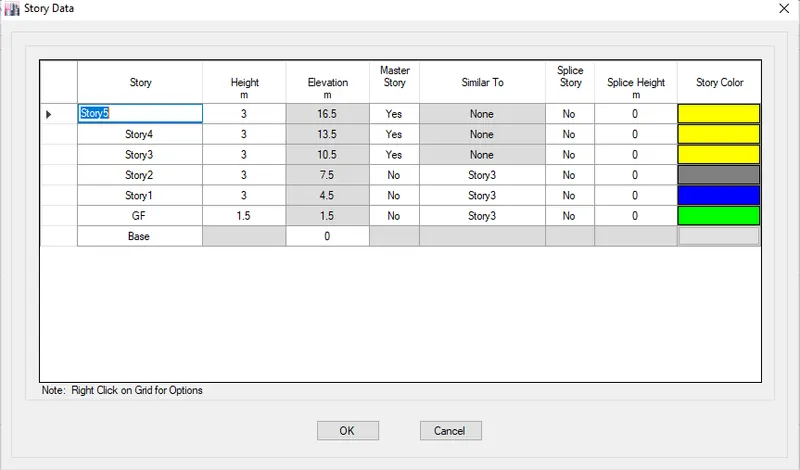
- Add the stories.
- Now define the material in define tab.
- Slab property is also defined.
- Draw the columns by quick draw columns for all stories.
- Draw the beams by quick draw beams for all stories.
- Draw the slab by selecting quick draw slab.
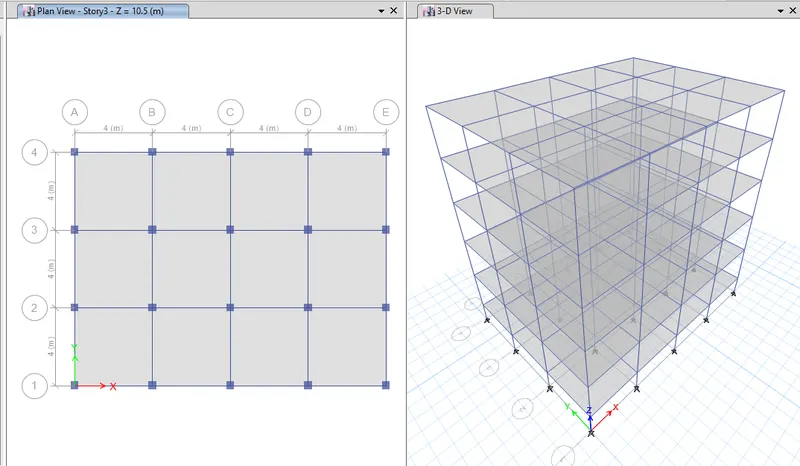
- Go to base story and select all the joints and assign base as constraints.
- Define the load patterns.
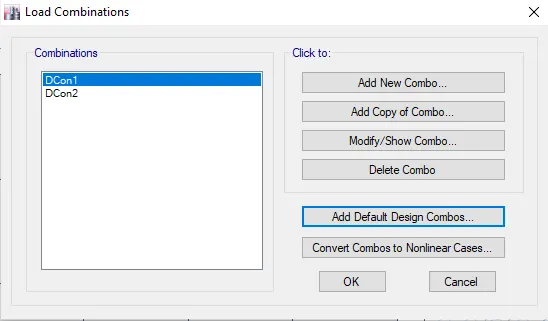
- Define load combination in concrete frame.
- Check the model.
- Run analysis.
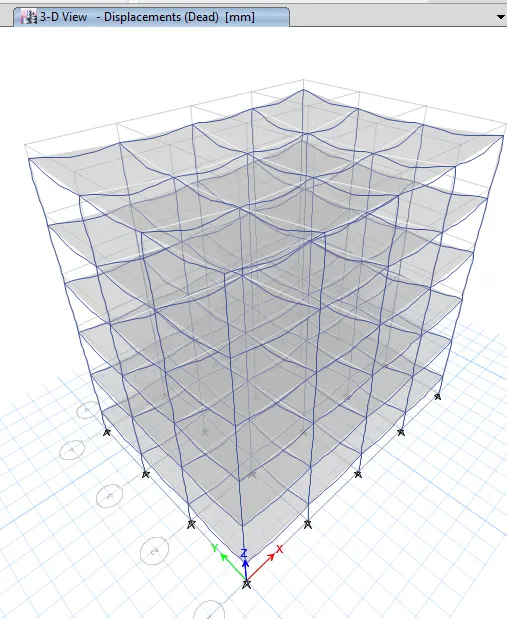
- Click on show tables for the time period of the structure.
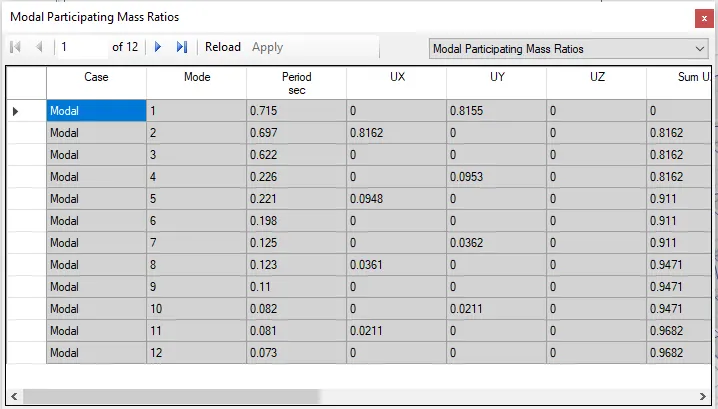
Building c:-
- Open Building B model in Etabs and click on Save as option and save it as building C.
- Now go to define section.
- Select the column and click on modify.
- Change the column dimension as 550x300.
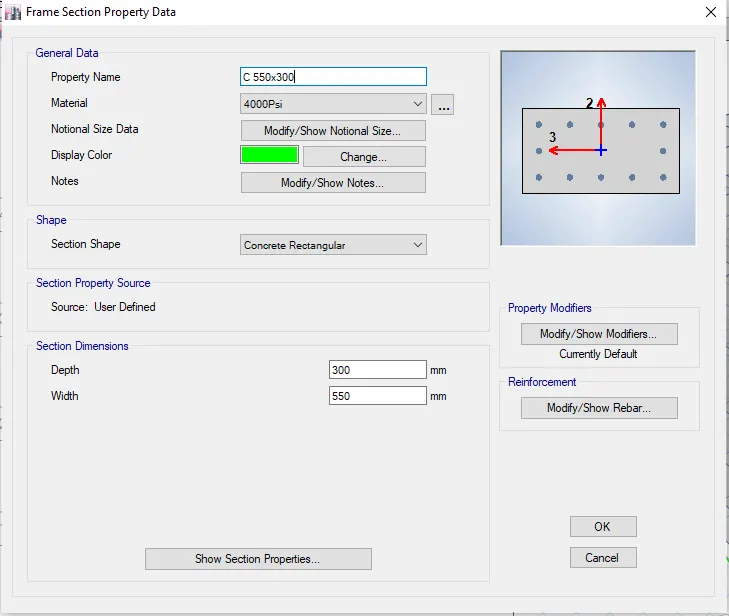
- Check the model and run analysis.
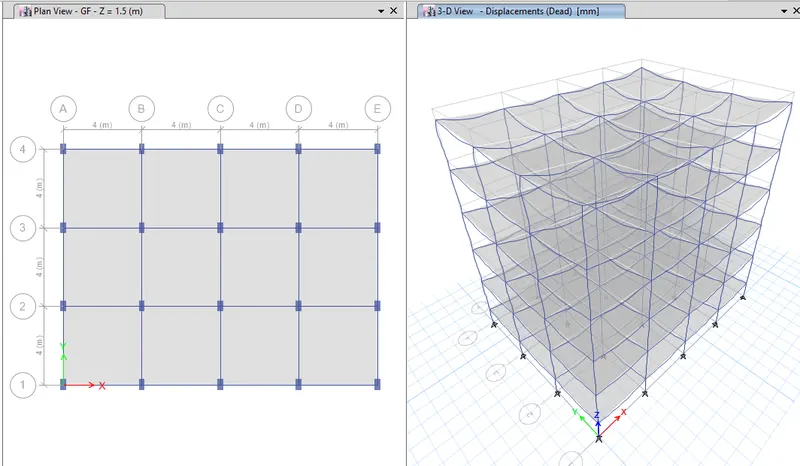
- Show the tables.
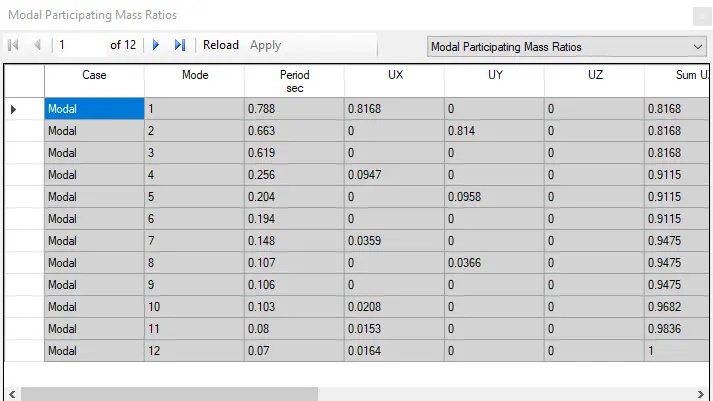
Building D:-
- Open the building C model and click on save as option and save it as building D.
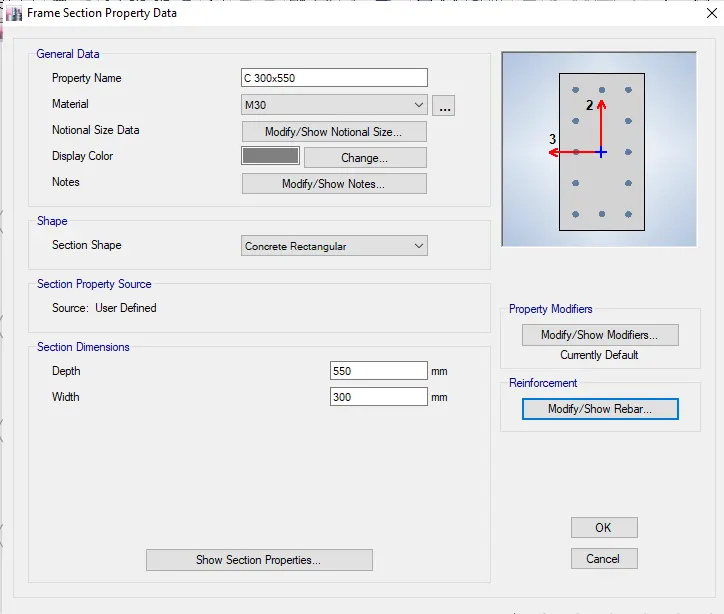
- Go to define section properties.
- Select the column and click on modify.
- Change the column dimension to 300x550.
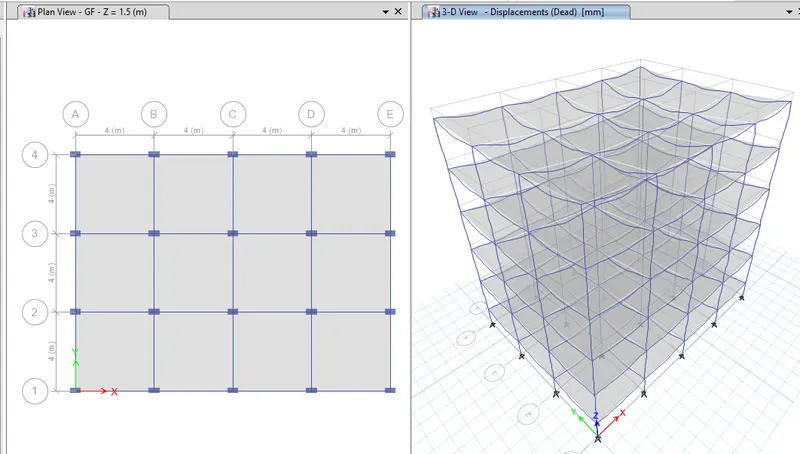
- Check the model and run analysis.
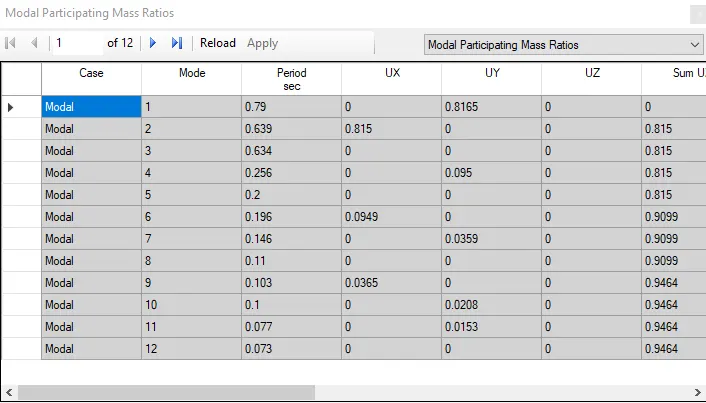
- Show tables.
Building E:-
- Open Etabs.
- In popup set user built in and metric and set the Indian codes.
- Set up the bays.
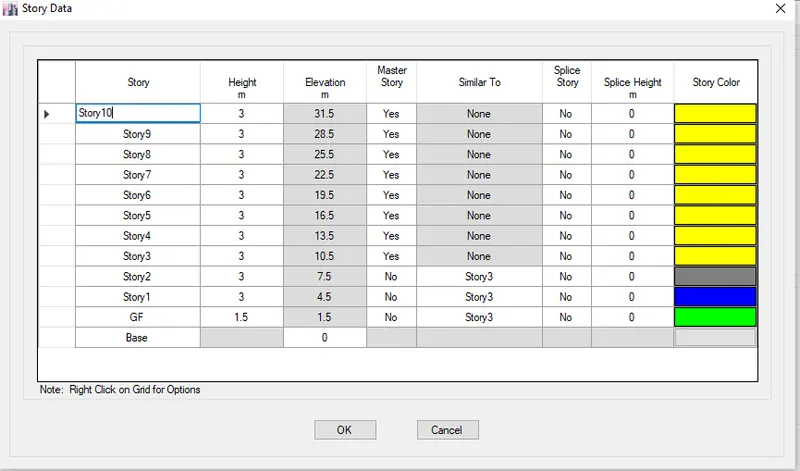
- Add the stories.
- Now define the material in define tab.
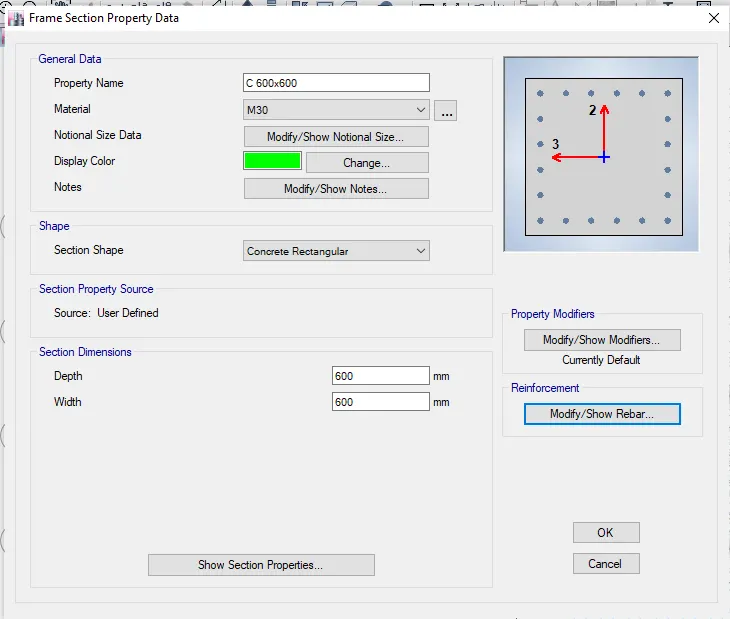
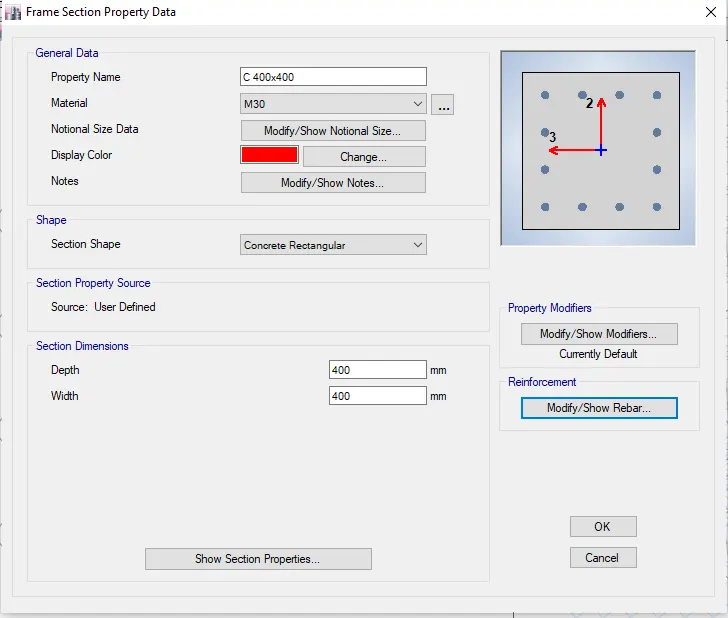
- Slab property is also defined.
- Draw the columns by quick draw columns for all stories.
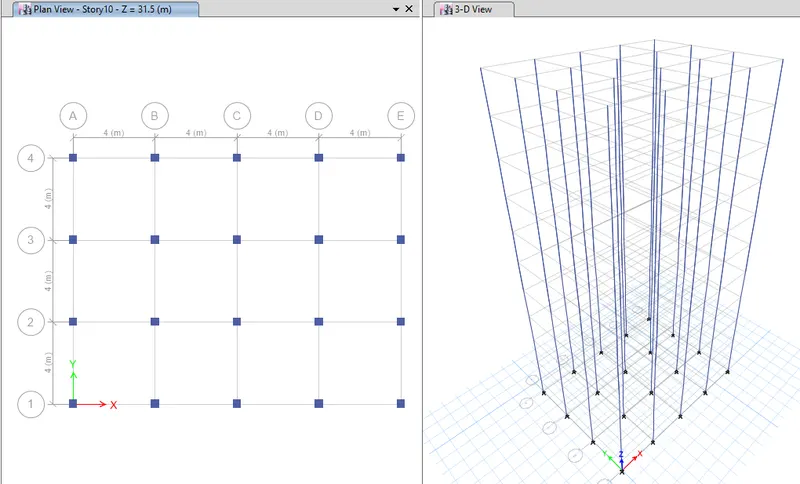
- Draw the beams by quick draw beams for all stories.
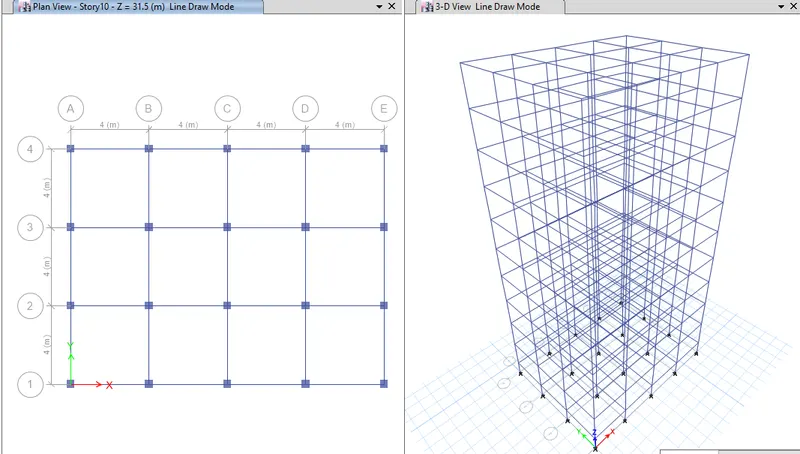
- Draw the slab by selecting quick draw slab.
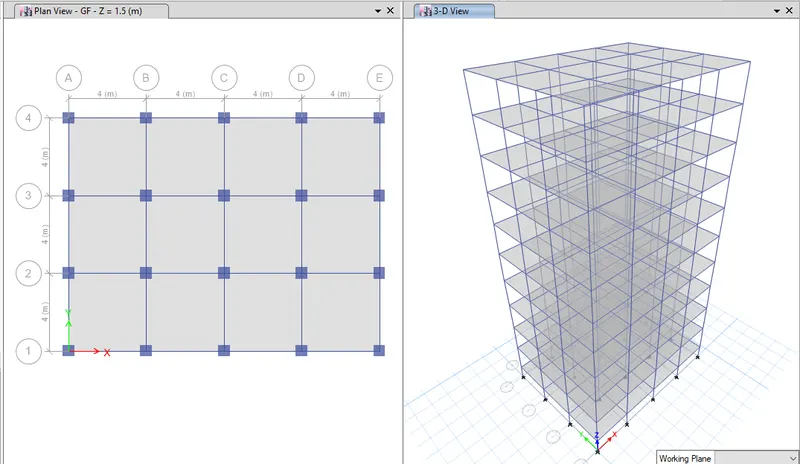
- Go to base story and select all the joints and assign base as constraints.
- Define the load patterns.
- Define load combination in concrete frame.
- Check the model.
- Run analysis.
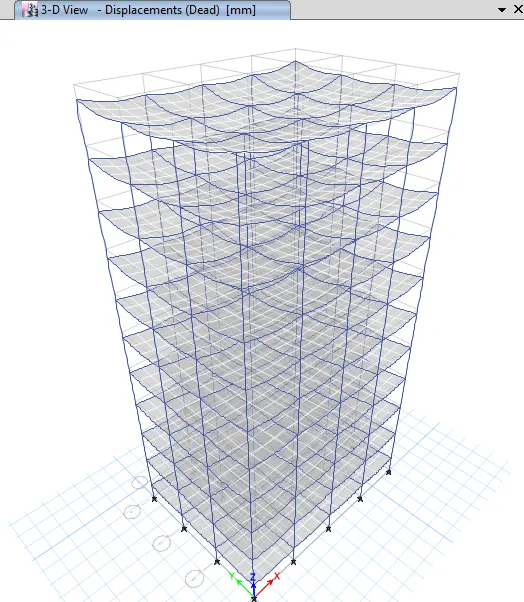
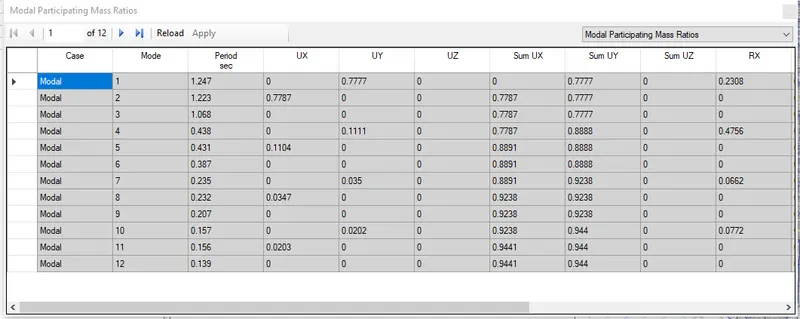
- Click on show tables for the time period of the structure.
Building F:-
- Open the building C model and click on save as option and save it as building D.
- Go to define section properties.
- Select the column and click on modify.
- Change the column dimension to 600x600.
- Check the model and run analysis.
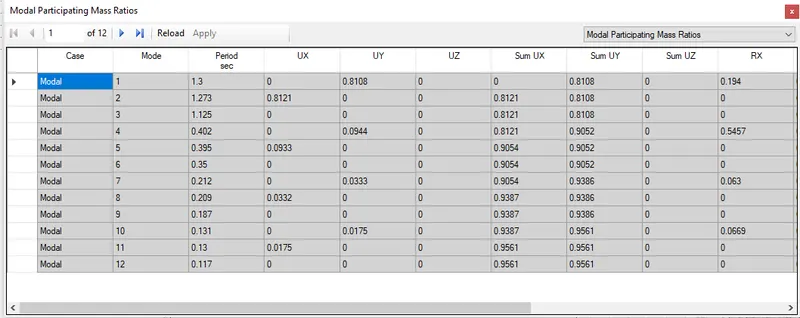
- Show tables.
Building G :-
- Open Etabs.
- In popup set user built in and metric and set the Indian codes.
- Set up the bays.
- Add the stories.
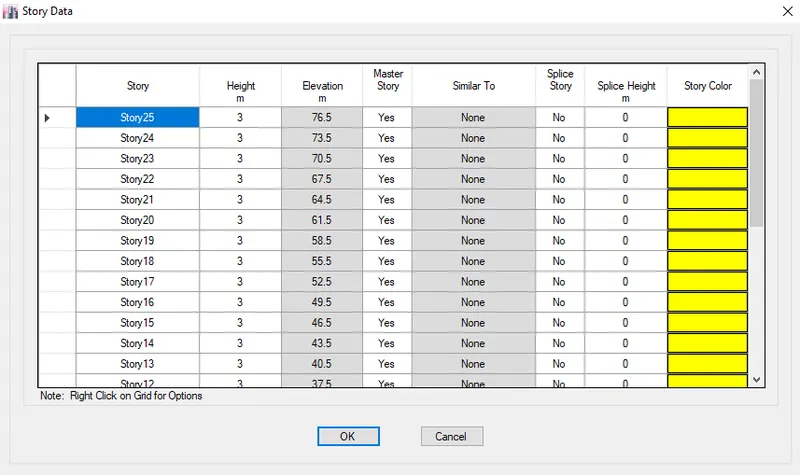
- Now define the material in define tab.
- Slab property is also defined.
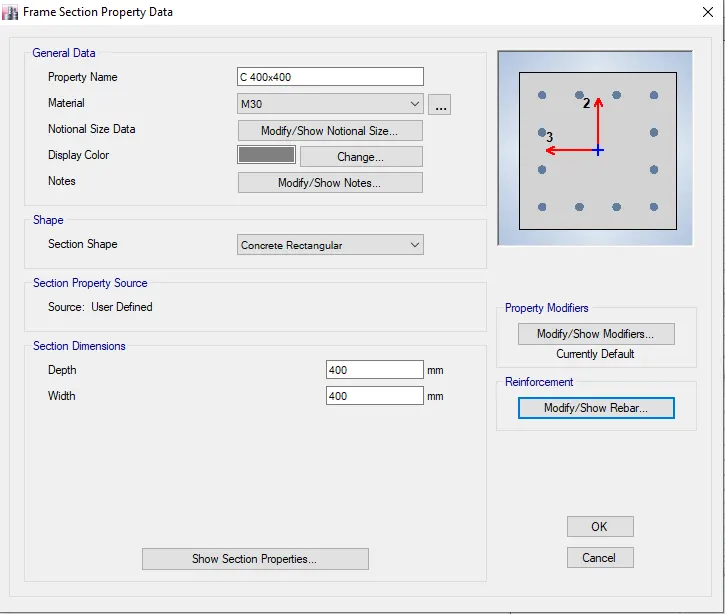
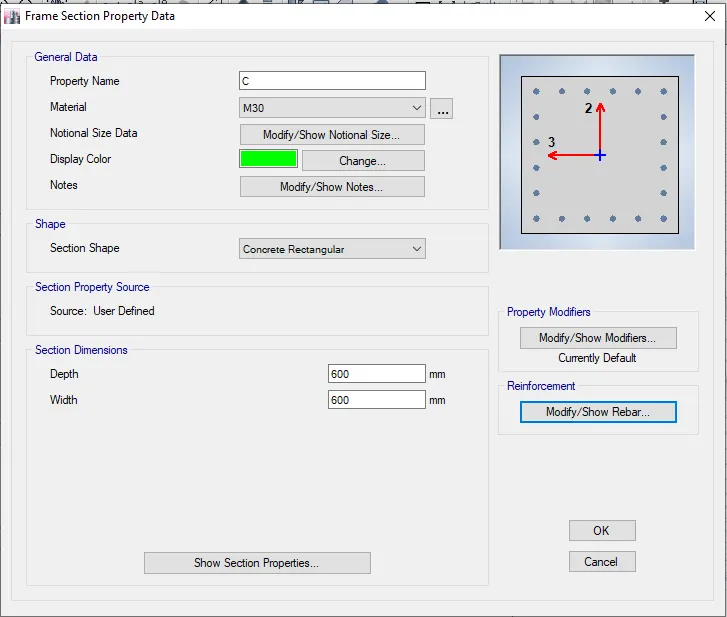
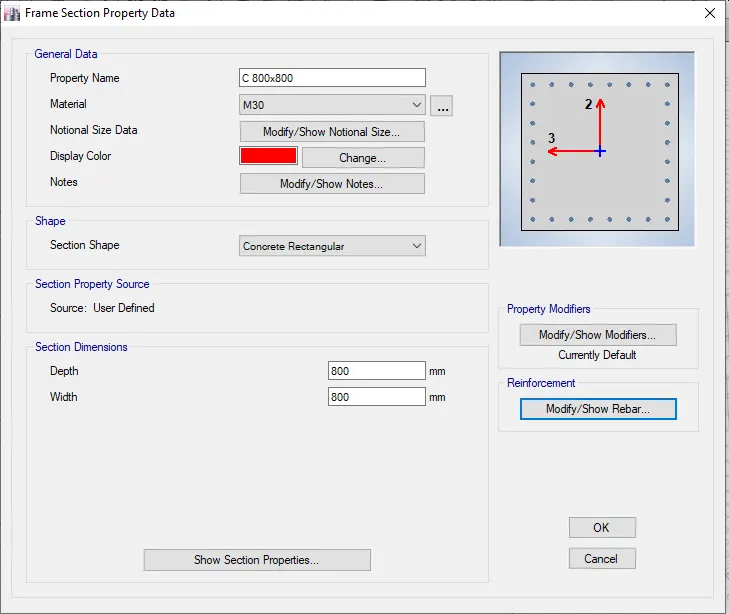
- Draw the columns by quick draw columns for first 10 stories, after 10 stories and after 5 stories.
- Draw the beams by quick draw beams for all stories.
- Draw the slab by selecting quick draw slab.
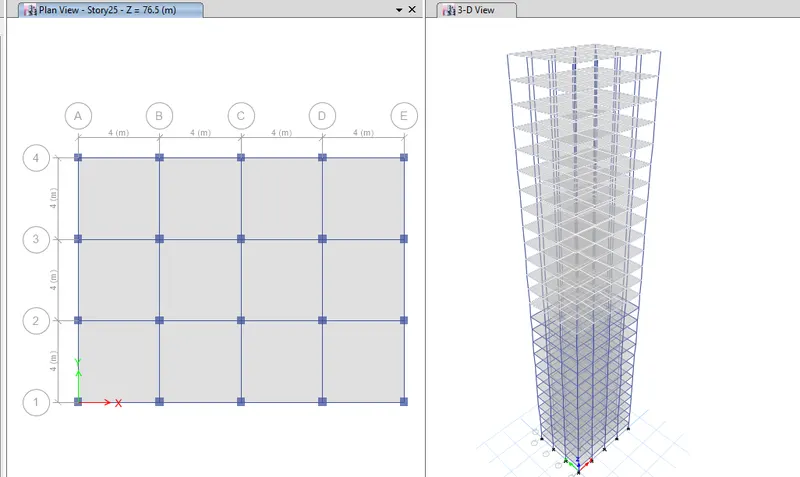
- Go to base story and select all the joints and assign base as constraints.
- Define the load patterns.
- Define load combination in concrete frame.
- Check the model.
- Run analysis.
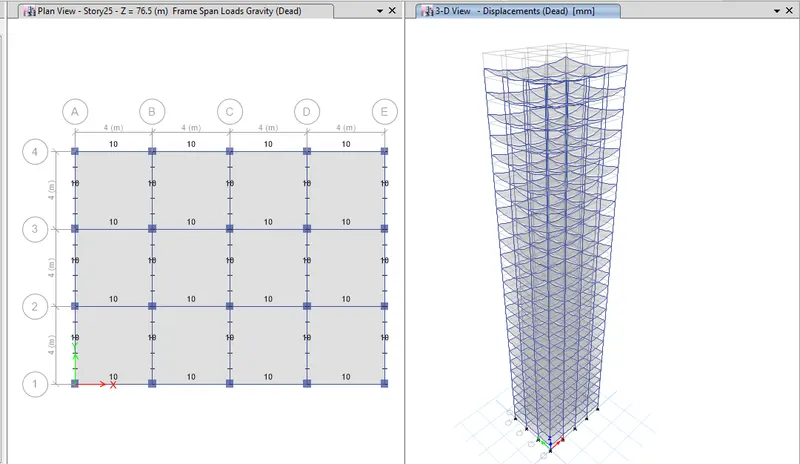
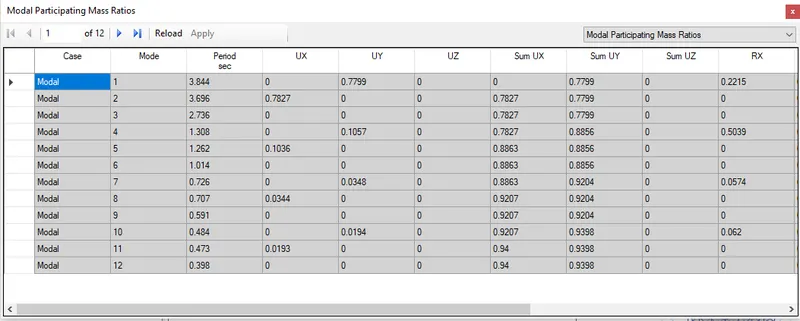
- Click on show tables for the time period of the structure.
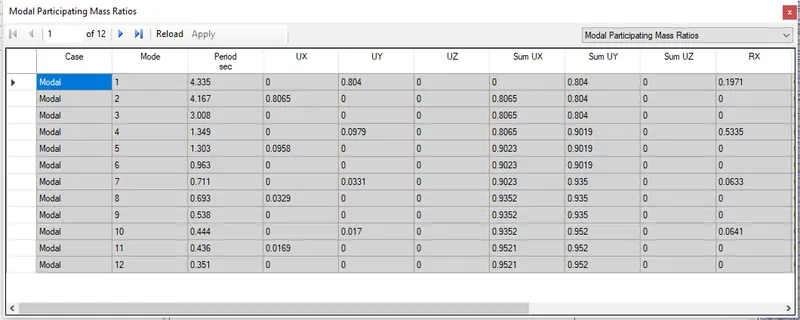
Building H:-
- Open the building G model and click on save as option and save it as building H.
- Go to define section properties.
- Select the column and click on modify.
- Change the column dimension to 800x800.
- Check the model and run analysis.
- Show tables.
Building J:-
- Open the building H model and click on save as option and save it as building J.
- Go to define mass source.
- Modify the infill loads by 10%.
- Check the model and run analysis.
- Show tables.
Building K:-
- Open the building H model and click on save as option and save it as building K.
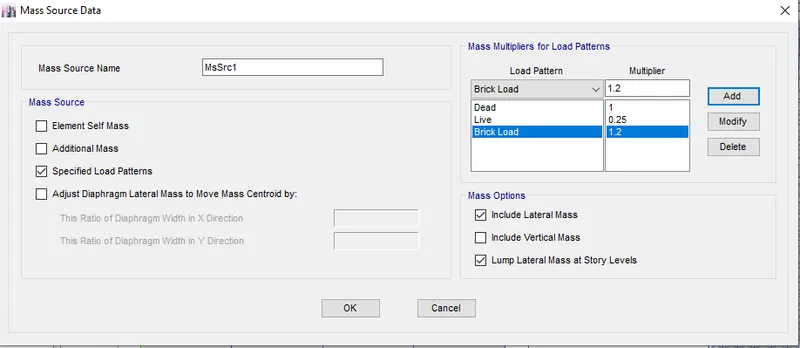
- Go to define mass source.
- Modify the infill loads by 20%.
- Check the model and run analysis.
- Show tables.
COMPARISON OF THE MODELS:-
1.) Effect of stiffness on T: Compare fundamental natural periods of building E and F as well as G and H.Why is there a marginal or significant difference in the fundamental natural periods?
Buiding E:
Building F:
The fundamental natural period of the buildings E and F are compared in the above table where the building F has the higher natural period compared to the building E because the building F is flexible with the usage of the same column throughout the height of the building and also the size of the column is bigger compared to the E for half of the floors.
Even though there is variation in the natural period it is very little because the dimensions of only half of the building columns are different and their size difference is also less.
Building G:
Building H:
The fundamental natural period of the buildings G and H are compared in the above table where the building H has the higher natural period compared to the building G because the building H is flexible with the usage of the same column throughout the height of the building and also the size of the column is bigger compared to the G for half of the floors.
Even though there is variation in the natural period it is very little because the dimensions of only half of the building columns are different and their size difference is also less.
Effect of mass on T: Compare fundamental natural periods of building H,J and K. Have the buildings become more flexible or stiff due to change in mass?
Building H:
Building J:
Building K:
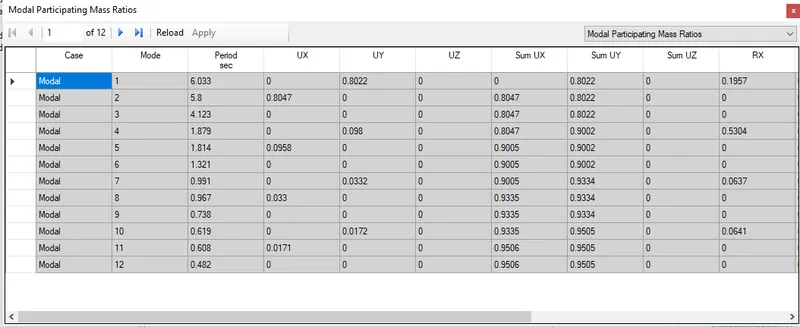
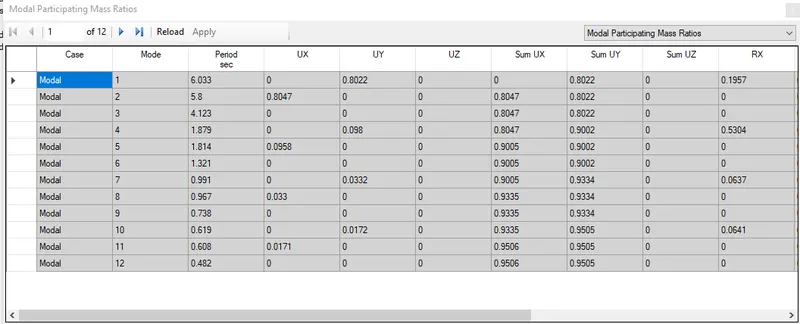
In the above table there is comparison of the natural period of the building H,k and J where the imposed mass of the building are increased 10% and 20% respectively.
As shown in the graph building K has the higher natural period and then followed by J and H. By this we can say the more the mass acting on the building more will be the natural period of the building.
Effect of building height on T: How does the fundamental natural periods of building A,b,F and H change with the building height?
Building A:
Building B:
Building F:
Building H:
By seeing the table we can say that the higher the height of the building more is the natural period of the building.Therefore, height of the structure is directly proportional to the natural period of the building.
Effect of column orientation on T: How does the fundamental natural periods of building B,C and D change with change in column orientation?
Building B:
Building C:
Building D:
From the above table we can see that the building with the unsymmetric columns (C and D) have the almost similar natural periods.This says orientation has the less impact on the natural period.
But when comparing the symmetric B to unsymmetric (C and D) , B will possess the less natural period at the initial mode shapes.
- Open etabs.
- In popup set user built in and metric and set the Indian codes.
- Set up the bays.
- Add the stories.
- Now define the material in define tab.
- Slab property is also defined.
- Draw the columns by quick draw columns for all stories.
- Draw the beams by quick draw beams for all stories.
- Draw the slab by selecting quick draw slab.
- Go to base story and select all the joints and assign base as constraints.
- Define the load patterns.
- Define load combination in concrete frame.
- Check the model.
- Run analysis.
- Click on show tables for the time period of the structure.