Project - 2 - Meshing on the suspension Assembly
Objective:-
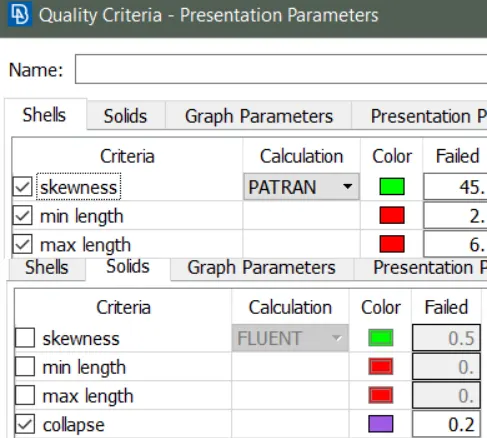
For the given assembly, check for the geometrical errors and mesh with the given element Quality criteria. After meshing the component the thickness has to be assigned for mid surfaces. Use tetra elements to model non-uniform thickness components. Also use Appropriate connections to connect the component as suggested in the Project-2 video (Use PBAR elements to model suspension spring). At last perform Symmetry command to reflect the half finished model to the other side
Procedure: -
Import the model in ANSA.
Orient the model.
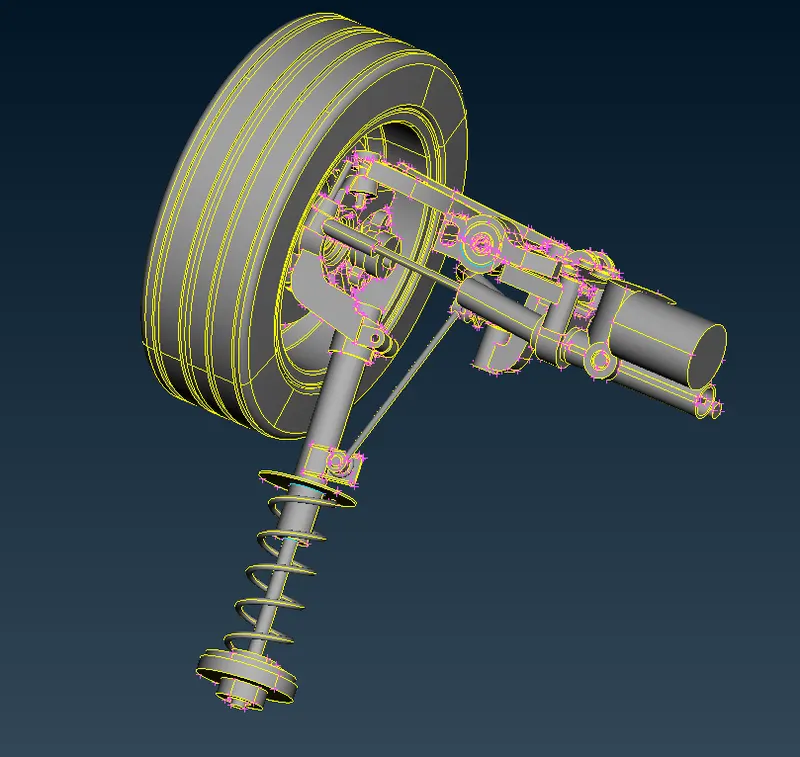
Once topo action is done the model is checked for geometrical errors.
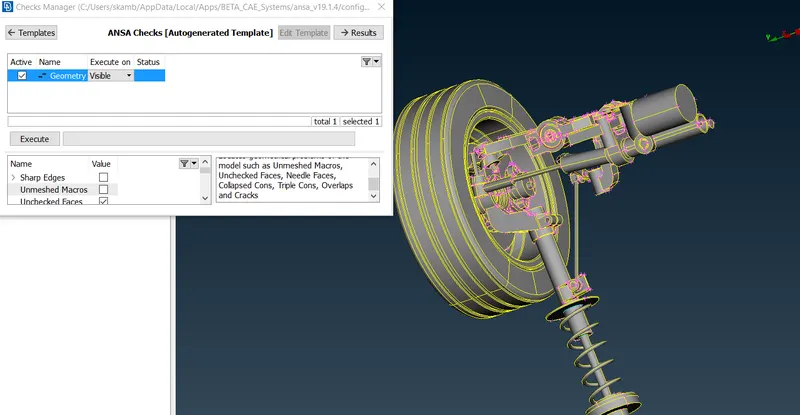
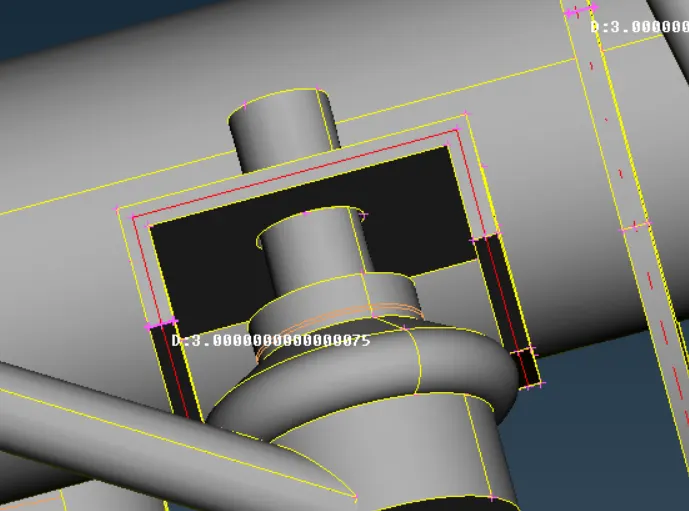
Midsurface:-
Offset surface tool is used for surfaces having thickness less than 5mm.
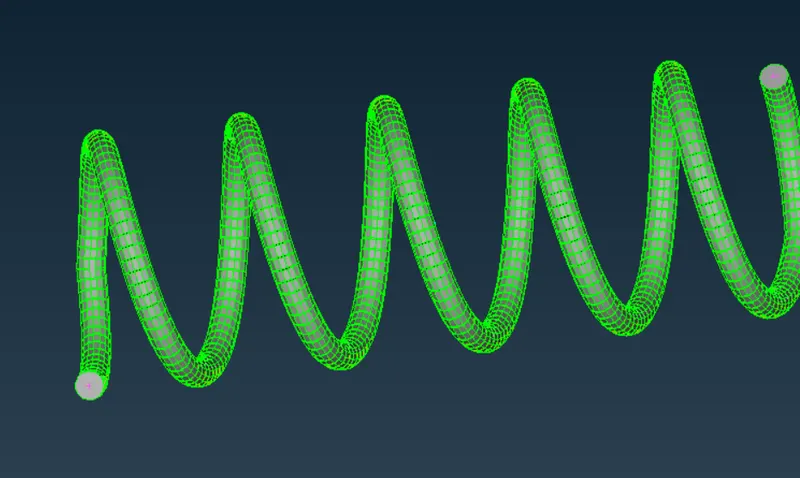
Modeling the suspension spring.
By using middle curve in Curve Tab curve is generated.
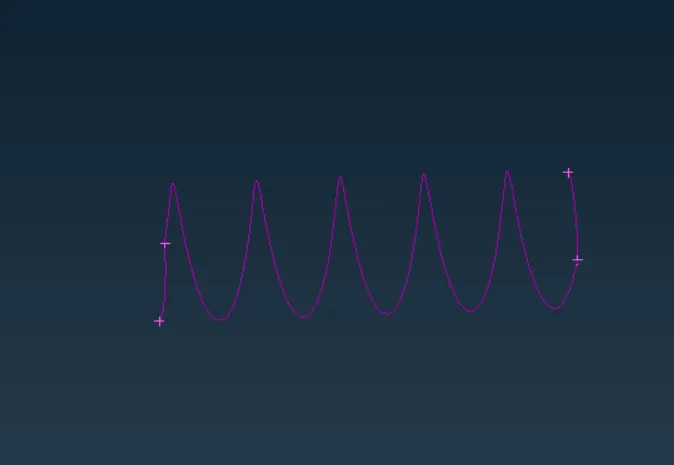
This curve is selected under CBAR tool in NASTRAN Panel
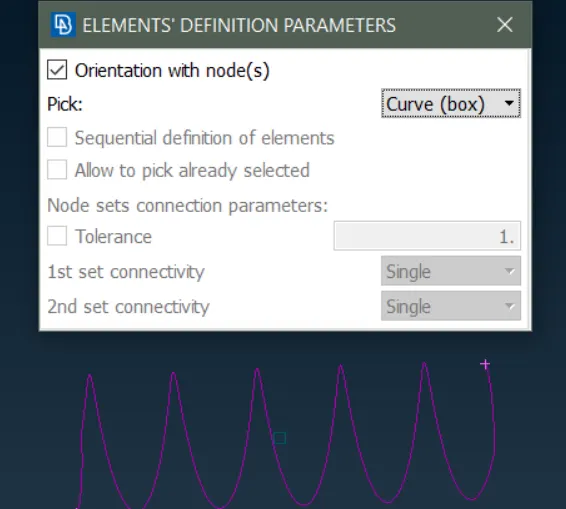
In Presentation parameter line element as solid option is checked to represent the spring.
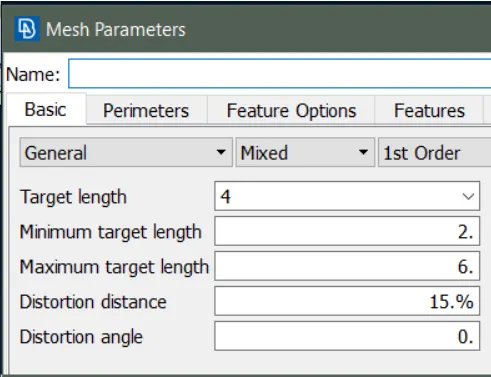
Set Meshing Parameters:-
Quality Criteria
Meshing:- Fillets are joined and surfaces are splitted to make perfect mesh, 2-D Meshing of surfaces are done. Spot mesh option is used with ortho tria elements to capture rounded surfaces and tria elements are used for meshing the plane areas with best mesh option.
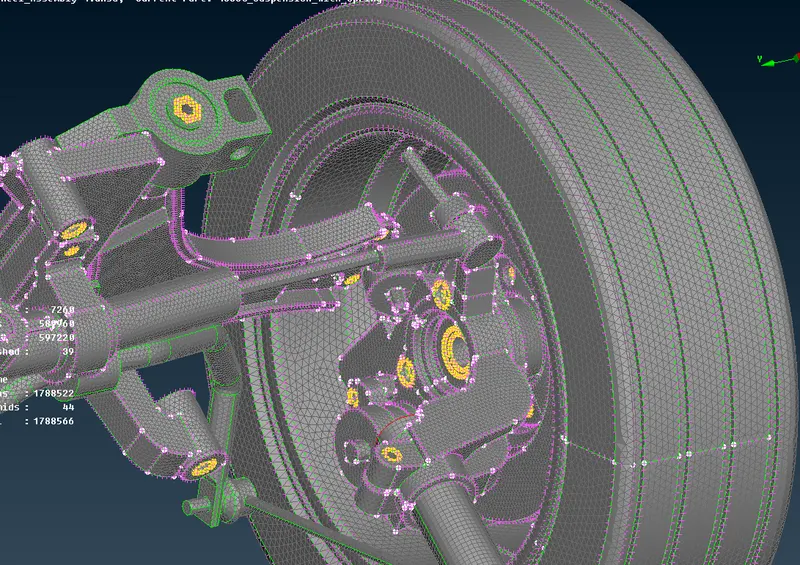
Once all the parts are meshed with tria and ortho tria elements using spot and best mesh options new volumes are defined. Each part of the model is saved under different volumes. After volume is defined Tetra FEM option under unstructured mesh is used for specific volumes to obtain solid meshing.
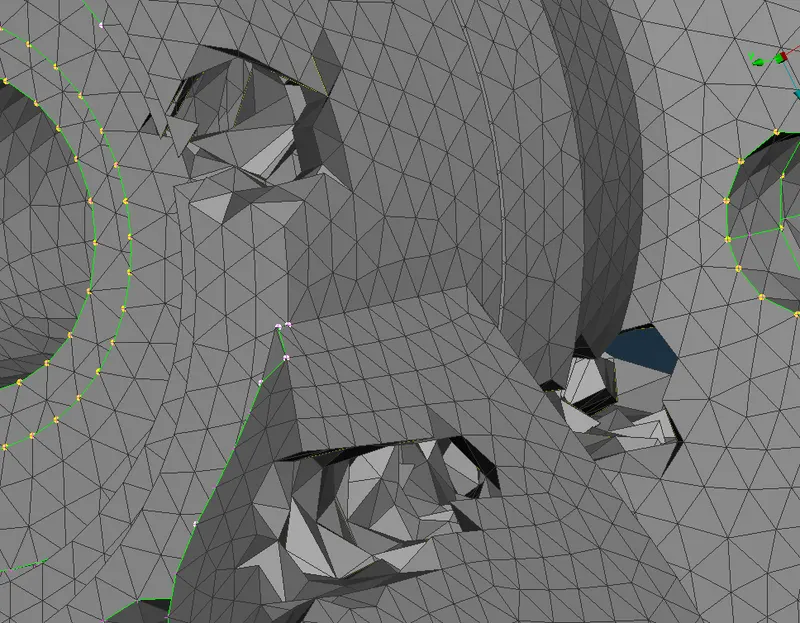
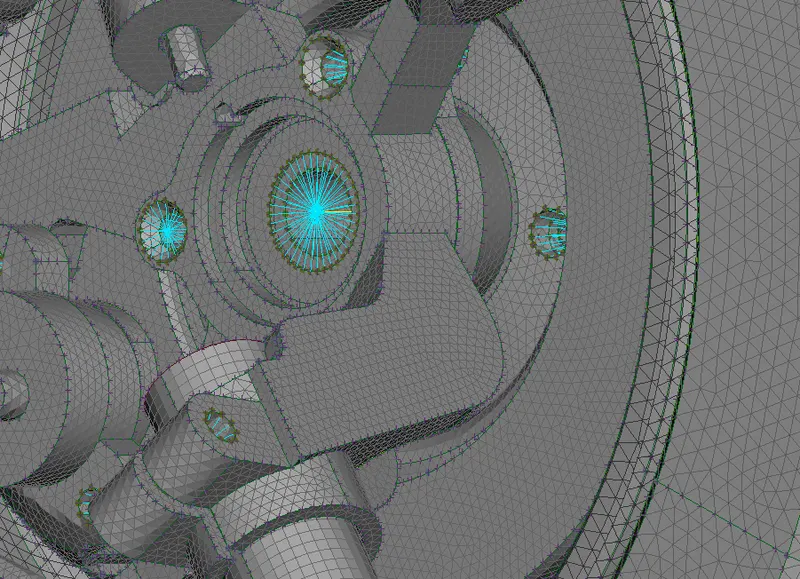
Bolt connection:-
Bolt connections are made once volume is defined
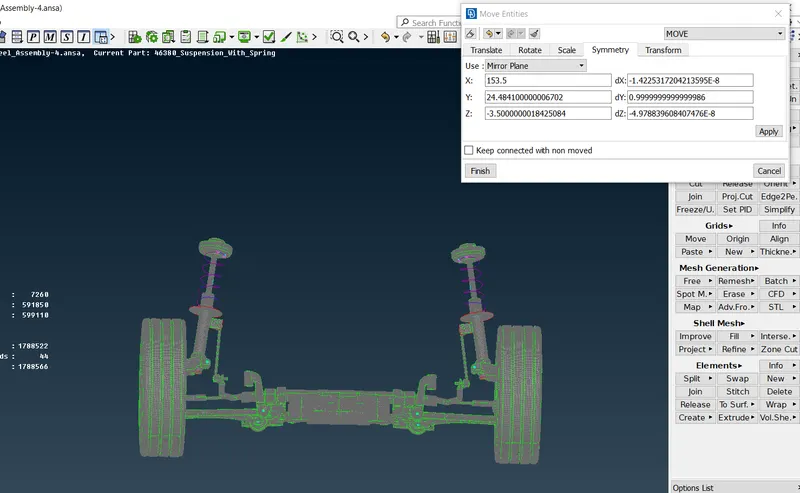
Mirror
Goto copy and select symmetry option.
Mirror Plane is used to symmetry the seleted entities.
Conclusion Learnings:-
CAD is checked for geometrical errors and cleared.
Midsurface generation
Meshing the model accordingly
Using tetra elements to model non uniform thickness components.
Using Connections to connect the component
Performing symmetry to half finished model.
Note :- Unable to Upload the CAD file due its size. Google drive link is shared.
https://drive.google.com/file/d/10eH5qpV7TdQWgMNM0d_LdllLzj2_8F1w/view?usp=sharing