Project - 2 - Meshing on the suspension Assembly
Aim: To Prepare The Given Assmebly for Pre-Proprocessing Using ANSA v20.14
Preprocessing Procedure Includes:
1.Measure Different Element Areas
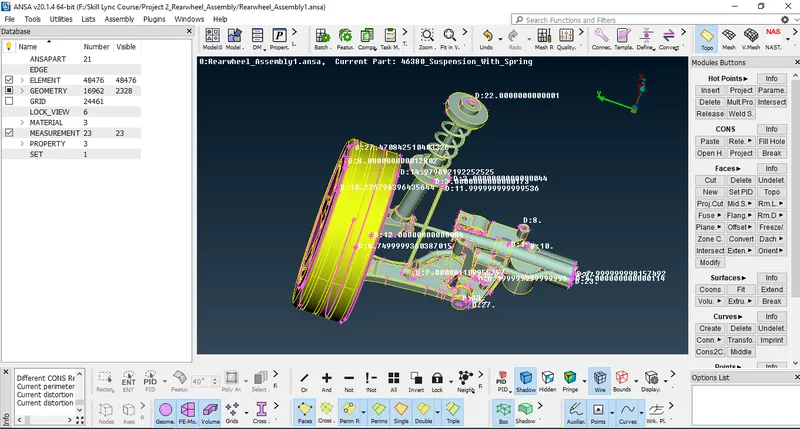
2.Assign Different PID's for Different Parts
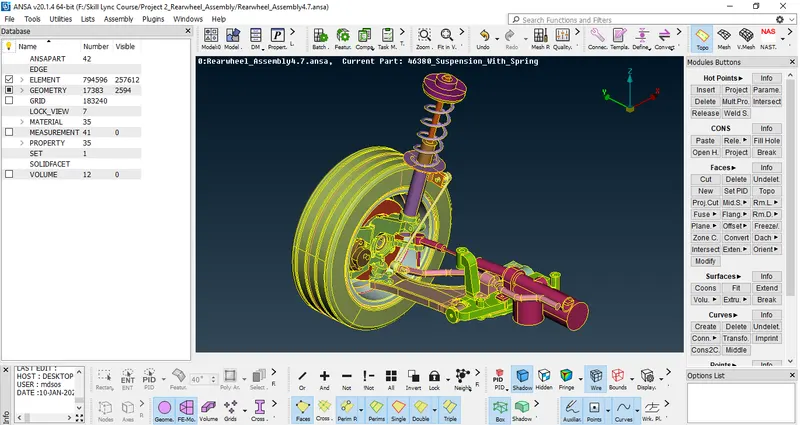
3.Consider Different Parts Separately and start Tria Meshing on its Surfaces with Given Quality Criteria
Tyre And Rim:-
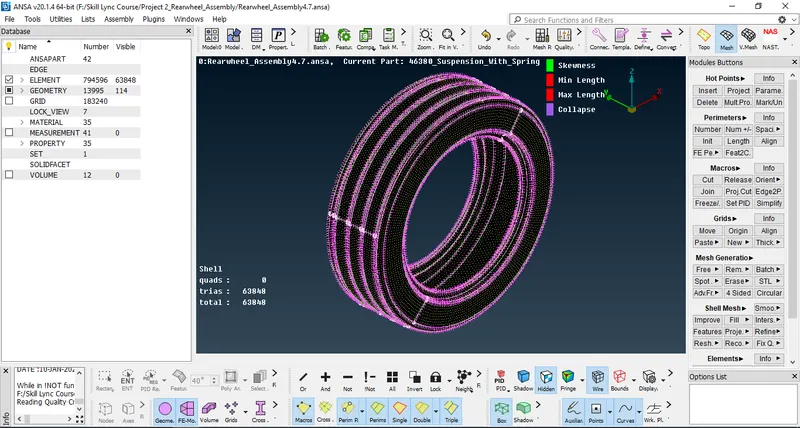
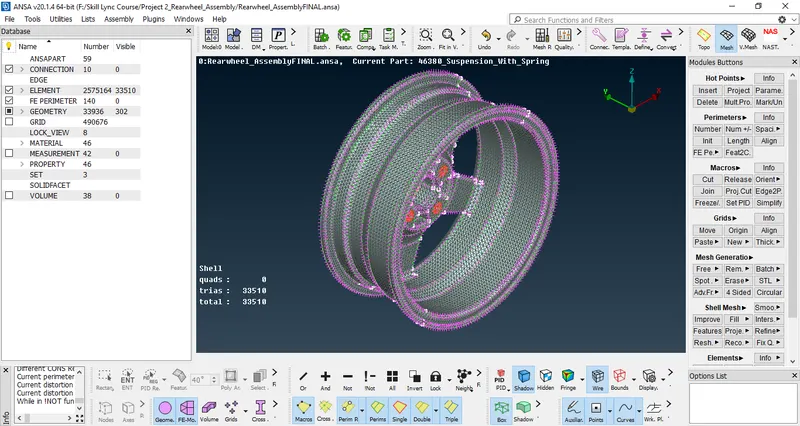
Other Parts:-
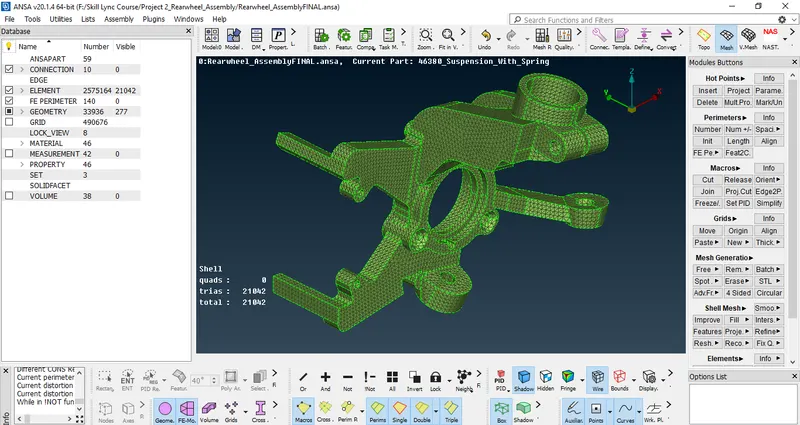
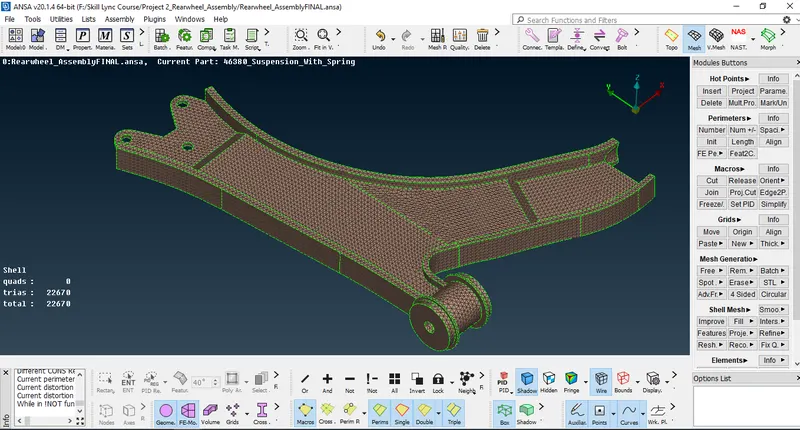
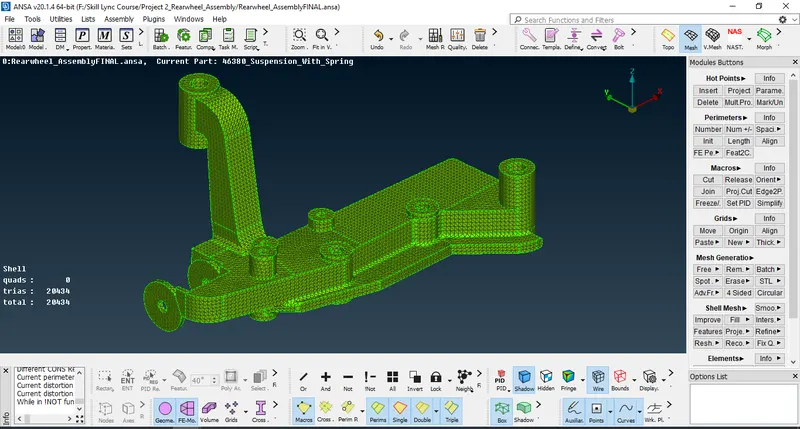
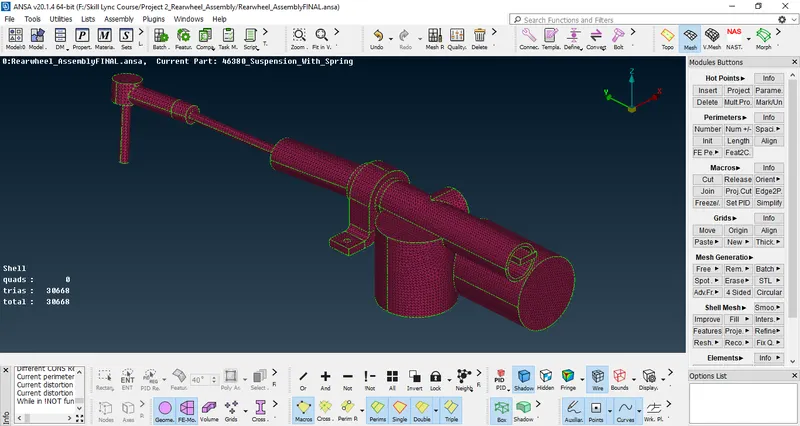
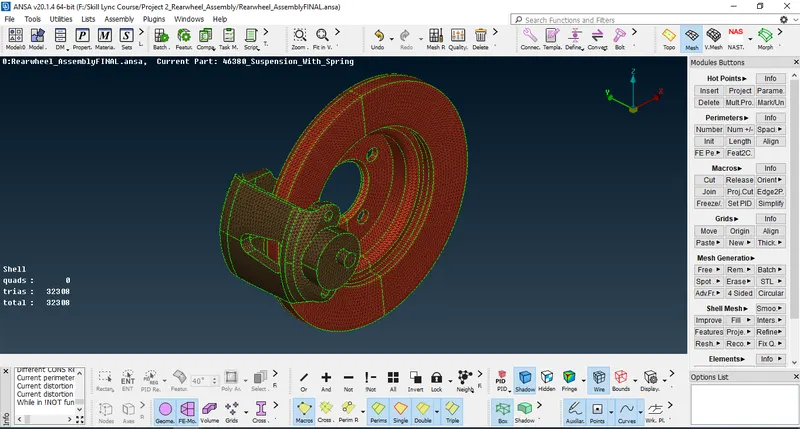
4.Now Consider Parts Whose Thickess is Below 5mm
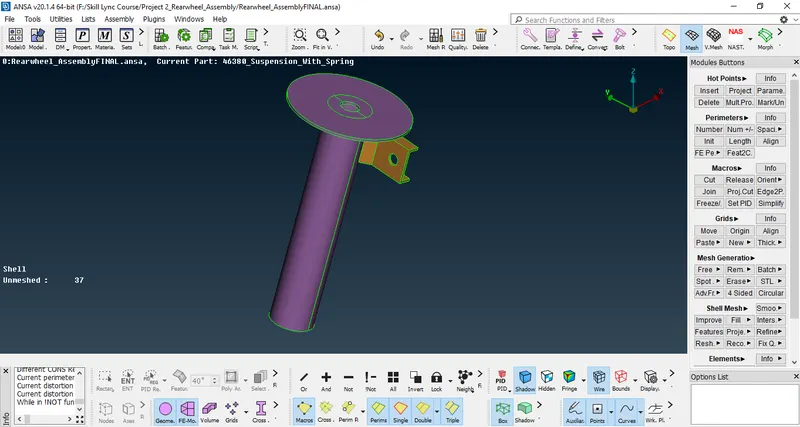
5.Take its Manual or Auto Mid Surface and give Hexa Mesh, Assign New PID's w.r.t Its Thickness & Generate Mesh with Given Quality Criteria
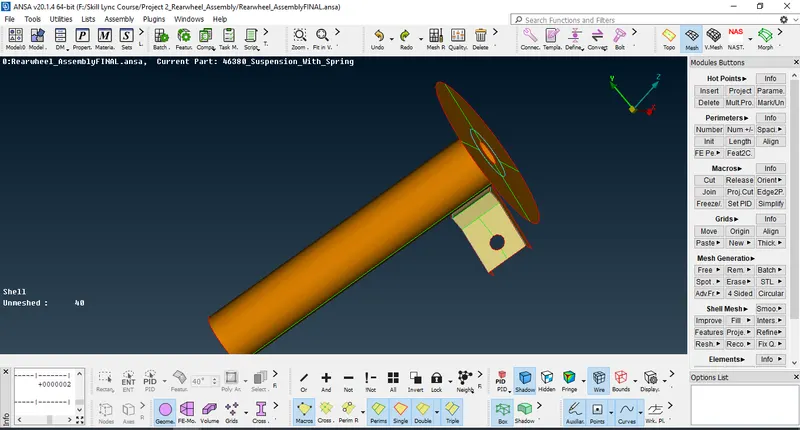
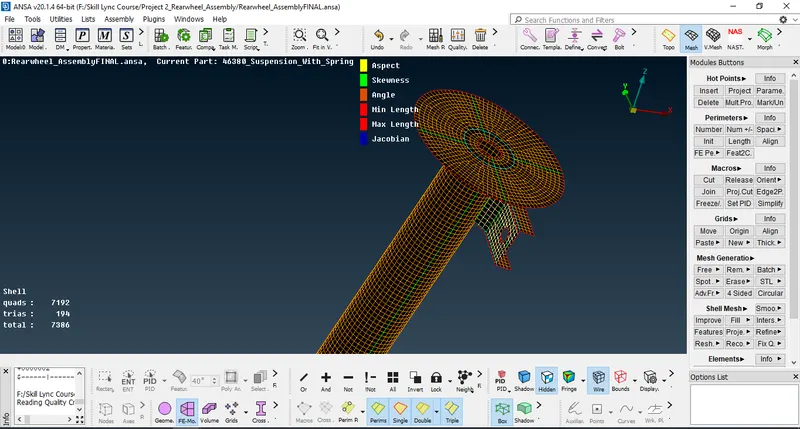
6.Now Generate UnStructured Tetra Volume Mesh w.r.t surface Tria Mesh with Given Quality Criteria
---First Define Volume using V.Mesh Deck->Volumes->Define->Select part with Mouse Cursor and Confirm
---Now select Tetra Rapid or Tetra FEM tool from V.Mesh Deck->UnStructured Mesh
---Now Select the Defined Volume Using Mouse Cursor(Part Should be in Closed Volume)
---Confirm(Middle Mouse Click)
---Tetra FEM Generated
---Fix Collapse Quality if Found
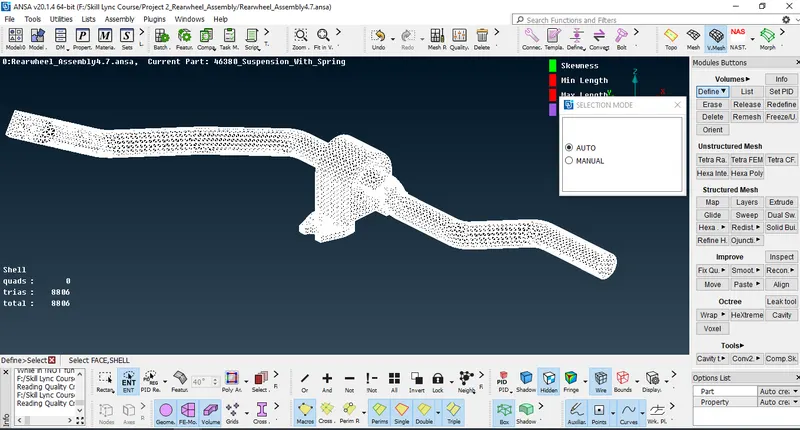
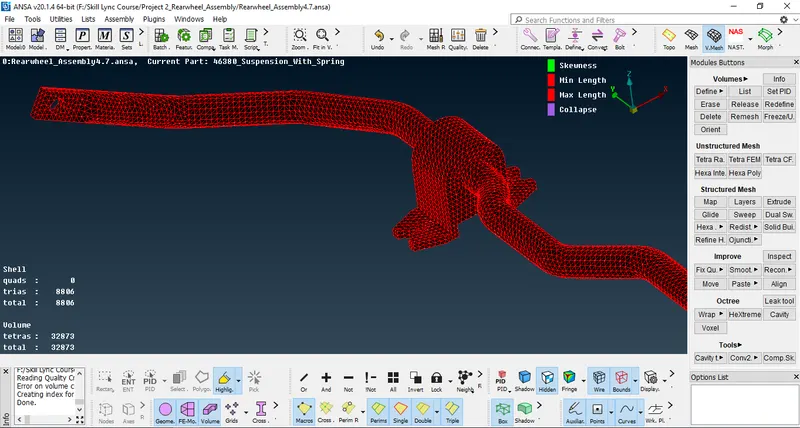
7.Repeat Same Process for All Parts
8.Create 1D Bar Element for Spring
---Create Middle curve w.r.t to spring
---Connect the Curve Using Connect->Multi Tool From TopoDeck
---Create CogPoint Using OnCog Tool in Middle of Spring Curve to define the orientation.
---Now Using Elements->CBAR Tool From NASTRAN DECK Genarate 1D Elements w.r.t Spring Curve with Element Length of 3mm
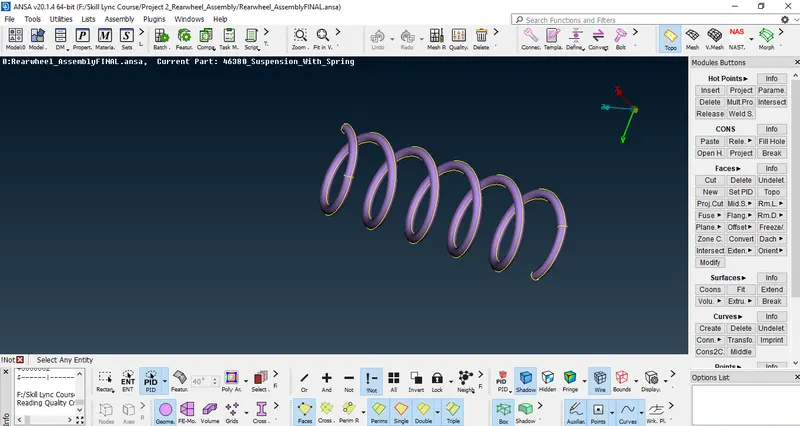
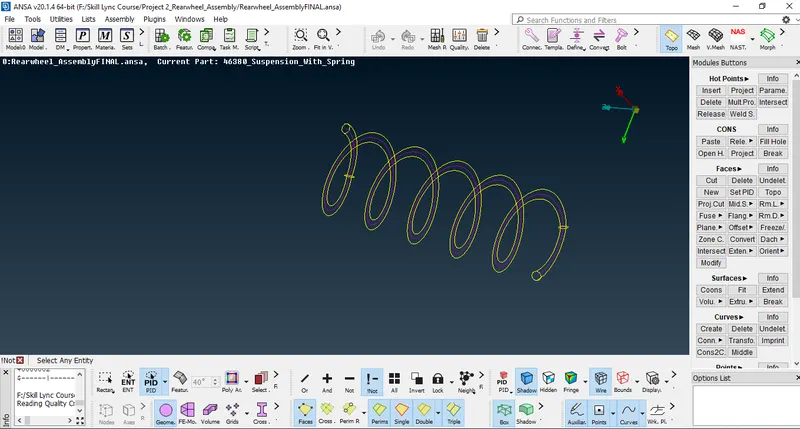
---After 1D Element Generated it Looks like an Image Mentioned Below
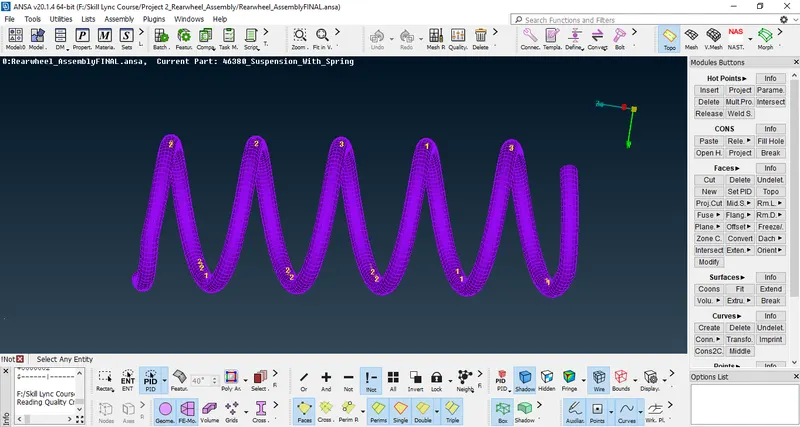
8.Start Deploying Connections where ever Required
--I use Cluster RBE2 Two Nodes At Some Areas
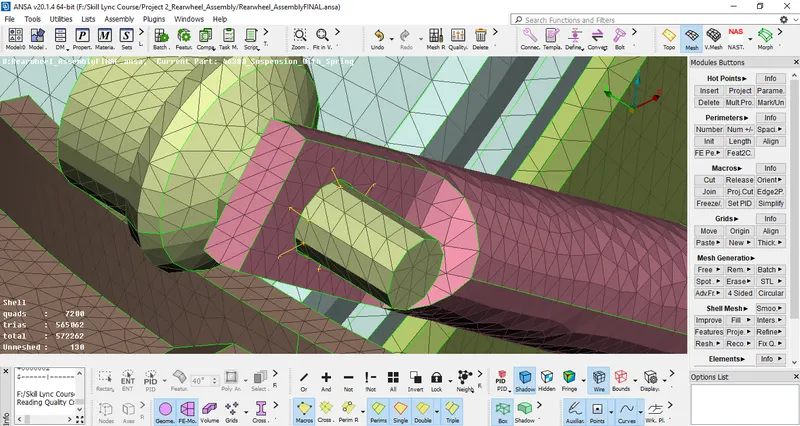
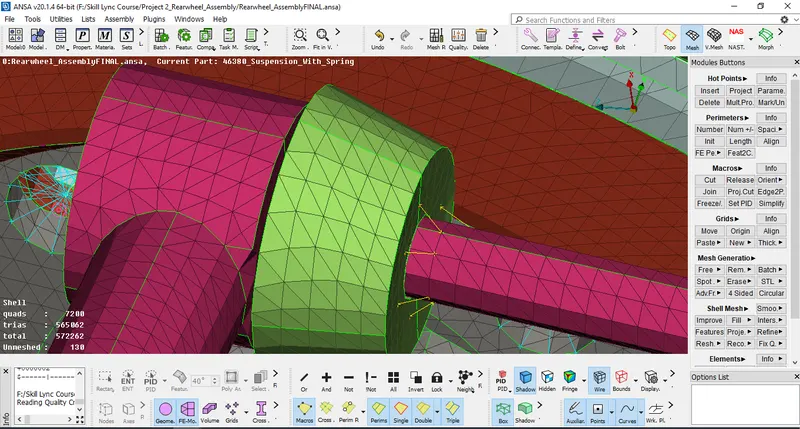
--I use Cluster RBE2 Many Nodes at Some Areas
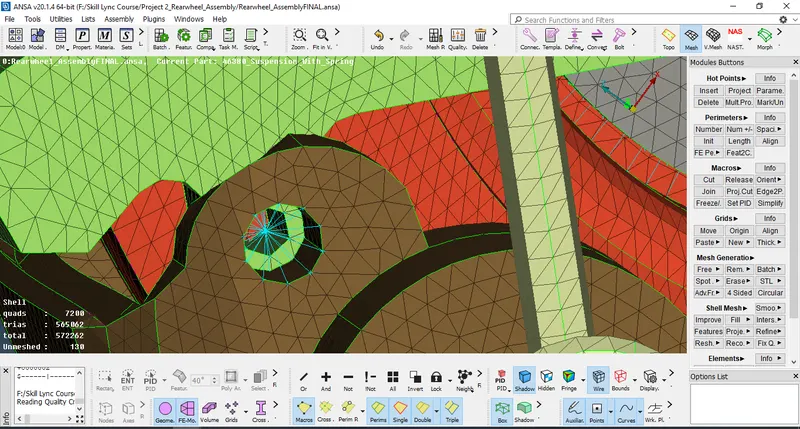
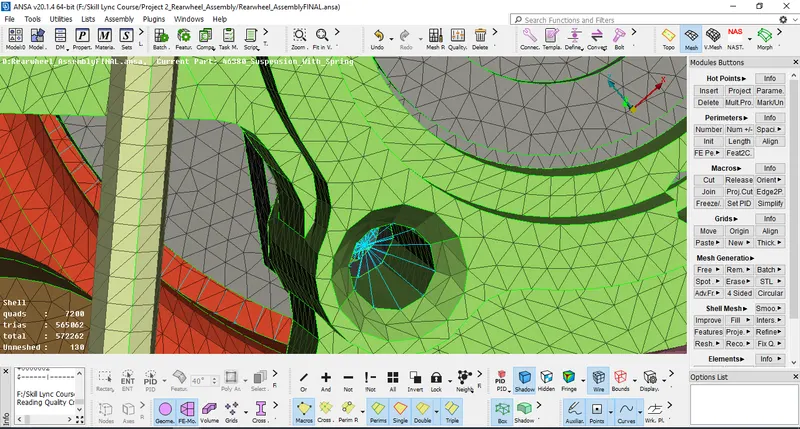
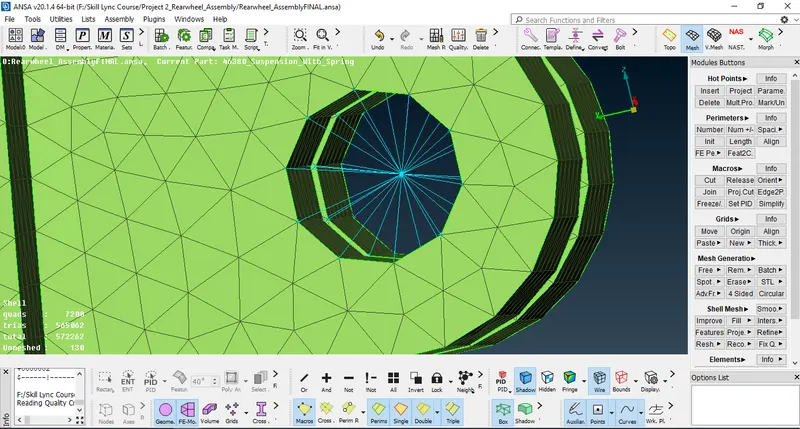
--I use Bolt Connection at Some Areas
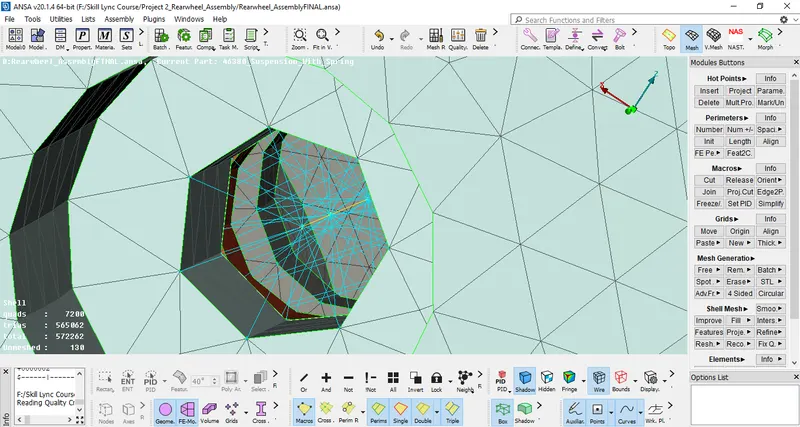
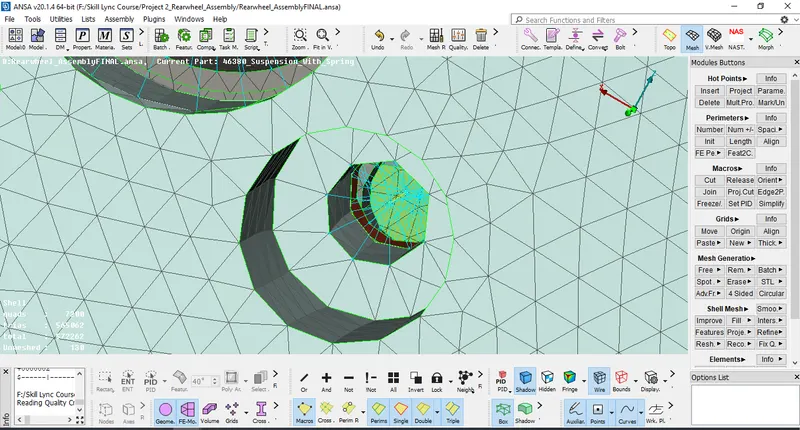
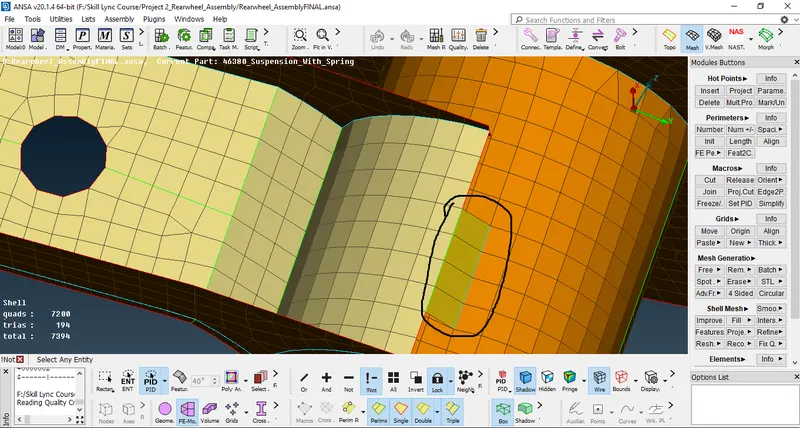
---Here i use Y-Joint Seam Weld with Offset Row w.r.t Line with Assigned PID for SEAM WELD
9.Now Copy The Entire Assembly Using Tranform Tool with CAD,FE,Volume & Connections.
--Consider the Assembly in Top View
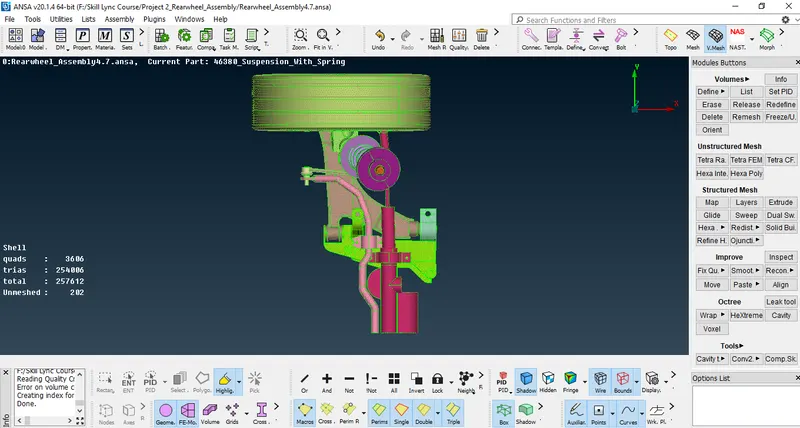
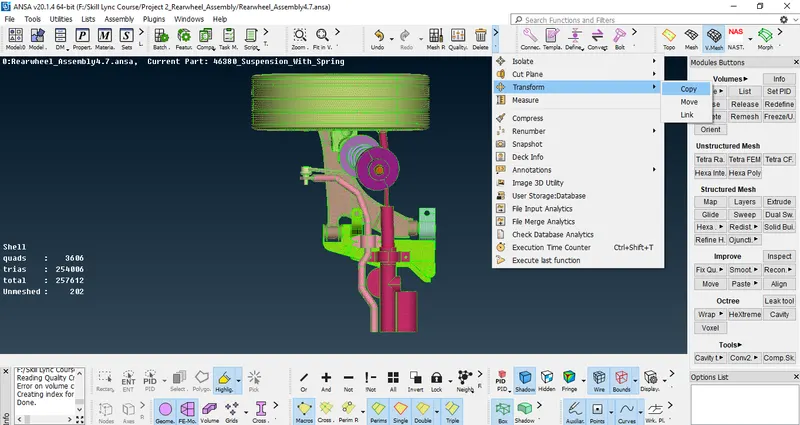
--Now Go to Tranform->Copy Tool
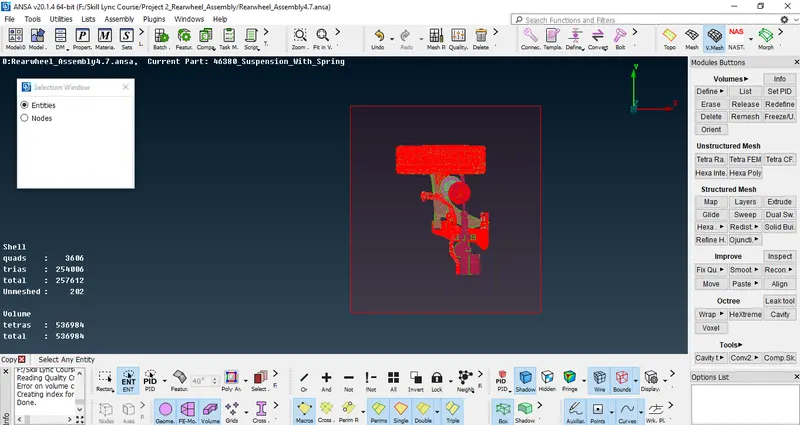
--Select the Entire Assembly Using Mouse Cursor
--Now go to Symmetry and Select Mirror 3 Points Plane Option
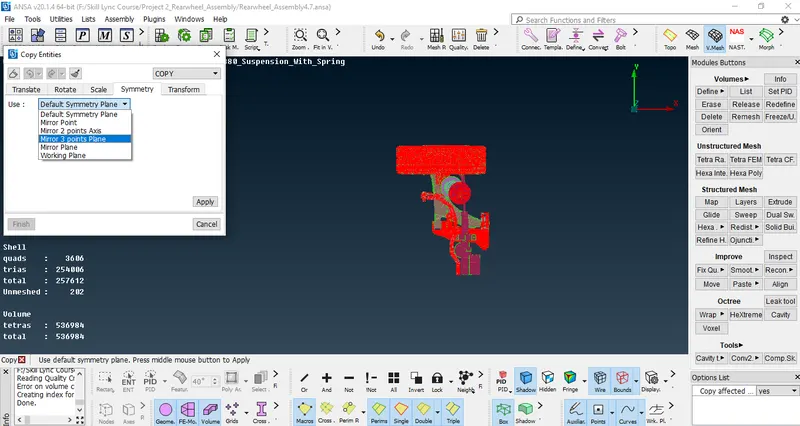
--Select 3 Point and Apply
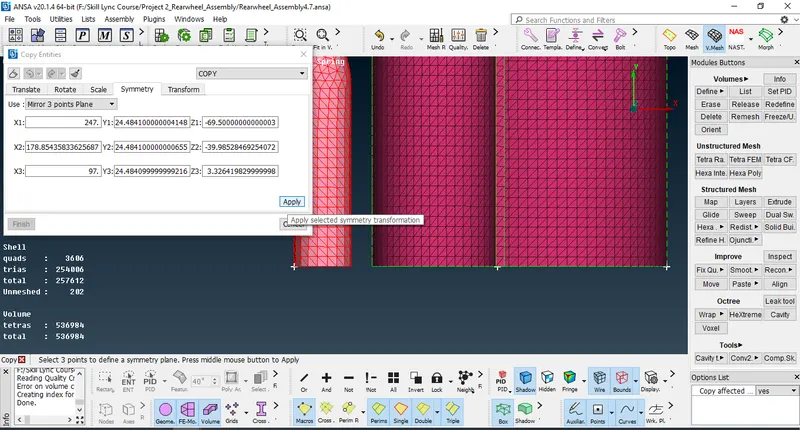
--Now Click Middle Mouse Click to Confirm the Transformation
--After Confirming Assembly looks like image mentioned Below
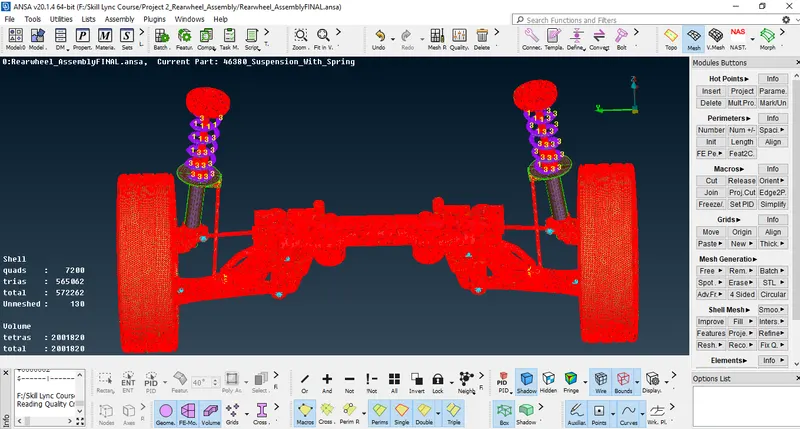
10.Save .ANSA file
Learning OutComes:
-Learned How to Prepare any Assembly with Tetra Mesh & Deploying Connections for any Complicated Assembly & Prepare full Assembly for Preprocessing Using ANSA.
Conclusion:
After Completion of This Challange i can Generate Tetra Mesh for Varying Thickess Parts and Deploy Connections for Any Complicated Assembly
--I have Taken 21Hours to Complete This Project
Link to Download .ANSA Project File with Quality :
https://drive.google.com/file/d/1lf3Tl6KFDnVdZ0dnMKprp_19LS-8QTxD/view?usp=sharing